Six models on Picasso IA are now confirmed to run with no content filter: Seedream 4.5, Qwen Image 2, Recraft V4.1 Pro, Picasso Image Editor Pro, Picasso Video, and LTX 2.3 Pro. That list did not exist a few months ago, and it is the biggest change to how NSFW generation works on the platform since adult content became possible here at all.
This page is the round-up. It walks through what each of the six models is actually good at, a five-step way to try all of them without wasting a generation on the wrong one, the rules that apply to every image and video regardless of which model makes it, and what has not changed: your generations stay private by default, and nothing you export carries a watermark.
Read to the end for the ten questions people ask most about this update, from what filter-free actually means to whether a free account can try it at all.
Picasso IA's catalog holds 488 models. Most of them carry a general-audience content filter that inspects a prompt before generation starts and refuses anything that reads as adult, mature, or suggestive. Six models are the exception, tested and confirmed to run adult prompts directly: Seedream 4.5, Qwen Image 2, Recraft V4.1 Pro, and Picasso Image Editor Pro for images, plus Picasso Video and LTX 2.3 Pro for video.

When a filtered model refuses a prompt, the app does not just show an error and stop there. It carries the same prompt over to one of these six automatically, so a generation that would otherwise fail simply runs on a model built to handle it. Nothing typed gets lost in the handoff, and nothing needs to be reworded to sneak past a filter that, on these six, is not there to sneak past in the first place.

That confirmed list is short on purpose. A handful of other models on the platform claim to handle adult prompts without ever having been tested against one on Picasso IA specifically. Those get an honest untested label elsewhere on this site rather than a place on this list, because a claim about what a model will generate is only worth publishing once someone has actually run it.
The six confirmed models split cleanly by what they are for, and matching the right one to a scene saves a wasted generation.
Seedream 4.5 is the photorealistic pick: skin, fabric, and light that hold up to a close look, the model to reach for when the brief is a photograph rather than an illustration. Qwen Image 2 is the open-source option built for a dense prompt, a scene with five or six specific elements at once, where other models start dropping details. Recraft V4.1 Pro is for illustration and stylized art, anime, comic panels, pin-up style, anything meant to look drawn rather than photographed.
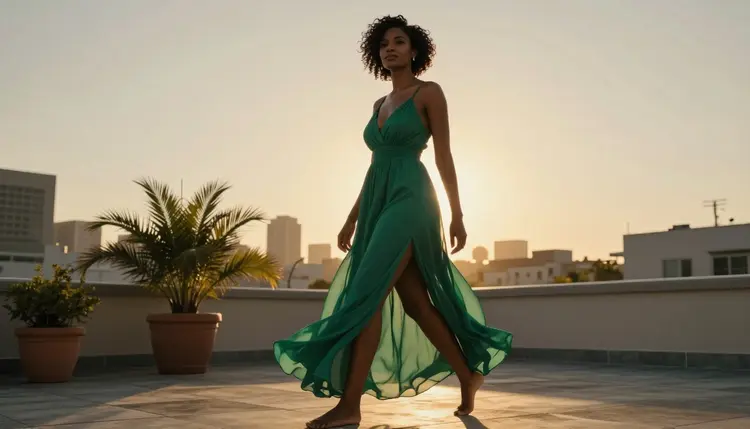
Picasso Image Editor Pro is not a generator at all in the usual sense. It edits a photo already in hand, fixing a hand, swapping a background, changing an outfit, with a plain typed instruction instead of a fresh prompt from scratch. Picasso Video takes a still image and animates it into a short clip, the model to use once an image is already settled. LTX 2.3 Pro generates video directly from a text prompt instead, cinematic motion with no still image required first.
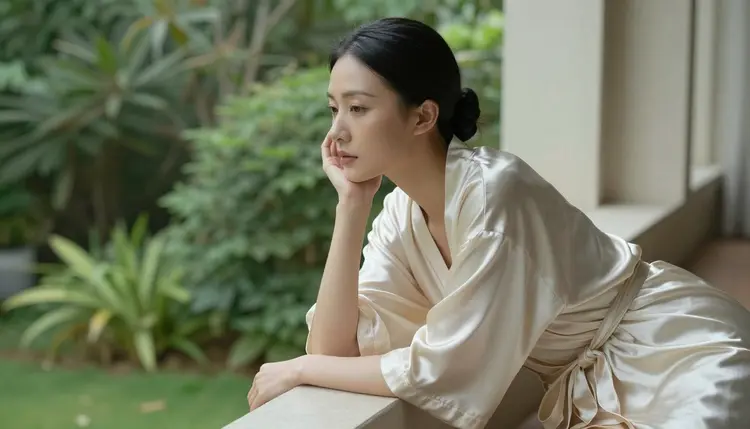
None of the six do everything well. A photorealistic scene run through Recraft V4.1 Pro comes back looking painted rather than photographed, and a stylized anime prompt run through Seedream 4.5 keeps pulling toward realism no matter how the prompt is worded. Matching intent to model is most of what separates a first-try result from a fifth attempt.
Trying all six without wasting a generation on the wrong tool takes five steps, the same five whether this is a first visit or a returning one after a gap.
- Decide the Scene Before the Model. Name what you actually want: a photoreal portrait, an anime character, a painted illustration, an edit of a photo already in hand, or a short video, before opening the toolkit at all.
- Match It to One of the Six. Use the list above: Seedream 4.5 for photoreal, Recraft V4.1 Pro for illustration and anime, Qwen Image 2 for a dense multi-element prompt, Picasso Image Editor Pro for editing an existing photo, and Picasso Video or LTX 2.3 Pro for motion.
- Open the Toolkit and Select That Model by Name. Picking it before typing the prompt means the first generation actually runs on a model built to handle it, instead of wasting an attempt on a filtered one.
- Write a Concrete, Fictional Prompt. Name the subject as an invented adult character, then the setting, the wardrobe, and the light, with nothing built to resemble a real or underage person.
- Generate a Small Batch and Compare. A handful of variants from one prompt shows how the model read it; keep the closest result, change one detail, and generate again rather than rewriting the whole prompt from scratch.
Every one of the six confirmed models, and every other model in the catalog, follows the same limits, and having no content filter does not change a single one of them.
Everything generated here is for adults, eighteen and over, full stop. Every character must be a fictional adult, invented rather than drawn from life: no real person's likeness, no celebrity, no public figure, with or without a claimed resemblance, and no minor, or anything made to look like one, in any style, on any model. A prompt that crosses these lines is refused, and attempting one violates the platform's terms regardless of which model is running it.
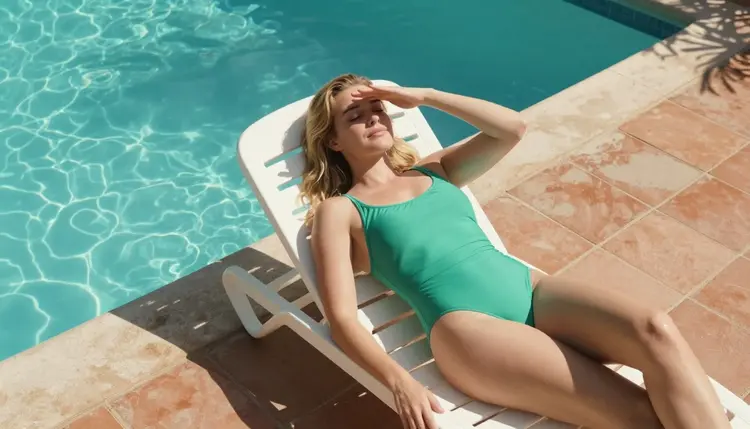
Generations are also private by default. What gets made stays tied to your account and is not shown to anyone else unless you actively choose to share it. Removing a content filter changes what a model will attempt, not who gets to see what comes out of it.
Everything above is new. What has not changed is worth stating plainly, because it is easy to assume an uncensored model comes with some tradeoff attached.
Results still export at full resolution with no watermark, on all six confirmed models and on every other model in the catalog. That has never depended on which model made the image or what it depicts.
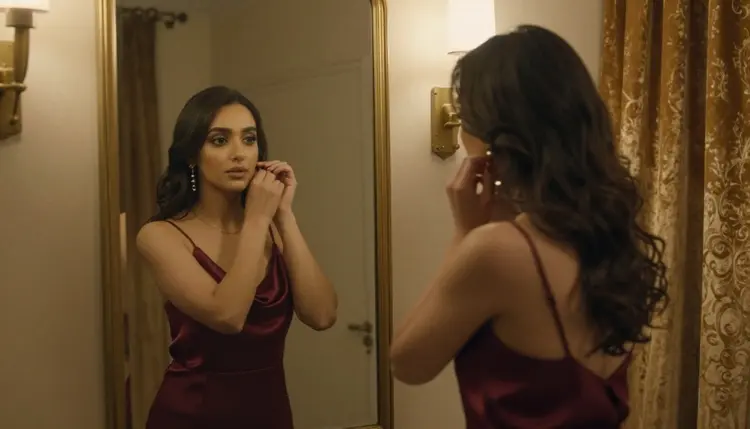
Privacy has not changed either. A generation is visible to the account that made it and stays that way unless that account shares it; the six confirmed models did not add any new sharing step, public feed, or gallery that was not there before. And a free trial still covers enough credits to try more than one of the six models before deciding whether to buy more, the same free trial every other tool on Picasso IA starts with.
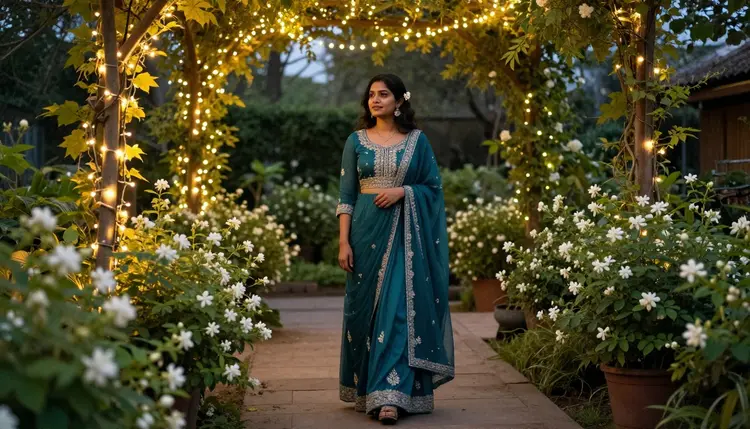
All six sit in the toolkit next to everything else the catalog offers, not behind a separate mode or a different sign-in. Search a model by name, or filter to text-to-image or text-to-video, and the six confirmed ones show up in the same list as every filtered model on the platform.

A few other models are still being evaluated and are not on this confirmed list yet, worth a try but not yet tested against an adult prompt on Picasso IA specifically, so no filter-free claim is made about them here or anywhere else on the site. That list changes as testing continues, and this page updates when it does. For everything else the catalog holds, filtered and unfiltered alike, the full model list covers all 488, and current credit costs for each of the six confirmed models are kept up to date on the pricing page rather than printed here, where a number would go stale.

What exactly changed in Picasso IA's NSFW AI generator?
Six models are now confirmed to run adult prompts with no content filter: Seedream 4.5, Qwen Image 2, Recraft V4.1 Pro, and Picasso Image Editor Pro for images, plus Picasso Video and LTX 2.3 Pro for video. That confirmed list did not exist before, and a prompt that a filtered model refuses now hands off to one of these six automatically instead of simply failing.
Which models are actually confirmed filter free right now?
Exactly six: Seedream 4.5, Qwen Image 2, Recraft V4.1 Pro, Picasso Image Editor Pro, Picasso Video, and LTX 2.3 Pro. Any other model named on this site that is not on that list gets an untested or alternative label instead of a filter-free claim, because that claim is only made once a model has actually been tested against an adult prompt here.
Does filter free mean there are no rules at all?
No. Every one of the six still requires every character to be a fictional adult, eighteen and over, with no real person's likeness and no minor in any style; removing the content filter changes what a prompt will run on, not who is allowed to appear in it. A prompt that crosses those lines is refused regardless of which model is handling it.
Is my content private by default?
Yes. A generation is tied to the account that made it and is not shown to anyone else unless that account actively chooses to share it, on all six confirmed models and on every other model in the catalog. Nothing about this update changed how sharing works.
Do results from these models carry a watermark?
No. Output from all six confirmed models, like every other tool on Picasso IA, exports at full resolution with no watermark, whether it is an image, an edit, or a video.
How do I actually start using one of the six models?
Decide what kind of scene you want first, photoreal, illustrated, an edit of an existing photo, or video, then open the toolkit and select the matching model by name before writing a prompt, rather than typing a prompt and hoping the model picked handles it.
Can I turn a still image into an NSFW video?
Yes. Picasso Video takes a still image, made on any model or uploaded directly, and animates it into a short clip, while LTX 2.3 Pro generates video straight from a text prompt with no image required first. Both are on the confirmed filter-free list.
Can I edit a photo I already have instead of generating a new one?
Yes. Picasso Image Editor Pro takes an existing image and changes it with a plain typed instruction, fixing a hand, swapping a background, or adjusting an outfit, rather than generating a fresh scene from scratch, and it runs with no content filter on adult edits.
Are there other models worth trying beyond these six?
A few are still being tested and are not confirmed yet, so this site labels them untested or alternative rather than filter free until someone has actually run an adult prompt through them here. Worth trying, but not a promise this page is prepared to make yet.
Is there a free way to try this before paying for credits?
Yes. A new account starts with a free trial that covers enough credits to try more than one of the six confirmed models, the same free trial every other tool on Picasso IA offers, before deciding whether more credits are worth buying.