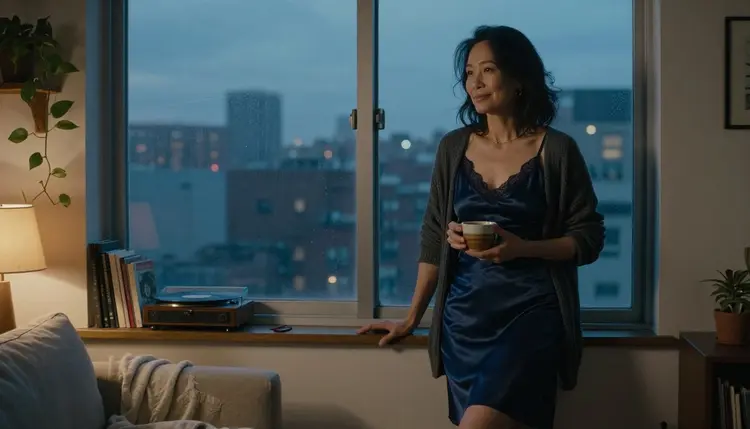
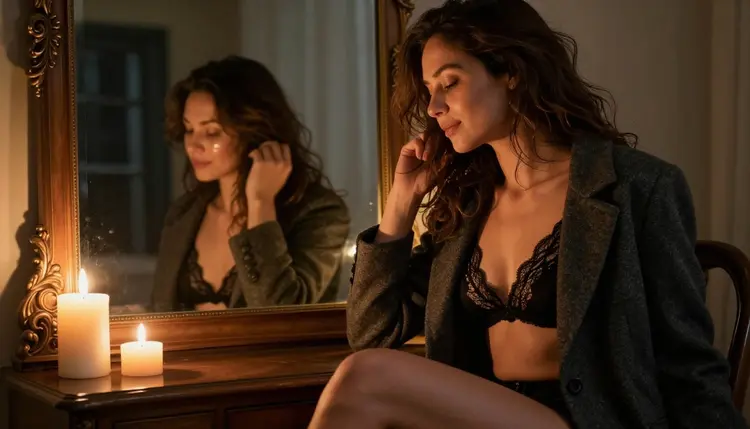
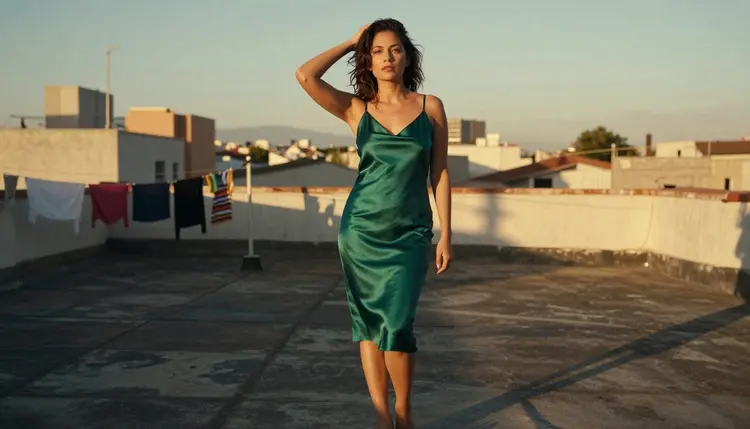
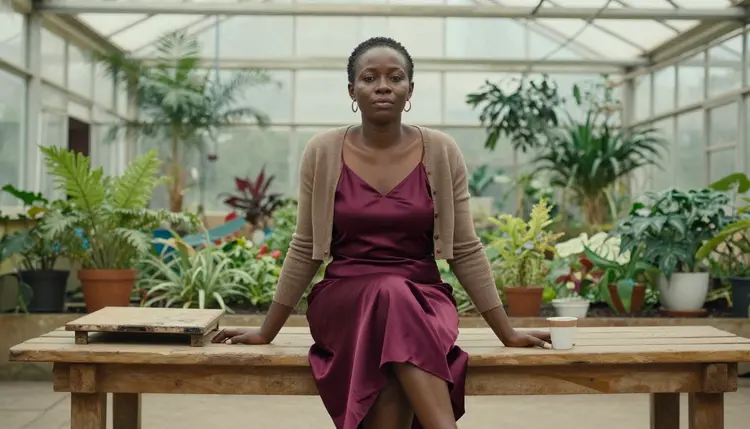
If you are searching for a Candy AI alternative for NSFW images, the first thing to sort out is what you actually want to end up with. Candy AI is a companion product built around conversation. Picasso IA is built around pictures and video. This page is for the reader who wants to make adult, suggestive portraits of fictional characters: a woman in a satin slip at a window at blue hour, a close-up in soft daylight, a candlelit mirror frame, a rooftop at golden hour.
Everything below is practical. You will see which models Picasso IA has tested against adult prompts, how to describe wardrobe, light and pose so the result looks like a photograph and not a cartoon, and how to carry a character idea from a chat habit into an image workflow. Every character is a fictional adult, nothing is explicit, and what you create stays private to your account.
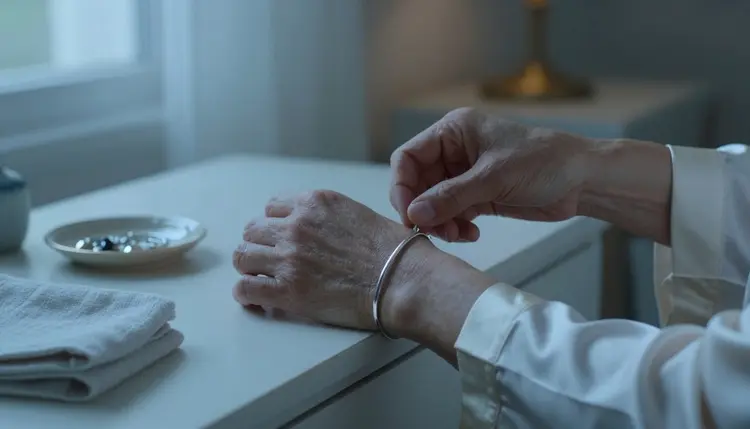
Candy AI describes itself as an AI companion platform. You chat with a virtual character, roleplay with it, and build an emotional connection. The site says you can customize the character, and that you can exchange images, videos and voice messages with it. Its own wording frames the chats as a private space for fantasy. That is a conversation product first, and the pictures are part of the conversation.
People start looking elsewhere for reasons that are usually about workflow, not about the product being bad. If its filters stop a prompt you had in mind, you may want a tool where the image is the whole point. If you want to choose the exact camera, lens and light instead of receiving a picture inside a chat thread, a dedicated generator is a better fit. If you want a portrait at a resolution you can print or edit afterwards, you need a model that lists its output format. And if you simply want to make pictures without keeping a chat going, a tool with no companion layer is less to manage.
Candy AI also publishes rules, and they are worth knowing whichever tool you use. According to its published guidelines, interactions are meant to be fictional and consenting. The guidelines list as prohibited the creation or sharing of non-consensual intimate imagery, of images that resemble real persons, and of content that would be obscene under applicable laws. They also say users are responsible for what they type in and for what they receive back. Those rules can change, so check its current rules before you rely on any of this. Picasso IA is not affiliated with Candy AI.
The honest summary is that the two products do different jobs. A companion app gives you a character who answers. A generator gives you a picture or a clip of a character you describe. Picasso IA does the second job, and the rest of this page shows how to do it well.
Picasso IA is a browser app for AI image and video generation, so there is nothing to install. You work in the toolkit, pick a model, write a prompt and generate. The catalog holds hundreds of models, and the full catalog lets you browse all of them. For adult work, the useful fact is which models have been tested. Picasso IA ran adult prompts against the models below repeatedly and watched them generate instead of reject. That is what "confirmed" means here. It is not a published setting from the model's maker, who can change it at any time. The page on what confirmed means explains the label in full.
For a Candy AI style portrait set, Seedream 4.5 is the natural starting point. It turns a text description into a 4K image, so the photographic details are yours to write into the prompt: skin texture, fabric sheen, window light. If you want a stylised look instead, Recraft V4.1 Pro leans toward illustration and design and lists print-ready output at 2K. Picasso Image Editor Pro works on an image that already exists, which is useful when you like a picture and want to edit it.
Models marked with the infinity tag do not spend credits on the plans that include unlimited generation. The details are on the pricing page. A new account can also try a few generations on selected models through a small free trial, so you can test the workflow before you decide anything.

When a model refuses a prompt, Picasso IA does not leave you at a dead end. It shows a message titled "Content Not Supported by This Model", recommends models that accept adult prompts, and carries your prompt over so you do not retype it. Every other model in the catalog is untested. That means worth a try, not confirmed either way. Qwen Image 2, for example, is untested, and so is Picasso Video (Pruna P-Video). Try them if you are curious, and treat the confirmed list as the reliable starting point.
The steps below take you from an idea in your head to a finished portrait and a short clip. Each one maps to something you may already do in a companion chat, such as inventing a character, setting a scene and asking for a new picture.
- Bring the Character Idea. Write down who she is in plain terms: an adult woman in her mid thirties, curly hair, laugh lines, a quiet confident look. Decide her room, her outfit and the mood before you open the toolkit.
- Pick the Model. Choose Seedream 4.5 for a photoreal 4K portrait, Recraft V4.1 Pro for an illustrated or design-led image, or Picasso Image Editor Pro to change a picture you already have.
- Describe Wardrobe, Light and Pose. Name the garment and its fabric (opaque champagne satin robe), the light (candlelight, overcast daylight), the lens (70mm, f/2.8) and the pose. Concrete words beat adjectives.
- Generate and Refine. Run the prompt, look at the result, then change one thing at a time: the light, the angle, the garment. Keep the parts of the prompt that worked and rewrite only the part that did not.
- Extend to Video. Take your best still and animate it with Picasso IA Video, or write a motion prompt for LTX 2.3 Pro or Seedance 2.5 Lite. Keep the clip short and the movement simple, such as a slow turn or a hand through hair.
Some habits from a companion chat move across cleanly. Your character idea does. The way you describe her does. The scenes you like, a hallway with candles, a greenhouse studio, a rooftop at the end of the day, can all be written as prompts. A detailed paragraph of description is the closest thing to a character sheet, and you can paste the same paragraph into every new prompt to keep her features steady from one picture to the next.
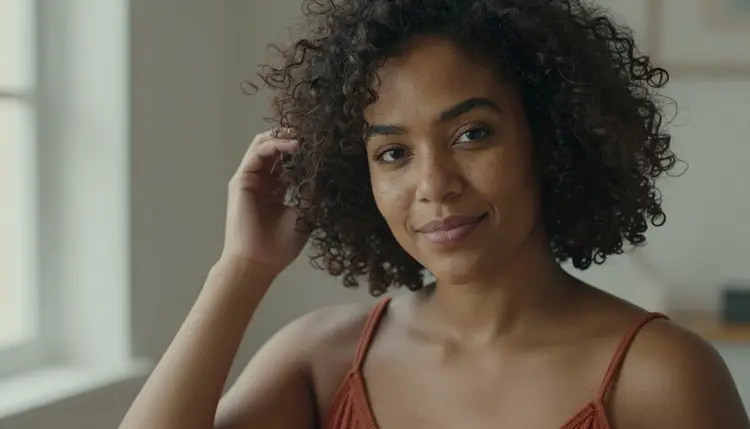
Consistency takes a little care. A text prompt gives each model room to interpret, so two generations of the same description will not be identical twins. To narrow the gap, reuse the same wording for face, hair and age, change only the outfit and the setting, and attach an earlier result as a reference where the model accepts it. In the toolkit, each attached image gets an @1 or @2 badge, and you can refer to it inside the prompt. Picasso IA translates that reference into the syntax the model understands. Only models that take several inputs show the badges.
Formats carry over in a different way. In a chat you receive a picture. Here you choose the output. A 4K image from Seedream 4.5, a 2K print-ready file from Recraft V4.1 Pro, a 4K video from LTX 2.3 Pro: the format is named on the model pages linked above, so you know what you are asking for before you generate.
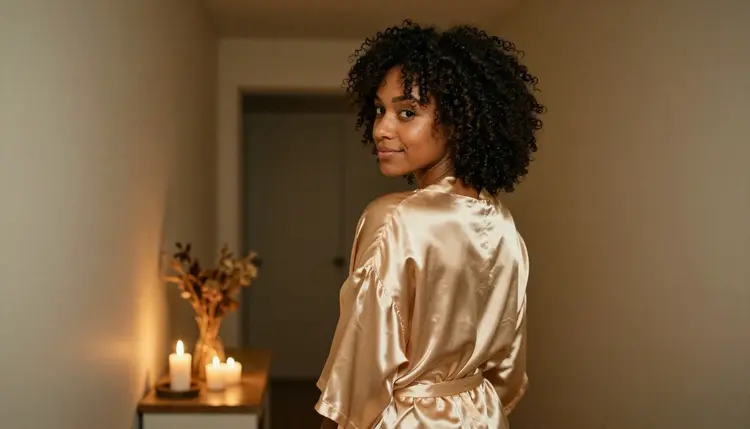
What does not carry over is the conversation. Picasso IA makes pictures and videos of fictional characters. It is not a chat companion, it does not roleplay with you, and it does not send voice messages. There is no character who remembers yesterday. The memory lives in your prompts and in the images you keep. If you want to talk with a character, a companion product does that. If you want to direct a photograph, this does that.
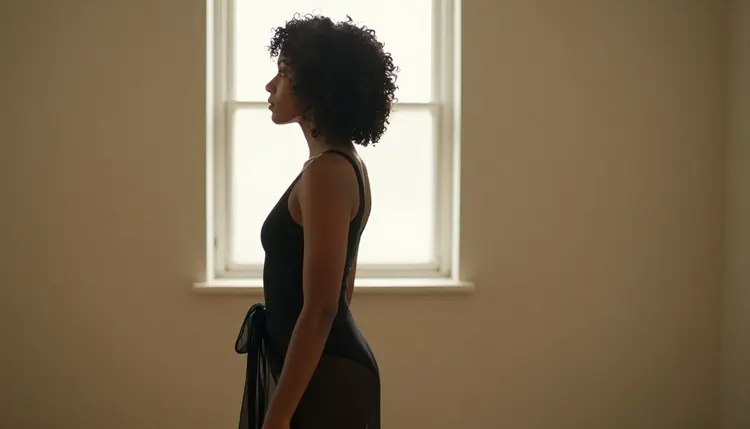
There is a practical upside to the missing chat layer. Because you write every prompt yourself, you decide exactly what appears in the frame. You can move from a close-up at 135mm to a wide environmental portrait at 100mm with one edit, and you can ask for a profile silhouette against a window without negotiating it through a conversation.
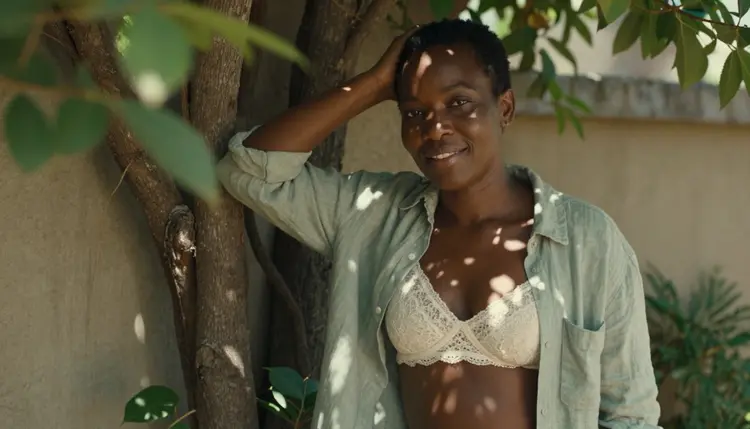
If you are comparing several chat products and wondering which of them pair well with an image tool, the sibling pages cover the same question from other angles. See the guide to a Janitor AI alternative with image generation, the one for a SpicyChat alternative with image generation and the one for a CrushOn AI alternative with image generation. For a deeper look at the photoreal model, read Seedream 4.5 NSFW images.
This section is short on purpose, and it applies to every page in this section of Picasso IA. Everything here is for adults aged 18 or older. If you are under 18, this is not for you, and nothing on this page is written for you.
Every character you create must be a fictional adult. Describe a woman or a man in their mid twenties or older, and write the age into the prompt if it helps. Never use a real or identifiable person, and never describe anyone who could read as a minor. That includes celebrities, people you know and people from photographs. Prompts that point at a real face are outside the rules of this section.
Your generations are private by default. What you create is tied to your account and is not published or shown to other people. The content stays provocative but never explicit: lingerie, swimwear, glamour, boudoir, implied intimacy, soft light and a suggestive mood.
An alternative is only worth recommending if it is honest about where the original wins. Candy AI is the better choice when the conversation is what you came for. If you want to chat with a virtual character, play out a scene in dialogue, build an emotional connection with a customized persona, or exchange voice messages, a companion platform is designed for that and Picasso IA is not. By its own description, it also supports exchanging images and videos inside those chats, so the picture arrives as part of the exchange.
Picasso IA is the better choice when the image or the clip is the product. You pick the model, you control the camera and the light, you see the format before you generate, and you can edit or extend the result in the same tool. Nothing stops you from using both: a companion for the conversation, a generator for the pictures. They answer different questions.
To see the two side by side, read the full Picasso IA vs Candy AI comparison. To try the generator, open the toolkit and use the small free trial on selected models. Plans and details for unlimited models live on the pricing page. As noted above, check Candy AI's current rules for anything that depends on how it works today, since they can change.
Is Picasso IA a Candy AI replacement?
Not exactly. Candy AI is a companion product for chat and roleplay with virtual characters. Picasso IA makes pictures and videos of fictional adult characters and is not a chat companion. It replaces the image part of the experience, not the conversation, and it is not affiliated with Candy AI.
Which models can I use for NSFW images on Picasso IA?
The confirmed models for images are Seedream 4.5, Recraft V4.1 Pro and Picasso Image Editor Pro. For video they are LTX 2.3 Pro, Picasso IA Video and Seedance 2.5 Lite. Confirmed means Picasso IA tested adult prompts on that exact model repeatedly and watched it generate. Other models are untested and worth a try.
Can I chat with a character on Picasso IA?
No. Picasso IA does not offer chat, roleplay or voice messages. You describe a fictional adult character in a prompt and receive an image or a short video. If you want a conversation, a companion product is the right tool, and you can use Picasso IA beside it for the pictures.
How do I keep the same character across several images?
Reuse the same written description of her face, hair and age in every prompt, and change only the outfit and the setting. Where a model accepts several inputs, attach an earlier result as a reference and call it with its @1 or @2 badge. Results will vary a little between runs, so refine one detail at a time.
What happens if a model refuses my prompt?
Picasso IA shows a message titled "Content Not Supported by This Model". It recommends models that accept adult prompts and carries your prompt over, so you do not have to retype it. Pick one of the suggested models and run the same prompt again, or soften the wording of the scene.
Is the content explicit?
No. This section is provocative but never explicit. Prompts are about wardrobe, pose, light and mood: lingerie, swimwear, glamour, boudoir and implied intimacy. Every character is a fictional adult, and the images are meant to look like a tasteful editorial photograph rather than anything graphic.
Can I use a real person or a celebrity as the character?
No. Characters must be fictional adults. Never use a real or identifiable person, and never describe anyone who could read as a minor. This is a rule of the section and it is also a rule Candy AI states in its published guidelines about images that resemble real persons.
Are my images private?
Yes. Generations on Picasso IA are private by default. What you create is tied to your account and is not published or shown to other people. You decide what to do with the files you download.
Can I turn a portrait into a video?
Yes. Picasso IA Video accepts text or image to video, so you can animate a still you like. LTX 2.3 Pro makes 4K video from text, and Seedance 2.5 Lite is listed for clips up to 10 seconds. Keep the motion simple, such as a slow turn, a hand through hair or curtains moving.
Is there a free way to try it?
A new account can try a few generations for free on selected Picasso IA models. Those are Picasso IA Image, Picasso Image Editor Pro, Picasso IA Video and Seedance 2.5 Lite. Other models spend credits that vary by model and options such as resolution or duration. See the pricing page for the details.