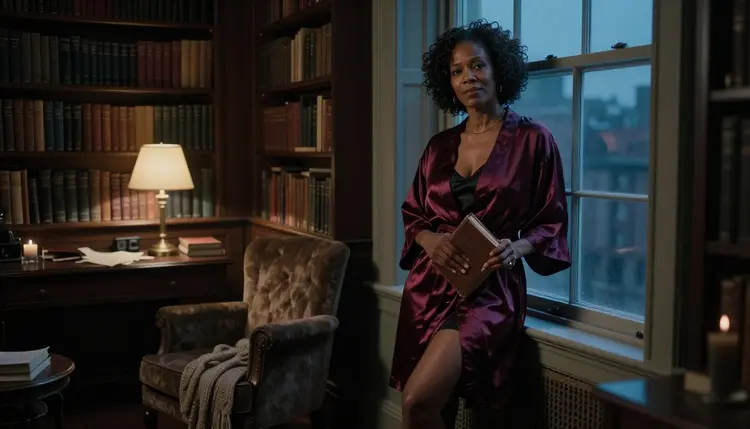
Janitor AI is a character chat platform: you talk with AI characters, many of them made by its community, in a roleplay style. If what you want is not another conversation but a picture or a short video of the character you have in mind, this page shows how to build that on Picasso IA, with fictional adult characters who are flirty, spicy and suggestive in mood and never explicit.
Picasso IA is not affiliated with Janitor AI. It does not chat. It is a browser app that turns a written description into images and video. You write the wardrobe, the light and the setting, pick a model, and the character appears on screen. Everything here is for adults and about fictional adults.
Janitor AI hosts user-created characters for roleplay-style chat. That is its job, and it is built around text: you write, the character writes back. A text window cannot give you a face, a wardrobe, a room or a clip of the character moving. A character you have only read can start to feel flat next to the picture you already have in your head.
That is the first reason to look at a tool with image generation: you want the visual half of the character. If you already have a description from a roleplay session, such as a name, an adult age, a way of dressing and a place where the scene happens, you can carry most of it into a prompt and see what a model does with it.
The second reason is how each product treats images. Every platform writes its own content rules, and according to its published guidelines, Janitor AI keeps a content section in its help center with separate articles on images, violence, family content and content warnings. Those guidelines also say that links to externally hosted NSFW imagery are allowed only when the images show fictional characters who are clearly adults and involve nothing illegal. That is a sensible standard, and Picasso IA works on the same principle: fictional adults only. If one of your prompts does not fit how a given product handles images, or you simply want a tool built for pictures from the start, a dedicated generator is the natural next step. Rules can change, so check its current rules before you decide anything.
The third reason is format. A chat is a stream of text that lives inside one app. A generator gives you files: a 4K still, a print-ready illustration, a clip of a few seconds. You can place them side by side, edit them and keep working on a look until it matches what you imagined.
Nothing here replaces the chat itself. Think of the two as different jobs. One is for dialogue and story. The other is for the portrait, the outfit, the lighting and the movement. You can use both, and this page is only about the second.
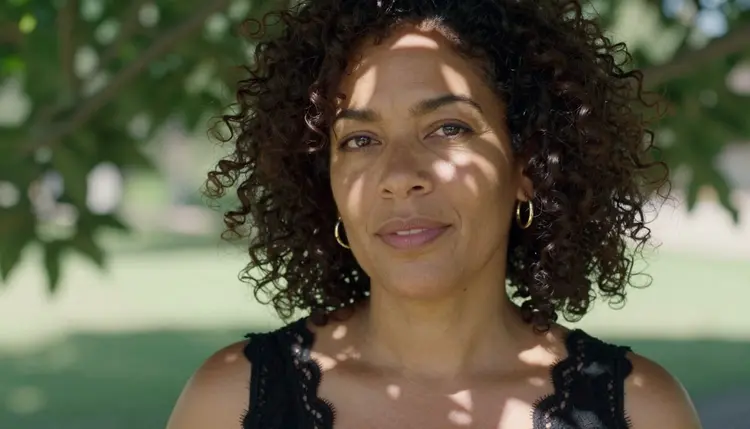
Picasso IA makes pictures and videos of fictional characters. In the toolkit you choose a model from the catalog, write a prompt, attach a reference image if you want to, and generate. Nothing is installed, and the page works in the browser. The catalog holds hundreds of models, and a few of them are confirmed for adult prompts.
Confirmed has a narrow meaning here. Picasso IA tested adult prompts against that exact model repeatedly and watched it generate instead of reject. It is not a published setting of the model's maker, who can change it at any time. These are the confirmed models for the job of building a character look:
The models with the infinity tag do not spend credits on the plans that include unlimited generation. Details live on the pricing page.
Every other model in the catalog is untested. That means worth a try, not confirmed either way. Seedream 5, Qwen Image 2, Nano Banana, Flux and Seedance 2.5 are all in that group, and you can browse them in the full catalog. Try the same prompt on two or three of them and compare the results before you settle on one.
When a model does not accept a prompt, Picasso IA shows a message titled "Content Not Supported by This Model". It recommends models that accept adult prompts and carries your prompt over, so you do not retype anything. You pick one of the suggestions and run it again.
Other chat companions have their own pages in this section, such as SpicyChat and CrushOn AI. They belong to the same category, character chat, and the idea on those pages is the same: bring the character, make the pictures here.
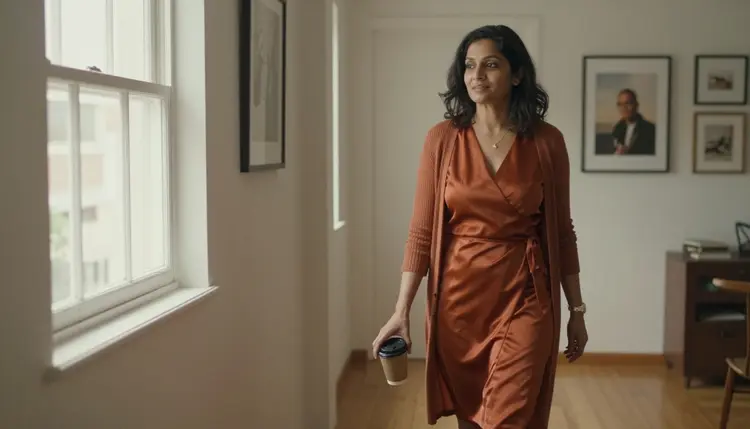
You do not need to start from scratch. Take what you already know about your character and run it through these five steps. The whole thing can be done in one sitting inside the toolkit.
- Bring the character idea. Write three or four lines about an adult character: age range (mid twenties or older), hair, build, the mood the character gives off and the place where the scene happens. Notes from a roleplay session work well as raw material.
- Pick the model. For photoreal portraits start with Seedream 4.5. For illustrated or design-led looks use Recraft V4.1 Pro. To change a picture you already have, open Picasso Image Editor Pro. Choose it in the toolkit.
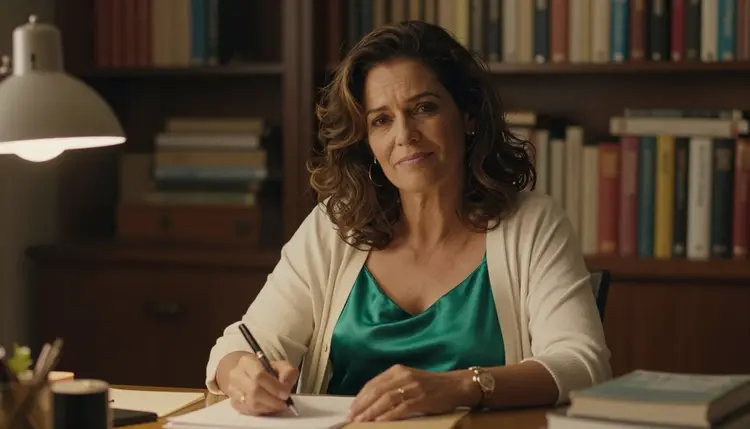
- Describe wardrobe, light and pose. Name the clothes, the fabric, the light source and the camera. For example: a Brazilian woman in her mid thirties, emerald satin camisole under a cream cardigan, writing at a desk, warm tungsten lamp light, 70mm lens, shallow depth of field, film grain.
- Generate and refine. Run it, look at the result and change one detail at a time: the light, the fabric, the angle. Small edits to a prompt teach you faster than rewriting it from the top.
- Extend to video. Take the image you like into Picasso IA Video and describe the movement: a slow turn, a hand on a collar, a walk down a hallway. Seedance 2.5 Lite is another option for a short clip written as text.
A lot carries over. The description of the character carries over: age, hair, wardrobe, mood, setting. So does the scene, because a place and a light are easy to turn into a prompt. So does the voice of the story, in a different form: instead of a line of dialogue you write a pose or an expression, and the model draws it.
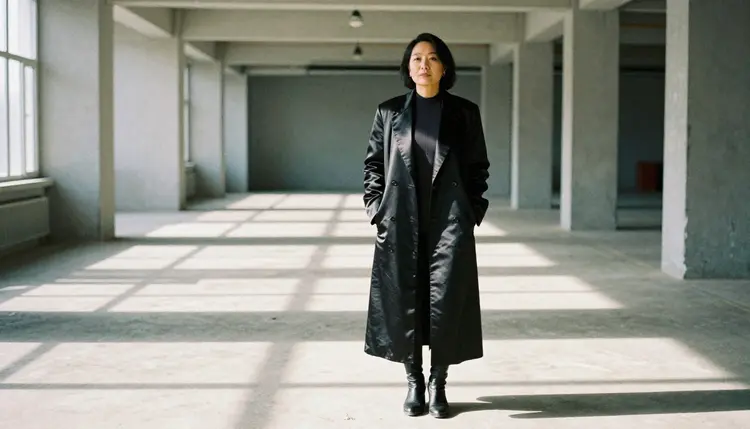
Consistency takes a little care. Models draw each generation from scratch, so the same character may not look identical every time unless you help. Keep a fixed block of description and paste it into every prompt. In the toolkit, each image you attach gets an @1, @2 badge, and you can refer to it in the prompt; Picasso IA translates that reference into the syntax each model understands. Only models that accept several inputs show the badges. Attaching your favorite result as a reference is one way to keep a face and a style close from one picture to the next.
What does not carry over is the conversation. Picasso IA makes pictures and videos, not chat. What you get is the image or the clip, made from your words.
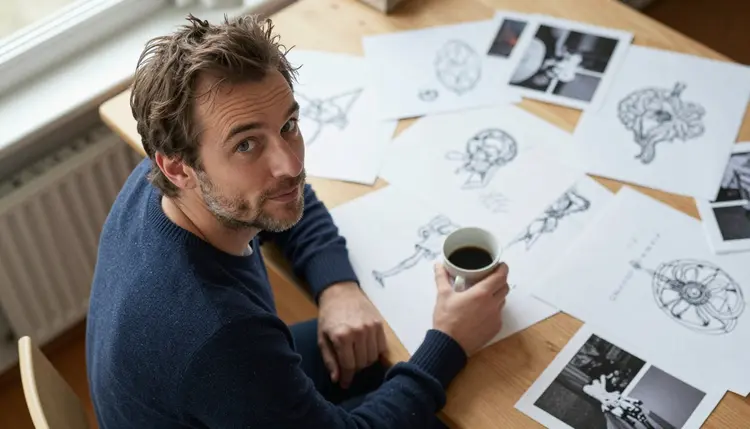
Output also differs in kind. A chat reply is text. An image or a video is a file. If you want a long scene, think of it as a sequence: a set of stills, then a few clips, each with its own prompt. That is closer to storyboarding than to chatting, and it suits people who like to direct the look of a scene.
Picasso IA is for adults only. You must be 18 or older to use the NSFW pages and the adult prompts they describe, and the pictures on this page show mature adults in clothing that is suggestive, never explicit.
Every character is a fictional adult. Do not describe a real or identifiable person, and do not describe anyone who could read as a minor. A character who is not clearly an adult is out of bounds, whatever the story around it says. Wardrobe, pose and mood are what you write about; the line stays at provocative, never explicit.
What you create is private by default. It is tied to your account and not published or shown to other people. You decide what to do with the files.
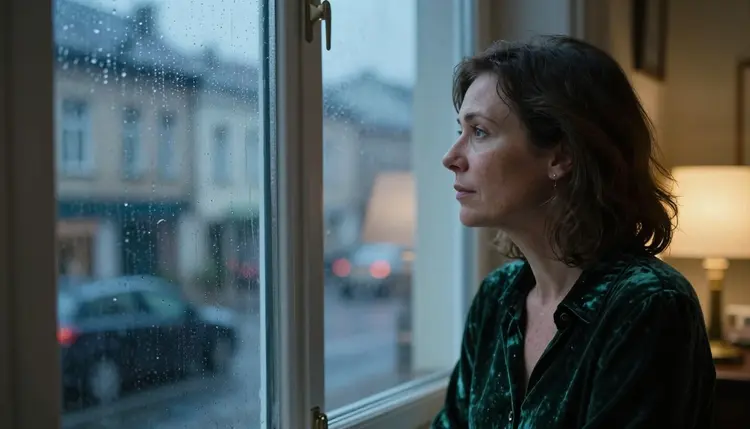
If what you want is conversation, Janitor AI is the better choice. It is a character chat platform, built around talking with AI characters, many created by its community, in a roleplay style. Picasso IA makes pictures and videos, not dialogue. If the story is the point, stay in the chat and use pictures as an extra.
It is also the better choice when you want to browse characters other people made. Picasso IA starts from your own description. For a side by side view of the two products, read the comparison of Picasso IA and Janitor AI.
Picasso IA is the better choice when the picture is what you are after: a portrait with a specific wardrobe and light, a design with print-ready detail, a short clip of the character in motion. A new account can try a small free trial on selected models, and the pricing page explains how credits and unlimited generation work. If you are comparing chat companions as well, Candy AI has a page of its own in this section.
Is Picasso IA a chat platform like Janitor AI?
No. Picasso IA makes pictures and videos of fictional characters from a written description. It does not chat, hold a conversation or answer in a character's voice. Janitor AI is a character chat platform, and the two do different jobs. You can use a chat for the story and a generator for the visuals.
Can I turn a roleplay character idea into pictures?
Yes, if the character is a fictional adult. Write the age range, hair, wardrobe, light and setting into a prompt in the toolkit, pick a model and generate. Notes from a roleplay session make good raw material, since they already describe the mood and the place.
Which models are confirmed for adult prompts?
Seedream 4.5, Recraft V4.1 Pro and Picasso Image Editor Pro for images, and LTX 2.3 Pro, Picasso IA Video and Seedance 2.5 Lite for video. Confirmed means Picasso IA tested adult prompts against that model and watched it generate. A model's maker can change its settings at any time.
What happens when a model refuses my prompt?
Picasso IA shows a message titled "Content Not Supported by This Model". It recommends models that accept adult prompts and carries your prompt over, so you do not retype it. You choose one of the suggested models and generate again. Everything else in the catalog is untested, which means worth a try.
Are the characters always adults?
Yes. Every character on Picasso IA's NSFW pages is a fictional adult, mid twenties or older, and prompts must describe adults only. Never describe a real or identifiable person, and never anyone who could read as a minor. The content is provocative, never explicit.
Are my generations private?
Yes. What you create is private by default. It is tied to your account and not published or shown to other people. Picasso IA is for adults only, and the same goes for the prompts you write, which are meant for fictional adult characters.
Can I make video of my character?
Yes. Picasso IA Video turns text or an image into a clip, LTX 2.3 Pro makes 4K video from text, and Seedance 2.5 Lite is listed up to 10 seconds. Describe the movement in the prompt: a turn, a step, a hand on a sleeve.
How do I keep a character consistent across images?
Keep one fixed block of description and paste it into every prompt: age range, hair, build, wardrobe. You can also attach your best result as a reference. Each attached image gets an @1, @2 badge you can mention in the prompt, on the models that accept several inputs. Expect small differences between generations.
Is there a free way to try Picasso IA?
A new account can try a small free trial on selected models. Models marked with the infinity tag do not spend credits on the plans that include unlimited generation. How credits, trials and plans work is explained on the pricing page, so check it before you start.
Is Picasso IA affiliated with Janitor AI?
No. Picasso IA is not affiliated with Janitor AI, and it does not use that product's logos, interface text or characters. Janitor AI has its own content guidelines in its help center, and rules can change, so check its current rules if you use it. Picasso IA is a separate tool for pictures and videos.