If you searched for a SpicyChat alternative with image generation, the first job is to decide what you want from it. SpicyChat is an AI character chat platform where people talk with characters created by other users. Picasso IA does a different job: it makes pictures and short videos of fictional adult characters from a written description, right in your browser, with nothing to install.
This page shows how to rebuild the visual side of a character roleplay with Picasso IA: which models to use, what to type, how to carry a look from one image to the next and where the chat platform is still the better tool. Picasso IA is not affiliated with SpicyChat, and nothing here describes its settings or its filters. Its rules can change, so check its current rules before you decide anything.
Everything below is about grown-up characters with a spicy, flirty, suggestive mood: wardrobe, light, pose and setting. It is provocative, never explicit, and it is written for adults.
SpicyChat is a character chat platform. You open a conversation with an AI character that a user has created, and you talk. That is the category it belongs to. When you talk with a character, you may build a mental picture of them: a face, a coat, a room, a way of looking at the camera.
That mental picture can be where the search for an alternative begins. If you want to see the character instead of only reading the character, you need a tool that makes images. If a prompt for a picture does not go the way you hoped on one product, you may also want a second place to try the same idea. And if you simply like to keep the writing and the artwork on separate tools, you will end up with two tabs open anyway. None of these reasons is a complaint about SpicyChat. They are the ordinary reasons a person adds a picture tool to a chat habit.
Picasso IA fits that second tab. You describe a fictional adult in plain words, choose a model, and get an image. You can then turn that image into a short clip. It does not hold a conversation, and it does not pretend to. It is a picture and video studio, and the character you bring to it is the one you already have in your head.
If you use other character chat products as well, the same approach is laid out in the pages for Janitor AI users, for CrushOn AI users and for Candy AI users. The steps are the same: take the character, give it a wardrobe, put it in a light.
The tool where you work is the toolkit. You pick a model, type a prompt, and the result lands in your account. Generations are private by default: what you create is tied to your account and is not published or shown to other people.
Picasso IA lists six models as confirmed for adult prompts. Confirmed means the team tested adult prompts against that exact model repeatedly and watched it generate instead of reject. It is a result of testing, not a published setting from the company that makes the model, and a model maker can change its behavior at any time. The page on what confirmed means explains it in full. Here are the six, with what each is for.

For a character look, the usual route is Seedream 4.5 for a photographic portrait, or Recraft V4.1 Pro if you prefer an illustrated or design-led style. Picasso Image Editor Pro is for the picture you already made: it edits an existing image, and it carries the infinity tag in the catalog, which means it does not spend credits on the plans that include unlimited generation. Picasso IA Video and Seedance 2.5 Lite carry the same tag. LTX 2.3 Pro is the choice when you want 4K video from text alone.
If a model cannot handle a prompt, Picasso IA does not leave you guessing. It shows a message titled "Content Not Supported by This Model", recommends models that accept adult prompts and carries your prompt over, so you do not retype anything. You pick one of the recommended models and run it again.
Every other model in the catalog is untested for adult prompts. That is different from blocked: it means not confirmed either way. Qwen Image 2, Seedream 5, Nano Banana, Flux and the video families such as Wan and Kling are all worth a try if you are curious, and the full catalog lets you browse them by task. Treat a result from an untested model as a bonus, not a promise.
You already have a character, so the work is turning that character into a short description a model can read, then refining it a few times. Here is the order that works best.
- Bring the character idea. Write down who the character is in one line: an adult woman or man, an outfit, a place, a mood. Keep the age clear and adult, and keep the character fictional.
- Pick the model. Choose Seedream 4.5 for photo-style frames, Recraft V4.1 Pro for illustration, or any of the confirmed models in the toolkit that fits the format you want.
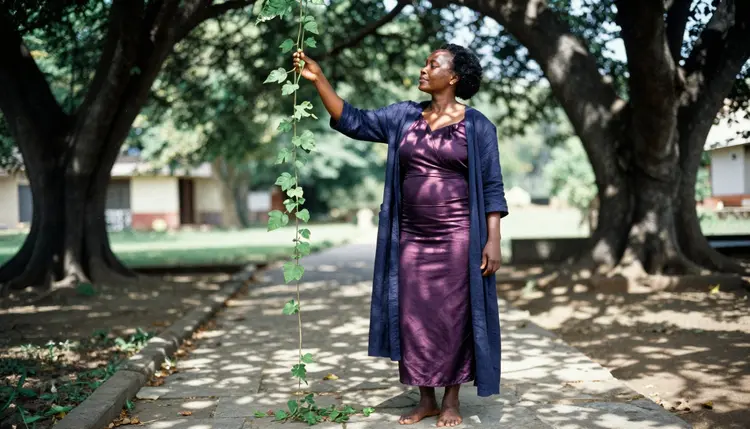
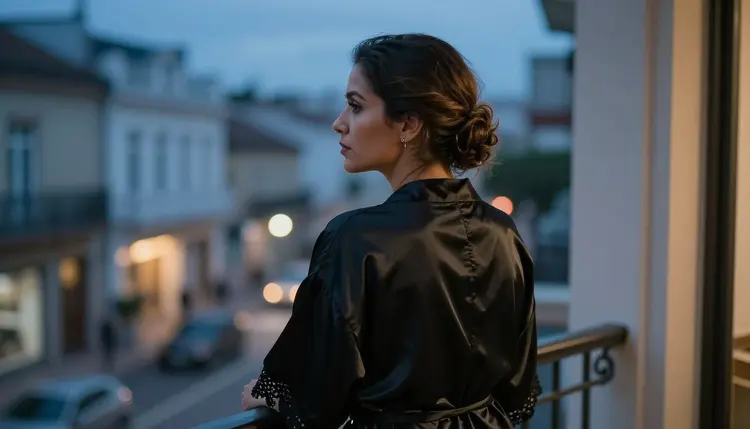
- Describe wardrobe, light and pose. Name the fabric (satin, velvet, silk, linen), the light (window light, blue hour, candlelight), the lens feel (85mm portrait, wide environmental) and the pose (leaning on a railing, looking over a shoulder).
- Generate and refine. Run it, look at the result, and change one thing at a time. Swap the light, shorten the prompt, add the detail that was missing, or attach a picture you like as a reference and call it @1 in the prompt.
- Extend to video. Take the image you like and send it to Picasso IA Video, which accepts an image, then describe a small movement such as a slow turn or a hand on a railing.
Some parts of a chat roleplay carry over to pictures very well, and some do not. It helps to be honest about both.
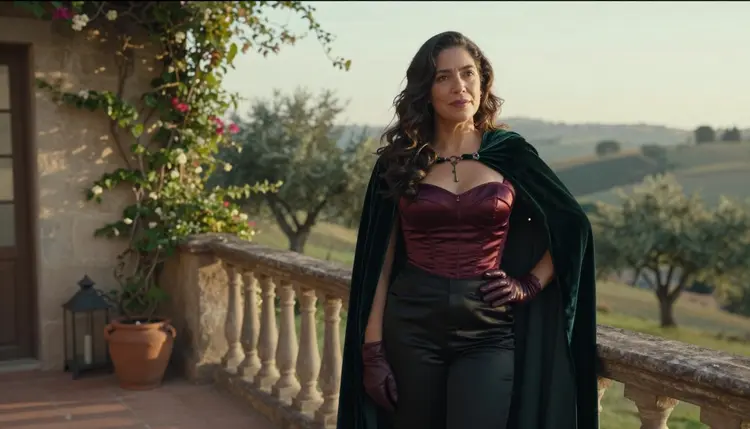
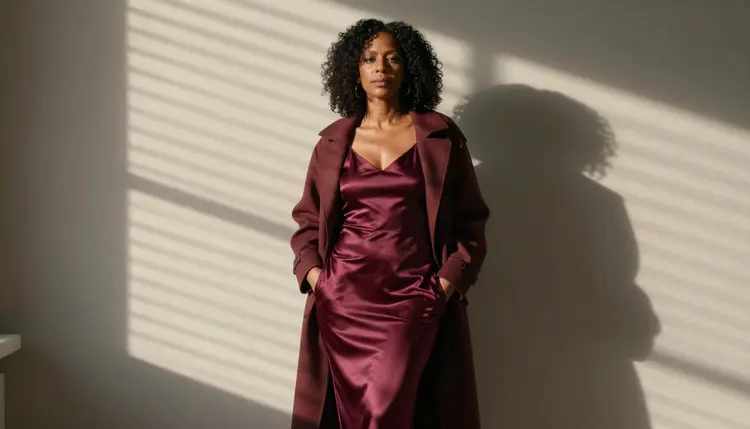
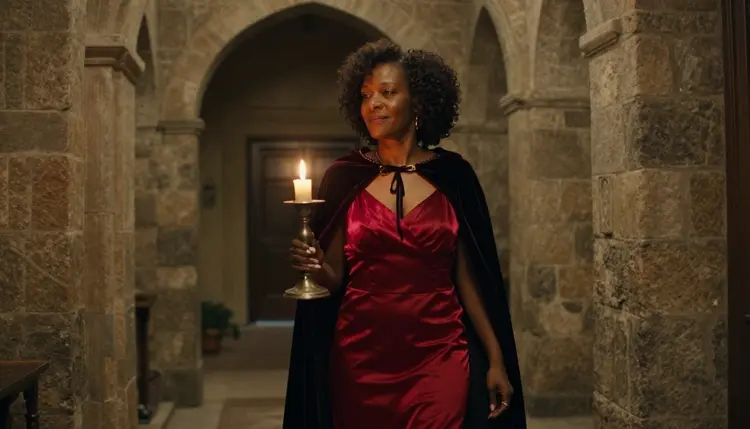
What carries over is the character itself. A character in a chat is a short list of traits: how they dress, where they live, what they like to be called. All of that translates into a prompt. A character who wears a burgundy satin dress and a camel coat, who stands in hard morning sun, who has natural curls and a calm look, is a perfectly good picture prompt. You can write that description once, keep it in a note, and reuse it with small changes for each scene.
The look carries over too, with some effort. In the toolkit, each image you attach gets an @1, @2 badge, and you can refer to it in the prompt. Picasso IA translates that reference into the syntax each model understands, so the same note works across models. Only models that accept several inputs show the badges, so check that the model you picked does. A reference helps the next image resemble the last one, but a new generation is still a new picture. Expect close, not identical, and plan to refine.
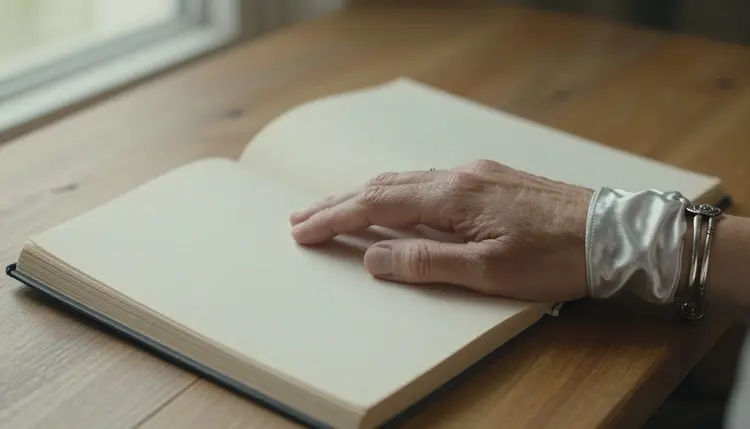
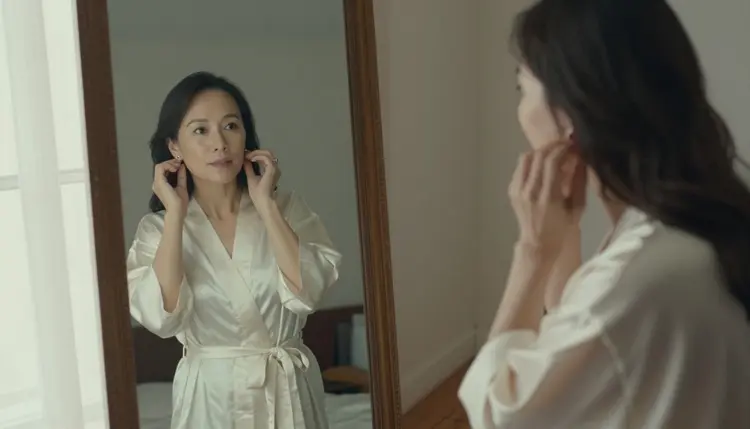
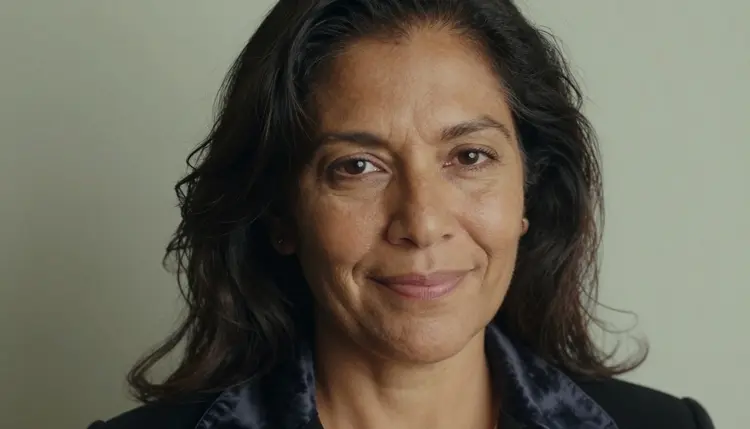
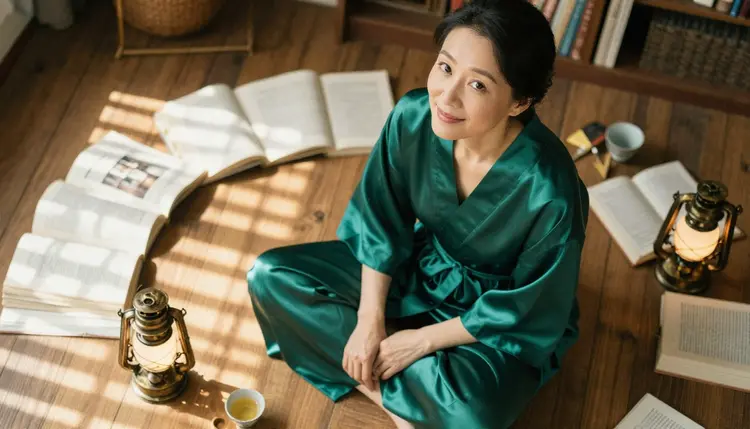
The format carries over as well, and it widens. A chat gives you words. Here you get a portrait, a full-length frame, a detail shot of hands and jewelry, a mirror reflection and a short clip. You can build a small set of looks for one character: a wide scene with a coat and a stone path, a medium shot on a rooftop at blue hour, a close-up with a velvet choker, an overhead frame among open books.
What does not carry over is the conversation. Picasso IA makes pictures and videos of fictional characters. It is not a chat companion. There is no ongoing dialogue, no character that remembers what you said yesterday and no voice that answers. If the thing you enjoy is the back and forth, a chat platform is the right place for it, and the images you make here can sit beside it as artwork for the character.
Another difference is the way you work. A chat is a flow: you reply and the story moves. An image tool is a loop: you describe, look, adjust. The first result is rarely the best one. The people who get good frames tend to run a prompt, change a single detail, run it again, and keep the version that feels right. That is a normal part of the process and not a sign that something went wrong.
For editing, Picasso Image Editor Pro is the shortcut. If an image is nearly right but the coat color is off or the background is too busy, you edit that picture instead of starting over. Because it carries the infinity tag, it suits the many small adjustments that a refining loop needs.
Picasso IA is for adults only. You must be 18 or older to use the adult side of the site, and the pages in this section are written for that audience.
Every character is a fictional adult. Do not use the real name or likeness of a real or identifiable person, and never describe anyone who could read as a minor. Prompts that do either are outside what this section is for, and the characters you create should read clearly as grown-ups with an adult wardrobe, an adult face and an adult setting.
What you create is private by default. It is tied to your account and not published or shown to others. What you do with an image afterward is your decision, so think about where you share it and respect the rules of the place you share it on.
The mood stays suggestive and not explicit. Think boudoir, lingerie, swimwear, silk robes, a glance over a shoulder, candlelight: implied intimacy and glamour, written as photography direction and not as a script.
There are cases where SpicyChat is simply the better choice, and they are worth stating plainly. If what you want is a conversation with a character, an ongoing story told in dialogue with a character that other users have built, a chat platform is the right tool and Picasso IA is not. Picasso IA does not talk. It draws and animates.
It is also the better choice if the characters you want already exist there. Picasso IA starts from your description, not from a catalog of characters made by other people. If you want to meet a character someone else has designed, you will find them in a chat platform, and you can then bring that character to Picasso IA as a written description when you want to see them.
Plenty of people use both. They keep the conversation in a chat product and use Picasso IA for the picture of the character, the outfit change, the scene in the evening light and the short clip. If you want a side by side look, the Picasso IA vs SpicyChat comparison lays out the two products.
A new account can try a small free trial on selected models, which is the easiest way to see if this workflow suits you. The details of credits, plans and the unlimited tag live on the pricing page.
Is Picasso IA a SpicyChat alternative for chatting with characters?
No. Picasso IA makes pictures and videos of fictional adult characters, and it does not hold conversations. It is an alternative if what you want is the visual side of a character, and it works well next to a chat platform. If you want dialogue, a chat platform is the right tool.
Is Picasso IA affiliated with SpicyChat?
No. Picasso IA is not affiliated with SpicyChat. This page uses the name only to explain what the two products are for. SpicyChat is an AI character chat platform, and its rules can change, so check its current rules on its own site.
Which models are confirmed for adult prompts?
Six: Seedream 4.5, Recraft V4.1 Pro and Picasso Image Editor Pro for images, and LTX 2.3 Pro, Picasso IA Video and Seedance 2.5 Lite for video. Confirmed means Picasso IA tested adult prompts against them repeatedly and watched them generate. You can read more on the what confirmed means page.
Can I use the other models in the catalog?
Yes. Every other model is untested, which means not confirmed either way. It is worth a try, and you can browse them in the full catalog. If a model cannot handle a prompt, the app tells you and suggests models that accept adult prompts.
What happens when a model cannot handle my prompt?
Picasso IA shows a message titled "Content Not Supported by This Model". It recommends models that accept adult prompts and carries your prompt over, so you do not have to retype it. You choose one of the suggestions and run the prompt again.
Can I keep the same character across several images?
You can get close. Write the character once as a short description, reuse it, and attach an earlier image as a reference. In the toolkit each attached image gets an @1, @2 badge you can mention in the prompt. Only models that accept several inputs show those badges, and every new generation is still a new picture.
Can I make videos of my character?
Yes. Picasso IA Video takes text or an image, Seedance 2.5 Lite is listed up to 10 seconds, and LTX 2.3 Pro makes 4K video from text. Start from an image you like and describe a small movement.
Are the characters and images private?
Generations are private by default. What you create is tied to your account and not published or shown to others. The characters must be fictional adults: no real or identifiable person and no one who could read as a minor, and the site is for people aged 18 or older.
Can I try it before paying?
A new account can try a small free trial on selected models. Which models, and how credits, plans and unlimited generation work, is on the pricing page. Credits vary by model and by options such as resolution or duration.
Where do I start?
Open the toolkit, choose Seedream 4.5 for a photographic portrait or Recraft V4.1 Pro for an illustrated one, and write one line about wardrobe, light and setting. Run it, change one detail, and keep going until the frame feels like your character.