A burlesque night lives or dies on its poster. Before anyone hears a note, the poster has to say velvet, feathers, a spotlight and a dancer who knows exactly where the audience is looking. With Picasso IA you can build that image from a written description, in your browser, with nothing to install, and keep it adult and playful instead of explicit.
This guide walks through the whole project: what a burlesque show poster needs, which models to use for it, five steps from idea to a finished file, and how to write prompts that give you curtains, corsets and fans in the right places. Everything here is for adults only and about fictional characters. If you want to work along, open the toolkit in another tab.
What a Burlesque Poster Needs
Start with the deliverable, because it decides every other choice. A show poster is usually one hero image with space left for type: the name of the night, the date, the venue. The picture carries the mood and the layout carries the information. So you are not asking a model for "a poster with text". You are asking for a strong, text-free scene with clean areas where a title can sit, and you add the lettering afterwards in any design app you already use.
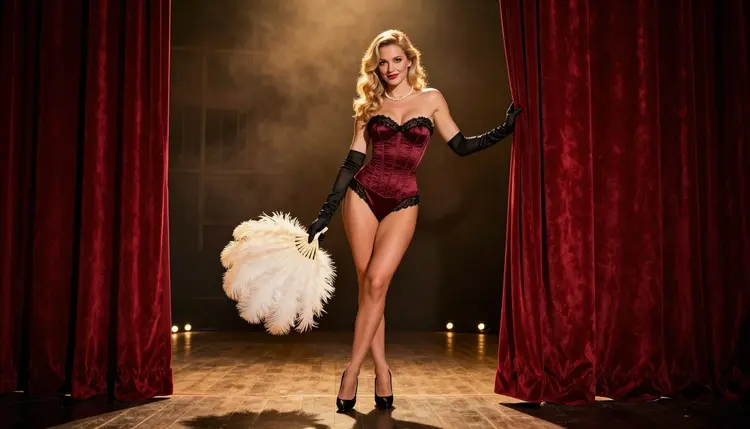
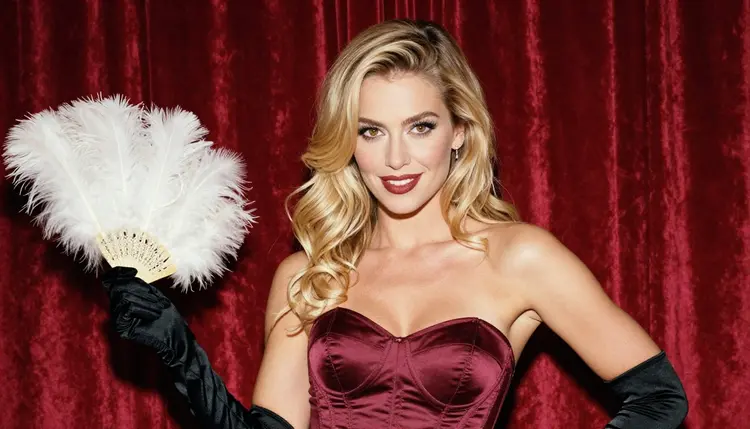
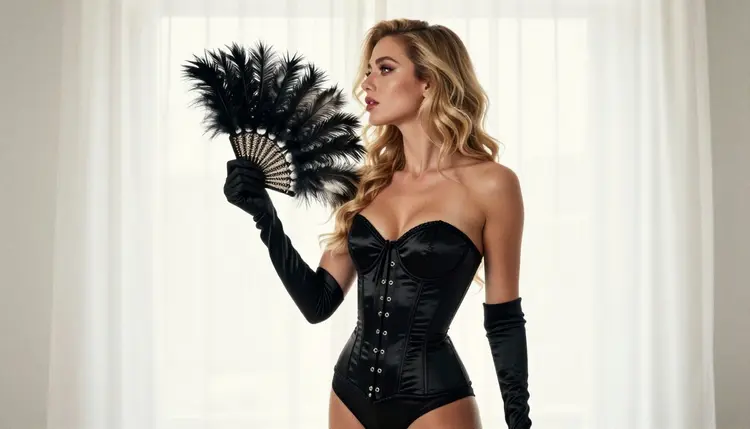
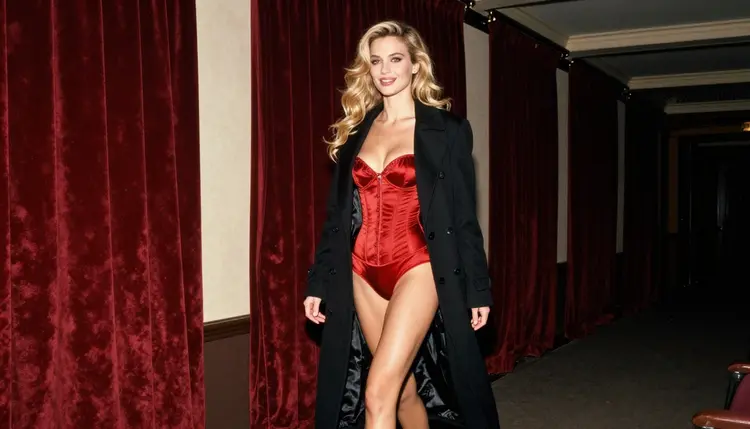
Plan for one hero image plus a small set of supporting frames. The hero is a wide or vertical stage scene: a woman in a corset and satin gloves, an ivory feather fan held low, deep red velvet curtains and a warm spotlight rim. The supporting frames are what you use for a social post, a ticket, a flyer back or a story slide: a waist-up portrait, a close-up of red lips and a feather, a gloved hand on a curtain fold, a silhouette against a bright backdrop.
What keeps the set consistent is the character description. Write one fixed paragraph for the fictional performer (hair, makeup, build, wardrobe) and paste it into every prompt. Change only the shot, the light and the lens. The same habit works on other projects, and you can see it applied to a different format on the page about a poster print.
Think about format early. A poster is read from a distance, so the silhouette matters more than small detail: a clear figure against a darker curtain, one bright accent such as a feather or a pair of pearls, and a simple background. Leave the top or the bottom third calm if you know where the title will go.
Confirmed Models for the Poster
In Picasso IA, "confirmed" means we tested adult prompts against that exact model repeatedly and watched it generate instead of reject. It is not a published setting of the model's maker, who can change it at any time. Six models carry that label, and these are the ones to start with.
For a poster, two of them do most of the work. Seedream 4.5 is the pick when you want a photographic look: satin, lace trim, velvet and feathers read as real materials, and the 4K output gives you room to crop. Recraft V4.1 Pro is the pick when you want something closer to a vintage show bill, with flat color, bold shapes and a print-ready 2K result. Picasso Image Editor Pro comes in at the end, to fix one detail without redoing the whole frame.
The video models matter if you also want a teaser. A still hero image can become a short moving clip for a story or a feed post. That is optional, and it comes after the poster is done.
Other models in the full catalog, such as Seedream 5 or Qwen Image 2, are untested: worth a try, not confirmed either way. Treat them as experiments, and keep the confirmed ones for the version you plan to publish.
Five Steps to a Poster Image
This is the working order. It takes you from a loose idea to a file you can drop into a layout, and it holds up whether you make one poster or a whole season of them.
- Plan the set. Decide the hero image, the supporting frames and where the title will sit. Write down the venue mood, the color palette (deep red, black, ivory, a touch of gold) and the shots you need.
- Write the character and scene description. One paragraph for the fictional adult performer and one for the stage: wardrobe, curtains, feathers, light, lens. Say "mature adult" and add "no text" so the model leaves the lettering to you.
- Generate the key image. In the toolkit, pick Seedream 4.5 or Recraft V4.1 Pro, paste both paragraphs and generate a few versions. Choose the one with the cleanest silhouette and the most room for a title.
- Build the rest of the set. Reuse the same character paragraph and change only the shot, light and lens for each supporting frame. Attach the key image as a reference when the model accepts several inputs, and call it with its @1 badge in the prompt.
- Refine and export. Open the best frames in Picasso Image Editor Pro to fix a glove, a feather or a background fold, then export and place the title in your design app.
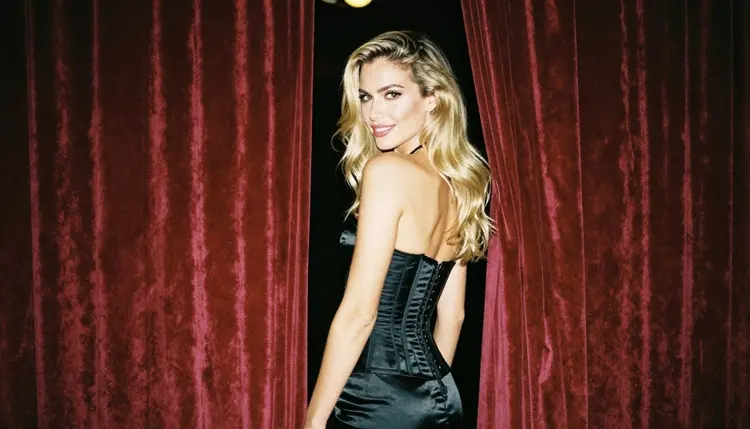
Good burlesque prompts are specific about materials and light. "A dancer on a stage" gives you a generic stage. "A woman in an opaque burgundy satin corset with black lace trim, long satin opera gloves, pearls and heels, holding an ivory feather fan low at her side, standing before deep red velvet curtains, warm spotlight rim, soft film grain" gives you a poster.
Here is a base prompt you can adapt: "Raw film photograph, wide hero frame for a burlesque show poster, a woman in her late twenties with long wavy golden-blonde hair and polished glamour makeup, burgundy satin corset, black lace trim, satin gloves, ivory feather fan, red velvet curtains, warm spotlight from the upper left, 50mm lens, mature adult, no text." Replace the wardrobe, the fan or the curtain color and you have a new poster in the same family.
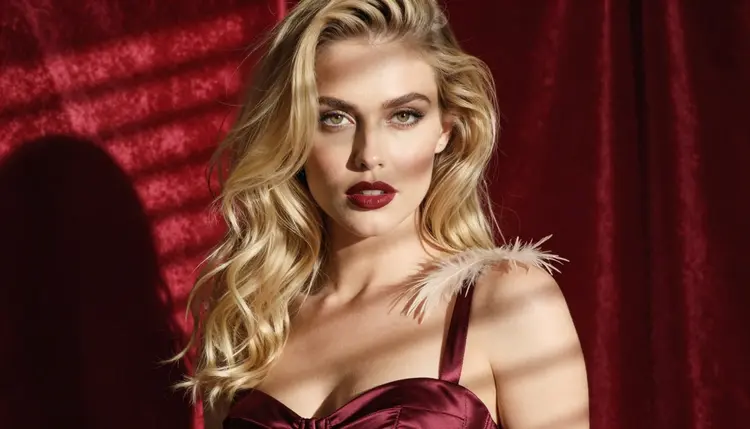
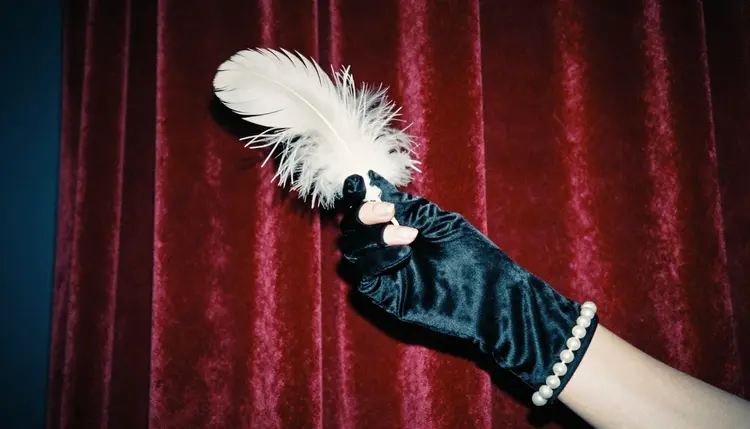
For variation, think in shots. A wide frame sets the venue. A waist-up frame is the face of the poster. A close-up of red lips with a feather brushing the shoulder works as a social tile. A profile silhouette against a bright backdrop works as a flyer back. One hand in a long glove holding a feather against curtain folds works as a ticket graphic. Ask for exactly one hand in frame when you write the detail shot, so you do not get extra fingers.
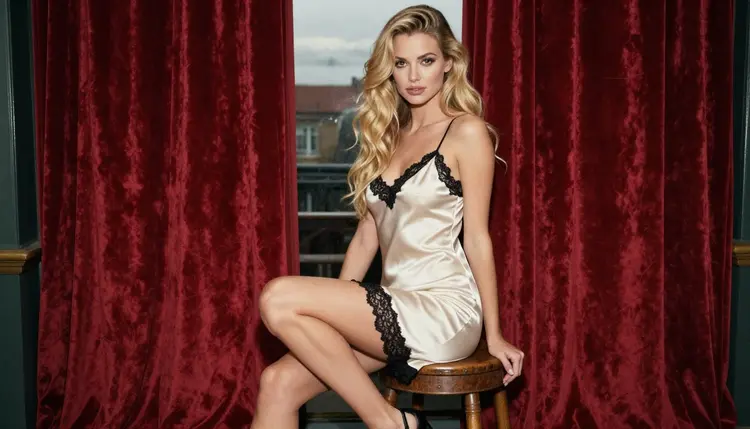
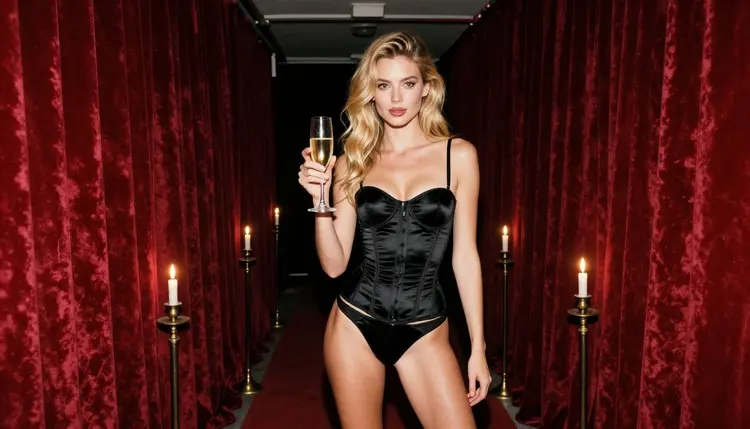
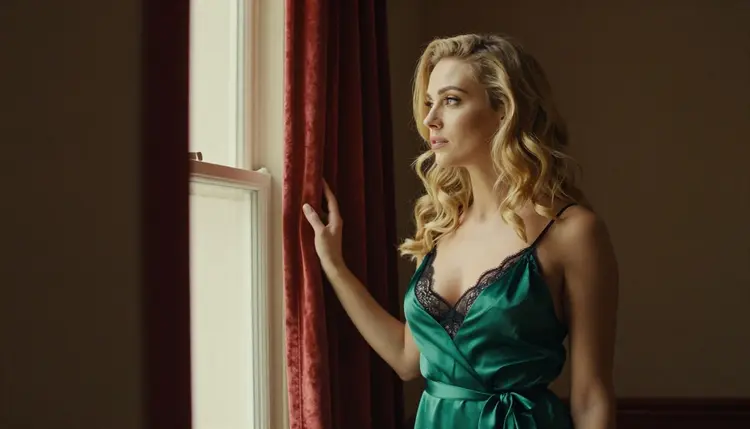
To keep the same fictional woman across images, keep the character paragraph word for word and move only the light: candlelight in a backstage corridor, late-afternoon side light at a theatre window, hard morning sun through blinds, cool blue-hour ambient light with a warm spotlight edge. The lens is a second lever: 24mm for environment, 50mm for a natural look, 100mm for compressed detail. If a result drifts, edit it instead of rewriting everything: Picasso Image Editor Pro can correct one element and leave the rest.
When the same look has to work on small formats, take a cue from a greeting card or from a convention badge: fewer elements, bigger shapes, one accent color.
Stills can become clips. If you want a teaser for the night, take the hero frame to Picasso IA Video as an image to video job, or describe the scene to LTX 2.3 Pro from text. A slow move across the curtain, a fan opening, a spotlight sweeping: keep the motion simple and describe only one action. Short clips from Seedance 2.5 Lite fit a story slot.
Picasso IA is for adults. These pages and the images they describe are 18+ only, and you should use them only if you are an adult in your country.
Every character you create must be a fictional adult. Never use a real or identifiable person, never a celebrity, and never anyone who could read as a minor. Write "woman" or "man" and a mature age in your prompt, and delete any result that looks otherwise.
What you create is private by default: it is tied to your account and not published or shown to others. What you do next is up to you, and that includes the rules of wherever you publish. A venue, a ticket seller, a social network or a print shop may set its own limits on suggestive artwork, and those rules can change, so check the current rules of the place before you promise a poster to anyone.
If a model refuses a prompt, Picasso IA shows a message titled "Content Not Supported by This Model". It recommends models that accept adult prompts and carries your prompt over, so you do not retype it. Keep your wording about wardrobe, light and mood, and leave out anything explicit: the poster does not need it.
A new account can try a small free trial on selected models: Picasso IA Image, Picasso IA Editor Pro, Picasso IA Video and Seedance 2.5 Lite. Details sit on the pricing page. Credits are used per generation and vary by model and by options such as resolution or duration, and models with the infinity tag do not spend credits on the plans that include unlimited generation.
That makes a sensible test run: generate the key image, edit it in Picasso Image Editor Pro, and try a short clip with Picasso IA Video before you decide how much you want to build. The free trial covers selected models only, not the whole catalog.
Once the first poster works, try the untested models in the full catalog. Qwen Image 2 and Seedream 5 are image models you can run on the same prompt to compare the look. Untested means exactly that: we have not confirmed how they handle adult prompts, so judge each result on its own. Use the confirmed models for anything you intend to publish.
Related projects use the same method with a different deliverable. If your poster will also be printed, read the page about a poster print; if you are making a small collectible next, the page on a convention badge covers the layout side.
Can I make a burlesque show poster with Picasso IA?
Yes. You describe the performer, the wardrobe, the curtains and the light, generate the image in the toolkit, and add the title and date in a design app. The pictures are provocative but not explicit, and every character is a fictional adult.
Which model is best for a burlesque poster?
For a photographic look, start with Seedream 4.5. For a vintage, print-ready show bill, try Recraft V4.1 Pro. Both are confirmed models, which means Picasso IA saw them generate adult prompts repeatedly.
Will the model write the show name on the poster?
Do not count on it. Ask for "no text" and keep clean space for the title, then add the show name, date and venue in a layout or design app. That gives you full control over fonts, spelling and placement.
How do I keep the same performer across all images?
Write one fixed character paragraph (hair, makeup, build, wardrobe) and paste it into every prompt. Change only the shot, the light and the lens. You can also attach your best frame as a reference when the model accepts several inputs.
Can I turn the poster into a short teaser clip?
Yes. Use Picasso IA Video for image to video, or LTX 2.3 Pro for text to video. Keep the motion to one simple action, such as a fan opening or a spotlight sweep.
What can I fix with the editor instead of regenerating?
Small things: a glove edge, a feather, a fold of curtain or a background detail. Picasso Image Editor Pro edits an existing image, so you keep the composition you already like.
Is this free to try?
A new account gets a small free trial on selected models, and the details are on the pricing page. Credits vary by model and options, and models with the infinity tag do not spend credits on plans that include unlimited generation.
Are the images private?
Yes. What you create is private by default, tied to your account and not published or shown to others. What you do with a file after you download it is your decision.
Is anything real or underage allowed?
No. Picasso IA is 18+ only, and characters must be fictional adults. Never use a real or identifiable person, and never anyone who could read as a minor. The content stays provocative, never explicit.
Will a venue or ticket seller accept my poster?
That depends on their own rules, which can change. Check the current rules of wherever you publish or print before you commit. For a print-focused version of this project, see a poster print.