A fanfiction cover has one job: make a stranger stop scrolling and open chapter one. For a romance with a spicy slant, that usually means a glamorous, moody portrait that hints at the story without showing everything. With Picasso IA you can build that portrait from a text description, keep the same woman across a whole set of images, and finish the file in the same browser tab. Nothing to install, and everything stays private on your account until you decide to use it.
This guide is for writers who want a cover for their own original characters. It walks through what the project needs, which confirmed models fit it, a five-step workflow, prompt examples for wardrobe, light and angle, and the rules that keep the work adult and fictional. It is provocative, never explicit, and 18+ only.
Start with the deliverable, because it decides every prompt that follows. A cover is usually one strong main image plus a few supporting pictures: a banner for the story page, a small square crop for a profile or a library thumbnail, and maybe chapter headers or a teaser for social posts. Decide how many of these you really need before you generate anything. Most writers are happy with one hero image and four or five companions.
Next, decide the mood in plain words. Slow burn and candlelight is a different picture from rivals to lovers in a hotel corridor. Write one sentence that names the setting, the time of day and the feeling, for example: a quiet hotel corridor at night, warm lamps, a woman who knows she is being watched. That sentence becomes the backbone of every prompt in the set.
Then leave room for type. A cover carries a title and an author name, so ask for a clean area of wall, sky or soft shadow where text can sit. Describing the empty space in the prompt works better than trying to fix it later. Choose the format that matches where the cover will be shown, and check the options of the model you use in the toolkit.
Finally, plan for consistency. Readers notice when the heroine changes face between the cover and the chapter header. Write one fixed description of your character and paste it unchanged at the start of every prompt: hair colour and length, eye colour, makeup, build, and one signature piece of clothing. Keep that block identical and change only the scene around it.
Original characters only. Do not put the names of existing characters or franchises in a prompt, and do not ask for a real person. A cover that stands on its own invented heroine is safer to publish and easier to make consistent.
Picasso IA marks six models as confirmed: its own tests with adult prompts, run repeatedly, saw each one generate instead of reject. That is a result of those tests, not a published setting of the model's maker, and a maker can change it at any time. For a cover you will mostly use the three image models, plus the video models if you want a moving teaser.
For a photographic cover, Seedream 4.5 is the first choice. It turns a text description into a 4K image, which gives you room to crop a square thumbnail and a wide banner out of the same file. For a painted, graphic or poster-style cover, Recraft V4.1 Pro is the better fit, since its catalog title stresses print-ready images at 2K and it is strong on illustration and design.
Picasso Image Editor Pro is your finishing tool. It edits an image you already have, so a good frame with one wrong detail does not have to be thrown away. Models with the infinity tag do not spend credits on the plans that include unlimited generation, and the details are on the pricing page.
Untested models are worth a try too, with the honest label: Qwen Image 2 and the rest of the catalog are not confirmed either way. Try a short, tame prompt first and see what comes back. If a model declines, the app shows a message titled "Content Not Supported by This Model", recommends models that accept adult prompts and carries your prompt over, so you do not retype it. You can browse everything in the full catalog.
This is the order that works best for a cover set. Each step is short, and the results of one feed the next. Keep your character description and your mood sentence open in a text file while you work.
- Plan the Set. List the images you need: one hero cover, a banner, a square crop and a few chapter or teaser frames. For each one write the shot type, the setting and the light in a few words.
- Write the Character and Scene. Make one fixed paragraph about your invented heroine, then a separate line for the scene. Keep wardrobe to lingerie, satin, swimwear, coats and glamour styling, never anything explicit.
- Generate the Key Image. Open the toolkit, pick Seedream 4.5 or Recraft V4.1 Pro, paste the character paragraph plus the cover scene and generate. Make a few versions and keep the one with the strongest face and a clear space for the title.
- Build the Rest of the Set. Attach the key image as a reference, which the toolkit shows with an @1 badge, and refer to it in the prompt. Change only the setting, the light and the lens for each new frame, so the woman stays the same.
- Refine and Export. Open weak frames in Picasso Image Editor Pro to fix hands, a strap, a background detail or the colour grade. Then download the files and add your title and author name in your layout tool.
Reference badges only appear on models that accept several inputs, so if a model does not show them, paste your fixed character paragraph again and describe the key image in words.
A good cover prompt reads like a photographer's shot list. Name the subject, the clothing, the place, the light, the lens and the mood, in that order. Short concrete phrases beat long poetic ones, and the model does not need the plot of your story, only what the camera would see.
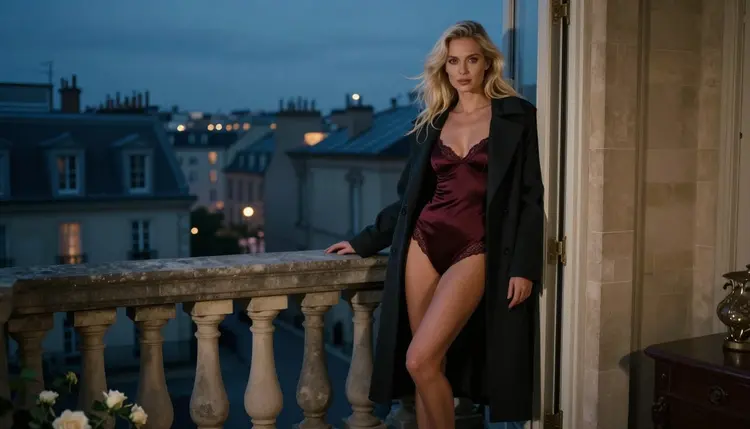
Here is a hero prompt built from that shape: wide frame, a woman with long platinum-blonde hair and polished glamour makeup leaning in a stone balcony doorway, burgundy satin bodysuit under an open charcoal wool coat, black heels, city skyline at dusk, cool blue-hour light with a little warm spill, 35mm lens, calm confident gaze, space at the top for a title. It says who, what she wears, where, when and how the picture is lit. That is all it needs.
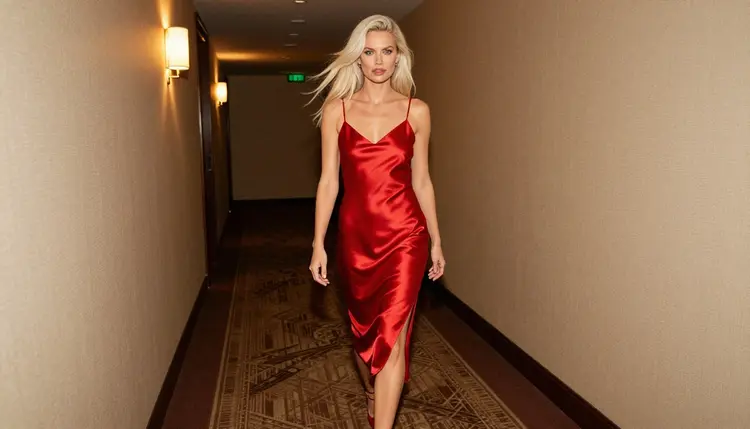
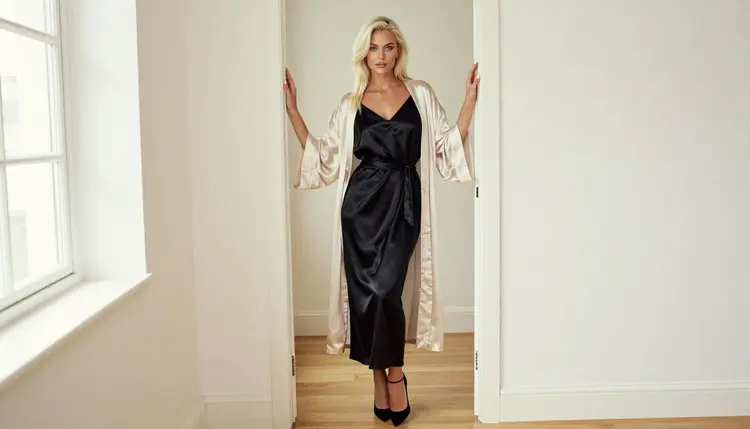
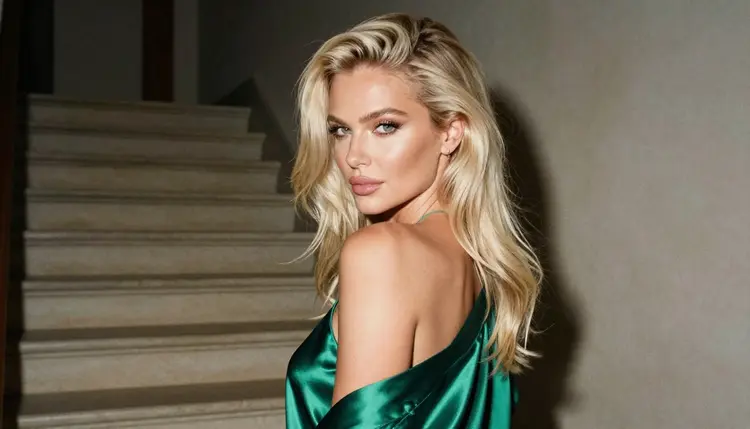
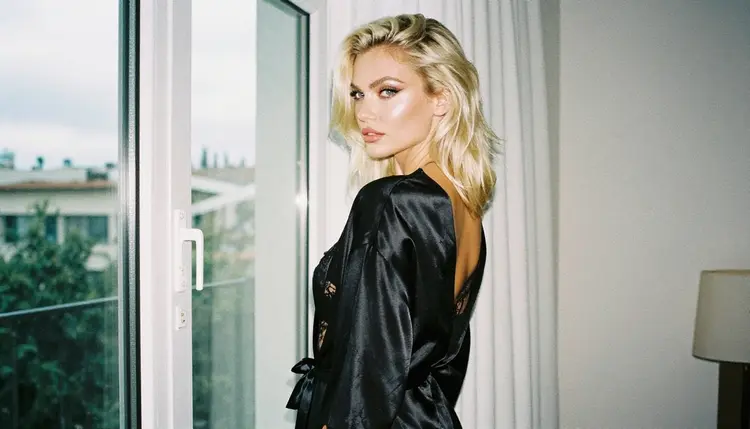
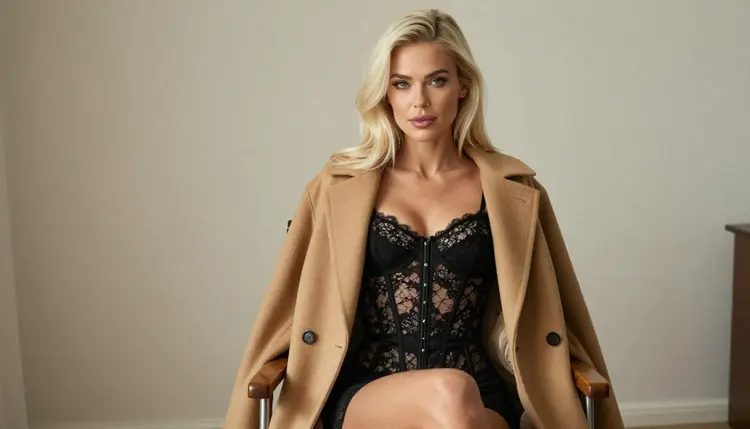
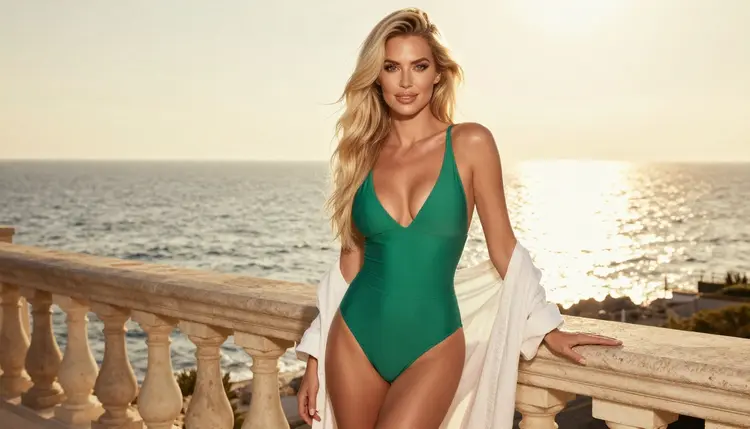
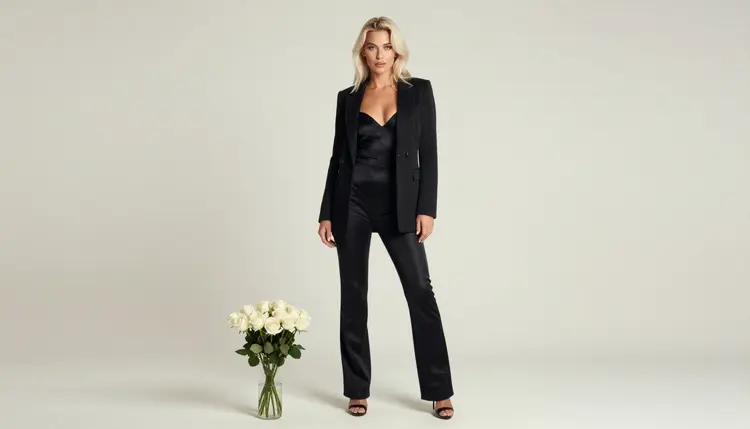
Wardrobe carries most of the genre. Satin robes in ivory, emerald or black, a slip dress in red, a lace corset top under a camel coat, an emerald one-piece swimsuit with a linen wrap, a plain black bodysuit under a long coat. These read as flirty and suggestive without crossing the line, and each one pairs with a different story mood: ivory for a slow morning after, emerald for a rivals-to-lovers duel, red for a secret in a hotel corridor.
Light is the second storyteller. Soft window light from the left suits a quiet, private chapter. Overcast daylight gives a cool, honest look for a doorway or a staircase. Warm tungsten lamps make a corridor feel like a secret. Candlelight on a tight close-up is the classic slow burn frame, and golden backlight on a terrace gives a summer romance cover. Name the light in every prompt, because it is what makes a set feel like one story.
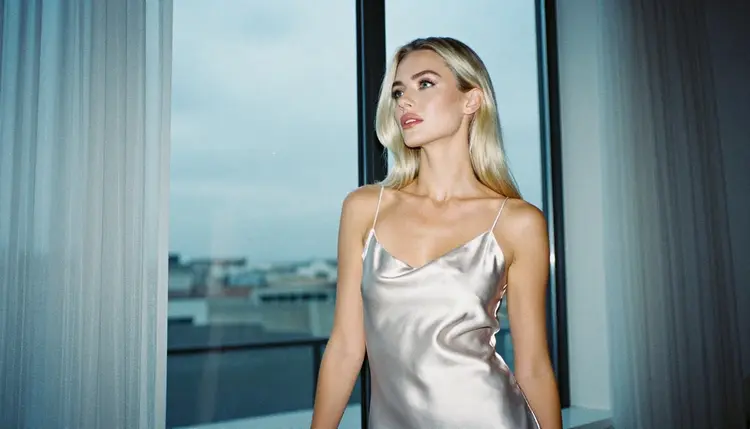
Angle comes third. A wide frame sets the mood and works best as the cover. An over-the-shoulder look suggests someone is being followed or invited. A profile silhouette against a pale window works for a chapter header, since the dark shape leaves clean space for text. A tight close-up with a 70mm lens is your emotional beat. Changing the lens and the shot type while keeping the character paragraph fixed is the cheapest way to build variety.
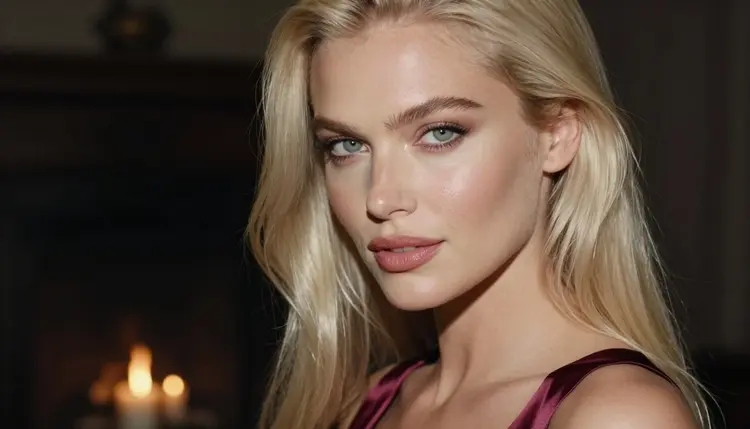
To keep the same woman across images, do three things. Paste the identical character paragraph first. Attach your best frame as a reference in the toolkit and mention it in the prompt. And change one thing at a time: if you change the room, the coat and the light together, the face will drift. If a frame comes out nearly right, do not regenerate it, open it in Picasso Image Editor Pro and fix the detail.
When the stills are ready, a short clip can serve as a teaser or an animated header. Picasso IA Video turns a text description or one of your images into video. LTX 2.3 Pro makes 4K video from text, and Seedance 2.5 Lite is listed up to 10 seconds. Describe small movements, such as a coat settling on the shoulders or a slow turn toward the window, and keep the prompt as plain as the still version.
If your story is a book rather than a web serial, the same planning carries over to a spicy romance book cover. For a story told in panels, see the webcomic page guide. If you want a physical keepsake of your hero image, the poster print guide covers that route.
Picasso IA is for adults. Adult prompts are for people who are 18 or older, and the section you are reading is written for that audience only. If you are not an adult, this is not the place for you.
Everything you make here must show fictional adults. No real or identifiable person, no celebrity, no ex, no coworker, and no one who could read as a minor. Describe your characters as a woman or a man with an adult look, and keep the clothing and the pose to glamour, boudoir and implied intimacy. Provocative is fine, explicit is not.
What you generate is private by default. It is tied to your account and not published or shown to others, so you can try versions and throw away the weak ones without an audience. What you do with a file afterwards is your decision and your responsibility.
Before you post a cover, read the rules of wherever you publish. Story sites, social networks and stores each have their own content policies, and those rules can change, so check the current version and its guidance on adult imagery and on how the cover is labelled. A cover that suits one place may not suit another, and Picasso IA cannot promise that any site will accept it.
A new account gets a small free trial on selected models: Picasso IA Image, Picasso Image Editor Pro, Picasso IA Video and Seedance 2.5 Lite. That is enough to test your mood sentence and your character paragraph on a first frame. The trial does not cover the whole catalog, so check the pricing page for how credits and unlimited generation work.
Once your key image is settled, try a few untested models for variety. They are not confirmed either way, so treat them as experiments. Qwen Image 2 is an image model worth a short test for stylised covers, and Picasso Video (Pruna P-Video) is a video option to test for a teaser. Run the same tame prompt through each, compare faces and light, and keep what suits your story. If you want to explore related ideas for a different format, an album cover concept uses the same workflow with a different layout.
When a model gives a good result, save the prompt that produced it. A small text file with the character paragraph, the winning scene prompts and the model name makes the next story or the next cover far faster to build, and it keeps your heroine recognisable from one project to the next.
Can I make a fanfiction cover with Picasso IA?
Yes, for your own original characters. Describe the woman or the man, the setting and the light in the toolkit, generate a few versions and pick one. Do not use the names of existing characters or franchises in the prompt, and keep every character a fictional adult.
Which model should I use for a photoreal cover?
Start with Seedream 4.5, which creates 4K images from text and is one of the confirmed models. Recraft V4.1 Pro suits a more illustrated or designed look. Both are linked in the table above, and you can compare them with the same prompt.
How do I keep the same character on every image?
Paste one fixed character paragraph at the start of each prompt, attach your best frame as a reference in the toolkit and change only one detail per frame, such as the room or the light. Fix small flaws in Picasso Image Editor Pro instead of regenerating.
Can the cover include text and a title?
Ask for an empty area of wall, sky or shadow in the prompt, then add the title and your name in a layout tool after you download the file. Typing long text into the prompt is less reliable than adding it yourself afterwards.
Is the content explicit?
No. The pictures stay provocative but never explicit: lingerie, satin, swimwear, coats and implied intimacy. Everything is 18+, with fictional adults only, no real people and no one who could read as a minor.
What happens if a model refuses my prompt?
The app shows a message titled "Content Not Supported by This Model", recommends models that accept adult prompts and carries your prompt over, so nothing has to be retyped. You can switch to a confirmed model and generate again.
Can I turn the cover into a short clip?
Yes. Picasso IA Video works from text or from an image, LTX 2.3 Pro makes 4K video from text, and Seedance 2.5 Lite is listed up to 10 seconds. Describe one small movement and keep the prompt simple.
Are my images private?
Generations are private by default. They are tied to your account and not published or shown to others. Where you post the final cover is your choice, so read the rules of that site first.
Is there a free way to try it?
A new account can try a few generations for free on selected models: Picasso IA Image, Picasso Image Editor Pro, Picasso IA Video and Seedance 2.5 Lite. See the pricing page for the rest, and the toolkit to start.
Will a story site accept the cover?
Picasso IA cannot promise that. Each site has its own rules about adult images and they can change, so check the current policy of the place where you publish. If one site says no, the full catalog and a milder prompt give you another version for it.