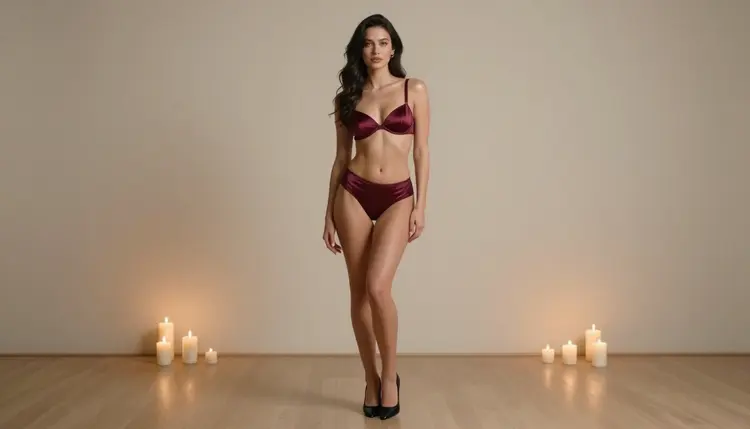
A lingerie packaging mockup lives or dies on its photographs. The box, the tissue paper and the ribbon are shapes you place in a layout tool, but the picture on the lid or the sleeve is what a buyer, a client or an investor looks at first. This page shows you how to produce that picture with Picasso IA: a consistent set of adult glamour photos of one fictional model in lingerie, shot against plain backgrounds, ready to drop into a catalog or a packaging template.
The images here carry no box, no label, no tag and no lettering of any kind. That is deliberate. You add your own fictional brand name and your own dieline afterward, so the photos stay reusable across several box designs. Everything below is for adults, about fictional characters, and provocative without ever being explicit.
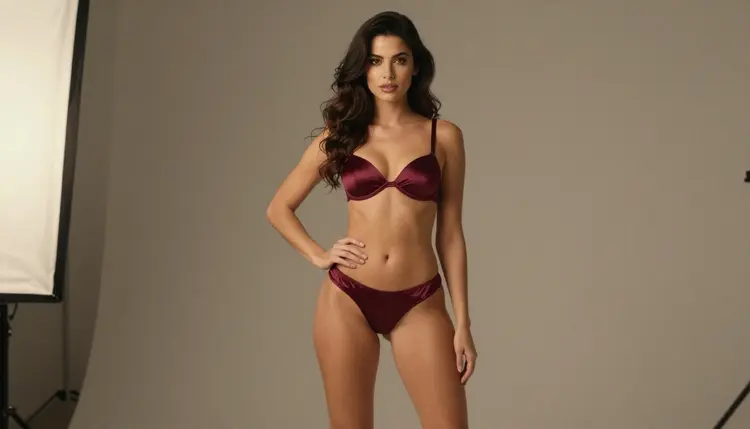
Start with the deliverable. A packaging mockup usually needs a small family of images rather than a single lucky one: a full-length frame for the front of the box, a close-up for a lid or an insert card, a waist-up frame for a catalog page, and one or two lifestyle frames that give the buyer a sense of mood. Six to ten finished pictures cover most mockups, and the set you generate here is built around that range.
Next, decide the format. Box fronts and sleeves tend to be portrait, catalog spreads tend to be landscape, and a web store wants both. Generate in the aspect ratio you will use the most, then crop or extend for the others. Ask for generous empty space around the figure when you know a logo or a slogan will sit there later; a plain warm grey or beige wall gives you that room without extra work.
Then think about consistency, because that is the real challenge. A catalog works when the same woman appears in every frame, with the same hair, the same makeup and the same body proportions, while the lingerie color and the light change from one picture to the next. Write the character down once, as a fixed block of words, and paste it at the top of every prompt. We cover that technique in the planning section below.
Finally, keep the wardrobe opaque and fully lined in your descriptions. Say satin, say lace trim, say fully lined, say opaque. That wording steers the model toward glamour photography and away from anything explicit, and it is also what real lingerie catalogs show.
Picasso IA keeps a short list of models it has tested with adult prompts, repeatedly, and watched them generate instead of reject. Those are the ones marked confirmed. Confirmed is the app's own result and not a published setting of each model's maker, who can change behavior at any time. The table shows how each fits a packaging project.
For a packaging mockup, Seedream 4.5 is the natural first choice. It makes photoreal images from text at 4K, which gives you enough resolution to crop a close-up out of a full-length frame without the picture falling apart. Recraft V4.1 Pro is the second one to open when the box art needs a cleaner, print-oriented look at 2K, for example a flat illustrated insert that sits beside the photographs.
Picasso Image Editor Pro is the finishing tool. It edits an image you already have, so you can change a strap color or soften a shadow without regenerating the whole frame. It carries the unlimited tag in the catalog, and a small free trial on selected models includes it.
Other models in the catalog are untested for adult prompts. Qwen Image 2 and Picasso Video (Pruna P-Video) are two worth a try if you want variety, with the understanding that Picasso IA has not confirmed them either way. You can browse them all in the full catalog. If you want to see what your idea looks like in a different context first, the sibling project Create NSFW Images for a Print-on-Demand Mockup follows the same workflow for apparel.
The workflow is the same whether you need six pictures or ten. Open the toolkit, pick Seedream 4.5 and follow these steps in order.
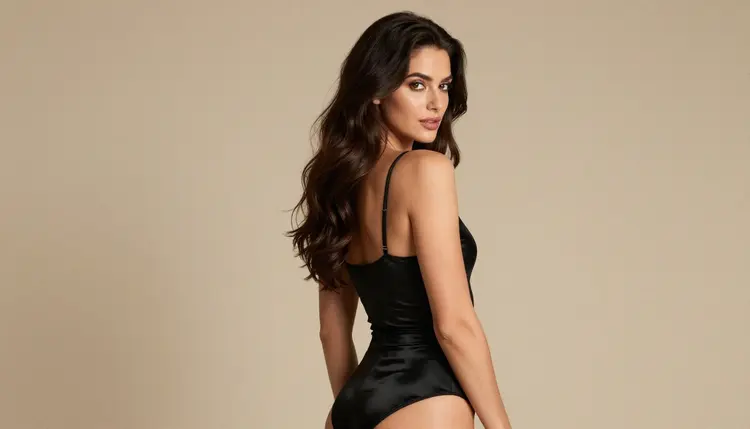
- Plan the set. Write a shot list: front-of-box full-length, close-up, waist-up, over-the-shoulder, silhouette, and one or two mood frames. Note the lingerie color for each and keep the background plain.
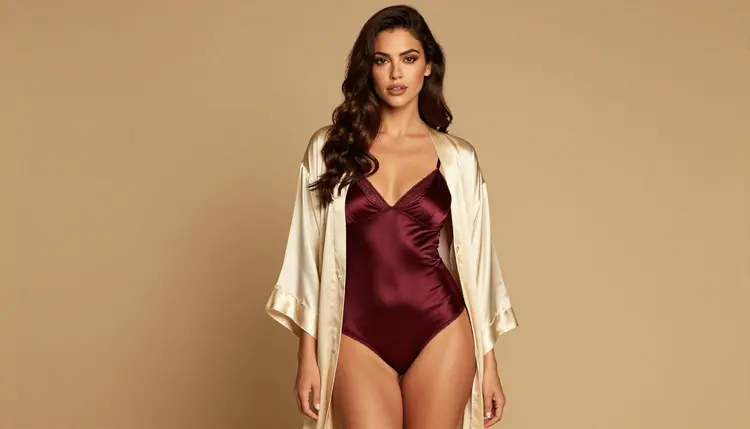
- Describe the character and the scene. Write one fixed paragraph for the woman: hair, eyes, makeup, build, expression. Add a second block for the wardrobe, such as opaque burgundy satin, fully lined, with a plain warm grey backdrop.
- Generate the key image. Run the full-length frame first, with the character block, the wardrobe block and a lighting line. Generate a few variations and keep the one whose face and proportions you want to repeat.
- Build the rest of the set. Reuse the same character block and change only the shot, the garment and the light. Attach your key image as a reference when the model accepts it, and call it @1 in the prompt.
- Refine and export. Open the best frames in Picasso Image Editor Pro to fix a strap, a shadow or a color. Export, then place the pictures into your own box template with your own fictional brand name.
After that, check every picture at full size before it goes into a layout: hands, straps and seams are where small errors show up.
Prompts for a catalog photo read like a short brief to a photographer. Name the shot, the person, the garment, the backdrop, the light and the lens. A working front-of-box prompt looks like this in plain words: full-length frame of a woman with long dark chestnut waves and polished glamour makeup, standing with one hand on her hip in an opaque burgundy satin bra and brief set with a fully lined finish, plain warm grey studio backdrop, soft diffused window light from the left, eye level, 85mm lens, film grain.
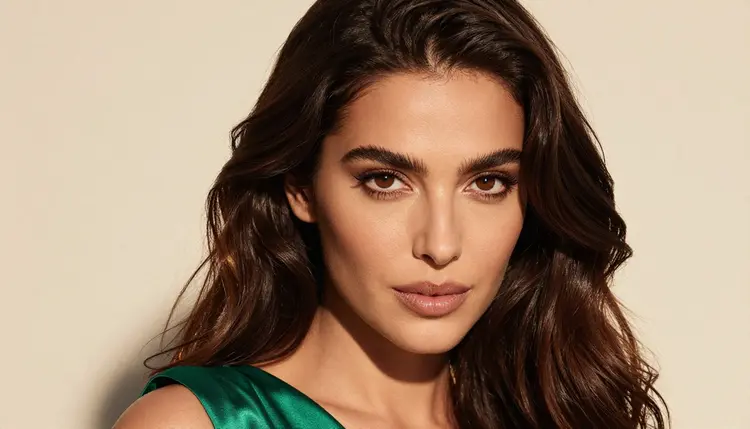
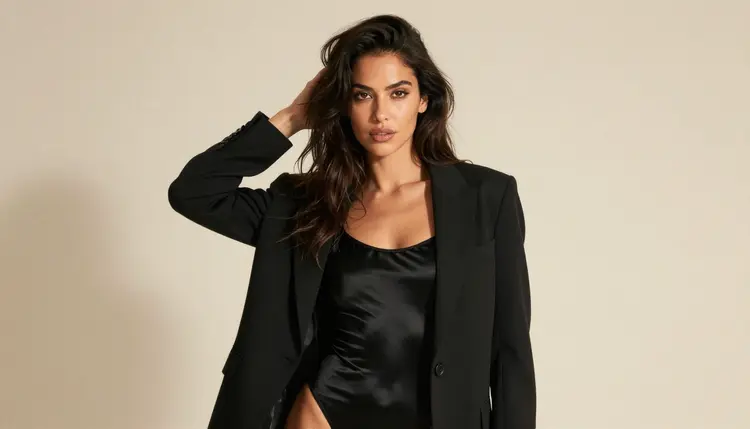
Change one thing at a time. If you want a lid insert, keep the same woman and swap the frame for a tight close-up with a golden hour backlight and a 100mm macro lens. The hair catches the light, the strap becomes a detail, and the empty background gives you space for a monogram. For a catalog page, a waist-up frame in a black satin bodysuit under a tailored blazer, lit by late afternoon side light at 50mm, sells the product and keeps the page calm.
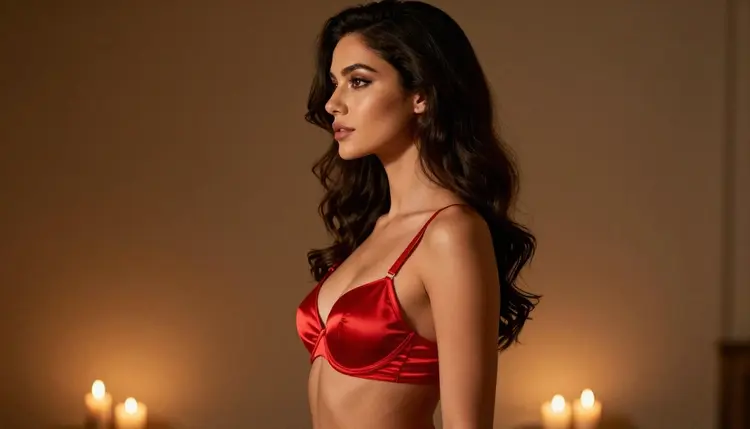
Lighting is what separates the frames in a set. Candlelight gives a warm, low-contrast mood and works for a profile silhouette in red satin. Soft diffused studio daylight is flat and honest, which suits product-focused frames where the buyer needs to read the fabric. Golden hour backlight gives hair a glow. Pick two or three light setups for the whole set and reuse them, so the pictures read as one shoot.
Consistency comes from repetition. Keep the character block word for word. Never paraphrase it between prompts, because every new adjective is a chance for the face to drift. When you have a frame you love, attach it as a reference in the toolkit: each attached image gets an @1, @2 badge on models that accept several inputs, and you can refer to it in the prompt. Picasso IA translates the reference to the syntax each model understands. Then you only describe what changes, for example "the same woman as @1, in emerald satin, close-up".
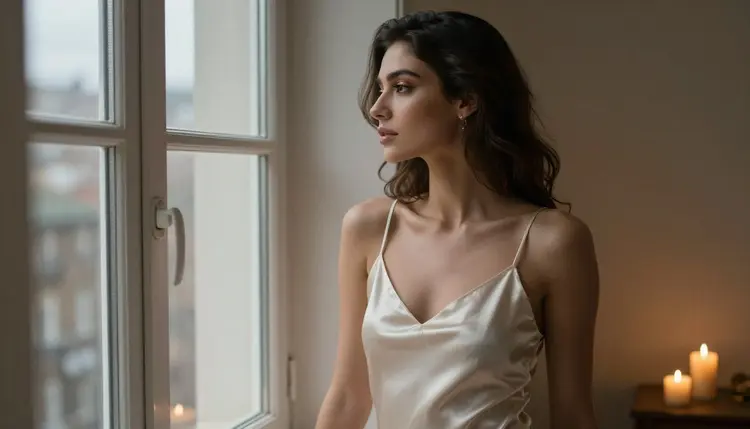
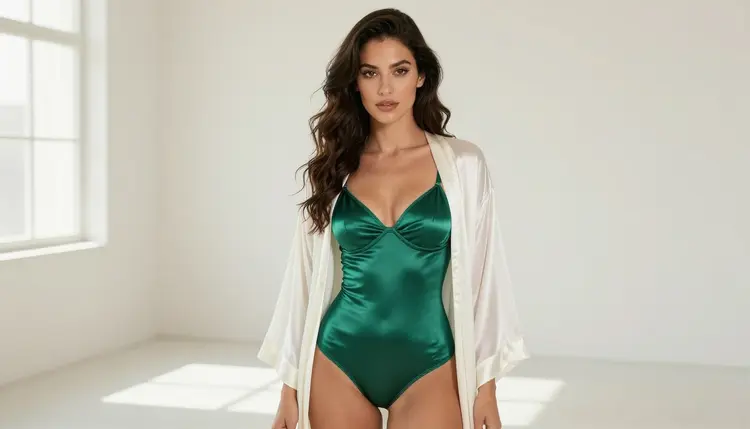
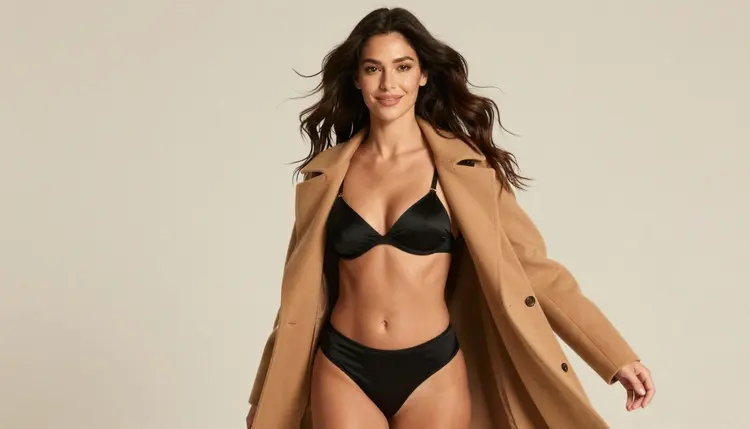
Mood frames deserve their own line in the plan. A woman in an ivory satin slip dress looking out of a tall window by candlelight, a woman in lingerie under an open cream silk robe, a woman walking toward the camera in black lingerie under an open camel coat: these give a catalog its rhythm between product shots. Keep each of them opaque and lined in the wording, keep the pose composed, and keep the setting plain so the garment stays the subject.
Stills can become clips when the project asks for it, for example a short loop for a store page or a social teaser. Picasso IA Video turns a still or a text prompt into a clip, and LTX 2.3 Pro makes 4K video from text. Seedance 2.5 Lite is listed at up to 10 seconds and is a quick way to test movement. Keep the motion small: a slow turn, a hair move in a breeze, a shift of light. Two or three seconds of calm motion looks better than a busy one.
For a second concept in the same spirit, read Create NSFW Images for a Honeymoon Lingerie Concept, which uses a warmer, more romantic styling.
This is an 18+ project. Everything you generate here is meant for adults, and you should only use the pages and tools of Picasso IA if you are an adult yourself. Wardrobe, pose and mood stay glamorous and suggestive, never explicit.
Every character is a fictional adult. Do not use a real or identifiable person, do not use a celebrity likeness, and never write a prompt that describes anyone who could read as a minor. If a description leaves the age open, state an adult age and a mature, confident look.
What you create is private by default: it is tied to your account and not published or shown to others. That also means the responsibility for what you do with the pictures is yours. Before a mockup goes to a store, a print service or a social platform, check the rules of wherever you publish. Each place has its own policy on adult material, and those rules change.
A new account can try a few generations for free on selected Picasso IA models: Picasso IA Image, Picasso Image Editor Pro, Picasso IA Video and Seedance 2.5 Lite. It is a small free trial on selected models, not on the whole catalog, so look at the pricing page to see how credits and unlimited generation work before you plan a large batch. Each generation costs credits that vary by model and by options such as resolution or duration, and models with the infinity tag do not spend credits on the plans that include unlimited generation.
If a model refuses a prompt, Picasso IA shows a message titled "Content Not Supported by This Model". It recommends models that accept adult prompts and carries your prompt over, so you do not have to retype it. Take that suggestion as a nudge to change the model, not the project.
Beyond the confirmed list, a few untested models are worth a try for a catalog: Qwen Image 2 for another take on photoreal frames, and Picasso Video (Pruna P-Video) for motion tests. Keep notes on what works, then reuse the winning prompt. When your mockup is finished and you want a different angle on the same idea, Create NSFW Images for an Anniversary Surprise uses the same lingerie photography for a gift setting.
Can I generate the box and tissue paper with this workflow?
This page focuses on the model photographs. Picasso IA makes pictures and videos, so build the box, tissue and ribbon shapes in your own layout or mockup software and place the photos on them. Keep your generated frames free of lettering so your fictional brand can be added later.
Which model should I open first?
Open Seedream 4.5 in the toolkit. It makes photoreal images from text at 4K, and Picasso IA has confirmed it with adult prompts. Use Recraft V4.1 Pro for print-ready design frames and Picasso Image Editor Pro for fixes.
How do I keep the same woman in every frame?
Write her once as a fixed paragraph covering hair, eyes, makeup and build, and paste it unchanged at the top of every prompt. For models that accept several inputs, attach your best frame as @1 and refer to it. Change only the garment, the shot and the light.
What should I write to avoid explicit results?
Describe wardrobe, pose, light and mood. Use words such as opaque, fully lined, satin, lace trim, glamour, boudoir and suggestive. Keep poses composed and the framing close to a fashion catalog. The goal is provocative, never explicit.
Does the confirmed label mean a model never refuses?
No. Confirmed means Picasso IA tested adult prompts against that exact model repeatedly and watched it generate. It is not a published setting of the model's maker, who can change it at any time, so a prompt can still be refused.
Can I use real people or celebrities as the model?
No. Every character on Picasso IA for this kind of project must be a fictional adult. Do not use a real or identifiable person, and never describe anyone who could read as a minor. This is a firm rule, and it applies to every prompt you write.
Are my generations private?
Yes, generations are private by default. What you create is tied to your account and is not published or shown to others. You decide what to share, and you are responsible for it. Check the rules of any store or platform before you upload.
Can I turn a lingerie photo into a short clip?
Yes. Picasso IA Video turns a still image or a text prompt into a clip, LTX 2.3 Pro makes 4K video from text, and Seedance 2.5 Lite is listed at up to 10 seconds. Keep the motion small and calm so it suits a store page.
Will a store or print service accept these mockups?
Nobody can promise that. Each store, print service and social platform has its own rules on adult material, and they can change. Read the current policy of the place you plan to publish on, and keep a version that fits it.
How do I try this without spending credits?
A new account can try a few generations for free on selected models: Picasso IA Image, Picasso Image Editor Pro, Picasso IA Video and Seedance 2.5 Lite. See the pricing page for how credits and unlimited generation work before you start a bigger batch.