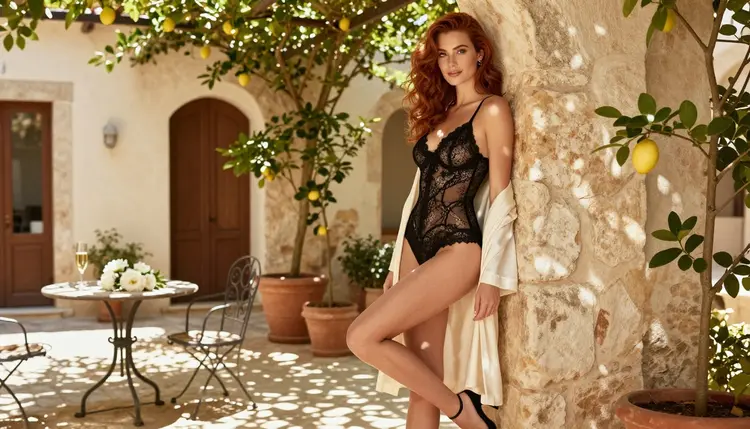
Dezgo is an online AI image generator, and plenty of adults use it to make glamour and boudoir pictures. If you are reading this, you may be looking for a second place to work, or a different workflow for the same job. This page is about that: how to recreate an adult image routine in Picasso IA, which models to use, what you can expect and what you should not expect. Everything here is about fictional adults, provocative but never explicit. Picasso IA is not affiliated with Dezgo, and this page does not describe how Dezgo works beyond its category.
Picasso IA is a browser app for AI image and video generation, so there is nothing to install. You open the toolkit, choose a model, write a prompt and get a picture or a clip. The sections below walk through the model choice, a five-step workflow, the limits of the switch and the rules that apply to every adult page on the site.
Nobody leaves a tool they are happy with, so the reasons are worth naming. They are conditional: they apply only if they describe your situation. If the filters of the tool you use stop a prompt you consider reasonable, you need somewhere else to try it. If you want the same character in a still image and then in a short video, you need a place that offers both. If you want to edit a picture you already have, instead of generating a new one from zero, you need an editor next to the generator. If you simply want to compare the same prompt on several models, you need a catalog.
Dezgo sits in the category of online image generators. Rules, features and filters of any platform can change, so check its current rules before you decide anything. This page does not claim that it falls short at anything. It only describes what you get on the Picasso IA side of the comparison.
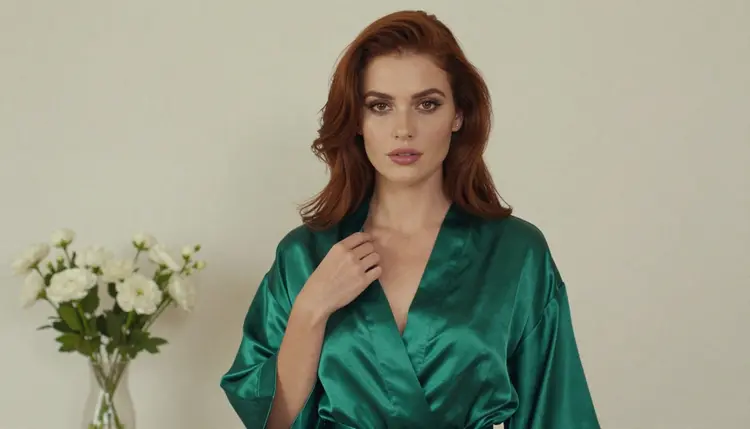
The people who switch, or who work in two places, tend to ask for the same few things. They want realistic photography with natural light rather than a plastic look. They want lingerie, swimwear, robes and evening dresses rendered with believable fabric. They want clean hands and consistent faces. And they want to know in advance which model will accept an adult prompt instead of finding out one failed generation at a time. That last point is where the confirmed list below helps.
Picasso IA makes images and videos of fictional adults. It does not host chat, and it does not publish your work. What you create stays tied to your account and is private by default. The catalog holds hundreds of models, and the full catalog lets you browse them by task.
A handful of models are marked as confirmed. Confirmed means Picasso IA tested adult prompts against that exact model repeatedly and watched it generate instead of reject. It is not a published setting of the model's maker, who can change it at any time. The policy page what confirmed means explains the idea in more detail.
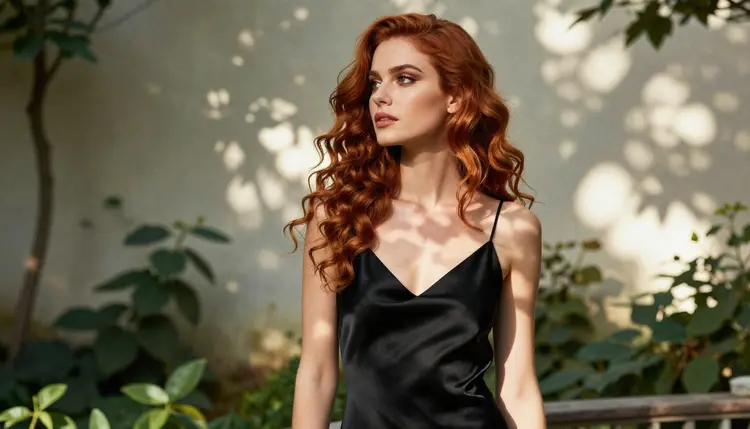
For stills, Seedream 4.5 is the first model to try if you want photographic results: it makes 4K images from text. Recraft V4.1 Pro is the choice when you prefer an illustrated or designed look, and its catalog entry describes print-ready images at 2K. Picasso Image Editor Pro edits an existing image and carries the infinity tag in the catalog, which means it does not spend credits on the plans that include unlimited generation.
For motion, LTX 2.3 Pro creates 4K video from text. Picasso IA Video works from text or from an image. Seedance 2.5 Lite is listed up to 10 seconds. Seedance 2.5 Lite and Picasso IA Video are also among the models of the small free trial for new accounts, so you can test the video side without paying first. See the pricing page for the details.
What happens when a model says no? The app shows a message titled "Content Not Supported by This Model". It recommends models that accept adult prompts and carries your prompt over, so you do not retype anything. Models outside the confirmed list are untested: they are worth a try, and they are not confirmed either way. Seedream 5, Nano Banana, Flux and Qwen Image 2 are examples of models you can try this way. Treat a refusal as information about that model, then move on to a confirmed one.
If you already know how to write a good prompt, the move takes a few minutes. The steps below assume you want a still image first and a short clip after it.
- Bring the character idea. Write two lines about the woman or man you want: hair, makeup, general look, age as an adult in their late twenties or older. Keep the same description for every image.
- Pick the model. Open the toolkit and choose Seedream 4.5 for photographic stills, or Recraft V4.1 Pro for an illustrated look.
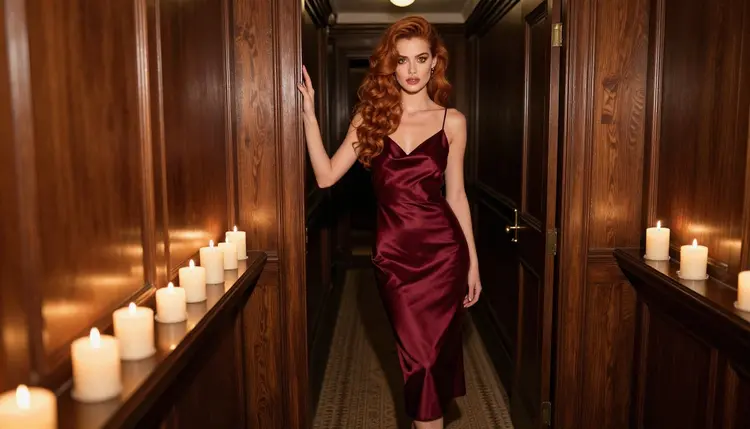
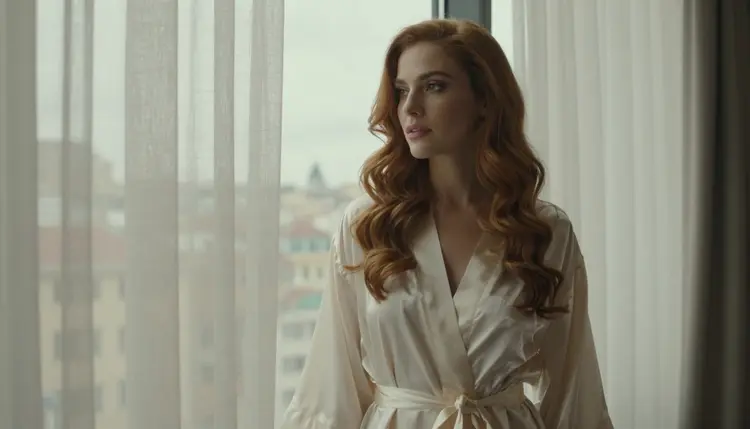
- Describe wardrobe, light and pose. Name the garment, the fabric, the setting, the light and the lens, for example a satin slip dress in a candlelit hallway at 85mm.
- Generate and refine. Look at the result, change one detail at a time and run it again. Use Picasso Image Editor Pro to fix a single area of a picture you like.
- Extend to video. Attach your favorite still as a reference and send it to Picasso IA Video or Seedance 2.5 Lite, with a short prompt about movement such as a slow turn or a curtain moving.
When you attach images in the toolkit, each one gets an @1, @2 badge and you can refer to it in the prompt. Picasso IA translates that reference to the syntax each model understands. Only models that accept several inputs show the badges.
Most of the craft carries over, because a good prompt is a good prompt. A description with clear wardrobe, one light source, a lens and a pose reads well on any capable image model. Your habit of keeping a fixed character paragraph also carries over, and it is the best way to keep the same face from one image to the next.
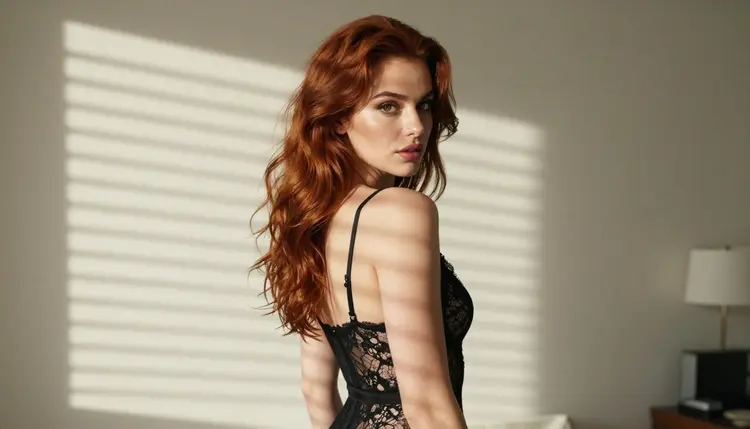
Three things need adjusting. First, wording: different models react differently to the same sentence, so a prompt tuned for one generator may need small changes on Seedream 4.5. Run it, compare and adapt. Second, consistency: no model guarantees the exact same face every time. Reference images help, and so does repeating the character paragraph word for word. Third, options: sliders, presets and shortcuts of another tool do not exist here under the same names. In Picasso IA the controls depend on the model you choose, and some models show more inputs than others.
Some things do not exist at all in Picasso IA. It is not a chat companion: it makes pictures and videos of fictional characters and does not hold a conversation with a persona. It does not publish a public gallery of your images. And it does not make images of real people, ever. If any of those matter to you, they belong to a different kind of product.
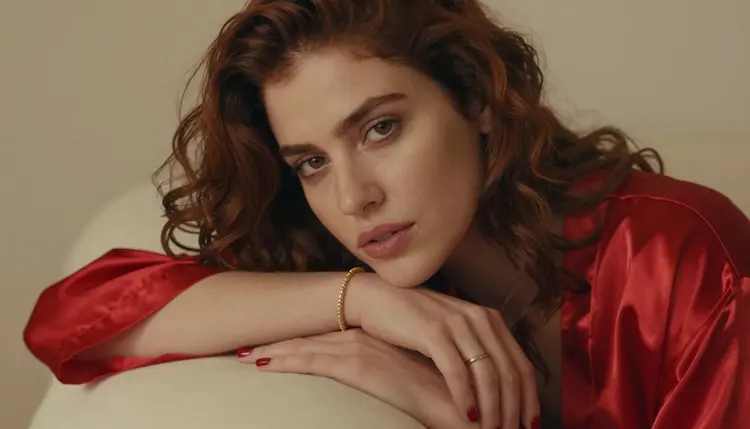
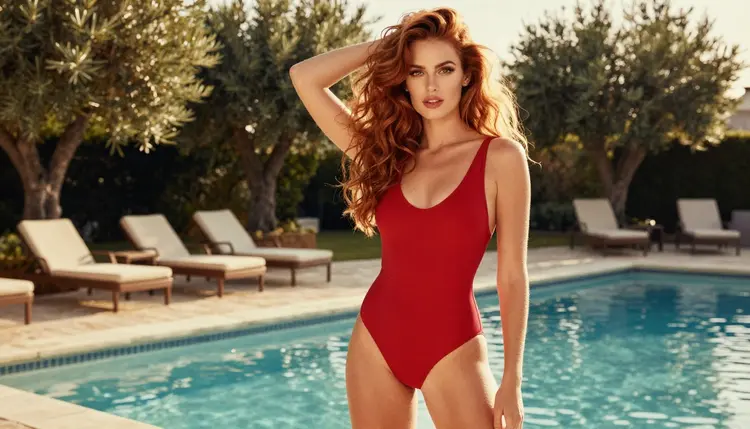
Detail shots are a good example of something that transfers well. A close frame of a hand with a bracelet on a satin sleeve, or a fabric edge in side light, is easy to describe and easy to repeat. Wide frames, such as a woman by a pool at golden hour, ask more of the model, so give the setting and the light the most words.
Picasso IA is for adults only. The adult pages of the site are for people who are 18 or older, and you should leave if you are not.
Every character is a fictional adult. Never use a real or identifiable person, and never describe anyone who could read as a minor. Prompts that do will not produce anything we want on the site, and the confirmed list does not change that.
What you create is private by default. It is tied to your account and not published or shown to others. Keep it that way, and share a picture only if you decide to and only if you have the right to.
Be honest about the situation: if you already have a routine in Dezgo that gives you the pictures you want, there is no reason to leave it. Switching has a cost in time, and a working workflow is worth keeping. Many people use two tools at once, one for what it does best and another for what the first one does not offer.
Picasso IA is the better fit when your project needs video as well as stills, when you want to edit a finished picture, or when you want to compare many models from one place. It is a weaker fit when you want a chat companion, because it does not do that, or when you want features that only another tool has. Check Dezgo's current rules before relying on them, since they can change.
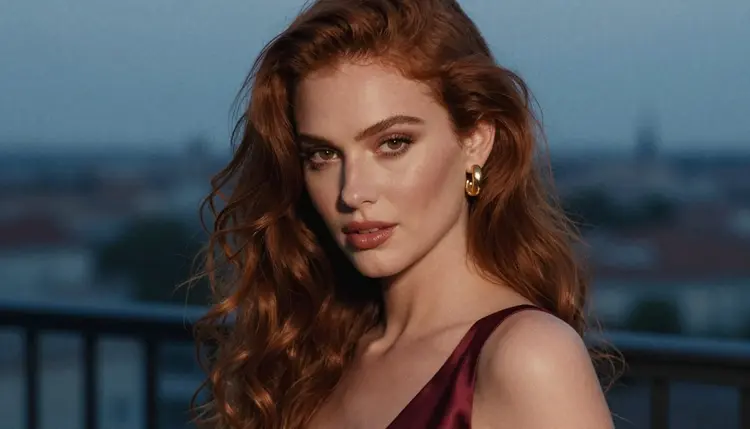
If you want to look at related options, read the pages on a Promptchan alternative and a Perchance alternative. They cover the same question from the point of view of two other tools. For a closer look at the main photoreal model, see Seedream 4.5 NSFW images.
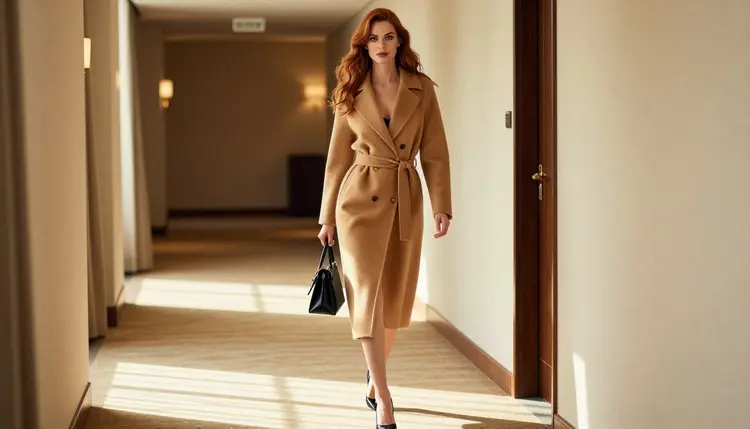
A new account can try a small free trial on selected models, and the pricing page lists what is included. Start with a single prompt, see what comes back and decide from there.
Is Picasso IA affiliated with Dezgo?
No. Picasso IA is not affiliated with Dezgo or endorsed by it. This page only helps readers who want to try a different workflow for adult images of fictional characters. Dezgo's rules and features can change, so check its current rules on its own site.
Can I make NSFW images with Picasso IA?
You can make provocative, adult-oriented images of fictional adults: lingerie, swimwear, boudoir and glamour, with suggestive but never explicit results. A short list of models is confirmed for adult prompts, and the page about Seedream 4.5 NSFW images is a good first read.
Which model should I try first?
For photographic results, try Seedream 4.5, which creates 4K images from text. For an illustrated or design-led look, try Recraft V4.1 Pro. Both are on the confirmed list for adult prompts.
What does confirmed mean?
It means Picasso IA tested adult prompts against that exact model repeatedly and watched it generate instead of reject. It is not a published setting from the model's maker, who can change it at any time. The policy page explains it further.
What happens if a model refuses my prompt?
The app shows a message titled "Content Not Supported by This Model". It recommends models that accept adult prompts and carries your prompt over, so you do not have to type it again. Then you can choose one of the confirmed models and run it.
Can I turn an image into a video?
Yes. Picasso IA Video works from text or from an image, and Seedance 2.5 Lite is listed up to 10 seconds. LTX 2.3 Pro creates 4K video from text. Attach your still as a reference in the toolkit.
Can I edit a picture I already have?
Yes, with Picasso Image Editor Pro. It edits an existing image and carries the infinity tag in the catalog. It is one of the confirmed models, and the free trial includes it.
Is there a chat companion in Picasso IA?
No. Picasso IA makes pictures and videos of fictional characters, and it does not hold conversations with a persona. If chat is what you want, that is a different category of product, and this site is not the place for it.
Are my images private?
Yes. Generations are private by default: what you create is tied to your account and not published or shown to others. The site is for adults only, every character is a fictional adult, and real or identifiable people are never allowed.
How much does it cost to try?
A new account can try a small free trial on selected models, including Picasso IA Video and Seedance 2.5 Lite. Beyond that, each generation costs credits that vary by model and by options such as resolution or duration. The pricing page has the details.