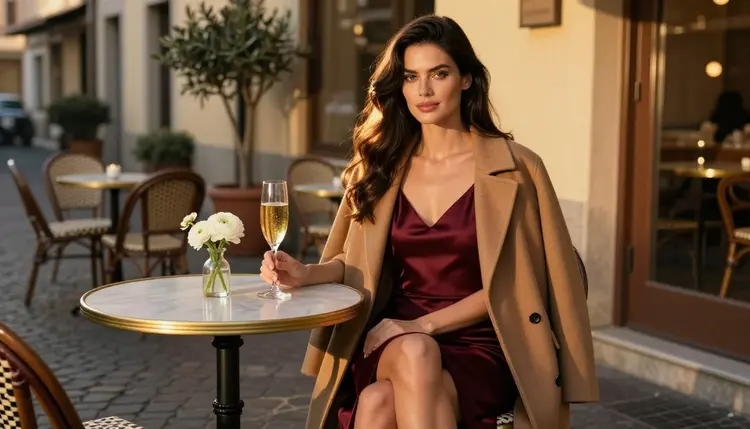
If you have been generating adult-themed pictures with Perchance and you want to try another route, this page walks you through it. It explains why people look for an alternative, what Picasso IA offers for the same job, and how to rebuild your usual workflow here with a handful of prompts. Everything on this page is about fictional adults, 18+ only, and it stays suggestive and glamorous rather than explicit.
Picasso IA is not affiliated with Perchance. The two are separate products with their own rules, so check the current rules of each one before you rely on it. What follows is a practical guide, not a verdict on anyone's tool.
Nobody switches tools for fun. People switch because a prompt did not land, a look would not stay consistent, or a result needed one more pass that the tool could not give. If the filters or the workflow of the image generator you use now do not fit what you are trying to make, it is reasonable to test a second option next to it.
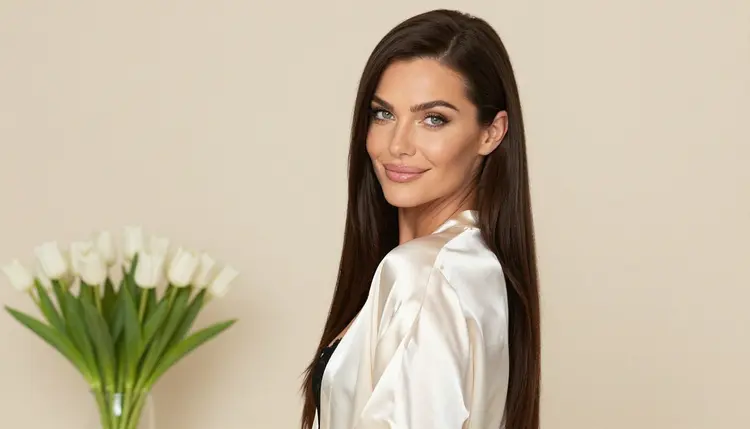
The jobs that tend to push people to look around are quite specific. You want a boudoir portrait with a satin robe and soft studio light, and the first three tries come back flat. You want the same woman in a different outfit, and the face keeps drifting. You want to take a picture you already like and change the wardrobe or the background, not start from zero. You want a short clip from a still. None of these needs a special trick, but each one needs the right model for the task.
Perchance is an image generator, and that is all this page claims about it. Picasso IA does not copy its way of working, and it does not try to. It is a browser app for AI image and video generation with a full catalog of models behind one tool, so a prompt that does not suit one model can be tried on another without changing sites.
If you are curious how the two compare side by side, the Picasso IA vs Perchance AI comparison lays it out. For other readers coming from different tools, the guides for a Promptchan alternative and a Dezgo alternative cover similar ground.
Picasso IA makes images and videos of fictional adult characters. You work in the toolkit, pick a model, type a prompt, and attach reference pictures when the model accepts them. Each attached picture gets an @1, @2 badge so you can point at it inside the prompt, and Picasso IA translates that reference to the syntax the chosen model understands. Only models that accept several inputs show the badges.
Generations are private by default. What you create is tied to your account and is not published or shown to other people.
The app has a short list of models that Picasso IA has tested repeatedly with adult prompts, watching them generate instead of reject. We call these confirmed. It is the app's own testing, not a published setting from the model's maker, who can change it at any time. You can read what that word means on the moderation and confirmed models page.
If a model cannot handle a prompt, the app tells you. It shows a message titled "Content Not Supported by This Model", recommends models that accept adult prompts, and carries your prompt over so you do not retype it. That one detail saves a lot of time when you are iterating on a long, carefully worded description.
Every other model in the catalog is untested for adult prompts. That does not mean it is filtered, and it does not mean it is open. It means Picasso IA has no verdict, so a try is the only way to know. Qwen Image 2 and Picasso Video are in that group, and so are many others you will find in the full catalog. Treat them as experiments, and keep your confirmed models as the baseline.
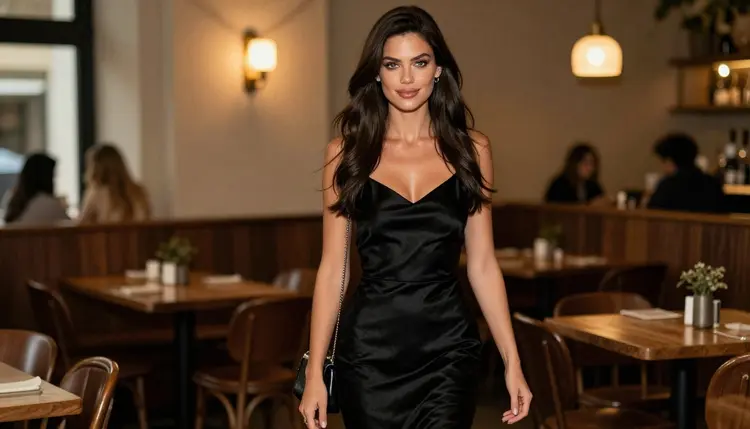
The steps below are the same ones most people follow in any image generator, adapted to Picasso IA. Start with a character idea in your head, and you can have a first image in a few minutes.
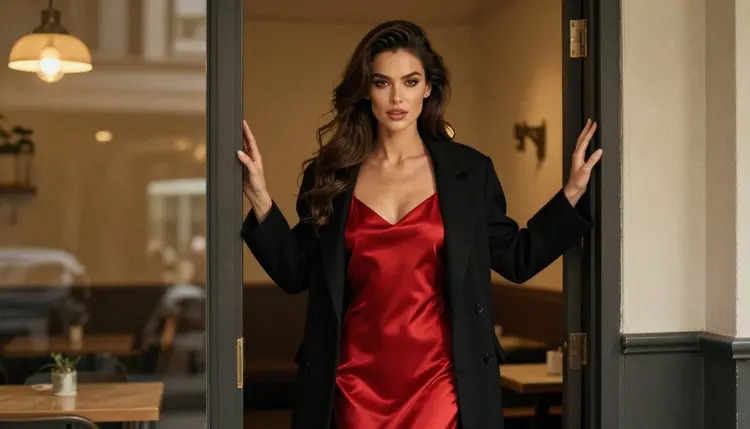
- Bring the character idea. Write down one adult character in a sentence: age range, hair, wardrobe, mood. Add a setting such as a cafe terrace, a hotel window or a studio backdrop.
- Pick the model. Open the toolkit and choose Seedream 4.5 for photoreal results, or Recraft V4.1 Pro if you prefer an illustrated or designed look.
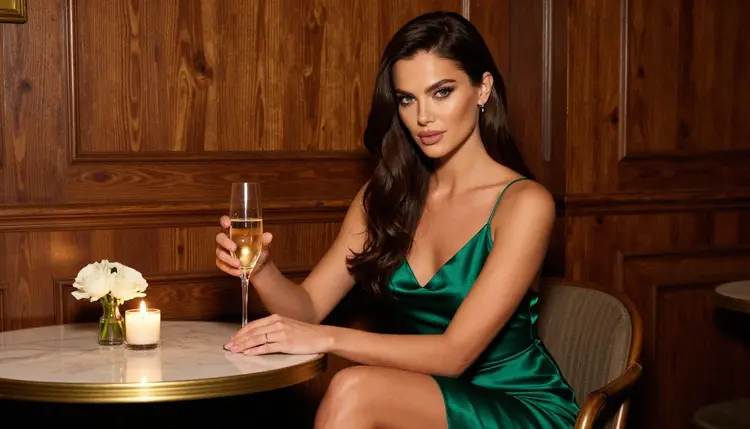
- Describe wardrobe, light and pose. Name the fabric (satin slip dress, lace bodysuit), the light (candlelight, window light from the left, golden hour backlight), the lens (35mm, 85mm) and the pose. Keep the wardrobe opaque and glamorous.
- Generate and refine. Look at the result, then change one thing at a time. Use Picasso Image Editor Pro to adjust an image you already like instead of rewriting the whole prompt.
- Extend to video. Take your best still to Picasso IA Video or Seedance 2.5 Lite and ask for a slow camera move, a turn of the head or a gentle walk.
Most of your prompt habits carry over. Descriptions of outfit, lighting, lens and setting work in any text to image model, and they work here too. If you keep a notebook of prompts that gave you good results elsewhere, paste them into Seedream 4.5 first and adjust from there. Different models read the same words a little differently, so expect to tweak.
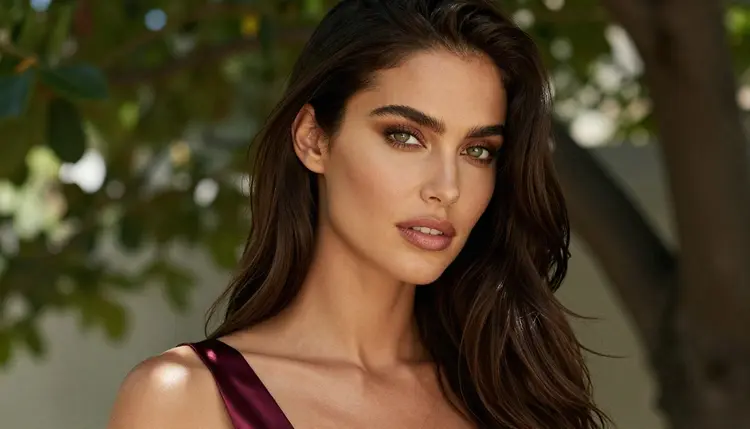
Consistency is the part that needs attention. A model does not remember the last picture, so the same woman across several images depends on how you write her. Keep a fixed description of face, hair and styling and paste it into every prompt. When a model accepts reference images, attach the picture you like and mention it with its @1 badge. That is the most reliable way to keep a look steady across a set.
Formats are where Picasso IA gives you more room than a single image generator. You can go from a still to a clip without leaving the app, and you can pick between photoreal, illustrated and print-ready output depending on the model. The catalog titles are the guide here: 4K for Seedream 4.5 and LTX 2.3 Pro, 2K for Recraft V4.1 Pro, up to 10 seconds for Seedance 2.5 Lite.
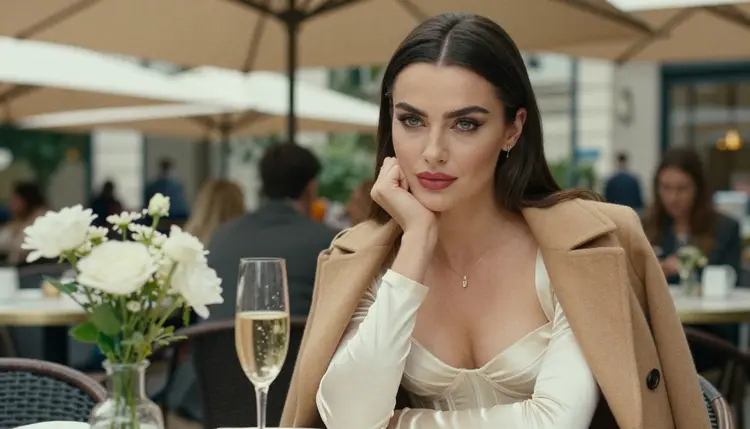
What does not carry over is anything that is not a picture or a video. Picasso IA makes images and clips of fictional characters. It is not a chat companion, it does not hold a conversation as a character, and it does not roleplay. If what you want is a text conversation, a chat product is the right category and this is not it. If what you want is the visual side of a character, this is exactly the job.
This section is short on purpose. These are the rules that apply to everything you make on Picasso IA, and they are not up for negotiation.
Picasso IA is for adults only, 18+. If you are under 18, do not use the adult models or the pages in this section.
Every character is a fictional adult. Do not prompt for a real or identifiable person, a celebrity or anyone you know, and do not describe anyone who could read as a minor. Pictures here are glamour, boudoir, swimwear and implied intimacy, never explicit content.
What you generate is private by default. It is tied to your account and not published or shown to other people. If you choose to share an image yourself, that is your call, and the same rules still apply to what you share.
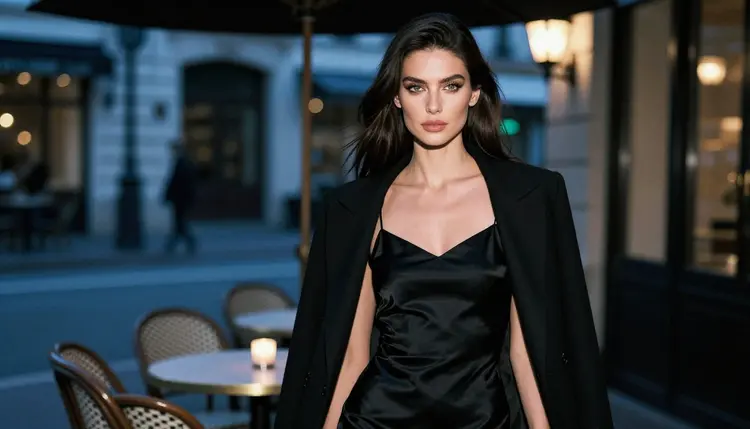
Be honest about what you need. If you already have a setup in Perchance that gives you the pictures you want, in the style you want, with a workflow you like, there is no reason to leave it. Picasso IA is an alternative, not a replacement you must accept, and many people use two tools side by side. Check Perchance's current rules before you rely on it, because policies change.
Picasso IA fits better when you want to move between photoreal, illustrated and edited pictures in one place, when you want to turn a still into video, or when you want a clear refusal message with a recommended next model instead of a dead end. The full comparison goes into the differences in more detail.
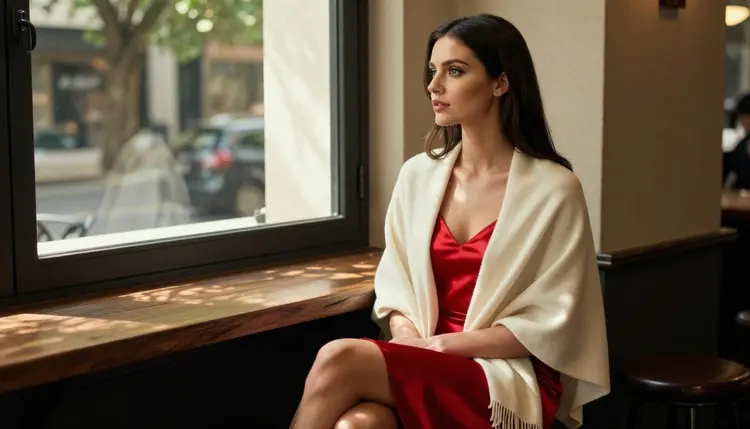
A new account can try a few generations for free on selected models: Picasso IA Image, Picasso Image Editor Pro, Picasso IA Video and Seedance 2.5 Lite. It is a small free trial, not access to the whole catalog. Plans, prices and unlimited options are on the pricing page, and credits per generation vary by model and options such as resolution or duration.
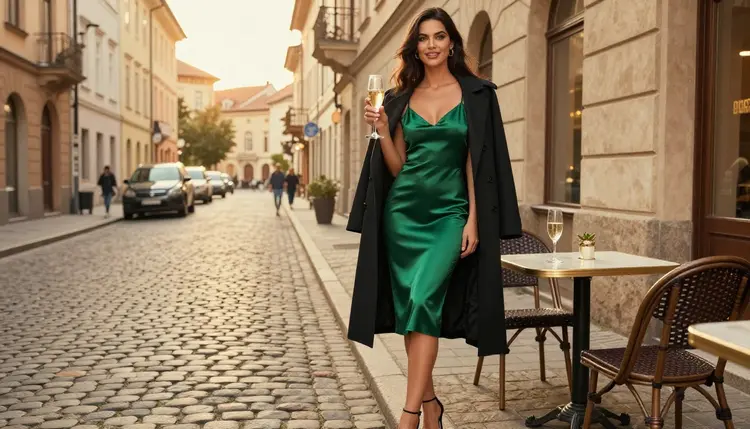
If you want a gentler starting point before you move over, read the guide to Seedream 4.5 for NSFW images. Readers who are comparing several image tools also find the Midjourney alternative guide useful for the art side of things, and the SoulGen alternative page for the video side.
Is Picasso IA a good Perchance alternative for NSFW images?
It can be, if you want suggestive, glamorous pictures of fictional adults and the option to move into video. Picasso IA is a separate product and is not affiliated with Perchance. Try a confirmed model such as Seedream 4.5 and judge the result against your own prompts.
Which Picasso IA models are confirmed for adult prompts?
Three image models and three video models: Seedream 4.5, Recraft V4.1 Pro, Picasso Image Editor Pro, LTX 2.3 Pro, Picasso IA Video and Seedance 2.5 Lite. Confirmed means Picasso IA tested adult prompts on them repeatedly and saw them generate. It is the app's own testing and the maker can change a model at any time.
What happens when a model refuses my prompt?
The app shows a message titled "Content Not Supported by This Model". It recommends models that accept adult prompts and carries your prompt over, so you do not have to type it again. You can pick one of the suggestions and run the same text.
Can I use my Perchance prompts in Picasso IA?
Mostly yes. Descriptions of wardrobe, light, lens and setting are plain text and work in any text to image model. Paste your prompt into the toolkit, pick a model, and adjust. Different models read the same words a little differently, so expect small edits on the first runs.
How do I keep the same woman across several images?
Write one fixed description of face, hair and styling and reuse it in every prompt. If the model accepts reference images, attach your favorite picture and refer to it with its @1 badge. The same description plus a reference is the steadiest way to keep a look consistent.
Can I turn an image into a video?
Yes. Take a still you like to Picasso IA Video, which accepts text or an image, or try Seedance 2.5 Lite for clips listed up to 10 seconds. Ask for a simple move such as a slow push-in or a turn of the head.
Does Picasso IA work as a chat companion?
No. Picasso IA makes pictures and videos of fictional characters. It does not chat, roleplay or hold a conversation as a character. If you want a text conversation, look at a chat product, and use Picasso IA when you want the visual side of a character.
Are the pictures I make private?
Yes, generations are private by default. What you create is tied to your account and is not published or shown to others. Only you decide whether to share an image, and the adults-only, fictional-only rules still apply to anything you share.
What is not allowed on Picasso IA?
The service is 18+ only, and every character must be a fictional adult. No real or identifiable people, no celebrities, and no one who could read as a minor. The pictures stay suggestive and glamorous, such as boudoir, lingerie and swimwear, and never explicit.
Is there a free way to try it?
A new account gets a small free trial on selected models: Picasso IA Image, Picasso Image Editor Pro, Picasso IA Video and Seedance 2.5 Lite. It does not cover the whole catalog. Details on credits and unlimited options are on the pricing page.