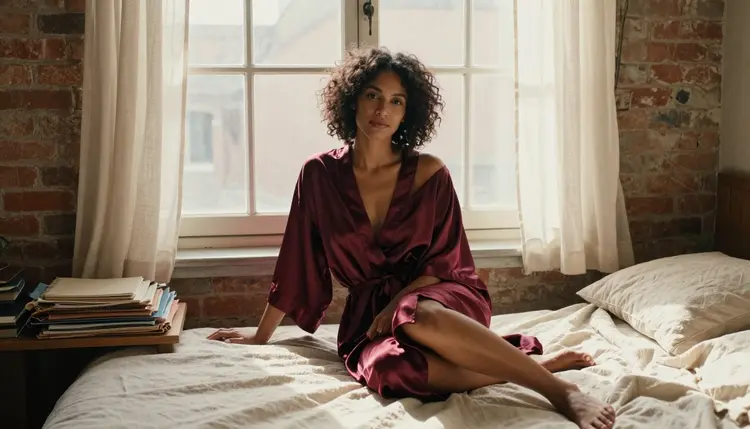
Ask Seedream 4.5 for a flirty portrait with a one-line prompt and the result looks generic, a little stiff, nothing like the reference image in your head. Ask it again with the same idea broken into wardrobe, light and pose, and the second image looks like it was shot, not guessed at. The gap between those two results is not luck, and it is not about which model you picked. It is wording, and it is the same handful of moves whether you are building a single portrait or a full scene.
Picasso IA confirms six models as uncensored out of its entire catalog: Seedream 4.5, Qwen Image 2, Recraft V4.1 Pro, Picasso Image Editor Pro, Picasso Video and LTX 2.3 Pro. This guide focuses on the first three, the ones built for straight text-to-image work, and walks through what actually changes a result across them. Nine example outputs sit inline below so you can see what each move produces, not just read a claim about it, alongside the five steps that turn a vague idea into a prompt a model can act on.
Most people write an adult prompt the same way they write any other prompt: a subject, an adjective, done. That works for a landscape, where the model fills gaps with something reasonable. It does not work here, because a vague prompt gives an uncensored model nothing specific to render, so it defaults to the blandest possible reading of the words, and it gives a filtered model an easy excuse to reject the request outright. The fix is not a longer prompt. It is a more decided one: a wardrobe, a light source, a pose and a mood, stated as facts rather than hinted at.
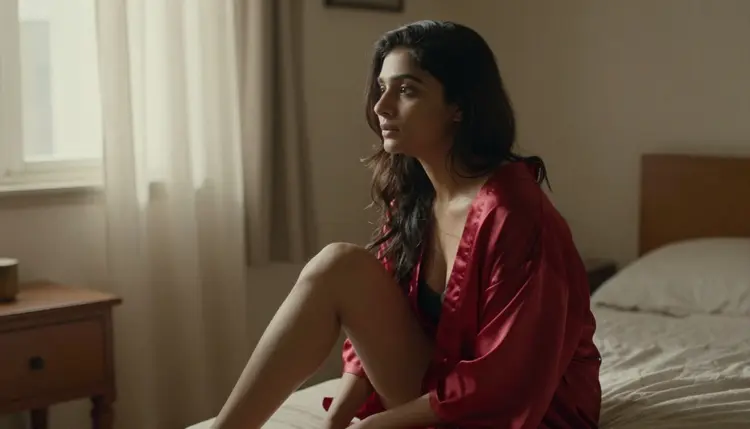
Seedream 4.5 rewards this kind of specificity because it is built for photoreal detail, and the difference between a stated fact and an implied one shows up in the skin, the fabric and the shadow it renders. A prompt like "a woman in a red silk robe, sitting on the edge of a bed, soft window light, late afternoon" produces something close to reference photography. A prompt like "an attractive woman in her room" produces a flat, generic figure, because there was no decision in the sentence for the model to act on.
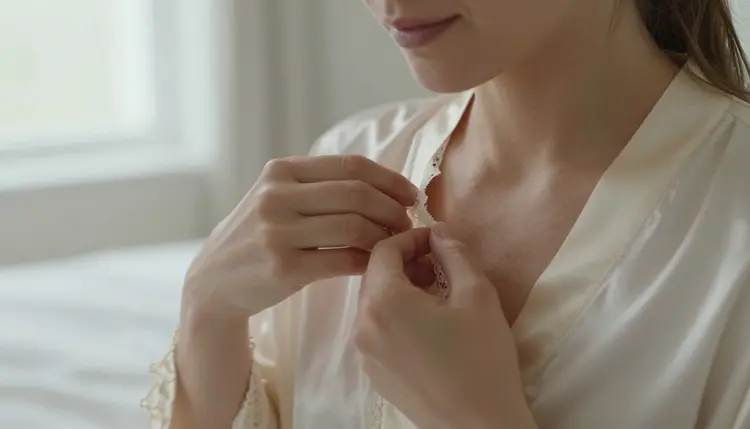
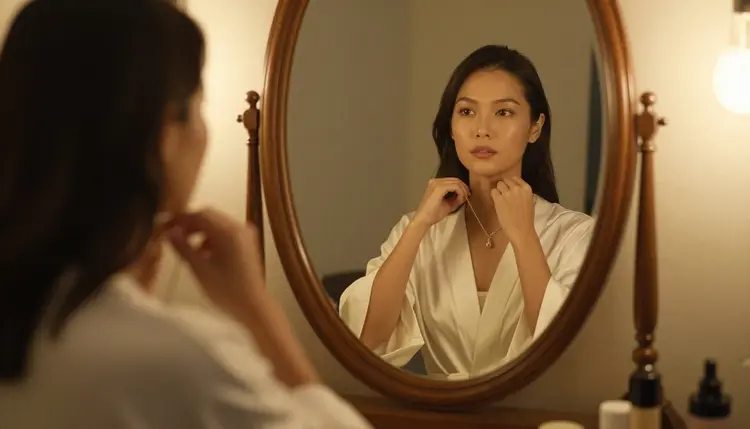
Small physical details carry more weight than adjectives do. "Lace-trimmed collar, fingers adjusting the fabric, natural window light" gives the model three concrete things to render in one frame, and all three are visible in the result rather than left to guess. That is the whole method in miniature: replace a mood word with the object, the light and the gesture that would actually produce that mood in a photograph.
Picasso IA does not filter every model in its catalog the same way. Most of the models apply a safety layer somewhere in the pipeline, and an adult prompt sent to one of them comes back rejected regardless of how it is phrased. Six models are confirmed to generate this kind of content directly, without that filter stepping in, and this guide leans on three of them for its examples.
Every other model on the site, including well-known names like Nano Banana, Sora, Veo, Kling, GPT Image 1 and DALL-E 3, is not confirmed to behave the same way and should be treated as filtered until proven otherwise. That matters for how you write, not just which model you open. A prompt tuned for Seedream 4.5's photoreal reading will not automatically read the same way on Recraft V4.1 Pro's illustrated one, and Qwen Image 2 tends to reward a denser, more literal description than either.
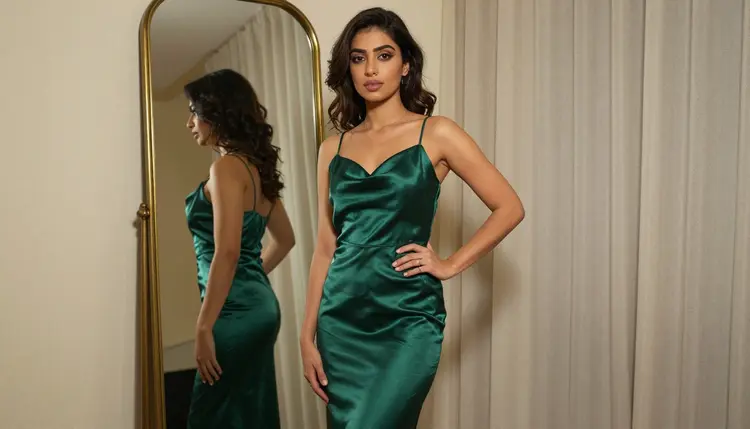
Recraft V4.1 Pro takes the same kind of prompt and pushes it toward illustration rather than photography, so naming the medium helps: "digital illustration, emerald satin gown, gold-framed mirror, warm interior light" reads differently there than a bare description would, because the model is already leaning stylized and the prompt should lean with it instead of fighting it.
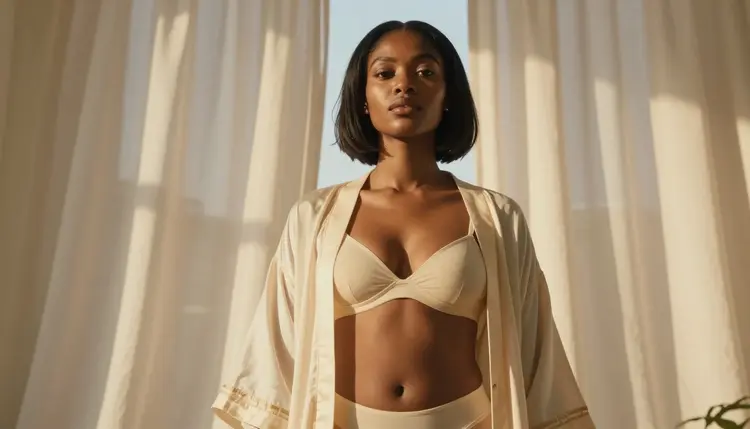
Seedream 4.5 handles backlight particularly well once it is named directly. "Backlit by sheer curtains, soft rim light on the shoulders" is a camera instruction, not just a scene description, and it produces a noticeably different result than "sunny room" would on its own.
None of this depends on a longer prompt or a trick phrase. It comes down to five decisions, made in order, before the generate button gets pressed.
- Pick a confirmed uncensored model. Open the toolkit and choose Seedream 4.5 for a photoreal result, Qwen Image 2 for a denser, flexible description, or Recraft V4.1 Pro for an illustrated one, since these are the models confirmed not to reject an adult prompt outright.
- Name the wardrobe, not just the mood. Swap a vague adjective for the actual garment, fabric and one detail, such as a collar, a strap or a hemline, because the model renders objects far more reliably than it renders feelings.
- State the light source and the time of day. Window light, backlight, lamp light or golden hour each produce a different image from the same pose, so naming one is doing real work, not decoration.
- Describe the pose and the camera angle in plain language. A vague prompt produces a vague result, while a stated angle, such as three-quarter or seated at a vanity, gives the model one clear composition to build instead of several to average between.
- Generate, then refine with the image editor instead of rewriting from zero. If one detail is off, such as a hand or a fold of fabric, send the result to Picasso Image Editor Pro rather than throwing away a prompt that mostly worked.
Four categories of detail do almost all of the work across Seedream 4.5, Qwen Image 2 and Recraft V4.1 Pro: wardrobe, light, pose and setting. Each one replaces a vague adjective with something the model can actually render, and stacking two or three of them in one sentence tends to outperform a long list of separate mood words.
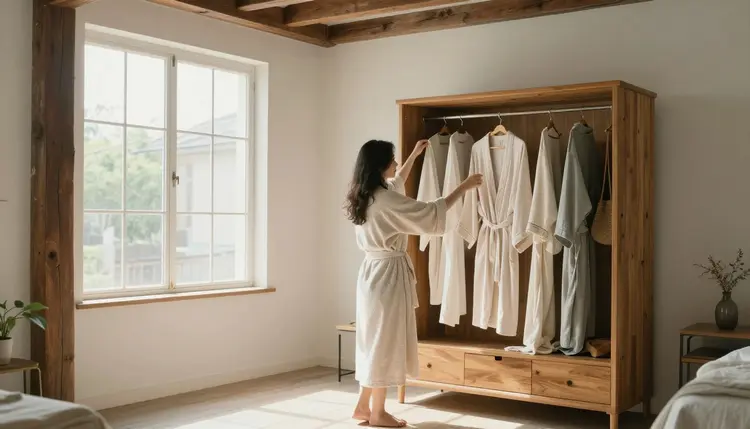
Wardrobe language works best as object plus material plus one detail: "silk robe, loosely tied, sunlit loft bedroom" gives Qwen Image 2 three concrete things to place in the frame, rather than one adjective it has to interpret on its own. Naming the room matters almost as much as naming the outfit, since it sets the light the model reaches for by default.
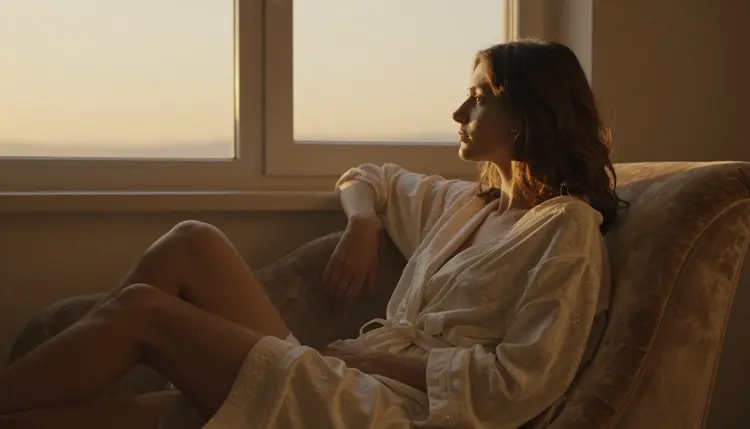
Light language is the single highest-leverage addition to a short prompt. "Golden hour, warm light through a large window, relaxed pose in an armchair" tells the model far more than "cozy evening scene" does, because golden hour is a specific, repeatable lighting condition rather than a feeling the model has to guess its way toward. The same sentence structure, subject plus light plus pose, carries across all three models even though the finished look differs between them.
Everything on this page, and everything the six confirmed models generate, has to stay fictional and adult. Every figure has to be an invented person, described from imagination rather than copied from a real one, and nothing in a prompt should describe someone who could read as a minor, however the wording is dressed up. That is 18+ content by definition, not a suggestion layered on top of it, and it is the actual boundary of what this feature is for.
Do not name a real person, reference a real face or body, or use a fictional label to describe someone who is not clearly an adult. None of the six confirmed models change that rule. They only change whether an adult prompt gets filtered before it reaches generation, nothing about who or what is allowed to appear in it. Privacy works the same way it does everywhere else on Picasso IA: what you generate is yours by default, not published, browsed or shared without you choosing to.
Describing a feeling instead of a scene. "Sensual and romantic" tells a model almost nothing it can render directly, while "candlelight, silk sheets, three-quarter angle" gives it three objects and a camera position to work from.
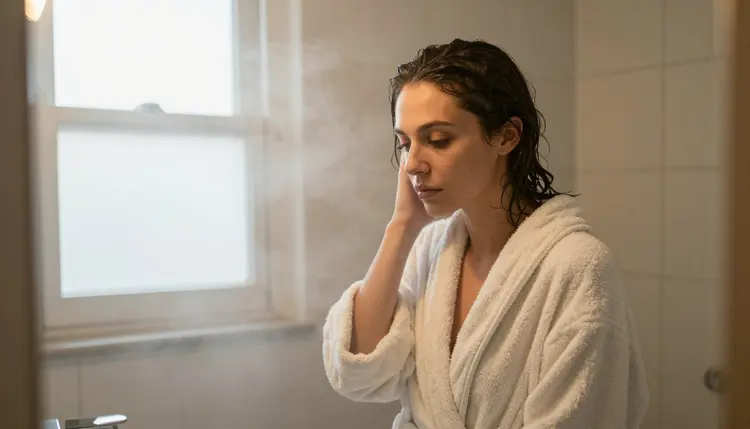
Stacking too many settings in one prompt. A bathroom, a balcony and a bedroom in the same sentence forces the model to average three different lighting setups into one confused frame. Pick one setting, describe it well, and generate a second version for a different one instead of trying to fit both into a single prompt.
Skipping the camera angle entirely. Without one, most models default to a straight-on medium shot every time, which is why so many first attempts look similar to each other regardless of the wardrobe or the mood described. A stated angle, close-up, three-quarter, from behind at a window, changes the composition more than another adjective ever will.
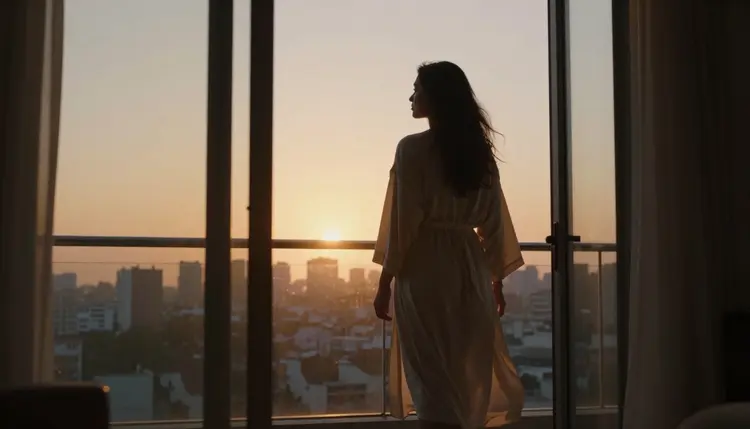
Trying to reword a prompt to sneak past a filter. If a model rejects an adult prompt, rewording it rarely helps and is not the supported move on Picasso IA. The fix is switching to one of the six confirmed models, which carries the same prompt over so nothing has to be retyped, rather than disguising the same request over and over on a model that was never going to accept it.
What is the single biggest change I can make to a weak NSFW prompt?
Replace one adjective with an object, a light source and a pose. "Sensual" becomes "silk robe, window light, seated on the bed edge," and that single swap usually does more than doubling the length of the rest of the prompt.
Do I need different wording for Seedream 4.5 versus Recraft V4.1 Pro?
Somewhat. Seedream 4.5 rewards photographic language like backlight and rim light, while Recraft V4.1 Pro responds well to naming the medium directly, such as digital illustration, since it is already leaning stylized rather than photoreal.
Why does Qwen Image 2 need a denser prompt than the other two?
Qwen Image 2 tends to follow a literal, detailed description more closely than it fills in gaps on its own, so a prompt with three or four stacked details, wardrobe, light, pose and setting, generally outperforms a short one on this model specifically.
Can I describe a real person in an NSFW prompt?
No. Every character generated through Picasso IA's confirmed models has to be a fictional, invented adult, never the likeness of a real, identifiable person and never anyone who could read as underage, 18+ only, regardless of how the prompt is phrased.
What happens if I send an adult prompt to a model that is not one of the six confirmed?
The model applies its own filter and rejects the prompt. Picasso IA shows a message explaining that the content is not supported by that model and offers to carry the same prompt over to one of the six confirmed models instead of asking you to retype it.
Should I put the wardrobe or the lighting first in the prompt?
Order matters less than including both, but leading with the subject and wardrobe, then adding light and pose, tends to read most naturally to these models and mirrors how a real shot description would be written.
Can these same prompt techniques be used for video?
Yes. Picasso Video and LTX 2.3 Pro read a very similar structure, subject, wardrobe, light, setting, with motion or camera movement added on top, such as a slow pan or a gentle turn, rather than a completely different kind of prompt.
Is there a way to fix just one detail without starting over?
Yes. Picasso Image Editor Pro edits an existing image directly, so a hand, a fold of fabric or a background element can be corrected without rebuilding the whole prompt from the beginning.
Are there words I should avoid putting in a prompt?
Explicit anatomical terms tend to confuse these models more than they help, since the models respond better to wardrobe, light, pose and setting than to blunt descriptors. Suggestive, atmospheric language consistently produces a more controlled, intentional-looking result than a blunt one does.
Is it free to test these three models before subscribing?
New accounts on Picasso IA start with free credits that work across the whole catalog, including the six confirmed uncensored models, so the same prompt can be tried on Seedream 4.5, Qwen Image 2 and Recraft V4.1 Pro before deciding which one fits. Current plans are listed on pricing.