Hunyuan Image 3 is a text-to-image model from Tencent, and it sits in the Picasso IA catalog under a title that says exactly what it does: it creates sharp AI images from a written prompt. What nobody here can tell you yet is how it reacts to adult prompts. Picasso IA has not run the repeated tests that would put it on the confirmed list, so the honest label is untested. It might generate your frame, it might refuse it, and this page shows you how to find out in a couple of minutes without losing your work.
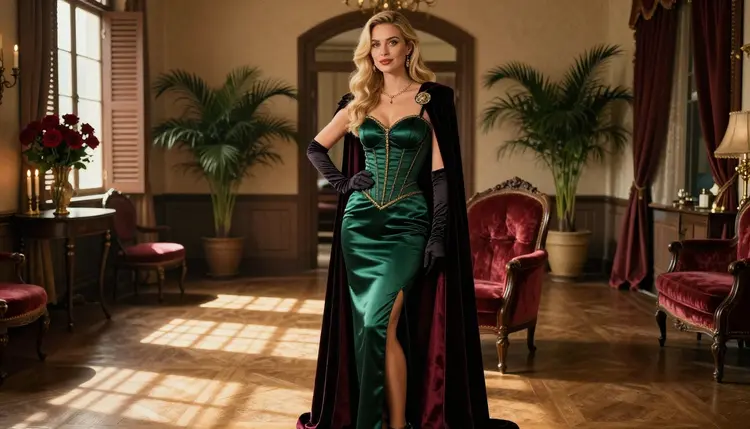
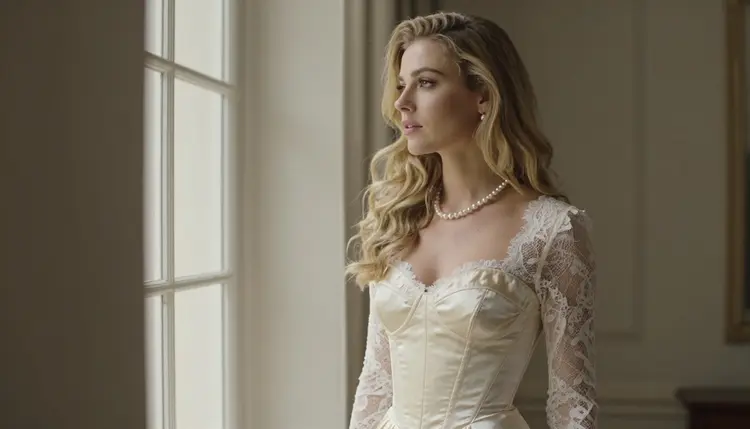
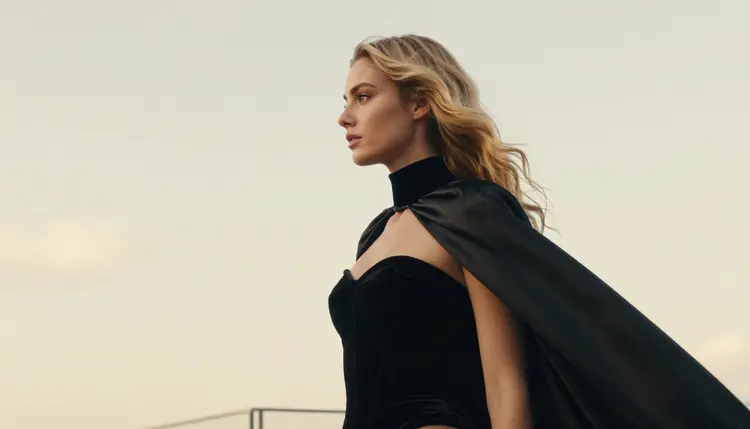
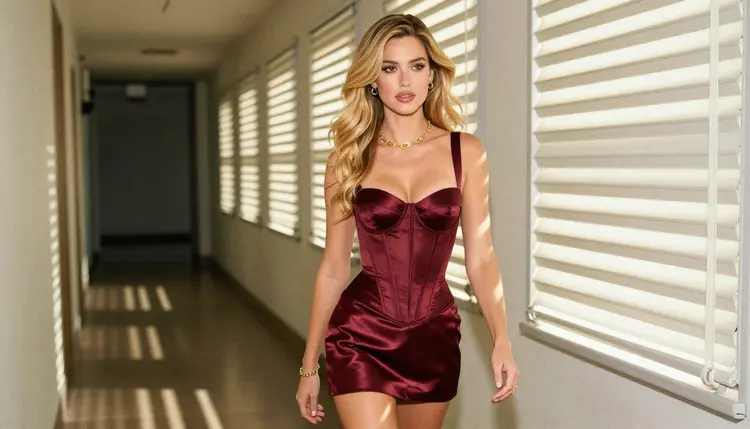
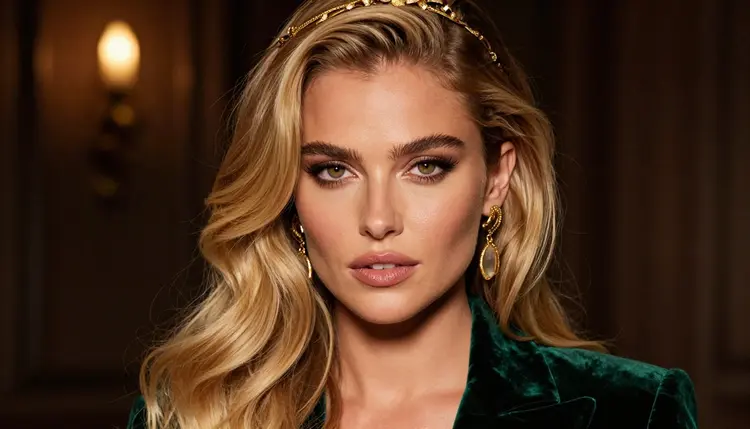
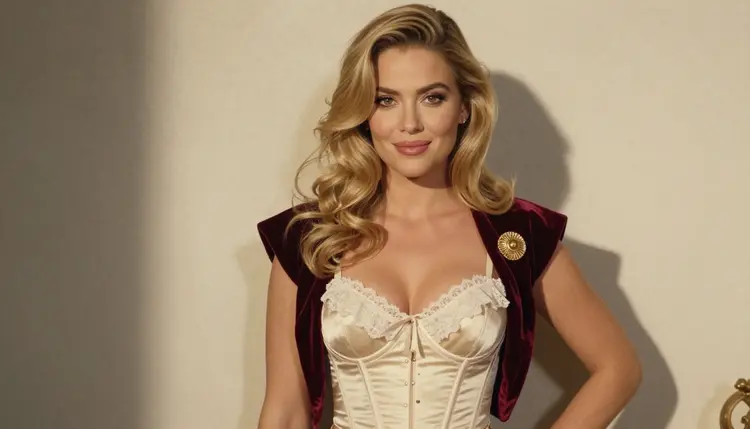
The pictures on this page come from the kind of prompt this model suits best: a detailed adult portrait with an elaborate costume. Corsets, velvet, satin, opera gloves, jewelry and soft period light. Everything here is suggestive and glamorous, never explicit, and every character is a fictional adult. You can try Hunyuan Image 3 in the toolkit the same way you open any other model.
In the catalog the model is listed as "Create Sharp AI Images with Hunyuan Image 3". That title gives you the task (text to image) and the promise (sharp results). It does not list a resolution, a clip length or any special option, so this page does not invent one. You write a prompt, you pick the model, and you get a still image back.
The model belongs to the Hunyuan family from Tencent, and the catalog also carries other models you can compare it with. If you came here after reading about the family in general, the page on Hunyuan NSFW covers the same question from the family side. This page is about one specific model and one specific kind of picture.
Why would you try it for costume portraits? Because elaborate wardrobe is a good stress test for any image model. A gown with a laced corset, a velvet cape, a gloved hand with a ring and a gold headpiece asks the model to keep fabric, metal, skin and light consistent in one frame. If a model handles that well, it will handle simpler boudoir or swimwear prompts too. You see the answer in one generation instead of guessing from a description.
Its status here is untested. That word has a precise meaning on Picasso IA, explained in the next section, and it is not a warning. Many models in the full catalog are in the same position: real, working models that nobody has tested against adult prompts often enough to give a verdict.
On Picasso IA, a model is confirmed when we tested adult prompts against that exact model repeatedly and watched it generate instead of reject. Confirmation is our own observation. It is not a published setting from the model's maker, and a maker can change how a model behaves at any time. The page that explains this in detail is what confirmed means.
Untested is the other side of that line, and it is simply the absence of a verdict. It does not say the model is filtered. It does not say the model is filter-free. We have no repeated results to report either way, so we do not report any. That is why this page says "worth a try" and nothing stronger.
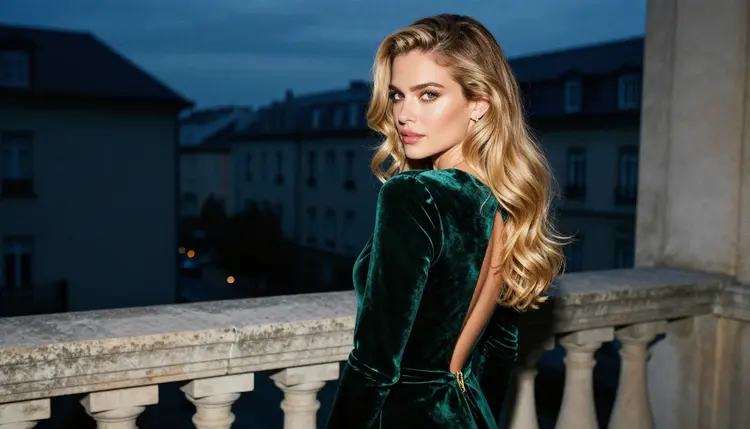
In practice this changes how you work. With a confirmed model you can plan a whole session around it. With an untested one you run a single test prompt first, read what comes back and decide. A test prompt should be clean and specific: a fictional adult, a costume, a setting, a light source. If the result matches, keep going with the same model. If it does not, you have lost one generation and learned something.
The second thing untested means is that results can differ from one prompt to the next. A refusal on one wording does not prove a refusal on every wording, and a success does not prove the model will accept everything. Treat each result as information about that prompt only.
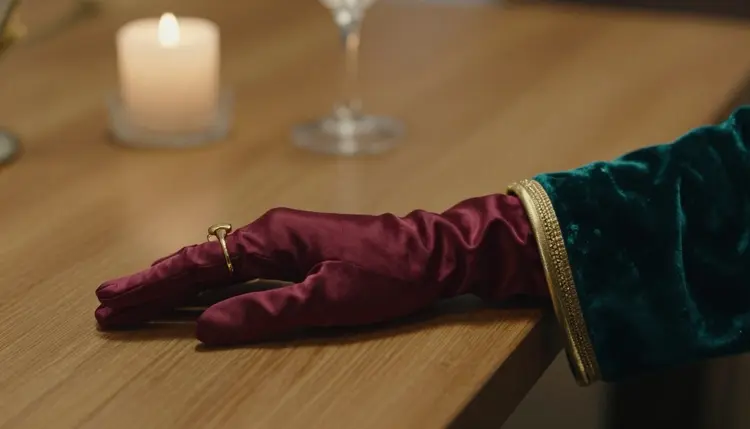
The routine is short and the same every time. You open the model, write one careful prompt, read the result, recognise a refusal if it appears and switch to a confirmed model when you need to. Each step is a few seconds of work.
- Open the model. Go to the toolkit, choose the text-to-image mode and select Hunyuan Image 3 from the model list, or open its page from the catalog and start from there.
- Write a clean adult prompt. Describe one fictional adult woman or man, the wardrobe in plain words (ivory satin corset gown, black velvet bodice, long gloves), the setting, the light and the lens. Keep it glamorous and suggestive, never explicit.
- Generate and read the result. Run the prompt and look at the image closely: fabric edges, hands, jewelry, the face. A sharp, coherent frame means the prompt worked on this model. Save the wording that worked.
- Recognise a refusal. If the model declines, the app shows a message titled "Content Not Supported by This Model". That is not an error on your side. It means this model did not accept this prompt.
- Switch with one tap. The message recommends models that accept adult prompts and carries your prompt over, so you retype nothing. Pick one, such as Seedream 4.5, and generate again.
Two habits make the test cleaner. First, change one thing at a time. If a prompt is refused, do not rewrite everything: adjust the wardrobe or the pose and run it again. Second, keep your prompts adult in subject and photographic in language. Words about camera, lens and light give an image model more to work with than adjectives do.
When Hunyuan Image 3 does not give you the frame you want, you do not stop. The confirmed models are the ones Picasso IA tested repeatedly with adult prompts and watched generate. Here they are, with what each is best for.
How do you choose? For costume portraits that look like photographs, start with Seedream 4.5: it is the closest match to what Hunyuan Image 3 is meant to do, a text-to-image model aimed at detailed pictures. If you want the same outfit as a poster or a stylised illustration, Recraft V4.1 Pro is the better fit, because it is built for print-ready design work at 2K.
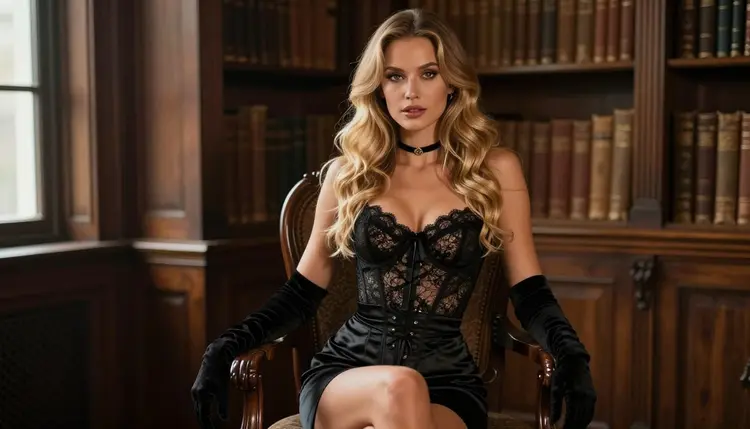
Picasso Image Editor Pro is the right move when you already have a frame you like and only want to change one part of it, for example the color of a cape or the light in the background. It edits an existing image instead of generating a new one, and it carries the infinity tag in the catalog.
The video models matter once a still works. A costume portrait is a good starting point for motion: a slow turn, a cape moving, candlelight flickering. LTX 2.3 Pro makes 4K video from text, Picasso IA Video accepts text or an image, and Seedance 2.5 Lite is listed for clips up to 10 seconds. The usual order is to settle the still first and then animate it.
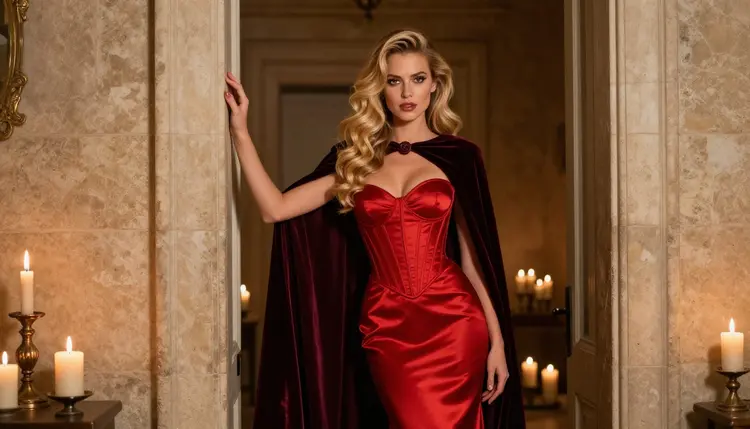
This section is short and it applies to every page and every model. Picasso IA is for adults only. You must be 18 or older to use the adult tools, and the content here is made for adults.
Every character you generate must be a fictional adult. Do not use the name, face or likeness of a real person, and never describe anyone who could read as a minor. Prompts that try to do either are outside what this section is for, and you should not write them.
What you create is private by default. It is tied to your account and not published or shown to other people. You decide what to do with the images afterwards, and you remain responsible for using them lawfully and respectfully.
A new account can try a few generations for free on selected models: Picasso IA Image, Picasso Image Editor Pro, Picasso IA Video and Seedance 2.5 Lite. That is a small free trial on selected models, and it does not cover the whole catalog. Hunyuan Image 3 is not part of that list, so testing it spends credits like most models do. How many credits depends on the model and on the options you choose, and the pricing page has the details.
Models marked with the infinity tag do not spend credits on the plans that include unlimited generation. Hunyuan Image 3 does not carry that tag in the catalog. If you want to run many variations of a costume prompt, the confirmed Picasso Image Editor Pro and Picasso IA Video both carry it, and the pricing page explains which plans include it.
If you like the idea of testing models with a clean prompt, there are neighbors worth a look. Qwen Image 3 is another untested text-to-image model, and Qwen Image Edit does the same job for edits. The method is identical: one clean prompt, one careful read, and a confirmed model ready as the fallback. You can browse everything else in the full catalog.
Does Hunyuan Image 3 work for NSFW prompts?
Nobody can promise that. It is untested on Picasso IA, which means it may generate a suggestive adult portrait or it may refuse. Run one clean test prompt in the toolkit and read the result. If it refuses, a confirmed model is one tap away.
What happens if the model refuses my prompt?
The app shows a message titled "Content Not Supported by This Model". It recommends models that accept adult prompts and carries your prompt over, so you do not retype anything. You pick one of the suggestions and generate again with the same wording.
Which models are confirmed?
Seedream 4.5, Recraft V4.1 Pro and Picasso Image Editor Pro for images, plus LTX 2.3 Pro, Picasso IA Video and Seedance 2.5 Lite for video. Confirmed means Picasso IA tested adult prompts on each one repeatedly and watched it generate. This page explains it.
Can I generate pictures of real people?
No. Every character must be a fictional adult. Do not use the name, face or likeness of a real or identifiable person, in any model. Use a described character instead: hair, wardrobe, setting, light. That keeps the picture yours and keeps the page inside its rules.
Are minors allowed in any way?
Never. Picasso IA is 18+ only, and every character must be a fictional adult. Do not describe anyone who could read as a minor, and do not try to work around that with wording. The adult tools are made for adults and about adults.
How many credits does a generation cost?
It depends on the model and on the options you pick, so this page does not print an amount. The pricing page lists the plans and explains how credits work. Hunyuan Image 3 does not carry the infinity tag, so it spends credits like most catalog models.
Can I turn a Hunyuan Image 3 picture into a video?
Yes, as a second step. Save the image you like, then use a video model such as Picasso IA Video, which accepts an image, or Seedance 2.5 Lite for clips up to 10 seconds. Settle the still first.
Can I edit the result afterwards?
Yes. Picasso Image Editor Pro edits an image you already have, so you can change a color, a background or a detail without starting over. It is a confirmed model and carries the infinity tag in the catalog.
Are my images private?
Yes. What you generate is private by default, tied to your account and not published or shown to anyone else. You choose what to do with it. The adult-only and fictional-only rules still apply to every prompt you write.
Is there a free trial?
A new account can try a few generations for free on selected models, namely Picasso IA Image, Picasso Image Editor Pro, Picasso IA Video and Seedance 2.5 Lite. It does not cover the whole catalog, and Hunyuan Image 3 is not in it. See the pricing page.