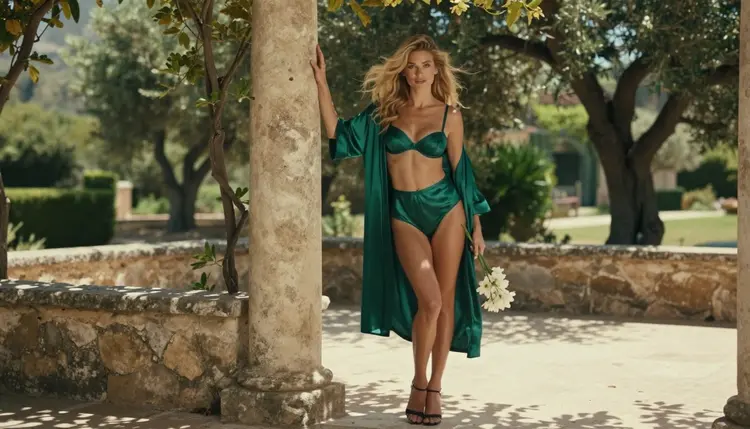
Kling v3 Video is a text to video model in the Picasso IA catalog, and people who make glamour and boudoir clips often ask whether it accepts adult prompts. The honest answer is that nobody here can promise either result. It has not been tested for adult content, so it may generate your clip or it may refuse the prompt, and the only way to know is to try it with a clean, well-written request.
This page explains what the model is, what the label "untested" means on Picasso IA, how to run a first attempt in five steps and what to do if the model says no. You will also find the video models that Picasso IA has tested repeatedly and watched generate adult prompts, so you always have a fallback that carries your prompt over without retyping.
Everything here is for adults. Every character is a fictional adult, nobody is a real person, and what you create stays private to your account by default. The examples talk about wardrobe, light, camera movement and mood: lingerie, satin robes, hotel hallways and rooftop terraces. They stay suggestive and never explicit.
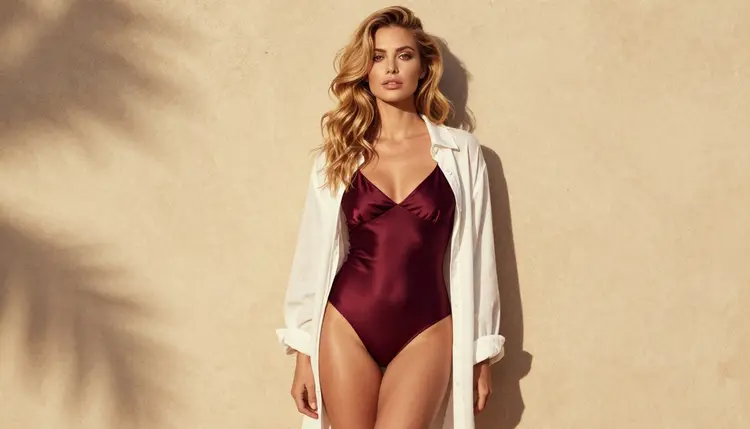
In the catalog, Kling v3 Video is listed under text to video with the title "Generate Cinematic Video with Kling v3 Video". That title tells you the job: you describe a scene in words and the model returns a moving clip with a cinematic look. It sits next to a sibling in the same family, Kling v3 Omni Video, which the catalog describes as text to 1080p AI video.
Both Kling models are regular catalog entries, which means you open them from the toolkit like any other model. You do not need a separate account or a separate app. You pick the model, write the prompt, press generate and wait for the clip.
For glamour work, the word "cinematic" is the useful part of the title. A cinematic clip is built around camera behavior: a slow push toward a doorway, a dolly along a hotel corridor, a handheld follow behind a woman walking through a loft. If your idea depends on movement and atmosphere instead of a single frozen pose, a video model is the right kind of tool, and Kling v3 Video is a reasonable one to try.
What this page will not do is describe details the catalog title does not state. It will not quote clip lengths, frame rates or option lists for this model, because those belong on the model page and can change. Open the model page in the toolkit to see the options it currently offers.
Its status on Picasso IA is simple: untested. That is a statement about our knowledge, not about the model.
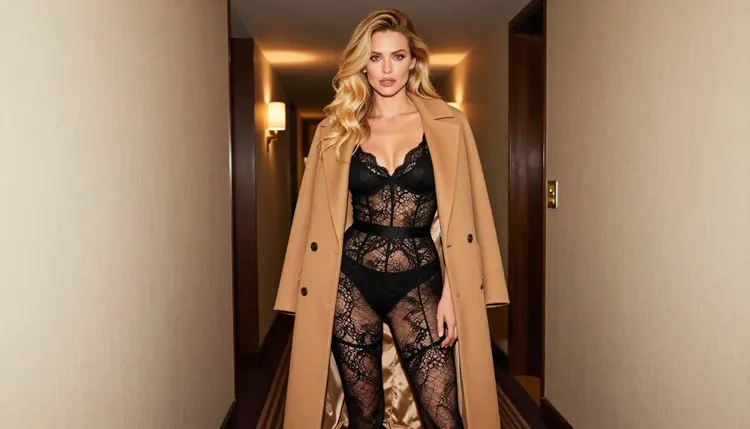
Picasso IA keeps a short list of confirmed models. Confirmed means the team ran adult prompts against that exact model repeatedly and watched it generate instead of reject. It is a result of our own testing, not a published setting from the model's maker, and a maker can change how a model behaves at any time. The full explanation lives on the page about what confirmed means.
Untested is the opposite of a verdict. It does not mean the model is filtered, and it does not mean it is filter-free. It means Picasso IA has no repeated, observed result to report. Kling v3 Video falls in that group, along with most of the catalog.
In practice, that leaves you with a short experiment. Write a prompt that stays inside the adult, fictional and suggestive line, run it and read what comes back. Three outcomes are possible:
If the clip generates, you have your answer for that prompt. Keep in mind that one successful run does not make the model confirmed, and a prompt with different wording can behave differently.
If the model refuses, Picasso IA shows a message titled "Content Not Supported by This Model". It recommends models that accept adult prompts and carries your prompt over, so nothing needs retyping.
If the clip generates but the result is not what you pictured, treat it like any other video attempt: change the camera instruction, the light or the wardrobe and run again.
Nothing on this page claims anything about what happens to your credits on a refused generation. For anything about cost, check the pricing page.
The steps below take a few minutes. Read the lead-in, then follow the list in order.
- Open the model in the toolkit. Go to the toolkit and choose Kling v3 Video from the video models, or open its model page and start from there.
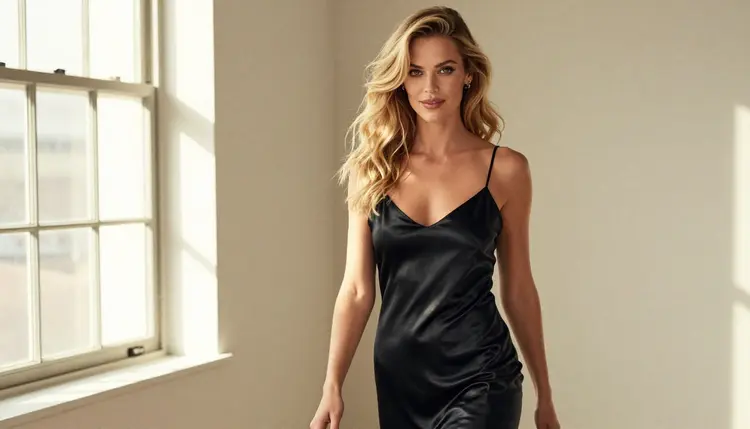
- Write a clean adult prompt. Describe one fictional adult woman or man, the wardrobe, the place, the light and one camera move. Keep it suggestive, for example a woman in a black satin slip walking through a loft in hard morning sun, slow tracking shot.
- Generate and read the result. Press generate and wait for the clip. Watch it twice: first for the overall mood, then for details such as fabric motion and how the camera moved.
- Recognize the refusal message. If the model rejects the prompt, you will see "Content Not Supported by This Model". That is the signal to stop adjusting the wording and switch, not a sign that something broke.
- Switch to a confirmed model. Accept one of the recommended models. Your prompt is carried over, so you press generate again and compare the result with your first attempt.
A good first prompt is short and visual. Name the subject, the clothes, the setting, the light and the movement, then stop. Long prompts that pile on instructions tend to produce muddled clips, and they give you less information about what actually triggered a refusal if one happens.
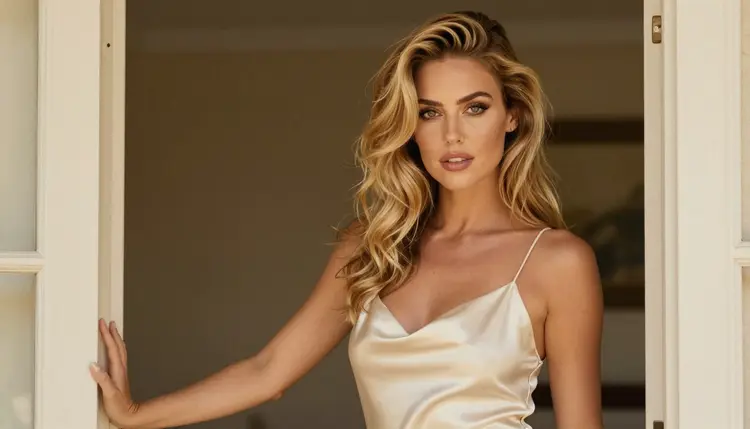
Prompt example: a woman with long wavy golden-blonde hair in an ivory satin slip leans on a doorframe, late-afternoon side light, slow push in, 24mm lens, film grain, mature adult.
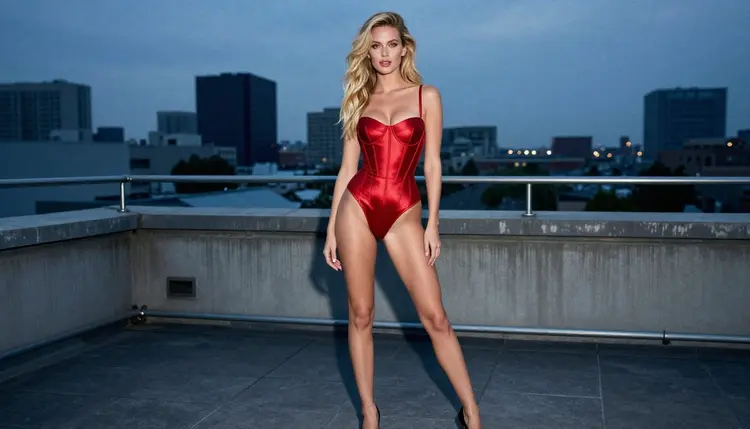
If Kling v3 Video refuses, or if you simply want a result you can count on, use one of the models below. These are the models Picasso IA has confirmed for adult prompts. The first three are video models and the last three make or edit still images, which matter when your clip starts from a picture.
Choosing between them depends on where your idea starts. If you only have words, Picasso IA Video, Seedance 2.5 Lite and LTX 2.3 Pro all work from text. If you want the highest resolution the catalog lists, LTX 2.3 Pro is described as 4K video from text. If you already have a picture you like, Picasso IA Video accepts an image as the starting frame, so you can animate a still instead of describing everything again.
A common workflow is two steps. First make the still you want with Seedream 4.5, fix small things with Picasso Image Editor Pro, then send that image to a video model so the wardrobe, hair and light stay the same from frame to frame. The page with 15 image to video prompts has wording you can copy for the movement part.
For a longer look at how Seedance behaves with adult scenes, read NSFW video with Seedance 2.5. Note that Seedance 2.5 and Seedance 2.5 Lite are different models, and only the Lite version is on the confirmed list.
Picasso IA is for adults. You must be 18 or older to use the adult features, and the content you make is meant for adult audiences only. If you are not 18, do not use this page or these models.
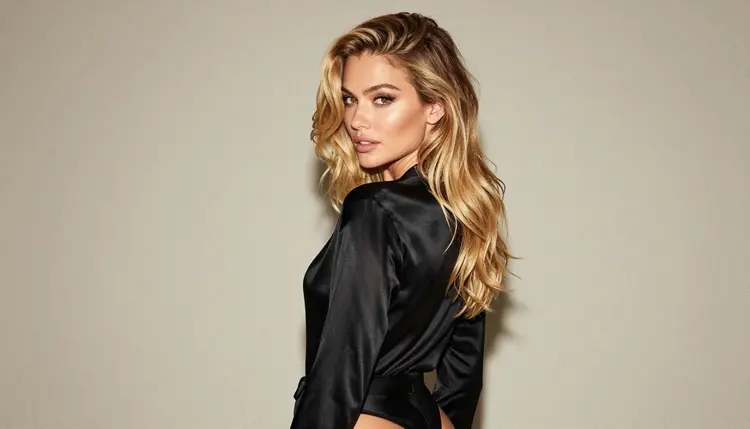
Every character you create must be a fictional adult. Do not write prompts about real or identifiable people, including celebrities, and do not describe anyone who could read as a minor. A prompt that does either is outside the rules, whichever model you use. The pictures on this page show a fictional woman made with AI, in the same spirit.
What you generate is private by default. It is tied to your account and not published or shown to other people. Sharing it later is your own decision, and the same rules about adults and fictional characters apply wherever you post it.

A new account can run a small free trial on selected models. Kling v3 Video is not one of them: the trial covers Picasso IA Image, Picasso IA Editor Pro, Picasso IA Video and Seedance 2.5 Lite. That makes the trial a good way to test your wording on a video model before you spend credits elsewhere. Details are on the pricing page.
Credits are what a generation costs on most models, and the cost varies by model and by options such as resolution or duration. Models marked with the infinity tag in the catalog, such as Picasso IA Video and Seedance 2.5 Lite, do not spend credits on the plans that include unlimited generation. Kling v3 Video carries no such tag in the catalog, so expect it to use credits.
Other untested models are worth a try for the same reason. Kling v3 Omni Video is the closest relative, and its catalog title says text to 1080p AI video. The same experiment applies: write a clean prompt, read the result, and switch if you see the refusal message. If you want to see how Picasso IA compares with the Kling service itself, there is a side-by-side page for Picasso IA and Kling AI. Picasso IA is not affiliated with Kling, and the rules of that service can change, so check its current rules.
Another related read is Kling AI NSFW video generation, which looks at the same question from the angle of finding an uncensored video model instead. For still images from an untested model, see Flux 2 NSFW. To browse everything else, open the full catalog.
Does Kling v3 Video work with NSFW prompts?
Picasso IA has not tested it, so there is no confirmed answer. It may generate a clean, suggestive adult prompt or it may refuse. Try one prompt, read the result, and if you see the refusal message, switch to a confirmed model with your prompt carried over.
What happens if the model refuses my prompt?
Picasso IA shows a message titled "Content Not Supported by This Model". It recommends models that accept adult prompts and carries your prompt over to them, so you do not retype anything. Pick one of the suggestions and generate again.
Which video models are confirmed for adult prompts?
Picasso IA Video, Seedance 2.5 Lite and LTX 2.3 Pro are the confirmed video models. Seedream 4.5, Recraft V4.1 Pro and Picasso Image Editor Pro cover images and edits. Confirmed means we tested them repeatedly and watched them generate.
Can I use a real person or a celebrity in my prompt?
No. Every character must be a fictional adult. Prompts about real or identifiable people, including celebrities, are outside the rules on every model. Describe an invented woman or man by wardrobe, hair, setting and light instead.
Are minors allowed in any prompt?
Never. You must be 18 or older to use this section, and every character must be an adult. Do not write anyone who could read as a minor. All adult content on Picasso IA is for adults only and about fictional adults only.
How much does a Kling v3 Video clip cost?
The cost depends on the model and on options such as resolution or duration, so Picasso IA does not print a fixed number here. Open the model in the toolkit to see the cost before you generate, and read the details on the pricing page.
Can I animate a picture instead of writing a video prompt?
Yes, with Picasso IA Video, which takes text or an image. Make a still with Seedream 4.5, polish it with Picasso Image Editor Pro if needed, then use it as the starting frame so the look stays consistent through the clip.
What resolution does the model give me?
The catalog title for Kling v3 Video says cinematic video and does not state a resolution, so check the options on its model page. Its relative, Kling v3 Omni Video, is titled text to 1080p AI video, and LTX 2.3 Pro is listed as 4K video from text.
Are my generations private?
Yes. Generations are private by default: they are tied to your account and not published or shown to others. Anything you decide to share afterward is your choice, and the adults-only and fictional-only rules still apply to it.
Is there a free trial for video?
A new account can try a small free trial on selected models, which includes Picasso IA Video and Seedance 2.5 Lite. Kling v3 Video is not part of the trial. See the pricing page for the details of what the trial covers.