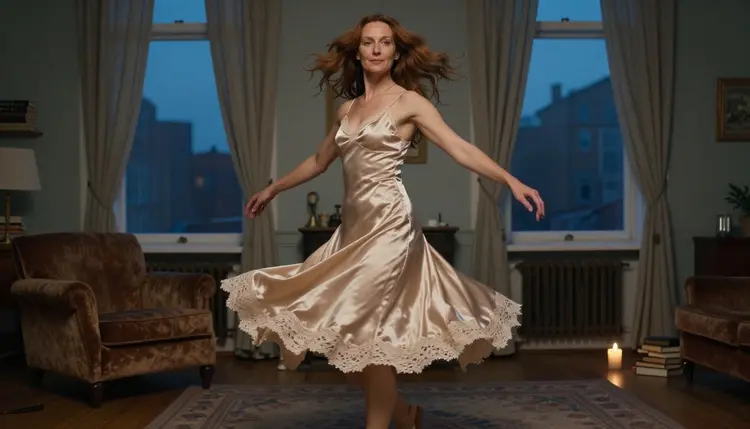
An image to video prompt does not describe the picture, because the picture is already there. It describes what moves: a skirt that swings out of a turn, hair that lands back on a shoulder, a curtain that lifts and falls. This page gives you 15 of them, written for adult, fictional characters and ready to copy into Picasso IA Video.
Everything here stays provocative at most: satin, silk, window light, candlelight, implied intimacy. Nothing is explicit, every character is an adult, and nobody is a real person. If you want the full workflow around one clip, turn a NSFW image into video walks through it from the first frame to the last.
A video model reads your still image as the first frame and your text as the instruction for what changes. When the text repeats what the picture already shows ("a woman in a black dress in a candlelit room"), the model has nothing new to act on and the clip tends to drift or barely move. When the text names one clear action, the clip has a direction.
That is why the best motion prompts are short and physical. They name the thing that moves (the hem, the hair, the curtain), the way it moves (flares, swings, lifts slowly) and, if you want it, what the camera does (holds still, pushes in). The picture carries the wardrobe, the pose and the light, so you do not need to restate them.
The frame matters as much as the sentence. A still that already implies motion gives the model an easy job: a dress caught mid-turn, hair frozen mid-flip, a sheet that has just started to rise. You can make that frame with Seedream 4.5 for photoreal results or Recraft V4.1 Pro for an illustrated look, then keep the same character and light in every clip you animate from it.
Picasso IA runs these prompts in the toolkit, where you attach a frame, type the motion and pick a model. A handful of models in the app are confirmed for adult prompts, and these are the ones that matter for this page. "Confirmed" means Picasso IA tested adult prompts against that exact model repeatedly and watched it generate instead of reject. It is not a published setting of the model's maker, and what confirmed means explains the limits.
| Model | Best for | Format |
|---|
| Picasso IA Video | Animating one still into a clip | Text or image to video, unlimited tag |
| Seedance 2.5 Lite | Clips with room for a longer motion | Listed up to 10 seconds, unlimited tag |
| LTX 2.3 Pro | Describing the whole scene in words | 4K video from text |
| Seedream 4.5 | Making the starting frame | 4K images from text |
| Picasso Image Editor Pro | Fixing a frame before animating it | Edits an existing image, unlimited tag |
Start with Picasso IA Video, since it takes an image as input and carries the infinity tag in the catalog, which means no credits on the plans that include unlimited generation. LTX 2.3 Pro is listed for text to video, so use it when you want to write the frame and the motion together; the motion sentences below work as text prompts too.
Any other video model in the full catalog is untested: worth a try, but not confirmed either way. If a model you like is not in the table, run the same prompt on it and see what comes back.
Follow the same short routine for every prompt below. It keeps the changes small, which makes it easy to see which word did what.
- Prepare the still. Generate or edit a frame with an adult, fictional character and a pose that already suggests movement, such as a mid-turn or a hand on a curtain.
- Pick the video model. Open the toolkit and choose a video model that accepts an image, starting with Picasso IA Video.
- Attach the frame. Add your image as the input. If the model accepts several inputs, each image gets an @1, @2 badge and you can refer to it in the prompt.
- Write one motion sentence. Name what moves, how it moves and what the camera does. Keep to one main action and skip any wardrobe or light the picture already has.
- Review and change one thing. Play the clip, then edit a single part of the prompt (the speed, the camera or the object) and generate again.
The first eight prompts use movement you can read in a single glance: fabric, hair and flame. Each one is written to be pasted after your frame is attached. Swap the wardrobe words for what your image shows.
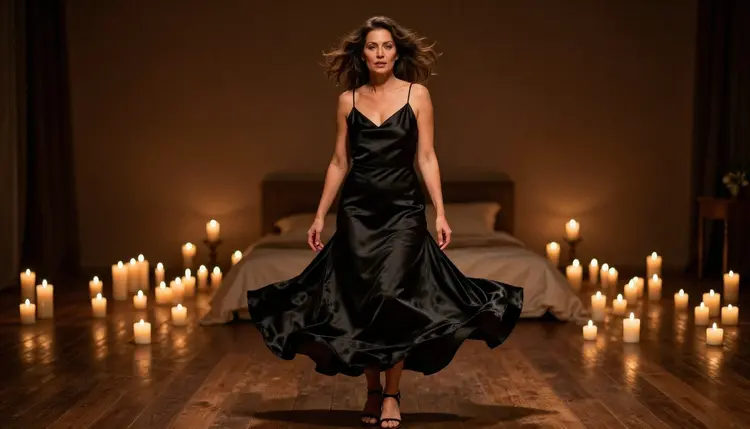
1. The Spinning Dress. "The woman turns slowly on the spot, the black satin skirt flares outward in a wide arc and settles, candle flames flicker, the camera holds still." Use it with a low-angle, full-length frame lit by candles.
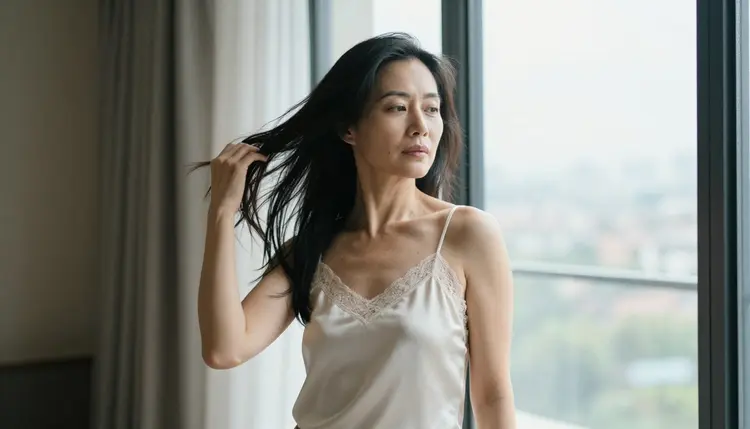
2. The Hair Flip. "She tosses her hair back over one shoulder, the ivory silk strap shifts slightly, the curtain beside the window lifts in a soft breeze." Best on a waist-up frame in overcast daylight.
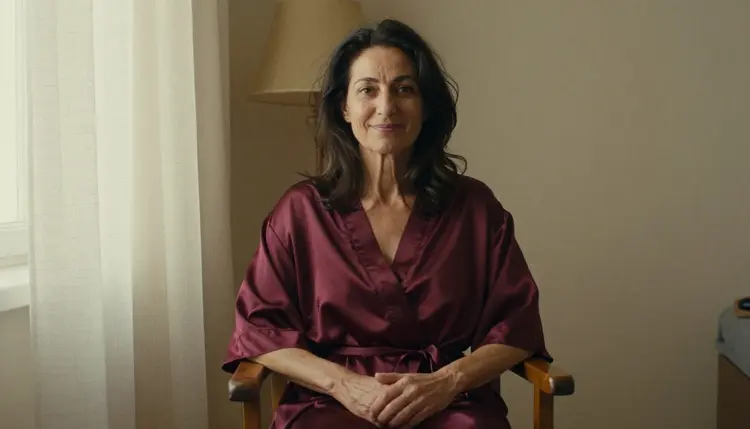
3. The Sheet Lift. "The sheet rises a few centimeters as if a fan is running, the burgundy silk robe ripples at the sleeve, warm lamp light flickers once." It suits an overhead view of a bed.
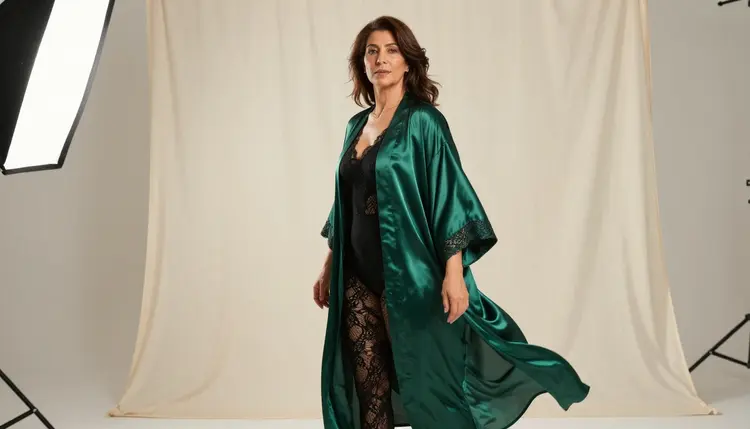
4. The Billowing Robe. "The emerald satin robe billows behind her as if caught by a fan, her hair lifts at the ends, the studio light stays soft and even." A wide environmental portrait gives the cloth room to move.
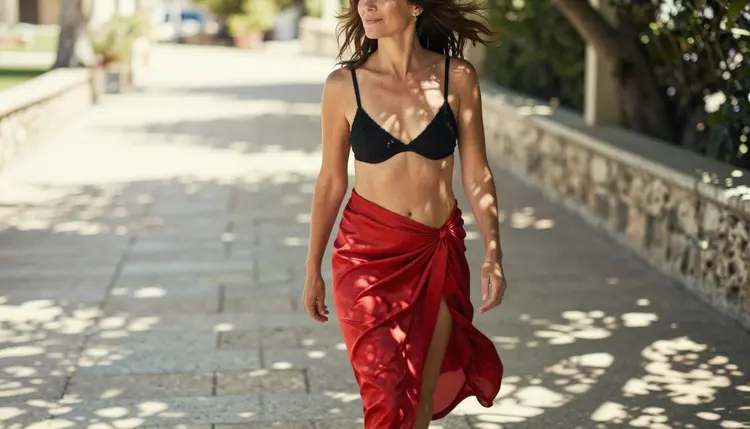
5. The Terrace Walk. "She walks forward along the stone terrace, the red silk wrap skirt swings with each step, patches of leaf shadow slide across the fabric." This one needs a three-quarter walking frame and dappled shade.
6. The Slow Turn. "She glances over her shoulder and turns her face toward the camera, a lock of hair falls forward, the camera pushes in a little." It works from an over-the-shoulder frame.
7. The Candle Flicker. "The flame sways, light moves across her cheek and collarbone, she breathes in slowly and her shoulders rise a little." A small, quiet motion is a good first test of a model.
8. The Belt Tie. "Her hands pull the silk robe belt into a loose knot, the fabric slides and settles at the waist, the camera stays on her hands." It works as a detail shot of hands and fabric.
The next seven prompts add camera work and reflections. A camera move is a second motion, so keep the subject action smaller when you use one.
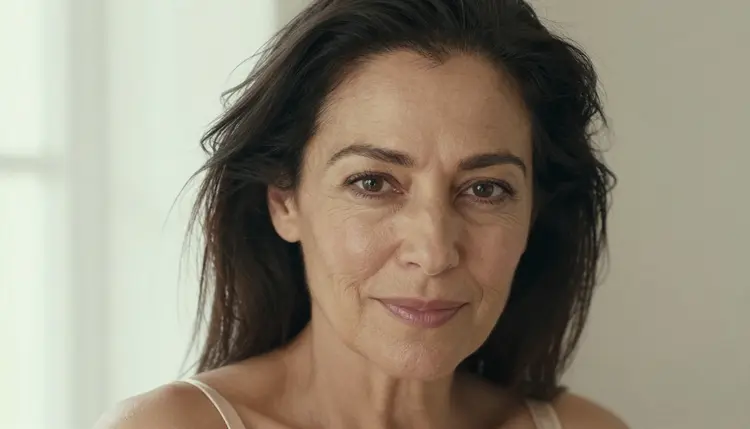
9. The Close-Up Settle. "Her hair lands back into place after the flip, her eyes lift to the lens, the window light shifts a little on her face." Pair it with a tight close-up in soft window light.
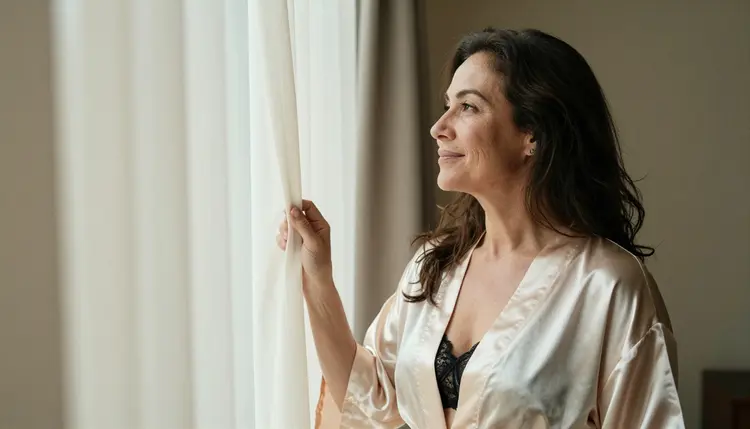
10. The Curtain Sweep. "She pulls the curtain aside, soft morning light moves across the window, her gaze follows the glow." A frame with her hand on the curtain edge turns this into a clean two-layer shot.
11. The Lapel Release. "Her fingers let go of the coat lapel, the black silk beneath settles, the background stays soft." Use a frame with her hand on the lapel or bag strap.
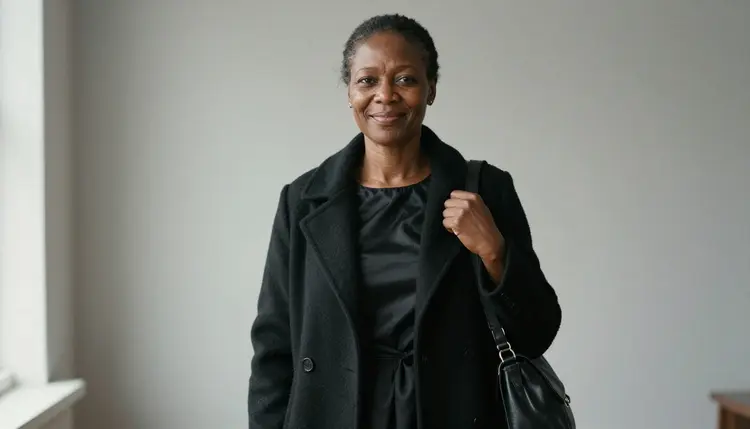
12. The Slow Push In. "The camera moves slowly toward her face, her gaze stays on the lens, a faint breeze moves a strand of hair." Only the camera does the work, which keeps the face stable.
13. The Half Orbit. "The camera travels in a gentle arc around the armchair, the lamp light slides across the satin dress, she stays still and looks out of frame." Try it on a frame with a clear foreground and background.
14. The Necklace Sway. "The pearl necklace swings slightly as she tilts her head, her fingertips touch the clasp, soft studio daylight holds steady." A jewelry detail frame suits it.
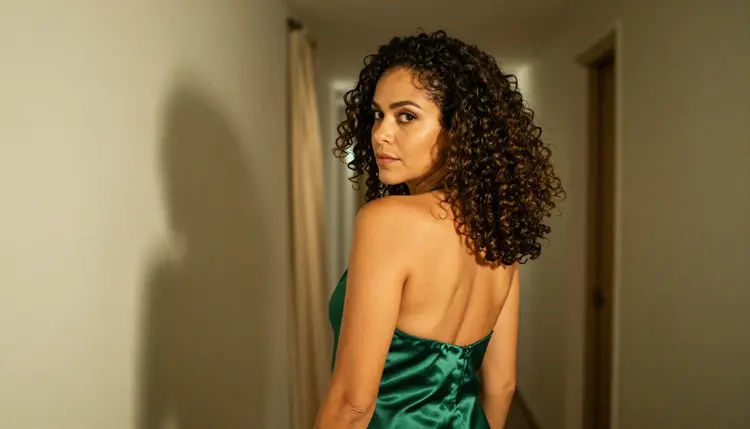
15. The Hallway Glance. "She walks away down the hallway, the green satin slip dress swings at the hem, the curtain drifts in the draft, she looks back once." It is the longest motion in the set, so keep the frame simple.
Most failed clips come from the same few habits, and each has a quick fix.
The first is stacking actions. A prompt that spins, flips hair, walks and zooms asks for four things at once; keep one subject motion and at most one camera move. The second is restating the picture, which wastes the sentence: describe change, not appearance. The third is vague verbs such as "moves" or "dances"; say how the hem swings or the hair lands. The fourth is changing three words between attempts, which hides the cause. If the app shows "Content Not Supported by This Model", it is recommending models that accept adult prompts and carries your prompt over, so nothing needs retyping. For dancing in particular, NSFW dance video from one image goes further than a single sentence can.
These pages are for adults aged 18 and over. Anything you create here, and anything you read, assumes you are in that group.
Characters are fictional adults only. Never use a photo of a real or identifiable person, and never describe or hint at anyone who could read as a minor. Keep wardrobe and pose provocative at most, never explicit.
What you generate is private by default: it is tied to your account and not published or shown to others. A new account gets a small free trial on selected models, including Picasso IA Video and Seedance 2.5 Lite, and the pricing page explains how credits and unlimited generation work.
What is an image to video prompt?
It is the text you type after attaching a still image. The picture supplies the character, wardrobe and light, and the prompt tells the model what should move, such as a skirt, a strand of hair or the camera itself.
Which model should I try first for image to video?
Try Picasso IA Video, which takes text or an image and carries the unlimited tag. Seedance 2.5 Lite is a second confirmed option, listed up to 10 seconds.
How long should a motion prompt be?
One to three sentences is enough: the subject action, a camera instruction and, if needed, a light cue. Longer prompts tend to repeat what the image already shows and add motions that compete with each other.
Can I use the same prompt on different models?
Yes, and it is a good way to compare. Keep the frame and the wording identical, change only the model, and look at which one handles cloth and hair best. Models outside the confirmed list in the full catalog are untested.
Why does the fabric look wrong when it moves?
Usually the prompt asks for too much. Cut it down to one motion, name the fabric and the direction (a satin skirt swinging outward), and avoid a camera move at the same time. Then change one word per attempt.
What happens if a model refuses my prompt?
The app shows a message titled "Content Not Supported by This Model", recommends models that accept adult prompts and carries your prompt over, so you do not retype it. You can also pick another model yourself in the toolkit.
Does confirmed mean a model never refuses?
No. Confirmed means Picasso IA tested adult prompts against that exact model repeatedly and watched it generate. It is not a published setting from the maker, who can change it at any time. This page explains the term.
Where can I learn to add sound to the clip?
Sound has its own workflow, and how to make an NSFW AI video with sound covers it. For a longer list of wording to borrow for the starting frame, see NSFW AI prompts: 25 examples to copy.
Can I animate a photo of a real person?
No. Picasso IA is for fictional adult characters only. Do not use a real or identifiable person, and do not use anyone who could read as a minor. Make the frame yourself from a text prompt instead.
Are my clips private, and can I try this for free?
Generations are private by default and tied to your account. A new account gets a small free trial on selected models, including Picasso IA Video and Seedance 2.5 Lite, and the pricing page has the details.