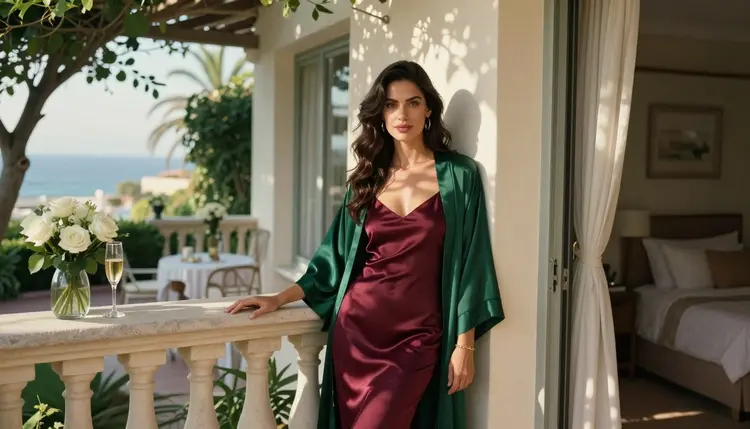
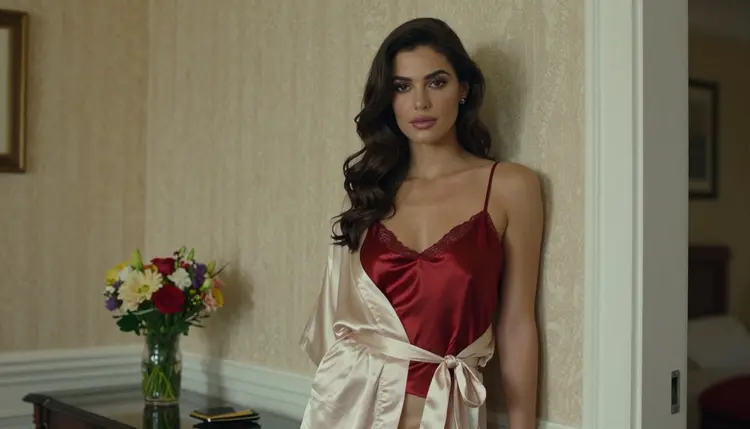
You typed a flirty, adult prompt into Meta AI, a hotel suite, a satin robe, a mirror selfie, and you want to know what happens next. Maybe you are comparing assistants before you pick one for glamour and boudoir pictures. Maybe a prompt did not go the way you expected and you are looking for a second place to try it. This page is for that moment.
Meta AI is Meta's AI assistant, with image generation offered across Meta's apps and services. Picasso IA is a different product, a browser app for AI image and video generation, and it is not affiliated with Meta. Below you will find what Meta's own published terms tell you, why mainstream platforms filter adult prompts in general, and a five step way to move a prompt to a model that accepts adult wording. Everything here is 18+ and about fictional adults only.
Here is the honest version. This page does not give you a list of what Meta AI will draw and what it will refuse. According to Meta's published terms, its AI products and features are governed by separate Meta AI Terms, which the main Meta Terms of Service refer to. Those documents, and whatever Meta publishes next to its image features, are the place where its rules about adult content live. If you need a definite answer for a given prompt, read them there.
What you can count on is how the system is built. The company that runs a model decides what it accepts. A prompt that works today can be stopped tomorrow, and a prompt that is stopped today can pass after a rule change. So treat any claim like "Meta AI blocks this" or "Meta AI allows that" from a third party, including this page, as a reason to check the current rules yourself.
If your goal is a glamour picture of an adult in lingerie, swimwear or a satin robe, you do not need to settle the question about any one assistant. You need a place where the prompt you wrote is accepted and the picture you imagined comes back. That is the part Picasso IA is built around, and the steps further down show how to get there in a few minutes.
General assistants are built for a very wide audience. They sit inside apps that people of all ages use, next to chats, search and social feeds. A company in that position usually writes a cautious policy and puts a safety filter in front of the model. The filter reads your prompt, and on many systems it also looks at the picture that comes out. If either one trips a rule, you get a refusal or a plain, generic picture instead of the one you described.
The rules belong to whoever runs the model. That is the key point. The model itself may be capable of a boudoir portrait with warm candlelight and a silk slip. The wrapper around it decides whether you get to ask for one. This is why the same idea can work on one site and be refused on another, even when both use similar technology underneath.
It also explains why rewording sometimes helps and sometimes does not. A filter looks at the whole request. Swapping one word for another rarely changes the intent a filter reads. It is usually a waste of time to fight a filter prompt after prompt. A more useful move is to take the same idea to a model whose rules fit adult creative work.
This is not about getting around safety for its own sake. Some limits are correct everywhere, and Picasso IA keeps them: adults only, fictional people only, nobody who could read as a minor. What differs is how much room a platform leaves for provocative, tasteful, adult imagery that stops well short of explicit.
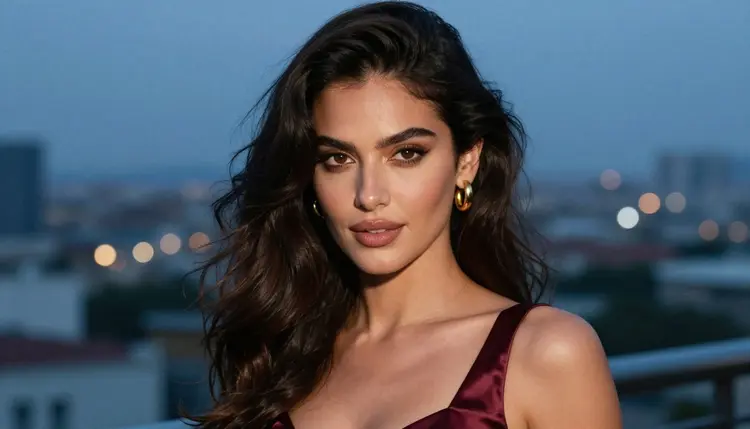
The process is short. Your prompt is the valuable part, so you keep it and change only the place where it runs.
- Copy your prompt. Select the full text you wrote, including the wardrobe, the setting and the light. Keep it exactly as it was, so you can see how a different model reads the same words.
- Open the toolkit. Go to the toolkit in your browser. Nothing to install, and your work stays tied to your account.
- Pick a confirmed model. For a photoreal picture choose Seedream 4.5. For illustration or design choose Recraft V4.1 Pro. For a clip, choose one of the video models listed below.
- Adjust the wording. Name the wardrobe, the pose, the lens and the light in plain terms: ivory satin robe, soft window light, 85mm, film grain. Specific details give a better result than adjectives.
- Generate and refine. Run it, look at the result, and change one thing at a time. If one detail is off, fix it on the picture with Picasso Image Editor Pro instead of starting over.
That is the whole loop. Because you keep the original text, you can compare results across models and keep the one that suits you.
Picasso IA does not pretend every model accepts every prompt. When a model cannot handle what you wrote, the app shows a message titled "Content Not Supported by This Model". It then recommends models that accept adult prompts and carries your prompt over, so nothing is retyped. You choose one and go on.
The models below are the ones Picasso IA calls confirmed. Confirmed means the team tested adult prompts against that exact model repeatedly and watched it generate instead of reject. It is not a published setting from the model's maker, who can change it at any time. You can read the longer explanation on what confirmed means.
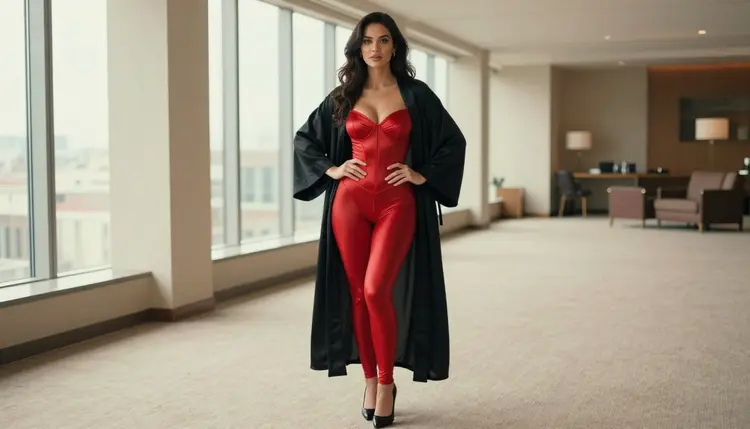
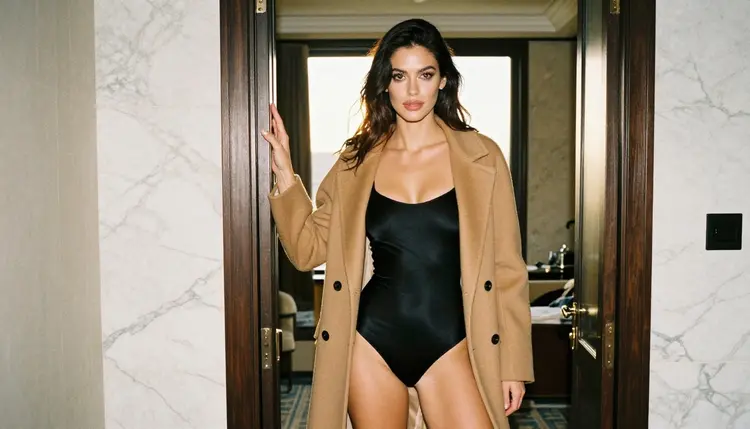
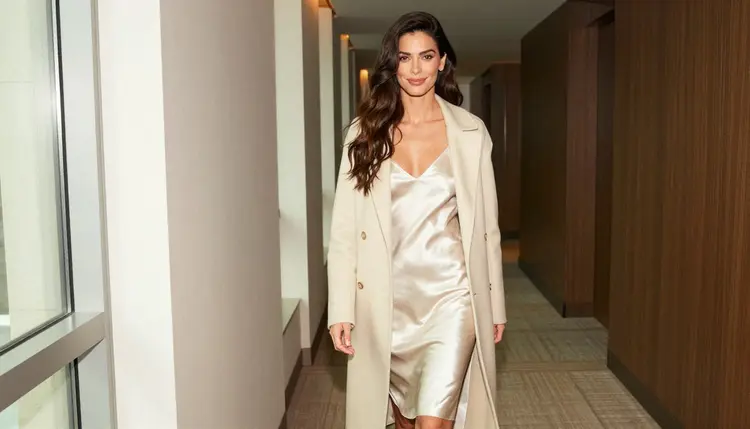
For a hotel suite scene, Seedream 4.5 is a good first stop. Describe the room, the wardrobe and the time of day: a woman in a black satin bodysuit and a camel coat in a doorway, golden hour backlight, a long lens. The result is a photo style frame you can use as it is or refine.
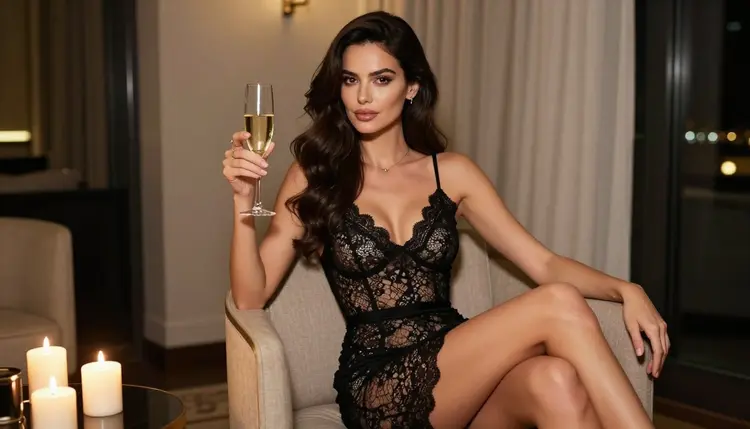
If you want movement, Picasso IA Video takes text or an image. Start from a picture you already like and ask for a slow walk down a corridor or a glance over the shoulder. Models marked with the infinity tag do not spend credits on the plans that include unlimited generation, and the details are on the pricing page.
Every other model in the catalog is untested. That does not mean it filters, and it does not mean it does not. It means Picasso IA has not checked it for adult prompts, so it is worth a try but not a promise. The full catalog holds hundreds of models, including newer releases. If you try one and the app shows its refusal message, switch to a confirmed model from the list above and your prompt follows you.
Reference images work too. In the toolkit each attached image gets an @1 or @2 badge, and you can point to it inside the prompt. Picasso IA translates that reference into the syntax each model understands. Only models that accept several inputs show the badges.
Picasso IA is for adults. This section is 18+ only, and you should use it only if you are an adult where you live.
Every character is a fictional adult. No real or identifiable person, no celebrity, no one you know, and no one who could read as a minor. If a prompt describes such a person, do not run it.
What you create is private by default. It is tied to your account and not published or shown to others. Provocative is the line, never explicit: wardrobe, pose, light, mood and implied intimacy.
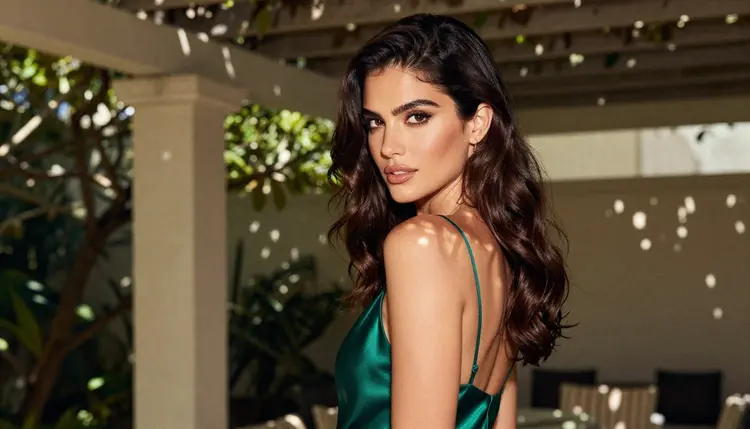
Meta AI has real strengths, and a fair comparison says so. It is an assistant that lives inside the apps and services where many people already spend their day. If you want a quick answer, a casual picture for a chat, or help with an everyday task without opening a separate tool, an assistant that is already in front of you is the easier choice.
Picasso IA is the better choice when the job is a specific picture or clip and you want control over it: the model, the resolution, the wardrobe, the light, editing one detail, turning the still into a video, and an adults only setting built for provocative work. Those are different jobs, and many people use both.
Picasso IA is not affiliated with Meta. Its rules can change, so check its current rules before you rely on them. For a side by side view of the two products, see Picasso IA vs Meta AI. A new account can try a small free trial on selected models, and the pricing page explains how it works.
If you are exploring other assistants as well, these pages cover similar ground: Gemini NSFW images and ChatGPT NSFW images. For a model by model look at one of the confirmed options, read Seedream 4.5 NSFW images.
Does Meta AI allow NSFW images?
This page cannot give you a verified answer. According to Meta's published terms, its AI features are governed by separate Meta AI Terms referenced from the main Terms of Service. Read those and the notes next to the image feature for the current rules, because they can change.
What happens when a model refuses my prompt on Picasso IA?
The app shows a message titled "Content Not Supported by This Model". It recommends models that accept adult prompts and carries your prompt over, so you do not have to retype it. Pick one and generate again.
Where can I take an adult prompt if a mainstream assistant stops it?
Open the toolkit and choose one of the confirmed models, such as Seedream 4.5 for photoreal pictures. Paste the same prompt, adjust the wardrobe and light, and generate. Check the platform's current rules first if you plan to go back to it.
Can I make pictures of real people or celebrities?
No. Picasso IA is for fictional adult characters only. Do not describe a real or identifiable person, a celebrity, or anyone you know. This applies to every prompt, picture and clip.
Are minors allowed in any prompt?
Never. Every character must be a fictional adult, and nothing may describe or hint at anyone who could read as a minor. The section is 18+ only.
Are my generations private?
Yes. Generations are private by default: what you create is tied to your account and is not published or shown to others.
Is there a free trial?
A new account can try a few generations for free on selected models: Picasso IA Image, Picasso IA Editor Pro, Picasso IA Video and Seedance 2.5 Lite. It does not cover the whole catalog. See the pricing page for the details.
Can I make a video from an adult prompt?
Yes, with the confirmed video models: LTX 2.3 Pro, Picasso IA Video and Seedance 2.5 Lite. Seedance 2.5 Lite is listed up to 10 seconds. The same promise applies: fictional adults only, provocative but never explicit.
Can I change one detail of a picture without starting over?
Yes. Picasso Image Editor Pro edits an existing image, so you can change a robe color, the light or a small object and keep the rest of the picture. It carries the infinity tag, which means no credits on plans that include unlimited generation.
What if Meta AI changes its rules?
Then the answer on this page may be out of date. A platform's rules are its own and can change at any time, so check its current rules. Picasso IA's confirmed list is also a tested snapshot, not a permanent setting of any model's maker.