Gemini is Google's general-purpose AI assistant. You can chat with it, research with it, and ask it to create content such as images, videos and music. It runs on the web, in the Android and iOS apps, and inside other Google products such as Chrome and Google Messages. That breadth is useful, but a tool built for everyone also has to draw lines that suit everyone, and adult creators tend to hit those lines first.
This page explains, in plain terms, what Google's published rules say about adult content, why prompts for glamour, lingerie or boudoir scenes get stopped on mainstream assistants in general, and what you can do when that happens. It is written for adults who want to make suggestive, flirty or romantic pictures of fictional characters, and who would rather spend their time creating than rewording a prompt six times.
Picasso IA is not affiliated with Gemini or Google. Everything said about Gemini here comes from its published guidelines, and those can change, so check its current rules before you rely on them. Nothing on this page is legal advice.
Start with what is on the record. According to Google's Generative AI Prohibited Use Policy, generating explicit adult material made purely for arousal is not allowed. The policy lists that kind of content among the harmful or restricted uses of its generative tools. That is the one clear statement we can attribute to Google here, and it applies to the image tools in Gemini like any other generative feature.
The Gemini help center does not carry a separate adult-content rulebook. It points users to that same policy for the content rules. So the practical reading is simple: Google's policy sets the line, and Gemini follows it.
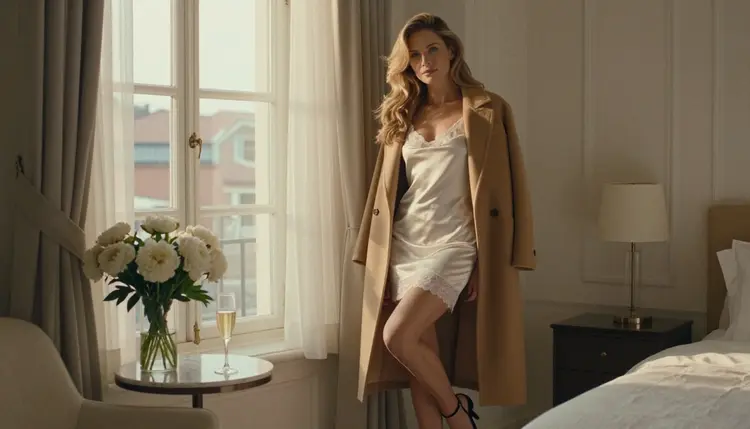
What the published pages do not spell out is just as important. We found no specific statement about how Gemini treats suggestive but non-explicit imagery, such as a woman in a satin slip by a window, a boudoir portrait, or swimwear in golden light. Because nothing is stated, this page does not guess. If you plan to work on Gemini, read its current policy and test your own prompts, and do not assume that a tasteful prompt will pass or fail.
Two reasonable conclusions follow. First, if what you want to make is glamour or romance and not explicit material, the published policy does not rule it out in so many words. Second, the final decision about any single prompt belongs to the platform, which can change how it applies its rules at any time. A prompt that worked last week may behave differently next month, and you will not always get a detailed reason.
It helps to understand how these systems work, because the same logic applies to almost every large assistant. A mainstream platform runs one model for a very large and mixed audience. To keep that audience safe, it adds safety filters around the model. A filter can read your prompt before generation and decide not to run it. Some systems also check the finished image and discard it if it looks out of bounds.
The rules behind those filters belong to whoever runs the model, not to the person typing. A company writes a policy, sets the filters to match it, and tunes them cautiously, because a mistake in one direction is more visible than a mistake in the other. The result is that perfectly adult, perfectly legal prompts can be stopped when they sit near the line, even if the final picture would have been tasteful.
For creators, this shows up in a few familiar ways. A prompt gets refused with no clear reason. A prompt works once and then fails on a small rewording. A wardrobe word such as lingerie or bodysuit changes the outcome more than you expected. None of this is a verdict on you. It is the nature of a general filter applied to a huge range of requests.
This is also why model choice matters. Different models, run under different rules, treat the same adult prompt differently. A model whose operator has no problem with suggestive adult imagery will simply generate it. That is the idea behind the next section: if a filter stops your prompt, move the same prompt to a model that accepts it, and keep working.
If Gemini's filters stop a prompt you wrote for a fictional adult character, you do not need to start from nothing. The prompt itself is the asset. Move it, adjust it a little, and generate again.
- Copy the prompt. Select the full text you wrote, including wardrobe, light, lens and setting details, and keep a copy before you change anything.
- Open the toolkit. Go to the toolkit in your browser. Nothing needs to be installed, and you create from the same page.
- Pick a confirmed model. Choose one of the six models Picasso IA has tested with adult prompts, such as Seedream 4.5 for photoreal images.
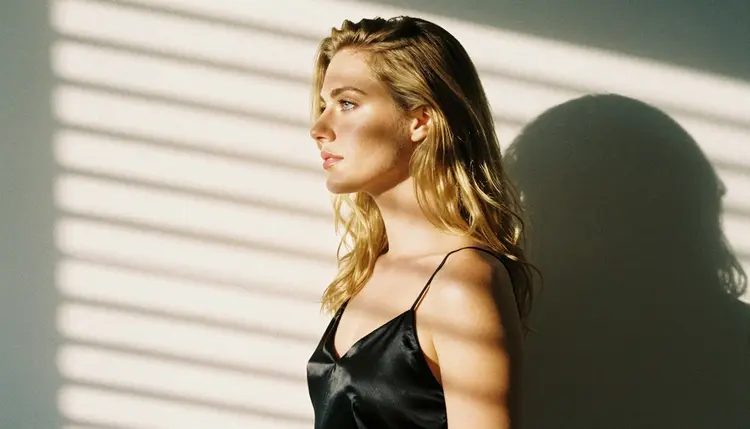
- Adjust the wording. Name the wardrobe, the light and the mood plainly: ivory satin slip, morning sun through blinds, 85mm lens, confident expression.
- Generate and edit. Run the prompt, then refine one detail at a time, or use Picasso Image Editor Pro to change a single element of a picture you already like.
Picasso IA is a browser app for AI image and video generation, available in English, Spanish, Portuguese, French, Arabic and Hindi. When a model cannot accept a prompt, the app shows a message titled "Content Not Supported by This Model". It then recommends models that accept adult prompts and carries your prompt over, so there is nothing to retype.
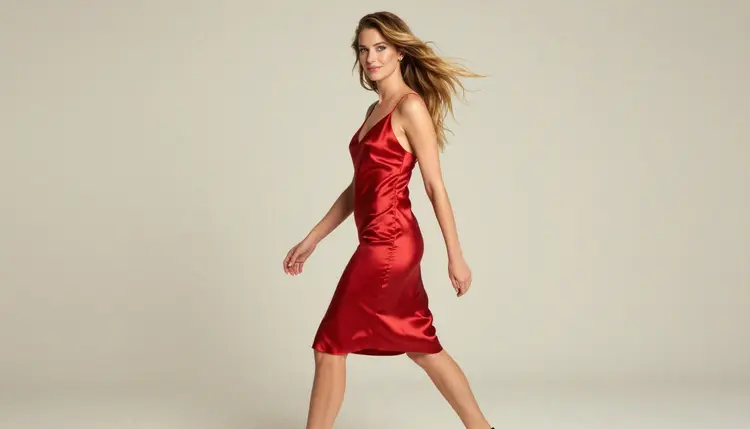
The word confirmed has a specific meaning here. Picasso IA tested adult prompts against each of these models repeatedly and watched them generate instead of reject. It is not a published setting of the model's maker, who can change it at any time, and the page on what confirmed means explains the details. Six models carry the label.
For a still, Seedream 4.5 is the usual first stop because it makes 4K images from text and handles light and fabric well. Recraft V4.1 Pro suits stylized work and print-ready output at 2K. If you already have a picture and want to change one thing, such as the color of a robe, Picasso Image Editor Pro edits an existing image and carries an unlimited tag on the plans that include unlimited generation.

Video follows the same pattern. LTX 2.3 Pro makes 4K video from text. Picasso IA Video turns a text prompt or a still into a clip, and Seedance 2.5 Lite is listed for clips of up to ten seconds. You can build a scene as a picture first and then animate it, which keeps the look consistent from frame to frame.
The rest of the catalog is a different case. Every other model is untested: worth a try, not confirmed either way. That includes names such as Qwen Image 2 and the second Picasso Video model built on Pruna P-Video. We do not call any of them filtered or filter-free, because we have not tested them enough to say. Browse the full catalog and treat an untested model as an experiment. If you want a result you can count on, start with a confirmed model.
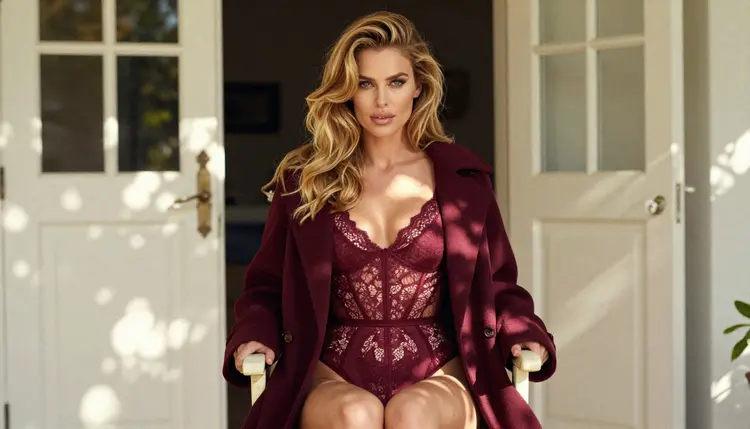
On credits, each generation costs credits that vary by model and by options such as resolution or duration, and the details live on the pricing page. A new account can try a few generations in a small free trial on selected models. That trial covers Picasso IA Image, Picasso IA Editor Pro, Picasso IA Video and Seedance 2.5 Lite, not the whole catalog.
These pages are for adults only. If you are not 18 or older, this section of Picasso IA is not for you, and no prompt or workaround changes that. The content here is suggestive and romantic, in the range of boudoir, lingerie, swimwear and glamour. It stays provocative, never explicit.
Every character is a fictional adult. Do not use the real name or likeness of any person, and never write a prompt about anyone who could read as a minor. Prompts about a celebrity, a coworker or an ex are not a gray area. They are out of bounds, and a good prompt describes an invented person instead.

What you create is private by default. It is tied to your account and not published or shown to other people. Sharing anything is your own choice and your own responsibility, and you should only share what you are comfortable having seen.
An honest comparison has to include the cases where Gemini wins. Gemini is a general assistant. You can chat with it, research a topic, plan your tasks and create content, all in one place, and it is built into other Google products you may already use, on the web and on Android and iOS. If your day is full of questions, drafts and research, and the pictures you need are everyday ones, that integration is a real advantage, and a tool that only makes images and video cannot match it.
Picasso IA is narrower on purpose. It makes pictures and videos, and it is built for creators who want adult, suggestive work to go through. If your project is a boudoir series, a lingerie lookbook or a romantic clip, and a general assistant keeps stopping your prompts, a model confirmed for that work saves time. If your project is a school presentation or a product mockup, use whichever tool you already have.
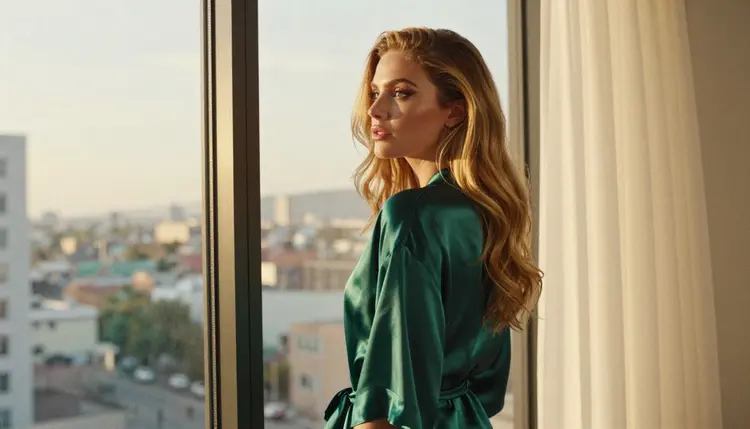
Remember that Gemini is a separate product, and Picasso IA is not affiliated with it or with Google. For a side-by-side look at the two, read the Picasso IA vs Gemini comparison. To see how other mainstream assistants handle the same prompts, read about Meta AI and Copilot and Bing, or look at the ChatGPT guide. When you are ready to try a confirmed model, the small free trial and the plans are on the pricing page.
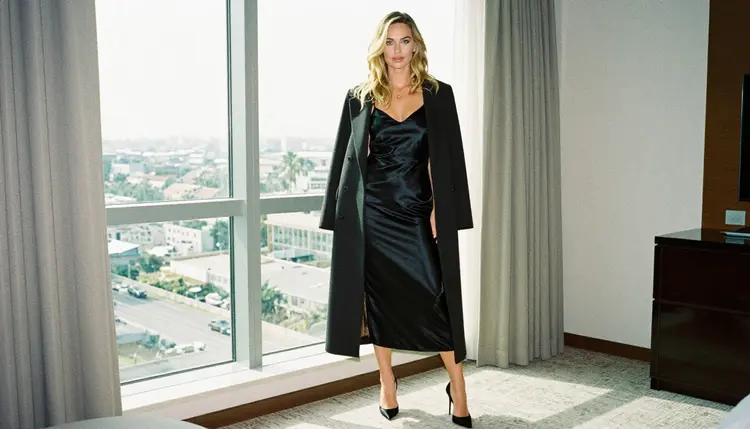
Does Gemini allow NSFW images?
According to Google's Generative AI Prohibited Use Policy, explicit adult material made purely for arousal is not allowed. The published pages say nothing specific about suggestive, non-explicit imagery, so check Gemini's current rules and test your own prompt. Its rules can change.
What happens when a prompt is refused on Picasso IA?
The app shows a message titled "Content Not Supported by This Model". It recommends models that accept adult prompts and carries your prompt over, so you do not retype it. Pick one of the suggested models and run the same prompt again.
What are the alternatives if Gemini stops my prompt?
Move the prompt to a model confirmed for adult work in the toolkit. Seedream 4.5 is a good first choice for photoreal stills, and Picasso IA Video or LTX 2.3 Pro handle motion. Keep your original wording and adjust only the wardrobe and light.
Can I make pictures of real people?
No. Every character on Picasso IA must be a fictional adult. Do not use the name or likeness of a real or identifiable person, including celebrities. Describe an invented character instead, with wardrobe, hair, setting and light written out in your prompt.
Are minors allowed in any prompt?
Never. Picasso IA is for adults only, and every character must be a fictional adult. Do not write a prompt about anyone who could read as a minor. This rule has no exceptions and no workaround, whatever the model or the wording.
Is what I create private?
Yes. Generations are private by default: what you create is tied to your account and is not published or shown to others. You decide whether to share anything outside the app. Keep that choice in mind before you post or send a result.
Is there a free trial?
A new account can try a few generations for free on selected models: Picasso IA Image, Picasso IA Editor Pro, Picasso IA Video and Seedance 2.5 Lite. It does not cover the whole catalog. Details on credits and plans are on the pricing page.
Can I make video as well as pictures?
Yes. LTX 2.3 Pro makes 4K video from text, Picasso IA Video works from text or an image, and Seedance 2.5 Lite is listed for clips of up to ten seconds. A common workflow is to make a still you like, then animate it with a short prompt.
Can I edit just one detail of an image?
Yes. Picasso Image Editor Pro edits an existing picture, so you can change one element, such as the color of a robe or the light in a window, without regenerating everything. Describe the single change you want and leave the rest alone.
Will the rules change over time?
They can, on both sides. Gemini's policy may be updated by Google, and the tested status of any model reflects what Picasso IA saw when it checked, not a promise from the model's maker. Check Gemini's current rules, and see what confirmed means here.