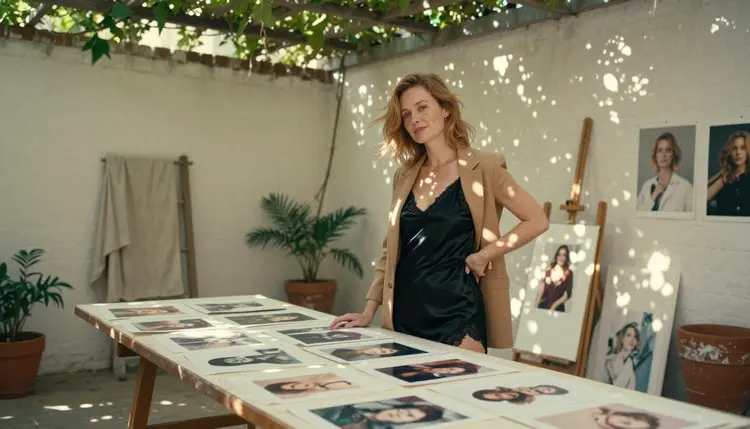
If you make glamour portraits, boudoir scenes or lingerie campaigns and a prompt keeps stopping at a filter, you do not have to give up on the look. This page is for adults who work with Midjourney, or who are weighing it, and want a second route for suggestive, 18+ art with fictional characters. It is a practical guide: what to use, what to type, what you get back and what stays the same when you switch tools.
Picasso IA is a browser app for AI image and video generation. There is nothing to install, and the work happens in the toolkit, where you pick a model, write a prompt and generate. Everything on this page stays provocative and never explicit: wardrobe, pose, light and mood do the work. Every character is a fictional adult, and the pictures are about the craft of an art director, not about shock.
Midjourney is an AI image generator that creates images from text prompts. According to its published Community Guidelines, it positions itself as a Safe For Work community and says adult content is not allowed. Those rules belong to Midjourney and they can change, so check its current guidelines before you build a project around them. Picasso IA is not affiliated with Midjourney, and nothing here describes how its models behave beyond what those guidelines say.
That is the whole reason for this page, and it is a conditional one. If your prompt for a silk robe portrait, a boudoir editorial or a swimwear campaign does not fit the rules of the tool you are using, you need a place where adult, suggestive art is part of the job instead of an exception to it. Reading the rules first saves you from rewriting the same prompt five times and wondering which word was the problem.
Other reasons are practical and have nothing to do with any single product. You may want to take the same character from a still image into a short clip. You may already own a photo and only need to change the wardrobe or the light. You may want a print-ready file for an art board that you will show a client or pin on a wall. These jobs are easier when images, edits and video live in one place and one account.
If you want the narrower question answered on its own, the page Midjourney NSFW: Is It Allowed? covers it. Readers who are comparing several generators at once can also look at NSFW Art: Best AI Generator, which sets the options side by side.
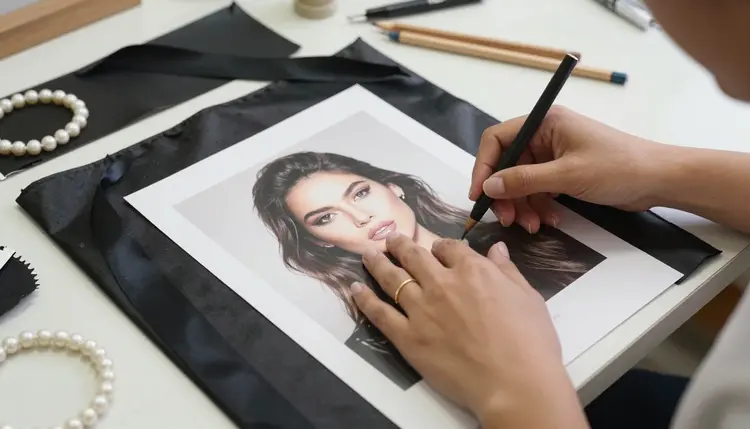
Picasso IA gives you images and video of fictional adults in the same browser tab. You write a prompt, choose a model, and the result is private to your account. Some models in the catalog are marked confirmed. Confirmed means Picasso IA tested adult prompts against that exact model again and again and watched it generate instead of reject. It is not a published setting of the model's maker, who can change it at any time, so treat it as a tested starting point and not as a promise.
The confirmed models are these, each linked to its own page.
For a portrait that has to look like a photograph, start with Seedream 4.5. It writes text to image and goes up to 4K, which is enough room for fabric texture, skin and the glint on a pearl bracelet. For an illustrated poster, a stylized glamour card or anything that will be printed, Recraft V4.1 Pro is the better pick: it is built for print-ready images at 2K and is strong on illustration and design. Picasso Image Editor Pro works on a picture you already have, and it carries the infinity tag in the catalog, so it does not spend credits on the plans that include unlimited generation. Picasso IA Video and Seedance 2.5 Lite carry the same tag.
Sometimes a prompt is refused anyway. When that happens, the app shows a message titled "Content Not Supported by This Model". It recommends models that accept adult prompts and carries your prompt over, so you do not retype anything. You pick one of the suggestions and generate again. That is the whole loop.
The rest of the catalog is untested. Qwen Image 2, Seedream 5, Nano Banana, Flux and many others are worth a try for suggestive art, but they are not confirmed either way, and Picasso IA does not call them filtered or filter-free. If you want to browse, the full catalog lets you browse the models. Credits depend on the model and on options such as resolution or duration, and the pricing page explains how that works.
Models that accept several inputs support reference images. In the toolkit each attached image gets an @1, @2 badge and you can refer to it inside the prompt, for example "the robe from @1 on the woman from @2". Picasso IA translates that reference into the syntax each model understands.
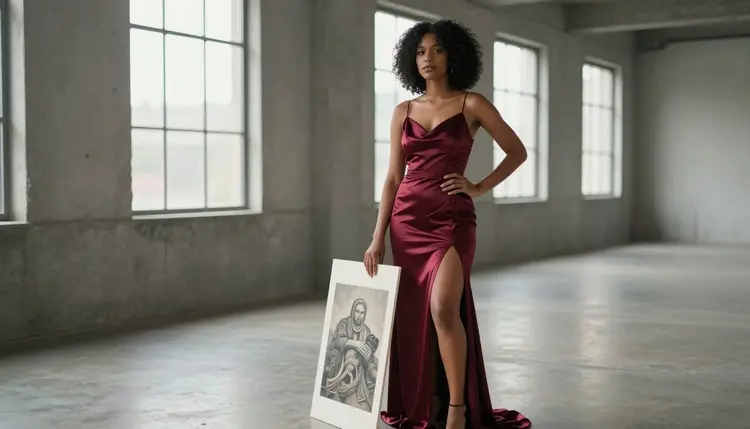
The steps below take a character idea from a blank prompt box to a finished still and a short clip. They assume you already know how to write a text prompt, so the focus is on what changes in Picasso IA.
- Bring the character idea. Write two or three lines about who she or he is: a fictional adult, an age range in the thirties, hair, skin, a mood. Add the setting, such as a studio, a courtyard or a window at blue hour. Never use a real person as a model.
- Pick the model. Open the toolkit and choose a confirmed model for the job. Seedream 4.5 for a photographic still, Recraft V4.1 Pro for a poster or print, an edit model when you already own the image.
- Describe wardrobe, light and pose. Name the fabric (opaque black satin, lined lace hem, cream silk robe), the light (soft diffused daylight, candlelight, blue hour) and the lens (85mm f/1.8 for a portrait, 24mm f/2.8 for a detail of hands). Describe the pose in plain words.
- Generate and refine. Run the prompt, look at the result at full size, then change one thing at a time: the light, the lens, the fabric. On models that accept reference images, attach the best frame with the @1 badge to help keep the character steady across a series.
- Extend to video. Send the finished still to Picasso IA Video and describe a small motion: a turn of the head, a robe sliding off a shoulder onto a chair, a candle flickering. Keep it modest and keep it suggestive. Seedance 2.5 Lite is another option for clips of up to 10 seconds.
A lot of what you know carries over. The way you write a prompt, with a subject, a setting, a fabric, a light and a lens, works the same way in Picasso IA. Art direction vocabulary (low-angle, over-the-shoulder, window reflection, profile silhouette) is plain language you can put in a prompt. If you keep a library of prompts that worked for you somewhere else, you can paste the wording in as a starting point, then adjust it for the model you chose.
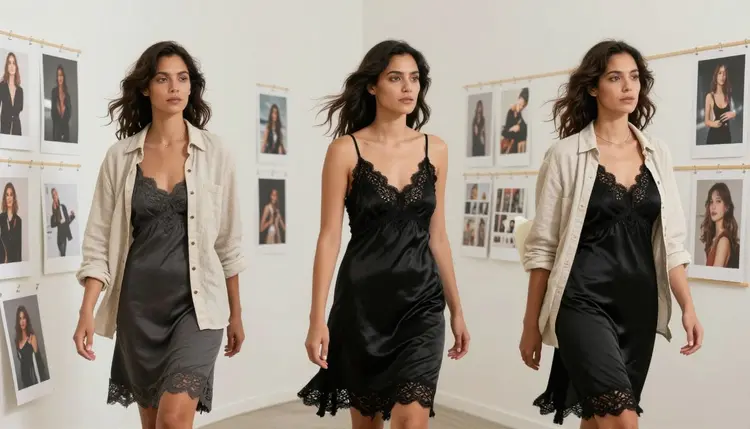
Output size is set by the model you pick. Seedream 4.5 reaches 4K for stills, and Recraft V4.1 Pro gives print-ready 2K files. If you are building an art board, you can generate a whole series with the same wardrobe and different lenses, then print the results. Pages like SeaArt Alternative for NSFW Art and Leonardo AI NSFW: Uncensored Alternative walk through the same kind of switch from other generators, which helps if you use more than one.
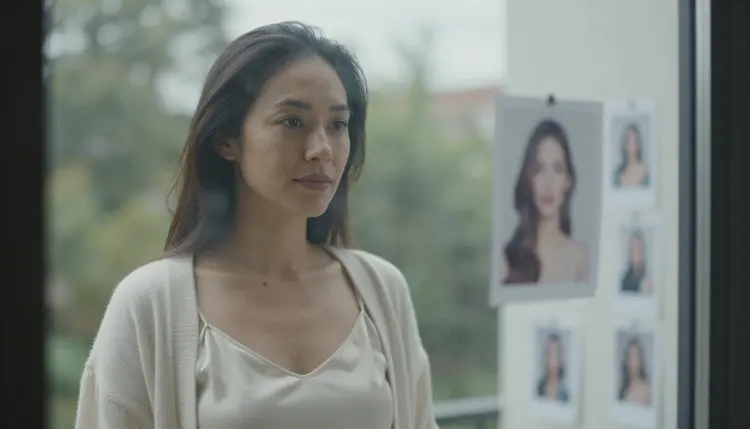
Some things do not carry over. Keeping the same face across many images is hard. In Picasso IA the best tool you have is a clear character description repeated word for word plus a reference image attached with a badge, and even then you should expect small differences between frames. Plan your series so that small differences do not matter: different poses, different crops, different light.
Settings and shortcuts written for another tool will not work here. If your old prompts end with parameters meant for a different product, remove them and describe the same thing in words. Describe the same thing in plain words and use the options the toolkit shows for the model you chose.
Picasso IA also does not chat. It makes pictures and videos of fictional characters. It does not hold a conversation, remember a persona or role-play. If what you need is a character who talks back, that is a different kind of product, and you can pair it with images made here.
Finally, nothing here is a public feed. What you generate is private by default and tied to your account. You decide what to do with your results.
This section is short on purpose. Picasso IA's adult art is for people who are 18 or older. If you are not an adult, this page and the models on it are not for you, and you should leave.
Characters are fictional adults only. That means no real or identifiable person, no celebrity, no likeness of someone you know, and no one who could read as a minor. Prompts should describe a woman or a man with an adult age range, mature features and adult clothing. If an image looks ambiguous, delete it and rewrite the prompt.
Your work stays private by default, and the content stays provocative and never explicit. Think lingerie, swimwear, glamour, boudoir and implied intimacy, not anything graphic. These limits are part of the pages in this section and they will not change from one article to the next.
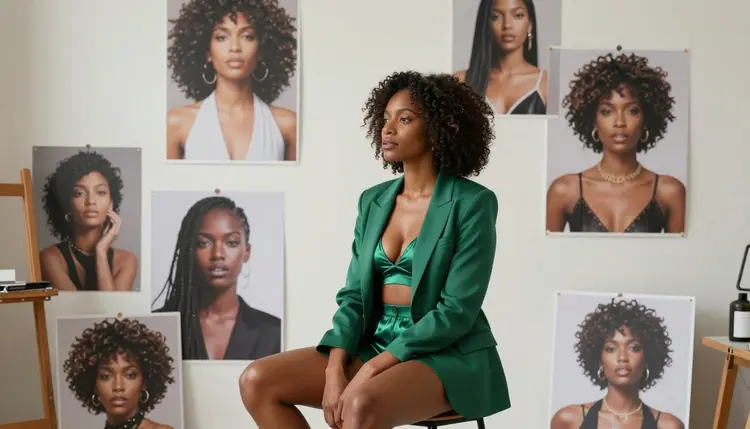
An honest comparison has to say where the other tool is the right call, so here it is. Midjourney is an AI image generator built around text prompts, and by its own published guidelines it presents itself as a Safe For Work community. If the art you make is safe-for-work, such as landscapes, product mockups, concept art, fashion without suggestive themes or illustrations for a family audience, a tool whose rules are written for that kind of work is a natural fit. There is no reason to move that kind of project.
It also makes sense to stay where your habits already are. If you have a set of prompts and a way of working that fit its rules, you lose nothing by keeping them. You can use two tools: one for general work and one for adult, suggestive art. Picasso IA is meant to be the second kind of tool, not a replacement for every other generator, and it is not affiliated with Midjourney.
If you want a structured side-by-side, the page Picasso IA vs Midjourney sets out the differences without hype. Read its notes, then decide which parts of your workflow belong where. Policies change on both sides, so check each tool's current rules when you start a new project.
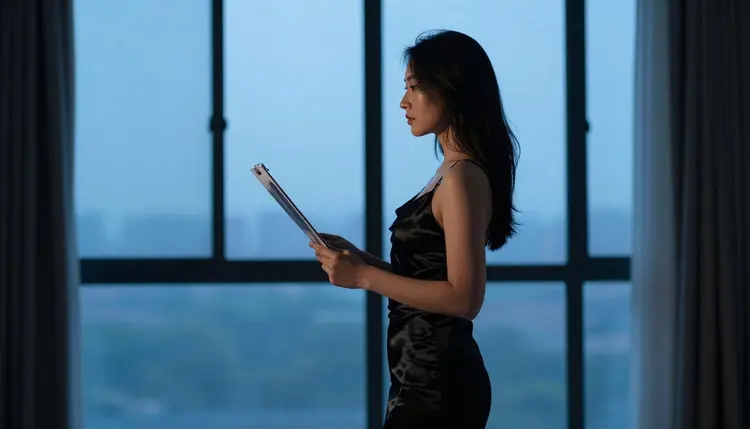
When you are ready to test the other route, a new account can try a few generations for free on selected models, and the pricing page explains plans and how credits work. Open the toolkit, choose Seedream 4.5, write one prompt with a fabric, a light and a lens, and judge the first frame for yourself.
Is Picasso IA a good Midjourney alternative for NSFW art?
It is a good fit when the work is adult, suggestive and fictional: glamour, boudoir, lingerie or swimwear portraits, plus short clips. Picasso IA has confirmed models for adult prompts and a clear flow when one refuses. You can also keep using Midjourney for general work and use Picasso IA for the rest.
Does Midjourney allow adult content?
According to its published Community Guidelines, Midjourney positions itself as a Safe For Work community and says adult content is not allowed. Its rules can change, so read the current guidelines. The page Midjourney NSFW: Is It Allowed? goes into that question on its own.
Which Picasso IA models are confirmed for adult prompts?
Seedream 4.5, Recraft V4.1 Pro and Picasso Image Editor Pro for images, and LTX 2.3 Pro, Picasso IA Video and Seedance 2.5 Lite for video. Confirmed means Picasso IA tested adult prompts on that exact model repeatedly and saw it generate. It is not a setting published by the model's maker, so it can change.
What happens if a model refuses my prompt?
The app shows a message titled "Content Not Supported by This Model". It recommends models that accept adult prompts and carries your prompt over, so you do not retype it. Pick a suggestion and generate again, or rewrite the prompt with more focus on wardrobe, light and pose.
Can I turn my images into video?
Yes. Picasso IA Video turns a text idea or a still into a clip, and Seedance 2.5 Lite makes clips of up to 10 seconds. LTX 2.3 Pro makes 4K video from text. Keep the motion small and suggestive, and describe it in a sentence, like a turn of the head or a candle flickering.
Can I edit a picture I already have?
Yes, with Picasso Image Editor Pro. It edits an existing image, so you do not have to start from a blank prompt. It carries the infinity tag, which means it does not spend credits on plans that include unlimited generation. Details are on the pricing page.
Can I use a real person or a celebrity?
No. Characters must be fictional adults. Never use a real or identifiable person, a celebrity or anyone you know, and never describe anyone who could read as a minor. This is part of the rules for every page in this section, and it applies to prompts, reference images and edits alike.
Are my images private?
Yes. What you generate is private by default and tied to your account. It is not published or shown to other people. You decide what to do with your results.
Is there a free trial?
A new account can try a few generations for free on selected models: Picasso IA Image, Picasso Image Editor Pro, Picasso IA Video and Seedance 2.5 Lite. It does not cover the whole catalog. See the pricing page for how plans and credits work, then open the toolkit to start.
What resolution can I expect?
It depends on the model. Seedream 4.5 creates 4K images from text, Recraft V4.1 Pro gives print-ready images at 2K, and LTX 2.3 Pro makes 4K video from text. Browse the full catalog for other options.