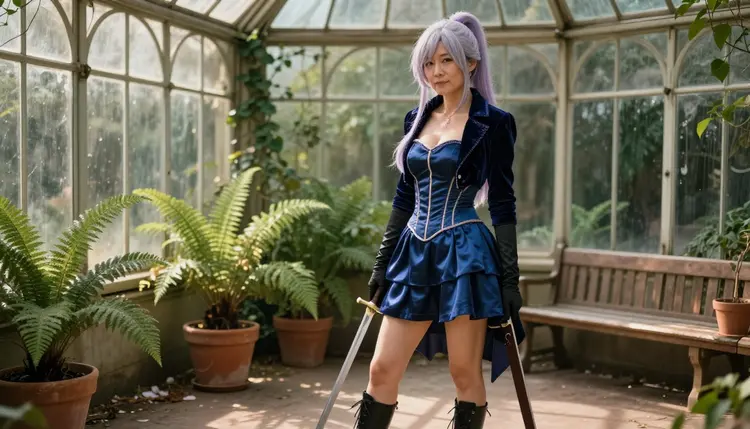
If you are looking for a SeaArt alternative for NSFW art, the job is probably clear in your head: glamour and anime-inspired pictures of adult characters, with the wardrobe, the light and the mood under your control. This page shows how to do that job in Picasso IA, which models to pick, what to type in the prompt box and where SeaArt may still be the better fit. Picasso IA is not affiliated with SeaArt, and every character on this page is a fictional adult.
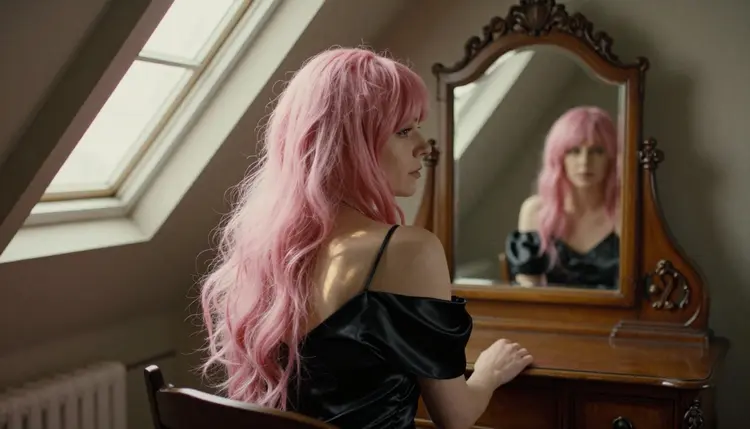
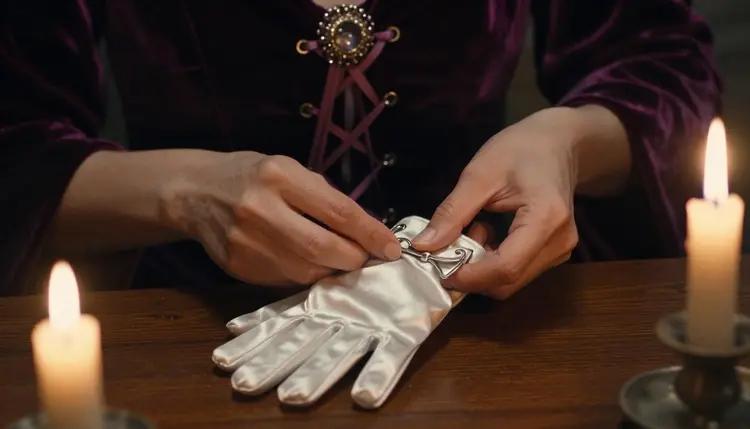
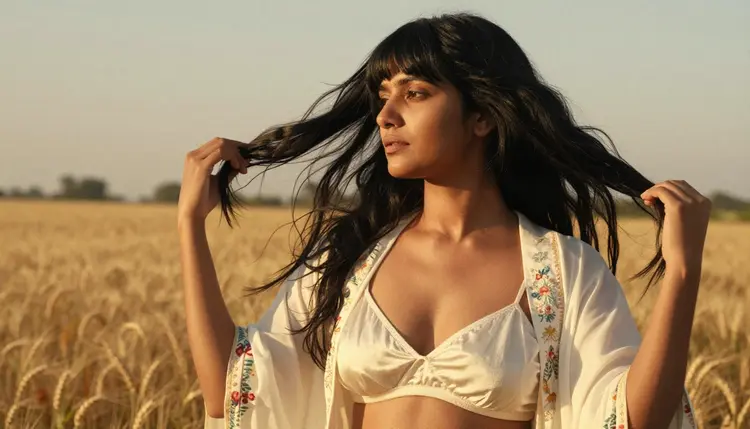
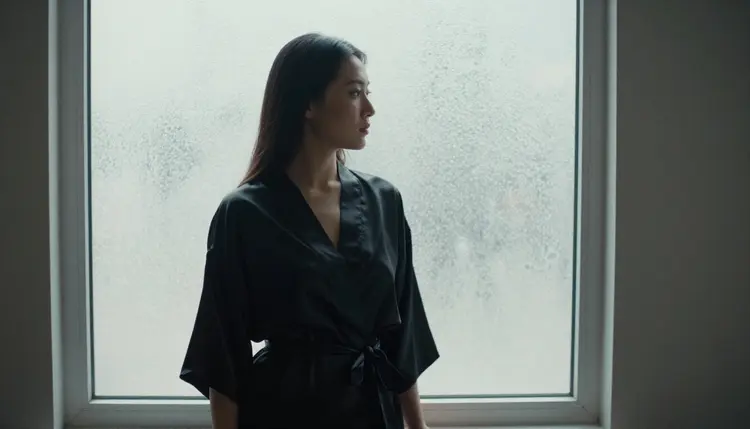
The pictures here show the look we mean. Adult cosplayers in wigs, satin, velvet and gloves, lit like real film photographs rather than flat illustrations. You can build the same kind of frame in the toolkit with a photoreal model such as Seedream 4.5, and then turn it into a short clip if you want it to move.
SeaArt is an AI art platform that generates images from text prompts and, according to its own positioning, offers a public community gallery next to the generator. That combination suits many people. A community gallery next to the generator gives you a place to browse other people's work for ideas.
People look for something else for reasons that have nothing to do with quality. If you want your pictures to stay private by default, check how any platform with a public gallery treats your work before you start. If a prompt about a corset, a wig and a prop sword does not go through the way you expected, you may want a second place to try it. If you want the same character to walk, turn and look at the camera in a video, you need a tool that makes video as well as pictures. Each of these is a conditional reason, and none of them says anything bad about SeaArt. Its rules can change, so check its current rules before you decide.
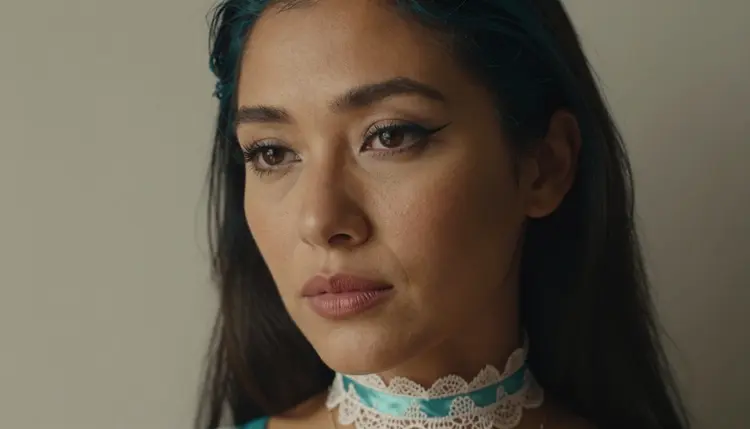
The anime-inspired side of the search is its own case. Many readers want a character with a silver or teal wig, a satin bodice and a stylized pose, but still want it to look like a photograph of a real adult cosplayer. If your taste leans more toward drawn anime art, the sibling guide on PixAI as a source of NSFW anime art covers that angle. This page stays with the photographic, glamour-first version.
Whatever the reason, the useful question is simple: what do I need from the generator? Write it down before you open any tool. A character idea, a wardrobe, a light, a lens and a format (still, edit or clip) are enough to compare one platform with another on equal terms.
Picasso IA is a browser app for AI image and video generation. There is nothing to install, and it works in six languages. The same account gives you images, edits of existing images and video, so one character idea can move from a still to a clip without leaving the tool. What you create is private by default: it is tied to your account and not published or shown to others.
For adult prompts the app keeps its own list of confirmed models. Confirmed means Picasso IA tested adult prompts against that exact model repeatedly and watched it generate instead of reject. It is not a published setting of the model's maker, who can change it at any time. The page on what confirmed means explains the term in full. Six models are confirmed:
The unlimited tag marks models that do not spend credits on the plans that include unlimited generation. The details live on the pricing page.
When a model cannot take a prompt, Picasso IA does not leave you at a dead end. It shows a message titled "Content Not Supported by This Model", recommends models that accept adult prompts and carries your prompt over, so you do not retype anything. You pick one of the suggestions and run it again.
Every other model in the full catalog is untested. That covers Qwen Image 2, Nano Banana, Flux and many more. Untested means worth a try, not confirmed either way. If you have a favorite model from another platform, try your prompt on its Picasso IA counterpart and see what comes back. For a wider tour of what works, the guide to the best AI generators for NSFW art lines up the options.
The steps below rebuild a typical text-to-image session in Picasso IA. They work the same way whether your reference is an anime character, a pin-up pose or a boudoir portrait. Keep the first run simple, then add detail one change at a time.
- Bring the character idea. Decide who the character is: an adult in her thirties or forties, a silver-lavender wig, a prop sword, a conservatory or a loft. Write one sentence about the person and one about the setting.
- Pick the model. Open the toolkit and choose a confirmed image model: Seedream 4.5 for photoreal frames, Recraft V4.1 Pro for illustration and design looks, Picasso Image Editor Pro to change a picture you already have.
- Describe wardrobe, light and pose. Name the fabric (opaque satin, velvet, silk), the light (late-afternoon side light, candlelight, hard morning sun through blinds), the lens (70mm f/2.8) and the pose. Concrete words beat adjectives.
- Generate and refine. Run the prompt, look at the result, and change one thing at a time: the wig color, the angle, the background. Attach a reference image if you want the same face or outfit, and refer to it as @1 in the prompt.
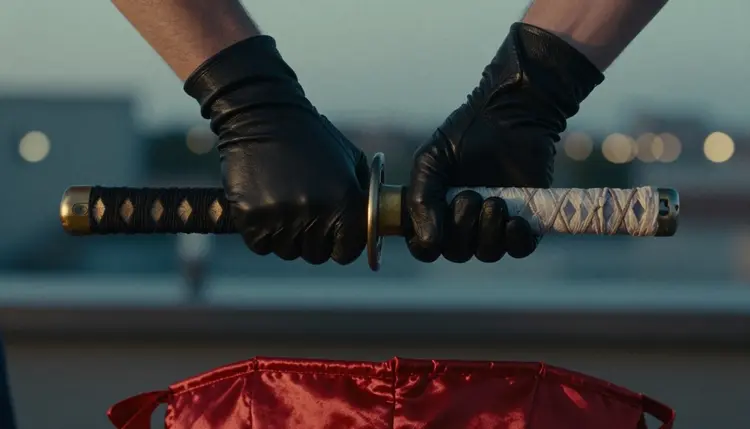
- Extend to video. Take the frame you like into Picasso IA Video, which accepts an image, and describe the motion in a sentence: a slow turn, a glance toward the mirror, a hand adjusting a glove. You can also write the scene as text for LTX 2.3 Pro or Seedance 2.5 Lite.
Most of what you did elsewhere carries over, because it lives in the prompt and not in the tool. The character idea, the wardrobe words, the light and the lens all transfer. So does the habit of keeping a short list of prompts that worked, and of changing one detail per run.
Formats carry over too, with a bonus. Still images come out of Seedream 4.5 and Recraft V4.1 Pro, edits come out of Picasso Image Editor Pro, and video comes out of the three video models in the table. If your earlier workflow stopped at the picture, video is a new step you can add.
Consistency across images is the part that takes care. In the toolkit, each image you attach gets an @1, @2 badge and you can refer to it in the prompt; Picasso IA translates the reference into the syntax each model understands. Only models that accept several inputs show the badges. A reference helps you keep an outfit or a face steady, but it does not guarantee the same result every time, so treat it as a strong hint and review each frame.
What does not carry over is anything that depends on the community side of another platform. Picasso IA does not publish your pictures to a public gallery; what you create stays private by default. Picasso IA also makes pictures and videos only. If you want a browsing feed of other people's work, you will need a different place for that, and nothing here replaces it.
Styles also differ between models. A prompt that gave a flat, drawn look elsewhere may give a photographic one here, and the other way round. Run the same sentence on two models and keep the one that matches your idea. For the Midjourney side of that comparison, see the guide on a Midjourney alternative for NSFW art.
Picasso IA is for adults only. You must be 18 or older to use the NSFW side of the product, and the section is written for adult readers who know what they are asking for. If you are under 18, close the page.
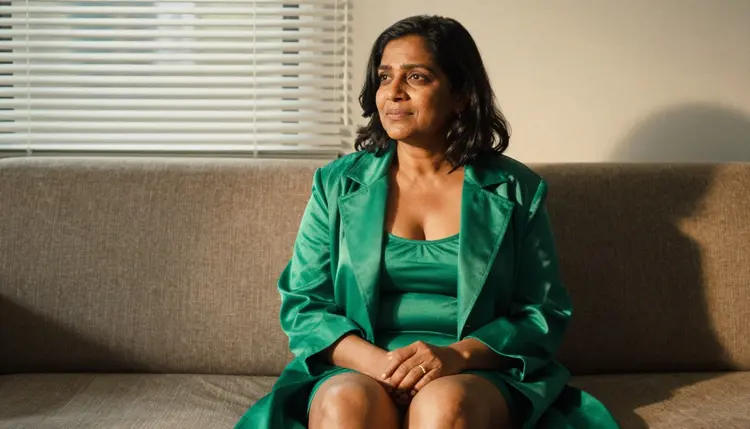
Every character is a fictional adult. Prompts never name a real or identifiable person, never ask for a celebrity or an actual acquaintance, and never describe anyone who could read as a minor. Write adults, mid twenties or older, and say so in the prompt when the model needs a nudge: a mature woman with laugh lines, a woman in her forties with natural hair. Provocative is the limit of this section: lingerie, satin, glamour and implied intimacy, never explicit content.
What you make is private by default. It is tied to your account, and Picasso IA does not publish it or show it to anyone else. Models can still refuse a prompt, and a refusal is a model decision, not a bug in your sentence. Picasso IA explains the refusal in the message and offers other models. Policies of other platforms and of model makers change, so read the current rules of any service you use.
Be honest about the trade. SeaArt describes itself as an AI art platform with a public community gallery. If what you want is to see other people's work, share your own where others can browse it and use a gallery as part of how you make art, that is the idea SeaArt describes for itself, while in Picasso IA what you create stays private by default.
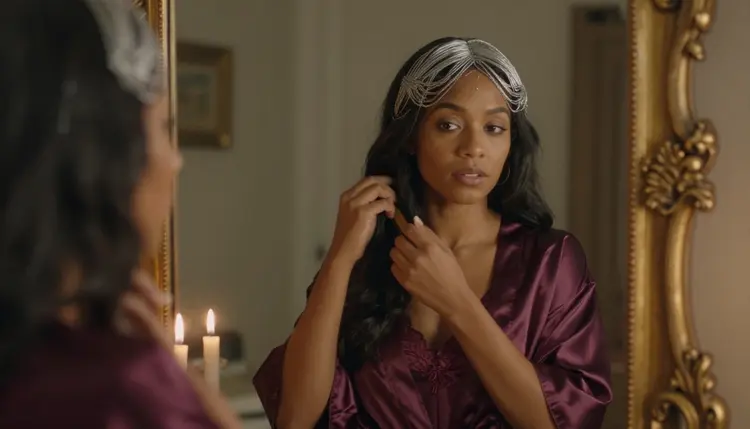
The choice also depends on how you like to work. If you enjoy browsing a community feed for ideas before you write a prompt, a platform with a shared gallery fits that habit. If you want private sessions, a clear list of confirmed models and the option to continue from a picture to a clip, Picasso IA fits better. You can use both for different jobs, which is fine. Picasso IA is not affiliated with SeaArt, and its rules can change, so check its current rules.
For a side-by-side look, read the comparison page Picasso IA vs SeaArt. A small free trial on selected models lets you test a prompt before you commit to anything, and the pricing page explains how credits work for the rest. If you are unsure which generator to try first, the guide on Leonardo AI for NSFW with an uncensored alternative shows another route.
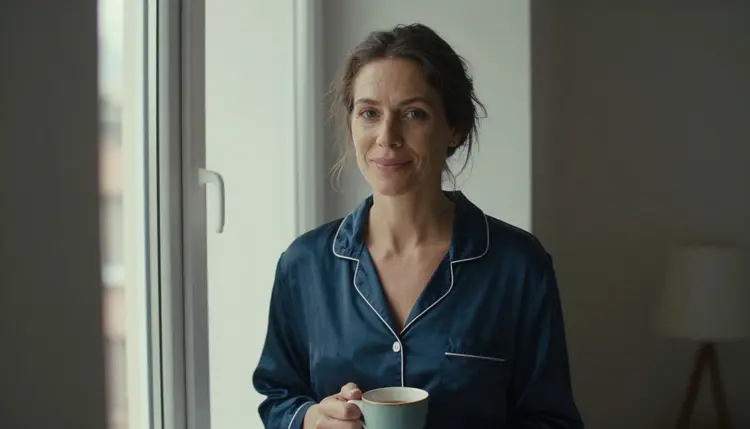
Is Picasso IA a good SeaArt alternative for NSFW art?
It is a good fit if you want glamour and anime-inspired pictures of fictional adults with private results and the option to move on to video. Picasso IA is not affiliated with SeaArt, and which one suits you depends on whether you value a public gallery or private sessions.
Which Picasso IA models are confirmed for adult prompts?
Six: Seedream 4.5, Recraft V4.1 Pro, Picasso Image Editor Pro, LTX 2.3 Pro, Picasso IA Video and Seedance 2.5 Lite. Confirmed means Picasso IA tested adult prompts on that model repeatedly and watched it generate. A model maker can change its own settings at any time.
Can I make anime-inspired characters in Picasso IA?
Yes, as photographic cosplay-style frames and as stylized looks. Describe the wig color, the satin or velvet outfit, the prop and the light. Recraft V4.1 Pro leans toward illustration and design, and Seedream 4.5 toward photoreal results. All characters must be fictional adults.
What happens when a model refuses my prompt?
The app shows a message titled "Content Not Supported by This Model". It recommends models that accept adult prompts and carries your prompt over, so you do not retype it. Pick a suggestion and run it again, or change the wording and try the same model once more.
Does Picasso IA have a public gallery like SeaArt?
What you create is private by default: it is tied to your account and not published or shown to others. If a community gallery matters to you, that is a case where SeaArt may suit you better, according to its published positioning.
Can I turn an image into a video?
Yes. Picasso IA Video takes text or an image, LTX 2.3 Pro makes 4K video from text and Seedance 2.5 Lite is listed up to 10 seconds. Describe the motion in one sentence, such as a slow turn toward the window or a hand adjusting a glove.
How do I keep the same character across several images?
Attach an image in the toolkit, and it gets an @1 badge you can refer to in the prompt. Repeat the same wig, outfit and light words in each prompt. Results can still vary, so review every frame. Only models that accept several inputs show the badges.
Are the other models in the catalog also uncensored?
They are untested, which means not confirmed either way. Try your prompt on the full catalog and see. Only the six models in the table above are confirmed. Never assume a model accepts a prompt just because another one does.
Is there a free way to try it?
A new account can try a few generations for free on selected models, namely Picasso IA Image, Picasso Image Editor Pro, Picasso IA Video and Seedance 2.5 Lite. It does not cover the whole catalog. Plans and prices live on the pricing page.
Who can appear in the images?
Only fictional adults, mid twenties or older. Never a real or identifiable person, never a celebrity and no one who could read as a minor. The content is provocative but not explicit, and Picasso IA is for readers aged 18 or over. For more ideas, see the Midjourney guide.