A corset does half the work of a glamour photo before the light even arrives. The boning gives the torso a clear shape, the lacing gives the eye a line to follow, and the fabric (satin, lace, brocade, velvet) catches light in ways that read as expensive. That is why corset shots are a staple of boudoir and lingerie catalogs, and why they are a rewarding thing to generate with AI.
This page shows you how to make NSFW corset photos with Picasso IA: which model to pick, a five-step workflow, and a set of prompt ideas built around wardrobe, set and light. Everything here is adults-only and fictional. The pictures are suggestive and styled like catalog or boudoir work, never explicit.
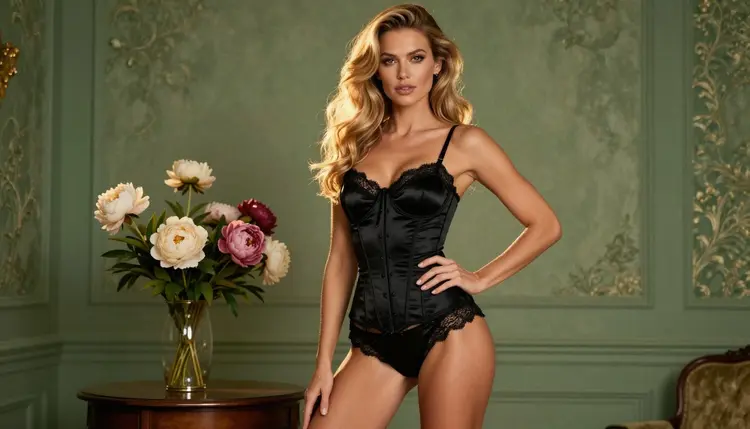
A corset is a structured garment, and structure is what image models handle best. A bodice with visible seams, lace trim and a laced back gives the model a set of clear details to render, so the result tends to look like a real garment rather than a vague shape. Compare that with loose fabric, where folds can drift and blur. You can lean on that: name the material, the trim and the color, and the model has something solid to build from.
The second reason is contrast. Satin shines, lace is matte and open, and skin sits between the two. When you pick a material pair and a light direction on purpose, the picture gets depth without extra effort. Burgundy satin with black lace under a warm lamp looks very different from ivory satin by a window on a gray morning, and both are one sentence of prompt away.
The model we recommend for this look is Seedream 4.5. It is a text to image model that makes 4K images, and it is one of the six models Picasso IA has confirmed for adult prompts, meaning it was tested repeatedly and generated instead of rejecting. Seedream 4.5 is strong on photoreal work: fabric texture, laced seams, the sheen on satin and the soft falloff of window light. If you have already tried softer looks, the boudoir photos and lingerie photos pages cover neighboring styles with the same model, and a corset sits right between them.
A word on what "confirmed" does and does not mean. It is a result from our own testing, not a published setting from the model's maker, who can change it at any time. If a prompt is refused one day, you will see a clear message and a way forward, covered further down.
Six models in the catalog are confirmed for adult prompts. Three make images and three make video. For corset photos you will use the image models first, then move to video if you want the same look in motion.
Seedream 4.5 is the default for photographs. Recraft V4.1 Pro suits you if you want a poster, a pin-up illustration or a design with clean edges, since it is described as print-ready at 2K. Picasso Image Editor Pro is the cleanup tool: it edits an image you already have and carries the infinity tag, so it does not spend credits on plans that include unlimited generation.
Beyond those six, the catalog holds hundreds of models, and the rest are untested for adult prompts. Models such as Qwen Image 2 and Picasso Video (Pruna P-Video) are worth a try if you like to experiment, but we cannot say how they will react. Treat them as open questions, not promises, and keep a confirmed model ready as a fallback. You can browse everything in the full catalog.
The workflow is short. Most of the time goes into step two, where you decide what the corset is made of and where the model stands.
- Open the toolkit and pick the model. Go to the toolkit, choose Seedream 4.5 from the image models and keep the output wide if you want a catalog frame.
- Describe wardrobe and setting. Name the corset material, color, trim and lacing, then the place: a dressing table, a window, a marble staircase.
- Set the light and the mood. Write the light source (late-afternoon side light, candles, overcast window) and the lens feel, such as 85mm with a soft background.
- Generate and review. Check the hands, the laces at the back, the seams of the bodice and the face before you keep anything.
- Refine or switch. Fix one detail with Picasso Image Editor Pro, or change the model and rerun the same prompt.
When you review in step four, look at the places where AI most often slips: fingers on the laces, a trim that changes color halfway round the bodice, and straps that do not connect to anything. None of these is a reason to start over. Keep the best frame, describe the problem in the editor, and let it fix that area only.
Each idea below names the wardrobe, the set, the light and the angle. Copy one as written, or swap one element at a time to see what changes. The same woman can appear in every frame if you keep her description identical from prompt to prompt: the same hair, the same makeup, the same figure.
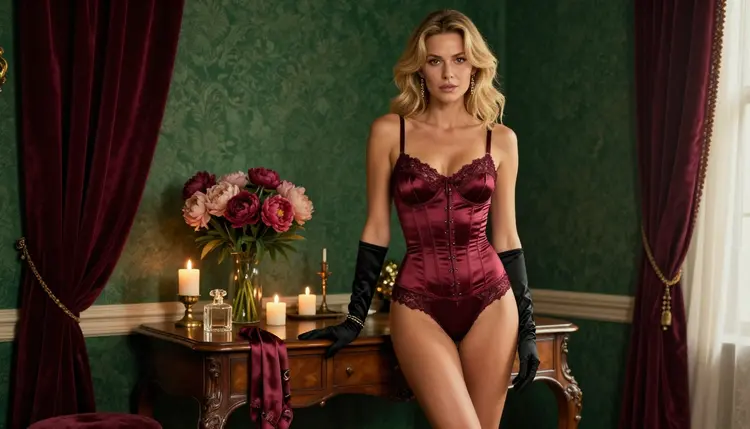
Dressing table at golden hour. A wide frame of a woman in a burgundy satin corset with black lace trim, standing beside an antique dressing table with peonies and lit candles, late-afternoon side light, 50mm lens, film grain. The warm light picks out the satin and leaves the lace in soft shadow.
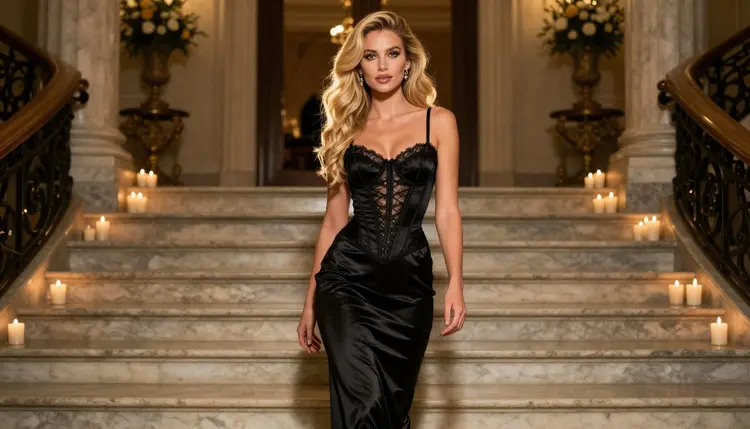
Black satin on a staircase. A full-length shot of a woman in a black corset and a long satin skirt descending a marble staircase, golden hour backlight, 100mm lens. The backlight draws a rim along the hair and the skirt, so mention it by name.
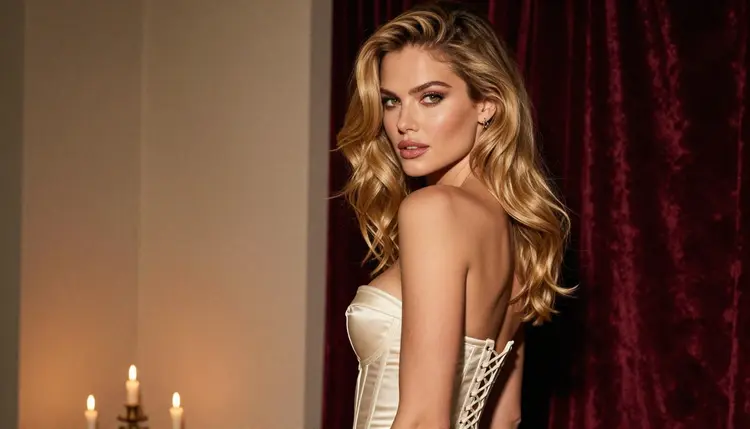
Ivory laced back by candlelight. An over-the-shoulder frame of an ivory satin corset with a laced back, a glance toward the camera, candles as the only light, 50mm at a wide aperture. The lacing is the subject here, so ask for visible ribbons and evenly spaced eyelets.
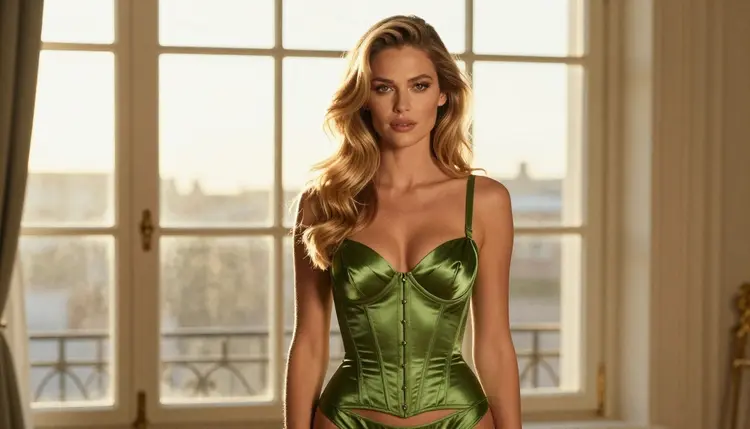
Emerald profile against a window. A silhouette in profile, emerald satin corset, a bright window behind, 24mm lens. Keep the prompt simple: shape, color, backlight. Silhouettes hide a lot of detail, which makes them forgiving.
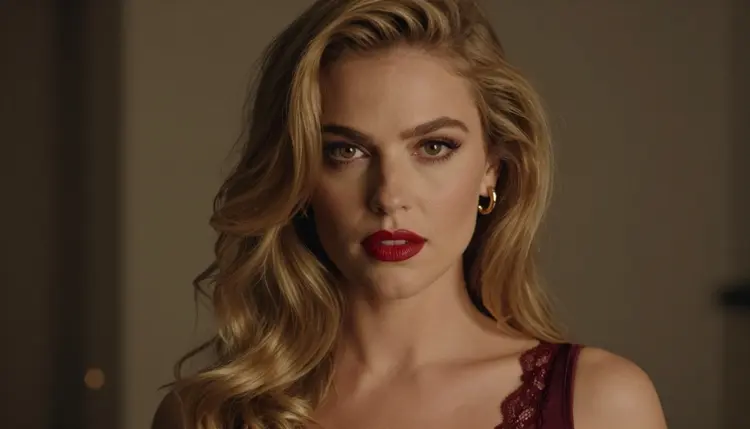
Close-up with red lipstick. A tight portrait, burgundy lace corset top just visible at the frame edge, red lipstick, warm tungsten lamp, 100mm macro. This one is about the face and the lace, so describe the lipstick, the lashes and the lamp.
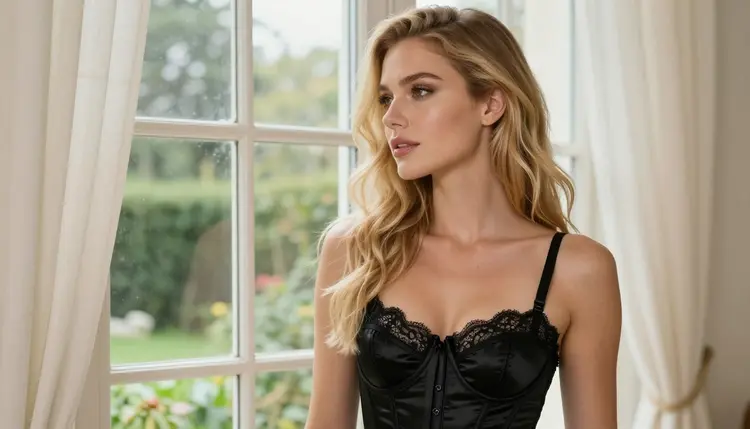
Window gaze in soft daylight. A woman in a black satin corset looking out of a tall window, overcast daylight, 85mm. There is no mirror and no second subject, which keeps the composition calm and the reflections clean.
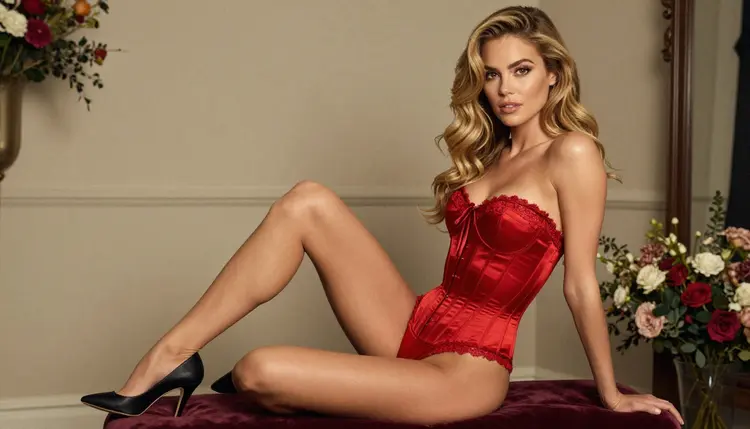
Red satin on a velvet stool. A three-quarter view of a woman seated upright on a velvet stool in a red satin corset and heels, soft overcast light, 135mm. Ask for good posture and a plain wall, so the red does the talking.
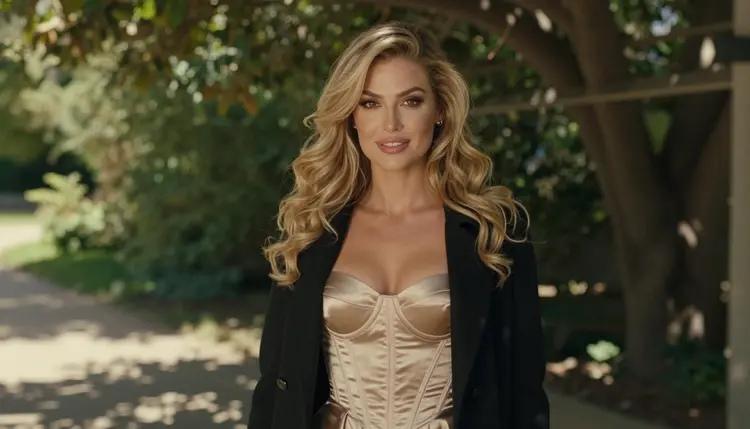
Champagne corset under an open coat. A waist-up shot beneath a leafy pergola, champagne-gold corset, an open black coat, dappled shade, 70mm. The dappled light adds texture, but name the corset color clearly so the leaves do not tint it.
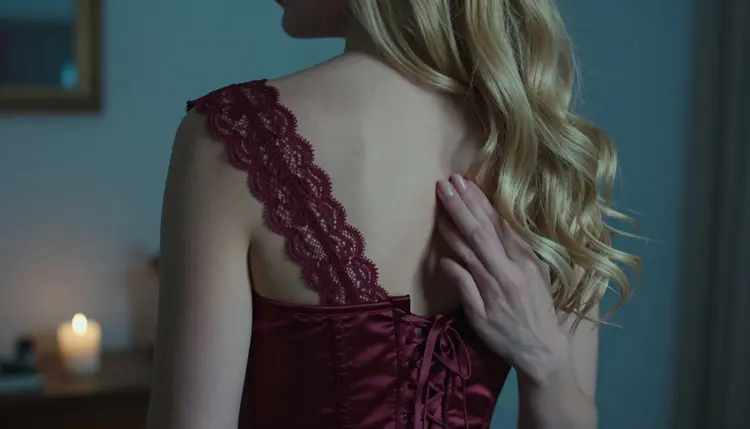
Laces in blue-hour light. A detail shot of a burgundy corset's laced back with one hand resting on the ribbons, cool blue-hour light, 50mm. Specify exactly one hand, which cuts the chance of extra fingers.
This section is for adults. You must be 18 or older to use the adult features of Picasso IA, and the content on this page is meant for mature viewers only.
Every character you create has to be a fictional adult. Do not use a real or identifiable person, a celebrity or someone you know, and do not write a prompt for anyone who could read as a minor. Keep the age cues clearly adult in the wording of your prompt, such as a mature woman in her late twenties or older.
What you generate is private by default. It is tied to your account and is not published or shown to other people. What you do with a finished picture afterwards is up to you, and you are responsible for sharing it within the rules of wherever you post it.
A new account gets a small free trial on selected models, which include Picasso IA Image, Picasso Image Editor Pro, Picasso IA Video and Seedance 2.5 Lite. It is a way to see how your first corset prompts behave before you decide anything. Plans, prices and the details of the unlimited tag live on the pricing page.
If you want to explore beyond the confirmed list, the catalog is open: the full catalog shows every model with its title and what it does. Untested options for image work include Qwen Image 2, and for video, Picasso Video (Pruna P-Video). We have not tested them with adult prompts, so run a small experiment and keep a confirmed model close in case you need to switch.
When a corset image works, you can extend it. Picasso IA Video and Seedance 2.5 Lite take a finished image and animate it, so the curtain moves, the candle flickers and the camera drifts a little. For a longer, cinematic clip written from text, LTX 2.3 Pro makes 4K video. Keep the motion small. A slow push in and a gentle sway read as elegant; fast movement tends to warp laces.
Which models are confirmed for NSFW corset photos?
Six models are confirmed for adult prompts in Picasso IA: Seedream 4.5, Recraft V4.1 Pro and Picasso Image Editor Pro for images, and LTX 2.3 Pro, Picasso IA Video and Seedance 2.5 Lite for video. Confirmed means we tested adult prompts against them repeatedly and saw them generate, which is not a setting published by their makers.
Why use Seedream 4.5 for corsets?
Seedream 4.5 is a text to image model that makes 4K pictures and handles photoreal detail well. Corsets are full of detail (seams, lace, eyelets, satin sheen), so a model that keeps fabric looking like fabric gives you better frames with fewer retries.
How should I word a corset prompt?
Name the material, color and trim first, then the set, then the light and a lens such as 50mm or 85mm. For example: burgundy satin corset with black lace trim, dressing table with candles, late-afternoon side light, film grain. Short, concrete phrases work better than long strings of adjectives.
Can I put two characters in one corset scene?
Yes, you can describe two adults in one prompt, but results are steadier if you keep the corset as the focus and the second person simple. Describe each person separately, state where each one stands, and see the hotel room photos page for a set that suits two people.
What happens when a model refuses my prompt?
The app shows a message titled "Content Not Supported by This Model". It recommends models that accept adult prompts and carries your prompt over, so you do not retype anything. Pick one of the confirmed models from the list and run it again.
Are the characters adults and fictional?
Yes, always. Picasso IA is for adults aged 18 or older, and every character must be a fictional adult. Do not use a real or identifiable person, and do not write for anyone who could read as a minor. These photos are suggestive and glamour-styled, never explicit.
Are my corset images private?
Generations are private by default. What you create is tied to your account and is not published or shown to other people. If you choose to share an image somewhere else, that is your decision, so check the rules of that place first.
Can I turn a corset photo into a video?
Yes. Picasso IA Video animates an image or writes a clip from text, and Seedance 2.5 Lite makes clips up to 10 seconds. For a 4K clip from text, try LTX 2.3 Pro. Keep the movement slow so the laces hold their shape.
Can I change one detail, like the laces or the color?
Yes. Picasso Image Editor Pro edits an image you already have, so you can change a corset color, tidy a lace, or fix a hand without regenerating the whole scene. Say clearly what to change and what to keep.
Can I try this before paying?
A new account has a small free trial on selected models, including Picasso IA Image, Picasso Image Editor Pro, Picasso IA Video and Seedance 2.5 Lite. Seedream 4.5 is not on that list, so check the pricing page for how plans and credits work.