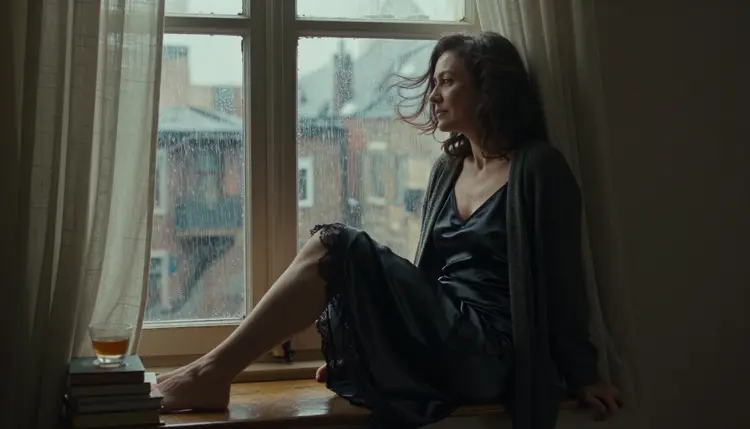
A live wallpaper is a short looping clip that plays behind your icons on a desktop or a phone. The NSFW version of the idea is a moody, adult portrait: satin and lace, a silk robe, a tall window with rain on the glass, and one small movement that repeats. The curtain lifts, a drop slides down, hair moves in a breeze. Nothing else needs to happen for the screen to feel alive.
This page shows how to build that clip with Picasso IA Video, which makes video from text or from a single image. Everything here is provocative and never explicit, for adults only, and every character is a fictional adult.
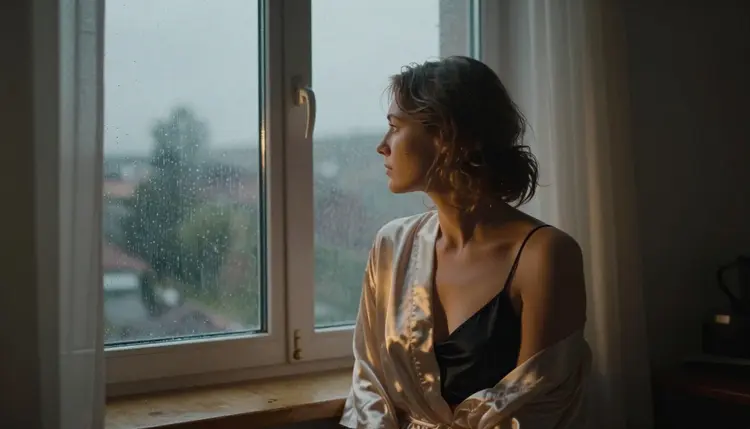
A wallpaper stays on screen for hours, so the motion has to be quiet. A fast clip tires the eye and fights with your icons. A portrait with one slow cue, like linen curtains breathing in and out beside a rain-streaked window, can sit behind a desktop all day without drawing attention away from your work.
The look is built from a few repeatable parts. One adult subject, usually alone in the frame. One light source, such as late-afternoon side light or the cool ambient light of blue hour. Wardrobe that suggests glamour without showing more than a boudoir photograph would: a satin slip dress under a loose cardigan, a lace-lined bodysuit under a trench coat, a champagne silk robe over a camisole. And one motion cue that the prompt names on purpose.
Picasso IA Video is the best place to start because it takes either a text prompt or a still image and returns a clip. In the catalog it is listed as a free and unlimited video generator, with the infinity tag. You can write the whole scene as text and let it build the first frame, or you can make the portrait first and ask the model to move it. The second route gives you more control over faces, fabric and framing. If you also want a still version of the same mood, Seedream 4.5 wallpaper art covers that side.
Picasso IA keeps a short list of models it has tested with adult prompts, repeatedly, and watched them generate instead of reject. That is what confirmed means, and the page on what confirmed means explains it in full. It is the app's own testing, not a setting published by the makers of each model, and it can change. These are the confirmed models, and three of them make video.
The rest of the catalog is untested. That means worth a try, not confirmed either way, and never described here as filtered or filter-free. If you want to explore beyond them, the full catalog lists the other video models, and you can paste the same prompt you would use with a confirmed one.
The flow is short because the work happens in the prompt. You open the toolkit, choose a video model, describe a still scene with one motion cue, and review the result frame by frame before you set it as a background.
- Open the toolkit and pick the model. Choose Picasso IA Video for the main route, or LTX 2.3 Pro if you want a 4K clip from text. Pick text to video, or attach a still if you are animating a portrait you already made.
- Describe wardrobe and setting. Name the fabric, the colour, the room and the window: black satin slip dress, loose charcoal cardigan, deep window seat, linen curtains, rain on the glass. Add an adult age range such as mid thirties.
- Set the light and the motion. Say where the light comes from, such as late-afternoon side light, then add exactly one movement: curtains lifting, hair in a breeze, drops sliding down the pane. Say that the camera stays still.
- Generate and review. Watch the clip twice. Check hands, fabric edges, the face and the background for jumps. A wallpaper repeats, so a flicker you notice once will be noticed on every pass.
- Refine or switch model. If one detail is off in your source still, fix it with Picasso Image Editor Pro and animate again. If the movement is wrong, rewrite the motion line or try another video model.
Each idea below names a wardrobe, a setting, a light, a lens feel and a single motion cue. Copy the structure, then change the details to your own character. Add a camera note such as wide for a monitor or tall for a phone, depending on where the clip will live.
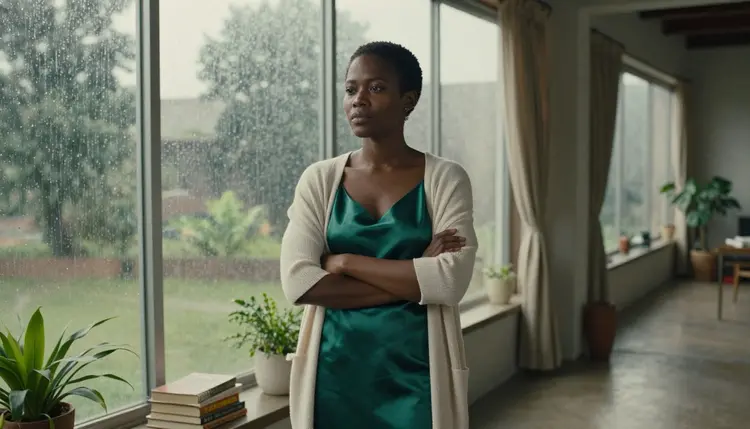
Emerald dress at the loft window. A West African woman in her late thirties, emerald satin slip dress under a cream cardigan, standing beside a loft window covered in rain beads. Overcast soft daylight, 70mm feel, wide environmental portrait. Motion: the beads slowly gather and slide down the glass while the cardigan sleeve stays still.
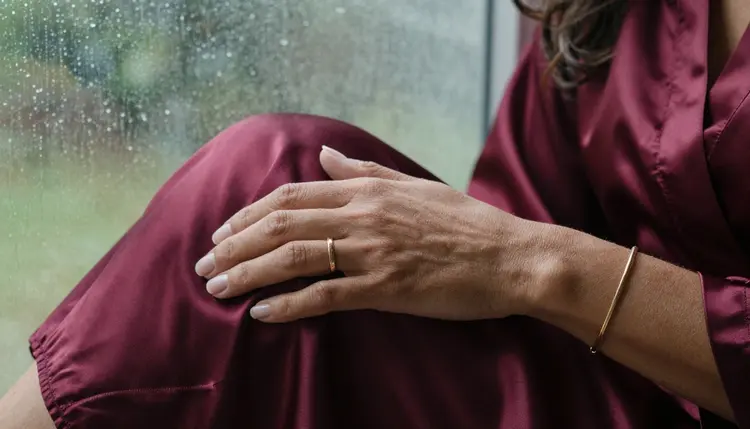
Burgundy robe, hands only. A close detail of a Brazilian woman's hands on the edge of a burgundy satin robe, a gold ring, rain drops out of focus behind. Late-afternoon side light, macro lens feel. Motion: the fingers tighten once on the fabric and relax, the drops keep sliding behind.
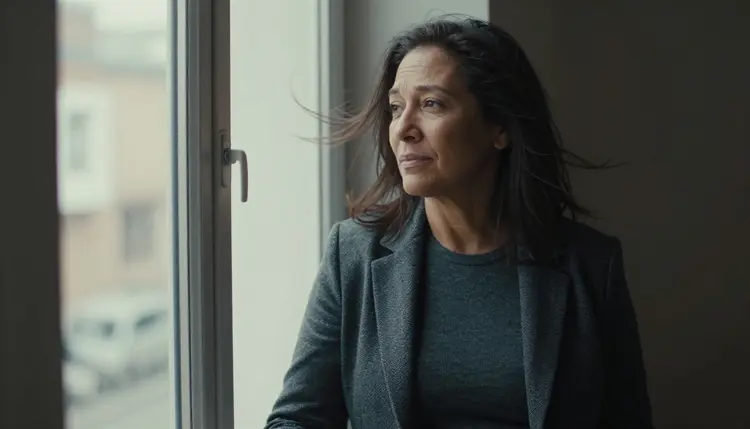
Blazer at the window frame. A mixed-heritage mature adult woman in her mid thirties with visible laugh lines, fitted charcoal knit top under an open tailored blazer, leaning on a tall window frame. Medium shot, waist up, soft side light. Motion: loose hair lifts in a breeze and settles, no camera move.
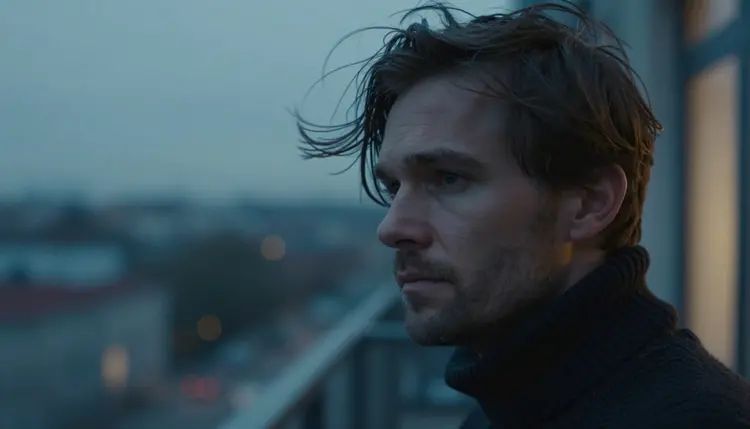
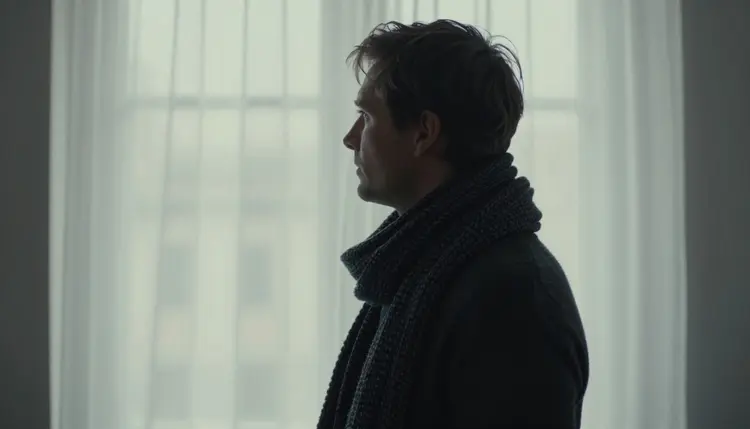
Silhouette against a bright window. A Nordic man in his early forties in profile, facing a bright studio window with a thin curtain. Soft diffused daylight, 100mm feel. Motion: the curtain rises slowly and falls back, the silhouette stays sharp. This one works well as a calm dark-mode background because the face is mostly shadow.
Window seat in the afternoon. The hero frame of the page: a mixed-heritage woman in her mid thirties on a deep window seat, black satin slip dress with a lace hem, legs crossed at the ankles, charcoal cardigan slipping off one shoulder. Heavy linen curtains and rain on the glass, 35mm feel. Motion: the curtains billow outward and return.
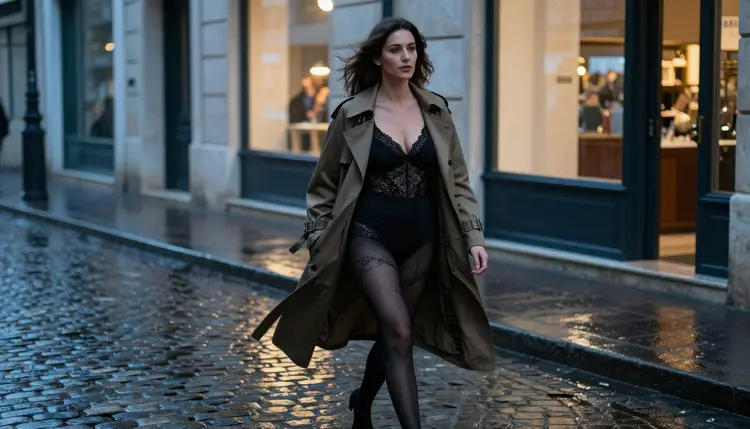
Blue hour on cobblestones. A Mediterranean woman in her late thirties, lace-lined bodysuit under an open camel trench coat, walking a wet cobblestone street at blue hour. Wide 24mm feel. Motion: slow steps toward the camera, the coat edges swaying. For another take on animating a single still, see the dance video from one image page.
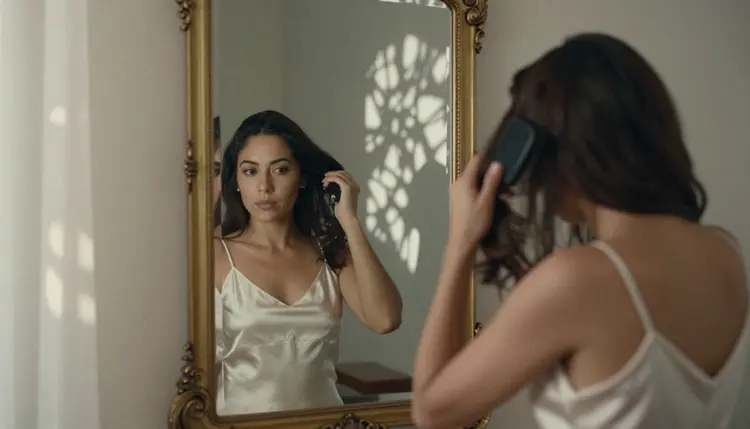
Mirror and brush. A Latin American woman in her mid thirties in an ivory satin slip dress, brushing her hair before an antique mirror beside an open window. Dappled shade light, 50mm feel. Motion: one slow brush stroke while leaf shadows drift over the glass.
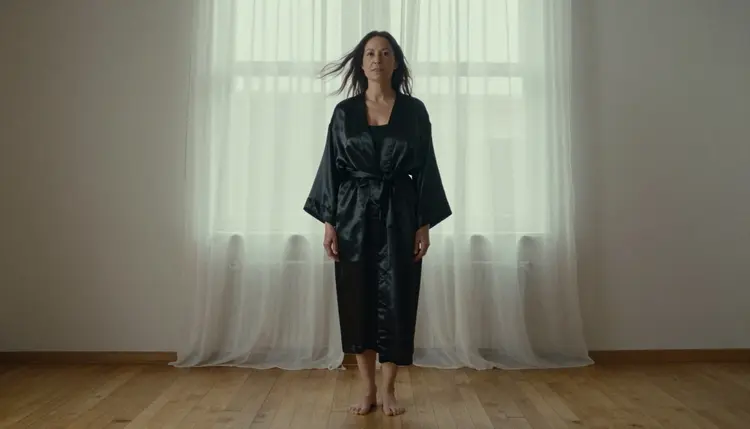
Low angle in a satin robe. A full-length low-angle frame of a mixed-heritage mature adult woman, long black satin robe over a slip, beside a studio window with a lifting curtain. Soft diffused daylight, 135mm feel. Motion: the robe hem shifts once in a draft from the window.
This section is the rulebook for the page. Picasso IA is for adults, so use it only if you are 18 or older, and treat every prompt on this page as material for adult viewers.
Every character you create must be a fictional adult. Do not write prompts for a real or identifiable person, and never describe anyone who could read as a minor. Give your characters an adult age range, a mature look and adult wardrobe, and keep the setting grown-up too.
Your generations are private by default. They are tied to your account and are not published or shown to others. What you do with a clip after you download it, such as sharing a wallpaper, is your call, so keep the same rules in mind when you do.
A new account can try a few generations for free on selected models: Picasso IA Image, Picasso Image Editor Pro, Picasso IA Video and Seedance 2.5 Lite. It is a small free trial on selected models, not on the whole catalog. Plans, credit use and the unlimited tag are explained on the pricing page, and you should check it before you plan a long run of clips.
For wallpapers, the easiest path is to test your first prompt on Seedance 2.5 Lite or Picasso IA Video, because both carry the unlimited tag in the catalog. Once the motion cue is right, move the same prompt to LTX 2.3 Pro if you want a 4K result.
Other video models in the full catalog are untested here, for example Seedance 2.5, Picasso Video (Pruna P-Video), Kling, Wan and Veo. They are worth a try with a calm, clothed portrait prompt. If one refuses, go back to a confirmed model with the same text.
Which models are confirmed for NSFW live wallpapers?
The confirmed video models are Picasso IA Video, Seedance 2.5 Lite and LTX 2.3 Pro. Seedream 4.5, Recraft V4.1 Pro and Picasso Image Editor Pro are confirmed for the still frames. Confirmed means Picasso IA tested adult prompts on that exact model and watched it generate. Every other model is untested.
Why start with Picasso IA Video?
It takes text or a single image, it is listed in the catalog as free and unlimited, and it is part of the small free trial on selected models. That makes it the simplest place to test a motion cue before you spend time on a longer or sharper clip. See its model page for the options.
How should I word a prompt for a looping wallpaper?
Describe a still scene first, with wardrobe, room, light and an adult age range. Then add one motion cue and say the camera does not move. Short, concrete sentences work better than a long list of effects. Rain on glass, a lifting curtain or hair in a breeze are good cues because they repeat naturally.
Can I put two characters in one clip?
Describe both adults, give each their own wardrobe and position, and keep the movement small. For a pair as a still frame first, the lesbian couple art page shows how to describe two people in one scene. Then animate the result.
What happens when a model refuses my prompt?
The app shows a message titled Content Not Supported by This Model. It recommends models that accept adult prompts and carries your prompt over, so you do not retype anything. Pick one of the confirmed models and run it again.
Are the characters adults and fictional?
Yes, always. The page is 18+ only, and every character is a fictional adult. Do not use a real or identifiable person, and never describe anyone who could read as a minor. If a prompt could be read that way, rewrite it with a clear adult age range and mature wardrobe before you generate.
Are my wallpapers private?
Generations are private by default. They are tied to your account and not published or shown to others. Anything you download is yours to handle, so think about where a clip ends up before you share it, especially on a work computer where other people can see your screen.
Should I start from text or from a still image?
Start from text if you want to test a mood fast. Start from a still if the face, the fabric or the framing must be exact: make the portrait with Seedream 4.5, attach it in Picasso IA Video, and write only the motion in the prompt. For 4K from text alone, try LTX 2.3 Pro.
Can I fix one detail before animating?
Yes. Open the still in Picasso Image Editor Pro and describe the change, such as a different robe colour or a cleaner hand, then use the edited image as your first frame. It is confirmed for adult prompts and carries the unlimited tag in the catalog, so a few rounds of small fixes are reasonable before you animate.
Can I try this before paying?
A new account gets a small free trial on selected models, including Picasso IA Video and Seedance 2.5 Lite. It does not cover the whole catalog. Plans, credit use and the unlimited tag are explained on the pricing page, so read it first and then open the toolkit to run your first clip.