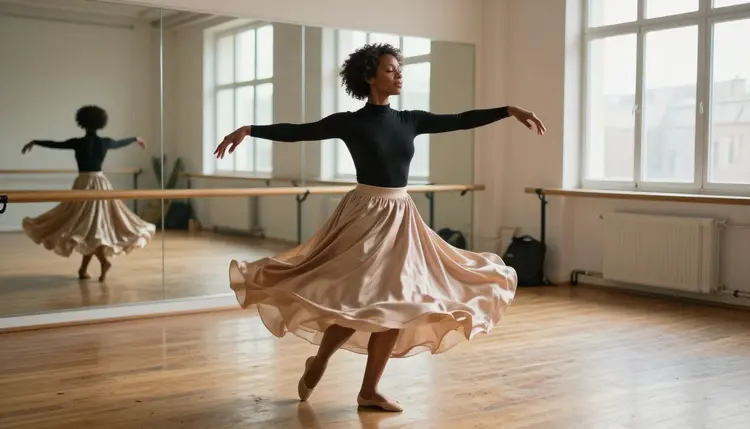
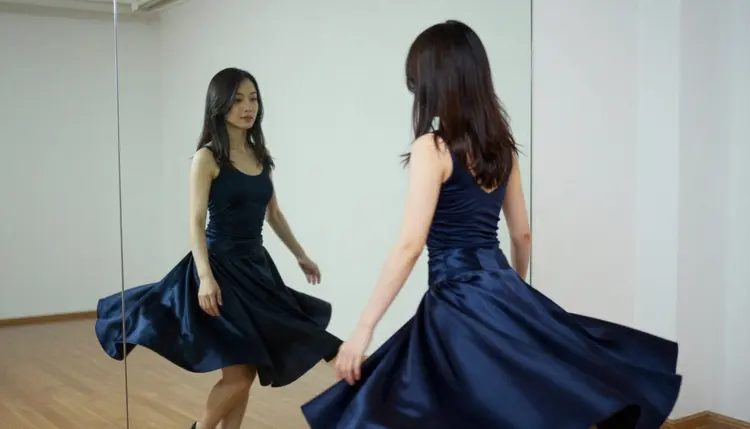
A dance clip from one image starts with a still frame and ends with a few seconds of movement: a satin skirt opening into a circle, hair following a turn, a mirror repeating the motion a beat late. You supply the first frame, a short prompt says what moves, and the video model fills in the rest. This page shows how to do it on Picasso IA with the video models the app has tested against adult prompts, and how to write both the still and the motion prompt so the result reads as a dancer in a studio and not as a warped photo.
Everything here is for adults and about fictional adult characters. The look is studio and boudoir dance: opaque bodysuits, long satin skirts, silk robes, bare feet on a honey-colored wooden floor, a barre and a mirror wall. It is provocative through movement, fabric and light, never explicit. If you want the wider picture of what the toolset does with images and video, the NSFW AI image and video generator page is the general overview.
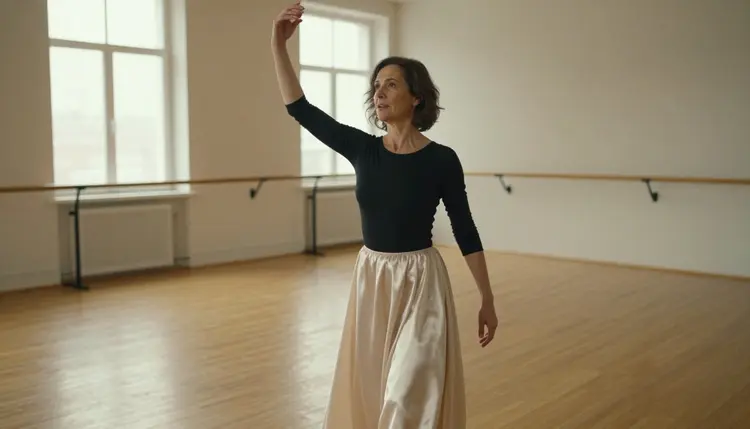
An image to video model takes your picture as the opening frame. That means the decisions that are hardest to control in a video, such as the face, the wardrobe, the room and the light, are already made before the clip starts. The prompt only has to describe movement. For dance this is a good division of labor, because a dance clip is mostly one readable gesture: a turn, a sway, a step forward, an arm rising. A few seconds is enough to show it.
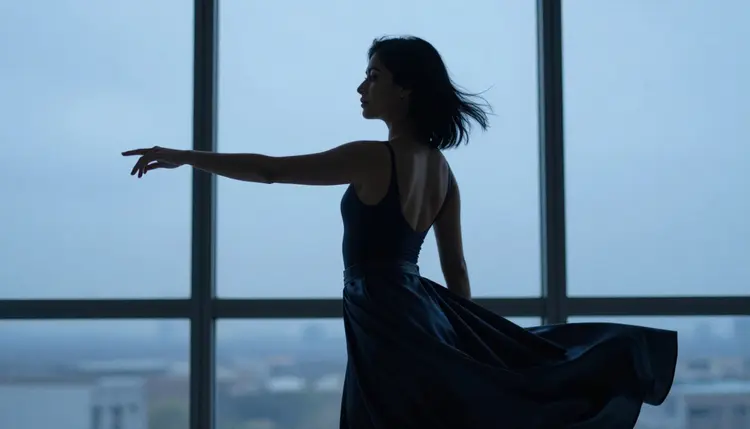
Fabric does most of the visual work. A long satin skirt, a ruffled hem or a silk robe traces the motion in the air and makes a small movement look large. A bodysuit gives the body a clean line, and an opaque top or a high collar keeps the frame elegant and clear of anything explicit. When the cloth moves, the clip feels like dance even if the dancer only turns once.
Pick a first frame that already implies motion. Weight on one foot, an arm extended, a hem lifted off the floor and a head turned over the shoulder all tell the model which way the movement should continue. Frames with hands hidden behind the body, limbs crossing each other or a face half cut by the edge are harder to animate cleanly, because the model has to invent what is missing. A medium shot from the waist up suits a simple sway. A full-length wide frame suits a turn. A close-up suits hair and a slow tilt of the head.
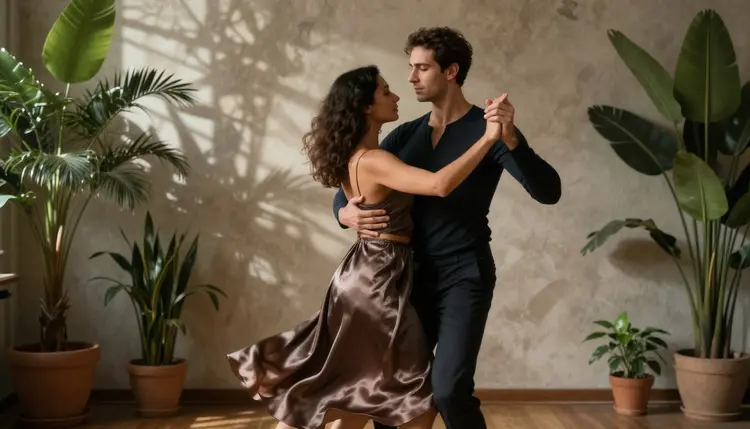
Two dancers are possible, for example a pair mid-turn with joined hands in a studio corner, but every extra body is one more thing that has to stay consistent from the first frame to the last. Start with one dancer, get a clip you like, then try a pair.
In Picasso IA, "confirmed" means the team tested adult prompts against that exact model repeatedly and watched it generate instead of reject. It is not a published setting of the model's maker, who can change it at any time. The page what confirmed means explains the idea in full. Six models carry it, and three of them make video. The table lists all six, because a dance clip often needs an image model for the first frame and an editor for the last fix.
Read the table with one detail in mind. Picasso IA Video is the model whose catalog title says text or image, so it is the one you use when the picture itself goes in. Seedance 2.5 Lite and LTX 2.3 Pro are listed for video from a written scene. With them you describe the still in words: the dancer, the wardrobe, the room, the light, the lens. A frame you wrote carefully for the image step transfers almost line by line.
Every other model in the catalog is untested. That is not a warning, only a label: nobody has confirmed it either way, so it is worth a try when the confirmed ones do not give you the look you want. Section six of this page says how.
The flow has two parts, the first frame and the motion. If you already have a picture of a fictional adult dancer that you made yourself, go straight to step one. If you do not, make the still first with Seedream 4.5 or Recraft V4.1 Pro, then come back.
- Open the toolkit and pick the video model. Go to the toolkit, choose video and select Picasso IA Video for an image to video clip. Pick Seedance 2.5 Lite or LTX 2.3 Pro instead if you want to work from a written scene.
- Add the first frame and name the set. Attach your still and repeat its basics in the prompt: the dancer, the skirt color, the mirror wall, the wooden floor. For the text-only models, describe the whole frame in words.
- Write one movement and one camera move. Say what the dancer does, such as "she finishes a slow turn and the skirt settles", and what the camera does, such as "a gentle push in". Keep the light the same as in the still.
- Generate and watch the clip twice. The first pass is for the overall motion, the second for details: hands, fingers, the edge of the skirt, the feet on the floor and the reflection in the mirror.
- Refine or switch. Fix a flaw in the still with Picasso Image Editor Pro and run the clip again, or move to another confirmed video model with the same prompt and compare the two clips.
A short motion prompt beats a long one. Two sentences about movement are usually clearer than a paragraph that asks for five things at once. If the clip drifts, remove an action instead of adding a clarification.
These ideas give you a still prompt and a motion prompt each. Copy the wording, change the dancer, the color of the fabric and the setting, and keep every character an adult. The look enters through wardrobe, props and light.
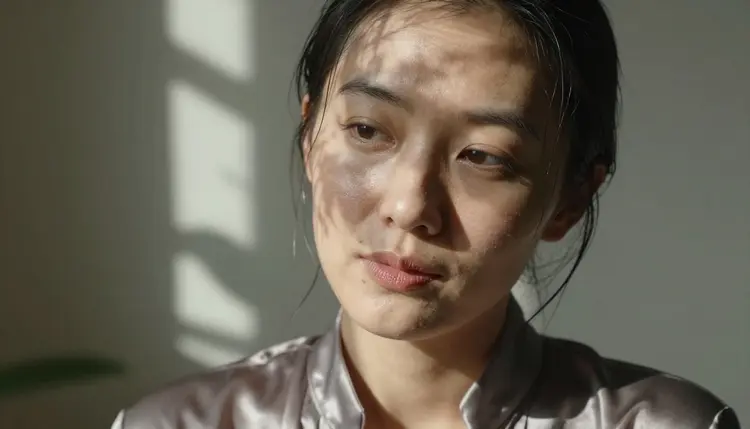
Close-up in dappled light. For the still, write a tight portrait of an adult woman in her early thirties with faint laugh lines, head tilted, a few damp flyaway hairs and the high collar of an opaque satin top, with dappled shade across her cheek from a leafy window, 24mm f/2.8. For the motion, ask for a slow tilt of the head and a breath of movement in the hair, with no camera move at all. Small movements look the most natural in a close-up.
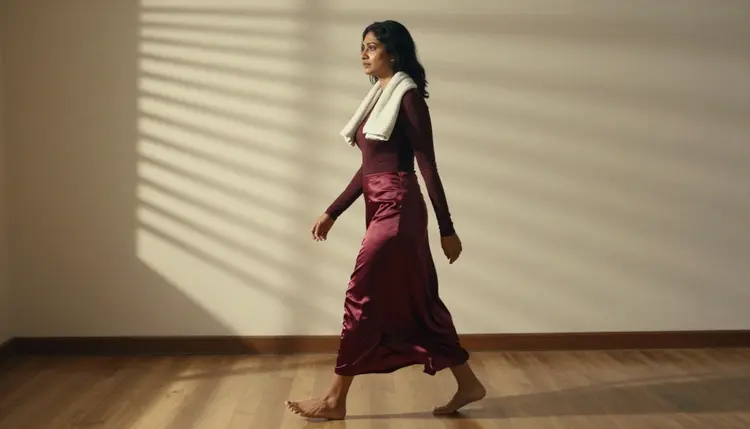
Walking entrance under blinds. A candid three-quarter shot of an adult woman in her mid thirties crossing a studio floor in a long burgundy satin skirt and a fitted long-sleeve top, a towel over one shoulder, hard morning sun through blinds laying stripes on the floor, 100mm macro f/2.8. The motion prompt is a steady walk toward the camera with the hem swaying. The stripes of light make a useful test, because they should move with the floor and not with the dancer.
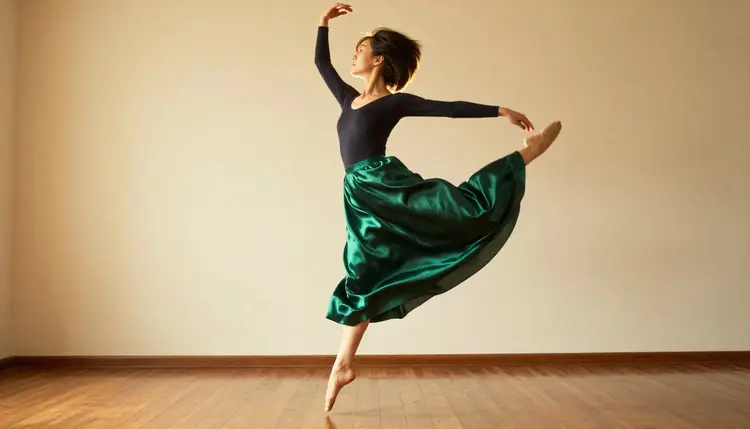
Low-angle leap. A full-length frame shot from near the floor: an adult woman in her early thirties, dark opaque bodysuit, long emerald satin skirt flying out behind her, golden hour backlight on hair and fabric, 85mm f/1.8. A leap is the hardest idea on this list, since the body leaves the ground and the limbs change quickly. Ask for the second half of the movement only, the landing and the skirt falling, and let the first frame hold the peak of the jump.
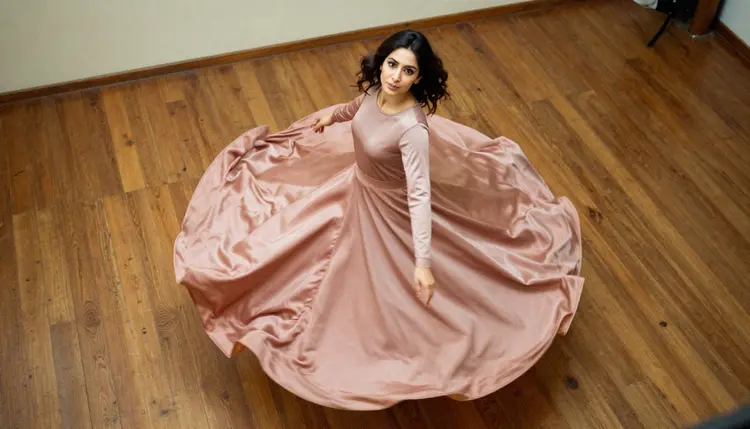
Overhead spin. An adult woman in her early thirties turning on a wooden studio floor, a wide circle of dusty-rose satin skirt around her like a flower, face tipped up toward a camera on a balcony, late-afternoon side light with long shadows, 135mm f/2. The motion prompt is a slow rotation with the circle of fabric following her, and the camera held still above. The overhead angle makes the skirt the star of the clip.
Mirror finish. A mirror reflection frame of an adult woman finishing a turn in a navy satin skirt, seen in a large studio mirror, soft diffused daylight, 24mm f/2.8. Ask for the turn to complete and the skirt to settle, and watch whether the reflection moves in step with the dancer. Mirrors are a good stress test for a video model, so use them when you want to see how stable a model is.
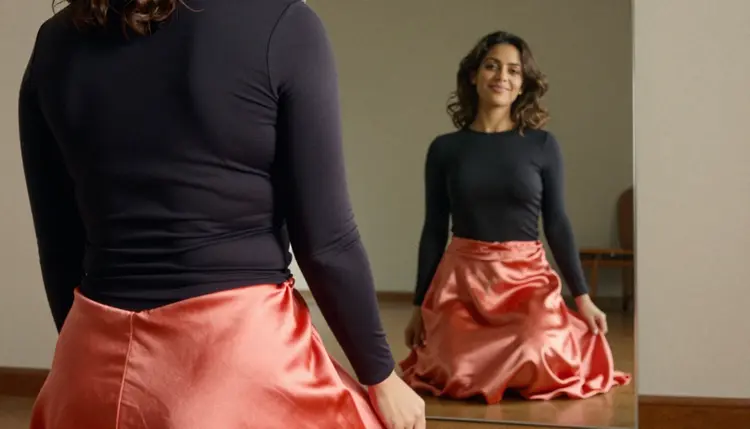
Over the shoulder, watching the reflection. An adult woman in her mid thirties seen from behind, in a fitted dark long-sleeve top and a coral satin skirt, looking toward a mirror wall where her smiling face and a swirl of fabric are reflected, late-afternoon side light across the floor, 100mm macro f/2.8. The motion is a slow turn of the head and a small step, with the camera drifting a little to the side.
Pair mid-turn. Two adult dancers in a studio corner with plants and a plaster wall, a man in his late thirties in a fitted dark long-sleeve top, a woman in a flowing satin skirt, hands lightly joined, dappled light through leaves at the window, 135mm f/2. Ask for one turn only. For more ideas about prompting motion from a picture, 15 NSFW image to video prompts that work goes through a longer list.
This section is short on purpose, and it applies to every clip on this page. The first rule is age: Picasso IA is for adults only, 18+, and so is every image and video made here.
The second rule is about the dancer. Characters are fictional adults. Do not use a real or identifiable person, and never use a photo of someone you know or someone famous as the first frame. Do not write or build anyone who could read as a minor: keep the cues clearly adult, such as mature features, laugh lines and an adult wardrobe. If a first frame leaves any doubt, do not animate it.
The third rule is privacy. What you create is private by default: it is tied to your account and not published or shown to other people. You decide what happens to the clip afterwards.
A new account can try a few generations for free on selected models. Picasso IA Video and Seedance 2.5 Lite are on that list, and so are the image models Picasso IA Image and Picasso IA Editor Pro, which means you can test the whole path from first frame to clip before you decide anything. Details are on the pricing page. Models marked with the infinity tag do not spend credits on the plans that include unlimited generation, and the same page explains how that works. Generation otherwise costs credits that vary by model and by options such as resolution or duration.
If the confirmed models do not give you what you want, the rest of the catalog is worth a try. Those models are untested, not filtered and not filter-free. Seedance 2.5, the full model and not the Lite one, is a reasonable example. When a model does not accept a prompt, the app shows a message titled "Content Not Supported by This Model", recommends models that accept adult prompts and carries your prompt over, so nothing has to be retyped. Browse the full catalog to see what else exists for video.
Related reading on the site: turning a NSFW image into video with Picasso IA Video walks through the image to video flow with a different subject, NSFW video with LTX 2.3 Pro goes deeper on the 4K option, and prompt to NSFW video in one try shows how to get a clip from text alone. For a fantasy set instead of a studio, NSFW fantasy video with Picasso Video covers a model that is untested, so treat it as a trial.
Which models can I use to make a dance video from one image?
Three confirmed video models: Picasso IA Video, Seedance 2.5 Lite and LTX 2.3 Pro. Picasso IA Video accepts text or image, so it is the one that takes your still directly. The other two work from a written scene, so you describe the still in the prompt.
Why start with Picasso IA Video?
Its catalog title says text or image to video, and it is marked with the infinity tag, so it spends no credits on the plans that include unlimited generation. It is also part of the small free trial on selected models. For a first test with a picture you already have, it is the simplest choice.
How should I word the motion prompt?
Write one movement and one camera move, in plain sentences: "she finishes a slow turn, the skirt settles, the camera pushes in a little". Repeat the main facts of the still, such as the skirt color and the mirror wall, and leave out anything the picture already shows. Short prompts drift less than long ones.
Can I put two dancers in one clip?
Yes, but start with one and add the second once you like the result. A pair mid-turn needs both bodies to stay consistent for the whole clip. The pages prompt to NSFW video in one try and the image and video generator overview show how to describe more than one character.
What happens when a model refuses my prompt?
The app shows a message titled "Content Not Supported by This Model". It recommends models that accept adult prompts and carries your prompt over to them, so you do not retype anything. You can also switch by hand to another of the confirmed models in the table above and compare the results.
Are the dancers adults and fictional?
Always. Picasso IA is 18+ only, every character is a fictional adult, and nobody is a real or identifiable person. Do not create or animate anyone who could read as a minor, and do not use a photo of a real person as the first frame. These rules apply to images and video alike.
Is my dance video private?
Yes. Generations are private by default: what you create is tied to your account and is not published or shown to other people. What you do with the clip afterwards stays your decision.
When should I pick LTX 2.3 Pro instead?
Pick LTX 2.3 Pro when you want a 4K clip from a written scene and you are happy to describe the dancer in words. It is a good model to compare against Picasso IA Video when you care more about resolution than about starting from an exact picture. The longer guide is NSFW video with LTX 2.3 Pro.
Can I fix one detail in the image before animating it?
Yes. Open the frame in Picasso Image Editor Pro and ask for one change, such as the color of the skirt or a hand that came out wrong. Edit first and animate second: a flaw in the still repeats in every frame of the clip.
Can I try this before paying?
A new account gets a small free trial on selected models, including Picasso IA Video and Seedance 2.5 Lite, which is enough to test a first frame and a short clip. Check the pricing page for how credits and unlimited generation work, then open the toolkit and start with one dancer.