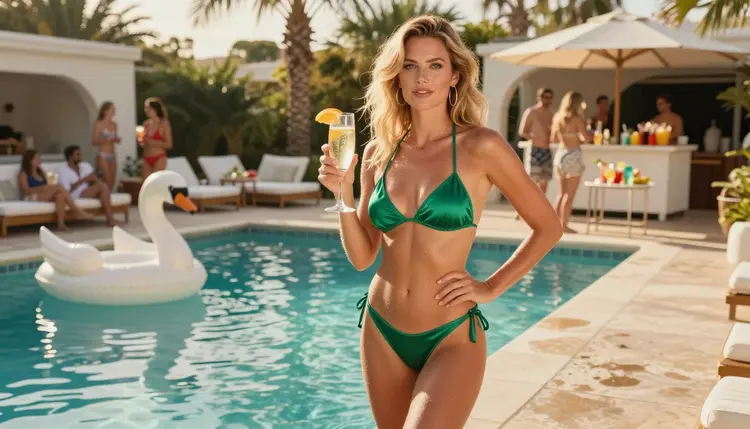
A pool party gives an image generator almost everything a glamour photographer asks for: bright water, white loungers, palms, swimwear in satin and gloss, cold drinks, and a mood that sits somewhere between relaxed and flirty. This page shows you how to build that scene on Picasso IA, from the first prompt to the last touch-up, with a model that has been tested against adult prompts and keeps generating instead of refusing.
The look is spicy but never explicit. Think resort deck at golden hour, a bikini or a one-piece swimsuit, a champagne glass, a floaty shaped like a swan. The pictures on this page follow the same rule: one fictional adult woman, daylight, film grain, and nothing that goes past swimwear glamour.
Everything below is written for adults who want practical results. You get the model choices, a five-step workflow, a set of prompt ideas you can paste and change, and the rules that apply to every image made here.
A pool party photo lives or dies on light. Water throws reflections up under the chin, tiles bounce warmth back onto skin, and white loungers act as free fill cards. When a generator understands that, the picture reads as a real afternoon and not as a render. That is why this look is a good test for any photoreal model: wet hair, glossy fabric, glass, citrus, a gold bracelet and a blurred crowd in the background all have to hold together at once.
Seedream 4.5 is the model this page is built around. Its catalog title says it creates 4K images from text, and that matters here because a pool scene is full of small things: the weave of a satin bikini strap, droplets on a shoulder, the rim of a cocktail glass. Higher resolution gives those details room. Picasso IA marks Seedream 4.5 as confirmed, which means adult prompts were tested against this exact model many times and it generated instead of rejecting them. Confirmed is our own testing result, not a promise from the model's maker, and the maker can change its behavior at any time.
The party part of the idea is also worth planning on purpose. A single woman at the edge of a pool reads as a campaign shot. Add swan and ring floaties, a row of loungers and out-of-focus guests and the same frame reads as a weekend resort. You decide how much of the crowd to describe, and the less you describe the more the model keeps them as soft shapes. If you want a quieter indoor mood, the hotel room page covers the same glamour with curtains and daylight instead of water.
Swimwear is the core of the wardrobe. A triangle bikini, a high-cut one-piece, a bandeau set, a sarong tied at the hip: each one changes the silhouette and the mood. If you want a closer look at suits on their own, the swimsuit photos guide goes deeper into fabrics and cuts, and this page stays focused on the pool party as a whole scene.
Picasso IA lists six confirmed models, three for pictures and three for video. For a pool party you will mostly use the image models, then pick a video model if you want the scene to move. The table shows what each one is good for in this look.
| Model | Best for | Format |
|---|
| Seedream 4.5 | Photoreal pool scenes, swimwear, skin and water detail | Text to image, 4K |
| Recraft V4.1 Pro | Poster or illustrated pool party art, print-ready layouts | Images, 2K |
| Picasso Image Editor Pro | Fixing one detail: a glass, a strap, a floaty | Photo editing, unlimited |
| LTX 2.3 Pro | Short moving shots written from text | Video, 4K |
| Picasso IA Video | Animating a pool photo you already like | Text or image to video, unlimited |
| Seedance 2.5 Lite | Quick clips of a walk along the pool edge | Video, up to 10 seconds, unlimited |
Seedream 4.5 is the default choice for a still photo. Recraft V4.1 Pro is the one to try when you want the pool party to look designed, like a vintage resort poster or a clean editorial layout, because it is strong on illustration and design. Picasso Image Editor Pro is where you fix small problems after the first render, and the video models take a favorite frame and add motion.
Outside that list, the catalog holds hundreds of models that are untested for adult prompts. They are worth a try, and nothing here claims they accept or refuse such prompts. Qwen Image 2 and Picasso Video (Pruna P-Video) are two examples. Browse the full catalog if you want to experiment, and keep the confirmed models as your fallback.
The workflow is short. Each step has one job, and the order matters: model first, scene second, light third, then review and refine. Skipping to the light before you have a clear wardrobe and setting usually gives you a pretty but generic picture.
- Open The Toolkit And Pick The Model. Go to the toolkit, choose text to image and select Seedream 4.5 from the model list. Keep the aspect ratio wide if you want the pool, loungers and palms in frame.
- Describe Wardrobe And Setting. Write the swimsuit first (color, fabric, cut), then the place: resort pool deck, white loungers, palms, a swan floaty. Name one prop, such as a champagne glass or a cocktail with an orange slice.
- Set The Light And Mood. Add the hour and the direction of the sun, for example golden afternoon light from camera left, then the lens and the grain: 35mm, film grain, warm analog color. State that the subject is a mature adult woman.
- Generate And Review. Look at hands, glass edges, fabric seams, earrings and the water line before you do anything else. Run a second version with one change if something is off, instead of rewriting the whole prompt.
- Refine Or Switch Model. Send the best frame to Picasso Image Editor Pro to fix a single detail, or move the prompt to Recraft V4.1 Pro for a designed look. For motion, pass the still to a video model.
If you attach reference images in the toolkit, each one gets an @1, @2 badge and you can point at it inside the prompt. This works with models that accept several inputs, and it helps when you want the same swimsuit or the same setting in a second picture.
These prompts are starting points. Each one names wardrobe, setting, light and angle. Change the color of the suit, swap the prop, move the hour, and you have a new picture. Keep the subject a woman or a man in their thirties or older, and keep the framing on glamour.
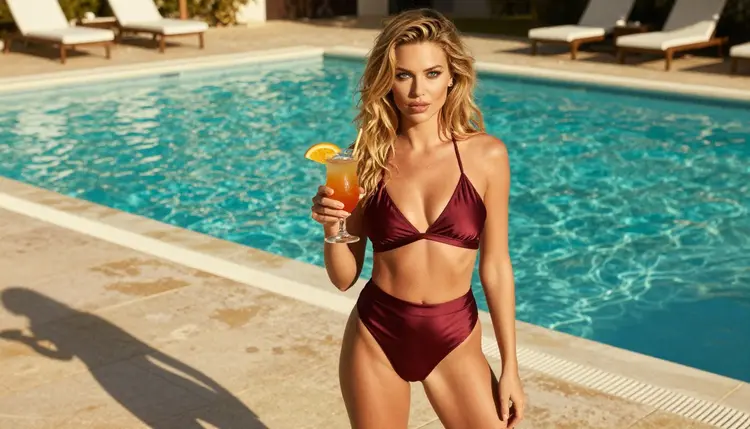
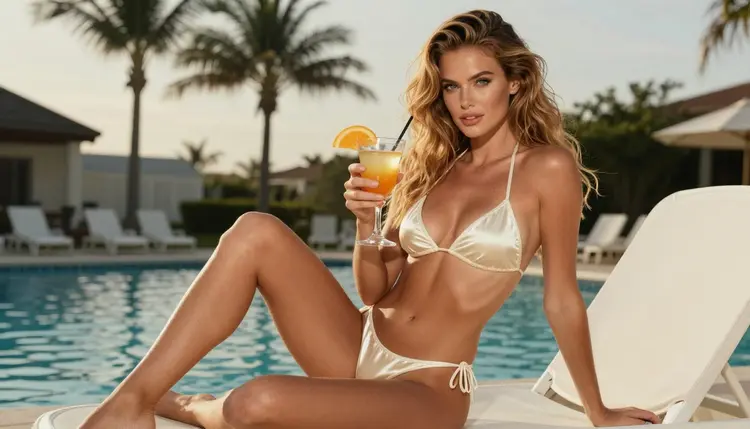
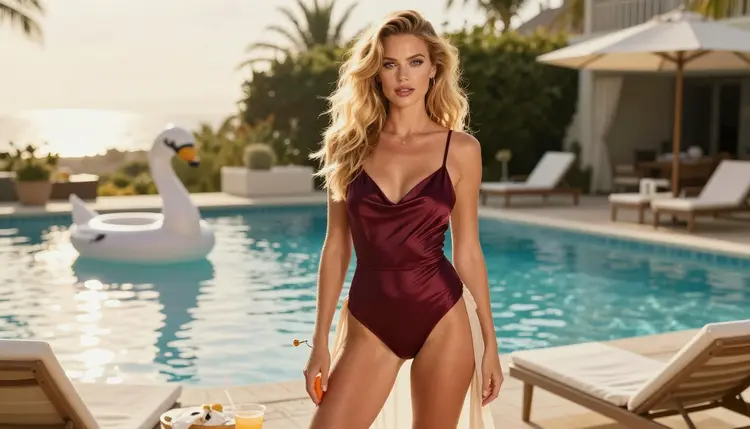
Burgundy satin bikini at the cocktail hour. A full-length standing frame of a woman in a burgundy satin bikini holding a cocktail on a sunlit resort pool deck, white loungers behind her, late-afternoon side light, 35mm f/2, film grain. The side light gives the satin a soft sheen and keeps the face readable.
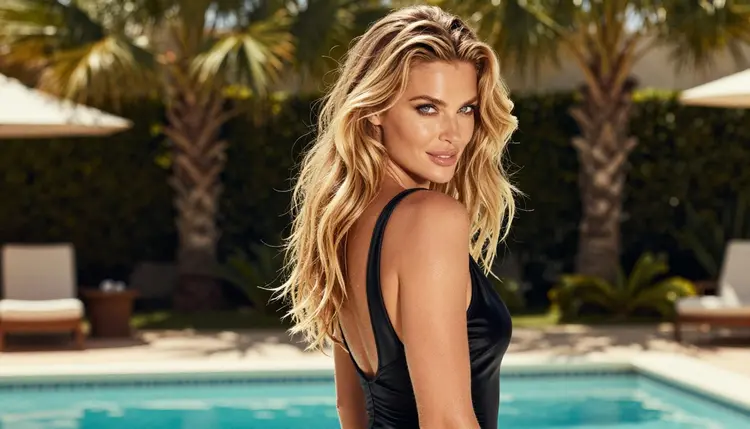
Black one-piece, glance over the shoulder. An over-the-shoulder shot of a woman in a black satin one-piece swimsuit looking back along the terrace, palms and a stripe of turquoise water behind her, morning sun, 24mm f/2.8. The wide lens gives the terrace depth, and the one-piece reads as classic and confident.
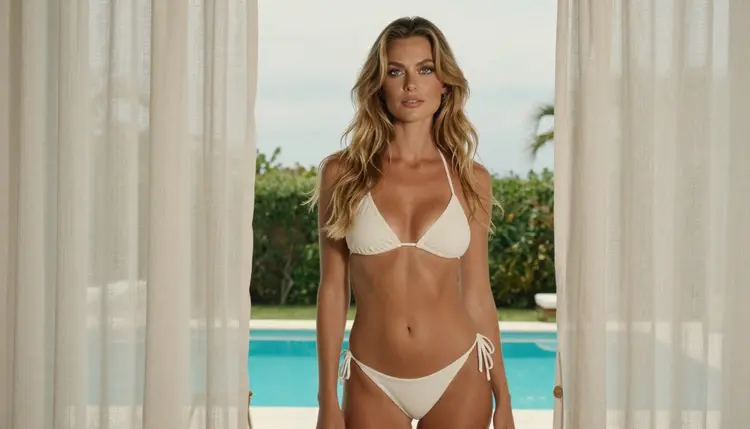
White linen cover-up at the window. A woman in a white linen cover-up over an ivory bikini looks out of a resort window toward the pool, overcast soft daylight, 24mm f/2.8. There is no mirror in this one: she looks out, not at herself. Soft daylight keeps the tones calm and the linen detailed.
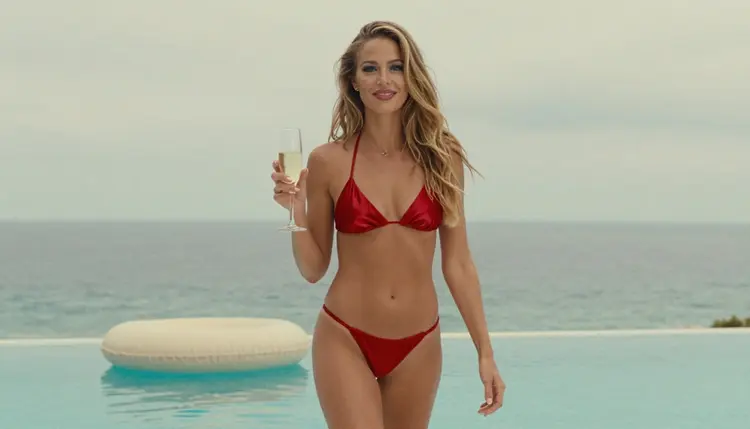
Red bikini walk with champagne. A candid three-quarter walking shot of a woman in a red satin bikini strolling along the pool edge with a champagne glass, ivory floaties drifting in the water, overcast soft daylight, 35mm f/2. Ask for a slight motion in the hair so it feels like a snapshot between conversations.
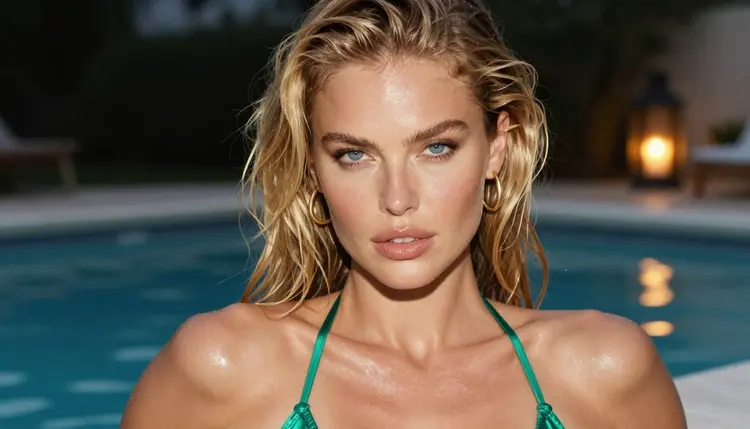
Damp hair, gold hoops, dusk. A tight close-up portrait of a woman with damp hair and gold hoop earrings, warm lantern light at dusk, 24mm f/2.8. The picture lives on skin texture and catchlights, so name the earrings and the hair state and let the rest stay simple.
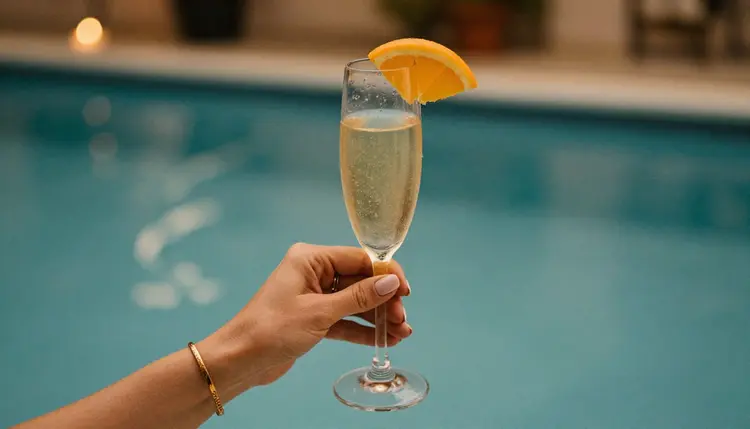
One hand, one glass. A detail of exactly one hand holding a champagne glass with an orange slice, a gold bracelet on the wrist, the pool blurred behind, candlelight, 70mm f/2.8. Writing exactly one hand in the prompt reduces the extra-finger problem that shows up in close shots.
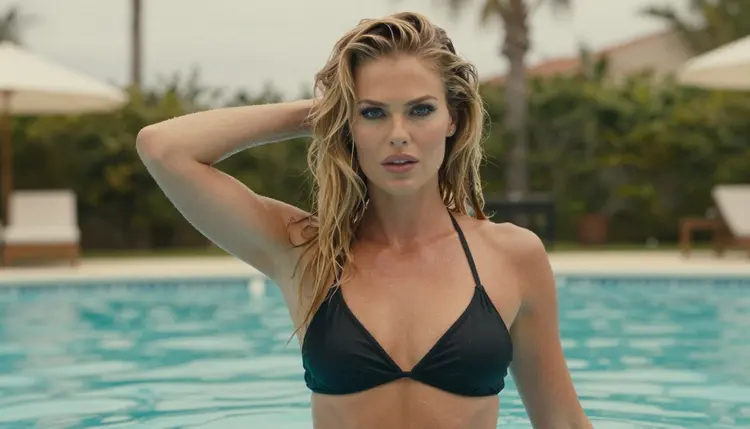
Wet hair sweep, waist-deep. A medium waist-up shot of a woman standing in the pool, sweeping wet hair back, a black satin bikini top, overcast soft daylight, 85mm f/1.8. A longer lens compresses the background into soft color and puts all the attention on the gesture.
Terrace wide shot with a swan floaty. A wide environmental portrait of a woman in a burgundy satin swimsuit and an ivory sarong, resort terrace, pool, a swan floaty and loungers, soft light from the left, 24mm f/2.8. This is the establishing frame: use it as the first image of a set and match the other frames to it.
Everything on this page is for adults. You must be 18 or older to use these prompts and models, and the pictures are meant for adult audiences. Picasso IA does not make content for or about minors in any form.
The characters are fictional adults, mid twenties or older, and nothing else. Do not ask for a real person, a celebrity, or someone you know, and do not write a prompt that could read as a minor. Wording matters here: describe the subject as a woman or a man, state a mature age, and keep the scene to swimwear glamour with implied mood rather than anything explicit. No one who could read as a minor ever belongs in these scenes.
What you create is private by default. Generations are tied to your account and are not published or shown to other people. Keep it that way: you decide whether anything leaves your account, and you are responsible for what you share.
A new account can try a few generations for free on selected models: Picasso IA Image, Picasso Image Editor Pro, Picasso IA Video and Seedance 2.5 Lite. It is a small free trial, not a free pass across the catalog, so check the pricing page for how credits and plans work before you plan a larger set. Models marked with the infinity tag do not spend credits on the plans that include unlimited generation, and the pricing page explains the details.
For a pool party set, a sensible order is to test the scene on a model in the free trial, settle the wardrobe and light, then move the final prompt to Seedream 4.5. If you want a different wardrobe family for the same woman, try the lingerie guide or the boudoir guide and carry over the light and lens choices.
Other models in the full catalog are untested for adult prompts. Seedream 5, Nano Banana, Flux and Wan are some of the names you will see. They may work or they may not, and Picasso IA has not confirmed either way. Treat them as experiments, and go back to a confirmed model when you need a reliable result.
If a model does not accept your prompt, the app shows a message titled "Content Not Supported by This Model". It recommends models that accept adult prompts and carries your prompt over, so you do not have to type it again.
Which models are confirmed for NSFW pool party photos?
Three image models are confirmed: Seedream 4.5, Recraft V4.1 Pro and Picasso Image Editor Pro. For motion there are LTX 2.3 Pro, Picasso IA Video and Seedance 2.5 Lite. Confirmed means Picasso IA tested adult prompts against each one repeatedly.
Why use Seedream 4.5 for a pool party scene?
It makes 4K images from text, and pool scenes are full of fine detail: satin straps, water droplets, glass rims, jewelry and palm leaves. The extra resolution gives those details room. It is also confirmed, so adult-themed swimwear prompts are generated instead of being rejected.
How should I word a pool party prompt?
Start with the swimsuit color, fabric and cut, then the place, one prop, the time of day and the lens. For example: a woman in a red satin bikini on a resort pool deck holding champagne, golden afternoon light from the left, 35mm f/2, film grain. Short and concrete beats long and vague.
Can I put two people in one pool party scene?
You can describe two adult characters, but the model has more to juggle: two faces, two outfits, two sets of hands. Write each person with a clear role and position, and expect to run a few versions. For a different mood with a couple indoors, see the hotel room page.
What happens when a model refuses my prompt?
The app shows a message titled "Content Not Supported by This Model". It recommends models that accept adult prompts and carries your prompt over, so nothing has to be retyped. You can also switch to one of the confirmed models yourself from the toolkit.
Are the people in these pictures real?
No. Every character is a fictional adult, mid twenties or older. Do not ask for a real or identifiable person, and never write a prompt that could read as a minor. Picasso IA is for adults aged 18 and over, and the content stays within non-explicit swimwear glamour.
Are my pool party images private?
Yes. Generations are private by default: they are tied to your account and are not published or shown to other people. What you do with an image after you download it is up to you, so share it only with consent and only with adults.
Can I turn a pool photo into a video?
Yes. Picasso IA Video takes text or an image and makes a clip, LTX 2.3 Pro writes 4K video from text, and Seedance 2.5 Lite is listed up to 10 seconds. A walk along the pool edge or a hair sweep works well as a short clip.
How do I fix one small detail, like a glass or a strap?
Open the picture in Picasso Image Editor Pro and describe only the change: a thinner strap, a clearer champagne glass, a floaty in a different color. It edits an existing image and is marked unlimited, so you can try several small fixes without redoing the whole scene.
Can I try this before paying?
A new account can try a few generations for free on selected models, including Picasso IA Image, Picasso Image Editor Pro, Picasso IA Video and Seedance 2.5 Lite. See the pricing page for how credits work, then open the toolkit and start with your first pool scene.