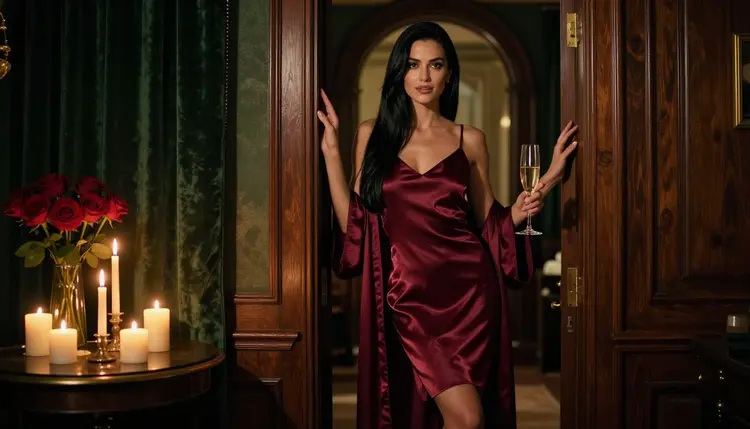
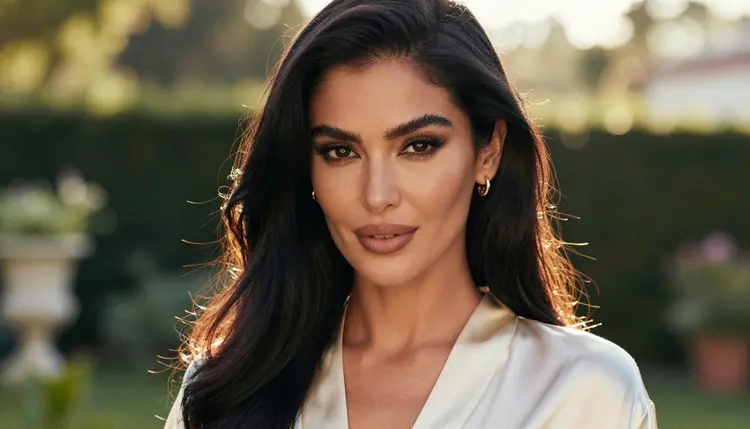
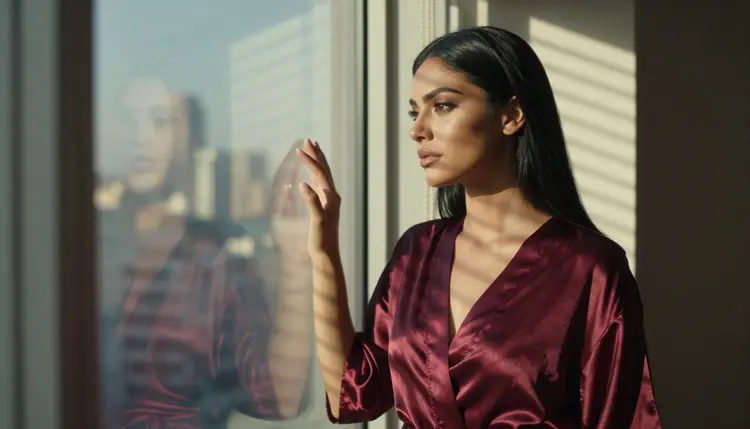
Realistic Vision v5.1 is a text to image model in the Picasso IA catalog, listed as a way to create lifelike photos. People look for it when they want classic photographic portraits: a woman in satin by a window, candlelight on a hotel balcony, a camel coat over a slip dress on a stone terrace. This page is about using it for adult, suggestive work, and it is honest about one thing first: for NSFW prompts, this model is untested.
Untested does not mean filtered, and it does not mean filter-free. It means nobody at Picasso IA has run adult prompts against it often enough to give you a verdict. It may generate your glamour frame, or it may decline. The sensible way to find out is to open it in the toolkit, write a clean prompt for a fictional adult, and read the result. If it refuses, the app shows you where to go next and carries your prompt with you.
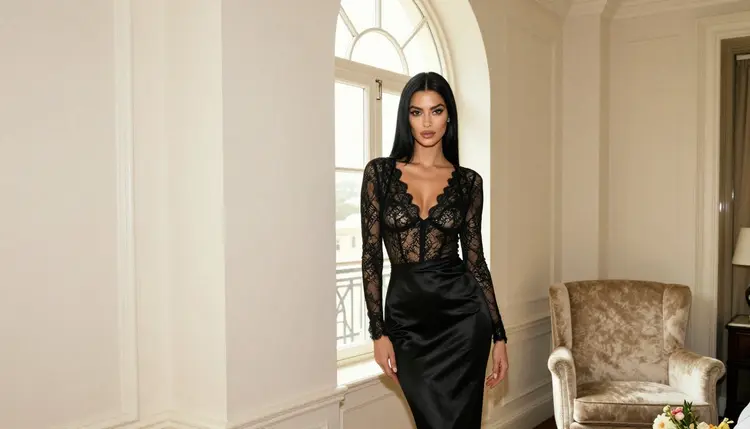
Everything below is written for adults, about fictional adults. The pictures on this page are provocative in the way boudoir and fashion photography is: wardrobe, light, pose, mood. Nothing here is explicit, and nothing here involves a real person.
In the catalog, the model appears as Realistic Vision v5.1, published under the owner name lucataco, with the title "Create Lifelike Photos with Realistic Vision v5.1". That title tells you the task: you type a description, and you get a photograph-style image back. It sits in the text to image category, next to the other still-image models you can browse in the full catalog.
That is all the catalog says about it, so that is all this page will claim. There are no promised resolutions here, no promised speeds, and no statements about what its maker allows or blocks. If you want exact options, open the model page and read the settings it shows before you generate.
What you can say with confidence is how the model is meant to be used. A model sold on lifelike photos rewards prompts written like a photographer's shot list. Name the subject, the wardrobe, the setting, the light and the lens, in that order. A prompt such as "a woman in a burgundy satin slip and robe, hotel doorway, candlelight, 50mm lens, shallow depth of field, film grain" gives the model concrete things to draw. A prompt such as "beautiful woman, hot, best quality" gives it nothing to hold on to and tends to return a generic face.

The look people usually chase with a photoreal model for adult portraits is warm and quiet. Candlelight, soft window light from one side, a bright overcast morning, a low sun behind the subject at the end of the day. Those light sources are easy to describe and easy to check in the result. They also keep a picture in the glamour and boudoir range, because the light does the work that skin would do in a more explicit picture. If you want to see how a different family of models handles the same kind of brief, the sibling pages on HiDream and Hunyuan Image 3 follow the same untested pattern for their own catalog entries.
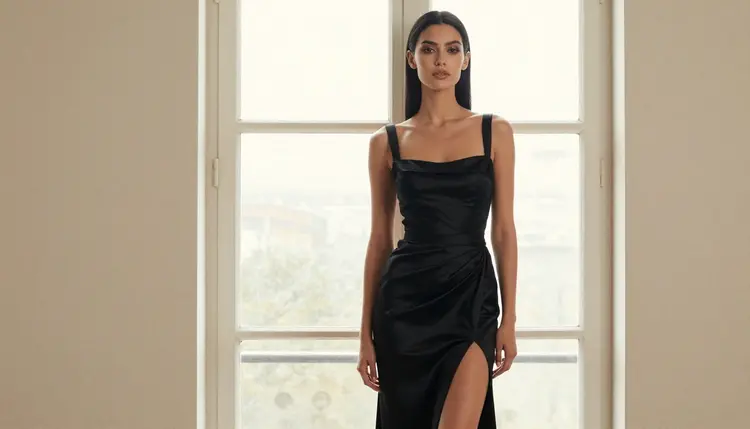
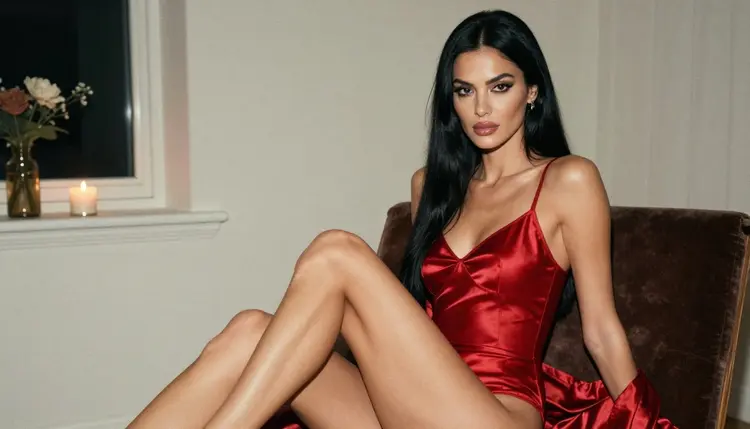
A few habits help with any photoreal model, and they apply here too. Keep one subject per prompt. Say what the camera sees: waist up, close-up, over the shoulder, profile against a window. Say how the fabric behaves, because satin, silk and lace catch light differently and the model will use that. Keep the setting specific, such as a velvet chair, an arched window, a beach boardwalk, a stone terrace. And describe the woman as an adult in plain words, with an age in her thirties if you want to set one, so the result reads as a grown person in the frame.
Picasso IA keeps a short list of models it calls confirmed. Confirmed means the team ran adult prompts against that exact model repeatedly and watched it generate instead of reject. It is a statement about what was observed, not a published setting of the model's maker, who can change behavior at any time. The page what confirmed means explains the idea in full, and it is worth a read if you plan to rely on the list.
Untested is the other side of that line, and it is not a warning. Most of the catalog is untested, simply because there are hundreds of models and each one would need repeated runs to earn a verdict. Realistic Vision v5.1 is in that group. It could accept your prompt on the first try. It could decline a prompt that another model accepts. Both outcomes are normal, and neither one says anything about you or your prompt.
So the working rule is simple. Treat the model as worth a try. Do not plan a whole project around it before you have seen one result. Run a single prompt, look at what comes back, and decide from there. If the image is what you wanted, keep going with variations. If the model declines, move to a confirmed model right away and do not spend an evening rewording the same request to get around a refusal.
It also helps to keep your expectations about a refusal calm. A refusal is information about that model on that prompt. It is not a statement about adult content as a whole, and it does not stop you from making the same picture elsewhere in the catalog. That is the entire reason the confirmed list exists: so there is always a place to take the prompt.
The test takes a few minutes. The lead-in is short: you open the model, write one clean prompt, read the result, know the refusal message when you see it, and switch if you need to.
- Open the Model. Go to the toolkit, choose text to image, and pick Realistic Vision v5.1 from the model list. Check the options the model page shows before you write anything.
- Write a Clean Adult Prompt. Describe one fictional adult in a suggestive but not explicit setting: the wardrobe, the pose, the room, the light and the lens. Keep it to a photographer's shot list and leave out anything that points to a real person.
- Generate and Read the Result. Run the prompt once and look at the picture closely. Check the hands, the fabric, the light direction and the face. If it is close, change one detail at a time rather than rewriting the whole prompt.
- Recognise the Refusal Message. If the model will not take the prompt, the app shows a message titled "Content Not Supported by This Model". It is not an error in your account or your prompt. It is the app telling you that this model did not accept the content.
- Switch With One Tap. The same message recommends models that accept adult prompts and carries your prompt over, so nothing has to be retyped. Pick one, generate again, and compare the two results side by side.
When Realistic Vision v5.1 does not take a prompt, the fallback is the confirmed list. These are the models Picasso IA tested with adult prompts repeatedly and watched generate. The table below shows what each one is best for, using only what the catalog says about it.
For the kind of work Realistic Vision v5.1 is aimed at, which is photographic portraits, Seedream 4.5 is the closest match among the confirmed models. It is a text to image model that works at 4K and is described as photoreal, so a prompt written for Realistic Vision usually carries over without changes. If you are moving a prompt over, keep the wardrobe, light and lens words exactly as they were and only change the format settings.
Recraft V4.1 Pro is a different tool. It is built for illustration and design and for print-ready images at 2K, so choose it when the brief is a poster, a pin-up illustration or a graphic with clean shapes rather than a photograph. Picasso Image Editor Pro is the one to reach for when you already have an image and want to change it, for instance to adjust wardrobe color or move a background. It carries the infinity tag in the catalog.
The three video models are for a second step. Once you have a still frame you like, Picasso IA Video can take text or an image and make a clip, Seedance 2.5 Lite is listed for clips up to 10 seconds, and LTX 2.3 Pro makes 4K video from text. A common order is to settle the look in a still, then ask for a slow camera move or a gentle motion such as fabric shifting in a breeze.
If you would rather keep exploring still-image models first, the pages for Seedream 5 Lite and Qwen Image 3 cover two more untested entries in the same way as this one. They are written as honest tests, not as promises.
This section matters more than the rest, so it is short and plain. Picasso IA is for adults only. You must be 18 or older to use any of it, and everything on the NSFW pages is written on that basis.
Every character you generate must be a fictional adult. Do not use the name, face or likeness of a real person, and do not write prompts that describe or hint at anyone who could read as a minor. That applies to ages, to wording and to the scene around the character. If a prompt would only make sense for a real, identifiable person, it does not belong here.
What you create is private by default. Generations are tied to your account and are not published or shown to other people. Keep that in mind when you share anything yourself: sharing is your decision, and the rules above still apply to whatever you choose to post elsewhere.
One more limit is worth knowing. An untested model can change what it accepts, and so can a confirmed one, because the behavior belongs to the model's maker and not to Picasso IA. A prompt that worked last week might be declined today, and the reverse can happen too. When that occurs, the same switch-and-carry-over flow applies, and the confirmed list is where you land.
A new account can try a few generations for free on selected models. The trial covers Picasso IA Image, Picasso Image Editor Pro, Picasso IA Video and Seedance 2.5 Lite, and it is a small free trial on selected models, not a free pass across the whole catalog. Realistic Vision v5.1 is not in that group, so testing it uses credits. How many depends on the model and the options you pick, and the details live on the pricing page.
Some models carry the infinity tag in the catalog. On the plans that include unlimited generation, those models do not spend credits. In this page's list, Picasso Image Editor Pro, Picasso IA Video and Seedance 2.5 Lite carry it. Realistic Vision v5.1 does not, so it is billed in credits like most of the catalog. Check the pricing page for how unlimited generation is handled and which plans include it.
A practical way to spend credits carefully is to test the untested model with one prompt, then do the long, iterative work on a confirmed model that carries the infinity tag if your plan includes it. That keeps the experiment cheap and the production work predictable. It also means that a refusal costs you a single try instead of a long session.
If you want related reading, the sibling pages follow the same pattern for other catalog models: HiDream, Hunyuan Image 3, Seedream 5 Lite and Qwen Image 3. Each one is a catalog model with no verdict yet, and each one tells you how to test it and where to switch.

Does Realistic Vision v5.1 work for NSFW prompts?
Nobody can promise that. It is untested for adult prompts, which means Picasso IA has no verdict on it. It may generate your image or it may decline. Try one clean prompt for a fictional adult in the toolkit and read the result.
What happens if the model refuses my prompt?
The app shows a message titled "Content Not Supported by This Model". It recommends models that accept adult prompts and carries your prompt over, so you do not retype anything. Pick one and generate again.
Which models are confirmed for adult prompts?
The confirmed image models are Seedream 4.5, Recraft V4.1 Pro and Picasso Image Editor Pro. For video, they are LTX 2.3 Pro, Picasso IA Video and Seedance 2.5 Lite.
Is untested the same as filtered?
No. Untested means there is no verdict either way. It is never a claim that the model blocks adult content, and it is never a claim that it allows it. The page on what confirmed means explains how the app draws that line.
Can I use a real person's name or photo?
No. Every character must be a fictional adult. Do not use the name, face or likeness of a real or identifiable person, and do not describe anyone who could read as a minor. Picasso IA is for adults only, 18 and over.
What resolution does Realistic Vision v5.1 give me?
The catalog title only says it creates lifelike photos, so this page does not state a resolution. Open the model page in the toolkit and read the options it offers before you generate, because those settings are the reliable source.
Does it cost credits to test it?
Yes, generations cost credits, and the amount varies by model and by options such as resolution. Realistic Vision v5.1 is not on the free trial list. Plans and amounts are on the pricing page, so check there before a long session.
Can I turn my result into a video or edit it afterward?
Yes, using other models. Take the still into Picasso IA Video for a clip, or into Picasso Image Editor Pro to change the picture. Both are on the confirmed list.
Are my generations private?
Yes. What you create is private by default, tied to your account, and not published or shown to other people. Sharing is your own decision, and the adults-only, fictional-only rules still apply to anything you post elsewhere.
Is there a free trial for these models?
A new account can try a few generations for free on selected models: Picasso IA Image, Picasso Image Editor Pro, Picasso IA Video and Seedance 2.5 Lite. Realistic Vision v5.1 is not among them. See the pricing page for details and browse the full catalog for more.