HiDream is one of the image families you will find when you browse the Picasso IA catalog, and people searching for adult image generators often ask whether it will take a spicy prompt. The honest answer is that nobody here knows yet. Hidream L1 Full has not been confirmed as uncensored, and it has not been confirmed as the opposite either. It sits in the "untested" group: a real model, ready to open, with no verdict on adult prompts.
This page is a practical guide for that situation. You will see what the model is, what "untested" means in plain words, the five steps to try a prompt on it, which models are confirmed as a fallback, and the rules that apply to everything made on Picasso IA. Everything here is for adults and for fictional characters only.
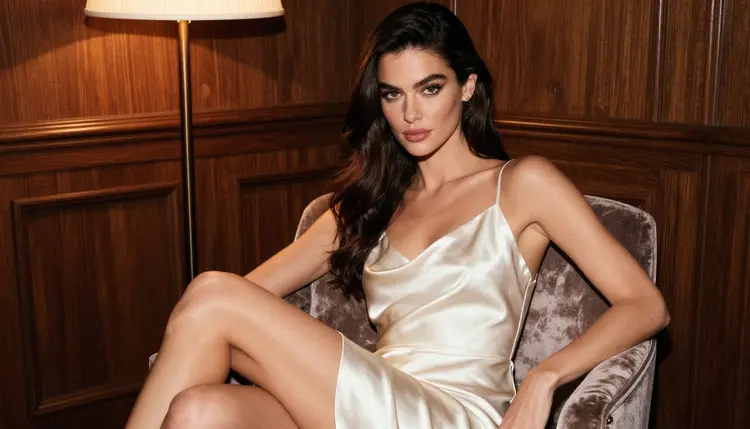
The idea is simple. Write a clean prompt, run it, read the result. If the model generates, you got what you came for. If it refuses, the app tells you and carries your prompt to a model that is known to accept adult prompts, so you lose a minute, not an evening.
In the catalog, the model is listed as "Generate Sharp Images with Hidream L1 Full". That title tells you the task and the promise: it is a text to image model, and the pitch is sharp output. You type a description, pick your options in the toolkit, and receive a picture. It is not a video model and it is not an editor, so it will not animate a picture or change one you already own.
There is a second model in the same family, Hidream L1 Fast, listed as "Generate AI Images Instantly with Hidream L1 Fast". Going by its catalog title, it is the one aimed at quick results. Both are untested for adult prompts, and the same advice applies to both: try, read, switch if needed.
For glamour work, the questions that matter are practical. Does the model follow a wardrobe description? Does it respect a light setup such as warm lamp light or blue-hour dusk? Does it keep hands and fabric believable? Those are things you can only judge by running your own prompt, which is why the steps below start with a small test instead of a big batch.
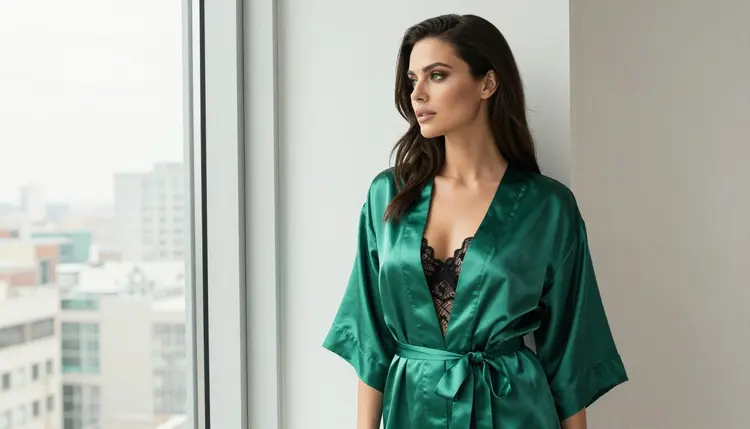
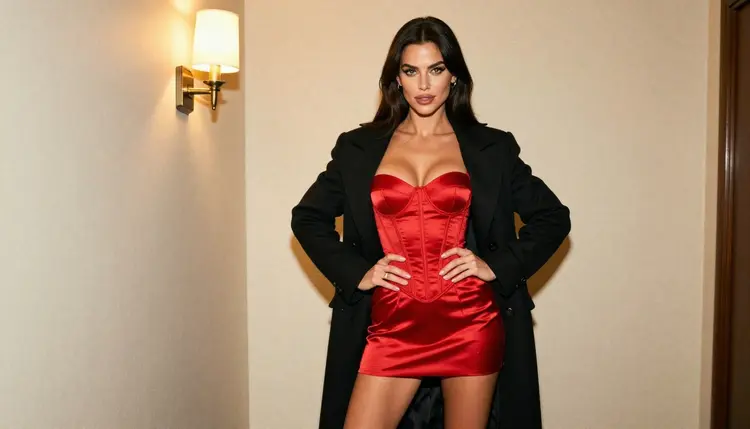
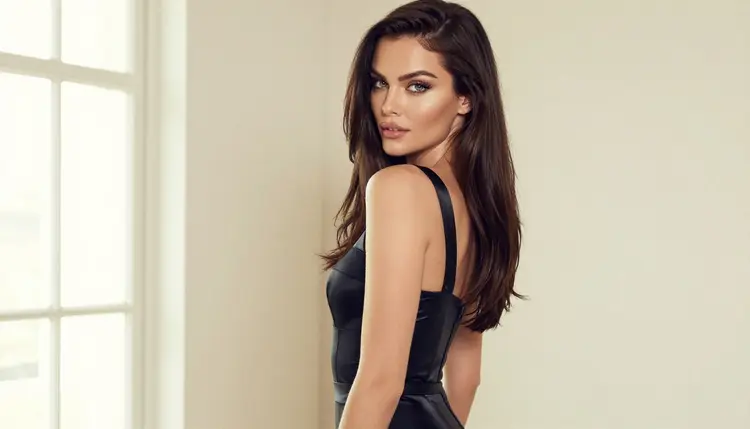
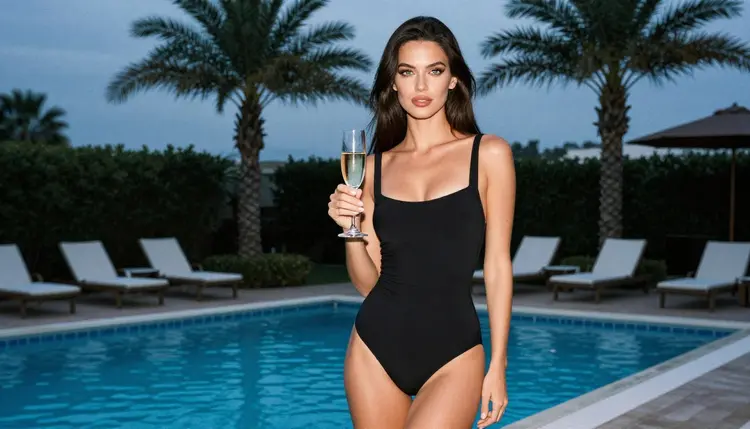
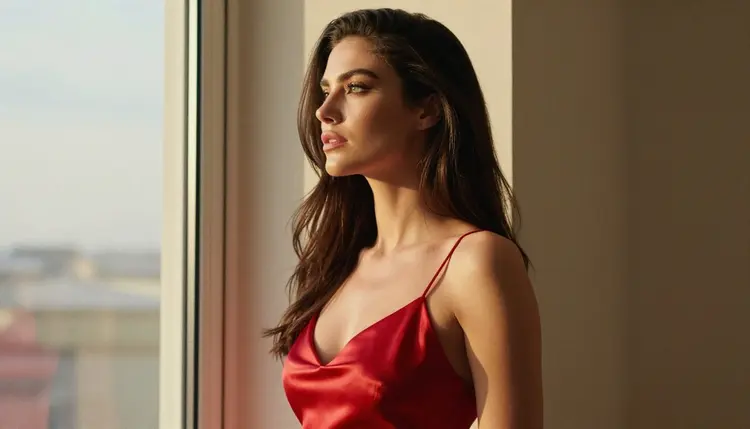
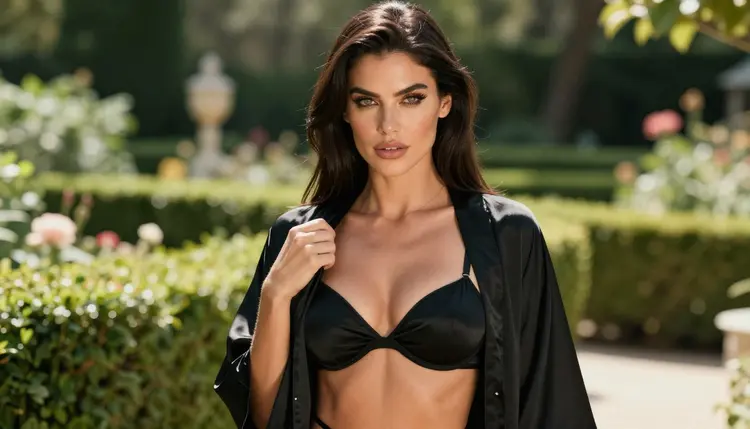
A good first test is a boudoir or lingerie portrait of one fictional woman. Name the garment (satin slip, corset set, lace bodysuit), the place (hotel lounge, hallway with a single lamp, studio window), the light and the lens. A prompt like "a woman in her thirties in a red satin corset set and a black coat over her shoulders, standing in a dim hallway, warm tungsten lamp light, 85mm lens, film grain" gives the model a lot to work with and keeps the result glamorous rather than explicit.
If you want a second opinion on a different engine, the sibling pages for Hunyuan Image 3 and Realistic Vision cover two more untested image models in the same way.
Picasso IA keeps a short list of confirmed models. "Confirmed" means the team tested adult prompts against that exact model many times and watched it generate instead of reject. It is a result of testing, not a promise from the model's maker, who can change the rules at any time. You can read the full explanation on the page about what confirmed means.
"Untested" is the rest of the catalog. It does not mean filtered. It does not mean filter-free. It means there is no verdict. A prompt that works today may be refused tomorrow, and one that is refused today may work after a rewrite. Treating the model as a coin you can flip for free is the right mindset: cheap to try, no assumptions about the outcome.
Here is what that means for you in practice:
Do not plan a project around an untested model. If you need a result by a deadline, start on a confirmed model and use the untested one for experiments on the side.
Do not read one refusal as a rule. Models react to wording, so a prompt that names the garment and the light and leaves out loaded words often behaves differently from a vague one.
Do not read one success as a guarantee either. Run a few variations before you decide a model is a good fit for your style.
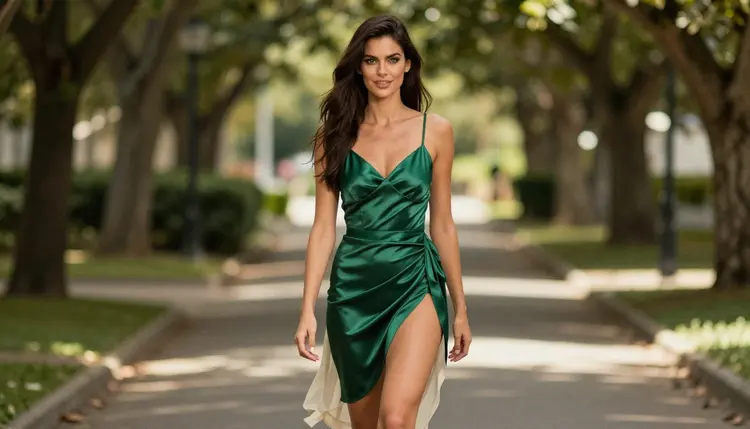
The routine below takes a couple of minutes per model. It works the same way on Hidream L1 Full and on Hidream L1 Fast.
- Open the model in the toolkit. Go to the toolkit, choose image generation and select the HiDream model you want from the model list. Set the aspect ratio you need before you type anything.
- Write a clean adult prompt. Describe one fictional adult: the garment, the pose, the room, the light and the lens. Say woman or man, a mid-twenties or older age, and keep it to glamour, boudoir, swimwear or lingerie.
- Generate and read the result. Look at the whole frame, not only the face. Check the fabric, the hands, the background and whether the mood matches what you asked for.
- Recognise the refusal message. If the model rejects the prompt, the app shows a message titled "Content Not Supported by This Model". It is a normal outcome for an untested model, not an error on your side.
- Switch to a confirmed model. The message recommends models that accept adult prompts and carries your prompt over, so nothing is retyped. Pick one and generate again.
Two habits make the routine faster. Keep your prompt in a note so you can reuse it across models, and change one thing at a time when you rewrite it. If the second try works after you swapped "lingerie" for the exact garment name, you have learned something you can reuse.
When an untested model refuses, you want a model that has already proven itself. Picasso IA lists six as confirmed, three for images and three for video. This is the full list, each one linked to its own page.
How do you choose? If your HiDream prompt was a photoreal portrait, send it to Seedream 4.5 first: it is a text to image model with 4K output, so the same description usually carries over without changes. If the look you wanted was closer to an illustration or a designed poster, Recraft V4.1 Pro is the better match, since the catalog describes it as print-ready at 2K.
If you already have a picture you like and only need a different outfit, background or mood, open Picasso IA Image Editor Pro. It edits an existing image and carries the infinity tag in the catalog, which is covered in the free trial section below.

For motion, the three video models cover different jobs. LTX 2.3 Pro turns text into 4K video. Picasso IA Video takes either text or an image, which makes it the natural next step once you have a still you like: use the still as the starting frame and describe a slow camera move or a light change. Seedance 2.5 Lite is listed for clips up to 10 seconds. Keep in mind that Seedance 2.5 Lite and the plain Seedance 2.5 are two different models, and only the Lite version is confirmed.
For a deeper look at a close cousin of this workflow, the page on Seedream 5 Lite covers another untested image model, and the one on Qwen Image 3 does the same for a third.
Picasso IA is for adults. You must be 18 or older to use the NSFW tools, and the section exists for adult audiences only. If you are not an adult, this page and the tools it describes are not for you.
Every character you create must be a fictional adult. Do not use the name, face or likeness of a real or identifiable person, and never describe anyone who could read as a minor. Prompts that point at a real person, a celebrity or someone who could look under age are outside the rules, whichever model you use.
What you generate is private by default. It is tied to your account and is not published or shown to other people. What you do with a picture after you download it is your responsibility, so keep it consistent with these same rules.
A new account can try a few generations for free on selected models: Picasso IA Image, Picasso IA Editor Pro, Picasso IA Video and Seedance 2.5 Lite. It is a small free trial on selected models, not a free pass across the catalog, so HiDream is not part of it. Details are on the pricing page.
Some models carry the infinity tag in the catalog. On the plans that include unlimited generation, those models do not spend credits. Among the confirmed models, Picasso IA Image Editor Pro, Picasso IA Video and Seedance 2.5 Lite have it. The two HiDream models do not, so each run on them spends credits that vary with the model and your options. Again, the pricing page holds the plans and the details.
That difference matters for how you test. A sensible order is to prototype a prompt on a model marked unlimited if it fits the look, then spend credits on an untested model only when you want to compare styles. You can also browse the full catalog for other families.
For related reading on this site, the pages on Hunyuan Image 3 and Realistic Vision follow the same untested pattern, and Seedream 4.5 is the confirmed image model most people reach for when a prompt needs to go through on the first try.
Does HiDream L1 Full accept NSFW prompts?
Nobody can say for certain. It is listed as untested on Picasso IA, which means no verdict: it may generate your adult prompt or it may refuse. Run a clean prompt for a fictional adult and read the result. If it refuses, switch to a confirmed model.
What happens if the model refuses my prompt?
The app shows a message titled "Content Not Supported by This Model". It recommends models that accept adult prompts and carries your prompt over, so you do not retype it. Choose one of them and generate again from the same screen.
Which models are confirmed as uncensored?
Six: Seedream 4.5, Recraft V4.1 Pro and Picasso IA Image Editor Pro for images, plus LTX 2.3 Pro, Picasso IA Video and Seedance 2.5 Lite for video. Confirmed means tested repeatedly by Picasso IA, and the policy page explains the term.
Can I use a real person or a celebrity?
No. Every character must be a fictional adult. Do not use the name, face or likeness of a real or identifiable person. Prompts that try to recreate someone real are against the rules of the section, whichever model you pick, and they will not be supported.
Can I make content with minors?
Never. Picasso IA is 18+ only, and every character must be a fictional adult. No one who could read as a minor may appear in a prompt, a reference image or a result. This rule applies to every model in the catalog, confirmed or untested.
Does HiDream L1 Full cost credits?
Generations cost credits that vary by model and by options such as resolution. HiDream does not carry the infinity tag in the catalog, so it is not one of the unlimited models. Plans, details and the current rules are on the pricing page.
Can I turn a HiDream image into a video?
Yes, in two steps. Save the picture, then open a confirmed video model such as Picasso IA Video, which accepts an image, and describe the motion you want. Each model has its own page in the catalog with its options.
Can I edit a HiDream result afterwards?
Yes. Open Picasso IA Image Editor Pro, attach the image and describe the change, such as another garment, a different background or a warmer light. It edits an existing picture and is a confirmed model.
Are my generations private?
Yes. What you create on Picasso IA is private by default: it is tied to your account and is not published or shown to other people. You decide what happens to a file once you download it, and the same adult and fictional rules apply to it.
Is there a free trial?
A new account can try a few generations for free on selected models: Picasso IA Image, Picasso IA Editor Pro, Picasso IA Video and Seedance 2.5 Lite. HiDream is not among them. Check the pricing page for what is included today.