PixAI is an anime-focused AI image generator. If you are reading this page, you probably want something a little different: photoreal cosplay frames, a clean illustration style, short video clips, or simply a place where your prompts and results stay private. Picasso IA is a browser app that covers all of those jobs with images and video of fictional adults, and there is nothing to install.
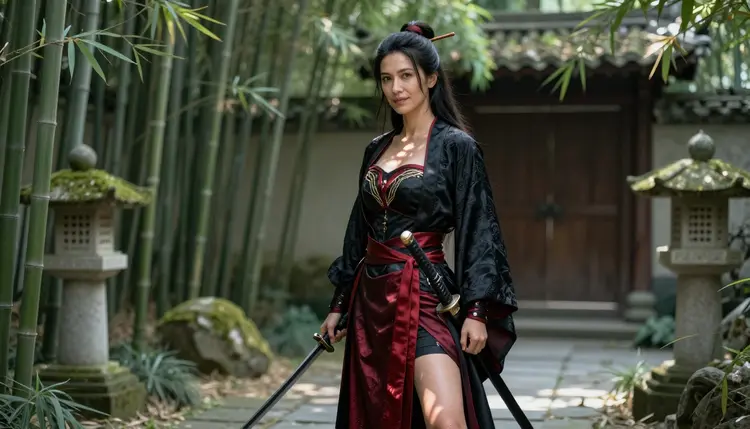
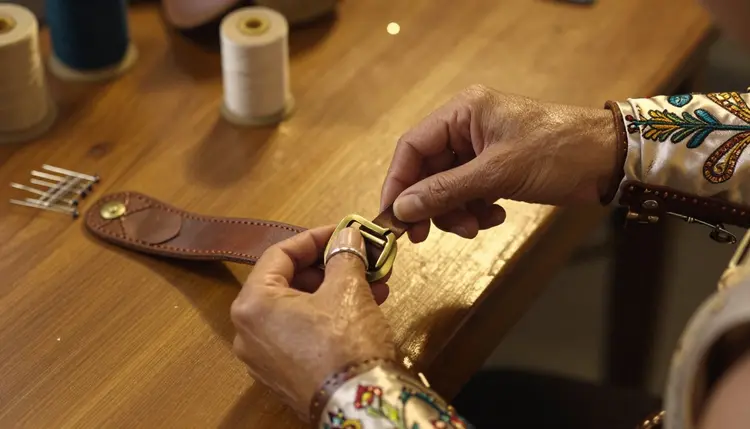
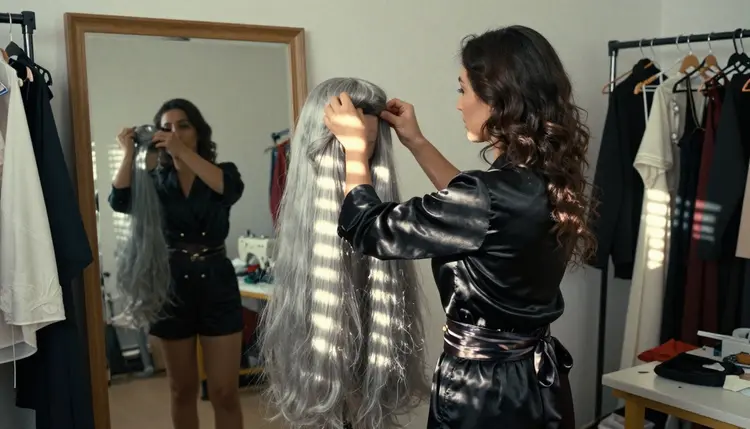
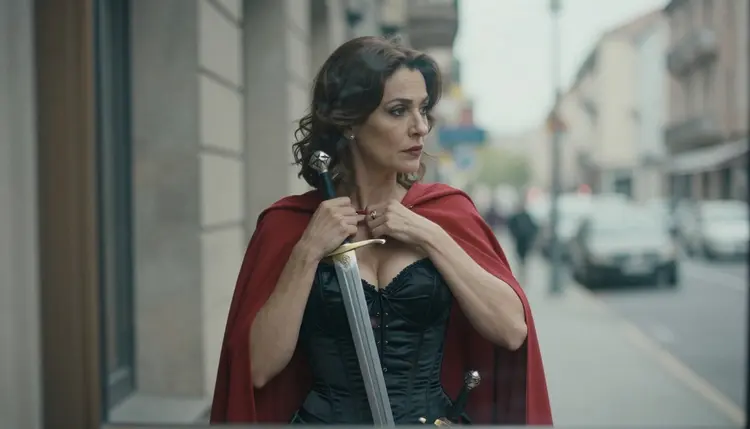
This guide is for adults who make suggestive, flirty or glamour art around anime-inspired characters: grown cosplayers in hand-built costumes, silver wigs, prop swords, satin bodices and embroidered cloaks. It explains which Picasso IA models to use, how to rebuild a typical anime workflow in five steps, what carries over, what does not, and where PixAI is still the better pick. Picasso IA is not affiliated with PixAI. What this page says about PixAI is paraphrased from its published guidelines, and those rules can change, so check its current rules before you decide.
PixAI positions itself as an anime-focused image generator. It offers community-made models and LoRAs, character creation tools such as an OC Maker and a VTuber Maker, and a community where users generate, share and discover artwork. For someone who lives in anime fandom, that is a clear and focused package, and nothing in this guide says otherwise.
Reasons to look elsewhere are specific and conditional. If a prompt lands outside what its content rules allow, you may want a second tool for that one idea. According to its published content guidelines, PixAI sorts content into Normal and Sensitive, applies stricter moderation to Sensitive material, and does not allow Sensitive content made with realistic models. Its terms also ask users to label adult-oriented work with its NSFW tag system. Sensitive content is limited to the uploader rather than shown to others, and there is a Blur Sensitive Content setting. These are sensible rules for a shared community, and they are the platform's call to make.
Sometimes an idea needs a second tool. If it is a photoreal cosplay frame, if you want a still image to turn into a short clip, or if you would rather keep everything private by default, Picasso IA is built for those jobs. Everything you create is tied to your account and not published or shown to others, and the catalog covers photoreal images, illustration, editing and video in one place.
Picasso IA works in your browser through the toolkit, where you pick a model, type a prompt, attach reference images if you want, and generate. The full catalog holds hundreds of models for images, video and more. For adult art, what matters is which models will actually generate your prompt instead of rejecting it.
Picasso IA keeps its own short list of confirmed models. Confirmed means Picasso IA tested adult prompts against that exact model repeatedly and watched it generate instead of reject. It is not a published setting of the model's maker, who can change it at any time. What confirmed means is explained on its own page. These are the confirmed models for this job:
| Model | Best for | Format |
|---|
| Seedream 4.5 | Photoreal cosplay portraits and full-length frames | Text to image, 4K |
| Recraft V4.1 Pro | Illustration and clean design work | Print-ready images, 2K |
| Picasso Image Editor Pro | Editing a picture you already have | Image editing, marked unlimited |
| LTX 2.3 Pro | Clips from a text description | Text to video, 4K |
| Picasso IA Video | Animating a still or writing a clip from scratch | Text or image to video, marked unlimited |
| Seedance 2.5 Lite | Short clips of a pose, a cape or a turn | Video up to 10 seconds, marked unlimited |
For an anime-inspired look, start with Recraft V4.1 Pro, which the catalog describes as strong on illustration and design. A dedicated walkthrough lives in NSFW anime art with Recraft V4.1 Pro, and ecchi anime art covers the playful, suggestive end of the style. For a costume that looks hand-built and photographed, try Seedream 4.5, which makes 4K images from text.
When a model cannot accept a prompt, the app shows a message titled "Content Not Supported by This Model". It recommends models that accept adult prompts and carries your prompt over, so nothing has to be retyped. You pick another model and continue from the same text.
Models outside the confirmed list are untested, which means they are not confirmed either way. Qwen Image 2, Seedream 5, Seedance 2.5, Nano Banana and Flux are all worth a try if you are curious, and a refusal is just a prompt to switch models. Picasso Video from Pruna is in the same position. Do not assume anything about them until you have seen a result.
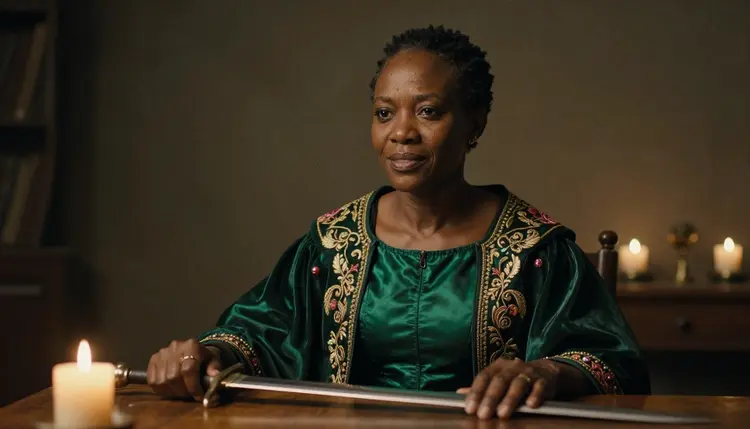
If you already know how you build a character on PixAI, the same habits transfer. You write what the character wears and where she stands, you choose a look, and you refine. In Picasso IA it goes like this:
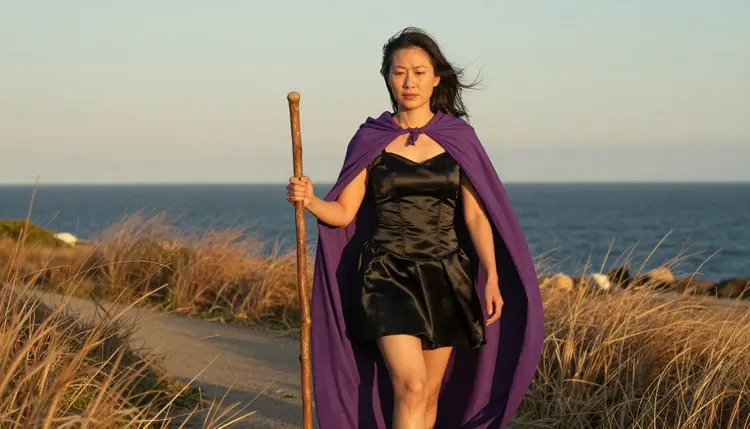
- Bring the character idea. Decide on one adult character, for example a sorceress with a violet cape or a swordswoman in a brocade haori, and write two lines about her costume, wig and props. If you have a reference picture, attach it in the toolkit and refer to it as @1 in your prompt.
- Pick the model. Choose Recraft V4.1 Pro for an illustrated anime look or Seedream 4.5 for a photoreal cosplay frame.
- Describe wardrobe, light and pose. Name the fabric (lined satin, brocade, silk sash), the light (golden hour backlight, candlelight, soft window light), the lens (70mm, 50mm f/1.4) and a relaxed pose. Say plainly that she is a fictional adult woman.
- Generate and refine. Run the prompt, look at the result, then change one thing at a time: the wig color, the cape, the background. Picasso Image Editor Pro can edit the finished picture instead of starting over.
- Extend to video. Send your favorite frame to Picasso IA Video or Seedance 2.5 Lite and describe a small motion, such as a cape lifting in the wind or a slow turn toward the camera.
Most of the craft carries over. A clear character idea, a costume described in concrete words, a lighting choice and a camera choice work on any generator. If you keep a library of prompts from PixAI, you can reuse the wardrobe and lighting lines and rewrite the style line for the model you pick. Models that accept several inputs show @1 and @2 badges on each attached image, and Picasso IA translates your reference into the syntax that model understands.
Keeping the same character across many images is a matter of repeating the same details: the same wig color, the same bracer, the same collar. A reference image helps on models that take one, and an edit with Picasso Image Editor Pro can adjust a picture without redrawing it. Results vary from model to model, so treat the first batch as a draft and keep the lines that worked.
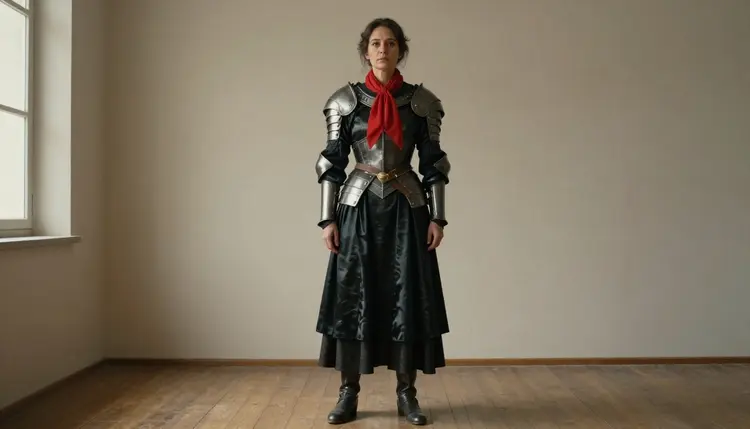
Some things do not carry over. PixAI is built around a community, community-made models and LoRAs, and character tools like the OC Maker and the VTuber Maker. Picasso IA works from its own catalog, your prompts and your reference images. It is a place to make and edit pictures and video, not a social feed to browse, and it does not replace those character tools. If your workflow depends on them, that part stays where it is.
Picasso IA also makes pictures and videos only. It is not a chat companion. If you are looking for a character that talks back, that is a different category of product, and our pages on Candy AI and SpicyChat explain how image generation fits next to chat tools.
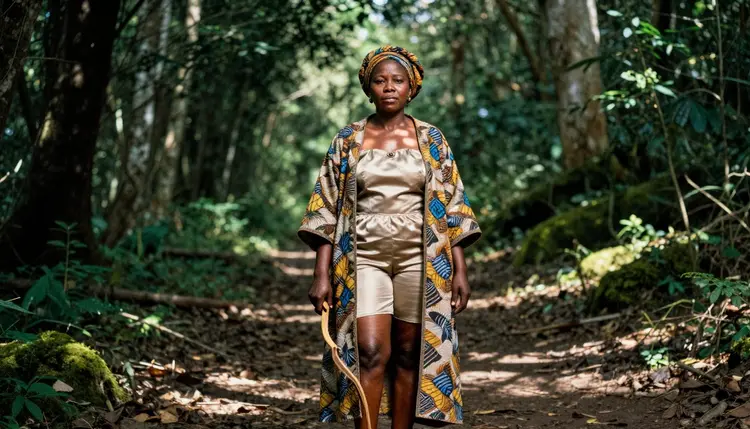
Picasso IA's adult section is for people aged 18 and over. If you are not an adult, this page and the models it describes are not for you, and nobody should push a prompt through on your behalf.
Every character you create must be a fictional adult. Do not describe or aim for a real or identifiable person, a celebrity or a public figure, and do not create anyone who could read as a minor. Prompts say woman or man, state an adult age such as early thirties or older, and keep the setting provocative rather than explicit: lingerie, swimwear, satin, glamour, implied intimacy.
Your work stays private by default. What you generate is tied to your account and is not published or shown to others. You decide what leaves your account and when.
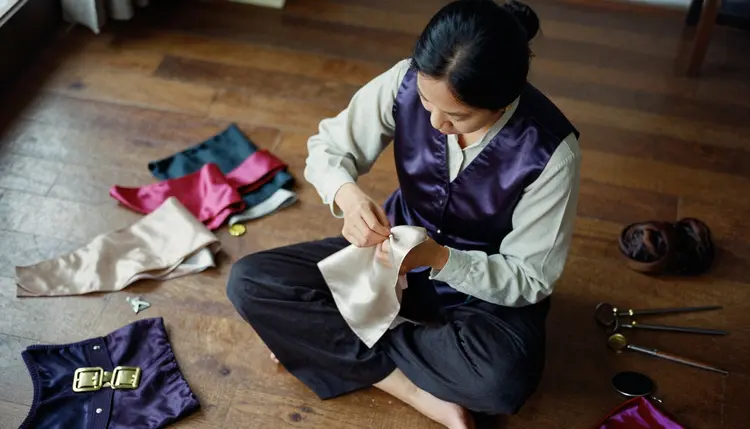
Be honest about the trade. If you want an anime-first community, PixAI is built for it: you generate, share and discover artwork, and you can browse what other people make. If you rely on community-made models and LoRAs for a very specific style, that ecosystem is part of what PixAI offers, and Picasso IA does not copy it. If you want an OC Maker or a VTuber Maker to build a character or an avatar, those are PixAI tools, and they are good reasons to stay.
Picasso IA is worth a try when your idea needs photoreal cosplay results, when you want to go from image to edit to video in one browser tab, or when you want everything private by default. A side-by-side view is on Picasso IA vs PixAI. Other tools get the same treatment in Midjourney alternatives, SeaArt alternatives and Leonardo AI alternatives.
A new account gets a small free trial on selected models, so you can test a cosplay prompt before deciding anything. Plans, credits and the models marked unlimited are explained on the pricing page. Credits vary by model and by options like resolution or duration, so check the details before a long video run.
Is Picasso IA a good PixAI alternative for NSFW anime art?
It is a good fit if you want adult, suggestive art of fictional characters with models confirmed for adult prompts, plus editing and video in the same place. It is not a copy of PixAI, and it is not affiliated with it. Think of it as a second tool, with a different catalog and private results by default.
Which Picasso IA models are confirmed for adult prompts?
Seedream 4.5, Recraft V4.1 Pro and Picasso Image Editor Pro for images, and LTX 2.3 Pro, Picasso IA Video and Seedance 2.5 Lite for video. Confirmed means Picasso IA tested adult prompts against each one repeatedly and watched it generate. Every other model is untested, not confirmed either way. Read what confirmed means.
Can I make anime-style art with Picasso IA?
Recraft V4.1 Pro is the confirmed model for illustration and design, so it is the place to start for an anime-inspired look. Describe the costume, hair, palette and mood, and keep the character an adult. You can then edit the result with Picasso Image Editor Pro.
Can I make photoreal cosplay images in anime-inspired costumes?
Yes. Seedream 4.5 makes 4K images from text and is the confirmed photoreal option. Describe the costume in concrete terms, such as a lined satin bodice, a brocade jacket and a prop katana, and add the light and lens. The subject is always a fictional adult.
What happens when a model refuses my prompt?
The app shows a message titled "Content Not Supported by This Model". It recommends models that accept adult prompts and carries your prompt over, so you do not retype anything. Pick one of the recommended models and generate again from the same text.
Can I keep the same character across several images?
Repeat the same costume details in each prompt, and attach a reference image. In the toolkit, models that accept several inputs give each attached image an @1, @2 badge, and you can refer to it in your prompt. The results vary by model, so treat the first batch as a draft and refine from there.
Can I turn an image into a video?
Yes. Picasso IA Video takes text or an image, Seedance 2.5 Lite is listed up to 10 seconds, and LTX 2.3 Pro makes 4K video from text. Describe a small motion, like a cape in the wind, rather than a long scene.
Is my work private, and is there a community feed?
Generations are private by default. What you create is tied to your account and not published or shown to others. Picasso IA is a tool for making and editing images and video, not a community gallery, so there is no feed of other people's work to browse.
Are real people or minors allowed?
No. The section is for adults aged 18 and over, and every character must be a fictional adult. Real or identifiable people, celebrities and anyone who could read as a minor are not allowed, in any prompt, for any model.
Can I try it for free before paying?
A new account can try a few generations for free on selected models: Picasso IA Image, Picasso IA Editor Pro, Picasso IA Video and Seedance 2.5 Lite. The free trial does not cover the whole catalog. See the pricing page for how plans, credits and unlimited models work.