Stable Diffusion and Flux are two of the best-known names in AI image generation, and a lot of adult artists want to know which one suits glamour portraits, boudoir scenes and swimwear shots. This page compares Stable Diffusion 3.5 Large and Flux 2 Pro as they appear in the Picasso IA catalog, with the same prompt, the same adult subject and the same rules.
The comparison is deliberately plain. It sticks to what the catalog says each model does, what is confirmed here and what is not. Everything on this page is for adults, about fictional adult characters, and provocative rather than explicit.
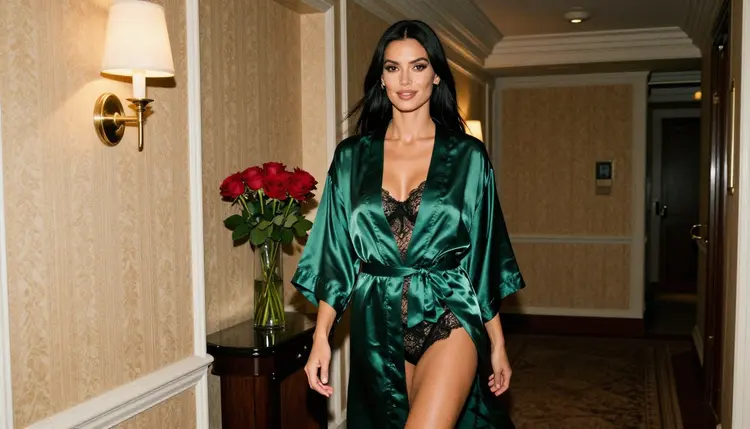
Neither model is on the confirmed list. Picasso IA has tested adult prompts repeatedly against a short list of models and watched them generate instead of reject. Stable Diffusion 3.5 Large and Flux 2 Pro are not on that list. They are untested here, which means they are worth a try, but nobody can promise how either one will react to a suggestive prompt, and this page will not guess.
That is not the same as saying either one will refuse. It means there is no result to report. A model that has never been put through the adult test is an open question, and an honest comparison says so. If you want the Stable Diffusion side in detail, the page asking whether Stable Diffusion 3.5 NSFW works goes through it.
What you can compare today is the job each model is described as doing, the kind of input it takes and the look you get from the same prompt. The sensible plan is to run one prompt on both, keep the result you like and fall back to a confirmed model such as Seedream 4.5 when a prompt is stopped.
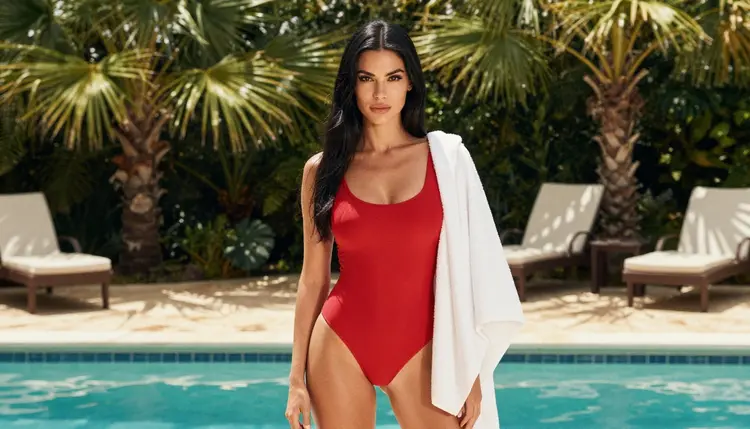
Stable Diffusion 3.5 Large comes from Stability AI. In the Picasso IA catalog it is listed under the title "Generate HD Art with Stable Diffusion 3.5 Large", so the catalog presents it as a text-to-image model aimed at detailed, high-definition artwork. Stable Diffusion is a family name many people know from its open-source roots, and the family has a long history with illustrators and hobbyists. For a deeper look at that background, the page on Stable Diffusion and open-source NSFW explains why the name carries so many expectations.
Flux 2 Pro comes from Black Forest Labs, a company that describes itself as a frontier AI lab and offers the FLUX suite for image generation and video generation. The catalog title is "Flux 2 Pro: Generate AI Images from Text or Photos", which tells you two things at once: it makes images from a text prompt, and it can also start from photos. For the Flux side of the story, Flux NSFW: reputation versus confirmed lays out what is known and what is only talk.
One point about rules, stated carefully. According to its published usage policy, Black Forest Labs prohibits realistically depicting a real person in an intimate manner without verified, documented and informed consent. The policy applies to anyone using the FLUX models and services, including modified versions. That lines up with the rule on this site: fictional adults only, never a real person. Its rules can change, so check its current policy before you rely on any reading of it. For Stability AI there is nothing specific to report here, so this page says nothing about its rules.
Picasso IA is not affiliated with Stability AI or Black Forest Labs. Their names are used only to say which model is which.

A fair test changes one thing only: the model. Keep the prompt, the framing and the wardrobe identical, and the difference you see belongs to the model and not to your wording. Here is the routine.
- Write one adult portrait prompt. Describe a fictional woman or man of mid twenties or older, an opaque wardrobe such as a satin slip dress or a lace bodysuit under a robe, one light source and one lens, for example "late-afternoon side light, 50mm f/1.4, film grain".
- Open the toolkit and pick the first model. Go to the toolkit, choose Stable Diffusion 3.5 Large and paste the prompt. Leave every optional setting at its default so the second run matches.
- Run the same prompt on the second model. Switch to Flux 2 Pro and paste the identical text. If an app message appears instead of an image, note its title and move on to the next step rather than rewriting the prompt.
- Compare what you get. Put the results side by side and look at skin texture, fabric, hands, light direction and how closely each follows the wardrobe you wrote. Save the one you prefer.
- Fall back to a confirmed model if needed. When a model does not accept the prompt, Picasso IA suggests models that accept adult prompts and carries your text over, so you do not retype anything.
Judging fairly matters more than the running. Generate a few frames from each model before you decide, because a single image can flatter or fail either one. Change one word at a time when you adjust, and write down which word moved the result. If one model returns the message "Content Not Supported by This Model", that tells you something about that prompt and that model on that day, nothing more. It is not a verdict on the whole family.
The table below keeps to attributes that are not numbers: who makes it, what the catalog calls it, what it takes in and where it stands here. It leaves out speed, price and quality scores on purpose, because none of those are verified for adult use.
| Stable Diffusion 3.5 Large | Flux 2 Pro |
|---|
| Maker | Stability AI | Black Forest Labs |
| Catalog title | Generate HD Art with Stable Diffusion 3.5 Large | Flux 2 Pro: Generate AI Images from Text or Photos |
| Task | Text to image | Text to image |
| Input | Text prompt | Text prompt or photos |
| Status here | Untested for adult prompts | Untested for adult prompts |
| Where to try it | Model page | Model page |
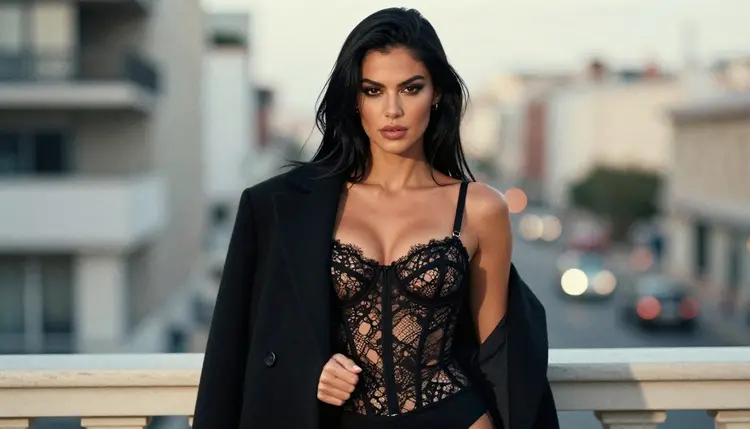
Reading the table, the clearest difference is the input. The Flux 2 Pro title names photos as a starting point, so it fits a workflow where you already hold a reference picture of a wardrobe, a room or a pose. The Stable Diffusion 3.5 Large title talks about generating HD art, so it fits a workflow that begins with words.
Both sit in the same status row, and that row matters most. Neither is confirmed, so neither one gets the benefit of the doubt. If you attach reference photos in the toolkit, each one gets an @1, @2 badge and you can refer to it in your prompt. Picasso IA translates that reference into the syntax the model understands, and only models that accept several inputs show the badges.
This section applies to every prompt on every model, including these two. Read it once and keep it in mind.
Picasso IA is for adults only. You must be 18 or older to create adult content here, and the pages in this section are written for that audience.
Every character must be a fictional adult. Never use a real or identifiable person, and never describe anyone who could read as a minor. This holds even if a model would accept the prompt. Wording that points at a real person or at someone who looks underage is not allowed, whatever the model.
What you create is private by default. It is tied to your account and not published or shown to other people. The content here is provocative, never explicit: it works with wardrobe, pose, light, mood and implied intimacy, and it stays on the glamour and boudoir side of the line.
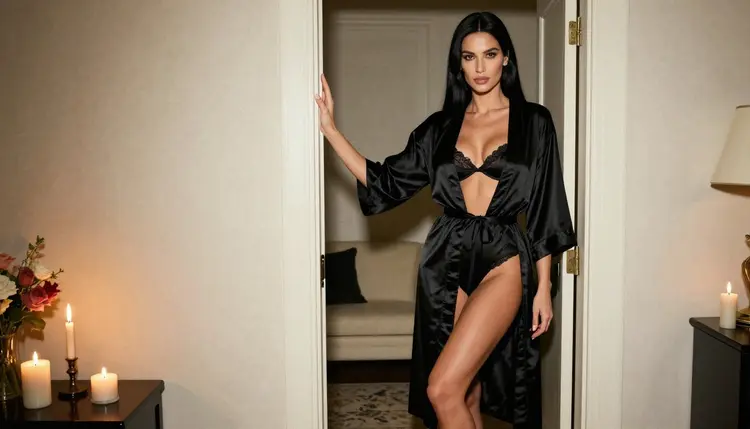
Start with Flux 2 Pro when you hold a photo you want to build on, such as a reference for a robe, a hotel corridor or a poolside pose, because its catalog title names photos as input. Start with Stable Diffusion 3.5 Large when you are writing everything from scratch and want to see how the same words look in a model known for detailed art. Neither suggestion is a ranking. It is just a way to choose where to spend your first attempt.
Plan for a prompt to be stopped by either one. When that happens, you have a confirmed route. Seedream 4.5 is the confirmed photoreal option and makes 4K images from text. Recraft V4.1 Pro is the confirmed choice for illustration and design and gives print-ready images at 2K. If you already have a picture and only want to change it, Picasso Image Editor Pro edits an existing image and is confirmed too. When a model shows its refusal message, the app suggests models that accept adult prompts and keeps your text, so the switch costs you nothing in typing.

Photographers and illustrators who care about a clean look on glamour work often settle on one confirmed model for finished pieces and keep the untested ones for experiments. That is a reasonable split. Use the untested pair to explore, then rebuild your favorite prompt on a confirmed model when you need a result you can count on.
If you want a closer look at one model against another confirmed rival, Seedream 4.5 versus Flux 2 for NSFW photos takes the same approach with a photoreal focus. For the wider picture of how Picasso IA compares with Stable Diffusion as a whole, see the comparison with Stable Diffusion.
A small free trial on selected models lets a new account try a few generations before paying, and the details live on the pricing page. The trial covers selected Picasso IA models, so check the page for the exact list. Credits per generation vary by model and by options such as resolution, and the same page explains how that works. If you want to browse beyond these two, the full catalog lists everything available, and models marked with the infinity tag do not spend credits on the plans that include unlimited generation.
Is Stable Diffusion 3.5 Large confirmed for adult prompts on Picasso IA?
No. It is untested here. Picasso IA has not run the repeated adult prompt test on it, so it is not described as filter-free or as filtered. It is worth a try, with a confirmed model such as Seedream 4.5 as the fallback.
Is Flux 2 Pro confirmed for adult prompts on Picasso IA?
No. Flux 2 Pro is untested here as well. According to its maker's published usage policy, realistic depictions of a real person in an intimate manner without verified consent are prohibited, and rules can change, so check its current policy.
Which one should I try first?
Try Flux 2 Pro first if you want to start from a photo, since its catalog title mentions photos as input. Try Stable Diffusion 3.5 Large first if you are working from text alone. Both are worth a test, and neither choice is a ranking.
Can I use the exact same prompt on both models?
Yes, and you should. Copy the prompt, leave the settings at their defaults and run it on each model. That way any difference comes from the model and not from your wording, which makes the comparison fair and the notes useful.
What happens if a model refuses my prompt?
The app shows a message titled "Content Not Supported by This Model". It recommends models that accept adult prompts and carries your prompt over, so nothing has to be retyped. You can switch with one click and keep working on the same idea.
Which confirmed model should I use if both fail?
For photoreal glamour, use Seedream 4.5. For illustration and design, use Recraft V4.1 Pro. To edit a picture you already have, use Picasso Image Editor Pro. All three are confirmed on the app's own list.
Does Flux 2 Pro accept reference photos?
Its catalog title says it generates images from text or photos. In the toolkit, models that accept several inputs show @1, @2 badges on attached images, and Picasso IA translates your reference to the syntax the model understands. Check the model page to see what it offers.
Are the characters real people?
No. Every character is a fictional adult, mid twenties or older. Never use a real or identifiable person and never anyone who could read as a minor. The content is provocative rather than explicit, and it is for adults who are 18 or older.
Are my generations private?
Yes. Generations are private by default: what you create is tied to your account and is not published or shown to others. The adults-only and fictional-only rules still apply to every prompt you write, on every model.
Is there a free trial for these two models?
A new account gets a small free trial on selected models, so it is worth checking the list on the pricing page before you plan around it. Stable Diffusion 3.5 Large and Flux 2 Pro are not named among the models the trial is known to include, so check the page first.