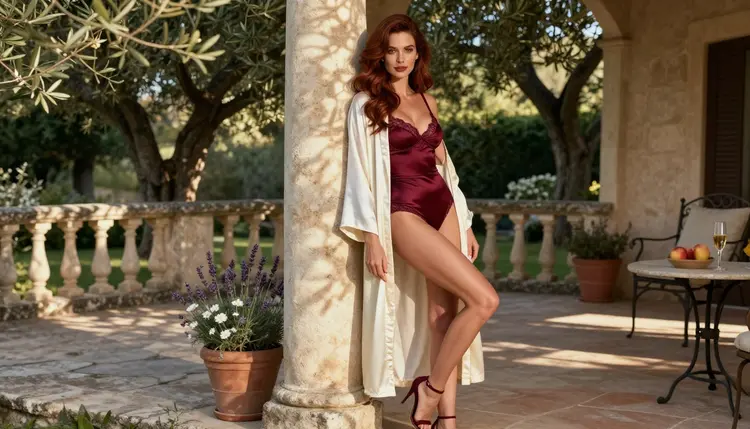
If you want photoreal glamour pictures of adult characters, two names come up often: Seedream 4.5 and Flux 2. This page puts them side by side using only what the catalog says about each one, so you can decide which to open first and how to test both without guessing. The comparison covers boudoir, lingerie, swimwear and glamour portraits, always fictional adults and always suggestive rather than explicit.
You will not find a benchmark or a score here. You will find what each model is, which one Picasso IA has tested with adult prompts, which one is still untested, a five step method for running the same prompt through both, and a plain list of when each choice makes sense. Everything is done in the toolkit, in your browser.
Seedream 4.5 is one of the six models on the Picasso IA confirmed list. Confirmed means Picasso IA ran adult prompts against that exact model repeatedly and watched it generate instead of reject. It is not a published setting from the model's maker, who can change behavior at any time, and the page that explains what confirmed means covers the details. The catalog describes it as a text to image model that works in 4K.
Flux 2 Pro is untested here. That is a statement about our own testing, not a verdict on the model. It may generate your adult prompt, it may refuse, and the only way to know is to try. The catalog describes it as a model that generates images from text or from photos.
So the short answer has two parts. If you want the safer first move for a suggestive glamour prompt, open Seedream 4.5, because it is confirmed. If you want to see whether Flux 2 Pro gives you a look you prefer, run the same prompt through it too, and treat the result as new information rather than something you could have predicted.

Nothing on this page claims that one model produces better pictures than the other. Taste decides that, and the five step test below is built so that your own eyes make the call on equal terms.
Start with Seedream 4.5. Its catalog title is "Create 4K Images from Text with Seedream 4.5". The task is text to image, the output is a still picture, and the resolution is 4K. In the confirmed list it sits as the photoreal option, which is why this page uses it for photo style requests such as satin slips, lace bodysuits, window light and blue hour terraces. It comes from ByteDance.
Flux 2 Pro has the catalog title "Flux 2 Pro: Generate AI Images from Text or Photos". The task is image generation, and the title says the input can be text or photos. It belongs to the FLUX family from Black Forest Labs, a company that describes itself as a frontier AI lab offering the FLUX model suite, covering image and video generation.
About the maker of Flux: according to its published usage policy, the rules prohibit realistically depicting a real person in an intimate or abusive manner without that person's verified, documented and informed consent. The policy also says it applies to anyone using the FLUX models and services, including modified versions and derivatives. In plain terms, real people are off the table, and that matches the way every page in this section works: characters are invented adults. Whether the policy says anything specific about fictional adult characters is something to read in its current rules, since policies change and this page does not speak for them. Picasso IA is not affiliated with Black Forest Labs or ByteDance.
A practical note on the word "Pro". It is part of the catalog name, and this page reads nothing more into it. Compare the two on the attributes the catalog gives: task, input, resolution where stated, and status on Picasso IA.
The fairest comparison is the simplest: one prompt, the same settings, both models, and a calm look at the results. Here is the method, and it takes a few minutes in the toolkit.
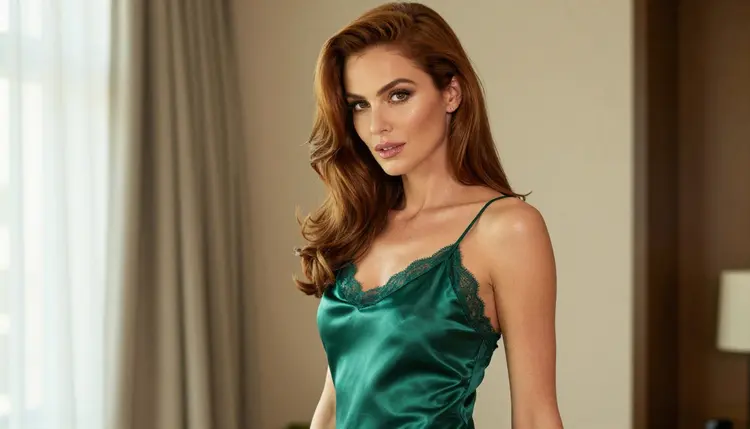
- Write one prompt. Describe one adult woman or man, the wardrobe, the pose, the light and the lens, for example a woman in an emerald satin slip glancing over her shoulder, soft window light from the left, 100mm macro look.
- Run Seedream 4.5 first. Pick it in the toolkit, paste the prompt, keep the aspect ratio you want and generate. Save the result before you change anything.
- Run Flux 2 Pro with the same text. Switch the model, leave the prompt and the aspect ratio untouched and generate. If the app shows "Content Not Supported by This Model", that is useful information about this model and this prompt, so note it and move on.
- Repeat with two or three more prompts. Try a tight close-up portrait, a full-length standing frame and a detail shot of one hand with a bracelet. One prompt proves little, and a small set shows a pattern.
- Judge with a checklist. Look at fabric folds, skin texture, hands, light direction and how close each result is to what you wrote, then keep the model that fits your look.
When you judge, do it fairly. Compare the same crop on both, check hands and jewelry at full size, and ask which result needs fewer edits. Do not let one lucky result decide, and do not judge a model by a prompt it refused, because a refusal says nothing about picture quality. If you like the composition from one model but want a detail changed, Picasso Image Editor Pro is on the confirmed list and edits an existing image, so you can polish a result instead of starting over.
If Flux 2 Pro accepts a photo as input, as its catalog title says, you can also test the same idea from a reference. Attach an image you own, and in the toolkit a model that accepts several inputs shows an @1 badge you can mention in the prompt. Keep the rules below in mind: a reference must be a fictional adult or a non-human subject, never a real person.
This table keeps to attributes that are not numbers and not rankings. It records what the catalog titles state and what Picasso IA has or has not tested.
| Seedream 4.5 | Flux 2 Pro |
|---|
| Task | Text to image | Image generation from text or photos |
| Maker | ByteDance | Black Forest Labs |
| Resolution in the title | 4K | Not stated in the title |
| Input | Text | Text or photos |
| Status here | Confirmed | Untested |
| Where to try it | Seedream 4.5 | Flux 2 Pro |
Read the table for what it leaves out too. It has no speed row, no quality row and no row for cost, because the catalog titles do not give those as facts we can compare. Cost varies by model and by options such as resolution, and the pricing page is where that lives.
The status row is the only place where the two differ in how much we know. For Seedream 4.5 we have repeated adult prompt tests. For Flux 2 Pro we have none, so it stays "untested". If your prompt comes back refused, the same row tells you what to do next: switch to a confirmed model and keep the prompt.
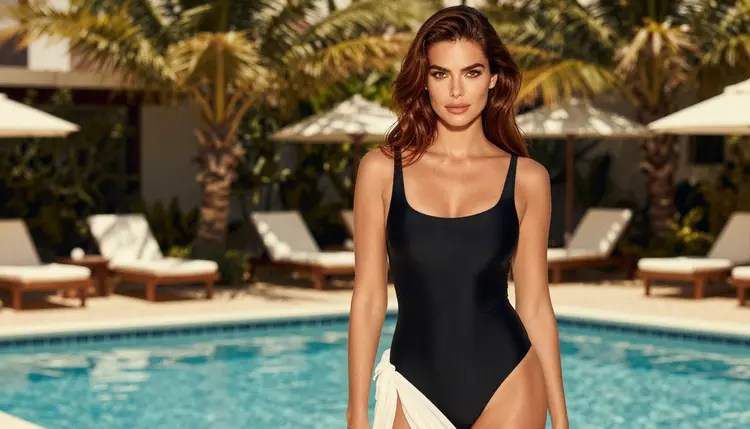
Everything here is for adults. You must be 18 or older to use these pages and these models for adult content, and the pictures on this page show an adult woman and nothing else.
Every character is a fictional adult. Never use a real or identifiable person, never a celebrity, and never describe anyone who could read as a minor. If a prompt could be read that way, rewrite it with a clear adult in mind or leave it out.
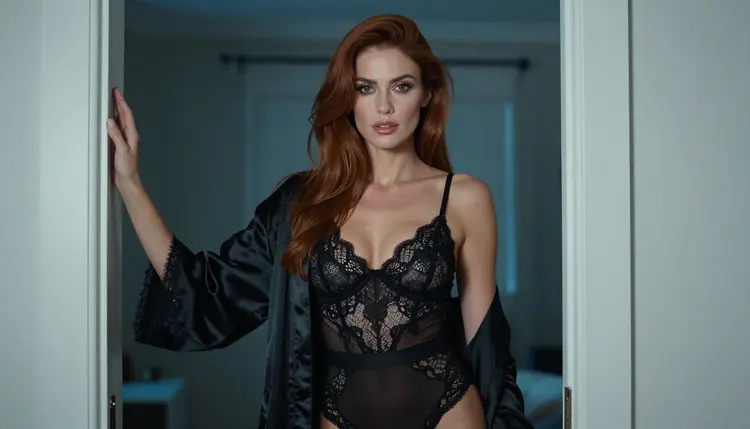
What you create is private by default. It is tied to your account and not published or shown to others, so you decide what leaves your screen. Keep the content suggestive: wardrobe, pose, light and mood. It is a glamour and boudoir style, not explicit material.
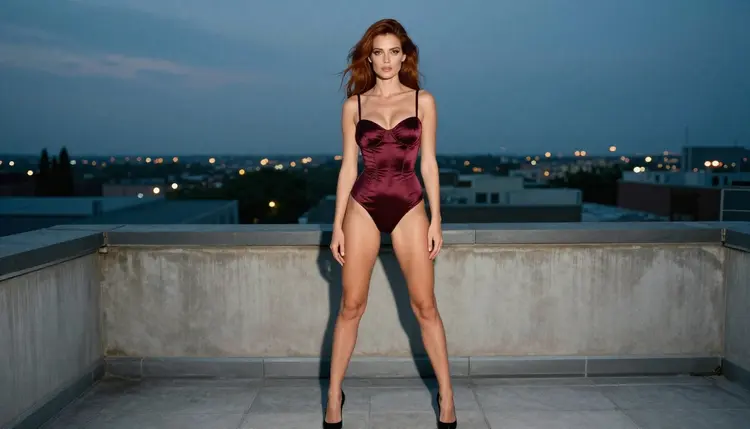
Open Seedream 4.5 first when you want the safer starting point for adult glamour prompts, when you care about a photoreal 4K still and when you would rather not spend an attempt on a model that has not been tested. It is a good default for lingerie portraits, boudoir scenes, swimwear by a pool and rooftop terrace looks at dusk. Our pages on boudoir photos with Seedream 4.5 and lingerie photos with Seedream 4.5 show prompts built for it.
Open Flux 2 Pro when you are curious about its look, when you work from a photo and want to use a model that lists photos as an input, or when you already have a Flux workflow you like. Here is where Flux is the better choice: if your project starts from a photo of your own, the catalog title says it takes photos, and that fits better than a model described only as text to image. For a closer look at its reputation versus what is confirmed, read Flux NSFW: Reputation vs Confirmed. If its filters stop a prompt, do not fight them. Check its current rules, then move on.
The confirmed fallback is always there. When the app shows "Content Not Supported by This Model", it recommends models that accept adult prompts and carries your prompt over, so nothing is retyped. Seedream 4.5 is the natural next stop for a photo style request, Recraft V4.1 Pro is confirmed for illustration and design, and Picasso Image Editor Pro edits an existing image.
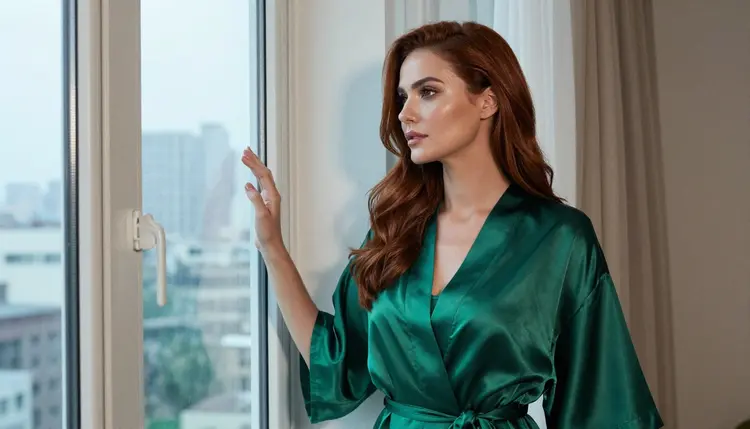
If you want to compare Seedream 4.5 with other models, there are pages for Qwen Image 2 portraits, Qwen Image 2 art, Recraft V4.1 Pro realism and Nano Banana. A new account can try a few generations for free on selected models, and the pricing page explains how credits work and which models are marked unlimited. You can browse the full catalog for anything else you want to test.
Is Seedream 4.5 or Flux 2 better for NSFW photos?
This page does not rank them. Seedream 4.5 is confirmed on Picasso IA for adult prompts and the catalog describes it as a 4K text to image model, while Flux 2 Pro is untested here. Run the same prompt through both and choose by what you see.
What does confirmed mean for Seedream 4.5?
It means Picasso IA tested adult prompts against that model repeatedly and watched it generate instead of reject. It is not a published setting from the maker, who can change it at any time. The policy page explains the term in full.
Why is Flux 2 Pro untested?
Picasso IA has not run the repeated adult prompt tests on it that earn the confirmed label. Untested does not mean filtered and it does not mean filter free. It means we do not know, so you test it yourself and keep a confirmed model as backup.
What do I see if Flux 2 Pro refuses my prompt?
The app shows a message titled "Content Not Supported by This Model". It recommends models that accept adult prompts and carries your prompt over, so you do not retype anything. Pick a confirmed model such as Seedream 4.5 and generate again.
Can I use the same prompt in both models?
Yes, and you should. Paste the same text, keep the same aspect ratio and compare the results side by side. Describe the wardrobe, pose, light and lens in plain words, and avoid anything that depends on one model's own syntax.
Can Flux 2 Pro start from a photo?
Its catalog title says it generates images from text or photos, so photo input is part of what it lists. Use only a photo you own of a fictional adult or a non-human subject, never a real person, and never anyone who could read as a minor.
What does the Flux usage policy say about real people?
According to its published usage policy, Black Forest Labs prohibits realistically depicting a real person in an intimate or abusive manner without verified, documented and informed consent. Its rules can change, so check its current rules. Picasso IA is not affiliated with it.
Are the pictures private?
Yes. What you create is private by default, tied to your account and not published or shown to others. You choose what to keep and what to share outside the app.
Who can appear in these images?
Only fictional adults. Never a real or identifiable person, never a celebrity and never anyone who could read as a minor. The content stays suggestive, built around wardrobe, pose, light and mood, and these pages are for people aged 18 or older.
Is there a free way to try this?
A new account gets a small free trial on selected models, and the pricing page lists how it works and which models are marked unlimited. Seedream 4.5 and Flux 2 Pro are not described as free trial models here, so check the pricing page before you plan around it.