Lingerie is one of the easiest subjects to get wrong with an AI image generator. The fabric looks plastic, the straps float, the lace turns into noise, or the whole picture drifts into something cartoonish. This list fixes that by naming eleven lingerie styles, each with the wardrobe details, the light and the camera choices that make a prompt behave. Every style is written for adult, fictional characters and stays suggestive rather than explicit, so you get boudoir and glamour pictures you can actually use.
You will find the styles grouped in two halves, then a five step routine to test them, a table of the models that work best for this topic, and the rules of the house. The images are made in Picasso IA with models that the app has tested against adult prompts, mainly Seedream 4.5 for photoreal frames. If you want a deeper walkthrough on one model, read NSFW Lingerie Photos with Seedream 4.5, and for a themed take see the bridal lingerie generator.
A good lingerie prompt has four parts: the garment with its fabric and color, the setting, the light and the lens. Write them in that order, in plain sentences, and add film grain and natural skin texture at the end so the result reads as a photograph. Short prompts leave the model guessing, and long lists of adjectives usually make the picture worse. Each style below is already built on that pattern, so you can copy a line and change one detail at a time.
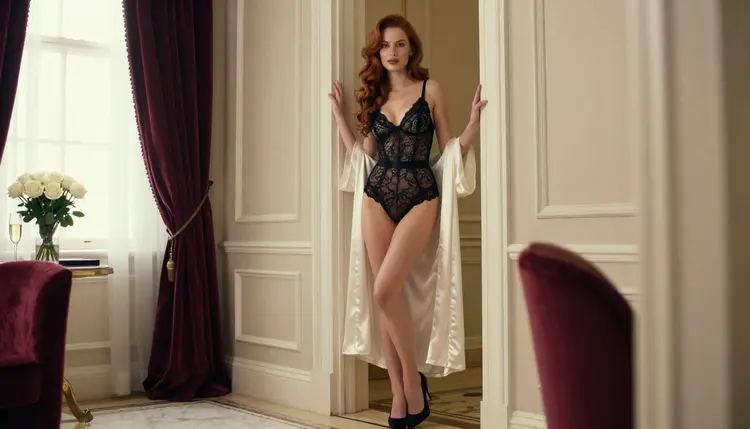
1. Black Lace Bodysuit. An opaque black lace bodysuit with an ivory silk robe hanging open is the cleanest place to start. Place the model in the doorway of a hotel suite, use overcast soft daylight and a 70mm lens at f/2.8. The flat light keeps the lace readable, and the robe adds a second texture so the picture does not look like a single black shape.
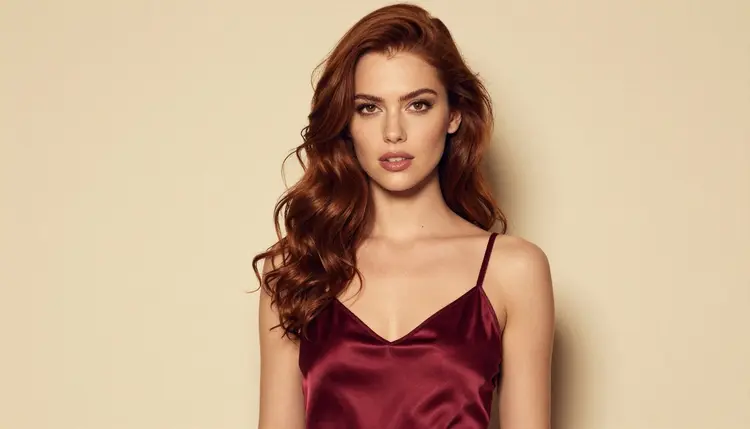
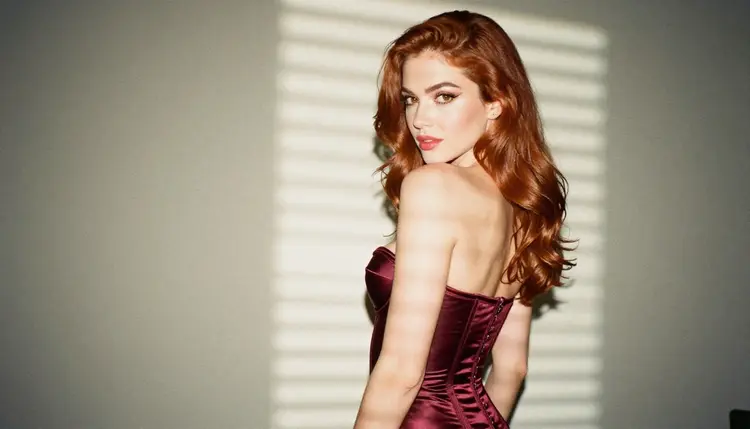
2. Satin Chemise. A burgundy satin chemise works best in a medium shot from the waist up. Write soft window light from the left and a 100mm macro lens, and mention the thin straps and the way the satin catches a highlight along the bust line. Satin is a reflective fabric, so one directional light source gives you believable folds instead of a glossy smear.
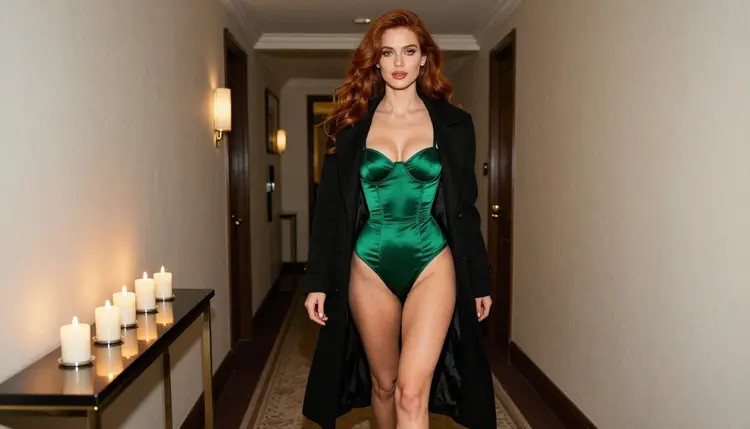
3. Satin Corset. An emerald satin corset under a long black coat gives you a story as well as a garment. Ask for a candid walking shot in a corridor lit by candlelight, shot with an 85mm lens at f/1.8. The coat keeps the frame glamorous and slightly mysterious, and the warm flicker gives the green satin depth. Name the boning lines and the lacing at the back so the model draws structure, not a flat tube of cloth.
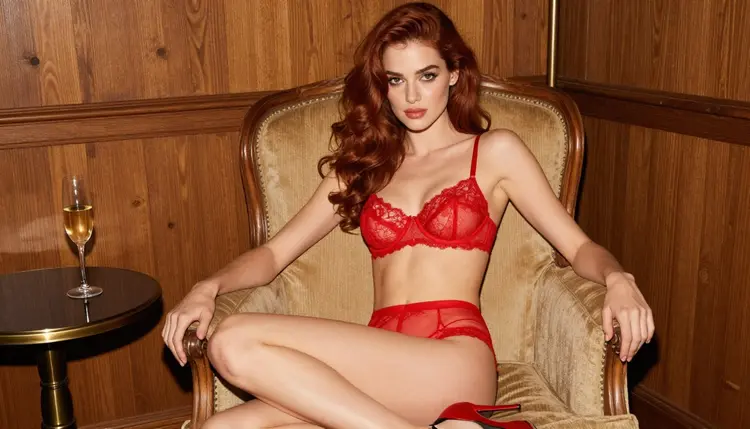
4. Lace Bralette Set. A red lace bralette with matching briefs is a relaxed, everyday style. Seat the woman upright in an armchair in a warm study, with tungsten lamp light and a 24mm lens at f/2.8. The wide lens shows the room, the books and the lamp, which turns the picture into a scene. Ask for scalloped lace edges so the pattern stays crisp.
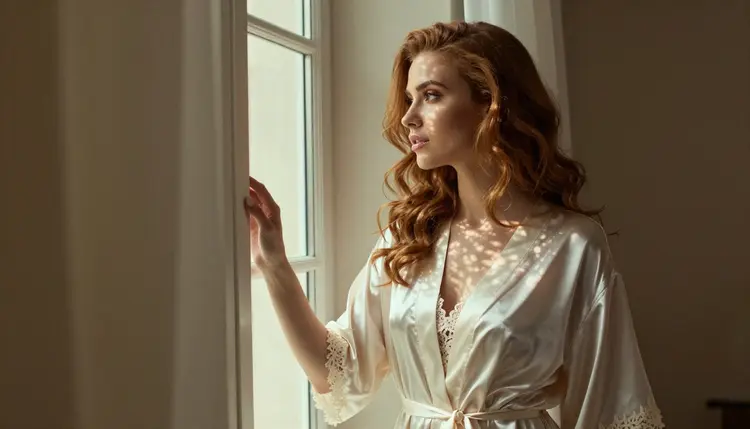
5. Silk Robe Over Lace. An ivory silk robe worn over a lined lace set is a soft, romantic option. Frame the model by a window with dappled shade light, and use a 100mm macro lens at f/2.8. Tell the generator that the robe is loosely tied, that the fabric falls in long vertical folds and that the lace underneath is lined and opaque. The robe does the visual work, and the lace stays a quiet detail.
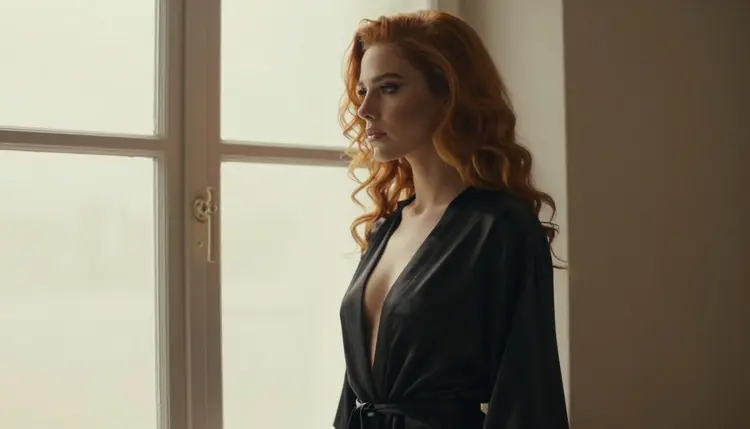
6. Satin Teddy. A black satin teddy is a one piece style with a clean silhouette. Photograph the model in profile against a bright window with warm tungsten lamp light inside the room and a 50mm lens at f/1.4. The backlight turns the outline into a shape, and the shallow depth of field blurs the room. Add a silk robe over the shoulders so the profile has a second line to follow.
7. Bustier With Garters. A structured bustier with a garter belt and stockings is a classic boudoir look. Choose a tight three-quarter frame in a studio with soft diffused daylight, and give the fabric colors in plain words: deep plum, black lace trim, fine stitching. Keep the pose composed, one hand resting at the waist, and keep the camera at eye level so the proportions stay natural.
8. Slip Dress Nightwear. A long champagne slip dress with a lace hem belongs between lingerie and evening wear. Ask for a full-length standing frame on a terrace at blue hour, shot with a 35mm lens at f/2. The cool ambient light against the warm champagne silk gives you a clear color contrast without any extra prompt tricks.
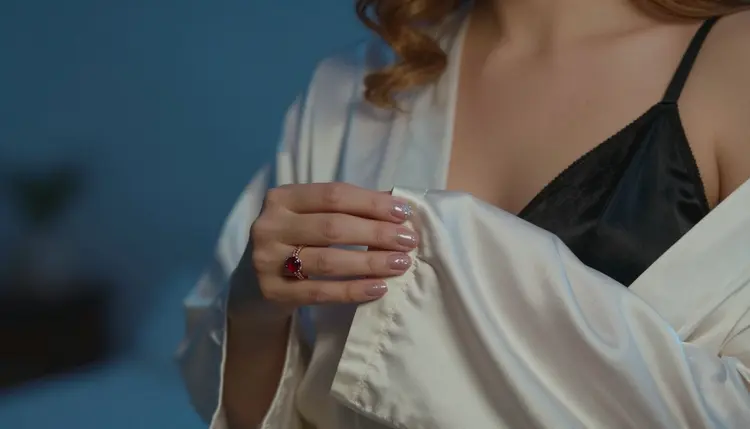
9. Silk Kimono Robe. A short silk kimono robe in deep green or navy, tied at the waist, is a style that photographs well in detail. Describe a close crop on one hand holding the sleeve over a satin strap, with blue-hour light and a 70mm lens at f/2.8. Detail shots like this are useful as inserts between your wider frames, and they hide very little that could go wrong.
10. Matching Two-Piece Set. A coordinated set, such as a bralette and high-waisted briefs in the same dusty rose, is the easiest style to repeat across a series. Keep the colors, the lace pattern and the room constant, and change only the pose or the light. This is the style to use when you want a small set of pictures that look like one photo shoot.
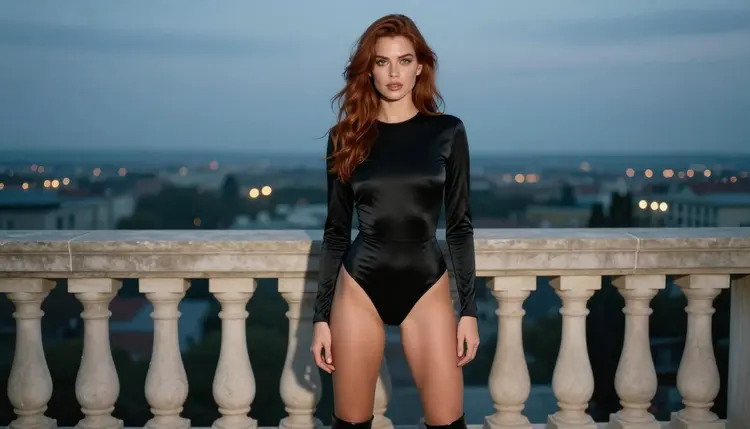
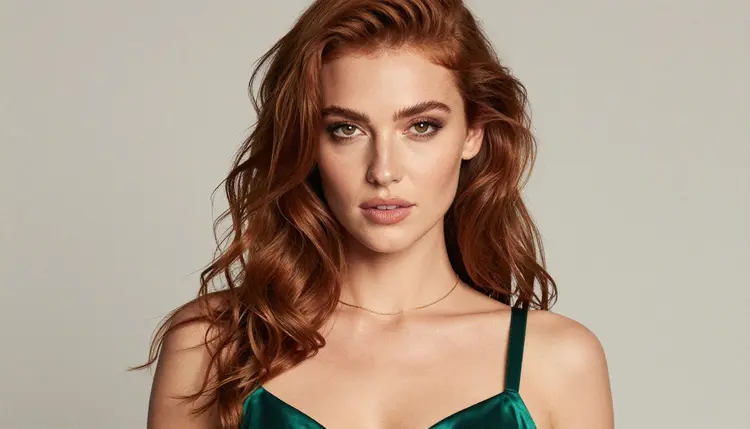
11. Vintage Pin-up Lingerie. A high-waisted retro set with a ribbon bow and a satin waist band brings a retro boudoir feel. Ask for a tight close-up portrait with soft diffused studio daylight, a gold necklace and a satin strap in emerald. A 24mm lens up close adds a slight perspective pull, so keep the framing generous around the face. Write film grain and natural skin texture, and avoid the word retouched.
Pick the style first, then run the same short routine every time. It keeps your results comparable and your credits under control.
- Choose one style. Select a single item from the list and copy its wardrobe, light and lens into a prompt. Do not mix several styles in the first test.
- Open the toolkit. Go to the toolkit, pick a text to image model from the table below and paste the prompt. Start with a wide aspect ratio such as 16:9.
- Generate and read. Look at the fabric, the straps and the hands first. If the lace turns to noise, name the pattern and the edge; if the light is flat, name its direction.
- Refine with an edit. Use an image editor model to change one detail, such as the color of the robe, rather than rewriting the whole prompt.
- Animate the best frame. Send the winning picture to a video model for a short clip, or keep it as a still. Save only what you will use.
These are the models Picasso IA has tested against adult prompts and watched generate instead of reject. Confirmed means the app's own testing, not a setting published by the model's maker, and it can change at any time.
Every other model in the catalog is untested for adult prompts. That includes Qwen Image 2 and Seedance 2.5. They are worth a try, but nothing is confirmed either way. If one of them refuses a prompt, the app shows a message titled "Content Not Supported by This Model", suggests models that accept adult prompts and carries your prompt over. You can browse everything in the full catalog.
This section is for adults only. You must be 18 or older to use any page of the NSFW section, and every style on this list is meant for people who are legally adults.
Every character you create is a fictional adult. Never use a real or identifiable person, never use a celebrity, and never write a prompt that describes or hints at anyone who could read as a minor. If a prompt could be read that way, rewrite it with an adult in mind or do not run it.
Your generations are private by default. What you create is tied to your account and is not published or shown to others. Keep it that way unless you decide, on your own terms, to share a result somewhere else.
A new account can try a few generations for free on selected models: Picasso IA Image, Picasso IA Editor Pro, Picasso IA Video and Seedance 2.5 Lite. It is a small free trial on selected models, not on the whole catalog. The details live on the pricing page.
Models marked with the infinity tag in the catalog do not spend credits on the plans that include unlimited generation. Among the models in this article, Picasso Image Editor Pro, Picasso IA Video and Seedance 2.5 Lite carry that tag. Other models cost credits that vary with the model and with options such as resolution or duration.
When you are ready for more ideas, go to Top 21 NSFW AI Art Ideas to Generate or read Top 10 NSFW AI Art Styles to Try First. Then open the toolkit and run your first lingerie prompt.
What is the best AI model for lingerie photos?
For photoreal frames, Seedream 4.5 is the first model to try. It creates 4K images from text and Picasso IA has tested it against adult prompts. For edits, use Picasso Image Editor Pro.
Do I need to describe the fabric in the prompt?
Yes. Write the material, the color and one structural detail, such as boning, scalloped lace or a ribbon strap. Fabric words give the model something to draw, and they stop satin from looking like plastic.
Which light works best for lace?
Soft, directional light works best. Overcast daylight or a window on one side keeps the pattern readable. Hard overhead light flattens lace, and a warm lamp is better for satin than for fine lace.
Can I make a series with the same outfit?
Yes. Keep the garment, the colors and the room fixed in the prompt and change only the pose or the light. Matching two-piece sets are the easiest style for this. You can also attach a finished picture as a reference in the toolkit on models that accept several inputs.
Can I turn a lingerie picture into a video?
Yes. Picasso IA Video works from text or from an image, and Seedance 2.5 Lite is listed for clips up to 10 seconds. LTX 2.3 Pro creates 4K video from text.
Are the people in the pictures real?
No. Every character is a fictional adult. Picasso IA does not allow a real or identifiable person, and it does not allow anyone who could read as a minor. Keep your prompts inside that line.
What happens if a model refuses my prompt?
The app shows a message titled "Content Not Supported by This Model". It recommends models that accept adult prompts and carries your prompt over, so you do not retype anything. Then you can try the suggested model.
Are my pictures public?
No. Generations are private by default and tied to your account. Nothing is published or shown to others unless you choose to share it yourself.
Is there a free way to try this?
A new account gets a small free trial on selected models, including Picasso IA Image, Picasso IA Editor Pro, Picasso IA Video and Seedance 2.5 Lite. Check the pricing page for what is included before you start.
Can I use other models from the catalog?
You can. Other models are untested for adult prompts, so they are worth a try but are not confirmed either way. Browse the full catalog, and remember that the adults-only and fictional-only rules apply to every model.