Most NSFW prompts stop at the easy part: a subject, a setting, maybe a mood word like romantic or intimate. What separates a flat, generic result from one with real detail, skin that actually reads as skin, fabric that folds like fabric, light that comes from somewhere, is a short list of modifier words most people never try. None of them need a different app or a longer prompt, just a handful of specific words used in the right place.
This page walks through eight of those modifiers, the six models in Picasso IA's catalog confirmed to render adult content with no content filter, and a five step process for turning a flat prompt into one with the kind of detail a filtered model never gets asked to attempt in the first place.
One line before the rest, since it governs every example below: every figure shown or described here is a fictional adult, eighteen or older, and nothing on this page is a real photograph of a real person.
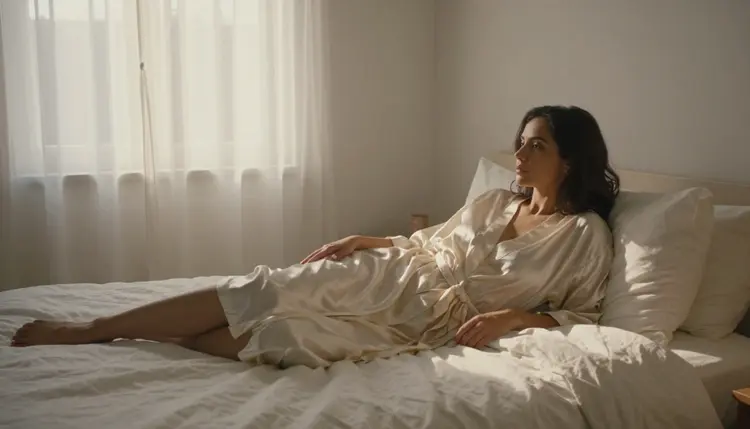
A prompt modifier is not a new idea dressed up, more description, it is a specific word that tells a model which part of the image to spend its detail budget on. Stack too many and the result turns muddy; pick two or three that match the scene and the render holds together instead of blurring into an average of everything requested. These eight cover the ground that matters most for an adult scene specifically.
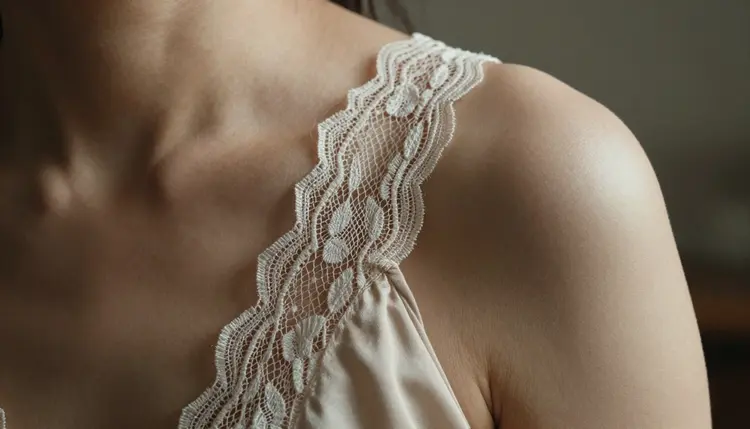
- Macro Framing. Naming a close, macro, or extreme close-up shot pulls focus onto skin, lace, or a single strap instead of spreading detail thin across a full figure.
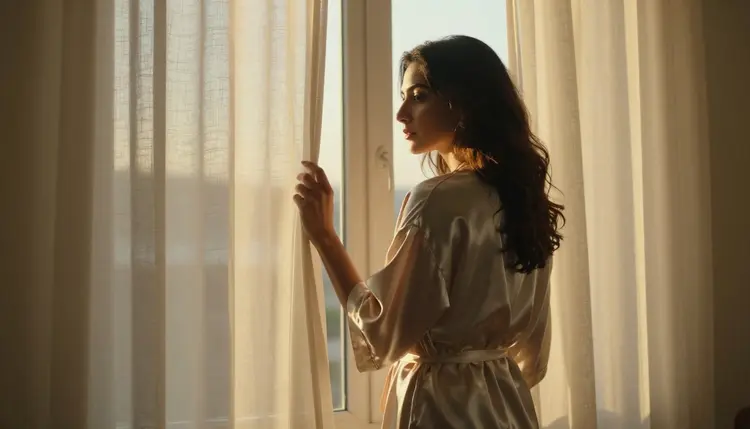
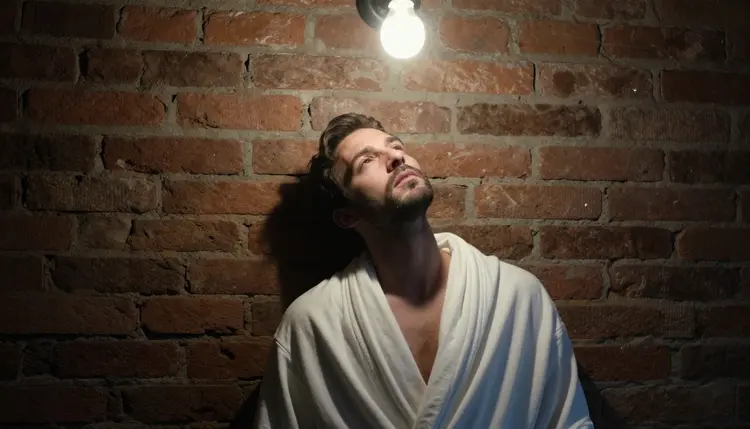
- Named Light Source. Window light, candlelight, or a single bare bulb gives a model something to shade against, which reads as more detailed than a generic bright scene ever does.
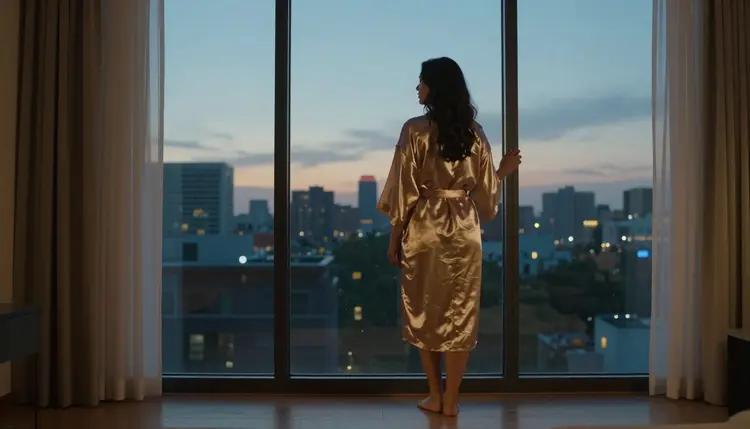
- Fabric and Material Words. Silk, lace, linen weave, or worn leather each render with a different texture; naming the material instead of just the clothing gets the fold and the sheen right.
- Skin and Texture Detail. Pores, a faint freckle pattern, or the texture of a scar tells a model this is a body, not a smoothed illustration, without needing a longer sentence.
- Lens and Depth of Field. An 85mm portrait lens or a shallow depth of field pulls the subject sharp and lets the background fall soft, the same trick a real photographer uses.
- Camera Angle Specificity. A three quarter view, a profile, or an aerial shot changes how much of a scene reads as intimate versus posed, and naming it beats leaving the angle to chance.
- Color and Grain Grading. A warm tone, a desaturated palette, or light film grain gives a render a photographic finish instead of the flat, oversaturated look a plain prompt tends to produce.
- Environmental Anchoring. Placing the scene somewhere specific, a sunlit bedroom, a brick wall under a bulb, ties the lighting and the mood together instead of leaving the subject floating on a blank background.
None of these words unlock anything on their own. What they do is give a model, especially one built for photoreal detail, a specific target instead of a vague one, which is the actual difference between a flat result and one that looks deliberate.
Picking the right modifiers matters less if the model rendering them applies its own content filter halfway through. Six models across Picasso IA's catalog are confirmed to generate adult content with no content filter, and two of them, Seedream 4.5 and Qwen Image 2, hold onto fine detail, skin texture, fabric weave, the exact light source named, better than the rest of the confirmed list.
| Model | Type | Best for detail work | Try it |
|---|
| Seedream 4.5 | Image | Photoreal skin, fabric, and named light sources | Seedream 4.5 |
| Qwen Image 2 | Image | Holding several named modifiers together in one render | Qwen Image 2 |
| Recraft V4.1 Pro | Image | Illustrated detail, line work, and material texture | Recraft V4.1 Pro |
| Picasso Image Editor Pro | Image editor | Fixing one detail after the render instead of starting over | Picasso Image Editor Pro |
| Picasso Video | Video | Carrying the same detail words into motion | Picasso Video |
| LTX 2.3 Pro | Video | Cinematic light and texture across a moving scene | LTX 2.3 Pro |
Qwen Image 3 Pro and LTX 2 Fast sit in the same catalog and are worth a try for this kind of prompt, but neither is on the confirmed list yet, so treat them as an alternative rather than a guaranteed result. The same goes for names built by other companies, Leonardo AI and Vidu among them: untested here, not confirmed filter free, and best approached as an experiment rather than a plan. Hundreds of other models in the catalog fall into the same untested bucket and are worth exploring once the six confirmed ones have set a baseline.
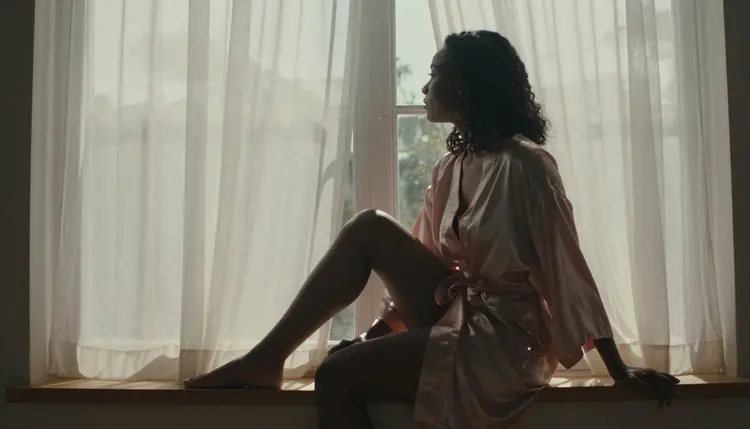
Seedream 4.5 tends to be the first stop for a photoreal scene built around one or two of the modifiers above, while Qwen Image 2 is the steadier choice once a prompt names several modifiers at once, a light source, a material, and a lens term together, and needs all three to survive one generation.

Turning the eight modifiers above into a finished image follows the same five steps regardless of which of the six confirmed models opens the prompt.
- Pick One Subject and One Scene. Decide on the figure and the setting first, a sunlit bedroom, a tavern, a rooftop, before adding a single modifier word, since a modifier attached to a vague scene has nothing to anchor to.
- Choose Two or Three Modifiers, Not Eight. Pair a light source with a texture word and maybe a lens term; stacking all eight in one prompt tends to blur the result instead of sharpening it.
- Name the Light Source Before the Camera Angle. Light shapes the whole scene, so naming window light or a bare bulb first gives the camera angle something to work with rather than the other way around.
- Generate a Small Batch and Compare the Detail. Four or five variants from the same prompt show which modifier actually rendered and which one the model ignored, which matters more than judging a single image.
- Refine the Closest Result Instead of Restarting. Send the strongest variant to Picasso Image Editor Pro to sharpen one area, a hand, a fold of fabric, a strand of hair, rather than rewriting the whole prompt from the beginning.
A prompt built this way holds together across a bedroom scene, a tavern scene, or a rooftop at dusk, because the same two or three modifiers keep doing the same job no matter where the scene is set.
Rules and Limits for Adult Content
This is 18+ content, and every example on this page follows the same short set of rules the six confirmed models are built around. Every figure shown or described here is a fictional adult, invented for the prompt, never a minor regardless of how young a style or a detail word makes something look, and never the likeness of a real, identifiable person without that person's clear consent. A detail modifier makes a render more convincing, not a workaround for either rule.
Generations stay private by default. What gets made is tied to the account that made it, not posted or shared anywhere on the site, so testing a new modifier or a new combination of them is not something other visitors ever see.
The most common mistake with these eight words is using all of them at once. A prompt that names a macro shot, an 85mm lens, film grain, a warm tone, lace, window light, a three quarter view, and a freckle pattern in one line asks a model to prioritize eight things at the same time, and most renders answer by averaging them into something soft and generic instead of sharp in any one place.
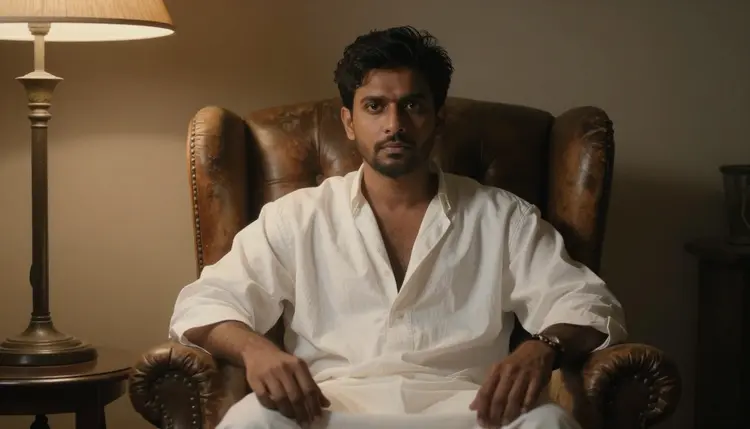
A better approach treats the eight as a menu, not a checklist. Pick a light source and a material for a fabric heavy scene, a lens term and a texture word for a close portrait, an angle and an environmental anchor for anything wider than a close-up. Two well matched modifiers consistently beat five mismatched ones.

The same principle carries into video. Picasso Video and LTX 2.3 Pro, both confirmed filter free, read a handful of well chosen modifiers the same way the image models do, so a bare bulb and hard side light translate into a moving scene without needing a longer or more complicated prompt.
Modifier words do not change what a generation costs. A single image spends credits at the same rate whether the prompt names zero modifiers or three, and a short video clip through Picasso Video or LTX 2.3 Pro costs more than a still image regardless of how it is worded.
New accounts start with free credits, enough to test two or three modifier combinations across a couple of the six confirmed models before spending anything further. Current plans and exact prices live on the pricing page, kept there since they change more often than this page does.
What is a prompt modifier in an NSFW AI prompt?
A prompt modifier is a specific word, a light source, a material, a lens term, that tells a model which part of a scene to render in detail instead of leaving it generic. Naming window light or lace does more for the finished image than adding another sentence of general description.
Which model handles detail modifiers best?
Seedream 4.5 and Qwen Image 2 hold onto named modifiers, skin texture, fabric weave, a specific light source, most consistently among the six models confirmed to generate adult content with no content filter. Recraft V4.1 Pro is the stronger pick when the target look is illustrated rather than photoreal.
How many modifiers should one prompt use?
Two or three, paired to match the scene, works better than stacking all eight at once. A prompt naming every modifier from this page in one line tends to blur into something soft rather than sharp in any single place.
Does naming a light source really change the result?
Yes. A model has to shade the whole scene around something, and window light, candlelight, or a single bulb gives it a specific source to shade against, which reads as more detailed than a generically bright image with no named source at all.
Can these modifiers be used with video models too?
Yes. Picasso Video and LTX 2.3 Pro, both confirmed filter free, read the same kind of modifier words, a named light source, a material, a texture detail, and carry them into a moving scene the same way the image models carry them into a still one.
What happens if a model refuses a prompt built with these modifiers?
A modifier word does not cause a refusal on its own. If a model outside the six confirmed ones rejects the prompt, Picasso IA shows a message explaining the content is not supported by that model and offers to switch to one of the six, carrying the same prompt over.
Are Qwen Image 3 Pro or other newer models confirmed filter free?
Not yet. Qwen Image 3 Pro, LTX 2 Fast, and similar newer or third party names sit in the same catalog and are worth trying, but only six models, Seedream 4.5, Qwen Image 2, Recraft V4.1 Pro, Picasso Image Editor Pro, Picasso Video, and LTX 2.3 Pro, are confirmed. Treat anything else as an alternative rather than a guarantee.
Can I fix one detail instead of rewriting the whole prompt?
Yes. Picasso Image Editor Pro, one of the six confirmed models, edits an existing image directly, so a strand of hair, a fold of fabric, or a single hand can be sharpened on the closest result instead of restarting the prompt from nothing.
Is this content actually adults only?
Yes. This is 18+ content, and every figure described or shown across this page is a fictional adult. No real person's likeness without consent, no public figures, and nothing resembling a minor, regardless of what style or detail modifier is used.
Are my generations made with these modifiers private?
Yes. Generations stay tied to the account that made them and are private by default, not posted or shared anywhere on the site, so testing a new modifier combination is not visible to other visitors.
The eight modifiers above are just words. What makes them work is the toolkit behind them, six confirmed models, a five step process, and free credits on a new account to try the first combination today.