Wan 2.7 sits in the Picasso IA catalog as two video models: one that animates a still image, and one that turns a written prompt into 1080p video. If you want adult, glamour-style clips made from fictional characters, a natural question is whether either of them will accept a suggestive prompt. The honest answer is that nobody here knows yet. This page explains what that means, how to test it in a few minutes, and what to do if the result is a refusal.
Everything below is written for adults. The scenes are boudoir, swimwear, satin and candlelight: provocative, never explicit, and always about fictional adults. You will also find a short fallback plan built on the models that Picasso IA has already tested, so a refused prompt never leaves you stuck.
There are two Wan 2.7 entries in the catalog, and they do different jobs. The first is Wan 2.7 I2V, listed as a model that animates any image into video. You give it a still picture and it returns a moving clip. The second is Wan 2.7 T2V, listed as a model that turns text into 1080p video. You give it a written prompt and it returns a clip with no starting image.
Both belong to the same family, and both carry the status "untested" on Picasso IA. That word is deliberate. It does not mean the models are filtered, and it does not mean they are open. It means Picasso IA has not run adult prompts against them often enough to have a verdict, so we do not make one up.
For this kind of work the image-to-video entry is the more interesting one. A common workflow is to build a still you like first, with wardrobe, light and pose exactly as you want them, and then ask a video model to add motion: a slow turn toward the window, hair moving in a draft, a hand adjusting a satin strap. Starting from a picture you already approved takes a lot of guesswork out of the clip.
Keep the motion simple in the prompt. One camera move and one subject movement are easier for a video model to follow than a long list of actions: a slow dolly toward a woman in a satin robe, a hand brushing a curtain aside, light shifting as the sun drops. Short, concrete instructions about fabric, light and pace tend to read better than abstract mood words.
The text-to-video entry suits a different habit. If you would rather describe the whole shot in one go, a single paragraph covering the setting, the clothing, the camera move and the mood is enough to get a first attempt. You can then adjust the wording and run it again.
Neither entry in this family is marked with the infinity tag, so treat each run as a normal generation that uses credits. Details about credits and plans live on the pricing page, and we do not print any figures here.
Picasso IA keeps a short list of models called confirmed. A confirmed model is one where adult prompts were tested repeatedly against that exact model and the model generated the result instead of rejecting it. The word describes what Picasso IA observed. It is not a published setting from the model's maker, and a maker can change how a model behaves at any time. If you want the full explanation, read what confirmed means.
Untested is the opposite of a verdict. A model in this group might accept your prompt. It might return a refusal. It might accept some wording and not other wording. Picasso IA has not collected enough evidence to say, so the page title says it plainly: worth a try.
That is useful to know before you spend time on a prompt. If your project depends on a guaranteed result, go straight to the confirmed models listed further down. If you are curious and have a few minutes, Wan 2.7 is a reasonable thing to test, because the cost of finding out is one generation and a message you can read.
One more point about wording. A refusal says something about the model and the prompt together. It does not say anything about you, and it is not a warning. Changing the clothing description, the setting or the level of suggestion sometimes changes the outcome, and sometimes it does not. Keep the prompts tasteful and adult, and keep notes on what you tried.
The process is short. You open the model, write a clean prompt, read the result and, if needed, move to a confirmed model without retyping anything. Here is the order to follow in the toolkit.
- Open the model. In the toolkit, pick Wan 2.7 I2V if you have a still to animate, or Wan 2.7 T2V if you want to start from text.
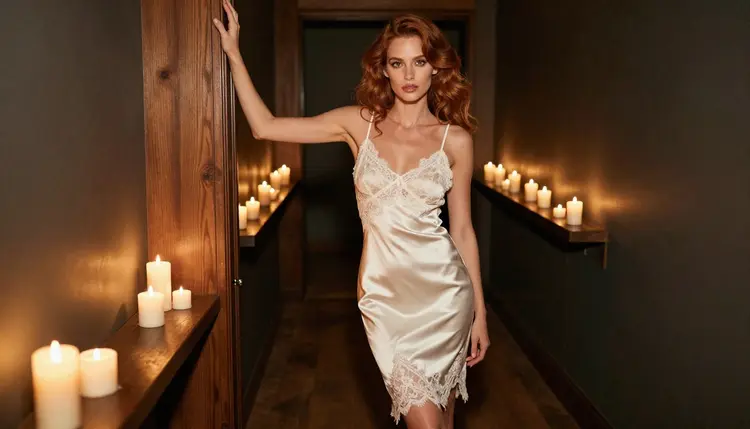
- Write a clean adult prompt. Describe one fictional adult, the wardrobe, the light and the camera move in plain words, for example an ivory satin slip, candlelight and a slow push in.
- Generate and read the result. Run the generation and watch what comes back. Look at the clip for motion, framing and fabric, and note anything you would change.
- Recognise the refusal message. If the model does not accept the prompt, the app shows a message titled "Content Not Supported by This Model".
- Switch to a confirmed model. The message recommends models that accept adult prompts and carries your prompt over, so you pick one and continue without retyping.
If Wan 2.7 refuses, or if you simply want a guaranteed starting point, these are the models Picasso IA has confirmed. Each page opens in the catalog, where you can read the full description.
How you choose between them depends on what you started with. If you already have a still and want it to move, Picasso IA Video accepts an image as input, and Seedance 2.5 Lite does short motion clips. If you want the sharpest possible output from a text prompt alone, LTX 2.3 Pro is listed for 4K video from text.
If you do not have a still yet, make one first with Seedream 4.5 for a photographic look or Recraft V4.1 Pro for an illustrated one. Picasso Image Editor Pro is the tool for fixing a wardrobe detail or a background before you animate the picture. Then bring the finished still to a video model.
You can also use the confirmed models as a control. Run the same scene on Wan 2.7 and on a confirmed model, then compare motion, lighting and how closely each clip follows your wording. Over time you will learn which one suits which kind of shot.
This section applies to every model in the catalog, tested or not. Picasso IA is for adults only. You must be 18 or older to use the NSFW tools, and the site is not meant for anyone younger.
Every character you create has to be a fictional adult. Do not use the name, face or likeness of a real person, and do not write a prompt that describes anyone who could read as a minor. Prompts that go that way are outside the rules, whichever model you choose.
What you create is private by default. Your generations are tied to your account and are not published or shown to other people. Keep the content provocative rather than explicit, and think of the result as something for your own project.
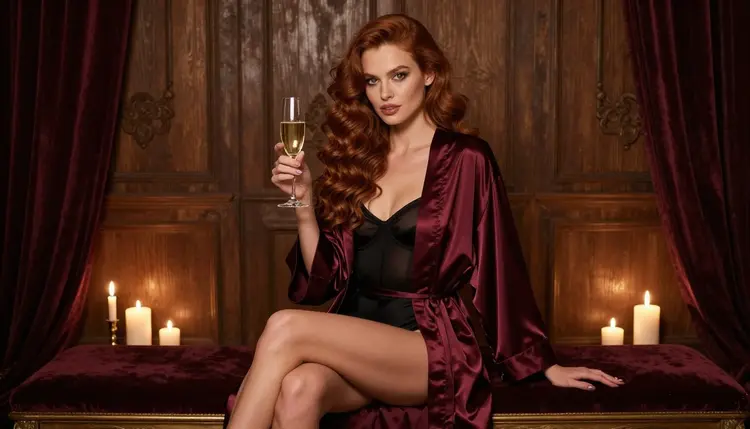
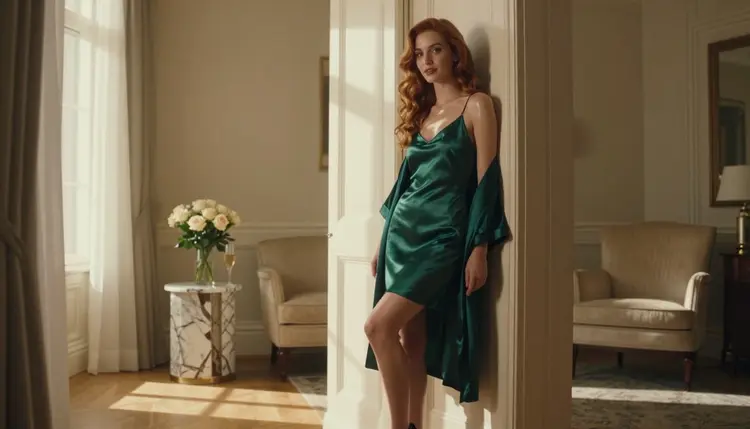
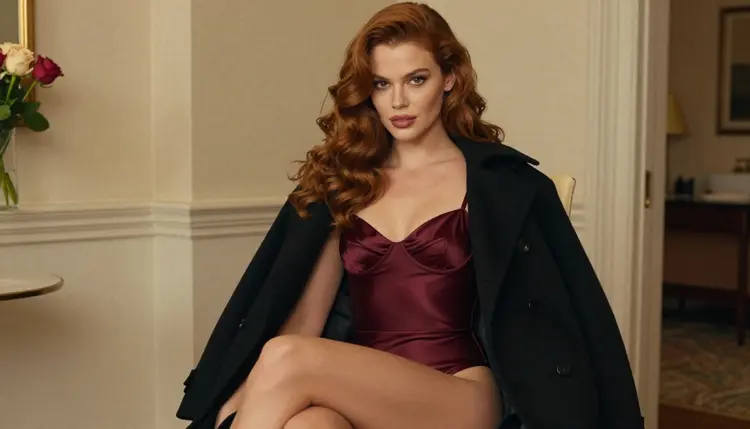
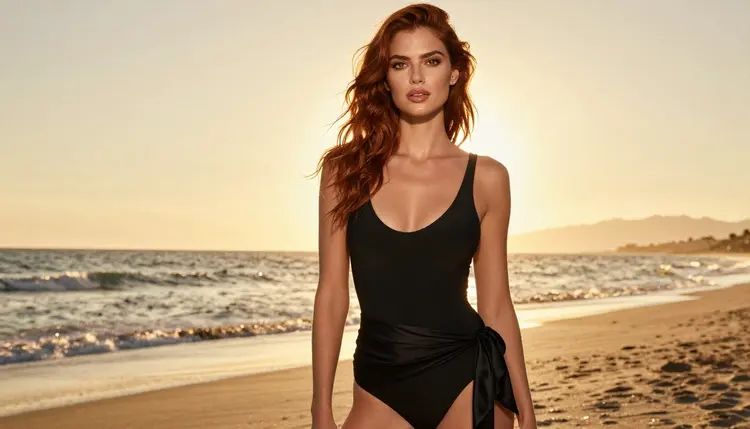
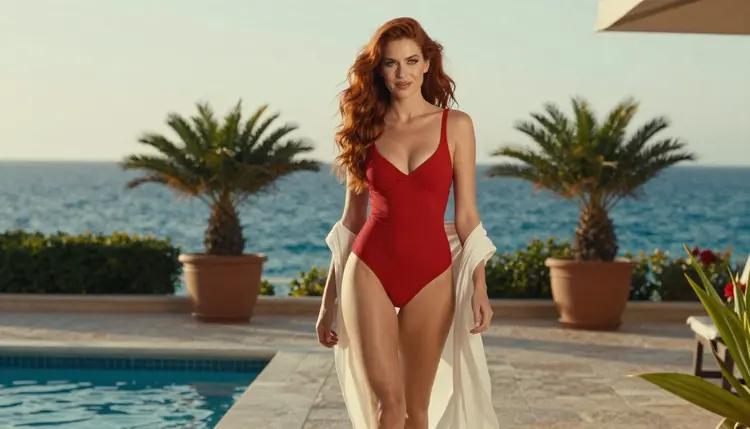
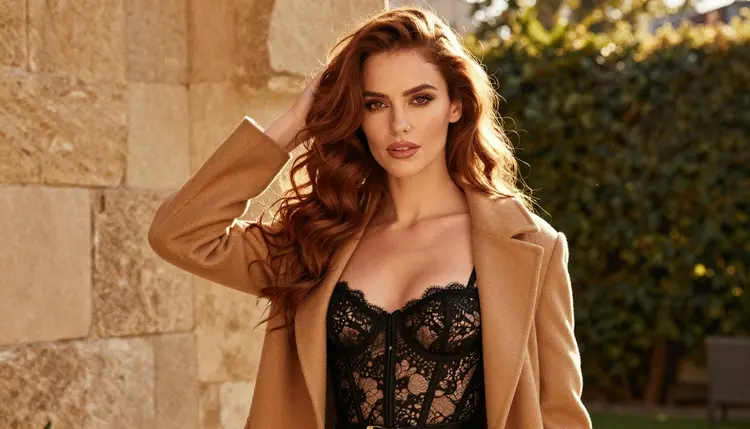
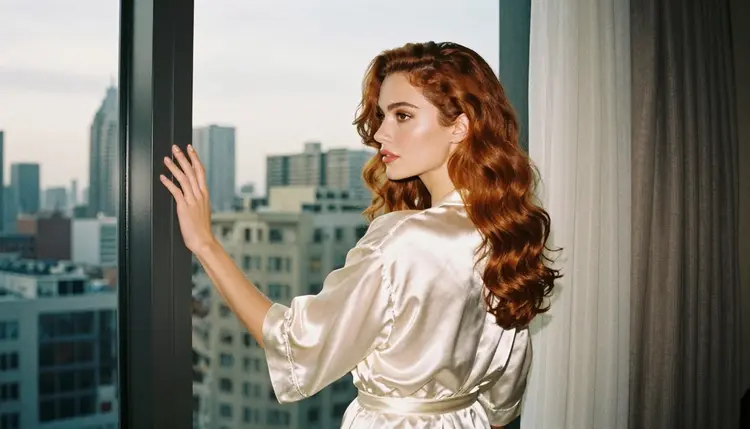
A practical note on style. The pictures on this page show the kind of look that works well for this section: satin, lace, swimwear, warm candlelight and a hotel suite. That is where suggestive and tasteful meet, and it is also the kind of scene video models tend to handle cleanly, with fabric and light doing most of the work.

A new account can try a few generations for free on selected Picasso IA models. That small free trial covers Picasso IA Image, Picasso Image Editor Pro, Picasso IA Video and Seedance 2.5 Lite. It does not cover the whole catalog, so Wan 2.7 is not part of it. The pricing page explains the details.
Some models carry the infinity tag in the catalog. On plans that include unlimited generation, those models do not spend credits. Among the video models on this page, Picasso IA Video and Seedance 2.5 Lite have that tag. The two Wan 2.7 entries do not. Check the pricing page for what each plan includes.
If you like the idea of testing a model before you commit to it, there are related untested pages in this section. The next version of the family has its own page: Wan 3 NSFW video. For another video family, see Seedance 2.0 for NSFW. Together they give you a few more candidates to try with the same five steps.
You can browse everything else in the full catalog. Any model that is not on the confirmed list is untested, and the same approach applies: try a clean prompt, read the result, and switch if it is refused.
Does Wan 2.7 accept NSFW prompts?
It may or it may not, and Picasso IA has no verdict. Both Wan 2.7 entries are untested, so the right move is to run one clean adult prompt and read what comes back. If it generates, you have your answer for that prompt. If it refuses, switch to a confirmed model.
What happens if Wan 2.7 refuses my prompt?
The app shows a message titled "Content Not Supported by This Model". It recommends models that accept adult prompts and carries your prompt over, so you do not need to retype anything. Pick one of the recommended models and run it again.
Which models are confirmed for adult video?
For video, the confirmed models are Picasso IA Video, Seedance 2.5 Lite and LTX 2.3 Pro. Confirmed means Picasso IA tested adult prompts against them repeatedly and watched them generate instead of reject.
Can I use a real person's photo or name?
No. Every character must be a fictional adult. Real or identifiable people, including celebrities, are not allowed, and neither is anyone who could read as a minor. This applies to every model, including Wan 2.7, and the content is for adults aged 18 and over only.
Is Wan 2.7 filtered or filter-free?
Neither claim is made. The status is untested, which means Picasso IA has not collected enough runs to say. Models can also change over time, because a maker can update its rules at any point. Treat each result as a fact about that prompt on that day.
How are credits and plans handled?
Generations cost credits, and the amount varies by model and by options such as resolution or duration. Plans and details are on the pricing page. This page does not list any figures, because they can change and they differ from model to model.
Can I turn a still image into a video?
Yes. Wan 2.7 I2V is listed for animating any image into video, and Picasso IA Video also takes an image as input. A good workflow is to create or edit a still with Seedream 4.5 or Picasso Image Editor Pro first.
What resolution does Wan 2.7 offer?
Going by the catalog titles, Wan 2.7 T2V is listed for 1080p video from text, and Wan 2.7 I2V is listed for animating any image into video. For other options, open the model page in the catalog and read the controls offered there before you generate.
Are my generations private?
Yes. They are private by default and tied to your account. They are not published or shown to other users. You decide what to do with the finished clip, and the same adults-only and fictional-characters rules apply to everything you make.
Can I try this for free?
A new account gets a small free trial on selected models: Picasso IA Image, Picasso Image Editor Pro, Picasso IA Video and Seedance 2.5 Lite. Wan 2.7 is not one of them. See the pricing page for how the trial and plans work.