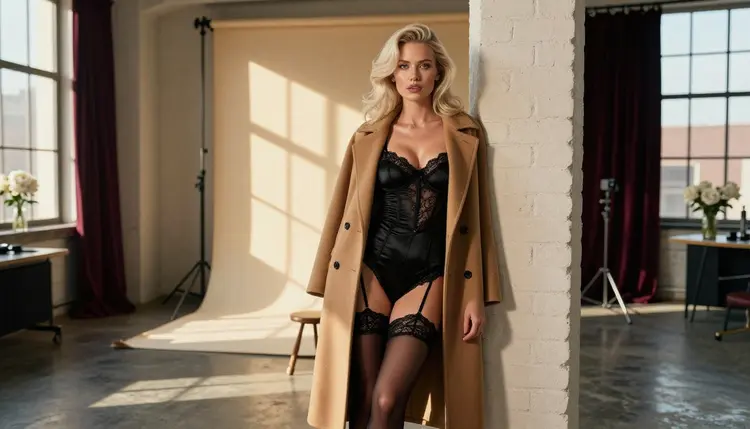
If you work with Adobe Firefly and you have typed a glamour, boudoir or lingerie idea into it, you probably want a straight answer on whether adult prompts are allowed there. This page gives you that answer from the company's own published rules, and then shows you a practical route for adult creators who want to keep going: move the prompt to a model that accepts it, in a browser, with fictional adult characters only.
The page is written for people aged 18 and over. Everything here is about wardrobe, light, mood and styling: satin, lace, silk robes, candlelight, a studio window. Nothing on it is explicit, and nothing on it involves a real person.
According to Adobe's published generative AI user guidelines, using its generative AI features to create explicit adult material is prohibited. That is the one policy claim this page relies on, and it comes from the guidelines themselves, in the section about being respectful and safe. The practical reading is simple: if your idea is an explicit adult scene, Firefly is not the tool the company intends you to use for it.
What the guidelines do not tell you is where the exact line sits for the in-between ideas, such as a woman in a satin slip, a boudoir portrait, a swimwear editorial or a glamour shot in lingerie. Those prompts are suggestive rather than explicit, and how a given tool treats them depends on how its filters read your wording. The rules belong to the company that runs the tool, and companies change them. Check its current rules before you plan a project around any answer you read, including this one.
So the short version is this. Adobe says explicit adult material is not allowed in its generative features. It does not publish a list of every wardrobe or pose, so a flirty or romantic prompt may go through on one day and be stopped on another. If your prompt is stopped, you have not done anything wrong. You have simply reached a tool whose rules are stricter than your idea.
Picasso IA is not affiliated with Adobe. This page describes Adobe's published guidelines only so you can decide where to work.
Most large image tools are built for a very wide audience: students, designers, marketing teams, families, people who open a creative app at work. A company that serves all of them usually writes one set of safety rules and applies it to everyone. That is a business and legal decision, not a comment on you or on your project.
In practice, those rules are enforced by filters. A filter can read your prompt before anything is generated, and some systems also check the picture that comes out. If a word or a combination of words looks risky, the request is refused or the result is hidden. This is why two prompts that seem equally mild to you can get different results: one contains a trigger word, the other describes the same idea in neutral terms.
For an adult creator, this produces a few familiar frustrations. A lingerie campaign mock-up gets refused. A boudoir portrait is returned with a warning. A pin-up illustration loses its wardrobe in the output. None of this means your idea is wrong. It means the tool was tuned for a different audience than the one you belong to.
The practical answer is not to fight the filter with clever wording. It is to choose a model whose rules fit the work. Picasso IA keeps hundreds of models in one catalog, and some of them have been tested with adult prompts and accept them, as long as the content stays provocative and never explicit, and every character is a fictional adult. You can browse the full catalog and compare, but the next section shows the quickest route.
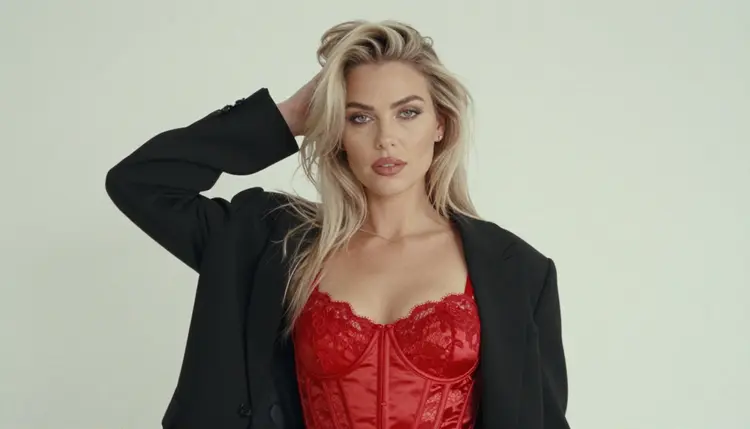
If a prompt did not work in Firefly, you do not need to start from nothing. The words you already wrote are the most valuable part. Here is how to carry them over. Start with a lead-in: keep your original prompt open in a text file, then follow these steps in order.
- Copy the prompt. Select the full text you typed, including wardrobe, setting, light and camera details, and keep it exactly as written so you can compare results later.
- Open the toolkit. Go to the toolkit in your browser. There is nothing to install, and what you create there is private by default.
- Pick a confirmed model. For photoreal pictures choose Seedream 4.5, for illustration and design choose Recraft V4.1 Pro, and for clips choose one of the confirmed video models.
- Adjust the wording. Paste the prompt and tune it: name the fabric (opaque satin, lined lace), the light (golden hour, candlelight, soft studio daylight) and the lens (85mm, 50mm). Concrete words give better results than adjectives.
- Generate and edit. Run the generation, pick the frame you like and, if one detail is off, fix it with Picasso Image Editor Pro instead of rewriting the whole prompt.
That is the whole loop. Once it is familiar, a prompt moves from one tool to another in a minute or two, and you spend your time on the picture rather than on rephrasing.
Picasso IA does not pretend every model accepts every prompt. When you pick a model that cannot take your request, the app shows a message titled "Content Not Supported by This Model". It then recommends models that accept adult prompts and carries your prompt over, so you do not have to retype anything. You click, the prompt is already there, and you try again.
Some models are marked confirmed. That word has a narrow meaning: Picasso IA tested adult prompts against that exact model repeatedly and watched it generate instead of reject. It is not a published setting of the model's maker, who can change it at any time. Six models carry that status today.
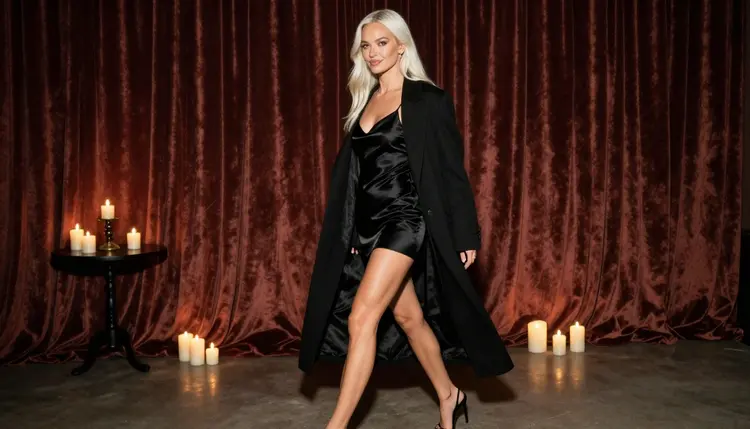
Seedream 4.5 is the usual starting point for photoreal work. It makes 4K images from text, which is enough room for fabric texture, skin tone and a window reflection to read clearly. Recraft V4.1 Pro is the better pick when you want a drawn or designed look, because it is strong on illustration and design and produces print-ready images at 2K. Picasso Image Editor Pro edits an existing image online, and it carries the infinity tag, which means it does not spend credits on the plans that include unlimited generation.
For video, LTX 2.3 Pro makes 4K video from text, Picasso IA Video turns a text prompt or a single image into a clip, and Seedance 2.5 Lite is listed up to 10 seconds. The last two also carry the infinity tag. A good habit is to make the still first in Seedream 4.5, approve it, and only then move to video so you are animating something you already like.
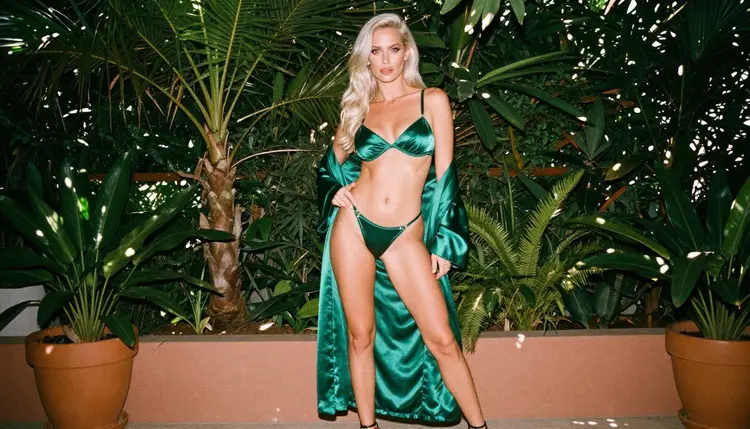
Every other model in the catalog is untested. That includes names you may already know, such as Qwen Image 2, Seedream 5, Nano Banana, Flux and Picasso Video from Pruna. Untested does not mean filtered, and it does not mean filter-free. It means Picasso IA has not run the adult-prompt check on it, so it is worth a try but not a promise. If you want to experiment, look through the full catalog and keep the confirmed list as your fallback.
If you are comparing how other big tools treat the same ideas, these pages cover them one by one: Midjourney, Gemini and ChatGPT.
The adult side of Picasso IA runs on a few plain rules, and they apply to every prompt you write.
The first is age. The section is for people aged 18 and over only. If you are not an adult, do not use it. The second is who appears in the pictures: fictional adults only. Never a real or identifiable person, never a celebrity, never a photo of someone you know, and never anyone who could read as a minor. If a prompt could be read that way, rewrite it or drop it.
The third is privacy. What you create is private by default. It is tied to your account and not published or shown to other people. You decide what happens to a picture after that, and you remain responsible for using it lawfully.
The content line is the same one this page has kept throughout: provocative, never explicit. Think glamour, boudoir, lingerie, swimwear, a silk robe, implied intimacy. That keeps the work usable, and it keeps it on the right side of what the confirmed models are tested for.
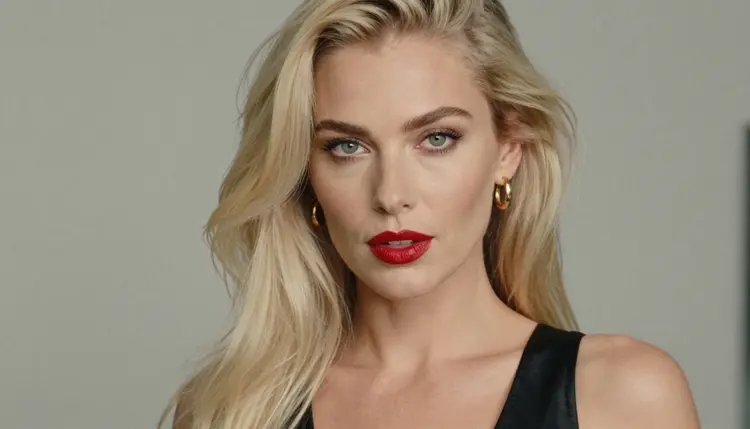
A few habits help in everyday use. Describe wardrobe as opaque and lined, because it is more accurate to a real photo shoot and it keeps the result tasteful. Say woman or man, and give an adult age or simply say mature adult. Keep the setting concrete: a studio loft, a terrace, a hotel window. And remember that credits depend on the model and on options such as resolution or duration, so check the pricing page before a long session.
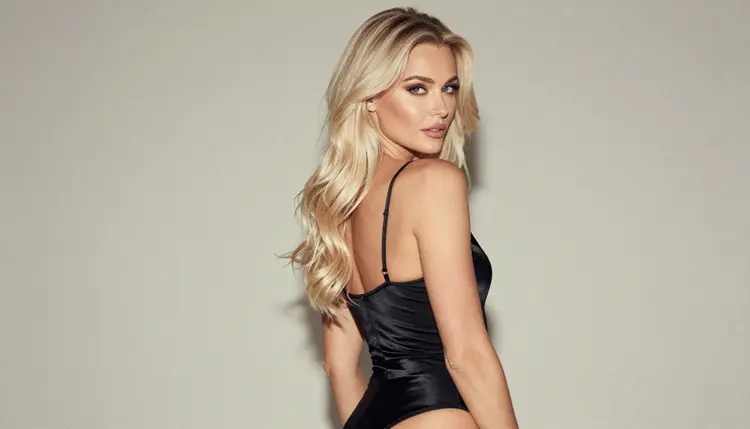
An honest comparison has to say where the other tool wins. Adobe lists Firefly among its creative AI products for individuals and small businesses, and it is offered both on its own and inside Adobe creative apps. If your daily work already lives in those apps, and the job is brand-safe marketing material, product mock-ups or family-friendly design, then staying inside that ecosystem is the sensible choice. You get one set of tools, one login and one house style of rules.
Firefly also makes sense when the audience of your work is broad and the rules of the platform match it. A school newsletter, a corporate slide deck and a general retail banner do not need an uncensored model, and they are better served by a tool that is strict by design.
Picasso IA is the better fit when the project is for adults and sits in the glamour, boudoir or swimwear space, when you want to move a refused prompt without retyping it, and when you want images and clips from the same browser tab. Picasso IA is not affiliated with Adobe, and this page uses no Adobe logos, interface text or slogans. For a fuller side-by-side, read the Picasso IA and Adobe Firefly comparison.
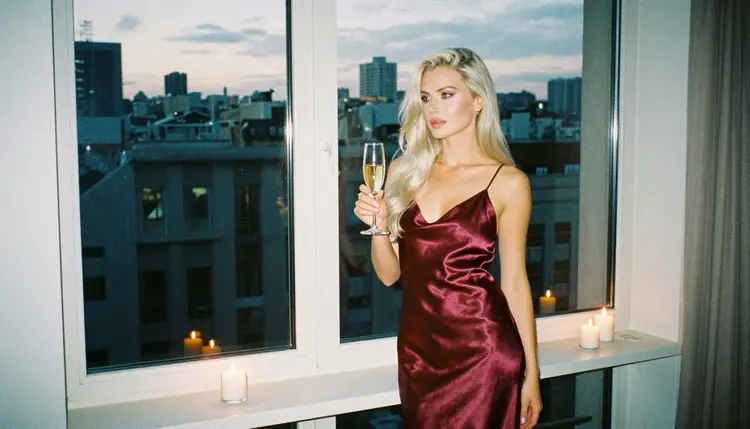
If you want to try before you commit, a new account gets a small free trial on selected models, and the pricing page explains how credits and unlimited generation work. Then open the toolkit, paste your prompt and see what the model gives you.
Is Adobe Firefly allowed to make NSFW images?
According to Adobe's published generative AI user guidelines, creating explicit adult material with its generative features is prohibited. Suggestive ideas such as glamour or lingerie are not itemized there, so results can vary. Check its current rules, because they can change.
What happens when Firefly refuses my adult prompt?
You will see that the request did not go through, and the rules of the tool decide what happens next. Picasso IA works differently: it shows a message titled "Content Not Supported by This Model", recommends models that accept adult prompts and carries your prompt over so nothing is retyped.
Where can I move a prompt that Firefly will not accept?
You can try the toolkit with a confirmed model. Seedream 4.5 is the usual choice for photoreal glamour pictures, Recraft V4.1 Pro suits illustration, and the video models cover clips. The content stays provocative and never explicit, with fictional adults only.
Can I use a real person or a celebrity in my prompt?
No. Picasso IA is for fictional adults only. Never use a real or identifiable person, a celebrity or a photo of someone you know, and never describe anyone who could read as a minor. Prompts that break that rule should be rewritten or dropped.
Is this section for people under 18?
No. The section is for people aged 18 and over. Characters in the pictures are fictional adults, and no one who could read as a minor is ever part of a prompt. If you are not an adult, do not use it.
Are my generations private?
Yes. Generations on Picasso IA are private by default: what you create is tied to your account and is not published or shown to other people. You decide what to do with a picture afterwards and you stay responsible for using it lawfully.
Is there a free trial?
A new account can try a few generations for free on selected models: Picasso IA Image, Picasso Image Editor Pro, Picasso IA Video and Seedance 2.5 Lite. It is a small free trial, not a free pass across the catalog. The pricing page explains how credits and unlimited generation work.
Can I make video from an adult prompt too?
Yes, with the confirmed video models. LTX 2.3 Pro makes 4K video from text, Picasso IA Video works from text or an image, and Seedance 2.5 Lite is listed up to 10 seconds. Many creators approve a still first and then animate it.
Can I change one detail of a picture without starting over?
Yes. Picasso Image Editor Pro edits an existing image, so you can change a robe color, a background or one accessory while keeping the rest. Attach the picture in the toolkit, describe the change in plain words and generate again.
What if a platform changes its adult content rules?
Rules are set by whoever runs each tool and they can change, so check the current rules of any platform before you rely on it. The same applies to Picasso IA models: confirmed is a result of our own repeated tests, not a published setting of the model's maker.