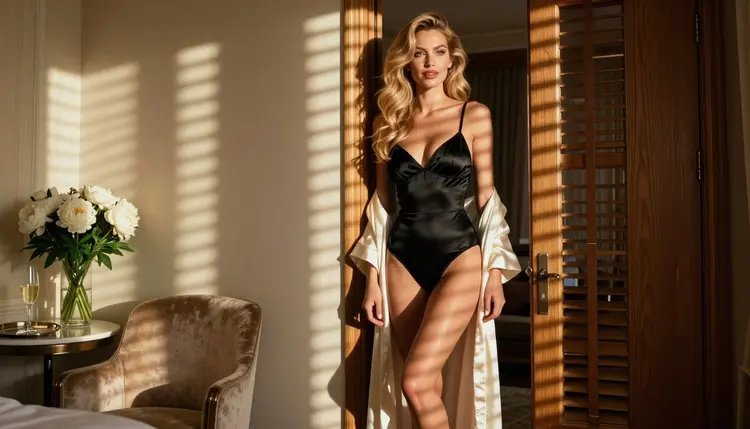
If you have been generating adult art around community-made models and you would now like to skip the part where you collect, load and manage them, this page is for you. Picasso IA runs in the browser. There is nothing to install, no model files to track down and no workspace to configure before the first picture. You open the toolkit, pick a model from the catalog, describe your character and press generate.
This guide covers the same job people usually bring to a model hub: glamour portraits, boudoir scenes, lingerie and swimwear shoots, romantic and suggestive moods, all of fictional adults. It explains what Picasso IA offers for that, how to recreate a typical workflow in five steps, what carries over and what does not, and where Civitai is simply the better place to be. Picasso IA is not affiliated with Civitai, and everything said about it here is limited to what it publishes about itself.
Civitai describes itself as a platform designed to boost the creation and exploration of AI models and AI-generated media. People can generate images on the site, and they can upload custom machine learning models for others to use. It also runs an Education Hub with tutorials and guides on AI image generation. That is a community-first product: the models, the examples and the conversation around them are the point.
There are plenty of honest reasons to want something different for a specific project. If you want to type a prompt and get a result from a ready model without choosing among community uploads, a catalog of maintained models is simpler. If you need video from the same character, a single app that handles both images and clips saves a lot of switching. If your prompt does not fit the rules of the place you are working in, you need to know where else it can go. According to its published terms, Civitai lists some mature content among prohibited material, and rules like that can change, so check its current rules before you plan around any platform.
None of this makes one place right and the other wrong. It is a question of what you are making today. Picasso IA is built for a narrower, more practical job: pick a model, write a prompt, get an image or a clip, keep it private.
Picasso IA is a browser app for AI image and video generation, available in English, Spanish, Portuguese, French, Arabic and Hindi. The catalog holds hundreds of models, and you reach all of them from the full catalog or straight from the toolkit. For adult glamour work, the part that matters is knowing which models have actually been tested with adult prompts.
Picasso IA keeps its own list of confirmed models. Confirmed means Picasso IA tested adult prompts against that exact model repeatedly and watched it generate instead of reject. It is a result of our testing, not a published setting from the model's maker, who can change it at any time. The page on what confirmed means explains the method in full.
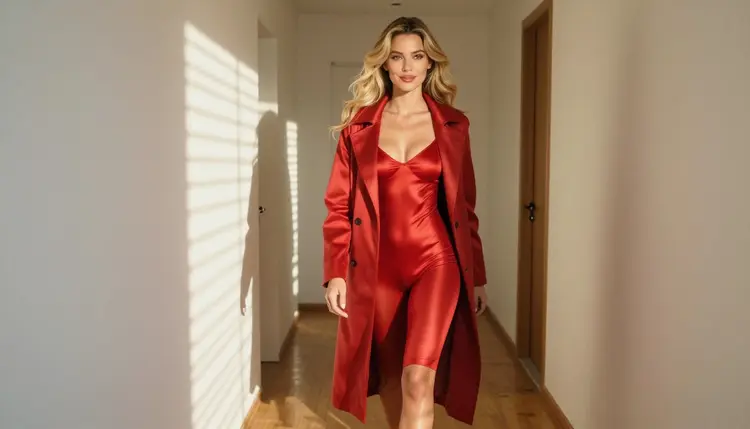
Every other model in the catalog is untested. That is not a warning and not a promise: Qwen Image 2, Seedream 5, Nano Banana, Flux, Wan, Kling and the rest are worth a try, and we simply have not confirmed them either way. Treat a result from one of them as your own test.
If a model declines a prompt, the app shows a message titled "Content Not Supported by This Model". It recommends models that accept adult prompts and carries your prompt over, so you do not retype anything. You pick the suggested model and continue from where you stopped.
Models marked with the infinity tag in the catalog do not spend credits on the plans that include unlimited generation. Other models spend credits that vary with the model and with options such as resolution or duration. Details sit on the pricing page.
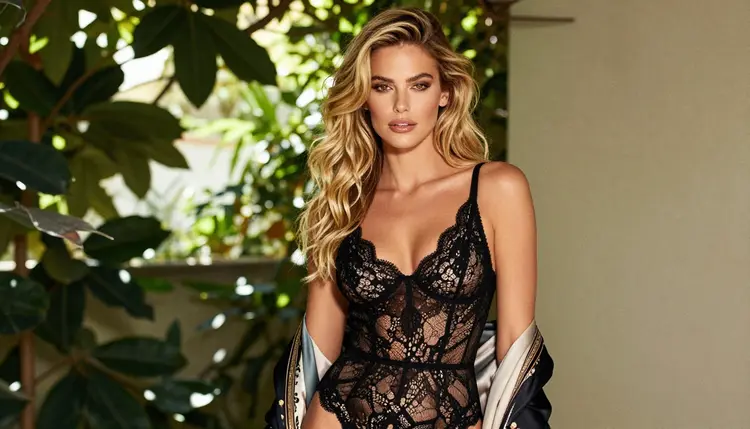
Most model-hub workflows boil down to the same loop: decide who the character is, choose the engine, write the look, iterate, and then move the result into motion. Here is that loop inside Picasso IA, with no files to load.
- Bring the character idea. Write two or three lines about your fictional adult: age range from mid twenties up, hair, wardrobe, setting and mood. Keep the description saved in a note so you can paste it into every prompt.
- Pick the model. Open the toolkit and choose from the confirmed list for photoreal images, illustration, editing or video. If you want to test an untested model, do it with a short prompt first.
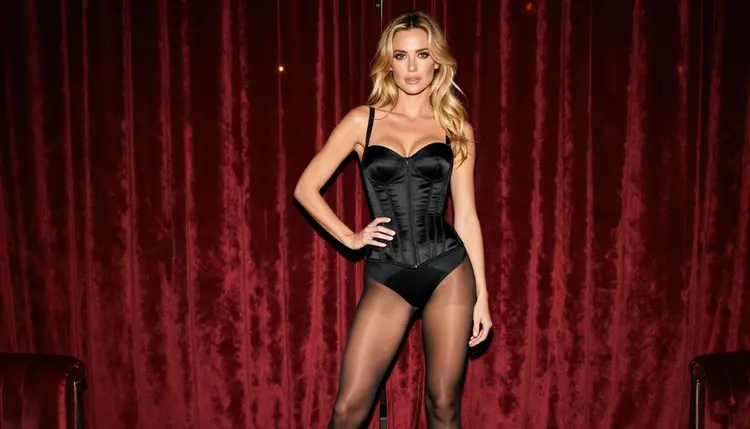
- Describe wardrobe, light and pose. Name the fabric (satin, lace, silk), the garment (corset, slip, bodysuit, swimsuit), the light (window light, tungsten lamp, golden hour) and the lens (35mm, 85mm). Concrete words beat adjectives.
- Generate and refine. Run the prompt, look at the result, then change one thing at a time: the light, the pose, the setting. Use Picasso Image Editor Pro when the picture is almost right and only one detail needs fixing.
- Extend to video. Take the best still into Picasso IA Video or Seedance 2.5 Lite, or write a fresh text description for LTX 2.3 Pro, and ask for a slow camera move or a small gesture.
Reference images help in step 4. In the toolkit, each attached image gets an @1, @2 badge and you can refer to it in your prompt; Picasso IA translates the reference to the syntax each model understands. Only models that accept several inputs show the badges.
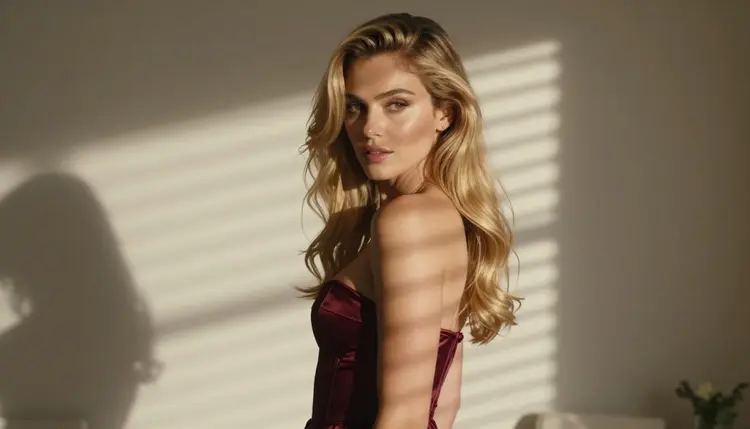
Some habits transfer directly. Prompt craft is the biggest one: the way you describe fabric, light and lens works in any model, and a good prompt for one glamour portrait is a good starting point for the next. Your sense of composition carries over as well, whether that is a waist-up frame, a full-length standing shot or a profile against a window.
Several things work differently. Picasso IA gives you ready models from its own catalog, so you do not upload or load custom models of your own. If the look you want depends on a specific community-made model, check whether one of the confirmed models can get close with a more detailed prompt, and whether a reference image can supply the rest. Expect to adjust: different models read the same words differently.
Consistency of a character across several images is something you build with a saved description and reference images, and Picasso IA gives you the reference badges for exactly that when a model accepts several inputs. It is a craft, not a switch. Keep the same wardrobe words, the same hair description and the same light, and change only one element per run.

Picasso IA does not do chat. It makes pictures and videos of fictional characters, so it is not a replacement for a companion or a conversation product. It also does not publish your work to a community feed; everything you create stays tied to your account. If browsing other people's galleries is a part of what you enjoy, that is a feature of community platforms, not of this app.
What you gain is motion. Images and video live in the same place, so a still you like can become a short clip without exporting and importing between tools.
Picasso IA is for adults only. The adult section of the site and the models behind it are meant for people who are 18 or older, and you should leave if you are not.
Every character must be a fictional adult. Never use a real or identifiable person, never a celebrity, and never anyone who could read as a minor. Prompts that point toward a real person or toward someone who looks underage are outside the rules, and the pictures here are always provocative rather than explicit: wardrobe, pose, light and implied mood.
What you generate is private by default. Your creations are tied to your account and are not published or shown to other people unless you decide to share them yourself.
Be honest with yourself about what you need. Civitai is a community platform. If you want to explore models other people made, upload your own custom models, follow tutorials from its Education Hub, or build around a particular community-made look, it is built for that and Picasso IA is not. Picasso IA offers catalog models, not an upload shelf.
If your work depends on the exact model you already know, stay there. If its rules suit your project, that is the simplest choice. Look at its current rules and terms before you decide, because they can change.
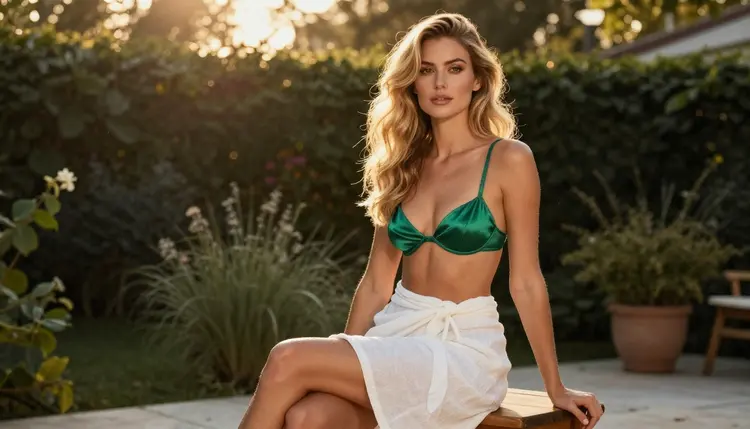
If your priority is fast, private, maintained models with images and video under one roof, try Picasso IA. A new account gets a small free trial on selected models, and the pricing page explains the rest. For a side-by-side view, read Picasso IA vs Civitai. If you are comparing other tools, the guides on Midjourney and SeaArt look at the same question from different starting points, and the page on Promptchan covers another image-first option.
Is Picasso IA affiliated with Civitai?
No. Picasso IA is an independent product and has no connection with Civitai. This page only describes what Civitai says about itself in public, paraphrased, and it recommends checking its current rules for anything that matters to your project.
Do I need to install anything to use Picasso IA?
No. Picasso IA runs in your browser, so there is nothing to download and no model files to manage. You open the toolkit, choose a model from the catalog, write your prompt and generate. It is available in six languages.
Which models are confirmed for adult prompts?
Seedream 4.5, Recraft V4.1 Pro and Picasso Image Editor Pro for images, and LTX 2.3 Pro, Picasso IA Video and Seedance 2.5 Lite for video. Confirmed means we tested adult prompts on that exact model repeatedly and it generated instead of rejecting. See what confirmed means.
What about models that are not on the confirmed list?
They are untested, not blocked and not cleared. Qwen Image 2, Nano Banana, Flux, Wan and others are worth a try with a short prompt first. Treat what you get as your own test result, because a model's maker can change its behavior at any time.
What happens if a model refuses my prompt?
The app shows a message titled "Content Not Supported by This Model" and recommends models that accept adult prompts. It carries your prompt over, so you pick a suggested model and continue without retyping. Nothing about the refusal is hidden from you.
Can I use custom or community-made models in Picasso IA?
Picasso IA works from its own catalog of ready models, so you do not upload or load custom models. Browse the full catalog to see what is available. If your look depends on one specific community model, test whether a detailed prompt and a reference image can get you close.
Can I make video as well as images?
Yes. Picasso IA Video turns text or a still image into a clip, Seedance 2.5 Lite is listed up to 10 seconds, and LTX 2.3 Pro creates 4K video from text. You can take your best still straight into one of them from the same toolkit.
Is what I create private?
Yes. Generations are private by default: they are tied to your account and are not published or shown to other people. Sharing is your decision. Nothing you make appears in a public feed on its own.
Can I use photos of real people or characters who look underage?
No. Picasso IA is for adults aged 18 or older, and every character must be a fictional adult. Never use a real or identifiable person, and never anyone who could read as a minor. The pictures are provocative, never explicit.
Is there a free way to try it?
A new account gets a small free trial on selected models: Picasso IA Image, Picasso IA Editor Pro, Picasso IA Video and Seedance 2.5 Lite. After that, credits vary by model and options, and models with the infinity tag follow the unlimited rules described on the pricing page.