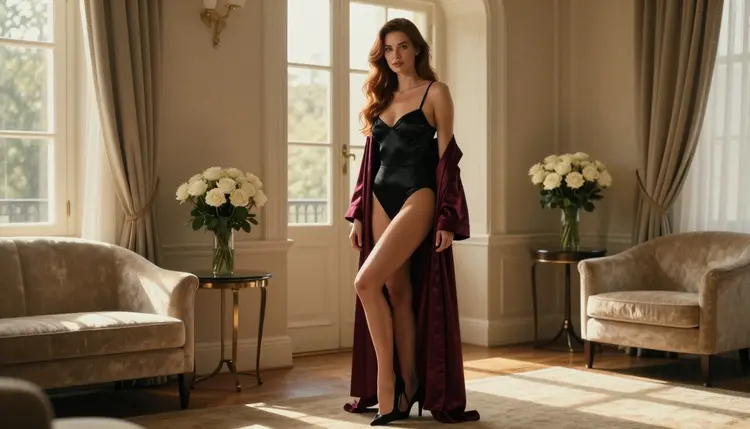
If you have typed a flirty, glamour-style prompt into Bing Image Creator or Copilot and got a refusal instead of a picture, you are not alone, and you are probably wondering where the line sits. This page walks through what Microsoft's own published rules say about adult content in generated images, why filters like these exist, and what you can do when a prompt for an adult, fictional character does not go through.
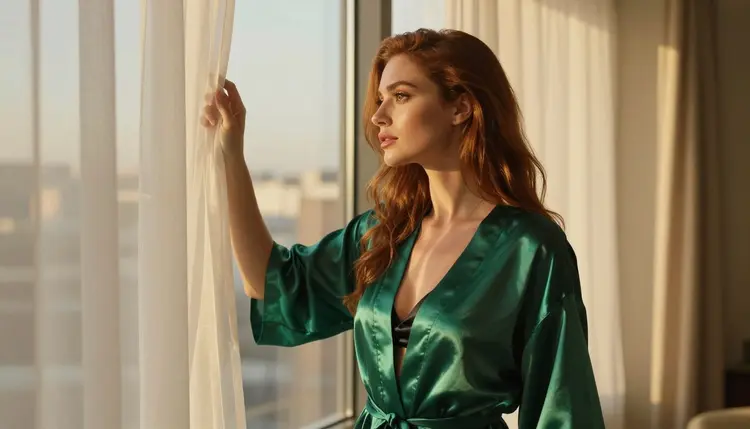
The short version: Microsoft publishes terms and a code of conduct that rule out adult content, and those rules belong to Microsoft. Picasso IA works differently. It lets you take the same idea, a woman in a satin robe by a window at golden hour, to image and video models that were tested with adult prompts and generated instead of rejecting. Everything here is for adults, about fictional characters, and provocative rather than explicit.
Start with the source. According to the published terms for Bing Image Creator, Microsoft does not allow its online services to be used to create adult content, listed next to other prohibited categories such as hateful or violent material. Bing Image Creator is Microsoft's service for generating images from text prompts, and Microsoft also offers Bing Video Creator, which makes videos from text prompts, under the same terms page.
A second document matters too. Microsoft's AI code of conduct says it prohibits content that is explicit in an adult sense, and it spells out that this includes suggestive content, depictions of intimate activity and fetish content. It also prohibits content that describes or promotes intimate activity without consent, and content used to solicit commercial adult services.
The same code of conduct bars building chatbots that are romantic in purpose, and it bars impersonating any person without explicit and valid consent. That last point is worth keeping in mind for image work: a realistic picture of a real person is a different problem from a picture of an invented character.
Two honest caveats. The code of conduct is written for business customers of Microsoft's AI services, so do not read it as a line-by-line description of the consumer app on your phone. And rules change. Check Microsoft's current terms and code of conduct before you rely on anything on this page. This is general information, not legal advice.
Almost every large, general-purpose image generator ships with a safety layer. The usual design has two checks. The first reads your prompt before anything is drawn and looks for words and phrasing that the operator has decided to refuse. The second, on some systems, looks at the finished picture and withholds it if it falls outside the rules.
The point to hold on to is that the rules belong to whoever runs the model. A company that serves a very large and very mixed audience, including schools and workplaces, tends to draw the line conservatively, and it can move that line whenever it wants. A refusal is a statement about that company's policy. It is not a verdict on you, and it says nothing about whether a prompt describes something legal between adults.
That is why the same prompt can be refused on one service and generated on another. It also explains why rewording tricks are a poor plan. Filters read intent as well as vocabulary, and a prompt that has been twisted to get past a check often gives a worse picture anyway. If a service's rules say a type of content is out, the cleaner move is to take the idea to a place built for it.
You will see the same pattern in other mainstream tools. If you are comparing, the pages on ChatGPT, Gemini and Meta AI cover each one on its own terms.
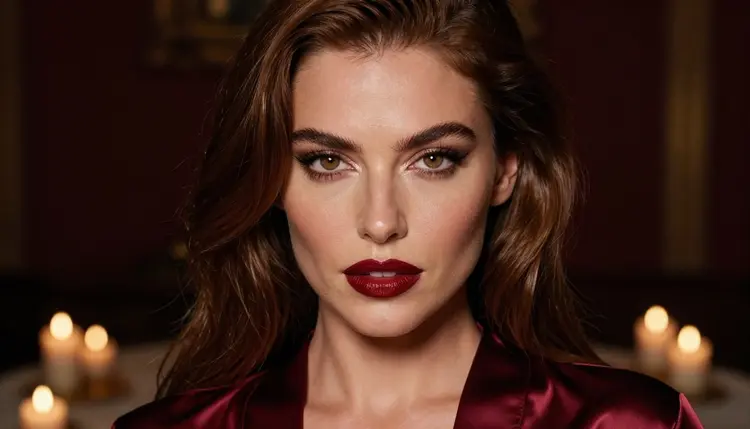
You do not have to start from zero. The prompt you wrote is a good draft, and most of it carries over.
- Copy your prompt. Select the full text you tried, including the wardrobe, setting and light you described. Keep the version you liked best.
- Open the toolkit. Go to the toolkit in your browser. There is nothing to install, and it works in six languages.
- Pick a confirmed model. Choose Seedream 4.5 for photoreal pictures, or one of the other confirmed models listed below if you want illustration or video.
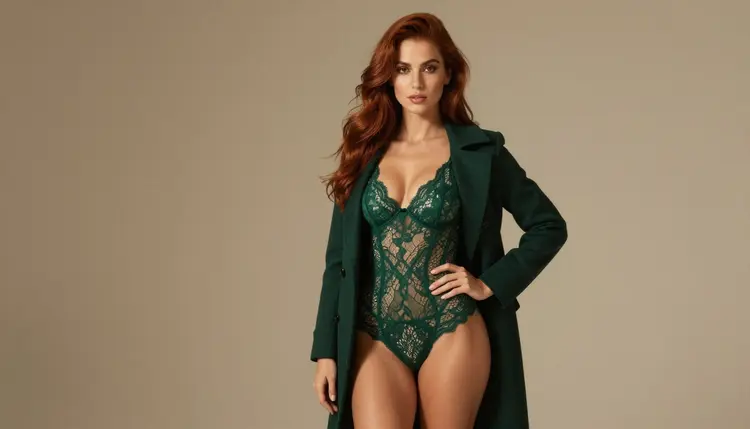
- Adjust the wording. Replace vague adjectives with concrete details: a satin slip dress, a lace bodysuit under an open camel coat, candlelight, a 50mm lens, film grain. Specific beats suggestive.
- Generate and edit. Run the prompt, then fix one detail at a time with Picasso Image Editor Pro instead of rewriting the whole prompt.
If you want to understand why this works, the page on Seedream 4.5 NSFW images goes deeper on prompting that model.
Picasso IA is not a single model with one set of filters. It is a browser app with a catalog of hundreds of models, and the models differ in what they accept. When you pick one that does not take an adult prompt, the app shows a message titled "Content Not Supported by This Model". It then recommends models that accept adult prompts and carries your prompt over, so you do not retype anything.
Some models in the catalog are marked confirmed. Confirmed means Picasso IA tested adult prompts against that exact model repeatedly and watched it generate instead of reject. It is not a published setting from the model's maker, who can change it at any time. The full explanation is on the page about what confirmed means in this section.
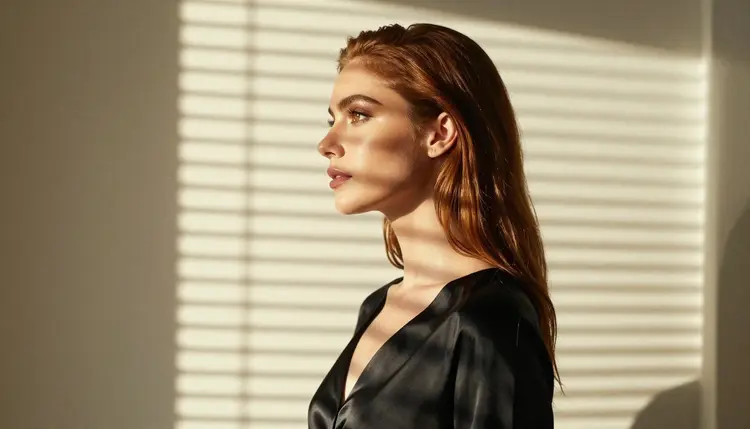
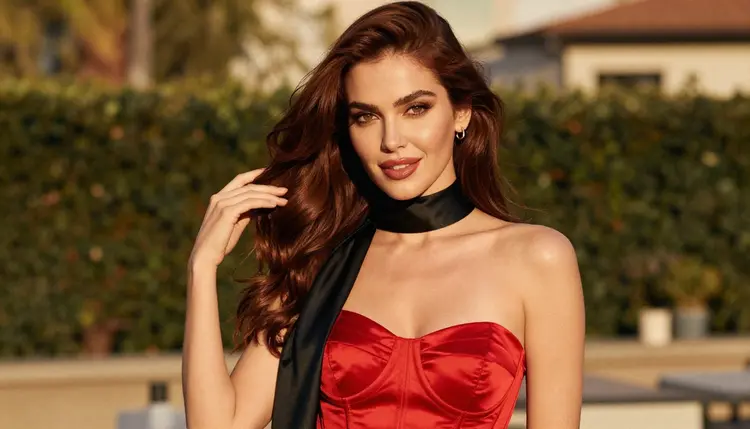
For images, a prompt like "a woman in a red satin corset top on a terrace, late-afternoon side light, 135mm lens, film grain" gives Seedream 4.5 plenty to work with. For a close-up with candles and a burgundy robe, say so in the prompt and name the light. For video, describe one small movement: a glance back over the shoulder, a hand moving a curtain.
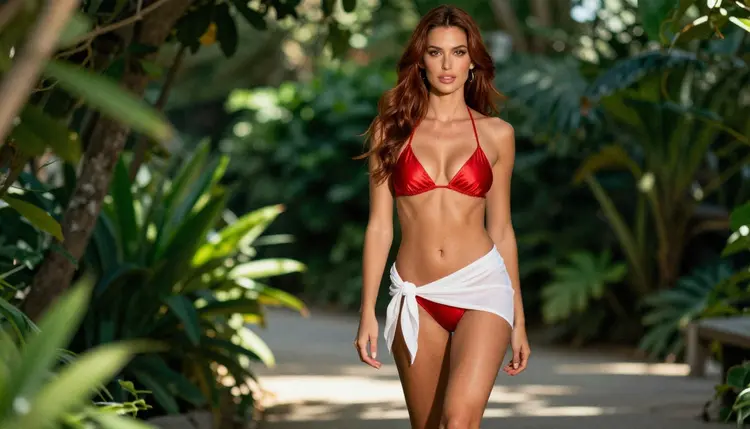
Every other model in the catalog is untested. That means it is worth a try, and nothing more: it is not confirmed either way, and you should not read it as filtered or as filter-free. You can browse the options in the full catalog and test a prompt yourself.

Models with the infinity tag do not spend credits on the plans that include unlimited generation, and everything else spends credits that vary by model and by options such as resolution or duration. Details live on the pricing page.
These pages are for adults. You must be 18 or older to use anything here, and the content is built around mature, flirty and suggestive themes, not explicit ones. Glamour, lingerie, swimwear, boudoir and implied intimacy are the territory.
Every character must be a fictional adult. Do not use a real or identifiable person, and do not write prompts about anyone who could read as a minor. That includes celebrities, coworkers, ex-partners and anyone whose photo you do not own the right to use. Invented characters only.
What you create is private by default. It is tied to your account and not published or shown to other people. You decide what happens next.
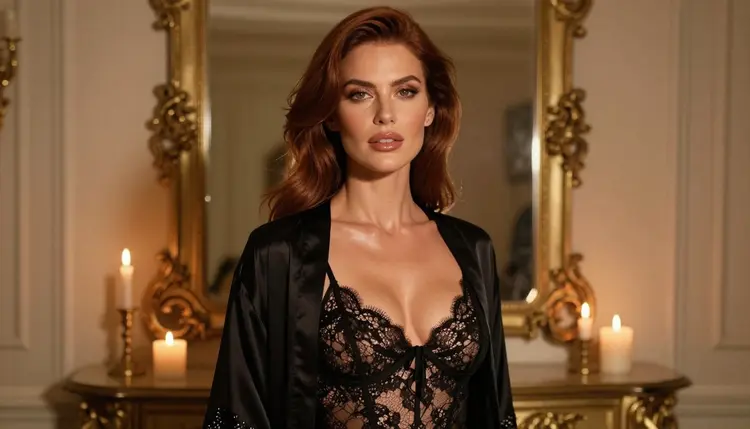
Be honest about what each tool is for. If you want a Microsoft service that generates images from text prompts, or videos from text prompts through Bing Video Creator, and the content you have in mind sits inside Microsoft's published rules, then Microsoft's tools are a reasonable place to work. If you already live in the Microsoft ecosystem, that convenience counts.
If its filters stop a prompt that describes an adult, fictional character, that is the moment to look elsewhere, not to fight the filter. Check its current rules first, because they can change.
Picasso IA is not affiliated with Microsoft, Copilot or Bing. For a side-by-side look at how the two compare, read Picasso IA vs Microsoft Copilot. If you want to try it yourself, a new account gets a small free trial on selected models, and the pricing page explains how it works.
Does Microsoft allow NSFW images in Bing Image Creator and Copilot?
According to its published terms for Bing Image Creator, Microsoft does not permit using its online services to create adult content. Its AI code of conduct also prohibits explicit and suggestive material. Rules can change, so check Microsoft's current terms before relying on this answer.
What happens when a model on Picasso IA refuses a prompt?
The app shows a message titled "Content Not Supported by This Model". It recommends models that accept adult prompts and carries your prompt over, so you do not have to type it again. You can switch with one click and keep working.
What can I use if Bing or Copilot filters stop my prompt?
If its filters stop a prompt for an adult, fictional character, you can take the same idea to the toolkit and choose a confirmed model such as Seedream 4.5. Start with the prompt you already wrote and adjust wardrobe and light.
Can I make images of real people?
No. Picasso IA pages are for fictional adult characters only. Do not use a real or identifiable person, a celebrity or anyone whose likeness you do not control. Microsoft's code of conduct also bars impersonating a person without valid consent.
Can I make images of anyone who looks like a minor?
No, never. Every character must be a fictional adult. Do not write prompts about anyone who could read as a minor, in any outfit or setting. Picasso IA is for adults aged 18 and over, and this rule has no exceptions.
Are my generations private?
Yes. Generations on Picasso IA are private by default: they are tied to your account and not published or shown to others. Keep your account details to yourself, and remember that you remain responsible for what you create and how you share it.
Is there a free trial?
A new account can try a few generations for free on selected Picasso IA models, among them Picasso IA Image, Picasso Image Editor Pro, Picasso IA Video and Seedance 2.5 Lite. It is a small free trial on selected models, not the whole catalog. See the pricing page.
Can I make video as well as images?
Yes. LTX 2.3 Pro, Picasso IA Video and Seedance 2.5 Lite are the confirmed video models. Describe one simple movement, such as a glance over the shoulder, and the setting and light.
Can I change just one detail of a picture I already have?
Yes. Picasso Image Editor Pro edits an existing image, so you can adjust a robe color, the light or a background without regenerating everything. It carries the infinity tag, which means no credits on plans with unlimited generation.
What if Microsoft changes its rules?
Policies change, in both directions, and this page describes them only as Microsoft has published them. Check its current terms and code of conduct. Picasso IA tracks its own confirmed list separately, and that list can also change, so test a prompt before you plan around it.