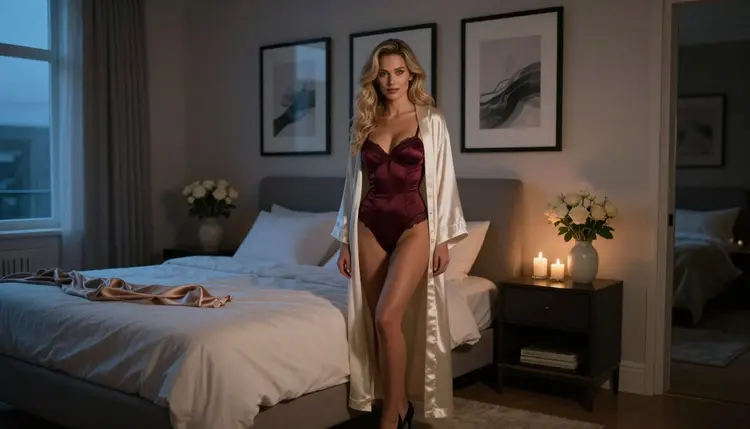
A framed print above the bed does something a phone screen never will: it stays. Bedroom wall art is the one place where a flirty, grown-up image makes complete sense, because the room is private and the picture is meant for the person who lives there. This guide shows you how to build a small, matching set of boudoir-style images with AI, from the first idea to a file you can take to a framer.
You do not need a photographer, a studio or a model booking. You need a clear plan, a good character description and a model that does not reject adult prompts. Picasso IA gives you all three in the browser, with nothing to install.
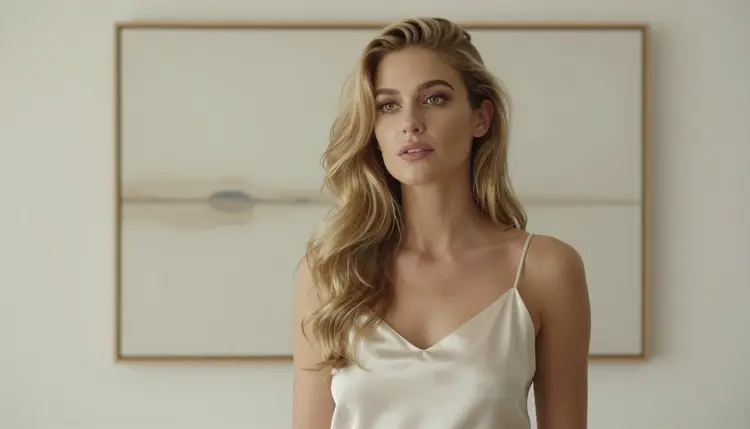
Everything on this page is for adults. The pictures show one fictional woman, always a mature adult, and the style is provocative but never explicit: satin, lace, silk robes, candlelight and soft window light.
Start with the deliverable, not the prompt. A wall rarely holds one picture. The most common layouts are a single large print centered over the headboard, a pair on either side of a lamp, or a row of three matching frames. Decide which of those you want before you generate anything, because it changes the shape and the number of images.
Think about format. A single print over a bed usually works best as a horizontal frame, while a pair or a column of frames reads better as vertical images. Say it in the prompt: "horizontal composition, room to breathe on the left" or "vertical full-length frame". Models follow framing words better than people expect.
Keep the set consistent. A wall of art looks deliberate when the pictures share a few things: the same woman, the same color family, the same type of light. Pick two or three colors, for example burgundy, ivory and black, and repeat them in the wardrobe and in the room. Pick one light mood, such as warm window light or blue hour, and keep it across the set.
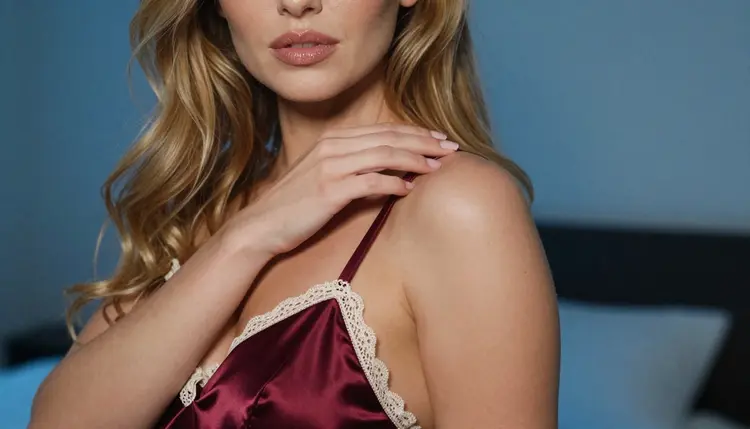
Leave space around the subject. A print behind glass with a mat needs margin, so ask for a subject that does not touch the edges. A close-up portrait, a profile silhouette against a bright wall and a detail of a satin strap with one hand on the collarbone all crop well and sit quietly in a frame.
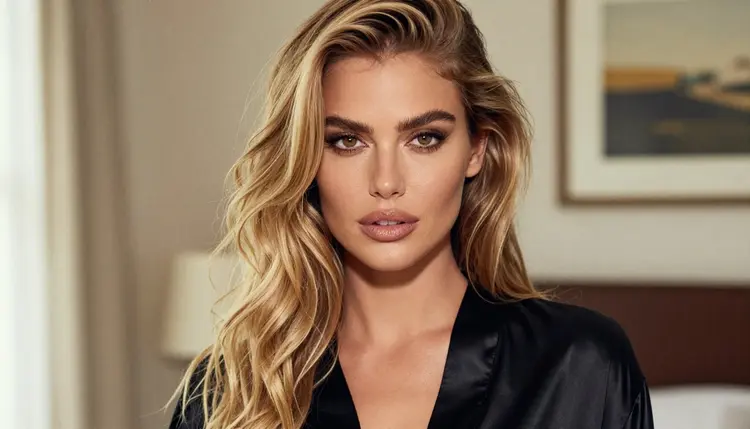
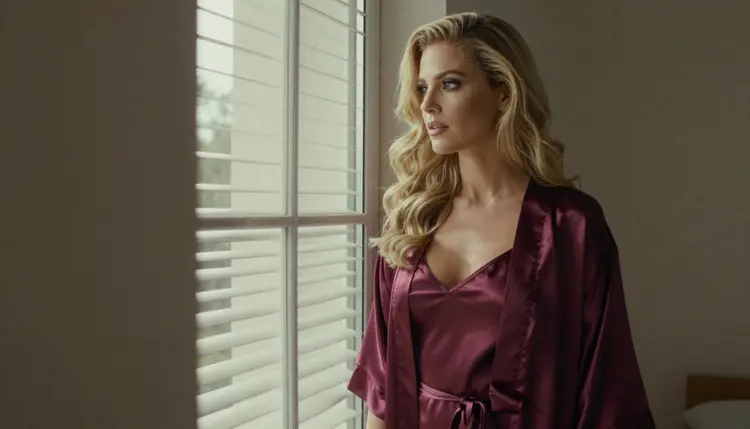
Finally, choose the mood on purpose. Wall art should still feel good at seven in the morning. Suggestive works better than loud: a robe slipping off a shoulder, a glance toward the window, a bodysuit under an open silk layer. These are the images people live with for years.
Picasso IA keeps a short list of models that it has tested with adult prompts, repeatedly, and that generated instead of rejecting. Confirmed means exactly that: it is a result of our own testing, not a published setting of the model's maker, who can change it at any time. You can read the full explanation in what confirmed means.
For wall art, two models do most of the work. Seedream 4.5 is the first choice for a photographic set: it creates 4K images from text, which gives you a large file to start from, and it handles satin, lace and soft light well. Recraft V4.1 Pro is the one to pick if you want a graphic, illustrated look, since the catalog describes it as producing print-ready images at 2K with a strength in illustration and design. A set of line-art boudoir silhouettes in two colors is a good fit for it.
Picasso Image Editor Pro is the finishing tool. It edits an existing image, and it carries the infinity tag in the catalog, so on the plans that include unlimited generation it does not spend credits. The video models are optional for a printed wall, but useful if you want a digital frame that moves.
Beyond the confirmed list there are other models worth a try, all labelled untested. Seedream 5 and Qwen Image 2 are image models you can compare against Seedream 4.5 for the same prompt. Untested means we have not confirmed them either way: they may or may not accept an adult prompt, so treat them as experiments. You can browse everything in the full catalog.
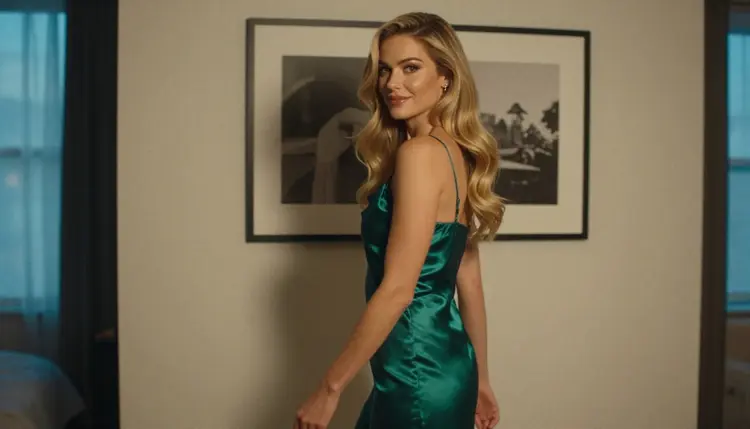
The workflow below works for a single print or a wall of several. Do the steps in order, and keep the first result as your reference for all the others.
- Plan the wall. Decide the number of frames, their orientation, the color family and the light mood, and write them in one short note before you open the toolkit.
- Describe the woman and the room. Write one paragraph with her hair, makeup, wardrobe and pose, plus the room: bed, framed matte prints, candles, window.
- Generate the key image. In the toolkit, pick Seedream 4.5, paste your paragraph and generate a few versions of the hero frame. Keep the best one.
- Build the rest of the set. Reuse the exact same description, change only the shot (close-up, profile, detail, full-length) and attach your key image as a reference so the face and hair stay the same.
- Refine and export. Open the frames in Picasso Image Editor Pro to fix small flaws, match the tones across the set, and download the files at the largest size available.
Good wall art prompts are specific about things a photographer would control: wardrobe, light, lens, angle and room. A weak prompt says "sensual woman in bedroom". A strong one reads like a shot list.
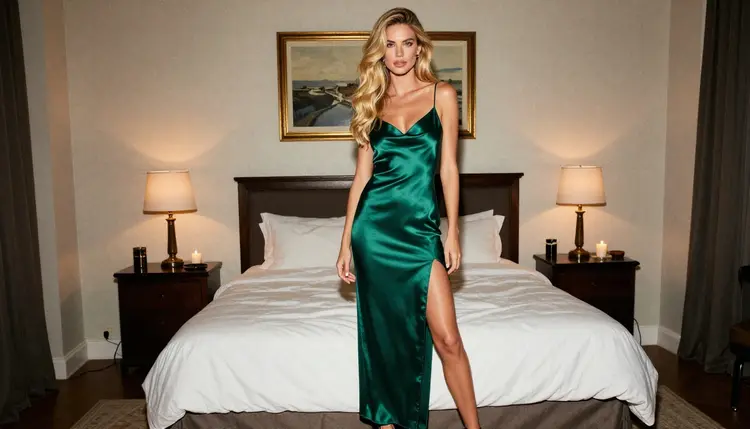
Here is an example for the hero frame: "Raw film photograph, wide frame of a woman in her late twenties with long wavy golden-blonde hair and hazel eyes, standing beside a made bed in a burgundy satin and lace bodysuit under an open ivory silk robe, three matte framed abstract prints above the headboard, candles and roses, cool blue-hour light, 100mm lens, film grain, mature adult, no text." Every part of it is something you can change on purpose.
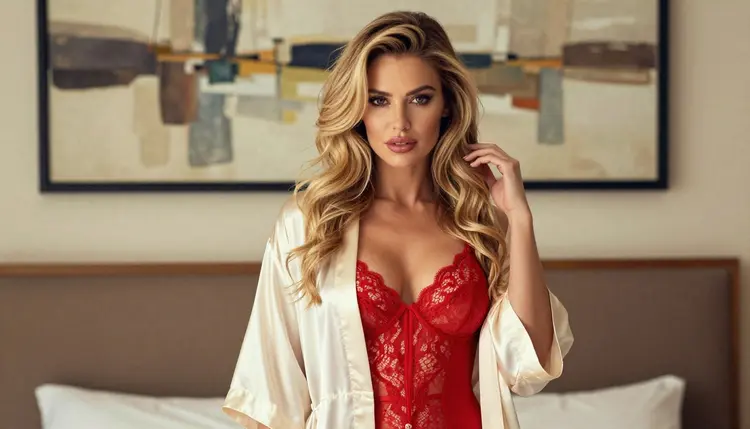
To keep the same fictional character across the set, copy the character paragraph word for word into every prompt. Do not paraphrase it. Change only the shot line: "tight close-up portrait, soft window light from the left, 50mm" for the second print, "profile silhouette against a bright studio wall, ivory satin slip" for the third. In the toolkit, attach your best frame as a reference. Each attached image gets an @1 badge, and you can write "same woman as @1" in the prompt; Picasso IA translates the reference into the syntax each model understands. Only models that accept several inputs show the badges.
Vary the scale of the shots, not the person. A good trio for a headboard wall is one wide frame, one portrait and one detail. The wide frame shows the room, the portrait carries the face, and the detail, such as a burgundy satin strap and ivory lace edge with one hand on the collarbone, adds texture. Lens words help: 24mm for a wide room, 50mm for a portrait, a macro lens for fabric.
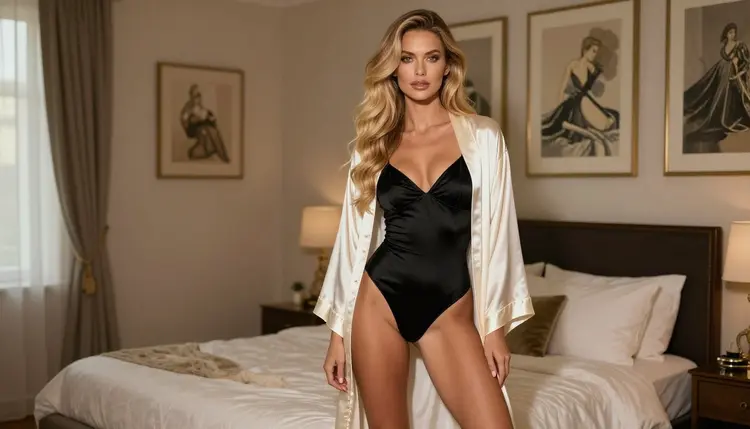
Mind the hands and the mirrors. Hands are the usual weak spot in AI images, so ask for "one hand on the hip" or "exactly one hand in frame" instead of leaving it open. Add "no mirror" and "no text" to avoid reflections and stray lettering that would ruin a print. If a frame is close but not right, do not regenerate the whole thing: send it to Picasso Image Editor Pro and describe the single change.
Stills can also become clips. If you want a digital frame beside the printed ones, take your favorite still into Picasso IA Video and ask for a slow movement: curtains shifting, a candle flickering, a head turning toward the window. LTX 2.3 Pro is the option when you want 4K video from text, and Seedance 2.5 Lite suits short scenes up to 10 seconds. For a related project, see the guide on NSFW images for a personal art zine, which uses a similar consistency method for a printed page.
Picasso IA is for adults only. Every image on this page, and every one you make from it, is meant for people aged 18 and over, and you should only use the tool if you are one of them.
Every character is a fictional adult. Never use the name or likeness of a real person, never a celebrity, and never anyone who could read as a minor. Describe a woman or a man in their mature years, with a wardrobe and a setting that fit an adult boudoir print, and nothing else.
What you create is private by default. It is tied to your account and not published or shown to other people. If a model refuses a prompt, the app shows a message titled "Content Not Supported by This Model", recommends models that accept adult prompts and carries your prompt over, so you do not have to retype it.
One more point before you print: check the rules of wherever you publish or order. If you send files to a print shop, a marketplace or a framing service, each one has its own content policy and you should read it first. Picasso IA cannot promise that any third party will accept a given image, and their rules can change. For a wall in your own bedroom, none of that applies.
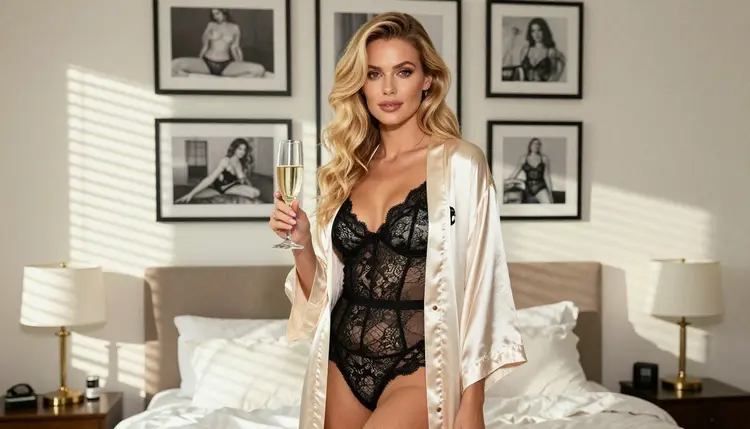
A new account gets a small free trial on selected models, which include Picasso IA Image, Picasso IA Editor Pro, Picasso IA Video and Seedance 2.5 Lite. That is enough to test your character description and one or two frames before you commit to anything. Details are on the pricing page, where you can also see how credits and unlimited generation work. Each generation costs credits that vary by model and by options such as resolution or duration.
If you want a full wall, a sensible order is: test the look with the free trial, lock the hero frame in Seedream 4.5, then build the other prints. When you want a different texture, try Recraft V4.1 Pro for a graphic version of the same scene. A line-art version of the hero frame can sit beside the photographic ones as a quiet accent piece.
For a bigger project, look at the sibling guides. NSFW images for a private art commission reference shows how to brief a set from a character sheet, and designing NSFW collectible card art is a good read if you like the idea of a matching series with a shared frame style.
Remember that Seedream 5, Qwen Image 2 and the other models outside the confirmed list are untested. Run the same prompt in two of them and compare skin tones, fabric detail and how the room is drawn. If one of them rejects the prompt, switch back to a confirmed model and keep going.
Can I really make bedroom wall art with AI?
Yes. You write a description of one fictional adult woman and her room, generate a hero frame, and then build matching frames from it. Seedream 4.5 handles the photographic look, and the files can go to a framer or a print shop of your choice.
Which model is best for a photographic boudoir print?
Seedream 4.5 is the first pick. It creates 4K images from text and is one of the models Picasso IA has confirmed with adult prompts. Try it first, then compare with other models if you want a different mood.
Which model is best for an illustrated or graphic print?
Recraft V4.1 Pro. The catalog lists it for print-ready images at 2K and for illustration and design, which suits line art, flat color silhouettes and poster-style boudoir pieces.
How do I keep the same woman in every frame?
Reuse the character paragraph word for word and change only the shot. In the toolkit, attach your best image as a reference, which gets an @1 badge, and mention it in the prompt. Only models that accept several inputs show the badges.
How many images should a bedroom wall have?
That is your choice. A single large print, a pair beside a lamp or a row of three matching frames are the usual layouts. Plan the number first so you can generate the right shapes and keep the colors matching.
Is it free to try?
A new account can try a few generations for free on selected models. See the pricing page for how credits and unlimited generation work. We do not list amounts here because they depend on the model and the options you pick.
Are the pictures private?
Yes. What you create is private by default, tied to your account and not published or shown to other people. You decide where the files go after you download them.
Can I use a real person's face or a celebrity?
No. Characters are fictional adults only. Never use a real or identifiable person, and never anyone who could read as a minor. Picasso IA is for people aged 18 and over.
Will a print shop accept these images?
That depends on the shop. Each print service, marketplace or framer has its own content rules, so read them before you order, and check them again later because they can change. Picasso IA cannot promise acceptance.
What happens if a model refuses my prompt?
The app shows a message titled "Content Not Supported by This Model" and recommends models that accept adult prompts, with your prompt carried over. You can also pick a confirmed model such as Seedream 4.5 from the full catalog and run it again.