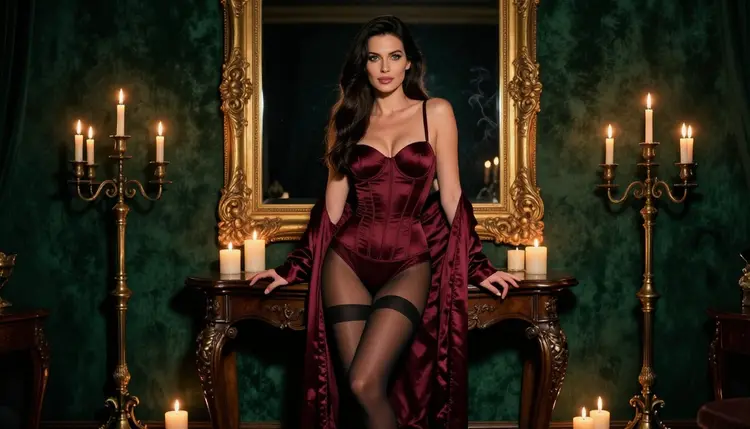
A collectible card is a small stage. One character, one pose, a border that tells you how rare she is, and a name plate at the bottom. When the character is a glamorous adult in satin, lace and candlelight, the same format becomes a spicy, flirty series you can design from start to finish with AI. This page walks through the whole project: what the set needs, which models to use, a five-step workflow and the prompts that keep every card consistent.
Everything here is made with the toolkit on Picasso IA, in your browser, with nothing to install. The characters are fictional adults, the images are provocative but never explicit, and what you generate is private by default. If you want a wider view of the section first, NSFW Art: Best AI Generator compares the approaches. This page is about one deliverable: a deck of framed portraits.

Start with the deliverable, because a card set is a system and not a single picture. A card has four parts: the portrait, the frame, the rarity cue and the text area. AI is very good at the portrait. The frame is easier than you expect if you describe it as part of the scene, for example a gilded ornate empty frame on a velvet wall. The text area is best left to your layout software, so leave a calm band of space at the bottom of each portrait.
Decide the size of the set before you generate anything. A small set of eight to twelve cards is enough to feel like a real deck, and it keeps the project manageable. Write the list on paper: card name, pose, wardrobe, setting, light. Variety comes from those columns. Consistency comes from what you keep fixed: the same woman, the same border style, the same lens language and the same colour family.
Format matters too. Cards are portrait, but wide frames are useful for banner cards and for the hero image that opens a set. Generate a little more image than you need on every side. You can crop a wide frame to a tall card later, and you cannot add pixels you never made. Keep the main subject in the centre third so the crop stays safe.
Finally, choose the rarity system. A simple ladder works: common cards in daylight with a plain border, rare cards in candlelight with a gold border, a single legendary card with the most elaborate wardrobe. You write that ladder into the prompts as light, wardrobe and frame details, and the whole set reads as one game.
Picasso IA keeps a short list of models it has tested with adult prompts, repeatedly, and watched generate instead of reject. These are the confirmed ones. Confirmed is Picasso IA's own testing, not a promise from the makers of the models, who can change their rules at any time.
For a photoreal deck, Seedream 4.5 is the natural starting point. It makes 4K images from text, which gives you room to crop a tall card out of a wide frame and still keep detail in the fabric and the frame carving. For a deck that looks more like a designed object, with flat colour, ornament and clean edges, try Recraft V4.1 Pro. Its catalog title describes print-ready images at 2K, which suits a card you plan to lay out and print as a personal project.
Picasso Image Editor Pro is the finishing tool. It edits an image you already have, and it carries the unlimited tag in the catalog, so it fits the long polishing pass that a deck needs. The video models are optional, and I cover them further down.
Other models in the catalog are untested for adult prompts. They are worth a try, and they are neither confirmed nor ruled out. If a prompt is refused, Picasso IA shows a message titled Content Not Supported by This Model, suggests models that accept adult prompts and carries your prompt over, so you do not retype anything.
Here is the workflow in order. Each step has one job, and the later steps depend on the earlier ones, so do not skip ahead to the border before the character is settled.
- Plan the set. Write the card list with name, rarity, wardrobe, setting and light for each card, plus one line about the frame style that every card shares.
- Describe the character and the scene. Write one fixed description of the fictional adult woman and reuse it word for word at the start of every prompt, then add only the changing parts after it.
- Generate the key image. Create the hero card in the toolkit with Seedream 4.5, check it at full size, and rewrite the prompt until the face, the light and the frame look right.
- Build the rest of the set. Reuse the fixed description, change one thing at a time, and attach the key image as a reference so the same woman appears on every card.
- Refine and export. Open each card in Picasso Image Editor Pro to fix small flaws, match colours across the deck, then download the files and crop them to your card size.
Good card prompts are specific about things a camera would see. Name the wardrobe, the setting, the light and the lens, and keep adjectives to a minimum. A prompt that reads like a photographer's shot list will beat a prompt that reads like an advertisement.
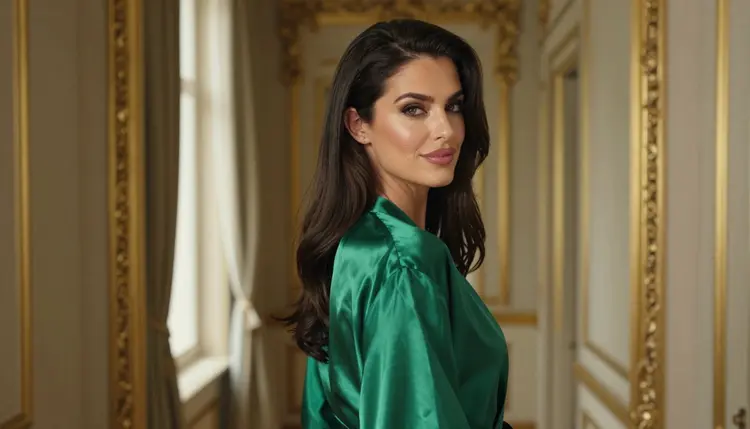
Here is a starting prompt for the hero card: a 31-year-old woman with long sleek dark-brown hair, green eyes and polished glamour makeup, a fictional mature adult, standing in a candlelit private salon in a lined burgundy satin corset bodysuit with a matching robe, black stockings and heels, an ornate gilded empty frame against a deep green velvet wall, candelabras, 85mm lens, full-length, raw film photograph with fine grain. Everything in it is visible: the fabric, the colour, the frame, the light.
To keep the same woman across images, treat the first sentence of the prompt as a locked block. Copy it exactly. Change the wardrobe, the pose and the light in the second sentence, and nothing else. Models drift when you rephrase the character every time, so resist the urge to improve the wording mid-project. When you attach a reference image in the toolkit, it gets an @1 badge and you can point at it in the prompt. Picasso IA translates that reference to the syntax each model understands, and only models that accept several inputs show the badges.
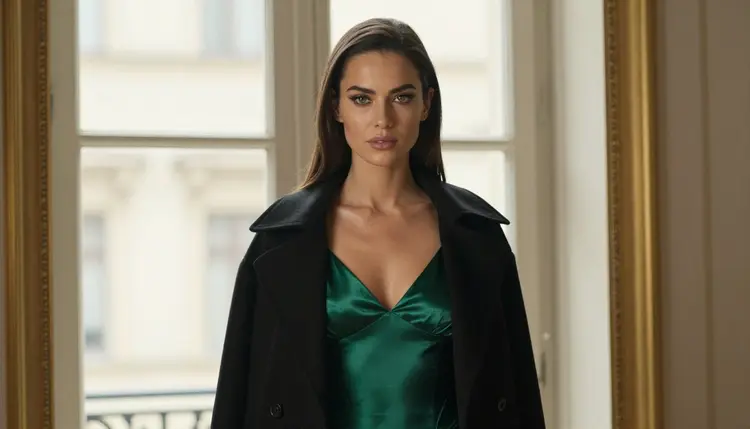
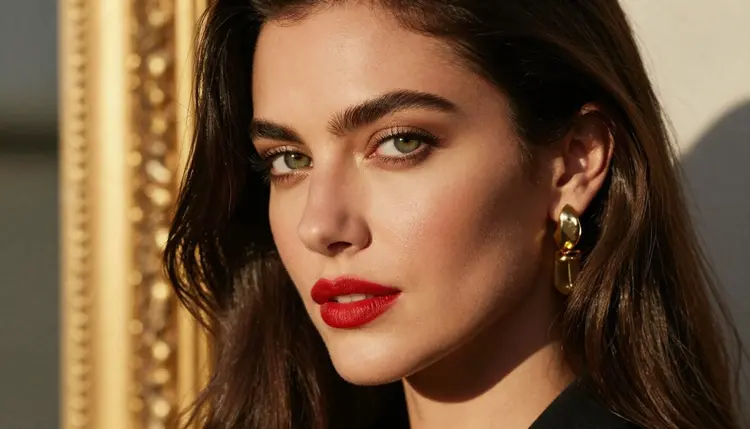
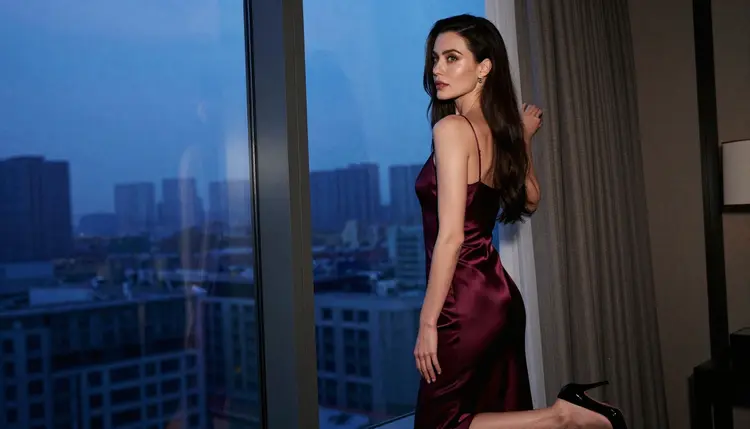
Vary the shot size to give the deck rhythm. A wide environmental portrait in dappled garden shade makes a good common card. A profile against a tall window in soft light from the left gives you an elegant rare. A tight close-up with red lipstick, gold earrings and the frame blurred behind her makes a strong name-plate card. Mix them, and the deck feels designed.
Use light as the rarity cue. Plain daylight or diffused studio light for common cards. Late-afternoon side light for uncommon ones. Candlelight and warm amber for rare and legendary cards. Cool blue-hour light is a good choice for a different suit or a special series, because it shifts the whole colour family without touching the character.
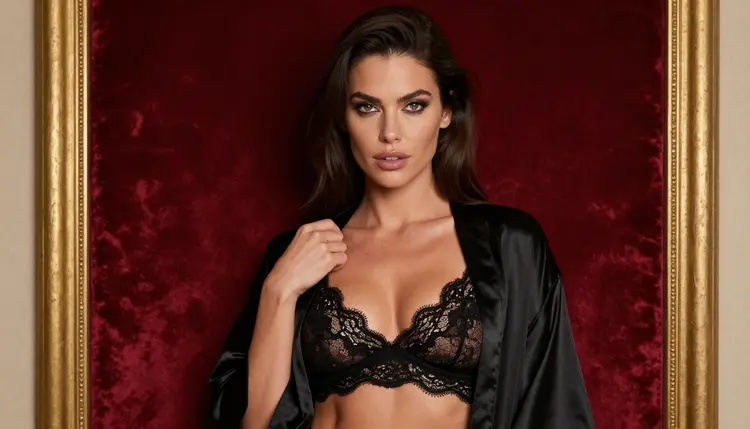
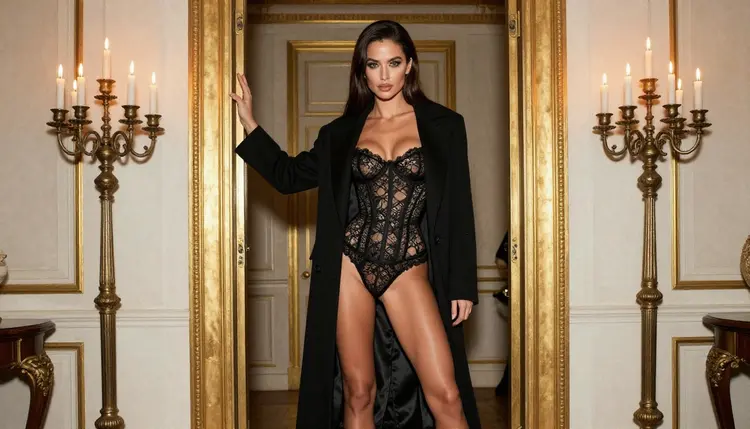
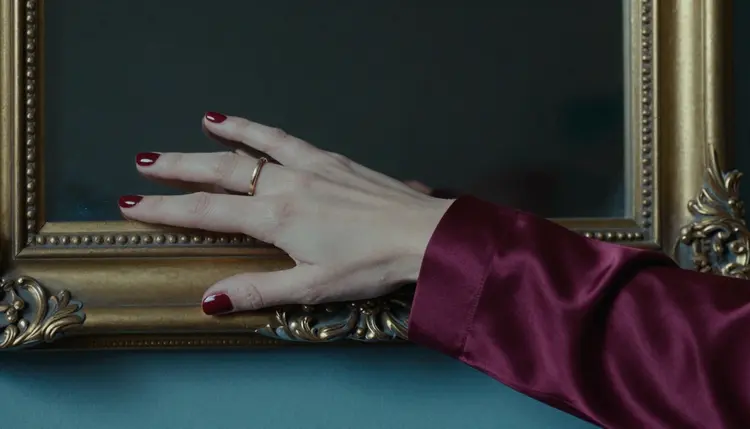
Wardrobe works the same way. Keep it provocative and fully lined: satin slips, lace bralettes with a robe, corset sets with stockings, long open coats. A card with a coat over the shoulders and a gaze to the side feels different from one with a seated pose and a glass of champagne, even if the colours match. Props carry the story in a small space, so use them: a candelabra, a velvet chair, a hand with red nails on satin.
Frames are the part people struggle with. Do not ask for a decorative border drawn around the image. Instead, put the frame inside the scene: a gilded doorframe behind her, a hallway lined with gold frames, the carved edge of a frame in the corner of a detail shot. The model renders it as a real object with real depth, and you add your own graphic border in layout later if you want one.
For detail cards, ask for exactly one hand in frame, one ring, one sleeve and a single frame edge. Counting the objects in the prompt prevents extra fingers and clutter. Detail cards also work well as card backs or as ability icons.
If you want motion, move from stills to clips only after the deck is locked. Picasso IA Video turns a finished card into a short clip from text or from an image, and LTX 2.3 Pro makes 4K video from text. Describe small movement: candle flames, a robe settling, a slow turn of the head. A card that breathes a little is enough for a reveal animation, and short clips are easier to keep consistent than long ones. Seedance 2.5 Lite is a quick way to test a motion idea.
Picasso IA is for adults only. You must be 18 or older to use the NSFW tools, and the content you make is meant for adult audiences. Do not use these models to make material for anyone who is not.
Every character in a card set must be a fictional adult. Do not use a real or identifiable person, a celebrity or a likeness of someone you know, and do not describe or hint at anyone who could read as a minor. Name your characters as invented heroines and keep the descriptions at mid twenties or older, as the example above does.
What you generate is private by default. It is tied to your account and not published or shown to others. Sharing is your choice, and so is the responsibility for where it goes. If you plan to print cards or post them online, check the rules of wherever you publish, because every store, print service and community sets its own limits on adult material and you should read them before you upload anything.
A new account can try a few generations for free on selected models: Picasso IA Image, Picasso IA Editor Pro, Picasso IA Video and Seedance 2.5 Lite. It is a small free trial, enough to test a prompt and see whether the style suits your deck. The details are on the pricing page, where you can also see how credits and unlimited generation work.
Models marked with the infinity tag in the catalog do not spend credits on plans that include unlimited generation. For a long project like a deck, that is useful for the editing and video steps, where you generate many variations. Check the pricing page for the current details before you plan a big session.

When you want to explore beyond the confirmed list, open the full catalog. Qwen Image 2 is an untested image model worth a try for a different look, and Seedream 5 and Nano Banana are other untested options for stills. Flux, Wan, Kling and Veo are also untested for this kind of prompt. Treat all of them as experiments. Run your locked character block through one of them, compare it with your Seedream 4.5 key image, and keep it only if the result matches your deck.
If you want more project ideas in the same style, Create NSFW Images for Bedroom Wall Art covers large framed prints, Create NSFW Images for a Personal Art Zine shows how to sequence a set across pages, and Plan a Cosplay Costume With NSFW AI Concept Art treats wardrobe as the main subject.
A last note on workflow. Save the prompts that worked in a plain text file, one per card, with the seed notes and the model name. When card nine needs a fix three days later, you will be glad you can rebuild its exact conditions. Keep your files named by card number and rarity so the deck sorts itself.
Can I make a full deck of NSFW collectible cards with Picasso IA?
Yes. You generate each card as an image in the toolkit, keep the same character description at the start of every prompt, and refine the set in Picasso Image Editor Pro. Layout of names, numbers and borders is done in your own design software.
Which model is best for photoreal card portraits?
Seedream 4.5 is the first one to try. It makes 4K images from text and is on the confirmed list, which means Picasso IA tested adult prompts against it repeatedly and watched it generate.
Which model is best for a designed, illustrated look?
Recraft V4.1 Pro suits ornament, flat colour and clean edges. Its catalog title describes print-ready images at 2K, and it is also on the confirmed list.
How do I keep the same woman on every card?
Write one fixed character description and paste it unchanged at the start of every prompt. Attach your key image as a reference in the toolkit and refer to it with its badge. Change only wardrobe, pose, light and setting between cards.
How do I get an ornate frame around the portrait?
Describe the frame as an object in the scene, such as a gilded doorframe, a hallway of gold frames or a carved frame edge in a detail shot. Add any flat graphic border later in your layout software.
Can I animate a card?
You can. Picasso IA Video makes a clip from text or from an image, and LTX 2.3 Pro makes 4K video from text. Ask for small movements like candle flames or a robe settling.
Are the characters real people?
No. Every character is a fictional adult, never a real or identifiable person and never anyone who could read as a minor. Do not upload photos of real people to build a card.
What happens if a model refuses my prompt?
Picasso IA shows a message titled Content Not Supported by This Model, recommends models that accept adult prompts and carries your prompt over, so you do not have to type it again. You can then pick one of the confirmed models.
Is there a free way to start?
A new account gets a small free trial on selected models, listed on the pricing page. It is enough to test a prompt before you commit to a full deck. Unlimited tags in the catalog are explained there too.
Are my cards private, and where can I publish them?
What you create is private by default and tied to your account. Where you publish is up to you, and every store, print service or community has its own rules about adult content, so check them before you upload. Everything here is for adults aged 18 and over.