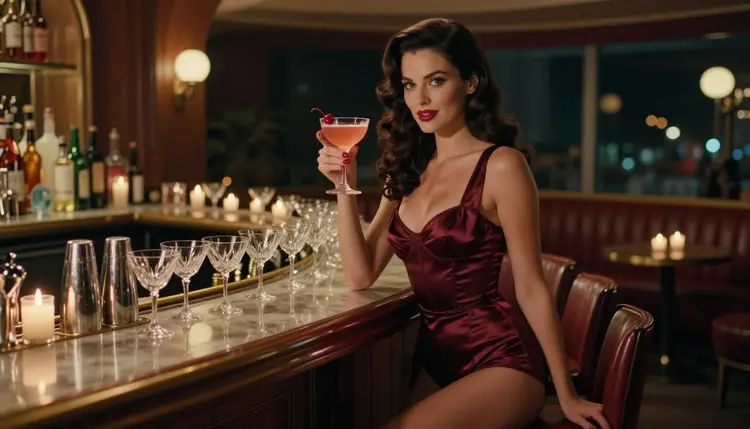
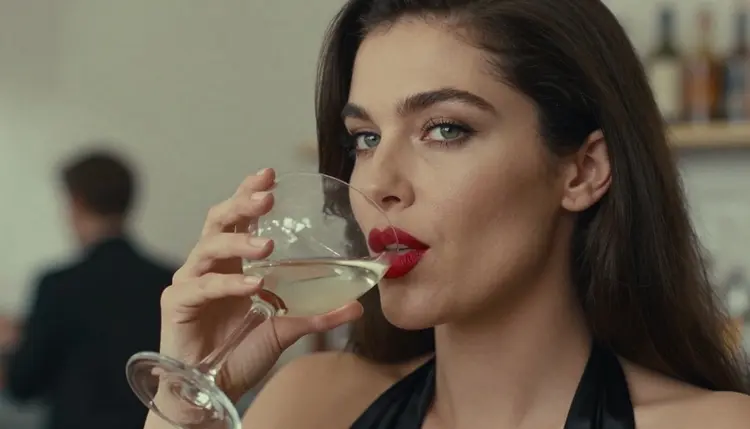
A cocktail menu lives on its pictures. A woman in a satin slip dress holding a coupe glass at a retro bar tells the reader what the room feels like before they read a single drink name. This page shows how to build that set of illustrations with Picasso IA: one fictional adult woman, a few bar and terrace scenes, satin and lace wardrobe, and a cocktail in her hand in every frame. The mood is flirty and glamorous, in the spirit of mid-century pin-up posters, and it stays suggestive without ever becoming explicit.
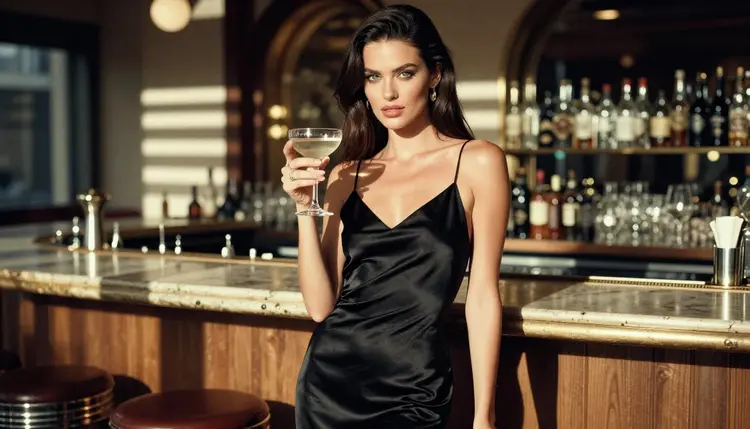
The set is made for illustration, so none of the pictures carry lettering. No menu card, no bottle labels, no signs. You add the drink names and prices in your own layout software once the images are done. That keeps the artwork clean and lets you reuse the same pictures on a printed card, a poster or a screen.
Before you open the toolkit, decide what the finished piece has to do. A menu illustration is not a single poster. It is a small family of images that share one character, one color story and one era, and each image has a job: a hero frame for the cover, a few scene frames for the inside pages, and a close-up for a small corner of the layout.
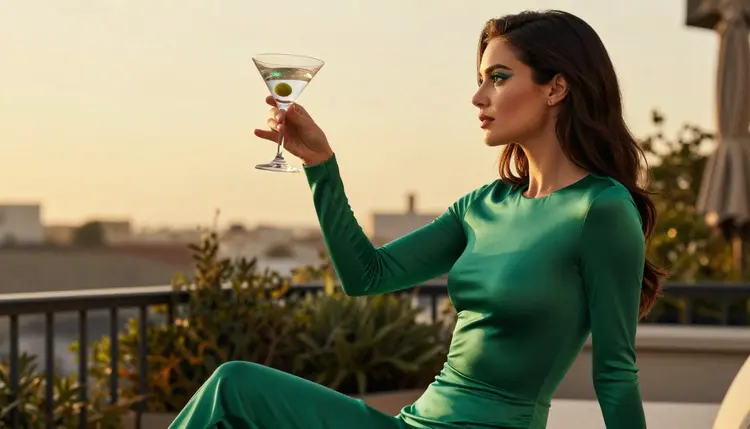
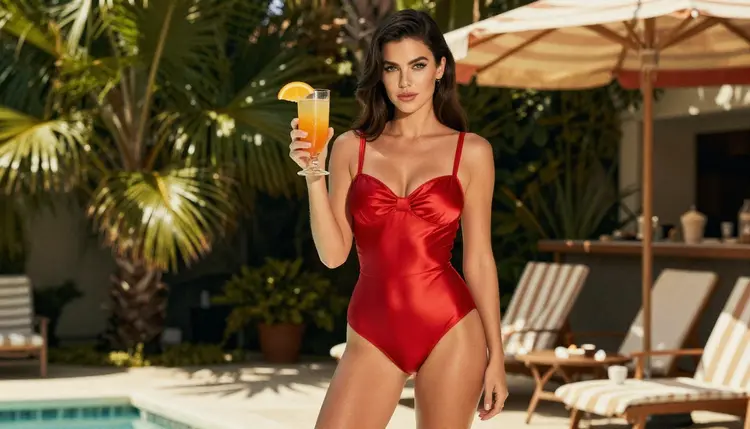
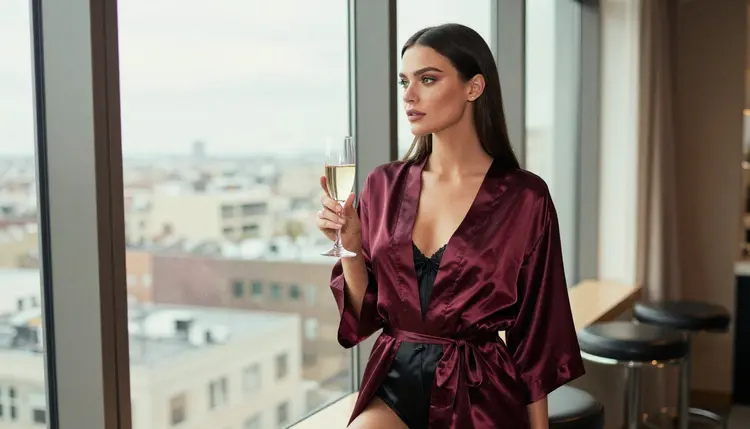
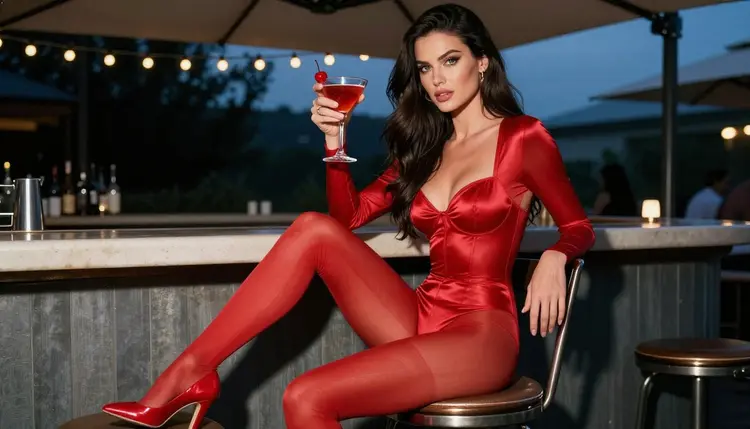
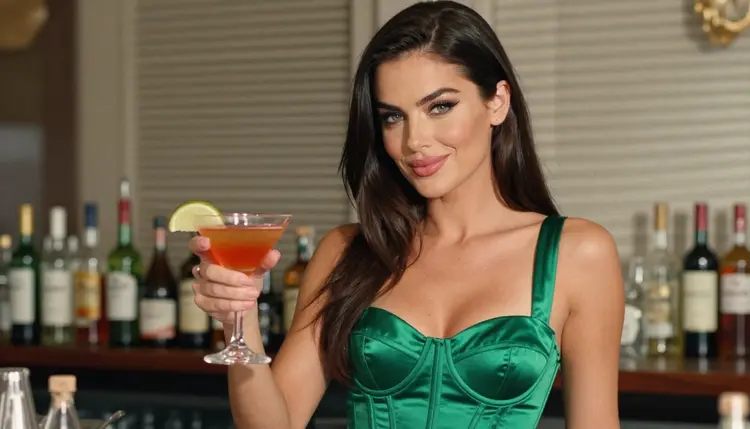
A practical size for a first project is nine or ten images. One wide hero frame sets the mood: candlelight, a polished bar top, a woman in burgundy satin. Around it you build scenes that match the drink sections of the menu. A tall glass with an orange slice belongs by a poolside bar. A martini belongs on a terrace at the end of the afternoon. A cherry cocktail belongs at the bar stool at blue hour. A champagne coupe belongs by a window.
Three things keep the set consistent. The first is the woman: same hair, same eyes, same makeup, same build, described in the same words every time. The second is the era: vintage waves, red lipstick, satin, lace-lined corsets, bodysuits and robes, retro swimwear. The third is the light, which you change from frame to frame on purpose, from candlelight to hard morning sun to overcast daylight, so that each page of the menu feels like a different hour of the same night out.
Decide the format early too. Menus are often vertical, but the images in this set are wide, which works well for a spread, a banner or a screen. If you need a tall crop, keep the woman in the centre third of the frame so the crop does not cut through her. Leave some empty space around the glass, because that is where your own text will go.
Picasso IA keeps a list of models it has tested with adult prompts repeatedly, watching them generate instead of reject. Those are the confirmed ones. It is the app's own testing, not a published setting from the model makers, and a maker can change a model at any time. For a cocktail menu you mostly need the image models; the video models are for an optional moving version.
For this project two models do most of the work. Seedream 4.5 is the one to start with when you want a photographic look: satin catching candlelight, condensation on a glass, a bar top with reflections. It generates in 4K, which gives you room to crop. Recraft V4.1 Pro is the better pick when you want the menu to feel designed, like a drawn pin-up poster rather than a photograph, and its output is print-ready at 2K. Picasso Image Editor Pro is the finishing tool: you give it a picture you already like and ask for one change, such as a different glass or a calmer expression.
Other models in the full catalog are untested for adult prompts. Qwen Image 2 is one worth a try for a different rendering style. Untested means exactly that: not confirmed either way, so run a test frame before you plan a whole set around one.
The workflow is the same whether the menu has six drinks or twenty. Work in this order and you will not have to redo the early frames when the later ones change.
- Plan the set. Write a list of the scenes you need, one line each: hero at the bar, terrace martini, poolside tall glass, garden walk, over the shoulder, window, bar stool, close-up. Note the wardrobe and the light next to each line.
- Write the character and scene description. Describe the woman once, in fixed words: hair, eyes, makeup, build, age as an adult in her thirties. Then write a short scene block for the bar: surfaces, glassware, era, color story.
- Generate the key image. Open the toolkit, pick Seedream 4.5 and generate the hero frame. Keep what works, change one detail at a time, and save the version you want to match everywhere else.
- Build the rest of the set. Reuse the same character words and change only the scene, wardrobe, angle and light. If the model accepts several inputs, attach the hero frame as a reference and call it with @1 in the prompt.
- Refine and export. Open the best frames in Picasso Image Editor Pro to fix a glass, a hand or a stray reflection. Export every image and place them in your layout, where you add the lettering.
A good prompt for a menu scene names five things in a fixed order: the woman, the wardrobe, the setting, the light and the lens. Here is a hero frame in plain words: a woman in her thirties with long sleek dark-brown hair, green eyes and polished glamour makeup, wearing a burgundy satin robe over a bodysuit, leaning on a retro bar with a coupe glass, candlelight, 70mm lens, shallow depth of field, film grain.
Wardrobe carries most of the pin-up feeling. Black satin slip dress for the evening opening. Emerald satin bodysuit for the terrace. A red retro swimsuit for the pool bar. An ivory bodysuit under an open long coat for a garden walk. A black lace-lined corset for the over-the-shoulder frame. A burgundy robe for the window. Each outfit reads well in a small thumbnail because the color is strong and the shape is simple.
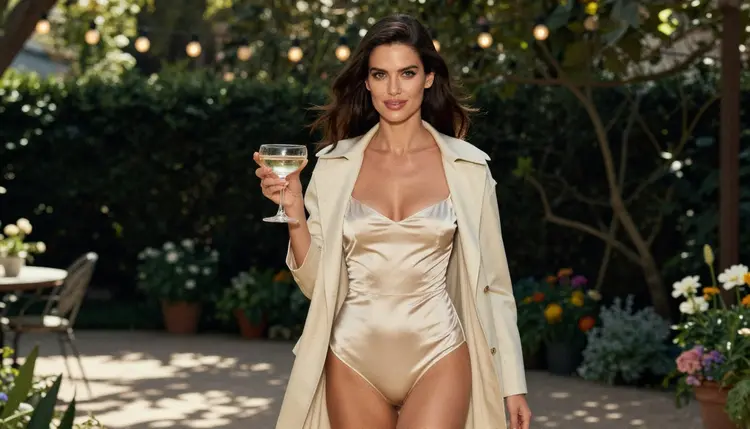
Angles give the set rhythm. Mix a wide environmental portrait, a profile silhouette against the light, a full-length standing frame, a candid walking shot, an over-the-shoulder frame, a seated frame and a tight close-up. The same woman in the same pose nine times makes a dull menu. The same woman in nine different moments reads like a story.
Lens words help too. 85mm f/1.8 gives a soft background that suits a glass in the foreground. 35mm f/2 shows more of the bar and works for a seated frame. 100mm macro f/2.8 is for the waist-up shot where the glass is the subject. Light words change the temperature of the page: candlelight is warm, hard morning sun through blinds draws stripes, blue hour makes the red satin glow against a cool room.
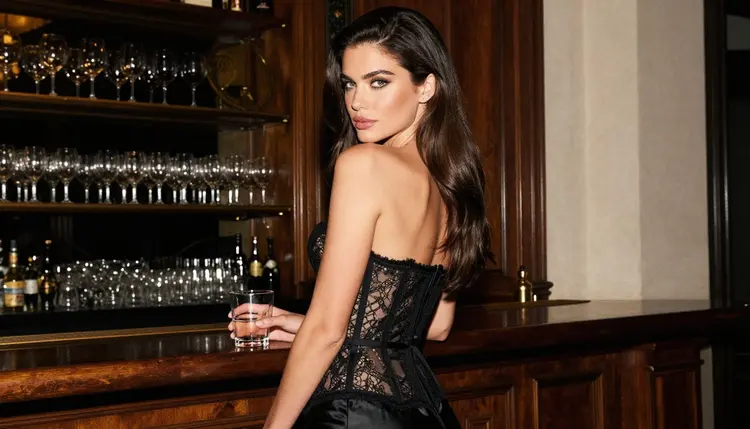
To keep the same woman across the set, copy the same description block into every prompt and never rewrite it from memory. Change only what the scene needs. If a frame drifts, regenerate it with the reference attached rather than adding adjectives. Picasso IA translates a reference such as @1 into the syntax each model understands, and only models that accept several inputs show the badges.
The same approach carries over to related projects. If you are also building a story page, see a journal illustration or a light novel illustration. For a character that has to appear in panels, a webcomic page uses the same consistency method, and a fanfiction cover is a good next step for a single strong frame.
When a still works well, you can make it move. Picasso IA Video takes an image and a short motion prompt: the ice settles, the candle flickers, she turns the glass. LTX 2.3 Pro makes 4K video from text, and Seedance 2.5 Lite is listed for clips up to 10 seconds. A moving hero frame is a neat touch for a digital menu, a screen behind the bar or a social post.
This is for adults. Every Picasso IA feature on this page is 18+ only, and the images are meant for adult audiences. If you plan to show the menu to the public, think about who will see it before you generate anything.
Every character is a fictional adult. Never use a real or identifiable person, never a celebrity, and never anyone who could read as a minor. Describe the woman in adult terms, in her thirties, with a mature face and styling, and discard any frame where she reads otherwise.
What you create is private by default. It is tied to your account and not published or shown to others, so you decide what leaves the app. Before you place the artwork in a bar, a shop, a website or a social account, check the rules of wherever you publish. Many venues and platforms set their own limits on suggestive imagery, and printers have house rules too. Those rules can change, so check them again for each new project.
If a model refuses a prompt, the app shows a message titled "Content Not Supported by This Model". It suggests models that accept adult prompts and carries your prompt over, so you do not have to retype it.
A new account can try a few generations for free on selected models: Picasso IA Image, Picasso IA Editor Pro, Picasso IA Video and Seedance 2.5 Lite. It is a small free trial, enough to test a hero frame and a clip. Plans and costs are on the pricing page. Credits vary by model and by options such as resolution or duration, and models with the infinity tag do not spend credits on the plans that include unlimited generation.
Once the hero frame is right, spend your generations on the scenes. Picasso IA Video and Seedance 2.5 Lite are marked unlimited in the catalog, which makes them handy for experimenting with moving versions without watching a balance.
Beyond the confirmed list, there is a lot to explore in the full catalog. Seedream 5 and Nano Banana are two untested image models that may give you a different look for the same prompt. Qwen Image 2 is another. Run a test frame, and if it generates, you have one more option for the menu. If it does not, switch back to a confirmed model and your prompt comes with you.
A last practical tip: save the winning prompt for every scene in one text file, named after the drink section it belongs to. When the menu changes next season, you reopen the file, swap the drink and the glass, and generate the same family of images again in the same style.
Can I make a cocktail menu illustration with AI?
Yes. You generate the pictures in Picasso IA, such as a woman with a coupe glass at a retro bar, and add the drink names in your own layout software. The images carry no lettering, which keeps them easy to reuse. All characters are fictional adults.
Which model should I start with?
Start with Seedream 4.5 for photographic bar scenes in 4K, or Recraft V4.1 Pro if you want a designed, print-ready look at 2K. Both are on the confirmed list, which Picasso IA tested with adult prompts.
How do I keep the same woman in every image?
Write one fixed description with hair, eyes, makeup and build, and paste it into every prompt. Change only wardrobe, setting, angle and light. If the model accepts several inputs, attach your best frame as a reference and call it with @1.
Why do the images have no text?
Image models are unreliable at drawing words, and menu text changes often. Leaving the pictures free of lettering means you can set drink names in a proper font in your layout and reuse the images on a card, a poster or a screen.
Can I turn a picture into a short clip?
Yes. Picasso IA Video takes an image or a text prompt, and Seedance 2.5 Lite is listed for clips up to 10 seconds. A short moving frame of a glass and candlelight suits a digital menu.
How do I fix a hand or a glass in a good picture?
Open it in Picasso Image Editor Pro and ask for one change at a time, such as a different glass or a relaxed hand. It edits the existing image, so the rest of the frame stays as it is.
Is this content allowed on every platform?
Not necessarily. Each venue, printer and platform has its own rules about suggestive imagery, and those rules change. Check the current rules of wherever the menu will appear before you publish or print.
Are the people in the pictures real?
No. Every character is a fictional adult, never a real or identifiable person and never anyone who could read as a minor. Do not upload photos of real people to build a character.
Are my images private?
Yes. Generations are private by default: they are tied to your account and not published or shown to others. What you do with the files afterwards is up to you.
Is there a free way to try it?
A new account gets a small free trial on selected models, including Picasso IA Image, Picasso IA Video and Seedance 2.5 Lite. See the pricing page for how plans and credits work, and the full catalog for other models to test.