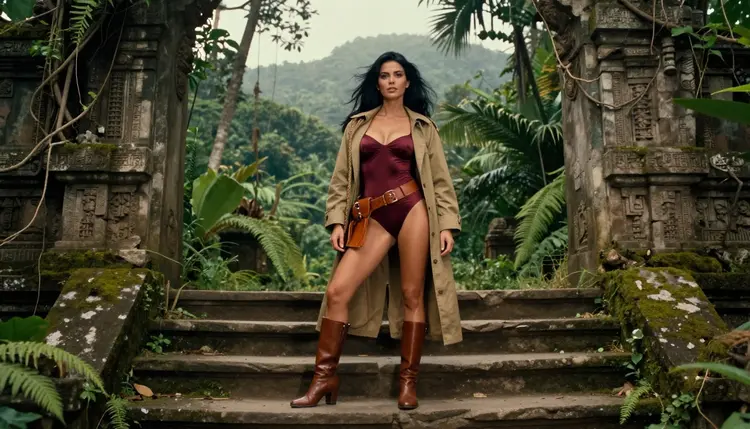
Retro game box art has a look you recognize from across a store aisle: a hero in a bold pose, a painted-feeling backdrop, a title area at the top and a lot of drama packed into one rectangle. With Picasso IA you can build that kind of cover for a fictional adult game of your own, with a flirty, glamour-style mood that stays suggestive and never explicit. This guide walks through the whole project, from planning the cover to polishing the final file.
You will use the confirmed models for images, a plan of five steps and a handful of prompt patterns that keep one fictional woman consistent across the whole set. Everything here is for adults, about fictional characters, and private by default. If you want related projects, the indie adult game guide and the NSFW AI generator for game artists cover the neighboring ground.
A box art project is smaller than it sounds. You are not drawing a whole game, you are building a front cover and a few supporting pictures that sell the idea of one. Before you write a single prompt, decide what the finished package contains.
The core deliverable is one front cover. It needs a clear hero figure, a readable silhouette and some quiet space where a title logo can sit later. Around it, most projects add a back cover image, a few small screenshot-style scenes and sometimes a character card. That is usually six to ten pictures in total, and each one has a job.
Format matters more than people expect. Classic boxes are close to portrait, but your first generations will often come out wide, and that is fine. You can compose the hero on the left or right third and leave the rest for backdrop. Decide early whether the cover is portrait or landscape, then keep every picture in that same family so the set feels printed from one run.
Consistency is the other requirement. Retro covers lean on one recurring character: the same explorer coat, the same belt, the same dark straight hair, the same confident look. Write that description once and paste it into every prompt. The reference-image feature in the toolkit helps here: attach your best frame and it gets an @1 badge you can mention in later prompts.
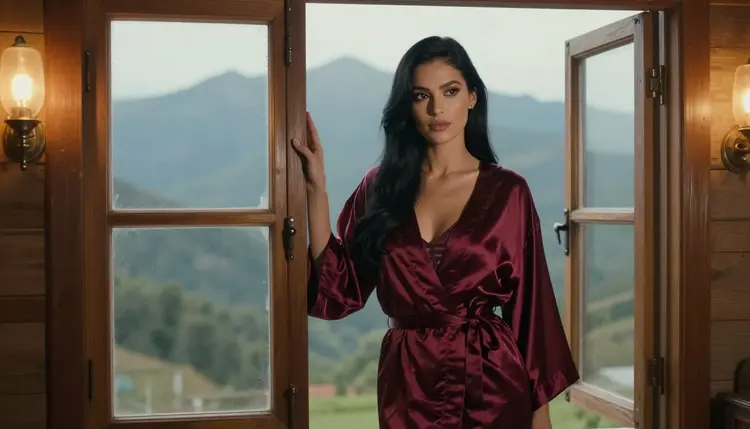
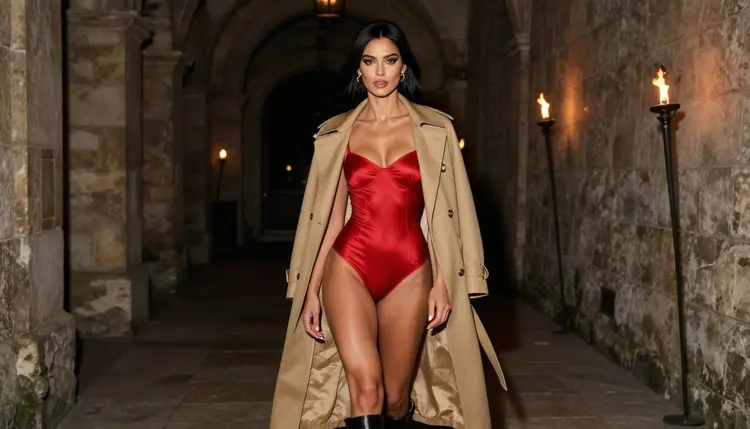
Finally, choose a theme that suits the era without leaning on glow effects. Think jungle temples, desert canyons, mountain cabins, torch-lit stone corridors and rope bridges. These settings give you natural light, texture and depth, and they let wardrobe do the glamour work: satin bodysuits, belted coats, boots, a leather collar, a robe held loosely at the waist.
Picasso IA keeps a short list of models it has tested with adult prompts again and again, and all of them generated instead of rejecting. That is what "confirmed" means here: it describes our testing, not a promise from the model's maker, who can change things at any time. This page explains what confirmed means in more detail.
For a front cover, start with Seedream 4.5. It creates 4K images from text, which gives you room to crop, and it handles coats, satin, skin tones and film-style light in a photographic way. If you would rather have a more illustrated, poster-painting feel, try Recraft V4.1 Pro. It is built for print-ready images at 2K and is strong on illustration and design, which suits a cover with a logo area.
Picasso Image Editor Pro is the finishing tool. It edits an existing image online, it carries the unlimited tag in the catalog, and the free trial includes it. You will use it to fix a hand, change a coat color or clean a background without regenerating the whole picture.
Models outside that list are untested. Qwen Image 2 is an example worth a try for a different take on the same prompt. Untested means neither confirmed nor ruled out: it may work, it may show a refusal, and you will find out by trying. If a model does decline, the app shows a message titled "Content Not Supported by This Model", recommends models that accept adult prompts and carries your prompt over, so nothing gets retyped.
Here is the workflow in order. Each step is short on purpose, because the real work is in the prompt wording covered further down.
- Plan the set. Write down the cover, the back image and three to five scene pictures, with one setting and one wardrobe piece for each.
- Describe the character. Write one paragraph with hair, eyes, makeup, build and signature outfit, and reuse it word for word in every prompt.
- Generate the key image. Make the front cover first in Seedream 4.5 and run several variations until the pose and silhouette read clearly.
- Build the rest of the set. Reuse the character paragraph, change only the setting, light and camera, and attach the cover as a reference in the toolkit.
- Refine and export. Open weak frames in Picasso Image Editor Pro, fix small problems, then download the final files at the largest size offered.
Do not skip step two. Most inconsistency in a set comes from prompts that describe the woman a little differently each time. A fixed paragraph, copied exactly, solves most of it before you touch a reference image.
A box art prompt works best when it reads like a photographer's shot list. Name the subject, the wardrobe, the pose, the place, the light and the lens. Short sentences are fine. Here is a base paragraph you can adapt: a woman with long straight black hair, dark eyes and polished glamour makeup, in a burgundy satin bodysuit, a leather belt, boots and an open khaki explorer's coat, standing on jungle temple steps in overcast soft daylight, 24mm lens, film grain, mature adult.
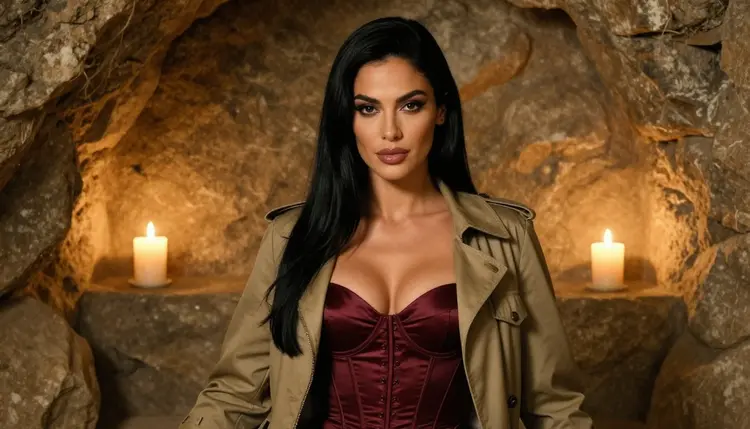
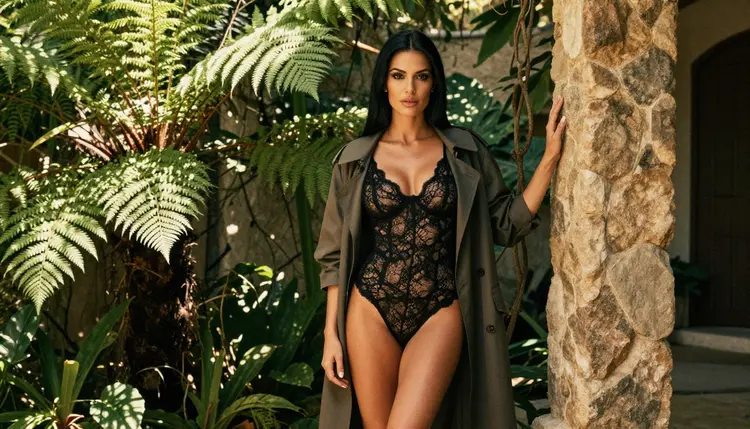
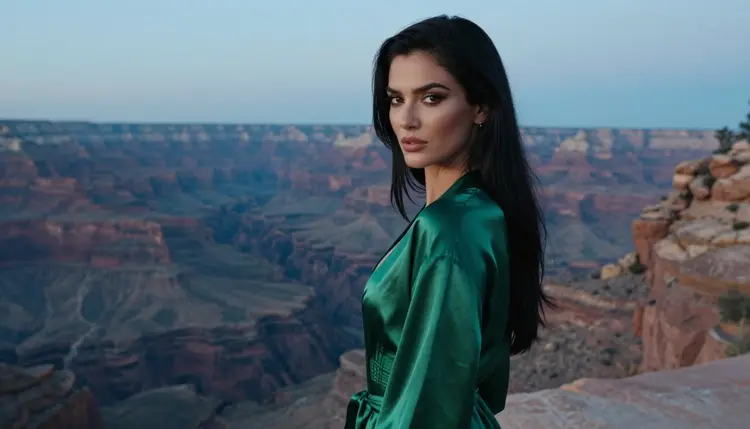
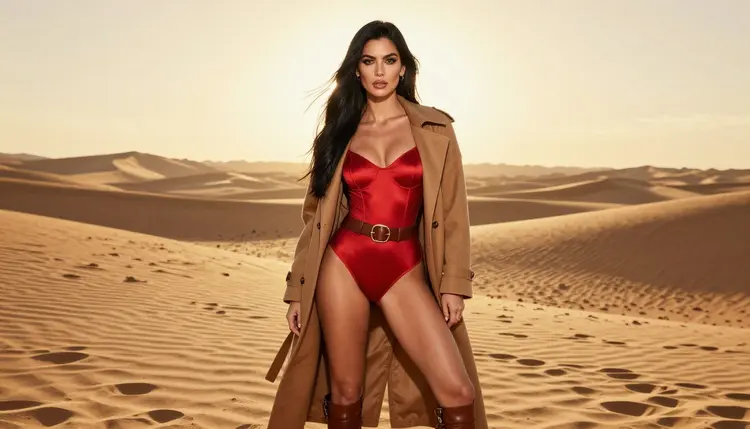
Once the cover works, vary the scene and keep the woman. A wide courtyard shot with dappled shade at 50mm gives you a story frame. A desert canyon at blue hour with a glance over the shoulder, shot at 135mm, gives you compressed depth and a mysterious back cover. A full-length standing frame on golden dunes with backlight gives you a classic hero pose. Each of these swaps the place and the light while the character paragraph stays identical.
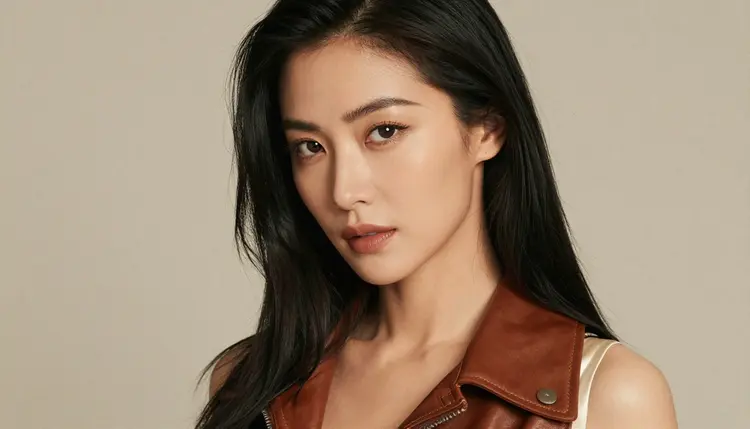
For the character cards and close frames, move in. A waist-up shot in a candlelit stone cave at 85mm gives warm skin tones and a deep dark background. A tight close-up in soft studio daylight at 35mm shows the face, the makeup and a leather collar, which works as a portrait for the box's character panel. Keep the wardrobe suggestive but covered: bodysuits, corset tops, robes, coats and boots.
To keep the same fictional character across images, copy the description, keep one or two signature items (the khaki coat, the belt) and hold the lens style steady. If a frame drifts, attach your best picture as a reference and write "the same woman as @1" in the prompt. The toolkit translates that reference into whatever syntax the model understands, and only models that accept several inputs show the badges.
Stills can become clips when you want an animated store display or a trailer loop. Picasso IA Video turns text or an image into video, Seedance 2.5 Lite is listed up to 10 seconds, and LTX 2.3 Pro makes 4K video from text. Start from your finished cover and describe small motion: a coat moving in wind, a torch flickering, a slow push-in.
This page is for adults only. You must be 18 or older to use the NSFW tools, and everything you make here is meant for an adult audience.
Every character is a fictional adult. Do not use real people, celebrities or anyone you can identify, and do not describe or hint at anyone who could read as a minor. Picasso IA pages and prompts follow that line without exception, and your project should too.
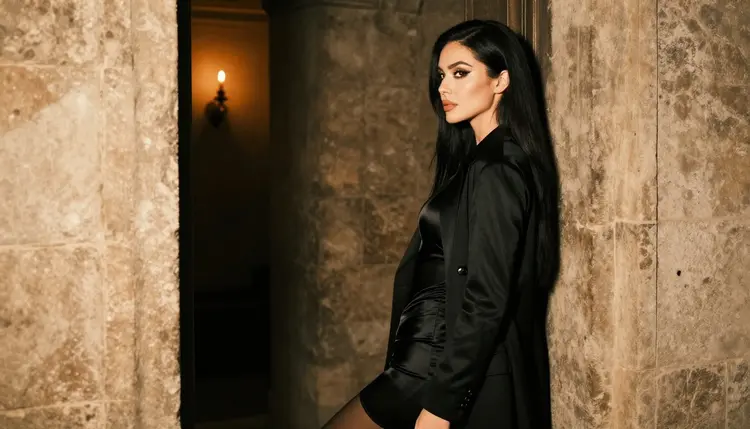
What you generate is private by default. It is tied to your account and not published or shown to others. Where it goes afterward is up to you. If you plan to print a box, post a cover or sell a game, check the rules of wherever you publish, because stores, print services and platforms each set their own limits and they can change.
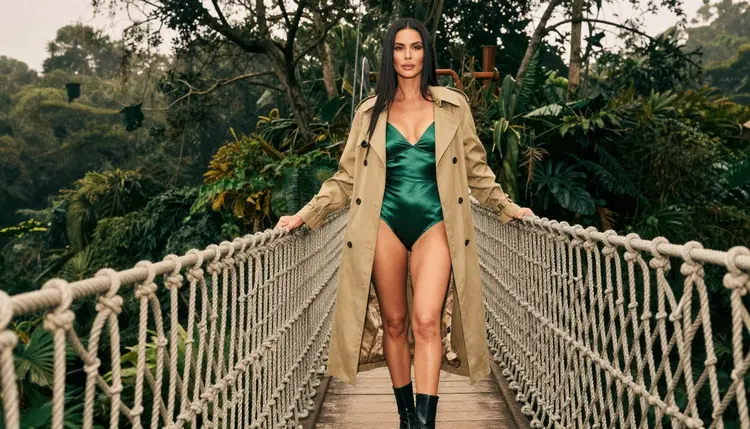
Keep the tone provocative but never explicit: wardrobe, pose, light and mood do the work. That is also what makes retro box art feel right, since the classic covers sold adventure and attitude rather than anything graphic.
A new account can try a few generations for free on selected Picasso IA models: Picasso IA Image, Picasso Image Editor Pro, Picasso IA Video and Seedance 2.5 Lite. It is a small free trial on selected models, so it will not cover the whole catalog. The pricing page has the details, including how credits work and which models carry the unlimited tag.
Each generation costs credits that vary by model and by options such as resolution or duration, so test your prompt at a modest setting first and raise the resolution once the composition is right. A good habit is to explore in a cheap or unlimited-tagged model, then generate the final cover in the model you prefer.
If you want to compare looks, the full catalog lists hundreds of models. Qwen Image 2 and Picasso Video (Pruna P-Video) are untested for adult prompts, so treat them as experiments. For related project ideas, see the bedroom wall art guide, which shares the single-hero-image approach, and the custom game companion guide for a recurring character.
What size should retro game box art be?
Pick portrait or landscape first and stay with it for the whole set. Generate at the largest size the model offers, such as 4K in Seedream 4.5, then crop and resize in your layout tool. Check the template of the print service you plan to use before you commit.
Which model is best for a photoreal cover?
Seedream 4.5 is the first one to try. It is confirmed for adult prompts, creates 4K images from text and handles coats, satin and film-style light well. Recraft V4.1 Pro is the better pick for a painted, design-led cover.
How do I keep the same woman in every picture?
Write one character paragraph and reuse it exactly. Add a reference image in the toolkit and mention it with its @1 badge. Change only the setting, the light and the lens between prompts, and keep the signature coat or belt in every frame.
Can I add my own title and logo?
Yes, but you do it outside the generator. Leave quiet space at the top of the cover in your prompt, then place a title in a layout tool. Use a fictional name and logo of your own so nothing resembles a real game or brand.
Can I make a trailer or animated cover?
Yes. Picasso IA Video takes text or an image, Seedance 2.5 Lite is listed up to 10 seconds, and LTX 2.3 Pro creates 4K video from text. Begin with your finished still and describe small movements for the best control.
What happens if a model refuses my prompt?
The app shows a message titled "Content Not Supported by This Model". It recommends models that accept adult prompts and carries your prompt over, so you do not retype anything. Models outside the confirmed list are untested, so a refusal there is possible.
Is this content only for adults?
Yes. The tools are for people aged 18 or older, and every character is a fictional adult. Nobody who could read as a minor and no real or identifiable person is allowed in a prompt, and the images stay provocative rather than explicit.
Are my images private?
Yes. Generations are private by default: they are tied to your account and not published or shown to others. Sharing or publishing is your own decision, and you should check the rules of the place where you share them.
Can I sell a game with this art?
That depends on the store, the print service and the laws where you live, so check their current rules before you publish or sell anything. Picasso IA cannot promise that a platform will accept a given image, and the pictures should stay non-explicit and fictional.
Do I need to install anything?
No. Picasso IA runs in your browser, in six languages, and the toolkit has everything you need to generate, edit and export. Start with the pricing page if you want to see how the free trial and credits work.