Costume planning usually starts with a pile of reference tabs and a sketch that only one person can read. A concept sheet fixes that. It shows one fictional adult character from the front, from the side and in close detail, so you can settle fabric, trim and silhouette before you cut a single metre of satin or buy a single buckle.
This page walks through that project from the first idea to a finished set of sheets. You describe the costume in words inside the toolkit, generate the views with models that Picasso IA has tested against adult prompts, and keep the character and the outfit the same from frame to frame. Everything here is NSFW in the flirty, suggestive sense: corset bodices, satin, lace linings, boudoir light. Nothing is explicit, every character is an adult, and the whole project is 18+. If you are still choosing a tool, the best NSFW AI generator for cosplay art is a good place to start.
A concept sheet is a small deliverable with a clear job: it answers the questions a maker asks at the sewing table. What is the silhouette from the front? How does the back and side line break? Where does the trim sit? What does the hardware look like up close? One costume rarely needs more than six to nine stills to answer all of that.
A solid set for one costume usually holds these frames:
Front view. A full-length frame with the whole outfit visible, arms slightly away from the body so the bodice, skirt or jacket reads clearly.
Side view. The same outfit in profile or three-quarter, so the depth of a corset, a collar or a cape is visible.
Detail frames. Hands on a buckle, a close crop of lace against satin, a brass clasp on a bracer, a prop crown. These are the frames you will actually pin above your workbench.
Mood frame. A wider shot with the setting and the light you imagine for the photoshoot or the convention hall. It does not help with the pattern, but it tells you whether the palette works in warm light.
Movement frame. A candid walking shot, to see how the fabric hangs when the character is not posed.
Format matters less than consistency. Seedream 4.5 is listed in the catalog as a text to image model with 4K output, and Recraft V4.1 Pro as a print-ready model at 2K, so both give you enough pixels to zoom into stitching and trim. Ask for wide landscape frames when you want a full-length view with breathing room, and closer crops when you want hardware or fabric.
What keeps a set consistent is a short written file you reuse. Call it a costume bible. It holds three blocks of text and you paste them into every prompt:
Character block. Age range in words (a woman in her early thirties, a man in his late thirties), skin tone, hair, build, one distinguishing feature such as freckles or laugh lines. Every character is a fictional adult, so write the age range plainly.
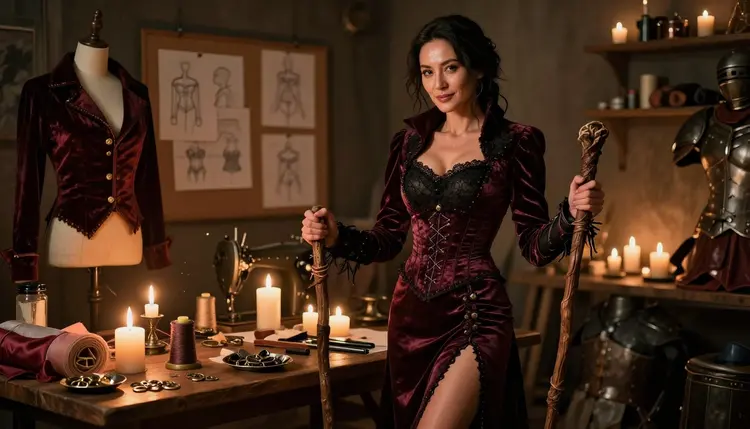
Costume block. Colors, materials and hardware, in the same order every time: burgundy satin corset bodice, lined lace blouse, velvet jacket, leather bracers with brass buckles, a wooden staff. Say that the fabric is opaque, with a lining, so the model draws a real costume and not a vague outline.
Light block. One light setup per sheet, for example candlelight, late-afternoon side light or soft window light from the left. Changing the light between views makes the same costume look like two different outfits.
If your project grows into a character sheet for a miniature or a game piece, the page on NSFW images for a tabletop miniature concept uses a similar block approach for a different deliverable.
Picasso IA marks six models as confirmed for adult prompts. Confirmed means the team tested adult prompts against that exact model repeatedly and watched it generate instead of reject. It is not a published setting from the model's maker, who can change it at any time. For a costume project the six split by job:
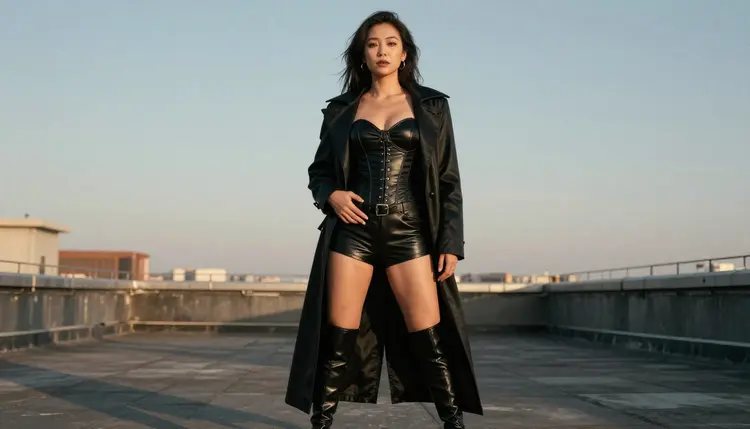
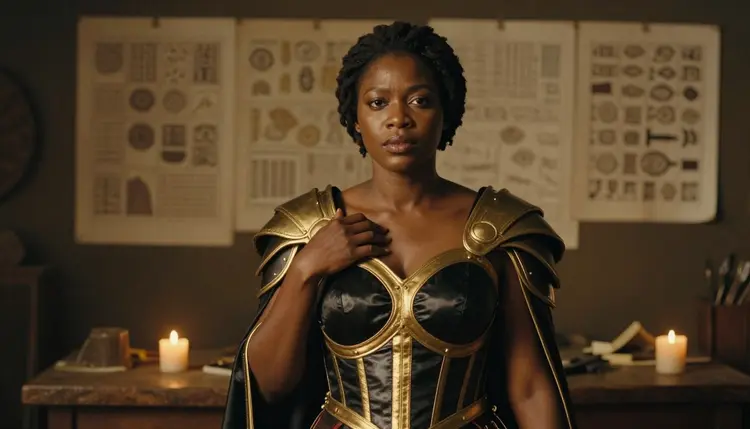
Two of them carry most of the work. Seedream 4.5 is the one to start with when you want photographic frames: a woman in a satin warrior bodice under candlelight, hands on a bracer, a rooftop walk in a rogue jacket. Recraft V4.1 Pro suits the other half of a concept sheet, the flat, clean plate with a palette strip and labelled pieces, and its strength in illustration and design helps when the costume is meant to look like a drawn character. A dedicated walkthrough, NSFW cosplay art with Recraft V4.1 Pro, goes deeper on that model.
Picasso Image Editor Pro comes in after the first pass. It edits an image you already generated, so a collar that came out the wrong shade or a missing buckle can be fixed without regenerating the whole frame. It carries the infinity tag in the catalog, which matters when you make many small revisions.
Other image models in the catalog, such as Seedream 5 or Nano Banana, are untested: worth a try, not confirmed either way. Treat them as experiments, not as the base of your sheet, because a refusal halfway through a set breaks your consistency.
The sequence below keeps a costume project from turning into a random pile of pretty frames. Work through it once for the first costume, then reuse your blocks for the next one.
- Plan the Sheet. Write one line about the character and list every costume piece, then choose the views: front, side, two details, one mood frame, one movement frame.
- Write the Description. Turn the line and the list into your character block, costume block and light block, and read them aloud to check that nothing is vague.
- Generate the Key Image. Make the front view first in the toolkit with a confirmed image model, and regenerate until the silhouette and colors are right.
- Build the Rest of the Set. Paste the same blocks and change only the view, so the side, detail and movement frames match the key image.
- Refine and Export. Fix small problems with Picasso Image Editor Pro, then save the frames in a folder named after the costume and character.
Good prompts for a costume sheet read like a tailor's brief followed by a photographer's note. Start with the character, then the costume, then the frame, then the light and the lens. Here is a front-view prompt for a sorceress costume:
"Front view, full length, a woman in her early thirties, a mature adult with laugh lines, in an opaque burgundy satin corset bodice over a lined lace blouse, a velvet jacket, leather bracers and a wooden staff, standing in a candlelit costume workshop with a mannequin and fabric rolls behind her, 135mm lens at f/2, warm candlelight, film grain."
For the side view you keep the whole costume block and change one line: "Side view, three-quarter profile, same outfit." The model reads the rest as a continuation. If the second frame drifts, add the identifying details again, because short prompts invite the model to improvise.
Wardrobe words that work for suggestive but covered costumes: satin corset, lace lining, high collar, laced bodice, thigh-high boots, leather harness belt, velvet cape, opaque stockings, garter belt worn under a skirt. Say what is covered, not what is bare. A good costume plate shows layers, and layers are what a maker needs to see.
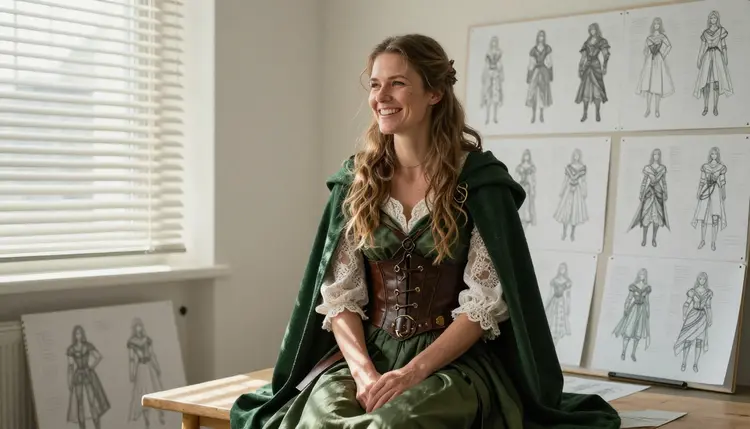
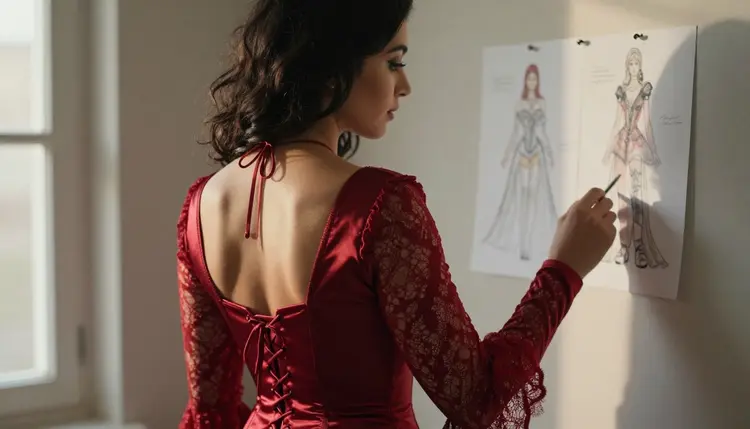
Using a sketch as a reference. If you already drew the costume, attach the sketch as a reference image in the toolkit. Models that accept several inputs show @1 and @2 badges on each attachment, and you can refer to them in the prompt: "the bodice from @1, the jacket from @2". Picasso IA translates the reference to the syntax each model understands. A frame like the over-the-shoulder shot of a woman studying a sketch pinned to the wall is a good way to check that your own drawing and the generated look agree.
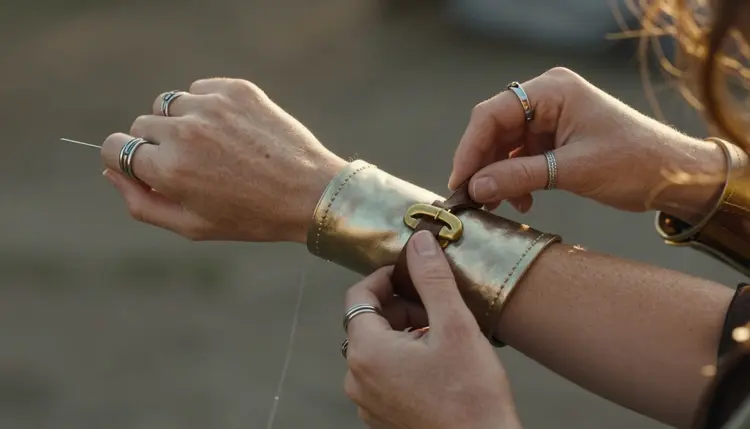
Close details. Ask for a macro lens and one object: "Detail shot of freckled adult hands fastening a brass buckle on a leather bracer over a satin sleeve, golden hour backlight, 100mm macro lens at f/2.8, film grain." Detail frames are where cosplay concept art earns its keep, because they show hardware, stitching and fabric weave. Run two or three variations of each detail and keep the one that is easiest to build.
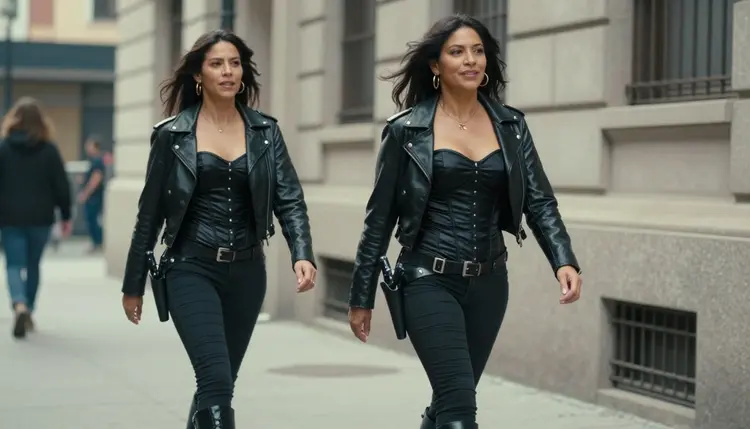
Movement and street test. Some costumes look right standing in a studio and wrong on a pavement. A candid three-quarter walking shot in overcast daylight, such as a space pirate corset with a leather jacket on a city street, tells you whether the colors hold in flat light. Overcast light is a useful stress test: it removes the glow that candlelight adds.
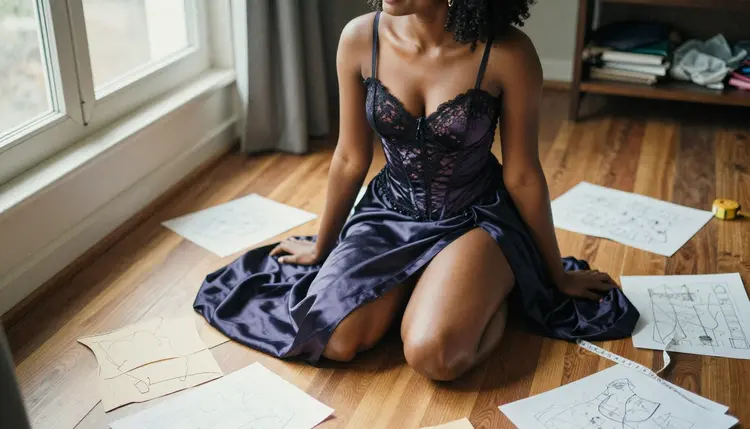
Fabric and pattern overhead. An overhead angle with a 24mm lens shows a character kneeling among fabric swatches and pattern pieces. It is a pleasant way to present the material palette alongside the outfit, and it helps you decide which swatches to order. Put the swatch colors in your costume block in words, for example "emerald satin, black lace trim, aged brass hardware".
Keeping the same character. Do not rely on the model to remember a face. Paste the same character block every time, keep the age range and the one distinguishing feature, and keep the light block constant inside a sheet. When you switch to another costume, change the character block on purpose so you do not drift into a different person by accident. If a frame is almost right, send it to Picasso Image Editor Pro and edit it instead of rerolling.
Moving to clips. When a still is final, a short clip shows how the fabric moves. Picasso IA Video takes text or an image, so you can start from your key frame and describe a slow turn or a walk. LTX 2.3 Pro creates 4K video from text, which fits when you want a cleaner, higher-resolution preview of the whole look. Describe one action per clip: "she turns slowly toward the window, the velvet jacket swings, candlelight on the satin."
Themed variations. The same method works for seasonal costumes. If you want to adapt a design for a party, the guide to an NSFW Halloween costume art generator is a good example of how a theme changes the props and wardrobe lines while the structure stays the same.
Picasso IA is for adults only. Every concept sheet in this project is 18+, from the person making it to the audience that sees it. If you are under age, this page and these models are not for you.
Characters are fictional adults, always. Do not use a real or identifiable person as a model, and do not ask for a celebrity, a friend or a coworker. Do not describe anyone who could read as a minor, and write the age range of every character in your prompt as mid twenties or older. If a frame shows someone who reads as a different age than the one you wrote, discard it.
What you create is private by default. It is tied to your account and not published or shown to others. You decide whether to share a sheet, and that decision is yours alone. If you share concept art, keep the adult content line in mind: provocative and costume-focused, never explicit.
If you plan to post the sheets, print them in a zine or send them to a maker, check the rules of wherever you publish. Marketplaces, forums and print services each set their own limits on adult material, and their rules can change. Picasso IA does not decide those rules and cannot promise that a platform accepts the result. The page about what confirmed means explains how the six models earned that label and what it does and does not promise.
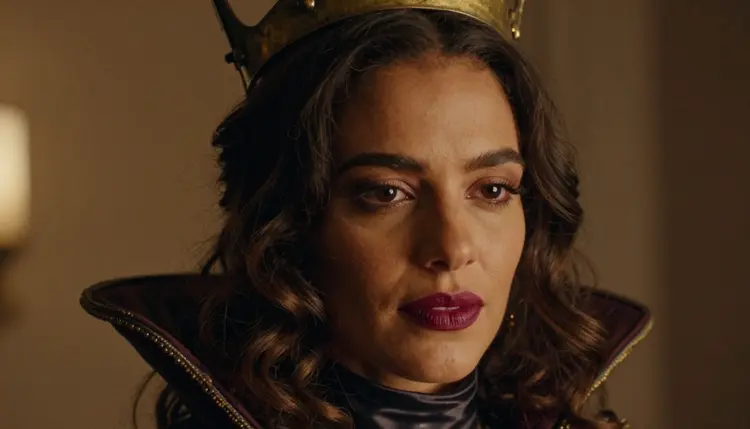
A new account can try a few generations for free on selected Picasso IA models: Picasso IA Image, Picasso IA Editor Pro, Picasso IA Video and Seedance 2.5 Lite. It is a small free trial on selected models, not on the whole catalog, so check the pricing page for how credits and plans work. Each generation costs credits that vary by model and by options such as resolution or duration. Models marked with the infinity tag in the catalog do not spend credits on plans that include unlimited generation, and the pricing page has the details.
For a costume project that is useful: Picasso Image Editor Pro and Picasso IA Video are both on the trial list, and Seedance 2.5 Lite is listed up to 10 seconds, which is enough for a quick check of how a cape or a skirt moves.
Everything outside the six confirmed models is untested. That includes Qwen Image 2, Picasso Video (Pruna P-Video), Seedance 2.5 and the rest of the catalog. Try them when you want a different look: they may generate your prompt, and they may not. If a model does not support the content, the app shows a message titled "Content Not Supported by This Model", recommends models that accept adult prompts and carries your prompt over, so you do not retype it. Browse the full catalog when you want a different art style for the same costume, and head back to the toolkit to start the sheet.
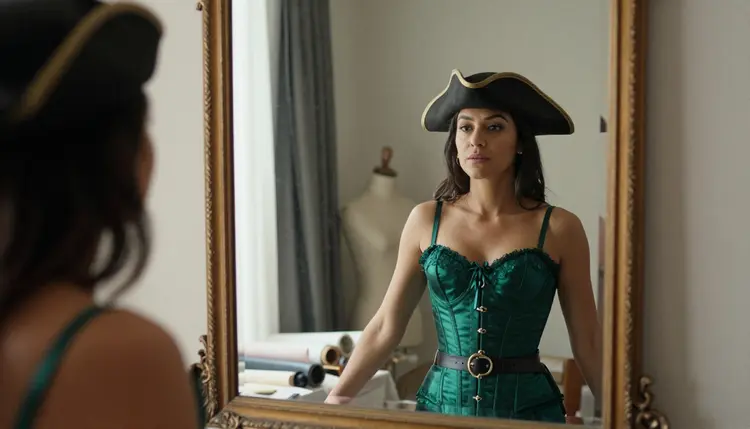
What is a cosplay concept sheet?
It is a small set of images that shows one costume from several angles: front, side and close details. You use it to plan materials, trim and construction before you make the outfit, and to share the look with a seamstress, a prop maker or a photographer.
Which model should I use for the front and side views?
Start with Seedream 4.5 for photographic views and Recraft V4.1 Pro for illustrated plates. Both are confirmed for adult prompts, which means Picasso IA tested them repeatedly and watched them generate. Pick one per sheet so the style stays consistent.
How do I keep the same character in every frame?
Write a character block once, with an age range, hair, build and one distinguishing feature, and paste it into every prompt. Add a costume block and a light block, and change only the view line between frames. When a frame is close, edit it with Picasso Image Editor Pro.
How do I get buckles, lace and fabric texture right?
Ask for a close detail frame with a macro lens and a single subject, such as hands fastening a brass buckle or lace against satin. Generate a few variations and keep the clearest one. Say the material and the finish in words, for example aged brass or opaque lined lace.
How revealing can the costume be?
Suggestive, not explicit. The sheets in this project use corset bodices, satin, lace linings, stockings and boudoir light, with opaque layers. Explicit scenes are outside the line of this section, and no prompt on this page asks for them.
Can I use a photo of a real person or a celebrity?
No. Characters are fictional adults only, never a real or identifiable person and never anyone who could read as a minor. Describe a made-up character in words instead, and keep the age range at mid twenties or older.
Are these models uncensored?
Six models are confirmed: Seedream 4.5, Recraft V4.1 Pro, Picasso Image Editor Pro, LTX 2.3 Pro, Picasso IA Video and Seedance 2.5 Lite. Confirmed is Picasso IA's own testing, not a promise from the model's maker. Read what confirmed means for the details.
Can I try this for free?
A new account gets a small free trial on selected models, including Picasso IA Image, Picasso IA Editor Pro, Picasso IA Video and Seedance 2.5 Lite. It does not cover the whole catalog. The pricing page explains credits, plans and the infinity tag.
Can I use the same method for other costume themes?
Yes. The character, costume and light blocks work for any fictional costume, from a corsair to a witch. For a playful theme, the page on NSFW bunny costume art shows another approach, and you only change the wardrobe lines.
Can I turn the sheets into a zine or a print?
You can arrange them into a zine, and NSFW images for a personal art zine is a natural next step. Check the rules of wherever you publish or print, because each platform and print service sets its own limits on adult material. Keep it 18+, fictional and private until you decide otherwise.