Grok Imagine, the image and video generator from xAI, includes an option called spicy mode for more adult-oriented generations. If you are reading this, you probably want a similar result somewhere else: a flirty, suggestive, cinematic clip of a fictional adult, made with a workflow you control from the first frame to the last. This page shows how to rebuild that job in the toolkit on Picasso IA, which models to pick, what to type, and where Grok Imagine is still the better choice.
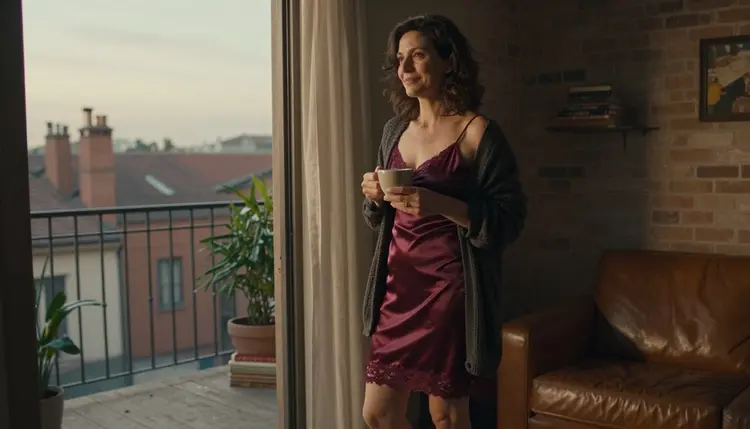
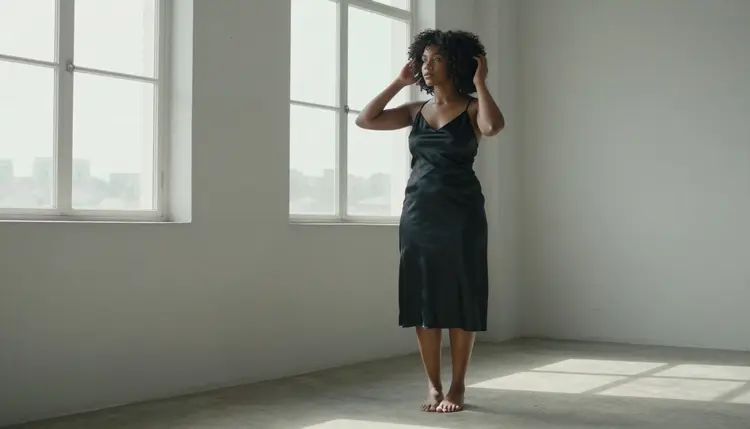
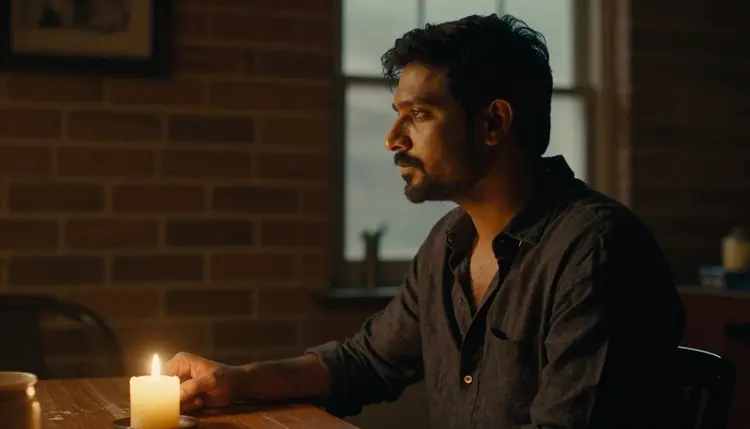
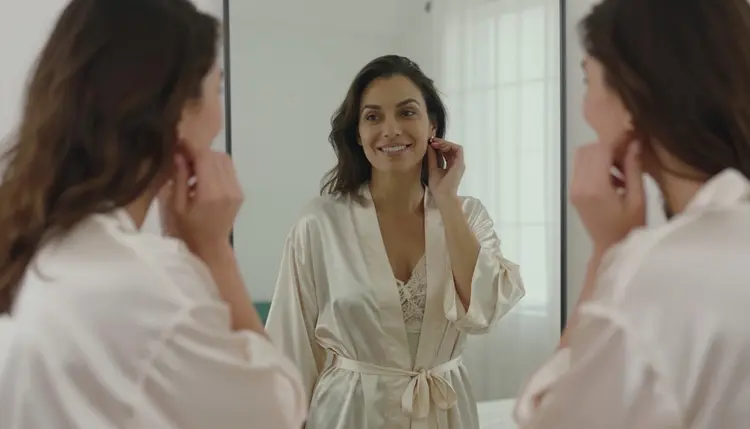
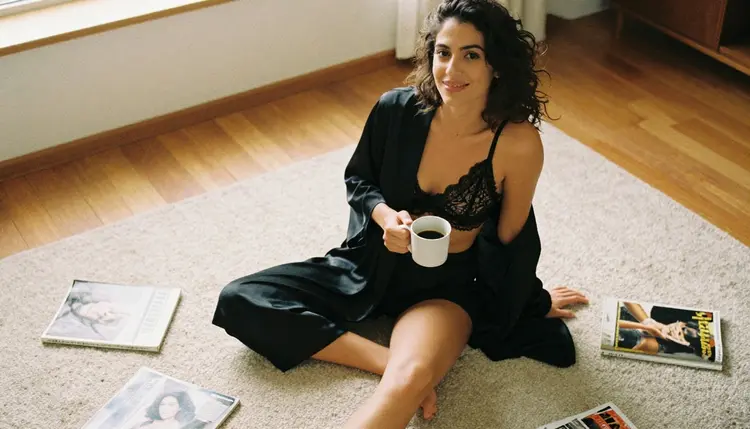
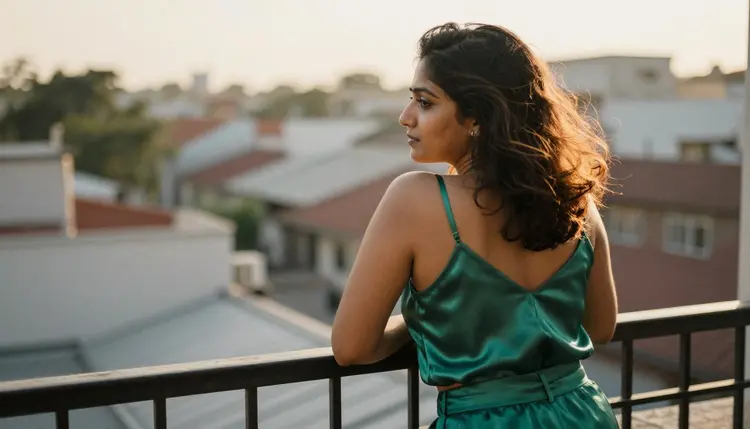
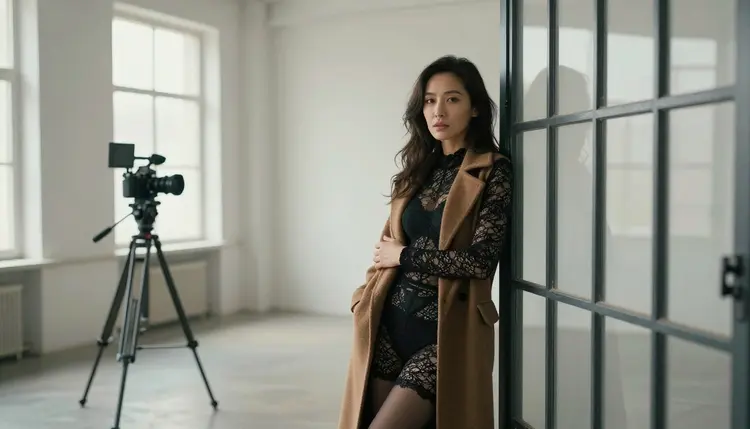
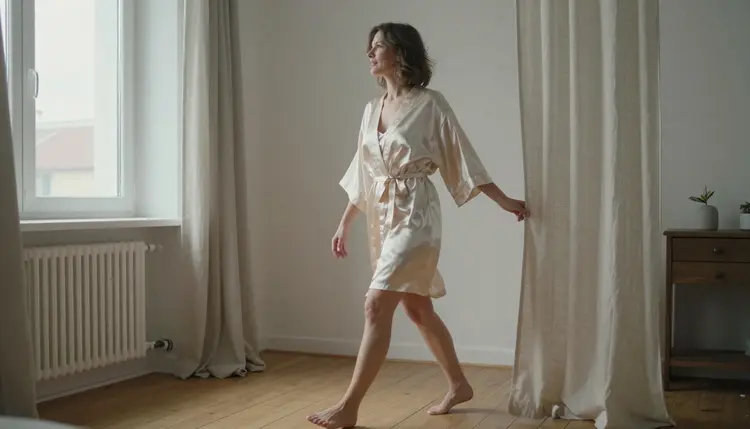
Picasso IA is not affiliated with xAI or with Grok Imagine. Everything below is about fictional adult characters, provocative but never explicit, for readers who are 18 or older. The sample frames on this page follow one theme: slow, filmic moments in a brick loft and on its iron balcony, with satin, linen, window light and a camera that barely moves.
The short version is simple. Picasso IA works by model instead. It has a catalog of models, and some of them have been tested with adult prompts and kept generating. You choose the model for each step, make a still frame, then turn it into a clip.
Grok Imagine is xAI's generator for turning text or image prompts into images and short videos, and its videos include native audio. It is built into the Grok product, so it sits next to everything else you already do there. Spicy mode is the option for more adult-oriented generations. As publicly reported, it allows suggestive imagery, while more explicit prompts are moderated and come back blurred and out of reach. Its rules can change, so check its current rules before you plan a project around them.
None of that makes it a bad tool. It makes it a tool with a defined limit, and people look for alternatives for ordinary reasons. These are the ones that come up most, each stated as a condition and not as a judgment:
If its moderation stops a prompt that you consider within your own limits, you may want a second place to try the same idea. If you like to choose the model yourself for each step, a catalog gives you that choice, and you can compare how three different models read the same wardrobe description. If you want a still photo set and a video clip of the same character, a workflow built around a first frame is easier to steer than a single prompt. And if you prefer your adult work in a separate workspace, away from the product you use for everything else, a dedicated tool keeps things tidy.
If you want the head-to-head view first, read Grok Imagine NSFW Generator. It covers the same ground from the angle of the generator itself.
One more point before the models. A good alternative is not a clone. You will not get the same interface, and you should not expect the same clip from the same words. What you can get is the same kind of result: a suggestive, well-lit scene with a believable adult in it, and a short clip that moves the way a camera would move.
Picasso IA makes pictures and videos of fictional adult characters. It runs in the browser, there is nothing to install, and you work from the toolkit, where every model has its own page and its own options. The full catalog holds hundreds of models for images, video and more.
Some of them are marked confirmed. In the app, confirmed means Picasso IA tested adult prompts against that exact model repeatedly and watched it generate instead of reject. It is not a published setting of the model's maker, who can change it at any time. The longer explanation lives on what confirmed means. These are the confirmed models that matter for this workflow:
| Model | Best for | Format |
|---|
| Picasso IA Video | First clips from a text prompt or from a still | Video, text or image to video, unlimited tag |
| Seedance 2.5 Lite | Short video clips | Video, up to 10 seconds, unlimited tag |
| LTX 2.3 Pro | Video from a text prompt | Video, 4K from text |
| Seedream 4.5 | The first frame: photoreal portraits and locations | Image, text to image, 4K |
| Recraft V4.1 Pro | Illustrated or designed looks, print-ready | Image, 2K |
| Picasso Image Editor Pro | Editing an existing image | Image edit, unlimited tag |
The unlimited tag is the infinity symbol in the catalog. Models that carry it do not spend credits on the plans that include unlimited generation, and the details are on the pricing page.
When a model does refuse a prompt, the app shows a message titled "Content Not Supported by This Model". It recommends models that accept adult prompts and carries your prompt over, so you do not retype anything. You pick one of the suggestions and run it again.
The catalog also lists models that are untested. They are worth a try, and they are not confirmed either way. One of them is an xAI video model, Grok Imagine Video, described in the catalog as a way to turn any prompt into video. Seedance 2.5 from ByteDance is also untested, and it is a different model from Seedance 2.5 Lite, which is confirmed. Do not mix the two up when you read results or compare clips.
The workflow has three stages you can see: you decide the character, make a still, then animate it. Each step below names the model that fits it, and you can run the whole chain with just two of them.
- Bring the character idea. Write down who is in the frame before you open any model. State an adult age (late thirties works well), a wardrobe, a place and a mood, for example a woman in her late thirties in a burgundy satin slip dress and an open charcoal knit cardigan, standing in a loft doorway.
- Pick the model. Open the toolkit and choose Seedream 4.5 if you want a photoreal first frame, or Picasso IA Video if you want to start straight from text. Use Recraft V4.1 Pro when you want an illustrated look instead of a photograph.
- Describe wardrobe, light and pose. Name the fabric (satin, linen, lace under a coat), the light (late-afternoon side light, candlelight, soft window light from the left), the lens (24mm f/2.8 for a wide frame, 135mm f/2 for a low full-length one) and the pose. Adding "film grain" pushes the result toward a photographic look.
- Generate and refine. Look at the result, then change one thing at a time. If a model shows the refusal message, take one of the suggested models with your prompt already carried over. Use Picasso Image Editor Pro to edit an existing image without starting over.
- Extend to video. Attach your best still as a reference and ask for one slow move, such as a gentle push-in or a drift to the left. Run it on Picasso IA Video, which works from an image, or write a full text prompt for Seedance 2.5 Lite or LTX 2.3 Pro (4K from text).
A complete first-frame prompt looks like this: "Wide cinematic frame of a woman in her late thirties in the open glass doorway between a brick loft and an iron balcony, burgundy satin slip dress, open charcoal cardigan, late-afternoon side light, 24mm f/2.8, film grain." Then, for the clip: "Slow push-in, curtains moving, she turns her head toward the window."
For more phrasing you can adapt, see 15 NSFW Image to Video Prompts That Work, and for the vocabulary that moves a picture toward suggestive without crossing the line, see Top 7 NSFW Prompt Words That Actually Work.
Most of the skills you already have carry over. You still start from text or from an image. You still describe a scene and a camera move. You still get short clips, and you still judge them by how natural the motion looks. A prompt written for one video generator usually needs only small edits for another: reorder the sentence, drop the words that name a mode, and keep the wardrobe, light and move.
Some things change, and it is better to know them before you start.
The choice happens at the model. In Picasso IA you decide with the model, so the question changes from "is this prompt allowed in this mode" to "which model do I use for this frame". The confirmed models are the safest place to begin, and the refusal message sends you to another one when a prompt does not go through.
Sound needs a check. Grok Imagine videos include native audio, as publicly described. For a Picasso IA model, read the model page to see what the output includes before you count on sound in the final clip.
Consistency is something you build. To keep one character across several images, reuse the same wardrobe words and the same description of the face, hair and age in every prompt. In the toolkit you can also attach images as references. Each attached image gets an @1, @2 badge, you can mention it in the prompt, and Picasso IA translates the reference into the syntax each model understands. Only models that accept several inputs show those badges, so check the model page.
Finally, Picasso IA does not chat. It makes pictures and videos of fictional characters. If you are comparing it with a companion product, that is a different category, and this page is about the visual side only.
Picasso IA is for adults only. You need to be 18 or older to use these models for adult content, and every page in this section is written for that audience.
Every character is a fictional adult. Do not upload or describe a real, identifiable person, and do not write a prompt for anyone who could read as a minor. Choose a clear adult age in the prompt, keep the wardrobe in glamour, boudoir or swimwear territory, and stay with implied intimacy.
What you generate is private by default. It is tied to your account and not published or shown to anyone else. That is a good reason to keep your adult work in a tool where you decide what leaves the page.
An honest comparison has to include the cases where the other tool wins, and a few are clear from what is publicly known about Grok Imagine.
If you want everything inside one product you already use, Grok Imagine is built into Grok, so image and video prompts sit next to the rest of your work there. If you want a video that comes with native audio in the same output, that is part of how it is publicly described. And if your prompt is suggestive and stays on the allowed side of its moderation, spicy mode was designed for adult-oriented generations, so it may be all you need. Its rules can change, so check its current rules.
For a longer side-by-side, with strengths on both sides, read Picasso IA vs Grok Imagine. If you are weighing other generators as well, Midjourney Alternative for NSFW Art follows the same honest format.
To try the Picasso IA route, a new account gets a small free trial on selected models, so you can test the workflow before you decide anything. After that, credits vary by model and by options such as resolution or duration, and the models marked with the infinity tag follow the unlimited rules of the plans that include them. The pricing page has the details.
What is Grok Imagine spicy mode?
It is an option inside xAI's Grok Imagine for more adult-oriented generations. As publicly reported, it allows suggestive imagery, while more explicit prompts are moderated. Its rules can change, so check its current rules on its own pages.
Does Picasso IA have a spicy mode?
Picasso IA works by model, not by mode. You choose a model for each step. Some models are confirmed for adult prompts, which means Picasso IA tested them repeatedly and watched them generate, and the rest of the catalog is untested and worth a try.
Which Picasso IA models are confirmed for adult prompts?
For images: Seedream 4.5, Recraft V4.1 Pro and Picasso Image Editor Pro. For video: LTX 2.3 Pro, Picasso IA Video and Seedance 2.5 Lite. Every other model is untested, not confirmed either way.
What happens when a model refuses my prompt?
The app shows a message titled "Content Not Supported by This Model". It recommends models that accept adult prompts and carries your prompt over, so you can switch models and nothing needs to be retyped.
Can I make a video from a still image?
Yes. Make the frame with an image model, then use it as the starting point for a video model such as Picasso IA Video, which works from text or from an image. Ask for one slow camera move and keep the clip simple.
How do I keep the same character across images?
Reuse the same wardrobe and face description in each prompt, and attach your best image as a reference. Each attached image gets an @1 or @2 badge you can mention in the prompt. Only models that accept several inputs show the badges.
Can I use a real person or a character who looks like a minor?
No. Every character on Picasso IA must be a fictional adult. Never use a real or identifiable person, and never write a prompt for anyone who could read as a minor. Everything here is for readers who are 18 or older.
Are my generations private?
Yes. Generations are private by default. What you create is tied to your account and is not published or shown to other people.
Is there a free trial?
A new account can try a few generations for free on selected models. The details of credits and unlimited generation are on the pricing page. Models change over time, so check the model page before you plan a long session.
Is Picasso IA affiliated with Grok Imagine or xAI?
No. Picasso IA is an independent product and is not affiliated with xAI or Grok Imagine. For a side-by-side look, see Picasso IA vs Grok Imagine.