If you came here asking whether Happyhorse will make an adult video, the honest answer is that nobody at Picasso IA can promise it either way. Happyhorse is a real model in the catalog, it makes video from text or from an image, and its behavior with NSFW prompts has not been confirmed here. That is a different thing from "filtered", and a different thing from "uncensored".
This page explains what the model is, what the word untested means in our own list, and how to run a quick, clean test in the toolkit. If the model declines your prompt, you will see a clear message and a way to move to a model that has been confirmed for adult scenes, with your prompt carried over. Everything on this page is for adults aged 18 and over, and every character is a fictional adult.
The catalog lists Happyhorse 1.1 under the title "Text or Image to Video Online". In plain words: you can write a prompt and get a clip, or you can attach a still image and ask the model to animate it. Both routes live in the same model page, so you do not need to hunt for a separate tool.
There is also an earlier version, Happyhorse 1.0, listed as "Create 1080p Video from Text". That title tells you two things: it starts from text, and the output is 1080p. We say nothing more about either version than what those catalog titles say. No clip lengths, no frame rates, no speed claims.
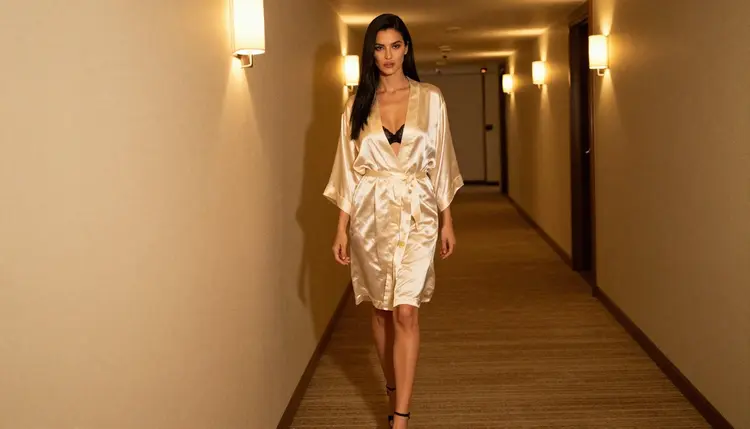
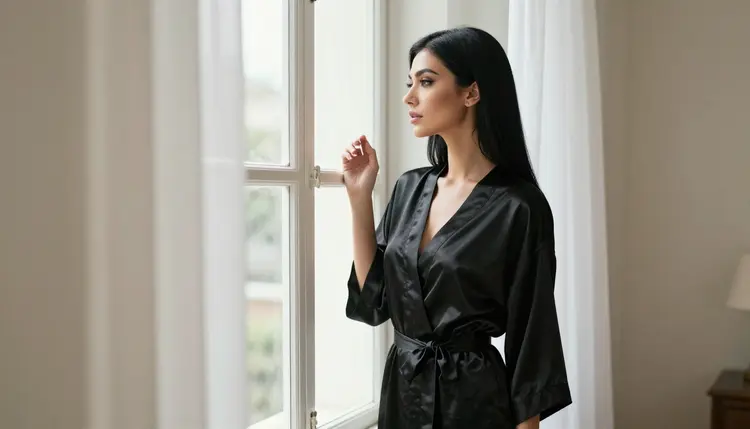
Why would you try it for adult cinematic work? Because video is where mood lives. A slow walk down a hotel corridor, a satin robe moving with the air from an open window, candlelight shifting on a face: these are scenes that a still picture can only suggest. A video model lets the camera and the fabric do the work, and that is the kind of material this section of Picasso IA is about: glamour, boudoir, lingerie, implied intimacy, never explicit.
The status of both Happyhorse versions on Picasso IA is the same: untested. We have not run adult prompts against them repeatedly and watched what happens, so we have no verdict to give you. They may generate your scene. They may refuse it. The only way to find out is to try a prompt, and the steps below show how to do that without wasting time.
Picasso IA keeps a short list of models marked confirmed. Confirmed means that adult prompts were tested against that exact model many times, and each time it generated a result instead of rejecting the request. It is a statement about our own observations, not a published setting from the model's maker, and a maker can change how a model behaves at any time. You can read the full explanation on the page about what confirmed means.
Untested is the opposite of a verdict, not a negative one. A model sits in that group when we have not done the repeated testing. It does not mean the model blocks adult requests, and it does not mean it allows them. Treat it as an open question with a cheap way to answer it: your own prompt.
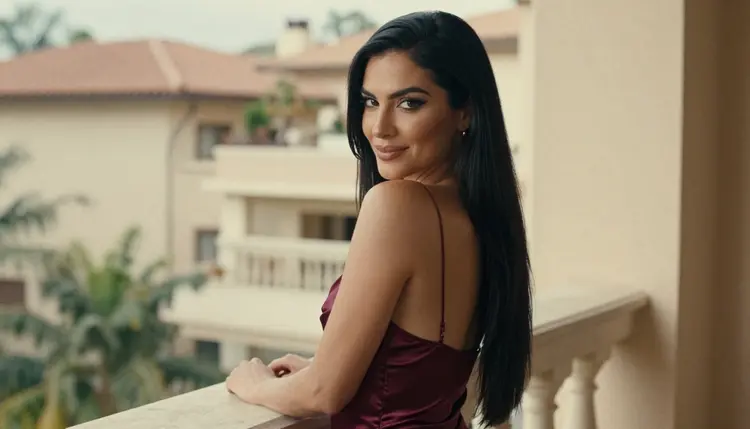
This distinction matters because a lot of pages online flatten everything into two boxes, works or blocked. Real behavior is messier. A model can accept a prompt about a woman in a satin slip dress on a balcony and still decline a different prompt that is closer to the line. Wording, framing and the amount of skin a prompt describes all change the outcome. So when you test Happyhorse, test the kind of scene you actually want, written the way you will actually write it.
If you want certainty before you spend any effort, skip straight to the confirmed models listed further down. If you are curious and have a scene in mind that suits Happyhorse's text or image to video approach, the test costs you one generation.
The routine below takes a few minutes. It is the same routine for any untested model in the catalog, which is why we keep it short.
- Open the model. Go to the toolkit, pick video, and select Happyhorse 1.1 (or Happyhorse 1.0 if you prefer the text-only 1080p version).
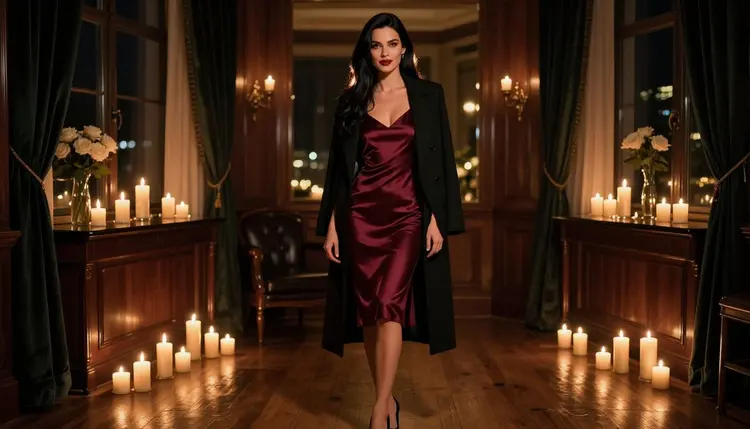
- Write a clean adult prompt. Describe one fictional adult, the wardrobe, the light, the setting and the camera move. For example: a woman in a burgundy satin slip dress under an open black coat, candlelit hotel suite, slow push-in, 50mm lens look, film grain.
- Generate and read the result. Watch the clip once for the mood, then again for details such as hands, fabric and the face. If it matches, you are done.
- Recognise a refusal. If the model does not support the prompt, Picasso IA shows a message titled "Content Not Supported by This Model". That is not an error in your account, it is the model saying no to that request.
- Switch with one tap. The message recommends models that accept adult prompts and carries your prompt over, so you do not retype anything. Pick one and generate again.
A few habits make step two better. Name the wardrobe precisely: "fully lined satin slip dress", "lace bodysuit under a blazer", "silk robe". Name the light: candlelight, warm tungsten lamp, overcast window light. Describe one camera move at a time. Video models tend to follow a single clear instruction better than a pile of them, and a calm prompt is easier to read when you compare two attempts.
If you want to start from an image instead of text, generate or upload a still first, attach it in the toolkit, and refer to it in your prompt. Each attached image gets an @1, @2 badge, and Picasso IA translates the reference into the syntax the chosen model understands. Only models that accept several inputs show the badges, so check the model page before you plan a multi-image scene.
When Happyhorse declines, or when you simply want a sure thing, use one of the confirmed models. Each of them was tested against adult prompts repeatedly and generated results. Here they are, with what each is best at.

How to choose for video work. If you want a clip fast and do not want to think about cost, Picasso IA Video and Seedance 2.5 Lite carry the unlimited tag, which we explain in the free trial section below. If resolution is the priority, LTX 2.3 Pro is listed as 4K video from text. If you prefer to design the look first, generate a still with Seedream 4.5, fix small things with Picasso Image Editor Pro, and then bring that image into a video model as the starting frame.
Recraft V4.1 Pro is the odd one out in this group. It is strongest on illustration and design, so it suits stylized poster-like looks rather than photographic ones. For a realistic boudoir mood, Seedream 4.5 is the natural pick. For a quick comparison between video models, you can also read how a sibling untested model is handled on the page about Wan 3 for NSFW video.
This section is the same on every page of the section, because it does not change. Picasso IA is for adults only. You must be 18 or older to use anything on these pages, and nothing here is meant for anyone younger.
Characters are fictional adults, always. Do not use a real or identifiable person in a prompt, and never describe anyone who could read as a minor. Prompts that do either are outside what this section supports, whichever model you pick.
What you create is private by default. It is tied to your account and not published or shown to others. Keep that in mind when you share clips yourself: the choice to share is yours, and so is the responsibility.

A new account can try a few generations for free on selected models: Picasso IA Image, Picasso Image Editor Pro, Picasso IA Video and Seedance 2.5 Lite. It is a small free trial, and it does not cover the whole catalog, so Happyhorse is not part of it. Details, plans and costs are on the pricing page.
Models marked with the infinity tag in the catalog do not spend credits on the plans that include unlimited generation. Picasso IA Video and Seedance 2.5 Lite both carry it. Happyhorse does not carry that tag in the catalog, so a Happyhorse generation spends credits, and the amount varies by model and by options such as resolution or duration. The pricing page is the place to read how that works.
Related models worth a look if you like testing. Happyhorse 1.1 and Happyhorse 1.0 share a family. Other untested video models have their own pages, such as Wan 2.7 for NSFW video and Flux 3 NSFW video with audio, and the same logic applies to each: try one clean prompt, read the result, switch if needed. If you prefer to start from stills, see Seedream 5 Lite or HiDream. To browse everything else, open the full catalog.
Does Happyhorse work for NSFW video?
Nobody here can say for certain. Happyhorse is untested on Picasso IA, which means we have no repeated results to report. It may generate a tasteful adult scene, and it may decline. Run one clean prompt in the toolkit and read what comes back.
What happens if Happyhorse refuses my prompt?
Picasso IA shows a message titled "Content Not Supported by This Model". It recommends models that accept adult prompts and carries your prompt over, so you do not retype it. Pick one of those and generate again.
Which models are confirmed for adult video and images?
Picasso IA Video, Seedance 2.5 Lite and LTX 2.3 Pro for video, plus Seedream 4.5, Recraft V4.1 Pro and Picasso Image Editor Pro for images. Confirmed means we tested adult prompts against them repeatedly and watched them generate. The page about what confirmed means explains it in full.
Can I use a real person or a celebrity in a prompt?
No. Characters must be fictional adults. Do not describe a real or identifiable person, and never anyone who could read as a minor. This is an adults-only section, 18 and over, and these rules apply whichever model you choose.
Is untested the same as filtered?
No. Untested only means we have not run the repeated adult-prompt tests that would earn a confirmed label. We never call these models filtered and never call them filter-free. The model may accept your prompt or refuse it, and the quickest way to know is to try.
Does a Happyhorse generation cost credits?
Generations on Picasso IA cost credits that vary by model and by options such as resolution or duration. Happyhorse is not marked with the infinity tag, so it is not among the unlimited models. Plans and costs are explained only on the pricing page.
Can I start from an image instead of text?
Yes. The catalog title for Happyhorse 1.1 says text or image to video, so you can attach a still in the toolkit and describe the movement you want. Happyhorse 1.0 is listed as video from text, so use 1.1 for the image route.
What resolution does Happyhorse give me?
Only what the catalog says. Happyhorse 1.0 is listed as 1080p video from text. The 1.1 title does not state a resolution, so check the model page and its options before you generate. If 4K is the goal, LTX 2.3 Pro is listed as 4K video from text.
Are my videos private?
Yes, by default. What you create is tied to your account and is not published or shown to others. Only you decide whether to share a clip. As always, the characters in it must be fictional adults, and the content is for viewers 18 and over.
Is there a free trial for these models?
A new account can try a few generations for free on selected models: Picasso IA Image, Picasso Image Editor Pro, Picasso IA Video and Seedance 2.5 Lite. Happyhorse is not in that list. See the pricing page for the details of the free trial and plans.