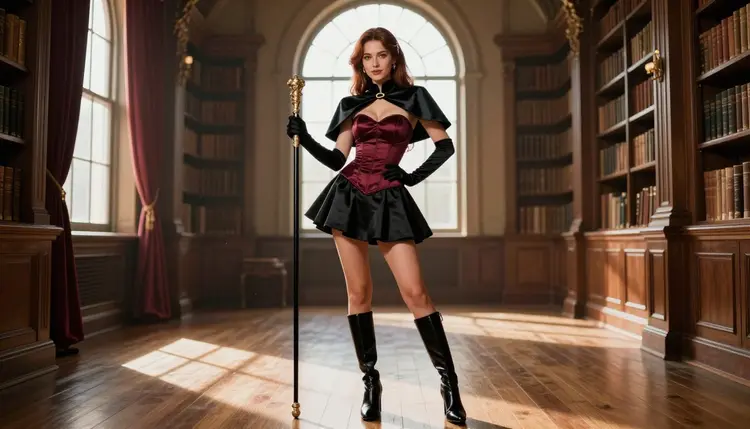
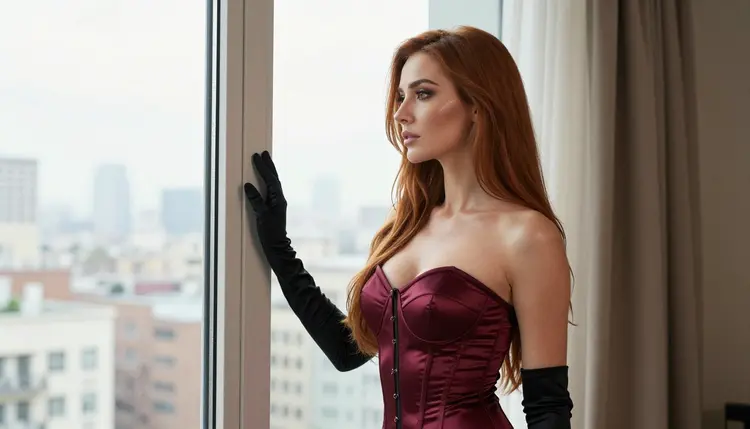
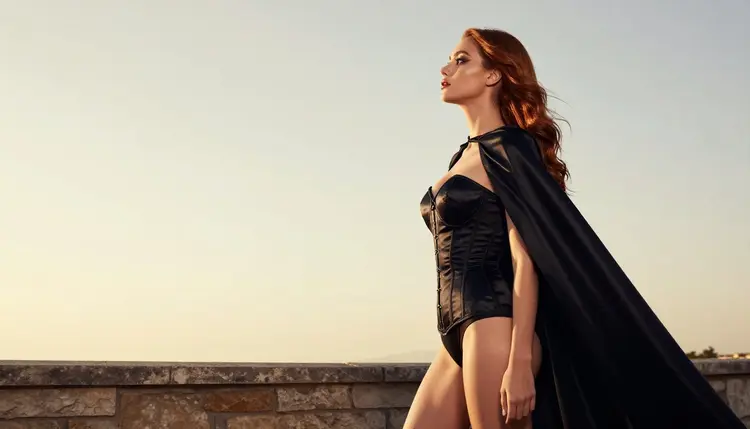
If you came looking for a NovelAI alternative for NSFW anime art, you probably have a clear picture in mind already: an adult character in a costume pulled from an anime, with the right cape, the right gloves, the right accessories, lit like a real photo shoot. This page shows how to get that kind of picture and short video clip in Picasso IA, which models to use, what to type, and where the workflow differs from the one you know.
Picasso IA runs in your browser, so there is nothing to install. Everything here is about fictional adults, 18+ only, and what you make stays private by default. It is a practical guide, not a sales pitch, so it also says plainly where another service may suit you better.
NovelAI is a subscription creative service from Anlatan Inc. According to its own published pages, it has two main tools: one that generates anime-style artwork from text prompts, and one that helps you write stories with AI. That is a clear, focused offer, and plenty of people are happy with it.
People look at other tools for ordinary reasons. If its filters or its workflow do not fit a particular prompt, you may want a second place to try the same idea. If you want the same character as a photographic cosplay portrait instead of a drawing, you need a model built for photo realism. If you want the picture to move, you need video. And if you simply like keeping your tools in one browser tab, a catalog that holds image models and video models together saves you switching between services.
Picasso IA is not affiliated with NovelAI, and nothing here describes how it behaves beyond what it publishes. Its rules can change, so check its current rules before you decide anything.
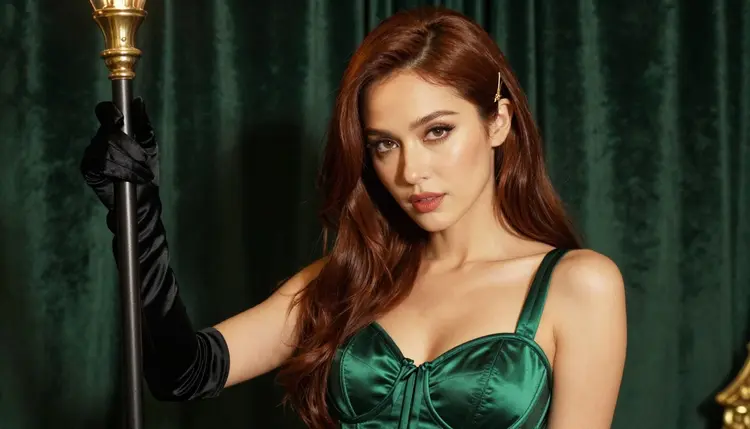
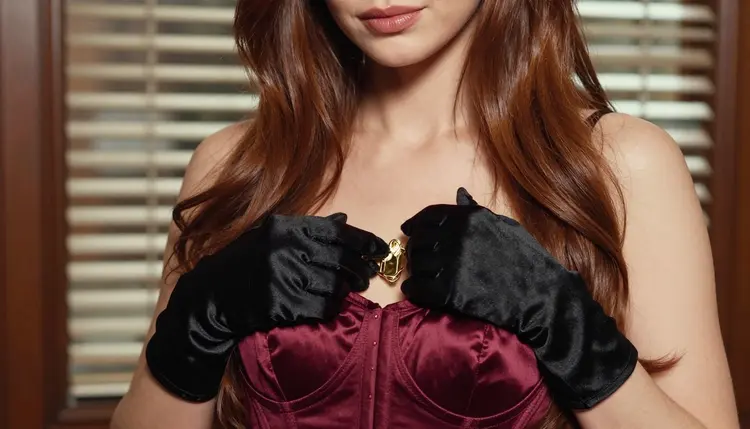
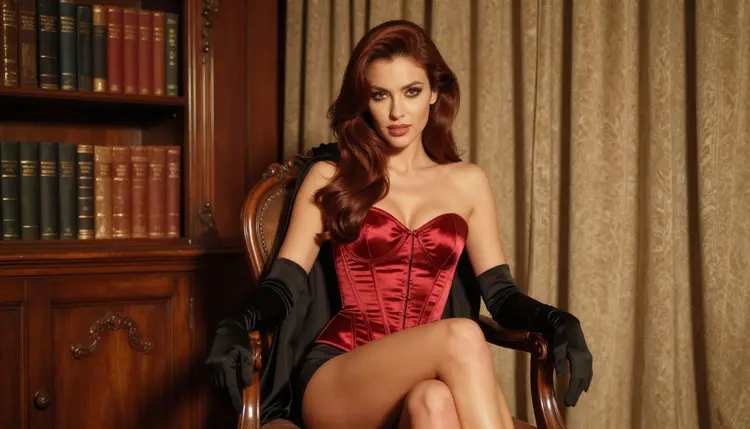
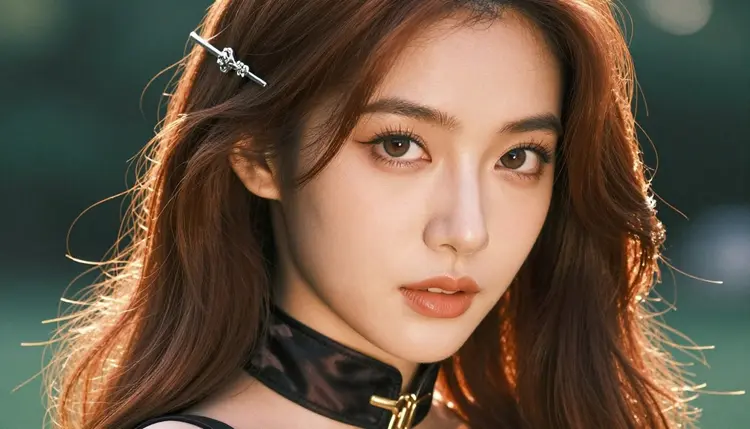
The rest of this guide assumes a specific goal: adult cosplayers in anime-inspired costumes, with detailed accessories such as capes, clasps, gloves, hairpins and corsets. That goal is flirty and suggestive, never explicit, and it works well with the models listed below. If you want to compare the two services side by side first, the page Picasso IA vs NovelAI lays out the differences.
Picasso IA is an AI image and video generator with hundreds of models in the full catalog. You create in the toolkit, where you pick a model, write a prompt, attach reference images if the model accepts them, and generate. For adult art there is a short list of models that Picasso IA has tested with adult prompts and watched generate instead of reject. These are called confirmed. It is the app's own testing, not a published setting of each model's maker, and a maker can change a model at any time.
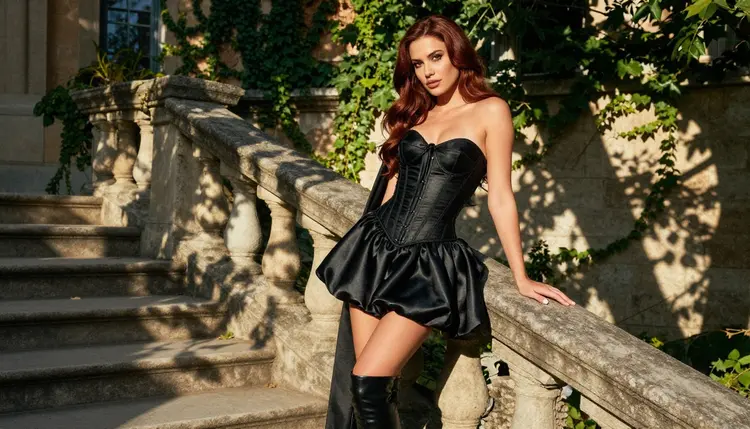
For the anime side of your idea, Recraft V4.1 Pro is the one to try first: the catalog describes it as strong on illustration and design. For the cosplay side, where the character looks like a real adult wearing a real costume under real light, Seedream 4.5 is the natural choice. You can run the same description through both and compare.
If a model cannot handle a prompt, Picasso IA does not leave you guessing. It shows a message titled "Content Not Supported by This Model", recommends models that accept adult prompts, and carries your prompt over so nothing has to be retyped. You pick another model and continue.
Every other model in the catalog is untested. That means worth a try, not confirmed either way. Qwen Image 2 and Picasso Video (Pruna P-Video) are examples. Try them if you are curious, but do not assume they behave like the confirmed list.
A new account also gets a small free trial on selected models. See the pricing page for how credits and unlimited generation work.
The steps below recreate the usual loop of picking a character, writing a prompt and iterating, using the models above. Follow them in order the first time, then skip around.
- Bring the character idea. Decide on one adult character and write down the costume: the base garment, the cape or coat, the gloves, the metal details and the hair accessory. A fixed list keeps later pictures consistent.
- Pick the model. Open the toolkit and choose Seedream 4.5 for a photographic look or Recraft V4.1 Pro for an illustrated one.
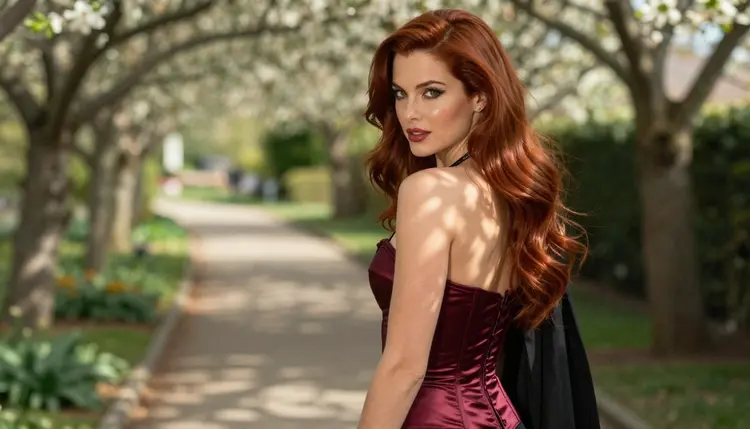
- Describe wardrobe, light and pose. Write the costume first, then the light (soft window light, golden hour backlight), the lens (70mm or 135mm) and a calm pose such as seated upright or walking away.
- Generate and refine. Run it, look at the result, then change one thing at a time. If a detail is off, use Picasso Image Editor Pro on the picture instead of starting over.
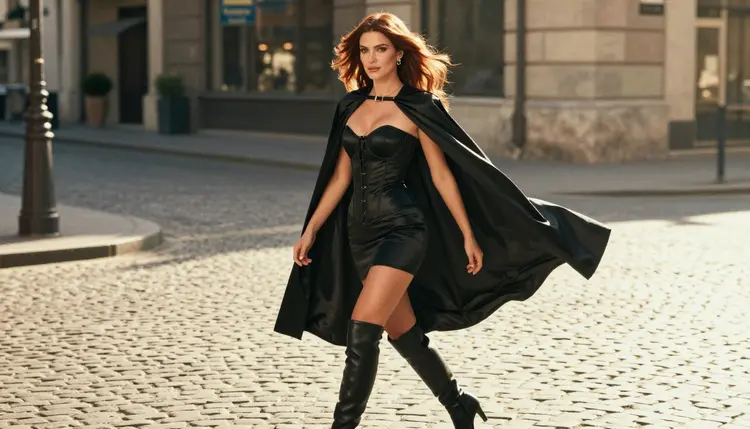
- Extend to video. Take your favorite still to Picasso IA Video or Seedance 2.5 Lite and describe a small movement, like a cape lifting in the wind.
Several habits carry over unchanged. Prompts are still plain text, specific wardrobe words still matter more than adjectives, and iterating with small changes still beats rewriting everything. If you keep a personal list of costume details and light setups, you can paste it straight into the toolkit.
Reference images carry over in a useful way. In the toolkit, each attached image gets an @1, @2 badge, and you can refer to it in the prompt. Picasso IA translates that reference into the syntax the chosen model understands. Only models that accept several inputs show the badges, so check the model page first. This helps when you want the same costume across several frames.
Consistency across a set takes some care. A repeated, identical costume description and a fixed light setup do most of the work. A single reference image of your character helps more. Expect small differences from frame to frame and use the editor model for fixes.
Some things do not carry over. Picasso IA makes pictures and videos. It does not write stories, so if the story tool is the part you rely on, you will keep using another service for that. It also does not copy the specific look of another service, and the catalog is built around general-purpose models rather than one anime-only model. What you gain is photographic output, illustrated output and video in the same place.
For the anime look itself, expect to write it into the prompt: describe the costume details, the hair style, the flat or glossy finish you want. A related page, PixAI Alternative for NSFW Anime Art, covers a similar workflow from a different starting point, and Ecchi Anime Art: NSFW AI Generator goes deeper on the suggestive anime style.
Picasso IA's adult section is 18+ only. If you are under age, this is not for you, and nothing on this page is written for you.
Every character must be a fictional adult. No real or identifiable person, no celebrity, and no one who could read as a minor. Describe adults with adult details, and write woman or man, never anything that suggests youth. This applies to cosplay too: an anime costume does not change the age of the person wearing it.
What you generate is private by default. It is tied to your account and not published or shown to other people. The content stays provocative, never explicit: wardrobe, pose, light, mood and implied intimacy, and nothing explicit.
An honest comparison has to say where the other tool wins. According to its published pages, NovelAI also includes AI-assisted story writing. If you want narrative text next to your artwork, Picasso IA cannot do that, and NovelAI can.
It is also built around anime-style artwork from text prompts as one of its two main tools. If a single focused anime image generator is exactly what you want and it already works for your prompts, there is no reason to leave. Picasso IA is a broader catalog, and breadth is only useful when you need it.
If your idea would benefit from photographic cosplay, illustration and video under one roof, try Picasso IA with a small free trial on selected models. The Picasso IA vs NovelAI comparison is a good next read, and the pricing page explains credits and unlimited generation. You can also see how another service compares in SeaArt Alternative for NSFW Art.
Is Picasso IA an official NovelAI replacement?
No. Picasso IA is not affiliated with NovelAI, and it makes pictures and videos only, with no story writing. It is a separate option for adult anime-inspired art, cosplay portraits and short clips, and the models you use there are listed on this page.
Can I make NSFW anime-style art in Picasso IA?
Yes, within the rules. Recraft V4.1 Pro, which the catalog describes as strong on illustration and design, is a confirmed model for adult prompts. Content stays provocative, never explicit, and every character is a fictional adult.
Which models are confirmed for adult prompts?
Three image models and three video models: Seedream 4.5, Recraft V4.1 Pro, Picasso Image Editor Pro, LTX 2.3 Pro, Picasso IA Video and Seedance 2.5 Lite. Confirmed means Picasso IA tested them with adult prompts repeatedly. It is not a published setting of the makers.
What happens if a model refuses my prompt?
The app shows a message titled "Content Not Supported by This Model". It recommends models that accept adult prompts and carries your prompt over, so you do not have to retype it. Choose one of the recommended models and generate again.
Are the other models in the catalog filtered?
Not necessarily. Every model outside the confirmed list is untested, which means worth a try and not confirmed either way. Picasso IA does not call them filtered or filter-free. Test them yourself in the full catalog.
Can I turn a cosplay image into a video?
Yes. Picasso IA Video takes text or an image and makes a clip, and Seedance 2.5 Lite is listed for clips up to 10 seconds. LTX 2.3 Pro makes 4K video from text.
Can I use reference images for my character?
Yes, on models that accept several inputs. Each attached image gets an @1, @2 badge in the toolkit, and you refer to it in the prompt. Picasso IA translates the reference into the syntax each model understands, so the same note works across models.
Can I use a real person or a celebrity as the character?
No. Every character must be a fictional adult. Real or identifiable people are not allowed, and neither is anyone who could read as a minor. Write woman or man, give adult details, and keep the costume and setting invented.
Are my generations public?
No. What you create is private by default, tied to your account and not published or shown to others. The adults-only and fictional-characters rules still apply to everything you make, whether or not anyone else sees it.
Is there a free way to try it?
A new account can try a few generations for free on selected models, including Picasso IA Image, Picasso Image Editor Pro, Picasso IA Video and Seedance 2.5 Lite. The free trial does not cover the whole catalog, so check the pricing page for details.