A lingerie lookbook is a set of pictures that shows a collection the way a brand wants it to be seen: one studio frame, one lifestyle frame, a close detail of lace or satin, a wide shot that sets the mood. Before a real collection exists, or when you are only testing an idea for a label, you can build that set with AI. This page walks through a lookbook for a fictional lingerie brand, from the plan to the finished frames, using the models in Picasso IA that have been tested with adult prompts.
The pictures are provocative and never explicit. Think satin bralettes, lined lace, robes, bodysuits, heels and a coat thrown over the shoulders. Everything here is for adults, about fictional characters and fictional brands, and nothing in it points to a real person or a real company.
Start with the deliverable, because it decides every prompt that follows. A brand concept lookbook usually has between eight and twelve frames. That is enough to show a studio side and a lifestyle side without repeating yourself. Count them before you generate anything and write the list on paper: one wide opener, two or three full-length frames, a couple of mid shots, a close portrait, two detail frames and a closing wide frame.
Next, pick the formats. A lookbook spread is almost always landscape, so work in a wide frame from the start. If you also want a vertical version for a story or a poster, plan it as a second pass instead of cropping afterwards, because a crop cuts the composition you built. Seedream 4.5 creates images from text in 4K, which gives you room to crop a detail out of a wide frame later. Recraft V4.1 Pro gives print-ready images at 2K, which suits a printed lookbook or a pitch deck.
The third thing the set needs is consistency. A lookbook falls apart when the woman in frame two does not look like the woman in frame five. Decide on one fictional model and keep her description identical in every prompt: age as a mature adult, hair, eye color, makeup, build. Then decide on a small wardrobe palette. Three or four colors for the whole brand, for example burgundy, emerald, black and ivory, make the set look like a collection and not like random pictures.
Finally, fix the fictional brand. Give it an invented name in your notes, a mood (quiet luxury, warm morning studio, evening city) and a fabric story (satin, lace, jersey). You do not need a logo in the picture. The mood and the fabric do the work, and keeping text out of the frames avoids the garbled lettering that image models often produce.
Picasso IA keeps a short list of models that were tested repeatedly with adult prompts and generated instead of rejecting them. Here, confirmed means exactly that: it is the result of the app's own tests, not a published setting from the model's maker, who can change it at any time. For a lookbook, three of them cover the stills and three cover the clips.
Two of these do most of the work. Seedream 4.5 is the model for the photographic frames, the ones that should look like a real shoot with a real lens. Picasso Image Editor Pro is the second tool you will keep open, because it edits an image you already have: you can change a strap, swap a color or clean up a detail without regenerating the whole scene, and it carries the unlimited tag in the catalog.
Recraft V4.1 Pro earns its place when the lookbook needs a design side, for instance a flat illustrated board of the collection next to the photographs. Its strength is illustration and design, so use it for the brand sheet and keep the photographs on Seedream 4.5.
Other models are worth a try, and they are untested, which means they are not confirmed either way. Qwen Image 2 is one of them, and Seedream 5 is another. Run the same prompt through them when you want a second look, and treat the result as an experiment. You can browse the full catalog by task.
The workflow is the same whether the brand is a swimwear label or a bridal line. Work through the steps in order and keep the notes from each one, because the later steps reuse them.
- Plan the set. Write the shot list with the number of frames, the wardrobe palette and the fictional brand mood, so every later prompt has a target.
- Write the character and scene description. Describe one fictional adult woman, her hair, eyes and makeup, then the room, the light and the lens, in plain sentences you can paste into every prompt.
- Generate the key image. Open the toolkit, choose Seedream 4.5 and make the wide opener first, because it fixes the face, the palette and the light for the rest of the set.
- Build the rest of the set. Reuse the same description and change only the shot, the garment and the light, attaching the key image as a reference so the same woman appears each time.
- Refine and export. Open the weak frames in Picasso Image Editor Pro, fix the straps, colors and small details, then download the final set and check the sizes you need.
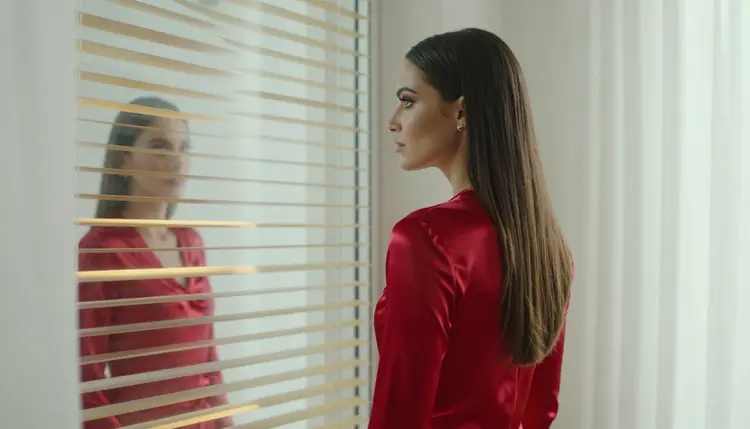
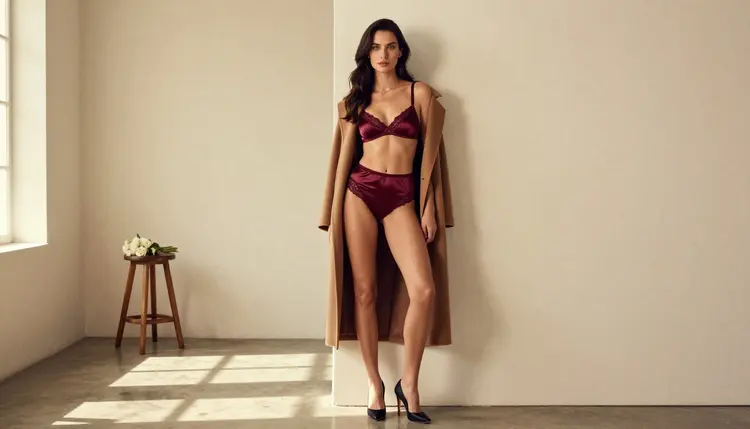
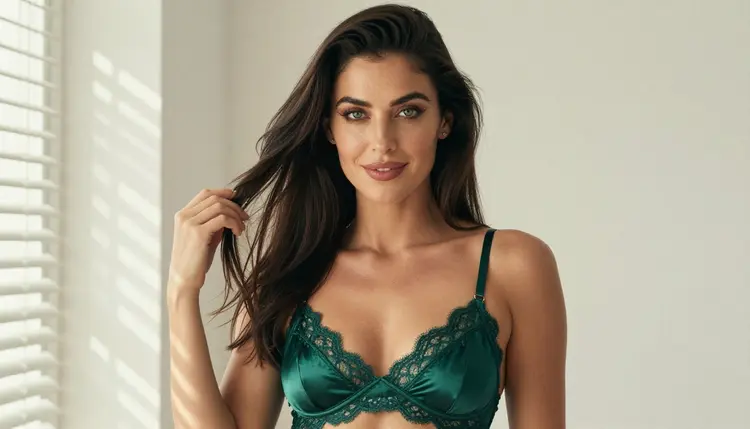
Good lookbook prompts read like a photographer's brief. They name the garment, the setting, the light, the lens and the pose, and they stay short enough that the model does not drop half of it. Here is a base prompt for the opener: a woman in her early thirties with long sleek dark-brown hair, green eyes and polished glamour makeup, standing against a white doorframe in a bright minimalist studio, wearing a burgundy opaque satin bralette and briefs with fully lined lace edging, black heels and a camel coat draped open over her shoulders, hard morning sun through blinds, 70mm lens, film grain, warm tones.
Notice what is in it. The garment says opaque and fully lined, so the frame stays on the glamour side of the line. The light is named, the lens is named, and the pose is a calm standing one. Change one of those at a time and you get a new frame with the same feeling.
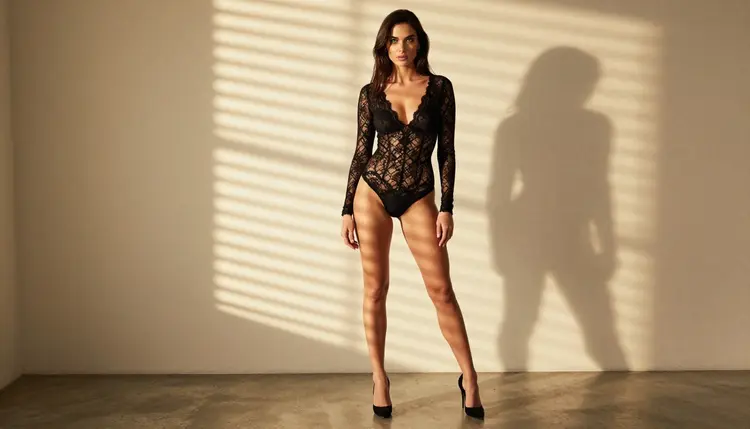
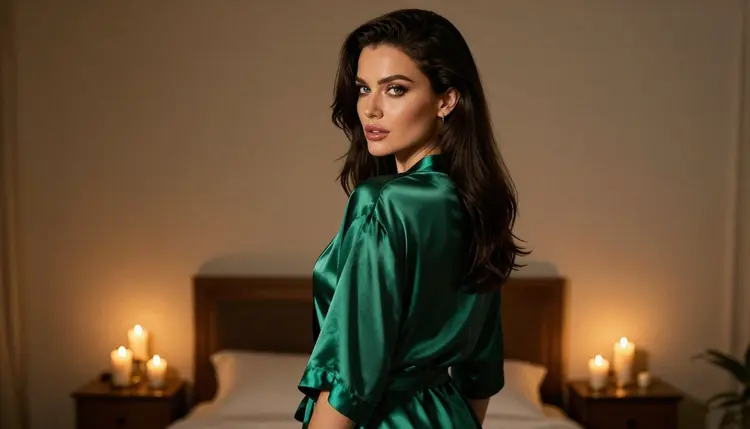
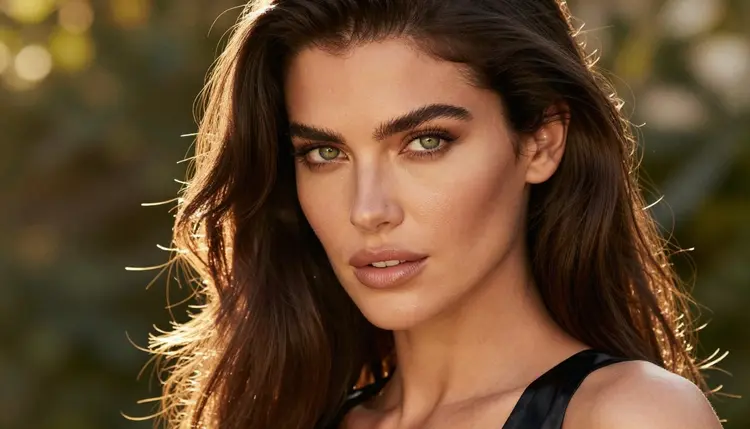
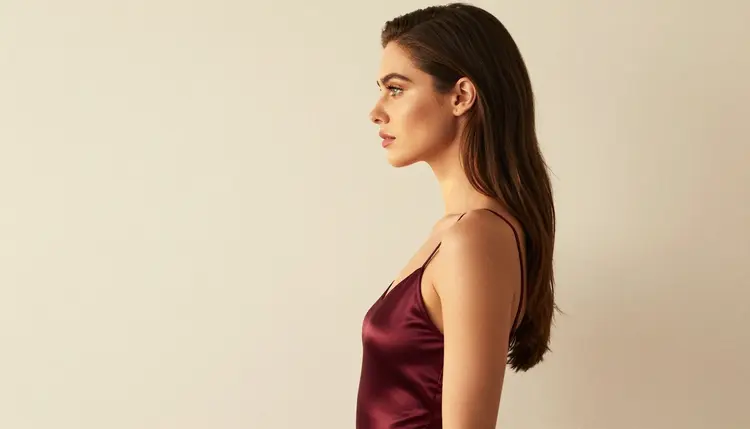
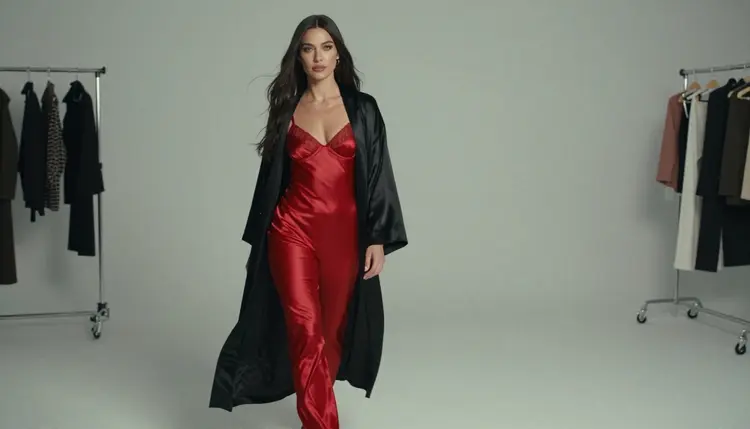
For the rest of the set, vary the shot and keep the woman. A full-length frame in a black lace bodysuit and heels gives you the studio side. An over-the-shoulder frame in an emerald satin robe by candlelight gives you the quiet, evening side. A tight portrait with black satin straps in golden backlight adds warmth. A profile silhouette in a burgundy bodysuit against a cream wall, in late-afternoon side light, shows the cut of the garment through its outline.
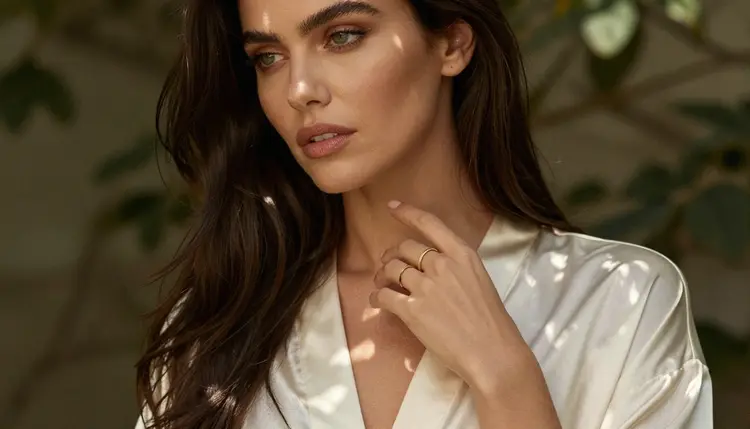
Detail frames matter more than people expect, because they are what a brand uses on a product page. Ask for exactly one hand with a thin gold ring resting on the hem of an ivory satin robe, in dappled shade, 50mm lens. Writing "exactly one hand" is not a joke: image models sometimes add a second hand or an extra finger, and naming the count lowers the risk. If a hand still comes out wrong, fix it in the editor instead of starting over.
To keep the same fictional woman, paste the character description word for word and attach the key image. In the toolkit each attached image gets an @1 badge, and you can refer to it in the prompt, for example "the woman from @1, now seated on a stool". Picasso IA translates that reference into the syntax the chosen model understands. Only models that accept several inputs show the badges, so check the model page if you do not see them.
When a frame is finished, you can bring it to life. Picasso IA Video turns a still or a text prompt into a short clip, which is useful for a slow push on a satin robe or for light moving across a bodysuit. LTX 2.3 Pro makes 4K video from text, so it fits when the clip is the main deliverable and not an add-on. Seedance 2.5 Lite is a fast way to test a motion idea, listed up to 10 seconds. Keep the clips plain: one subtle movement, one light, one outfit.
If you want more ideas for the same type of garment, two sibling pages go deeper. The NSFW bridal lingerie AI generator covers white and ivory sets, and the page on NSFW lingerie photos with Seedream 4.5 goes through single-model prompting in more detail.
This page is for adults, and the first rule is the simplest: Picasso IA's adult content is for people aged 18 and over. If you are not an adult, this is not for you.
The second rule covers the people in the pictures. Every character is a fictional adult. Never use a real or identifiable person, never a celebrity, never a photo of someone you know, and never describe anyone who could read as a minor. A lookbook for a fictional brand has no reason to need any of those, and the prompts above never do.
The third rule is about privacy. What you create is private by default: it is tied to your account and is not published or shown to others. What you do with it afterwards is your decision.
One more point concerns where the lookbook ends up. A pitch deck, a portfolio, a store page or an ad platform each has its own rules about adult imagery and about AI-generated pictures. Picasso IA cannot promise that any of them accepts a given image, so check the rules of wherever you publish before you build the final set around it. Treat the lookbook as a concept document for a fictional label, and say so when you share it.
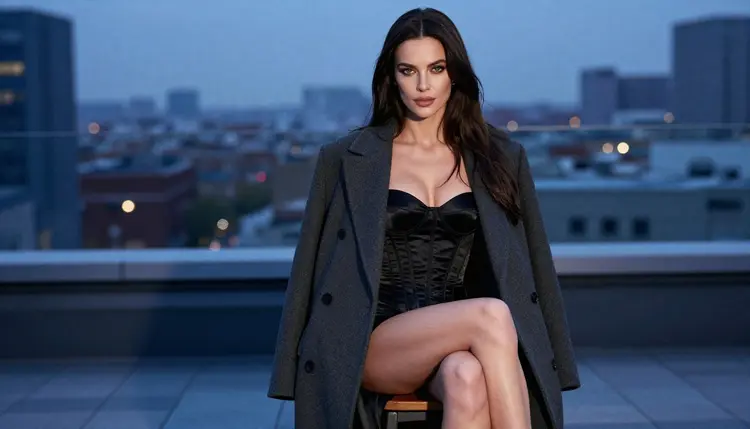
If a model refuses a prompt, the app shows a message titled "Content Not Supported by This Model". It suggests models that accept adult prompts and carries your prompt over, so you do not retype it. Take the suggestion, or reword the garment line to be clearer about what is covered, and run it again.
A new account can try a few generations for free on selected Picasso IA models: Picasso IA Image, Picasso Image Editor Pro, Picasso IA Video and Seedance 2.5 Lite. It is a small free trial on selected models, not on the whole catalog, so use it for a test frame and a first clip. Details on plans and credits live on the pricing page.
Credits are spent per generation and vary by model and by options such as resolution or duration, so plan the set before you start. Models marked with the infinity tag in the catalog do not spend credits on the plans that include unlimited generation, which is worth knowing for the editor and the video models when you iterate a lot on small fixes.
Once the confirmed models have given you a base set, try the untested ones for variety. Qwen Image 2 is one image model to compare, and Picasso Video (Pruna P-Video) is a video model to compare against Picasso IA Video. They are untested, so results can differ and a prompt may not run. A good test is the same opener prompt on two models, side by side, judged on fabric texture and face consistency.
If the idea behind your lookbook is a couple, a honeymoon edit or an influencer feed, the siblings of this page cover those angles: a honeymoon lingerie concept and the NSFW AI influencer generator with fictional models only.
Open the toolkit, paste your character description, generate the opener and decide from there whether the set needs eight frames or twelve.
What is an AI lingerie lookbook for a brand concept?
It is a set of generated pictures that presents a fictional lingerie collection the way a lookbook would: studio frames, lifestyle frames, details and a closing wide shot. It is a concept document for a made-up brand, useful for pitching an idea, testing a mood or planning a real shoot.
Which model should I start with?
Start with Seedream 4.5 for the photographic frames, because it creates 4K images from text and is on the confirmed list. Then use Picasso Image Editor Pro to fix details. Add a video model only after the stills are settled.
How many images does a lookbook need?
Between eight and twelve is a good range for a concept. That is enough for a wide opener, full-length frames, a portrait, two detail frames and a closing shot without repeating poses. Write the shot list first, then generate against it.
How do I keep the same woman in every picture?
Paste the same character description in every prompt and attach your key image as a reference. In the toolkit the attached image gets an @1 badge you can mention in the text. Change only the garment, the light and the shot, and the face stays recognizable across the set.
Can I use a real model or a celebrity?
No. Every character must be a fictional adult. Never use a real or identifiable person, never a celebrity, and never describe anyone who could read as a minor. This applies to every page in the section and to every prompt you write.
What does confirmed mean here?
It means Picasso IA tested adult prompts against that exact model repeatedly and watched it generate instead of reject. It is not a published setting from the model's maker, who can change it at any time, so the list reflects the app's own tests.
Can I turn the stills into short clips?
Yes. Picasso IA Video turns a still or a text prompt into a clip, LTX 2.3 Pro makes 4K video from text, and Seedance 2.5 Lite is listed up to 10 seconds. Keep each clip to one subtle movement.
Is there a free trial?
A new account can try a few generations for free on selected models: Picasso IA Image, Picasso Image Editor Pro, Picasso IA Video and Seedance 2.5 Lite. It does not cover the whole catalog. See the pricing page for how plans and credits work.
Will a store or ad platform accept these pictures?
Picasso IA cannot promise that. Each store, portfolio site and ad platform has its own rules on adult imagery and AI-generated pictures, so read the rules of wherever you publish before you finalize the set. Present the lookbook as a concept for a fictional brand.
Are my pictures private and is this only for adults?
Yes to both. The page is for people aged 18 and over, and every character is a fictional adult. What you generate is private by default: it is tied to your account and not published or shown to others unless you decide to share it.