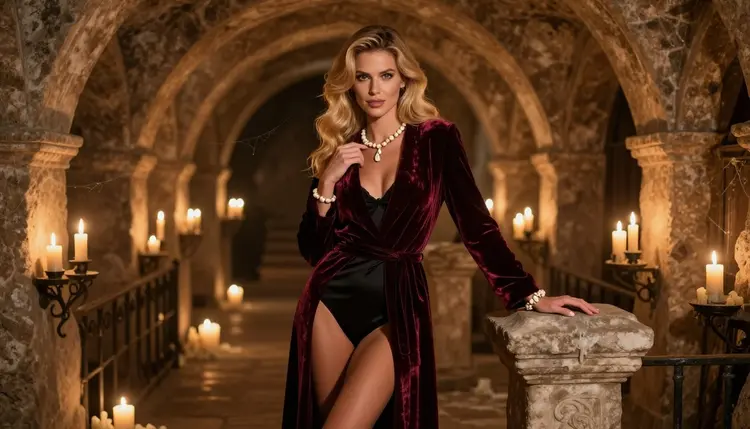
Necromancer art is a dark fantasy look built on old stone, candle smoke and heavy fabric. In its adult version the mood turns slow and suggestive: a mature woman in a velvet robe, bone jewelry at her ears and wrists, a crypt library behind her. Nothing here needs to be graphic. The pull comes from wardrobe, shadow and a confident look into the lens.
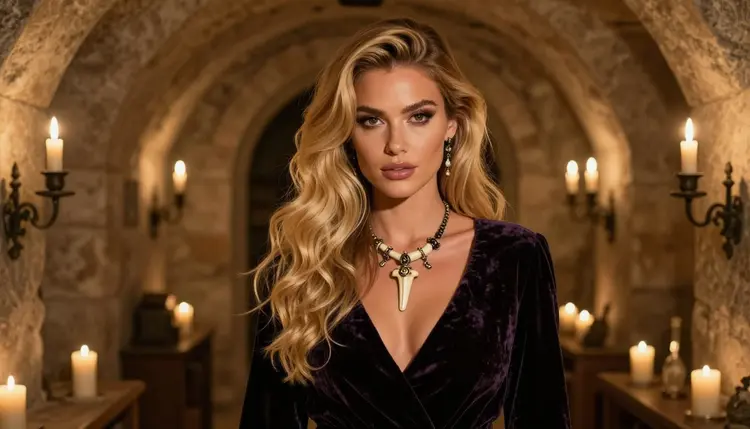
This page shows you how to make that look with Recraft V4.1 Pro, plus the other confirmed models for stills and short clips. You write the prompt, pick the model in the toolkit, and Picasso IA returns the image in your account. Everything stays 18+, with fictional adult characters only.
A necromancer is a costume and a set before it is anything else. Think of a long robe in burgundy, black or emerald velvet, a high collar, wide sleeves, rings carved from bone, a pendant on a cord, and a room full of candles, shelves and stone arches. Those are the pieces a prompt can name, and an image model can draw them clearly when you do.
Recraft V4.1 Pro is listed in the catalog as a model for print-ready images at 2K, and it is known for illustration and design. That suits this look well. Stone arches, engraved bone, folds in velvet and the pattern on a book spine all come out as clean, deliberate shapes, so the picture reads as a designed poster or book plate and not as a blurry snapshot. It is one of the models Picasso IA has tested repeatedly with adult prompts, which is what "confirmed" means in the app. You can read what that word covers on the page about what confirmed means. It is not a published setting from the maker, and it can change.
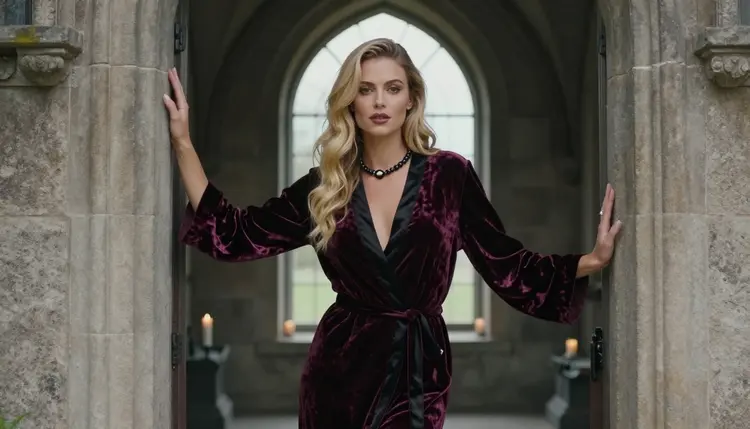
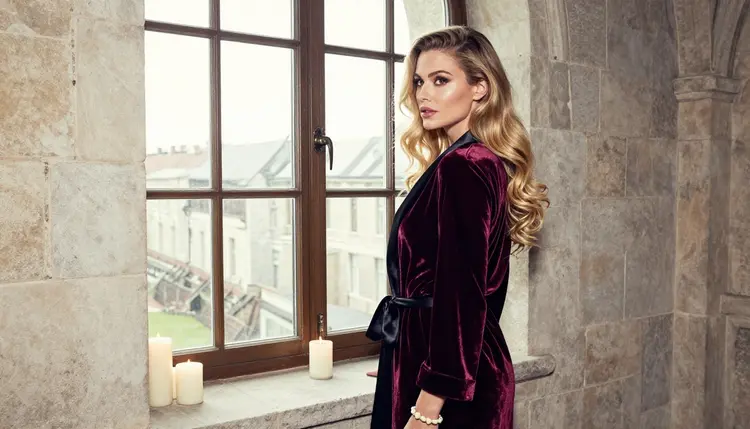
The glamour in this look is quiet. The robe is closed at the collar, the figure is shaped by the cut of the velvet and the lining beneath it, and the suggestion comes from posture: a shoulder turned toward the candle, a hand on a stone frame, a steady look. Because the picture is built from props, you can change the whole mood by swapping one of them. A pale candle gives a gentle scene, a ring of tall candles gives a ritual one, and a shaft of overcast window light gives a calm study.
Color matters as much as costume. Burgundy and black velvet look rich against grey stone, emerald stands out in a dim hall, and bone white pops against all three. Two or three colors per prompt keep the frame under control.
If you would rather have a photographic result, Seedream 4.5 is the other confirmed image model and makes 4K images from text. A film-grain portrait of a woman in a robe by candlelight is a good test of it. For a related dark look with horns and a more playful tone, the page on succubus art uses the same method.
Picasso IA keeps a short list of models it has tested with adult prompts. Each one has a job in a necromancer workflow: a first image, a photographic variant, a repair of one detail, or a moving shot of the candlelit hall.
| Model | Best for | Format |
|---|
| Recraft V4.1 Pro | Illustrated and designed crypt scenes, clean ornament | Image, 2K, print-ready |
| Seedream 4.5 | Photoreal portraits in robes and bone jewelry | Image from text, 4K |
| Picasso Image Editor Pro | Fixing one detail of an existing picture | Image editing, unlimited tag |
| LTX 2.3 Pro | A candle-lit corridor as a clip | Video from text, 4K |
| Picasso IA Video | Bringing a finished still to life | Video from text or image, unlimited tag |
| Seedance 2.5 Lite | Short moving shots of the same set | Video, up to 10 seconds, unlimited tag |
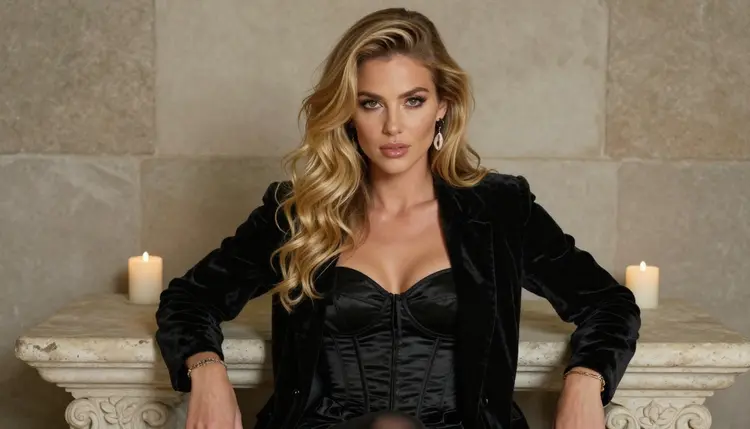
Other models in the full catalog are untested for adult prompts. They are worth a try, since the app does not say they will refuse, but nobody has confirmed them either way. If one of them gives you a message instead of a picture, move the same prompt to a confirmed model above.
The flow is short. Plan on one clear idea per prompt, then adjust with small changes instead of rewriting everything. If you attach a reference picture in the toolkit, models that accept several inputs show an @1 badge on it, and you can mention that badge in your prompt. Picasso IA translates the reference to the syntax each model understands.
- Open the toolkit and pick the model. Go to the toolkit, choose Recraft V4.1 Pro for an illustrated crypt scene or Seedream 4.5 for a photo look.
- Describe wardrobe and setting. Name the robe color, the fabric, the bone jewelry, the pose and the room, for example a crypt library with arched alcoves and shelves of old books.
- Set the light and mood. Candlelight, warm lamp light or cool blue hour all work. Say where the light comes from and add a lens such as 85mm for a portrait.
- Generate and review. Look at the hands, the folds of the velvet, the ring and earring shapes and the face before you keep anything.
- Refine or switch. Fix one detail with Picasso Image Editor Pro, or send the same prompt to another confirmed model and compare.
Each idea below names wardrobe, set, light and angle. Paste one, change the colors, and keep the character an adult.
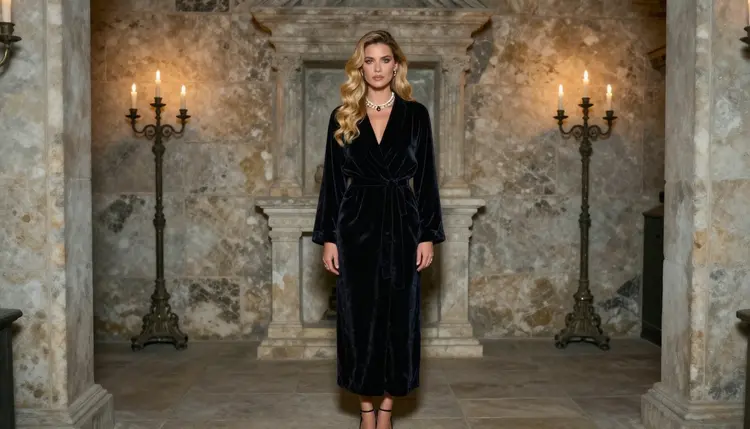
A wide frame of a woman with long wavy blonde hair standing in a candlelit crypt library, floor-length burgundy velvet robe closed at the collar over a fully lined black satin bodysuit, bone necklace, black heels, warm tungsten light, 135mm lens. This is the hero image of the look.
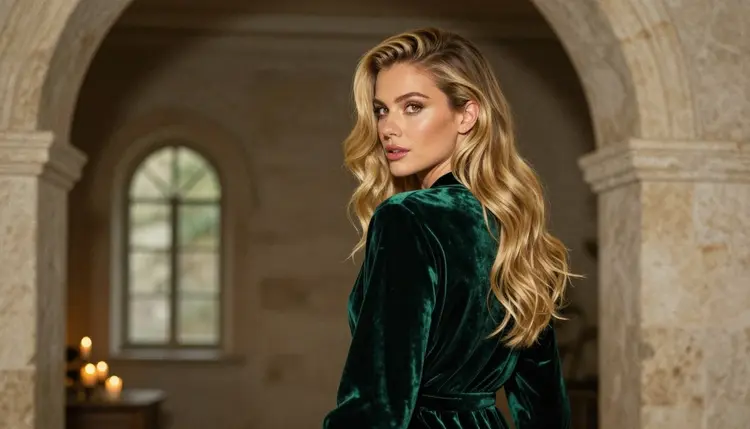
A waist-up portrait of the same woman leaning on a stone doorframe in a black velvet robe with wide sleeves, overcast soft daylight falling from the side, 85mm lens, a calm and confident expression.
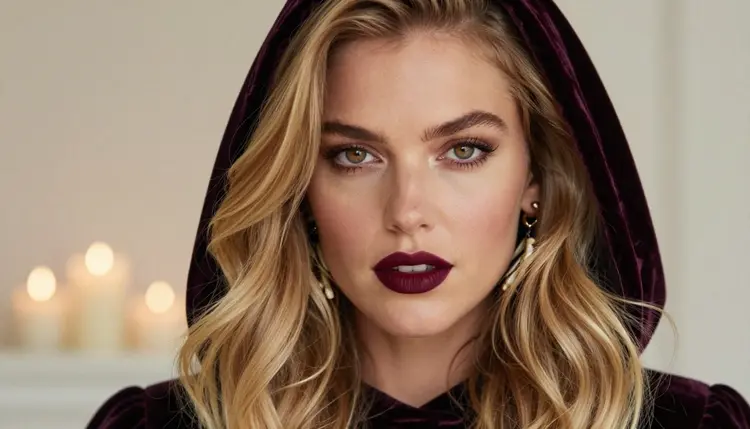
A seated three-quarter view on a stone bench in the crypt, upright posture, dark velvet robe, carved bone earrings, soft diffused light, 100mm macro lens so the texture of the fabric shows.
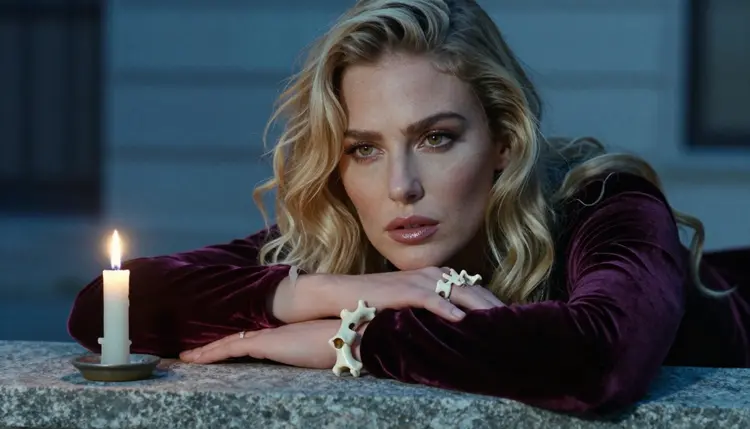
A detail shot of one hand with a carved bone ring resting on a burgundy velvet sleeve beside a single candle, cool blue-hour light, 70mm lens, shallow depth of field. Keep to exactly one hand in the prompt to avoid extra fingers.
An over-the-shoulder frame of a woman in an emerald velvet robe walking toward a stone arch, soft window light from the left, 24mm lens, with candles lining the floor.
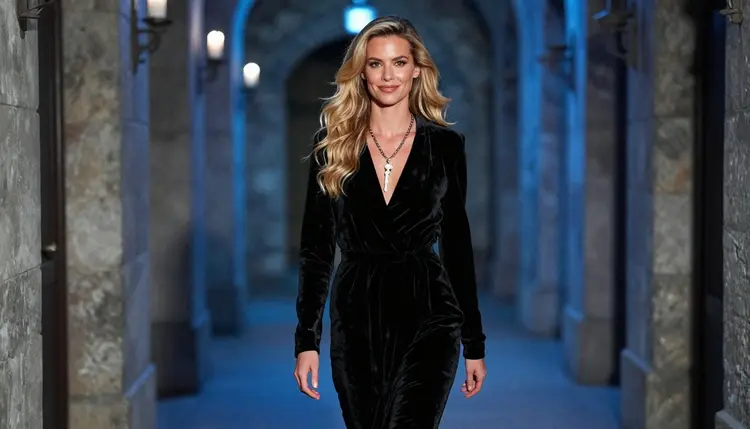
A woman in a flowing black velvet robe walking down a crypt corridor, candid three-quarter angle, blue-hour ambient light, 35mm lens, bone necklace catching a little light.
A full-length standing frame at the end of a long crypt hall, dark robe, bone jewelry, heels, dappled shade light, 70mm lens, with the arches leading the eye toward her. A related ritual look with a different wardrobe is the page on Halloween costume art.
A few habits make every idea above work better. Keep the same description of the woman across prompts, copying her hair, makeup and build word for word, so a series looks like one photo shoot. Change only the pose, the set and the light between shots. When a result is close but not right, edit the prompt by one phrase and run it again, because small changes teach you faster than a full rewrite. Save the versions you like, and reuse their wording as a base for the next scene.
This section is the short version of what applies to every page here. Read it once before you start.
Everything on Picasso IA in this section is for people aged 18 or older. If you are not an adult, close the page.
Every character you create must be a fictional adult. Do not use a real or identifiable person, and do not write prompts about anyone who could read as a minor. Describe a woman or a man with an adult age, adult styling and adult wardrobe.
Your generations are private by default. They are tied to your account and are not published or shown to other people unless you decide to share them yourself.
A new account can try a small free trial on selected models: Picasso IA Image, Picasso Image Editor Pro, Picasso IA Video and Seedance 2.5 Lite. Details and plans are on the pricing page. Models with the infinity tag do not spend credits on the plans that include unlimited generation, and the pricing page explains which ones.
For more range, browse the full catalog. Qwen Image 2 is a text-to-image option that is untested for adult prompts, and Picasso Video (Pruna P-Video) is an untested video option. Treat both as experiments: if they refuse a prompt, the app suggests models that accept adult prompts and carries your text over.
If your idea leans toward other fantasy art styles, the pages on NSFW art and monster romance art are good next stops.
Which models are confirmed for necromancer art?
The confirmed image models are Recraft V4.1 Pro, Seedream 4.5 and Picasso Image Editor Pro. For video, LTX 2.3 Pro, Picasso IA Video and Seedance 2.5 Lite are confirmed. Picasso IA tested adult prompts against each one repeatedly.
Why use Recraft V4.1 Pro for this look?
It is listed as a print-ready 2K model that is strong on illustration and design, and necromancer scenes are full of ornament: carved bone, arches, book spines and velvet folds. Those shapes stay clean in its output, so the result looks like a designed illustration instead of a rough sketch.
How should I word the prompt?
Start with the character and robe, then the set, then the light and the lens. Use plain nouns: burgundy velvet robe, bone ring, stone arch, candle. Name one idea per prompt and add changes one at a time, so you can see what each change does.
Can I put two characters in one scene?
Yes, you can try it, and it works best when you say who stands where and what each wears. Keep both as fictional adults. For ideas about pairs and creatures in a dark setting, see the page on monster romance art.
What happens when a model refuses my prompt?
The app shows a message titled "Content Not Supported by This Model". It recommends models that accept adult prompts and carries your prompt over, so you do not retype it. Pick one of the confirmed models and run it again.
Is this only for adults and fictional characters?
Yes. The section is 18+ only. Characters are fictional adults, never a real or identifiable person and never anyone who could read as a minor. Prompts that break that rule do not belong here.
Are my images private?
Generations are private by default. They are tied to your account and are not published or shown to others unless you choose to share them.
Can I turn a necromancer image into a video?
Yes. Use Picasso IA Video with a finished still, or LTX 2.3 Pro to make a 4K clip from text. Describe slow movement such as candle flames, a robe settling or a walk down the corridor.
How do I fix one detail without starting over?
Open the picture in Picasso Image Editor Pro and describe only the change, such as a cleaner ring, a fixed hand or a different robe color. The rest of the image stays as it was.
Can I try it before paying?
A new account gets a small free trial on selected models, including Picasso Image Editor Pro, Picasso IA Video and Seedance 2.5 Lite. See the pricing page for how credits and plans work, then try a first prompt in the toolkit.