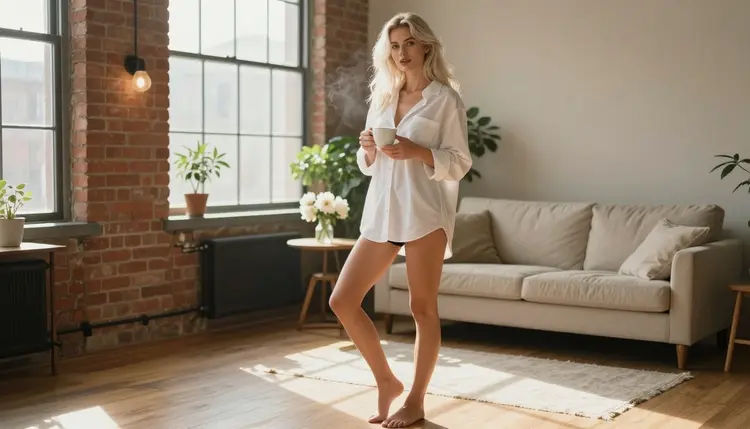
An oversized white men's shirt is one of the oldest tricks in glamour photography. It covers more than it shows, it moves with the body, and it tells a small story before the model has done anything: she stayed over, it is late morning, the coffee is still hot. On Picasso IA you can build that scene from a text prompt, with a fictional adult woman, a bright loft and soft window light, and get a photo that reads as spicy and relaxed rather than explicit.
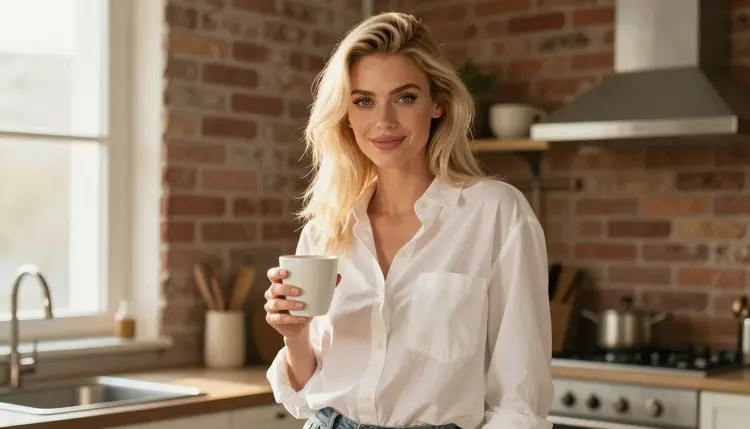
This page is for adults who want that look in a repeatable way. You will see which confirmed models fit it, how to describe the shirt, the light and the room, five steps from an empty prompt to a finished frame, and a set of prompt ideas you can paste and change. Everything here is suggestive at most: shirts, shorts, coffee cups and morning light. Every character is a fictional adult, and the whole page assumes you are 18 or older.
The look has three parts: the garment, the setting and the light. The garment is a men's cotton shirt in white or pale blue, cut too large, with the sleeves rolled and the collar open. The setting is domestic and unstaged: a loft kitchen, a window ledge, a hallway with a wooden floor. The light is almost always daylight, because soft window light is what makes crisp cotton look crisp.
What makes it read as flirty and not forced is the ease. The pose is ordinary (holding a cup, leaning on a doorframe, glancing back) and the shirt does the suggestive work through drape and length. A good prompt keeps that ease. It names the fabric, says how it hangs, and gives the model one simple action to perform. Models tend to produce stiff, catalog-style poses when the prompt lists only a body description and nothing to do.
Seedream 4.5 is the model this page is built around. According to the Picasso IA catalog it creates 4K images from text, and it is one of the models the app has tested with adult prompts and watched generate instead of reject, which is what "confirmed" means here. You can read Seedream 4.5 as the default for photoreal work. For fabric, that means visible weave, believable folds at the elbow and a collar that sits on the collarbone instead of floating.
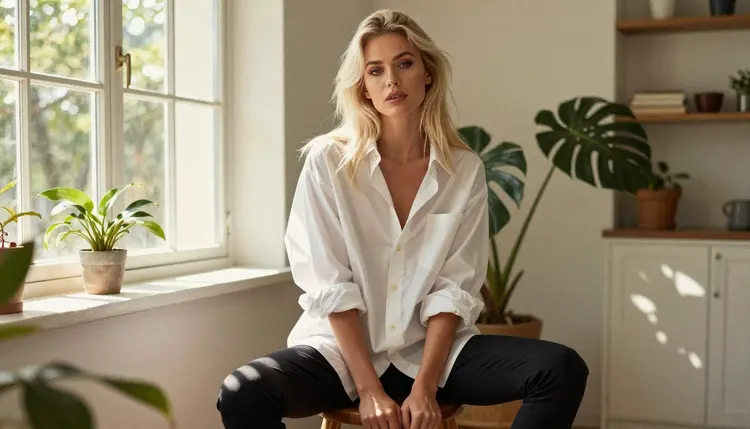
Two small habits help more than any long prompt. First, put the shirt first: "oversized white men's cotton shirt, sleeves rolled to the forearm" before anything about the face. Second, give the shirt something to cover. Naming black opaque shorts or a plain slip under the hem keeps the frame on the glamour side and stops the model from guessing what is underneath. If you like the boudoir end of the same mood, the page on Seedream 4.5 NSFW boudoir photos goes further into soft light and bedroom sets.
Confirmed means Picasso IA tested adult prompts against that exact model repeatedly and watched it generate instead of reject. It is not a published setting of the model's maker, who can change it at any time. Three of the confirmed models make still images, and three make video, so the same shirt scene can start as a photo and end as a short clip.
| Model | Best for | Format |
|---|
| Seedream 4.5 | Photoreal shirt portraits and loft scenes | Text to image, 4K |
| Recraft V4.1 Pro | Illustrated or design-led shirt posters | Print-ready images, 2K |
| Picasso Image Editor Pro | Fixing a collar, a cuff or a cup in an existing frame | Photo editing, unlimited tag |
| LTX 2.3 Pro | A slow clip of the morning scene | Text to video, 4K |
| Picasso IA Video | Turning a finished photo into motion | Text or image to video, unlimited tag |
| Seedance 2.5 Lite | Short clips with a simple camera move | Video, up to 10 seconds, unlimited tag |
For the shirt look, start with Seedream 4.5 for the photo and keep Picasso Image Editor Pro open for repairs. Recraft V4.1 Pro is the odd one out: it leans toward illustration and design, so it suits a stylized poster of the same scene more than a film-grain photograph. The video models come in when the still is already right.
Beyond these, the catalog holds hundreds of models that are untested for adult prompts. Some of them are worth a try, for example Qwen Image 2 for stills or Picasso Video (Pruna P-Video) for clips, but nothing is promised either way. If one of them does not accept a prompt, the app shows a message and points you to a confirmed model with your prompt carried over. You can browse them all in the full catalog.
Open the page, pick a model, write one paragraph and look at the result. The five steps below are the same whether you make one frame or twenty.
- Open The Toolkit. Go to the toolkit and choose Seedream 4.5 from the image models. Pick a 16:9 frame if you want a wide loft scene, or a tall frame for a full-length shirt portrait.
- Describe Wardrobe And Setting. Write the shirt first, then what is under the hem, then the room. For example: oversized white men's cotton shirt, sleeves rolled, black opaque shorts, bright loft kitchen with an industrial window.
- Set Light And Mood. Name one light source and one time of day. Soft window light on a morning, warm tungsten lamp light in the evening or cool blue hour at the glass all give very different frames.
- Generate And Review. Run the prompt and check the hands, the fabric folds and the face before anything else. Count fingers, look at where the cuff meets the wrist and see whether the collar sits naturally.
- Refine Or Switch. Send the frame to Picasso Image Editor Pro to fix one detail, or change the model and keep the same prompt. If a model shows a refusal message, take the recommended model it offers.
Adding a reference image works too. In the toolkit, each attached picture gets an @1, @2 badge, and you can refer to it inside the prompt. Only models that accept several inputs show those badges, so check the model first. A reference of the shirt itself, or of a room you like, keeps a series consistent from one frame to the next.
These prompts are starting points. Each one names wardrobe, setting, light and angle, and each one keeps the character a fictional adult. Paste one into the toolkit, then change the shirt color, the room or the lens.
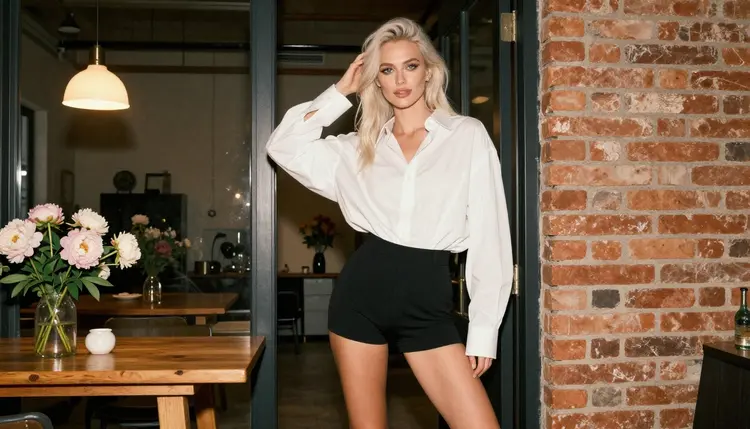
Morning coffee in the loft. A mature adult woman with long platinum-blonde hair stands in a bright loft kitchen, wearing an oversized white men's shirt over black opaque shorts, holding a plain white cup. Warm tungsten lamp light mixes with the window, 85mm f/1.8, waist-up frame, film grain.
Seated on a wooden stool. The same woman sits upright on a wooden stool, knees crossed, shirt sleeves rolled, dappled light falling across the floor. Use a three-quarter eye-level view at 135mm f/2, so the background blurs and the cotton folds stay sharp.
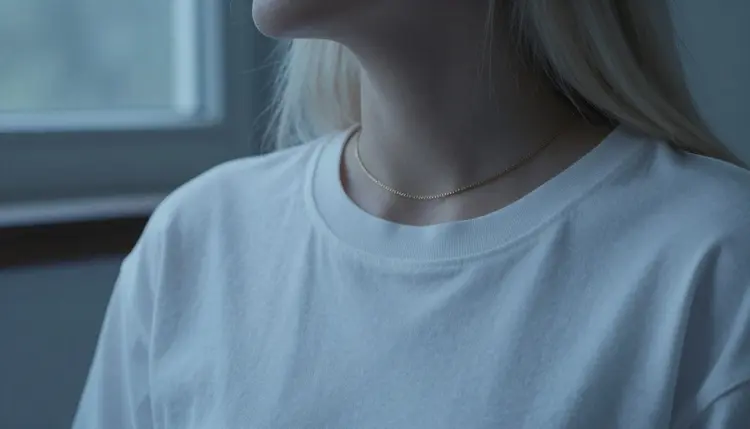
Collar and gold chain. A detail shot with exactly one hand in frame: a hand lightly holding the open collar, a fine gold necklace at the collarbone, cool blue-hour light. Close detail prompts like this are good for testing how a model handles fabric texture.
Doorframe lean. A wide environmental portrait: she leans on a loft doorframe in the oversized shirt, one foot crossed over the other, warm lamp light behind her. Mention the doorframe by material (painted wood, steel) so it does not melt into the wall.
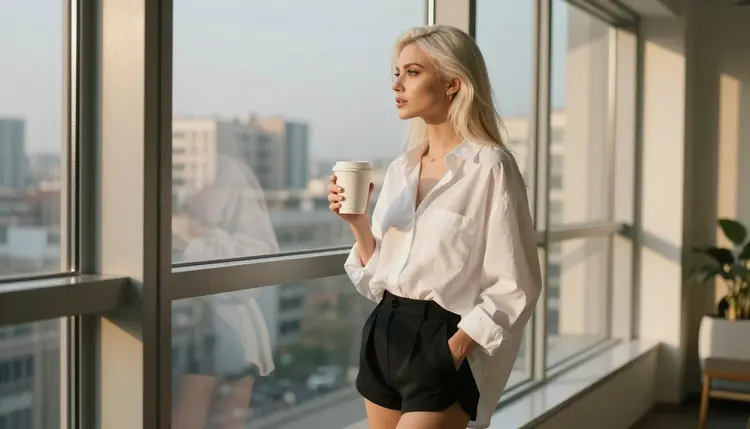
Looking out of the window. She stands at a large loft window with a coffee cup, looking outside, late-afternoon side light on her profile. Say "no mirror" if the model tends to add reflections. This frame suits a calm, unposed mood.
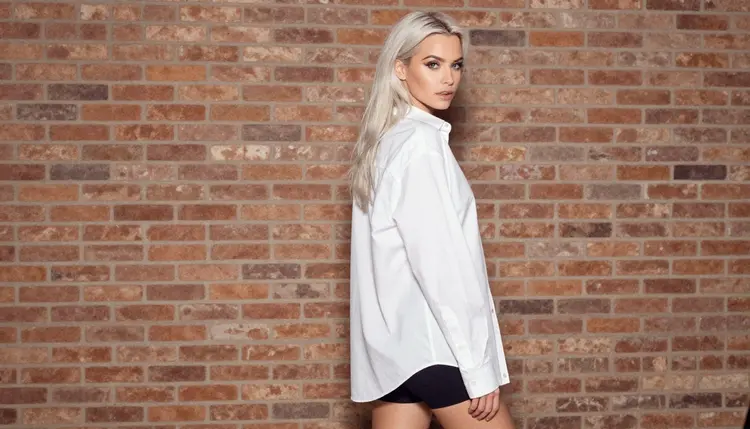
Over the shoulder. A glance back toward the camera, overcast soft daylight, the shirt hem lifting slightly as she turns. Overcast light is forgiving: it keeps white cotton from clipping to pure white.
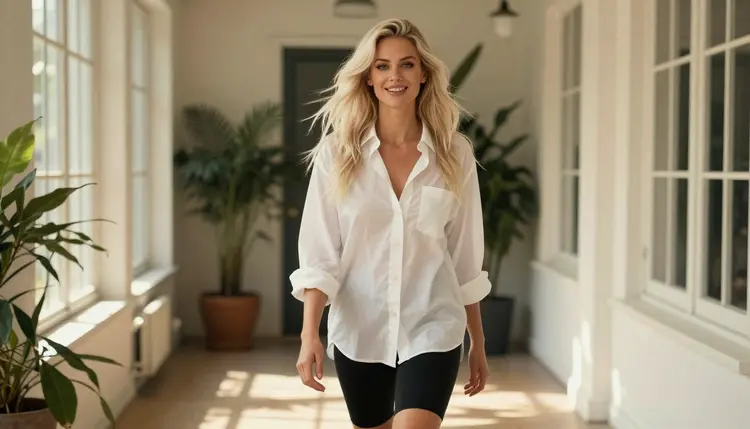
Walking the hallway. A candid walking shot in a sunlit loft hallway, dappled shade across the wooden floor, a smile mid-step, 70mm f/2.8. Ask for a little motion in the shirt tail and keep the legs uncrossed so the stride reads clearly.
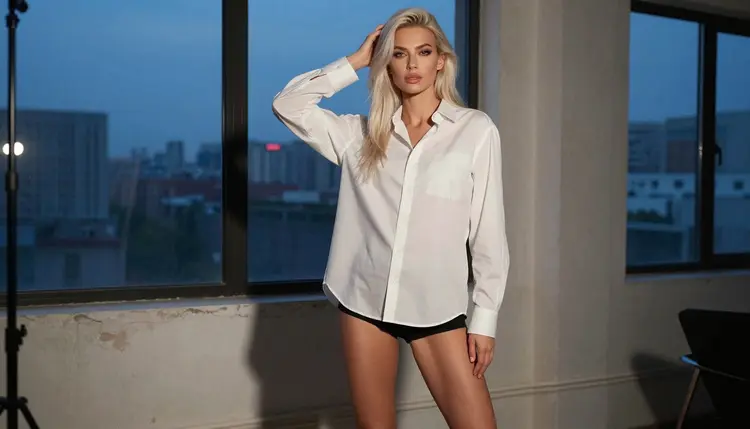
Dusk by the windows. A full-length standing frame in blue-hour light with a warm lamp glow behind, shirt buttoned halfway, bare feet on dark boards. Tall frames suit this one, and it makes a good first frame for a clip.
This section is not decoration. Picasso IA's NSFW pages are for adults only. If you are under 18, this page is not for you, and the tools here are not for you either.
Every character you create must be a fictional adult. Do not write prompts about real or identifiable people, and do not describe anyone who could read as a minor. A shirt scene is a style exercise with an invented woman, not a way to imitate someone you know or someone famous.
What you generate is private by default. It is tied to your account and not published or shown to others, so it stays yours unless you choose to share it. Keep the same care in what you describe: suggestive is the line for this page, and wardrobe, pose and light carry the mood without anything explicit.
A new account can try a few generations for free on selected models: Picasso IA Image, Picasso Image Editor Pro, Picasso IA Video and Seedance 2.5 Lite. That is a small free trial on selected models, not the whole catalog, so check which model you are on before you start. Plans, credits and the unlimited tag are explained on the pricing page.
For a shirt series, a simple order works well. Make the still in Seedream 4.5, clean up one detail in Picasso Image Editor Pro, then move the final photo into Picasso IA Video for a short clip. Each model spends credits differently, depending on options such as resolution or duration, so a quick test at a lower setting is a sensible first move.
If you want a related look after this one, try corset photos for structured wardrobe, or hotel room photos for the same relaxed mood in a different set. Polaroid style photos pairs well with the morning-after feeling of this page. Among the untested models, Qwen Image 2 and Picasso Video (Pruna P-Video) are worth a try, labelled as untested: nothing is confirmed about them either way.
Which models are confirmed for oversized shirt photos?
Seedream 4.5, Recraft V4.1 Pro and Picasso Image Editor Pro for images, and LTX 2.3 Pro, Picasso IA Video and Seedance 2.5 Lite for video. Confirmed means Picasso IA tested adult prompts on that exact model and watched it generate. Everything else in the full catalog is untested.
Why start with Seedream 4.5?
It creates 4K images from text and handles photoreal fabric, light and skin well, which is what a white cotton shirt needs. It is also confirmed, so you are not guessing. Open the toolkit, pick it and write the shirt first.
How should I word the prompt for a shirt photo?
Name the garment, its fit and the sleeves, then what is under the hem, then the room, then one light source and a lens. Add a single simple action, like holding a cup. Short, concrete prompts beat long lists of adjectives.
Can I put two characters in one scene?
Yes, you can describe two adult characters, but each added person raises the chance of odd hands or merged limbs, so keep their positions simple. For a couple in a room, the page on hotel room photos is a good model for how to frame it.
What happens when a model refuses a prompt?
The app shows a message titled "Content Not Supported by This Model". It recommends models that accept adult prompts and carries your prompt over, so you do not retype anything. Pick one of them and run it again.
Are the characters adults and fictional?
Always. Every page here is 18+ only, and every character is a fictional adult. Never write prompts about real or identifiable people, and never describe anyone who could read as a minor. Prompts that do are outside what this page supports.
Are my images private?
Generations are private by default. What you create is tied to your account and not published or shown to others. Sharing is your decision, and it is worth deciding before you send an image anywhere.
Can I turn a shirt photo into a video?
Yes. Move the finished still into Picasso IA Video, which takes text or an image, or into LTX 2.3 Pro for 4K video from text. Ask for gentle motion only: steam from the cup, a hem moving, a slow push in.
How do I fix one detail, like a collar or a cuff?
Open the frame in Picasso Image Editor Pro and describe only the change: "straighten the collar" or "remove the extra finger". Keep the instruction short so the rest of the image stays as it is.
Can I try it before paying?
A new account gets a small free trial on selected models, including Picasso IA Image, Picasso Image Editor Pro, Picasso IA Video and Seedance 2.5 Lite. It does not cover the whole catalog. Details on credits and plans are on the pricing page.