Most prompt guides for adult-leaning imagery assume a woman in the frame. If you want a man instead, the same lazy prompt gives you a flat, generic result: a stock face, a stiff pose and a shirt that looks pasted on. This guide gives you a reusable NSFW prompt template for male portraits, built around tailored shirts, suits and knitwear, with the chest covered and the mood carried by light, fabric and posture. Every example is a fictional adult, and every line of the template is written so you can copy it, swap a few words and generate again.
You will need an account on Picasso IA and a few minutes. The template works in any text-to-image model, but the models named below are the ones we tested with adult prompts, so you spend less time hitting refusals and more time refining the picture.
A portrait of a man is read differently from a portrait of a woman. The viewer looks for jawline, shoulders, the way a collar sits, the weight of a jacket. Glamour wording that works for lingerie or boudoir shots (soft fabric, tender light, a slow pose) can turn a male portrait into something limp. The better approach is structure: broad light, clean lines, fabric with texture and a pose that looks like the man is thinking about something other than the camera.
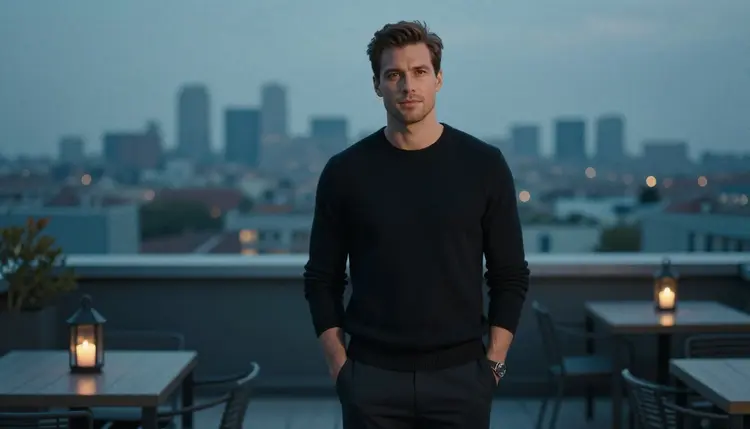
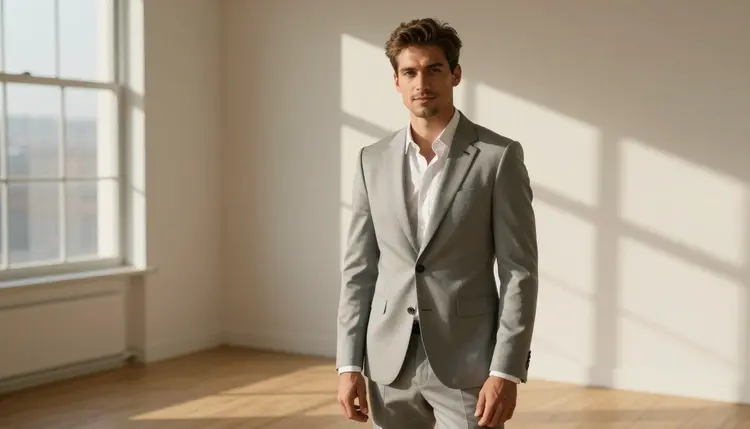
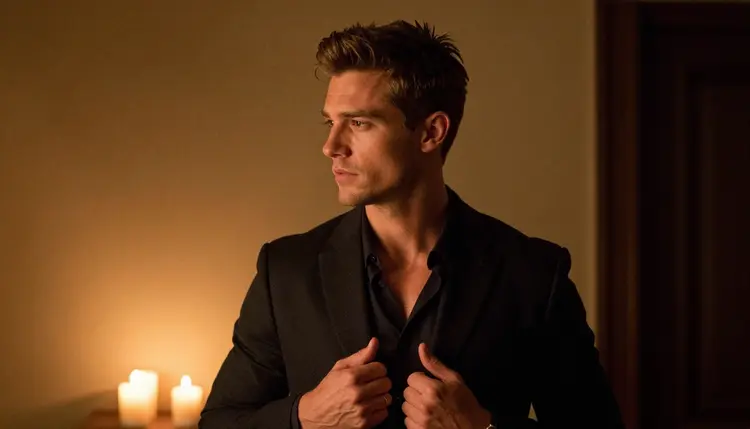
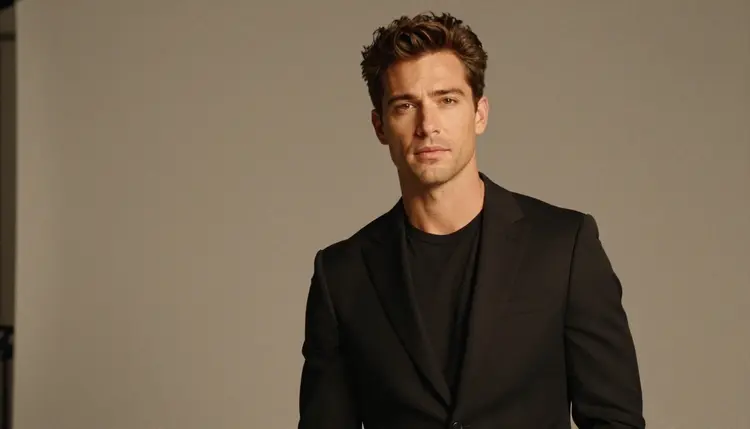
That is why this template starts from wardrobe instead of body. A navy tailored shirt with the top button open, a black knit sweater, a light grey suit, a burgundy jacket: each of these already says mature, confident and a little flirty, and none of them needs more than a clause to describe. The chest stays covered, the tone stays suggestive, and the picture still reads as adult because of the light and the attitude, not because of what is missing.
A second reason is repeatability. Once you fix the description of the man (age range, hair, build, shave) and only change wardrobe, light and setting, you get a series that looks like one photo shoot. The template below keeps those fixed parts in one line so you can paste them again and again. If you also work with female subjects, the same logic is covered in realistic portraits and in the boudoir template.
The scope is deliberately narrow. This page is about adult men in portraits: tailored, covered, photographed like an editorial. It does not cover explicit content, and it does not need to. Suggestion is the whole point.
For this technique three models in the Picasso IA catalog are marked confirmed. Confirmed means Picasso IA tested adult prompts against that exact model repeatedly and watched it generate instead of reject. It is not a published setting of the model's maker, who can change it at any time, so treat it as a strong starting point and not a promise.
Seedream 4.5 is the first choice for the photographic look this template is built for. It creates 4K images from text, which is enough room to see the weave of a knit sweater or the stitching on a cuff. Recraft V4.1 Pro is the pick when you want the portrait to feel designed: a poster, a cover, a print. Picasso Image Editor Pro works on an image you already have, so it suits the last step of the process, when the face is right and you only want to change the jacket or soften the light.
Other models in the full catalog are untested for adult prompts. They are worth a try, and the template will work in them, but we do not say whether they accept or refuse this kind of wording. If a model declines, the app shows a message titled "Content Not Supported by This Model", recommends models that accept adult prompts and carries your prompt over, so you do not retype anything.
You can open all of them from the toolkit. Models that accept several inputs also let you attach a reference photo, which gets an @1 badge you can mention in the prompt.
Read the steps once, then keep the template in section four open beside the toolkit. Each step fills one part of the template, and you can run the whole thing in a few minutes.
- Fix the man. Write one line for age range, hair, shave and build, and never change it between images. This is what makes the series look like one person.
- Choose the wardrobe. Pick one garment with a clear name and color, such as a charcoal suit jacket over a white shirt, and state that the chest is covered.
- Set the frame. Name the shot type (walking, seated, profile, over the shoulder, waist up) and where the man is looking.
- Add light and lens. Name one light source and one lens, for example golden hour backlight and 100mm macro f/2.8.
- Generate and adjust one thing. Run the prompt, then change only one part: light, wardrobe or pose. Compare, keep the better one and repeat.
Here is the template as labeled lines. Copy the labels, replace the values and join everything into one paragraph before you paste it into the prompt box.
Subject. An adult man in his thirties, short styled brown hair, clean-shaven, lean build, reads as a mature adult.
Wardrobe. One named garment, its color and its fit, plus a sentence saying the chest is covered.
Shot. Walking three-quarter, seated upright, profile, over the shoulder, full-length or waist up.
Setting. A real place with a few concrete props: a tree-lined street, a rooftop, a library, a loft, a garden path.
Light. One source only: golden hour backlight, candlelight, hard morning sun through blinds, dappled shade, soft diffused daylight in a studio.
Lens and finish. A focal length and aperture, then the words raw 8K photograph, natural film grain, warm analog look.
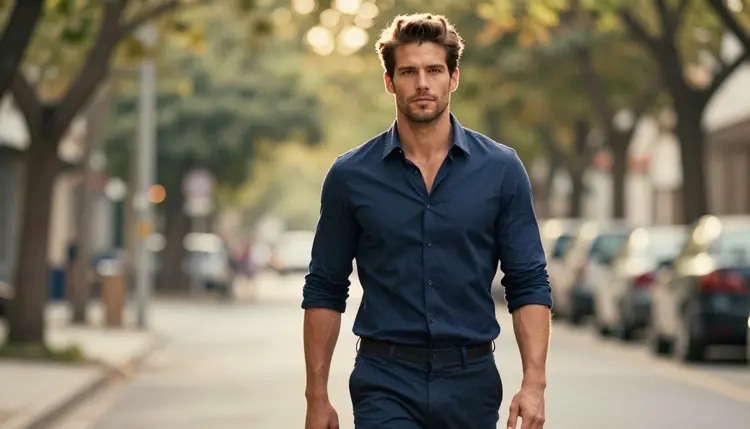
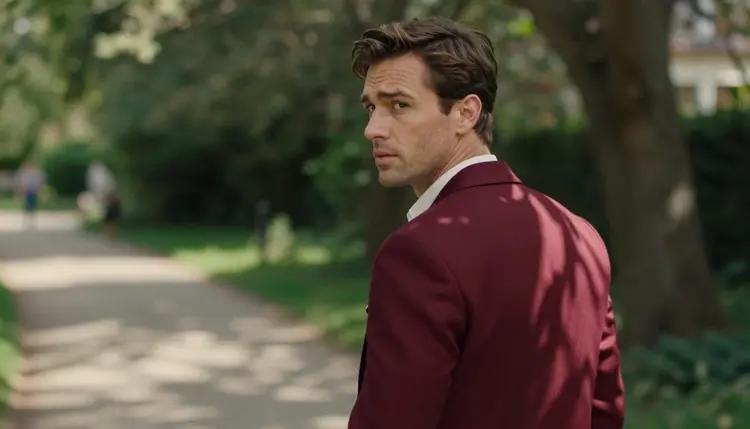
Example one, a street portrait: "Raw 8K photograph of an adult man in his thirties, short styled brown hair, clean-shaven, lean build, walking three-quarter down a tree-lined street, navy tailored shirt with the top button open, chest covered, golden hour backlight, 100mm macro f/2.8, natural film grain, warm analog look, reads as a mature adult." The backlight puts a rim of gold on the hair and shoulders, and the open collar gives the flirty note without showing more than a collar.
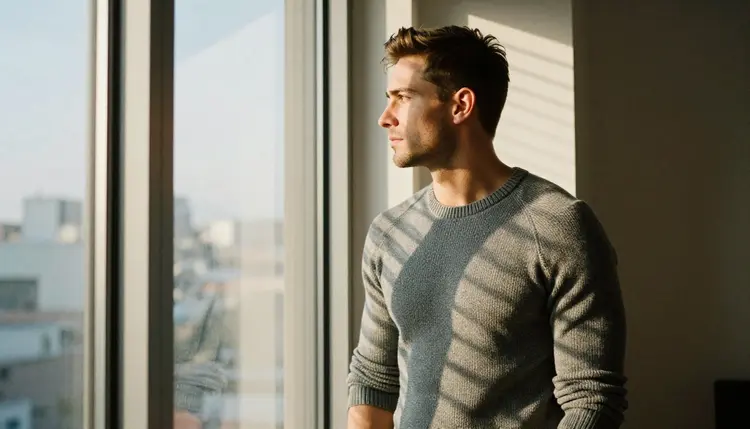
Example two, an indoor portrait: "Raw 8K photograph of an adult man in his thirties, short styled brown hair, clean-shaven, lean build, seated upright in a leather armchair in a quiet library, cream cable-knit sweater, late-afternoon side light, 100mm macro f/2.8, film grain, reads as a mature adult." The side light carves the knit texture and the face, and the armchair gives the pose a reason.
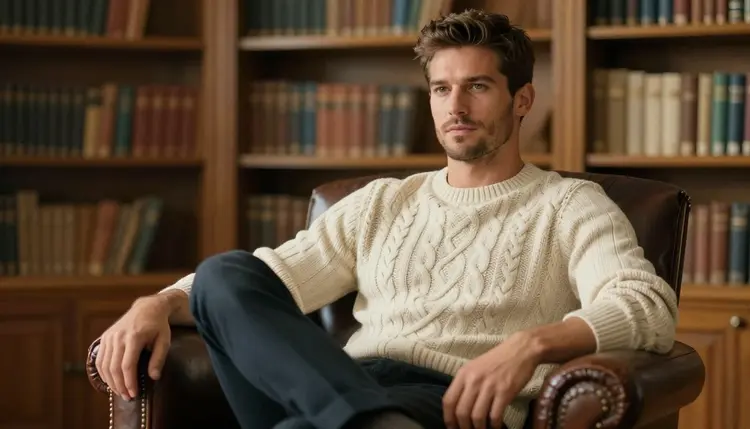
Notice that both examples are one sentence, name only one light and carry the adult marker at the end. Short prompts with concrete nouns beat long prompts full of adjectives.
Stacking three lights. A prompt that asks for candlelight, neon and window sun gives a muddy picture. Pick one source. Candlelight in profile is a classic, and hard sun through blinds gives striped shadows that read as editorial. If the result feels flat, change the light before you change anything else.
Describing the chest instead of the clothes. If the prompt talks about the body, the model improvises the clothes. Describe the garment (its cut, fabric and color) and say the chest is covered. A tailored shirt open at the collar is suggestive enough, and the picture stays within the line this site keeps.
Changing the man between runs. When you rewrite the subject line each time, the face drifts. Paste the same line and edit only wardrobe, light and setting. If the face still drifts, bring the best image into Picasso Image Editor Pro and edit it instead of regenerating.
Ignoring the hands. Hands are where portraits usually break. For a detail shot, ask for exactly one hand adjusting a cuff or holding a watch strap, and nothing else in frame. One hand is easier to get right than two, and a steel watch under a white cuff is a strong detail.
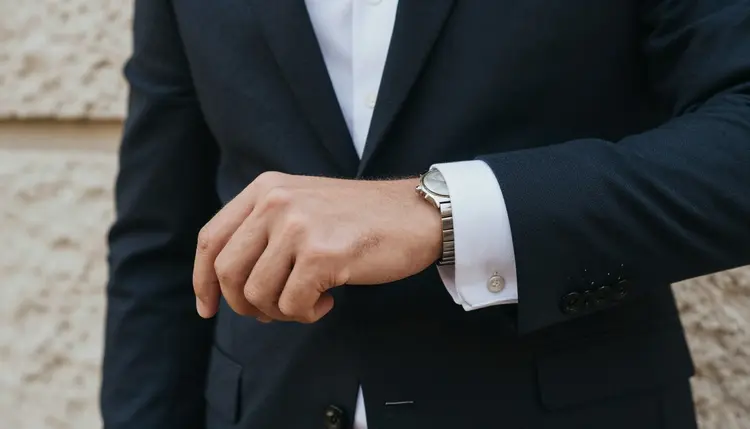
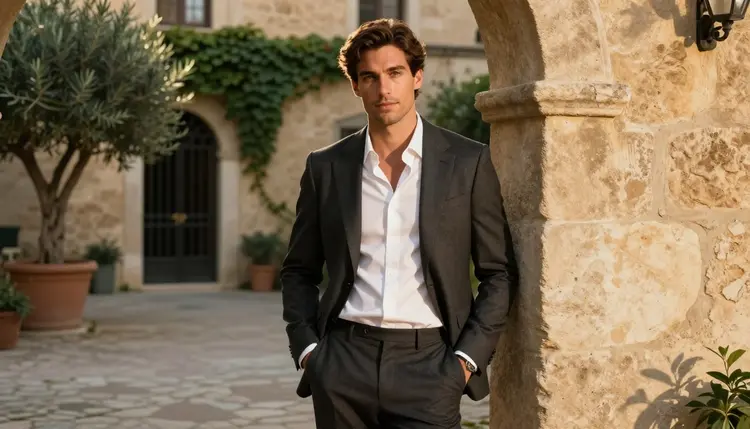
Letting the pose go stiff. A man facing the lens with his arms at his sides looks like a passport photo. Give him an action: adjusting a cuff, looking out of a window, glancing over a shoulder, leaning on a stone archway. The action sets the mood more than any adjective.
Forgetting the finish words. Without raw photograph, film grain and a lens, many models drift toward a glossy, plastic look. Keep the finish line on every prompt. If you want to push the portrait toward a poster, try Recraft V4.1 Pro with the same wording and compare. When a still works and you want it to move, the video motion template shows how to carry the same wardrobe and light into a clip.
This is a section for adults, and Picasso IA is built the same way: you must be 18 or older to use it, and the template here is for people who are. If you are not an adult, close the page.
Every character you make must be a fictional adult. Do not use the template to depict a real or identifiable person, a celebrity or an acquaintance, and do not write prompts about anyone who could read as a minor. The age line in the template, with a mature adult marker, is there to keep the picture on the right side of that rule. If an image looks younger than intended, discard it.
Your generations are private by default: they are tied to your account and are not published or shown to others. New accounts can try a few generations free on selected models, and the pricing page explains how credits work for everything else.
What is an NSFW prompt template for male portraits?
It is a fill-in structure for a text-to-image prompt: subject, wardrobe, shot, setting, light and lens. You keep the structure and swap the values to get suggestive, adult portraits of a fictional man with the chest covered.
Which models should I try first?
Start with Seedream 4.5 for a photographic look, Recraft V4.1 Pro for a designed look, and Picasso Image Editor Pro to adjust an image you already have. All three are confirmed in the Picasso IA catalog, which is an in-app test and not a setting published by their makers.
Are the other models in the catalog filtered?
We do not know. They are untested for adult prompts, so they are worth a try but not a sure thing. If one declines, the app shows a message and recommends models that accept adult prompts, carrying your prompt over to the next one.
Do the portraits show a bare chest?
No. This page is built around tailored shirts, suits and knitwear with the chest covered. The mood comes from light, fabric and posture. Provocative is the goal, explicit is not, and prompts that ask for more are outside what this section covers.
How do I keep the same man across several images?
Write one subject line with age range, hair, shave and build, and paste it unchanged into every prompt. Edit only wardrobe, light and setting. If the face still drifts, edit a good image in Picasso Image Editor Pro instead of generating a new one.
Which light works best for a male portrait?
Hard side light and backlight work well: late-afternoon side light for texture, golden hour backlight for a rim on hair and shoulders, and morning sun through blinds for striped shadows. Choose one source per prompt, because mixing several tends to muddy the picture.
Can I turn a portrait into a short video?
Yes, with the video models in the catalog. Picasso IA Video turns an image or text into a clip, and the video motion template shows how to describe movement. Keep the same wardrobe and light so the clip matches the still.
Can I use a real person's photo as a reference?
No. Characters must be fictional adults, never a real or identifiable person, and never anyone who could read as a minor. Use your own invented description, and discard any result that looks like someone real or looks younger than an adult.
Is what I create public?
No. Generations are private by default. They are tied to your account and are not published or shown to others. You decide what to download or share, and you are responsible for keeping it within the adults-only, fictional-only rules.
How much does it cost to try?
A new account can try a few generations for free on selected models. After that, each generation costs credits that vary by model and by options such as resolution. Plans and details are on the pricing page, and you can start from the toolkit.