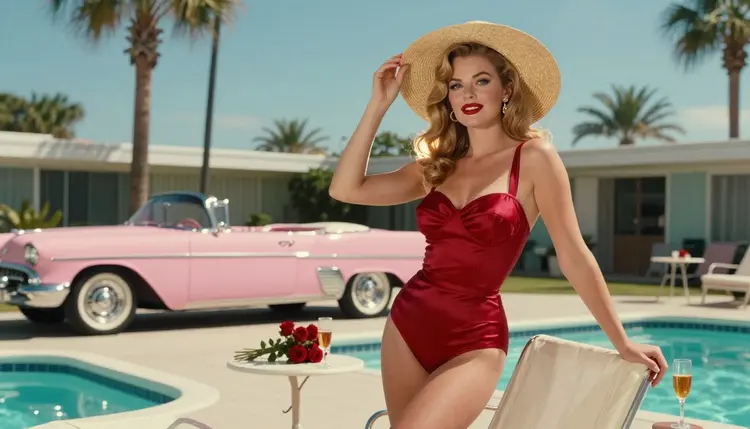
Pin-up art has a recipe, and the recipe is older than any AI model. A confident pose, a satin two-piece or a halter swimsuit, red lips, curled hair, a prop from a mid-century kitchen or a pastel convertible, and light that flatters. This guide gives you a prompt template built from exactly those parts, so you can fill it in, paste it into a Picasso IA model and get a retro glamour picture that looks planned instead of random.
Everything here is adults only and fictional. The template describes wardrobe, pose, light and setting. It never needs anything explicit, and the pictures stay provocative, flirty and suggestive in the way classic calendar art always was.
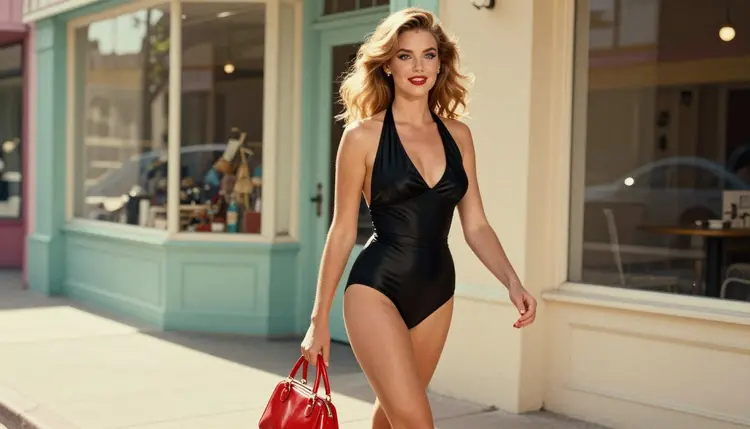
A pin-up picture is a small set of choices repeated on purpose. When you write a prompt as one loose sentence, the model fills every gap with its own guess, and the guesses change from run to run. One time you get a modern fashion shoot, the next time a cartoon, and the third time a pose that has nothing to do with the era you wanted.
A template fixes the order of the decisions. You always say who is in the frame, what she wears, how she stands, where she is, what the light does and which lens you want. Because the same slots are filled every time, you can change one slot and see exactly what that change did. Swap a red two-piece for an emerald bodysuit and nothing else moves. That is how you learn what a model understands.
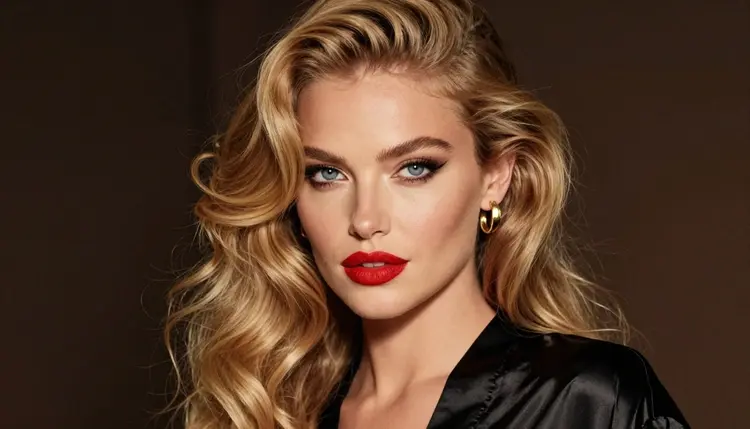
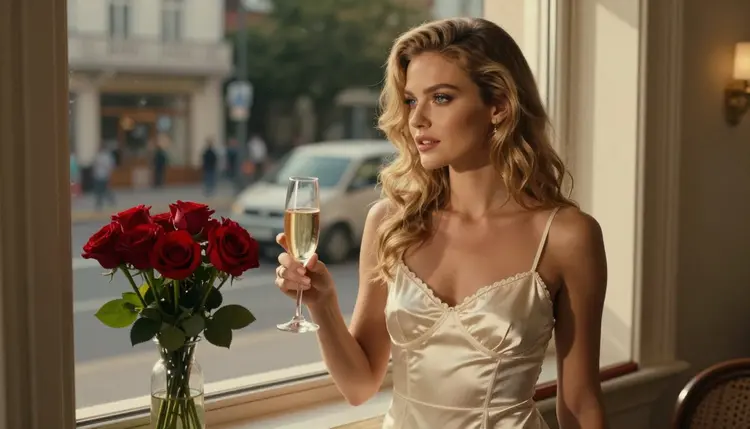
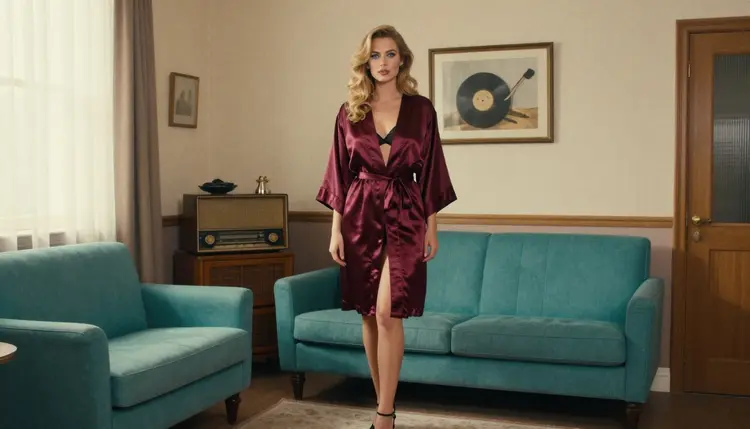
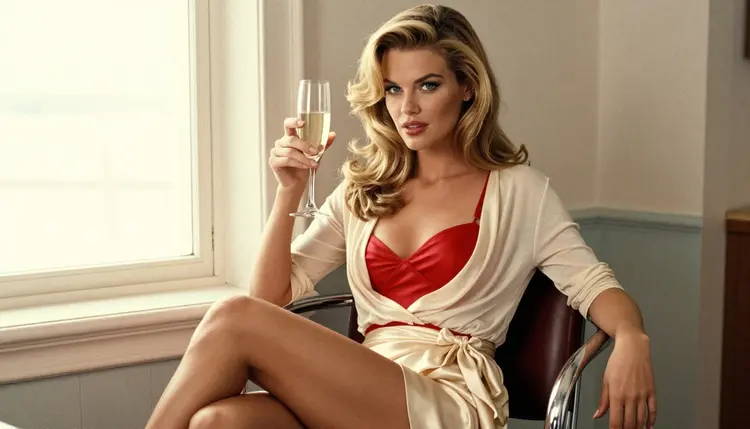
The second gain is consistency. If you want a small series, a hero frame, a walking shot, a close-up and a window frame, the template lets you keep the woman, the wardrobe family and the color story the same while the camera moves. The pictures in this article follow that idea: one woman, one retro world, different shots.
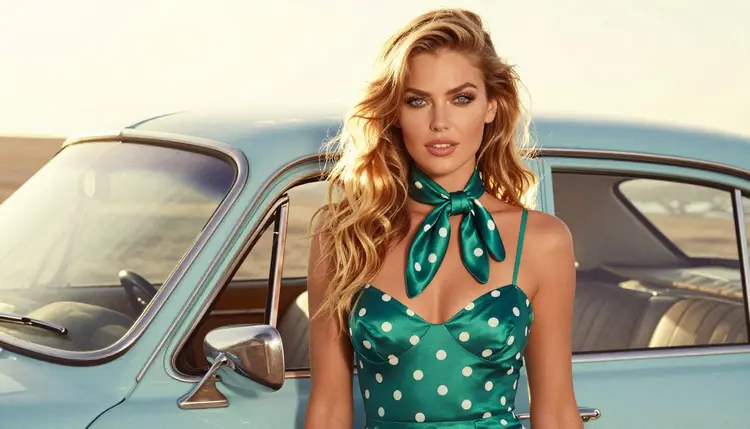
The pin-up look also has a strict visual vocabulary that models know well. Satin catches highlights in a way that is easy to read. Victory-roll curls, winged eyeliner and bold lipstick give the face a clear style. Chrome stools, pastel appliances, striped blinds and vintage handbags tell the model the decade without you naming a year. Using these props is faster and more reliable than describing a feeling.
Finally, a template keeps your prompts short enough to be read. A model pays attention to the start of a prompt more than the end, and a template puts the subject and the wardrobe first, where they count. You are not writing a story. You are filling a form that a camera could follow.
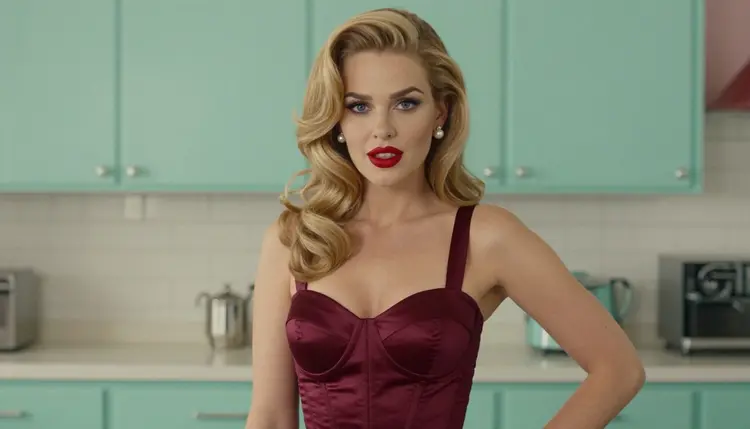
Three confirmed models fit pin-up work well. Confirmed means Picasso IA tested adult prompts against that exact model repeatedly and watched it generate instead of reject. It is not a published setting of the model's maker, who can change it at any time, and what confirmed means is explained on its own page.
| Model | Best for | Format |
|---|
| Seedream 4.5 | Photoreal pin-up portraits and full-length frames | Text to image, 4K |
| Recraft V4.1 Pro | Illustrated, poster-style pin-up with clean design | Print-ready images, 2K |
| Picasso Image Editor Pro | Changing wardrobe, prop or background of a picture you already have | Image editing |
Seedream 4.5 is the default choice when you want the picture to look like a photograph taken on film. It handles satin, skin light and lens language well, so the camera line of the template pays off here. Recraft V4.1 Pro leans toward illustration and design, which suits a poster look with flat color, a bold headline area and a print-ready finish. Picasso Image Editor Pro does not start from nothing: you give it a picture and describe the change, for example a new dress color or a different prop on the counter.
The catalog holds many more models, and some of them are worth a try for pin-up work. Qwen Image 2 is untested: Picasso IA has not confirmed it either way, so treat it as an experiment. The same goes for any other model you pick from the full catalog. If one of them does not accept a prompt, the app shows a message titled "Content Not Supported by This Model", recommends models that accept adult prompts and carries your prompt over, so you do not retype it.
You can run all of them from the toolkit. If you want a pin-up picture to move afterwards, Picasso IA Video turns text or an image into a clip, and the video motion template shows how to word the movement.
Work through the slots in the same order every time. The order matters more than the exact words, because it keeps your prompts comparable.
- Pick the shot. Choose one framing first: hero wide, walking three-quarter, over-the-shoulder, waist-up, close-up or full-length. One shot per prompt keeps the pose readable.
- Dress the woman. Name one garment family and one color, such as a ruby satin two-piece or a black halter swimsuit, and add one accessory like a silk scarf or a red handbag.
- Set the scene. Choose a single retro place with one or two props: a pastel motel pool with a convertible, a mint kitchen, a chrome diner stool.
- Light and lens. Write the light in plain words (golden hour backlight, warm lamp light, striped morning sun) and one lens, for example 85mm f/1.8 for portraits or 24mm f/2.8 for wide rooms.
- Generate, then change one slot. Run the prompt in the toolkit, look at the result, then change only one slot and run it again to see what moved.
Here is the template as labelled lines. Copy the labels, replace the examples after each one and join the lines into a single paragraph when you paste it. Models read it as one description.
Subject. An adult woman with a clear look: hair, eye color, makeup. For example, long honey-blonde beach waves, blue eyes, red lipstick and winged eyeliner. Keep the same line in every prompt of a series.
Shot and pose. One framing and one pose: walking toward the camera, glancing back over her shoulder, hand on hip, seated upright with crossed knees, standing in profile.
Wardrobe. One garment and one color, in a fabric the model can render: satin, silk, lined lace. Pin-up staples are the high-waisted two-piece, the halter swimsuit, the corset top, the bodysuit and the satin robe.
Props. One or two period objects: a vintage red handbag, a champagne glass, a silk scarf, red roses on a sill, a pastel convertible.
Setting. A retro place with a color scheme: a pastel motel pool, a mint-green kitchen, a teal armchair in a living room, a sunny boulevard with shop awnings.
Light. Real light, in words: golden hour backlight, soft window light from the left, overcast soft daylight, warm tungsten lamp light, hard morning sun through blinds.
Camera. A lens and an aperture, and the words that point to film: 85mm f/1.8, Kodak Portra 400, natural grain, shallow depth of field.
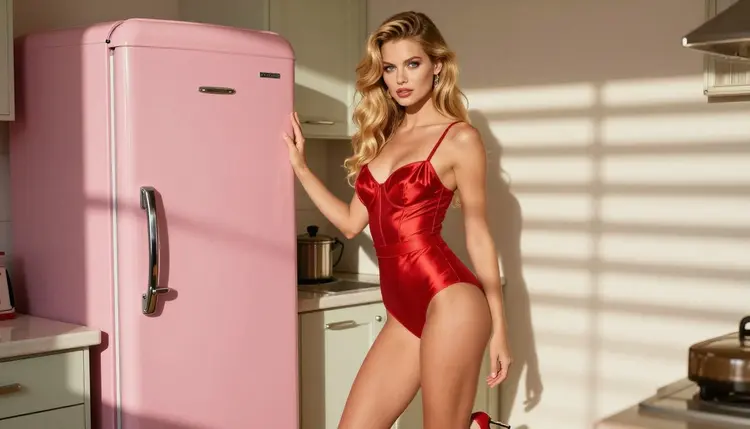
Filled example, photographic.
The first example is written for Seedream 4.5 and aims at a film photograph. As prompt text: "A woman with long honey-blonde beach waves, blue eyes, red lipstick, full-length standing frame, red satin high-waisted two-piece and red heels, beside a pink vintage refrigerator in a retro kitchen, hard morning sun through blinds, 35mm f/2, Kodak Portra 400, natural film grain."
What you should get is a clean standing figure with striped light falling across the satin, so the folds of the fabric show. The refrigerator carries the period, and the red of the wardrobe against the pink gives the color contrast pin-up art depends on.
Filled example, close-up.
The second example is a tight portrait with warm interior light. As prompt text: "Tight close-up of a woman with long honey-blonde beach waves, red lips, winged eyeliner, a victory-roll curl above the forehead, black satin robe, warm tungsten lamp light, 85mm f/1.8, shallow depth of field, soft film grain."
Here the face is the whole picture, so every word goes to hair, makeup and light. The lamp gives a warm cast on the skin, and the robe appears only as a dark edge at the bottom of the frame. If the result looks too modern, add one more period detail to the hair or the lipstick shape rather than lengthening the whole prompt.
You can turn either example into a series. Keep the Subject line, change the Shot and pose line, and you get a set that reads as one photo shoot. If you want to save the versions that work, how to save and reuse an NSFW prompt template covers a simple way to keep them.
Most failed pin-up prompts fail for the same few reasons. The fixes are small.
Too many props. A prompt with a convertible, a refrigerator, a handbag, a champagne glass, roses and a telephone gives the model six things to place, and the woman becomes one more object. Keep to two props and let the setting carry the rest. If the picture feels empty, add depth with the light, not with more objects.
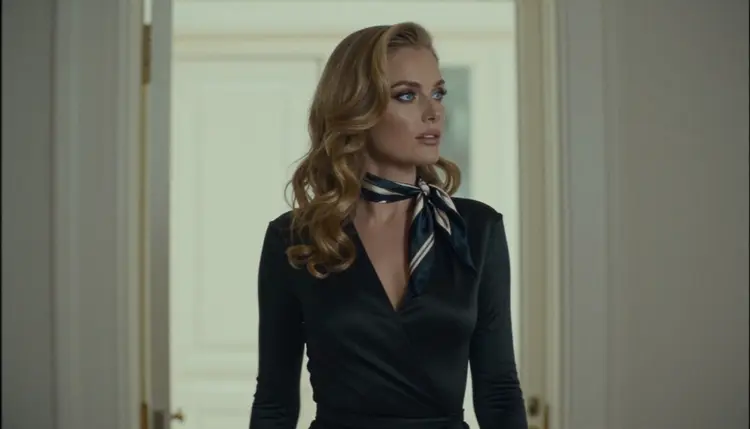
No light named. Without a light line, models default to flat studio light, and satin looks like gray plastic. Name a direction and a quality: side light from a window, backlight at golden hour, light through blinds. A silhouette against a bright doorway works because the light is the subject.
Vague era words. Writing only "vintage" gives you whatever the model associates with that word, which can be anything from a sepia filter to a costume party. Name the things instead: victory-roll curls, a high-waisted two-piece, a chrome stool, a pastel appliance. Concrete objects date the picture better than a label.
Modern gloss. If skin looks airbrushed and the picture reads as a current fashion ad, lean on the film lines: Kodak Portra 400, natural grain, soft contrast. Remove words like ultra detailed or hyper sharp, which push the model toward a digital look.
Changing everything at once. When a result is wrong, the temptation is to rewrite the whole prompt. Change one slot, run it again and compare. If the pose is right but the dress is wrong, send the picture to Picasso Image Editor Pro and describe only the dress.
Mixing genres. A pin-up prompt that also asks for fantasy armor or a cosplay costume pulls in two visual languages and satisfies neither. If you want a costume, use the cosplay photos template; for a couple frame, use the couples art template. For a wider look at the style, NSFW Pin-Up: Best AI Generator compares approaches.
Wide room, small figure. In a wide frame at 24mm the woman can shrink to a detail. If the figure matters, move to 50mm or 85mm, or say that she is in the foreground and the room is behind her.
This section is 18+ only. These pages and the models they describe are for adults, and you should use them only if you are an adult in your country.
Every character you create must be a fictional adult. Never use a real or identifiable person, never a celebrity, and never anyone who could read as a minor. Describe the woman as an adult in the prompt and keep the styling mature: wardrobe, pose and light, nothing that suggests otherwise.
What you create is private by default. Generations are tied to your account and are not published or shown to others. A new account gets a small free trial on selected models, and the pricing page explains how credits work and which models carry the unlimited tag.
What is a pin-up prompt template?
It is a fixed list of slots you fill in every time: subject, shot and pose, wardrobe, props, setting, light and camera. Keeping the same order makes results comparable, so you can change one slot and see what it did. You can start from the one in this guide and adapt it to your own style.
Which model should I use for pin-up art?
For a photograph look, try Seedream 4.5. For a poster or illustrated look, try Recraft V4.1 Pro. To change an existing picture, use Picasso Image Editor Pro. All three are confirmed models in Picasso IA.
Do I need to name a decade in the prompt?
No. Props and wardrobe do that job better than a date. Victory-roll curls, a high-waisted two-piece, a chrome diner stool and a pastel convertible tell the model the mid-century look directly, and they give you more control than a single era word.
How long should the prompt be?
Aim for one paragraph of about 40 to 80 words. Put the subject and wardrobe first, then the setting, the light and the camera. Longer prompts tend to dilute the pose, and shorter ones leave too much to chance.
How do I keep the same woman across several pictures?
Copy the Subject line exactly in every prompt: hair, eye color, makeup and build. Change only the shot, the wardrobe or the setting. For tighter control, attach a picture you like in the toolkit and refer to it by its @1 badge in the prompt, on models that accept several inputs.
Why does my picture look too modern?
Usually the prompt lacks period objects and film language. Add Kodak Portra 400 and natural grain, name one or two vintage props, and remove words such as ultra detailed. If the pose is already right, fix the look with an edit instead of starting over.
Can I turn a pin-up picture into a video?
Yes, with a video model such as Picasso IA Video, which takes text or an image, or Seedance 2.5 Lite, listed up to 10 seconds. Describe a small movement, like a head turn or a swinging handbag, and see the video motion template for wording.
What happens if a model refuses my prompt?
Picasso IA shows a message titled "Content Not Supported by This Model", recommends models that accept adult prompts and carries your prompt over, so nothing has to be retyped. You can also soften one slot, for example the wardrobe line, and try again.
Is it free to try?
A new account can try a few generations for free on selected Picasso IA models. Beyond that, each generation costs credits that vary by model and options. The details are on the pricing page, and models with the infinity tag do not spend credits on plans that include unlimited generation.
Are the people in these pictures real, and who can use this?
No. Every character is a fictional adult, never a real or identifiable person and never anyone who could read as a minor. The section is 18+ only, and your generations stay private by default, tied to your account and not shown to others.