Anime is not one look. It is a family of looks, and each one reacts differently to a prompt. A flirty ecchi frame wants a soft pose and a playful outfit. A cel-shaded frame wants flat colour blocks and hard outlines. A dark fantasy frame wants armor, heavy fabric and low light. If you ask an AI generator for "anime" and nothing else, you get an average of all of them, and the average is rarely what you pictured.
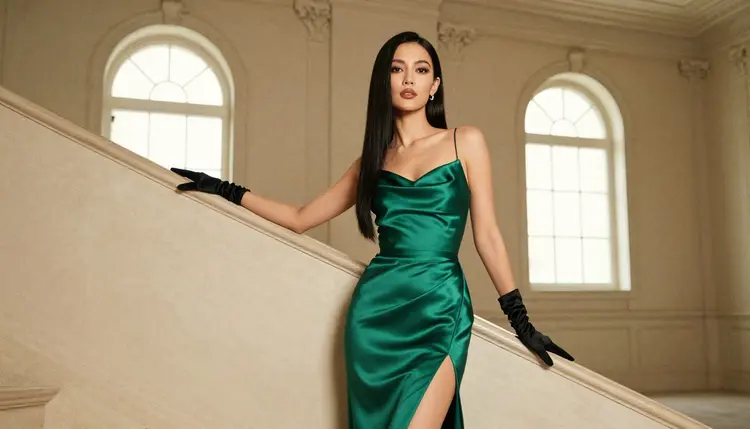
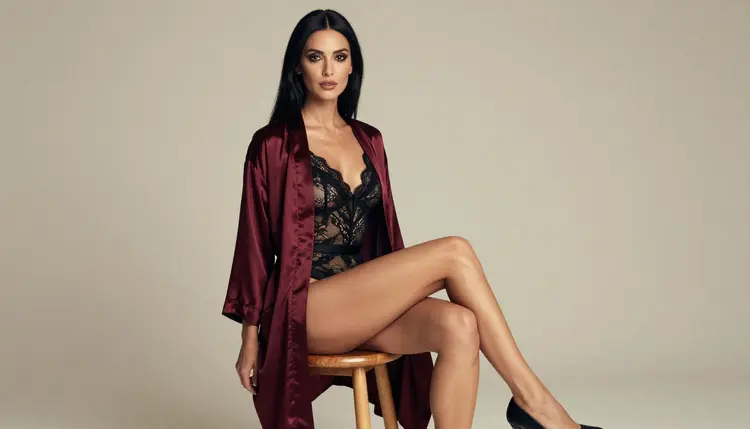
This list names seven anime art styles you can steer toward on Picasso IA, adult and suggestive but never explicit, with fictional adult characters only. For each one you get the wardrobe, the props, the setting and the light to write into the prompt, plus the model that fits the job. The photos on this page show how the same costume ideas read when they are shot as raw photography, which is a useful way to check that an outfit and a set work before you push them toward drawn art. If you want the wider picture first, the sibling guide on NSFW AI art styles to try first covers styles beyond anime.
The first four styles are the ones people usually mean when they say anime: clear outlines, expressive faces and costumes that read from across the room. They are the safest place to start because they respond well to short prompts.
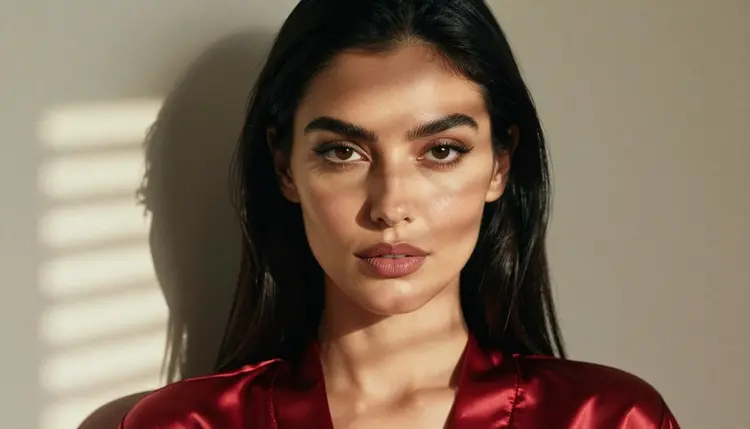
1. Ecchi Glamour. The playful, flirty end of anime. Think a satin robe slipping off one shoulder, a lace-trimmed bodysuit, a loose ribbon, a half-smile and a pose that suggests more than it shows. Write the wardrobe first, then the mood: "adult woman, long black hair, ruby satin robe, morning light through blinds, soft smile, upper body." Keep the camera close and the framing tasteful. Seedream 4.5 is a good first model here because it builds clean faces and fabric highlights at high resolution. For a deeper dive on this single style, see the dedicated page on ecchi anime art with an NSFW AI generator.
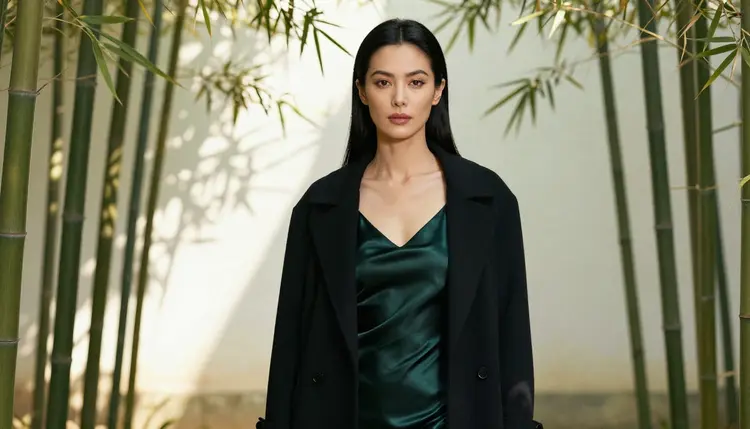
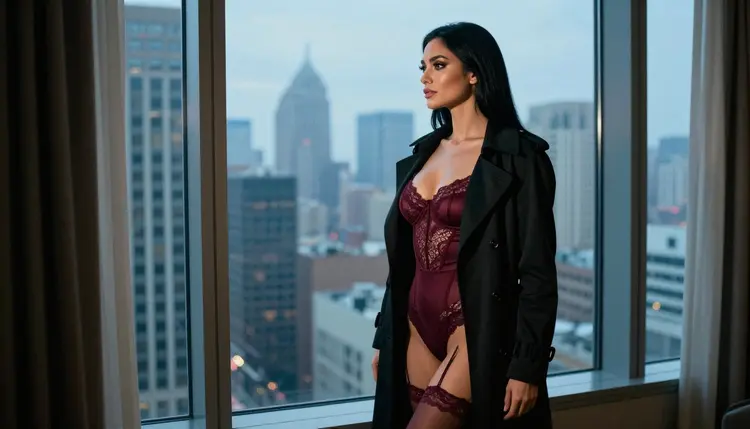
2. Semi-Realistic Anime. Proportions and shading sit between a drawing and a photograph: large eyes kept in check, real fabric folds, soft skin shading and believable light. It is the style that transfers best from photo-minded prompts, so borrow lens language such as "85mm, shallow depth of field" and then add "semi-realistic anime illustration" at the end. Wardrobe that works: an emerald satin slip under a black coat, a silk scarf, simple jewelry. Setting that works: a bamboo garden in dappled shade, a hotel window at blue hour. Seedream 4.5 handles this style well because it leans photoreal and you pull it toward illustration with the closing phrase.
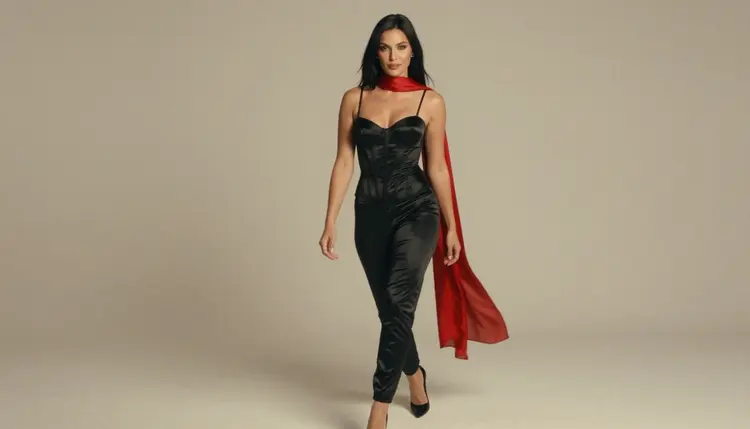
3. Cel-Shaded Pin-Up. Flat colour blocks, one hard shadow tone, a bold outline and a limited palette. This is the look of classic animation cels, and it suits pin-up poses: a red swimsuit, high heels, a polka-dot scarf, a hand on the hip. State the rendering in the prompt, "cel shading, flat colours, thick outline, two tone shadows," and name the palette in three colours at most. Recraft V4.1 Pro is built for illustration and design and returns print-ready 2K images, so it is the natural pick when you want crisp edges and clean colour fields.
4. Retro 90s Anime. Soft grain, slightly muted colour, big hairstyles, high-waisted outfits and a film look that feels like an old broadcast. Wardrobe ideas: a vintage satin bomber over a bodysuit, leg warmers, oversized earrings, a glossy lip. Settings: a rainy city street at night, a neon-free arcade corner with warm bulbs, a rooftop at dusk. Prompt words that help: "1990s cel animation, soft grain, slightly faded colour, hand-painted background." Recraft V4.1 Pro keeps the lines tidy, and if the first result is too clean you can run it through the editor described later on this page to add warmth and grain.
The last three styles trade everyday glamour for costume drama. They need a little more prompt work because the props and the set carry the style, but they also give you the most distinct results.
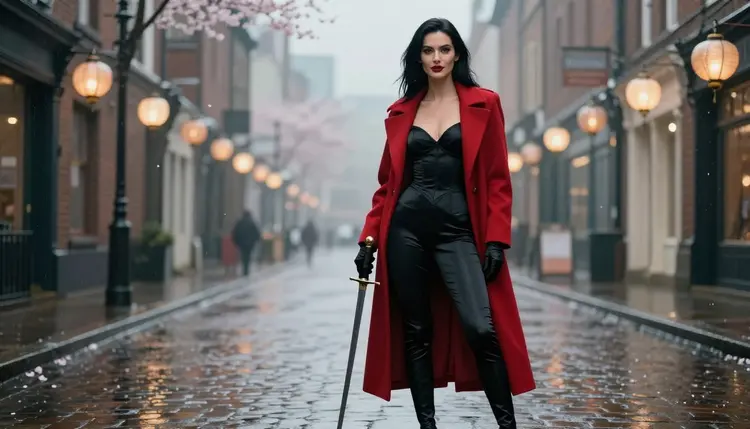
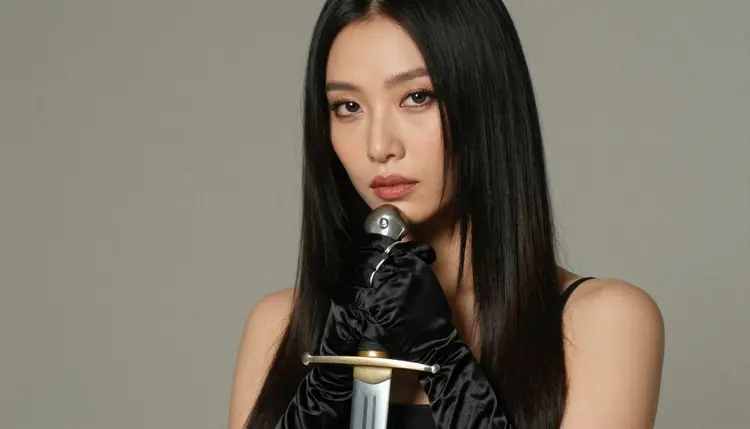
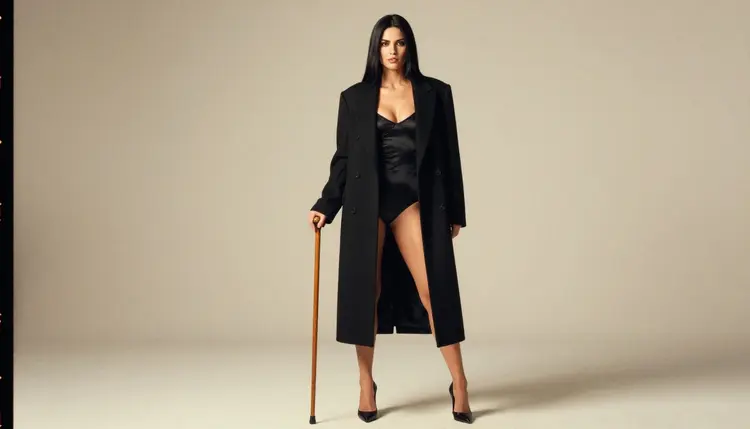
5. Dark Fantasy Heroine. A fictional adult warrior or sorceress in a moody world: black satin corset, long gloves, a dark wool cloak, a plain wooden prop sword or staff, candle light or a pale overcast sky. Keep the tone romantic and suggestive, not violent. Prompt it as "dark fantasy anime, adult heroine, black corset, crimson cloak, rain-washed stone street, dawn light." Seedream 4.5 gives rich fabric detail, and you can move the same character between a castle stair and a rooftop without rewriting the whole prompt.
6. Magical Heroine Glamour. The sparkly, dress-up side of anime, written for adults: a flowing gown with a high slit, long gloves, a star-shaped brooch, a glowing wand held in one hand, soft pastel light. Use a clear adult descriptor in every prompt, such as "adult woman in her thirties," and never describe a school setting or anything that could read as a minor. Recraft V4.1 Pro suits the clean, decorative look, and Seedream 4.5 suits the version where you want the fabric to look real.
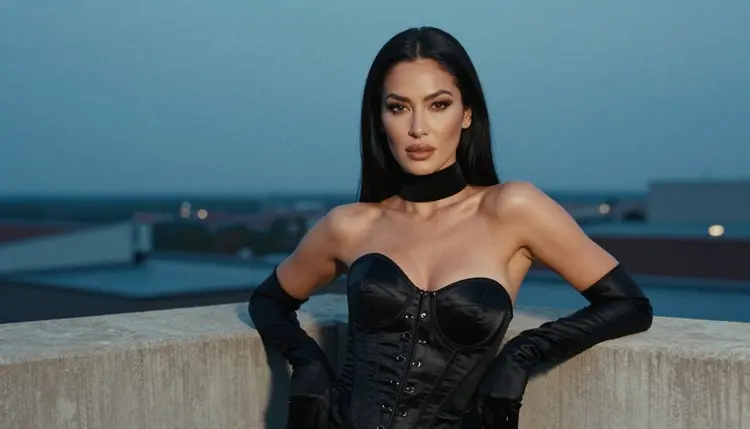
7. Mecha Armor Glam. Armored-style costume with a glam twist: a black satin corset top styled like a plated chest piece, gloves, a rooftop wall at blue hour, a city skyline behind. Keep the armor as wardrobe, not as weapons or violence. Prompt phrases that help: "mecha inspired armored corset, matte black plates, glossy trim, blue hour, city skyline, adult woman, confident stance." If you later want to bring the frame to life, the video models covered below can turn a still into a short clip.
You do not need to run all seven styles at full size to find the one you like. Test small, compare, then commit. The five steps below work for any style on the list and take a few minutes each.
- Pick one style and one outfit. Choose a single entry from the list and write the wardrobe first. A prompt with one clear outfit beats a prompt with five competing ideas.
- Write the style line separately. Add the rendering words at the end of the prompt, for example "cel shading, thick outline" or "semi-realistic anime illustration." Keep them in the same place every time so you can compare results.
- Open the toolkit and generate a first batch. Use the toolkit, pick a model that fits the style, and run a small batch at the default settings before you raise resolution.
- Change one thing at a time. Swap the lighting, the setting or the pose, never all three. If a result is close, attach it as a reference image and describe the one change you want.
- Finish and animate. Fix details with the image editor, then, if you want movement, use a video model to turn the best frame into a short clip.
These are the six models Picasso IA has confirmed for adult prompts. Confirmed means Picasso IA tested adult prompts against that exact model repeatedly and watched it generate instead of reject. It is not a published setting of the model's maker, who can change it at any time.
| Model | Best for | Format |
|---|
| Seedream 4.5 | Ecchi, semi-realistic and dark fantasy looks | Image, text to image, 4K |
| Recraft V4.1 Pro | Cel-shaded pin-up, retro 90s, magical glam | Image, illustration and design, 2K |
| Picasso Image Editor Pro | Fixing outfits, backgrounds and details | Image edit, unlimited tag |
| LTX 2.3 Pro | Moving a style from text to a clip | Video, text to video, 4K |
| Picasso IA Video | Animating a still or a text idea | Video, text or image to video, unlimited tag |
| Seedance 2.5 Lite | Short clips of a finished look | Video, up to 10 seconds, unlimited tag |
Other models in the catalog are untested for adult prompts. They may be worth a try, since the catalog is large, but Picasso IA has not confirmed them either way, so treat each one as an experiment. Browse the full catalog if you want to try a style on a model that is not in the table, and compare the result with the confirmed ones. If you are weighing where to run anime styles at all, the guide to the best NSFW AI generator for multiple art styles and the page on the best AI generator for NSFW anime go into more detail.
This section is for adults. You must be 18 or older to use any of it, and every prompt on this page assumes that. The topic is adult and suggestive, never explicit, and the styles above keep to costume, pose, light and mood.
Every character you create has to be a fictional adult. Do not use the name or face of a real person, a celebrity or anyone you know, and do not write anything that could read as a minor. Anime makes this line easy to cross by accident, so put a plain adult descriptor such as "adult woman in her thirties" into the prompt and keep school settings and childlike proportions out of it.
What you create in Picasso IA is private by default. It is tied to your account and not published or shown to anyone else. If a model refuses a prompt, the app shows a message titled "Content Not Supported by This Model," recommends models that accept adult prompts and carries your prompt over, so you do not retype it.
If you want to keep your male characters in the same style set, the page on NSFW AI art styles for male characters applies the same ideas to wardrobe and poses for adult men.
A new account can try a few generations for free on selected models: Picasso IA Image, Picasso Image Editor Pro, Picasso IA Video and Seedance 2.5 Lite. That is a small free trial on selected models, not the whole catalog, so it is best used to test one style end to end before you decide on a plan. Details sit on the pricing page.
Models marked with the infinity tag do not spend credits on the plans that include unlimited generation. In the table above that covers Picasso Image Editor Pro, Picasso IA Video and Seedance 2.5 Lite. Other models cost credits that vary with the model and with options such as resolution or duration, and the pricing page explains how that works.
A simple path for a first session: write one ecchi or semi-realistic prompt in the toolkit, pick the best result, open it in the image editor to adjust the outfit or the background, then send it to a video model for a short loop. When you want to try the next style, change only the style line and keep the rest of the prompt the same, so you can see what the style alone does.
What are the best NSFW anime art styles to try with AI?
Seven work well: ecchi glamour, semi-realistic anime, cel-shaded pin-up, retro 90s anime, dark fantasy heroine, magical heroine glamour and mecha armor glam. Start with ecchi or semi-realistic, since they respond to short prompts, then move to the more prop-heavy styles.
Does Picasso IA keep the content explicit?
No. The pages and prompts here are adult and suggestive, built on wardrobe, pose, light and mood, and never explicit. Every character is a fictional adult, and you must be 18 or older to use any of it.
Which model should I use for cel-shaded anime?
Try Recraft V4.1 Pro. It is built for illustration and design and returns print-ready 2K images, which suits flat colours and hard outlines. Confirmed for adult prompts means Picasso IA tested it repeatedly, not that its maker promises it.
Which model is best for semi-realistic anime?
Seedream 4.5 is a good start. It makes 4K images from text and leans photoreal, so you add "semi-realistic anime illustration" at the end of the prompt to pull it toward the drawn look.
Can I animate an anime style image?
Yes. Use Picasso IA Video to turn a still or a text idea into a clip, Seedance 2.5 Lite for clips up to 10 seconds, or LTX 2.3 Pro for 4K video from text.
Can I fix an outfit or background after generating?
Yes. Picasso Image Editor Pro edits an existing image, so you can change a costume, a prop or a setting without starting over. It carries the infinity tag, so it does not spend credits on plans with unlimited generation.
Can I use a real person or a famous character?
No. Only fictional adult characters are allowed. Do not use a real or identifiable person, a celebrity, or anyone who could read as a minor. Put a clear adult descriptor in the prompt and keep school settings out of it.
Are my images public?
No. Generations are private by default. What you create is tied to your account and is not published or shown to other people.
Is there a free way to try these styles?
A new account gets a small free trial on selected models: Picasso IA Image, Picasso Image Editor Pro, Picasso IA Video and Seedance 2.5 Lite. The pricing page has the details, and the pricing page is the place to check what your plan covers.
What happens if a model refuses my prompt?
The app shows a message titled "Content Not Supported by This Model." It recommends models that accept adult prompts and carries your prompt over, so you do not have to retype it. You can also adjust the wardrobe or wording and try again.