An anniversary gift that came out of a prompt is a different thing from a gift card. You choose the wardrobe, the light, the room and the mood, and you end up with something nobody else owns. This page lists nine gift ideas a couple can make with adult AI art: a framed portrait, a calendar, a card, a photo book, a poster and four more. Everything here is flirty and suggestive, never explicit, and every character is a fictional adult.
The images come from the toolkit on Picasso IA, which runs in the browser with nothing to install. For stills, the confirmed models are Seedream 4.5, Recraft V4.1 Pro and Picasso Image Editor Pro. For a moving greeting, the confirmed video models are listed further down. Each idea below names the wardrobe, the setting, the light and the camera angle to type, so you can paste the description and adjust it.
A quick note on how to read the ideas. They are written for two adults who want something private and personal for an anniversary, not for sharing. If you want more wardrobe options before you start, the page on NSFW AI outfit ideas for portraits goes deeper into fabrics and cuts, and NSFW AI art ideas to generate covers wider themes.
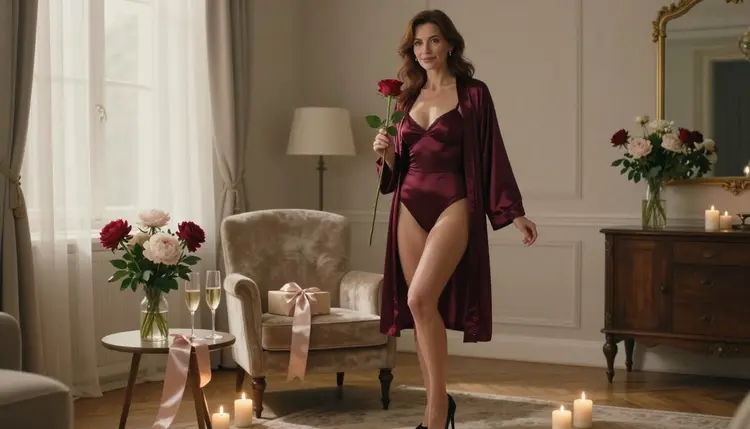
1. The Framed Boudoir Portrait. The classic gift. Ask for a waist-up portrait of a woman in a burgundy satin robe over a slip, soft window light from the left, an 85mm lens look and a plain warm wall behind her. Generate it with Seedream 4.5, which creates 4K images from text, so there is enough resolution to print and frame. Pick the frame to match the wall color of the room where it will hang.
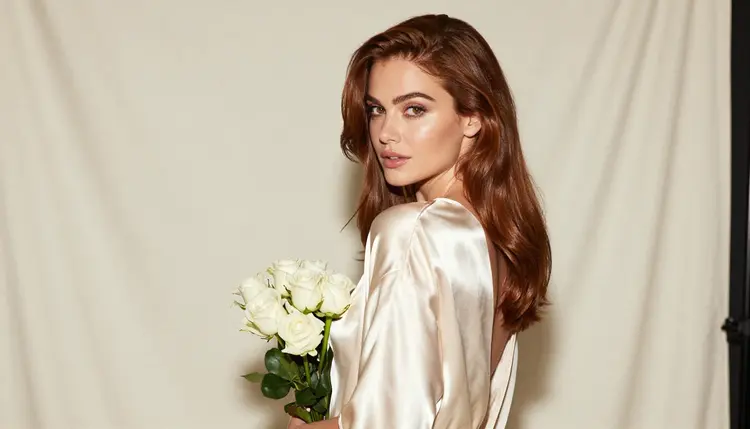
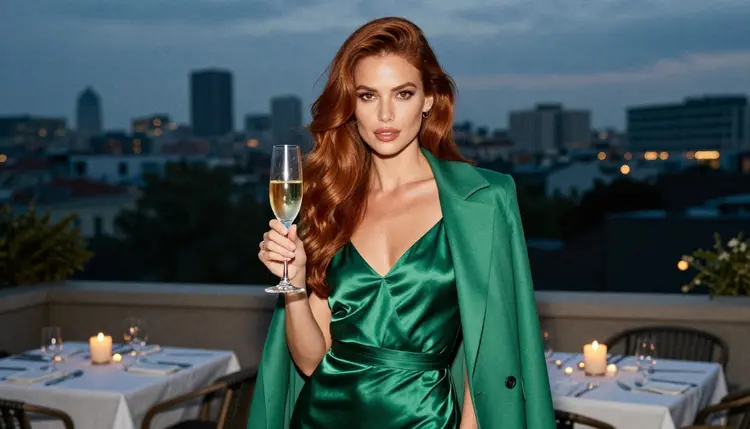
2. A Twelve-Month Calendar. Twelve scenes, one per month, each with its own wardrobe and season: an ivory slip with white roses for spring, an emerald dress and a camel coat on a terrace for autumn, a red satin robe with golden backlight for winter. Keep the same woman, the same hair and the same makeup in every prompt so the months feel like one story. A calendar is private by nature, because it hangs in a closet door or a home office and only the two of you know what is on it.
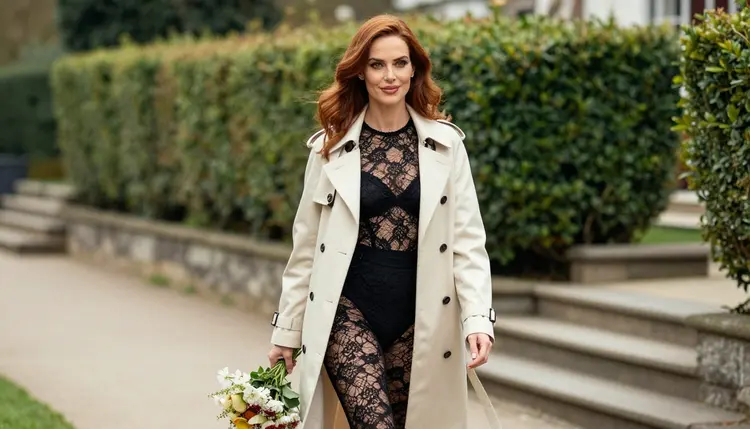
3. Cover Art for a Handwritten Card. Skip the stock card and make the front yourself. Describe a black lace bodysuit under an ivory trench coat, a bouquet in one hand, a garden path and overcast soft daylight, shot from a three-quarter walking angle with a 70mm look. Leave clean space on one side of the frame so there is room for a line of handwriting or a printed message. Print it on heavy paper, fold it and write the real words by hand.
4. A Small Photo Book of Scenes. A booklet works well when you have a story to tell. Plan eight to twelve frames that follow an evening: arriving at a hotel terrace at blue hour, a champagne toast, a window at sunset, a last close-up in golden light. Use the same character description at the start of every prompt. When a frame drifts, regenerate only that one instead of rewriting the whole set.
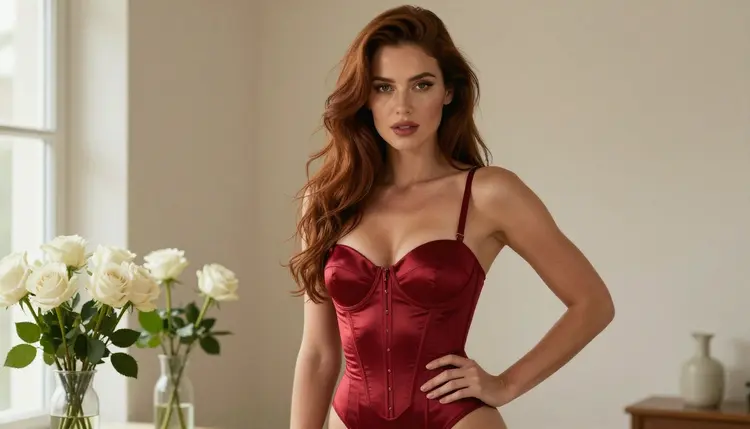
5. A Bedroom Poster. One large image with a clear subject reads best at poster size. Try a full-length standing frame: a deep red satin corset bodysuit, one hand on the hip, vases of white roses around the room, soft window light from the left and a 35mm look. Recraft V4.1 Pro is listed for print-ready images at 2K and is strong on illustration and design, which makes it a good pick if you want a poster with a graphic, designed look rather than a photograph.
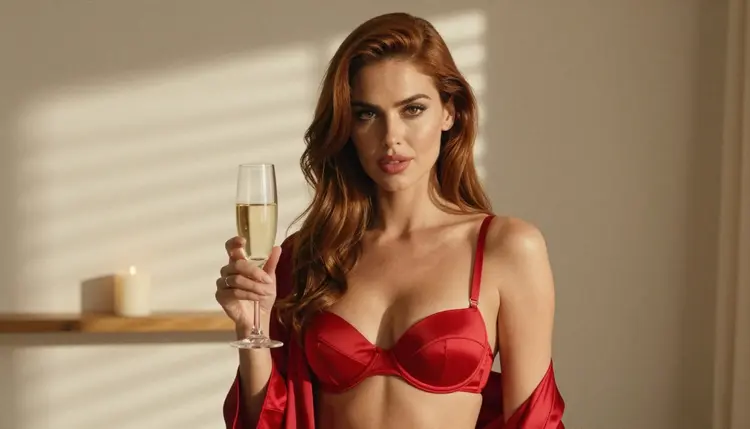
6. A Moving Greeting. A short clip can replace the spoken card. Write a prompt for a woman in a red satin corset top and robe, holding a glass of champagne in hard morning sun through blinds, with a slow push-in and a small smile at the end. Picasso IA Video makes video from text or an image and is confirmed here. If you want a clip up to ten seconds, Seedance 2.5 Lite is also confirmed. For prompt wording, see the page on NSFW video prompt ideas.
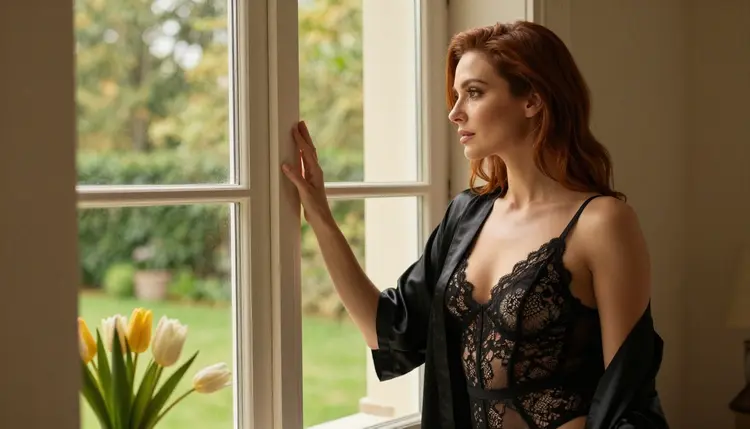
7. A Custom Puzzle Image. A jigsaw made from a favorite scene turns the gift into an evening activity. Choose an image with a lot of visible detail: a black satin robe over a lace bodysuit, tulips on a windowsill, a sunlit room with texture in the curtains and floor. Busy details make a puzzle more interesting to assemble than a flat wall of color. Export the image at the highest size you can and send it to a print shop that makes puzzles.
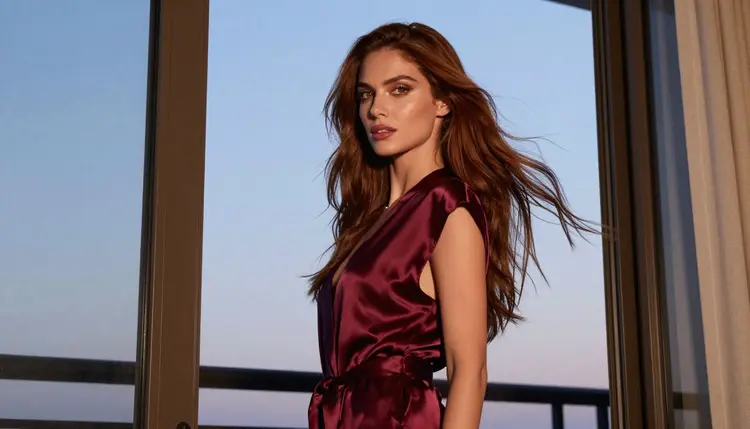
8. A Phone Wallpaper Set. Make three or four vertical images with a plain, dark lower third, so clock and icons do not cover the subject. A profile silhouette in a satin robe at a balcony door at blue hour works well, because the shape reads even behind icons. Set one as the lock screen and keep the rest as a rotating album. It is a small gift, and it is private because it lives on a locked phone.
9. A Retouched Favorite. Take one of your own generated images and change only what you want to change with Picasso Image Editor Pro: the color of the robe, the flowers on the table, the window behind the woman. The editor is marked unlimited with the infinity tag, so you can try many small variations. Editing works on the images you made in the toolkit, which keeps the whole gift within fictional adults.
Pick one idea, then work through the same short routine. Most gifts take an evening of testing rather than a single generation.
- Choose the format. Decide whether the gift is a print, a card, a calendar, a booklet or a clip, because the format sets the shape of the image: horizontal for a poster, vertical for a wallpaper, wide with empty space for a card.
- Write the character once. Describe the woman in one sentence (hair, eyes, makeup, build) and paste it at the start of every prompt, so the whole set looks like the same person.
- Add wardrobe, room and light. Name the garment, the fabric, the place and the light source, such as a satin robe, a hotel terrace and blue hour, then add a lens such as 35mm or 85mm.
- Generate, compare and keep two. Run each prompt a few times, put the results side by side and keep the best two, then fix small things with the editor instead of starting over.
- Export, print and wrap. Save the final files, send them to a print shop or print them at home, and add a handwritten line on the back before you wrap the gift.
Confirmed means that Picasso IA tested adult prompts against that exact model repeatedly and watched it generate instead of reject. It is not a setting published by the maker of the model, who can change it at any time. The table lists the confirmed models and what each is good for in this topic.
| Model | Best for | Format |
|---|
| Seedream 4.5 | Framed portraits, calendars, photo books | Image, 4K from text |
| Recraft V4.1 Pro | Posters, card covers, designed layouts | Image, print-ready at 2K |
| Picasso Image Editor Pro | Retouching a finished image | Image editing, unlimited tag |
| LTX 2.3 Pro | A cinematic moving greeting | Video, 4K from text |
| Picasso IA Video | Short clips from text or a still | Video, text or image, unlimited tag |
| Seedance 2.5 Lite | Quick clips up to 10 seconds | Video, unlimited tag |
Every other model in the catalog is untested: worth a try, not confirmed either way. Qwen Image 2 and Picasso Video (Pruna P-Video) are in that group, and so is the rest of the full catalog. If a model does not accept a prompt, Picasso IA shows a message titled "Content Not Supported by This Model", recommends models that accept adult prompts and carries your prompt over, so you do not retype it. For more places to set a scene, read the page on NSFW AI background and setting ideas.
This is for adults only. You must be 18 or older to use any of these ideas, and the gift is meant for two adults who both want it. Nothing on this page is meant for anyone under that age.
Every character is a fictional adult. Do not use the face of a real or identifiable person, and never describe anyone who could read as a minor. A gift made from a real photo of your partner is a different thing; these ideas stay with invented characters.
Your generations are private by default. What you create is tied to your account and is not published or shown to others. What you do with the printed result is up to you, so keep a framed portrait where you intend it to be seen.
A new account can try a small free trial on selected models: Picasso IA Image, Picasso IA Editor Pro, Picasso IA Video and Seedance 2.5 Lite. That is enough to test the retouching and the clip ideas before you commit to anything. The details live on the pricing page.
Models marked with the infinity tag in the catalog do not spend credits on the plans that include unlimited generation. Picasso Image Editor Pro, Picasso IA Video and Seedance 2.5 Lite carry that tag, which suits the ideas that need many small tries: retouching a favorite, testing a clip, adjusting a wallpaper. The other models spend credits that vary with options such as resolution and duration.
To start, open the toolkit, paste the first idea and generate a test frame. Once you have a look you like, build the set around it. Bring the same character description to every prompt and you will have a gift that feels planned rather than assembled.

What are the best NSFW AI anniversary gift ideas?
The nine ideas here cover a framed portrait, a calendar, a card cover, a photo book, a poster, a short video greeting, a puzzle image, a phone wallpaper set and a retouched favorite. The portrait and the calendar are the easiest to start with, since they need only still images.
Which model should I use for a framed portrait?
Seedream 4.5 is a good first choice. It is confirmed here for adult prompts, it creates 4K images from text and the resolution leaves room to print. Recraft V4.1 Pro is also confirmed and suits posters or card covers with a designed look.
Can I make a video greeting instead of a print?
Yes. Picasso IA Video and Seedance 2.5 Lite are confirmed video models, and LTX 2.3 Pro is confirmed for 4K video from text. Seedance 2.5 Lite is listed up to ten seconds, which is plenty for a short anniversary clip.
How do I keep the same woman across a calendar or photo book?
Write one sentence that describes her hair, eyes, makeup and build, and paste it at the start of every prompt. Change only the wardrobe, the room and the light between frames. If one frame drifts, regenerate that frame alone.
Can I use a real photo of my partner?
These ideas are built around fictional adult characters, and Picasso IA asks for no real or identifiable people in adult content. Create an invented character for the gift. That keeps the gift clean and keeps the page within its own rules.
Is the content explicit?
No. The ideas are provocative but never explicit: satin robes, lace, lingerie, glamour and implied intimacy. Everything is about wardrobe, pose, light and mood, and every character is a fictional adult.
What happens if a model refuses my prompt?
Picasso IA shows a message titled "Content Not Supported by This Model", recommends models that accept adult prompts and carries your prompt over so you do not retype it. Models outside the confirmed list are untested, so a refusal can happen there.
Do I need credits to try these ideas?
A new account can try a small free trial on selected models, and models with the infinity tag do not spend credits on plans that include unlimited generation. Other models spend credits that vary by model and by options. The pricing page has the details.
Are my gift images private?
Yes. Generations are private by default: they are tied to your account and are not published or shown to others. You decide whether to print them, frame them or keep them on a locked phone.
Where can I find more ideas to build on?
Try NSFW AI art ideas to generate for wider themes and NSFW AI outfit ideas for portraits for wardrobe options. Both are for adults only and use fictional characters.