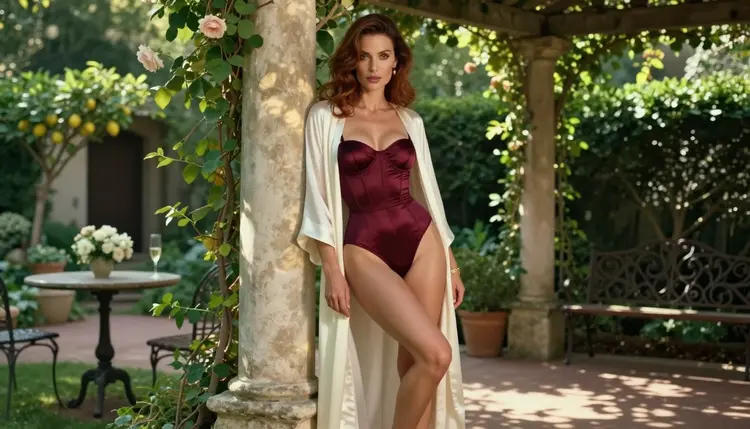
Character AI is a platform for chatting with AI-driven characters. If what you actually want is a picture of your character, a portrait you can look at, save and build on, a chat window is the wrong tool for that part of the job. This page is for adults who want NSFW character art with images and, when they are ready, short video clips, made on Picasso IA with models that accept adult prompts.
Picasso IA is not a chat companion. It makes pictures and videos of fictional adult characters from a text description or from a reference image. You bring the character, the wardrobe, the light and the mood, and the model returns the frame. Everything here is for people 18 and over, and every character is a fictional adult.
According to its own description, Character AI is a web and app platform where you talk with characters driven by AI. That is a conversation product: you type, the character answers in text, and the story lives in the chat. It is a different job from image generation, and many readers end up wanting both.
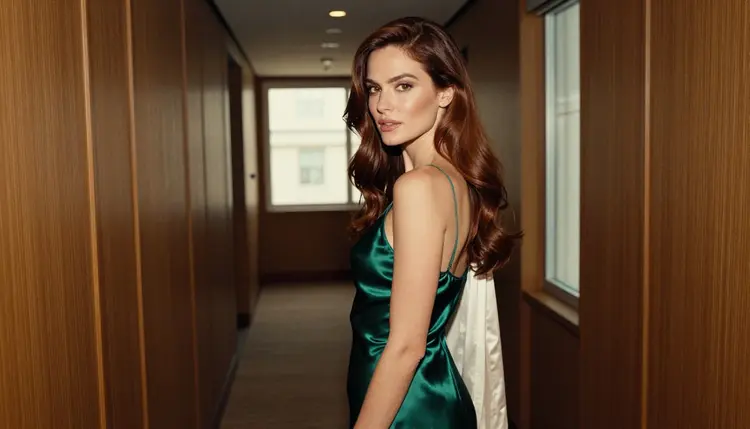
There are a few honest reasons someone starts looking for an alternative for the visual side. If you have a character in your head and the chat never shows you what she looks like, you need an image generator. If you want the same character in a satin robe by a window, in a hotel corridor at dusk or on a rooftop at blue hour, you need control over wardrobe, light and lens, which a text conversation does not give you. And if a platform's rules do not fit the kind of adult glamour art you have in mind, it is reasonable to check its current rules and look at tools built for pictures instead.
That is the whole framing of this page. Nothing here says Character AI is bad at what it does. It says that a character chat and a character picture are two different products, and that Picasso IA covers the second one. Rules of any platform can change, so check its current rules before you decide anything about it. Picasso IA is not affiliated with Character AI.
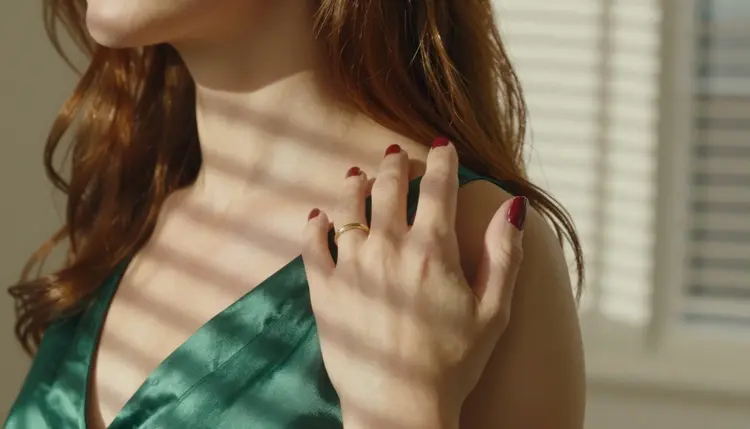
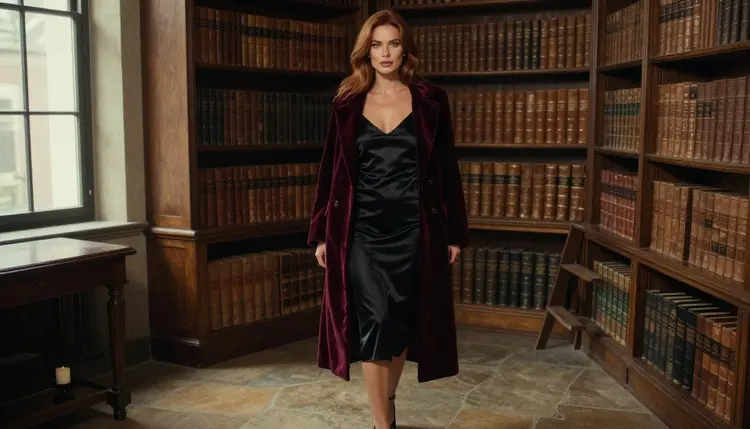
What readers usually want from the picture side is simple. A consistent look for one character across several frames. Wardrobe that reads as adult glamour: satin slips, robes, bodysuits, long coats, evening gowns. Real photographic light instead of a flat render. And a way to take a still and turn it into a few seconds of motion. All of that is covered below, and the toolkit is where you do it.
Picasso IA is a browser app for AI image and video generation, with nothing to install. In the full catalog you pick a model, write a prompt, attach reference images if the model accepts them, and generate. What you create is private by default, tied to your account and not published or shown to others.
For adult prompts, the app keeps its own list of confirmed models. Confirmed means Picasso IA tested adult prompts against that exact model repeatedly and watched it generate instead of reject. It is not a published setting of the model's maker, who can change it at any time. These are the confirmed ones:
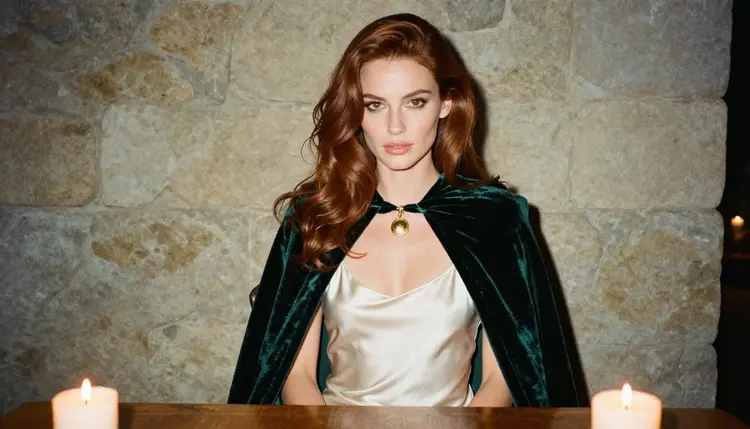
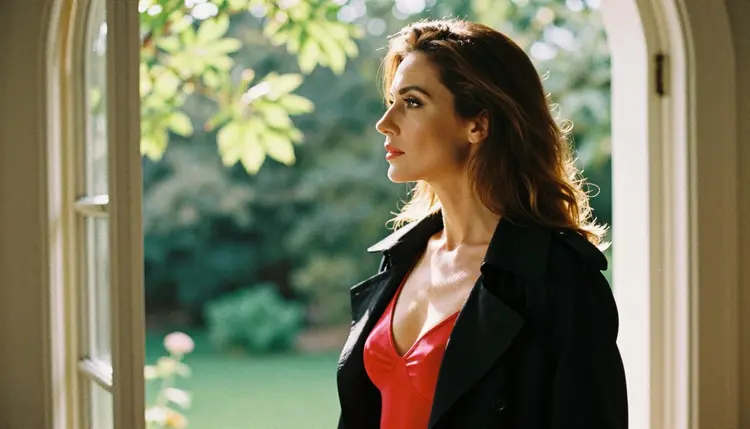
For a character portrait, start with Seedream 4.5. It turns a written description into a 4K image, and it is the model to try first when you want a photographic look: a woman in a black satin slip under a velvet coat in a library hall, a heroine in an emerald cloak at a candlelit table. If you prefer an illustrated or designed look, Recraft V4.1 Pro is the confirmed choice, and its catalog entry describes print-ready images at 2K.
When you already have an image and want to change it, Picasso Image Editor Pro edits an existing picture. Swap the wardrobe, change the background, adjust the mood. It carries the unlimited tag, so on the plans that include unlimited generation it does not spend credits. Details are on the pricing page.
For motion, Picasso IA Video turns text or an image into video, and Seedance 2.5 Lite makes short clips listed up to 10 seconds. LTX 2.3 Pro makes 4K video from text. A small free trial on selected models lets a new account try a few generations before paying anything. Picasso IA Image, Picasso IA Editor Pro, Picasso IA Video and Seedance 2.5 Lite are the models it covers.
The rest of the catalog is untested. A model that is not on the confirmed list is not called filtered and not called filter-free: it is simply not confirmed either way, and worth a try. Qwen Image 2 and Picasso Video (Pruna P-Video) are two examples. If a model refuses a prompt, the app shows a message titled "Content Not Supported by This Model". It then recommends models that accept adult prompts and carries your prompt over, so you do not retype anything.
The route from a character in a chat to a character in a picture is short. Here it is in five steps, using the toolkit.
- Bring the character idea. Write down who she is in plain words: age as an adult in her thirties, hair color, eye color, makeup, build, and the setting she belongs to, such as a library, a rooftop or a hotel corridor.
- Pick the model. Open the toolkit and choose Seedream 4.5 for photoreal portraits or Recraft V4.1 Pro for an illustrated look.
- Describe wardrobe, light and pose. Name the garment (satin slip, silk robe, lined bodysuit), the light (candlelight, window light, golden hour) and the pose. Add a lens such as 85mm f/1.8 for the photographic feel.
- Generate and refine. Run the prompt, look at the result, then change one thing at a time. Use Picasso Image Editor Pro to adjust a frame you already like.
- Extend to video. Take your best still to Picasso IA Video or Seedance 2.5 Lite and ask for slow, small motion such as a glance, a step or a turn.
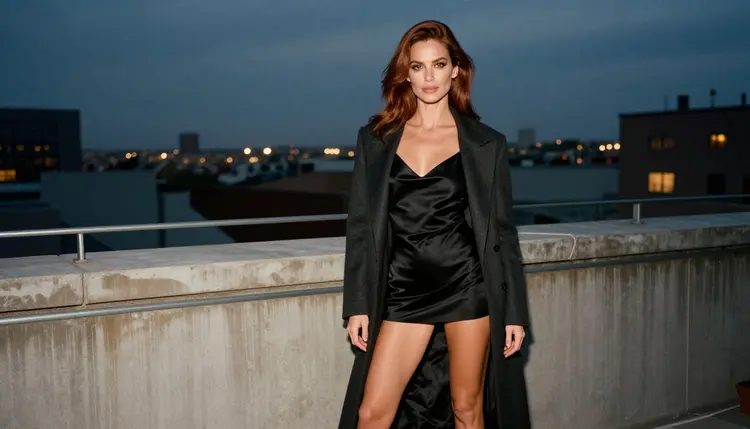
A prompt that works as a starting point reads like this: "A woman in her thirties with long chestnut hair and light brown eyes, black satin slip dress under an open charcoal coat, standing on a city rooftop at blue hour, confident gaze to camera, 85mm f/1.8, fine film grain." It states the wardrobe, the light, the pose and the lens. It does not need more than that.
Some parts of a character chat carry over to Picasso IA, and some do not. Being straight about it saves you time.
What carries over is the character itself. Her look, her wardrobe, her setting and her mood all translate into a written prompt, and the model turns that prompt into a picture. If you wrote a backstory in a chat, the visual parts of it are a good source for prompts: where she lives, what she wears, what time of day it is in the scene.
Consistency across images works through your prompt and through reference images. In the toolkit, each attached image gets an @1, @2 badge and you can refer to it in the prompt. Picasso IA translates the reference to the syntax each model understands. Only models that accept several inputs show the badges. Keep a fixed description of your character, hair, eyes, makeup and build, and paste it at the start of every prompt. Change only the wardrobe, the light and the setting. That is the practical way to keep one woman recognizable from frame to frame.
What does not carry over is the conversation. Picasso IA does not run a character that answers you, remembers your story or plays a role. It makes pictures and videos of fictional adults, and that is all it does. If you want text chat with a character, that stays on a chat platform. If you want to see her, Picasso IA is the tool.
Formats are the other difference. A still image is a still image: you get the frame you described, in the resolution the model offers. A video clip is short. Seedance 2.5 Lite is listed up to 10 seconds, and LTX 2.3 Pro works at 4K from text. Plan your story as a set of frames and short clips, not as a continuous scene.
If your character project leans toward a certain style, these pages go deeper: how to create an AI boyfriend character with images, NSFW images for your D&D character, and a dating sim character roster. For the model most readers start with, see Seedream 4.5 NSFW images.
This section is short on purpose, and it applies to every page and every generation. Picasso IA is for adults only. You must be 18 or older to use the NSFW tools, and the content is written for adult readers.
Every character is a fictional adult. Never use a real or identifiable person, never a celebrity, and never anyone who could read as a minor. Describe your character as an adult woman or man in her or his thirties, in adult glamour wardrobe, and keep it that way in every prompt. The art on this page stays provocative but never explicit: lingerie, robes, bodysuits, boudoir mood, implied intimacy.
Your work is private by default. What you create is tied to your account and not published or shown to others. Keep it that way unless you decide otherwise yourself. Picasso IA makes no promise about other platforms, so check the current rules of any service before you rely on it.
Be honest about the use case. If what you want is a conversation, a character who replies, plays a scene with you and keeps a story going in text, Character AI is a platform built for that, and Picasso IA is not. Picasso IA does not chat. For that job, stay with a chat platform and check its current rules for what is allowed.
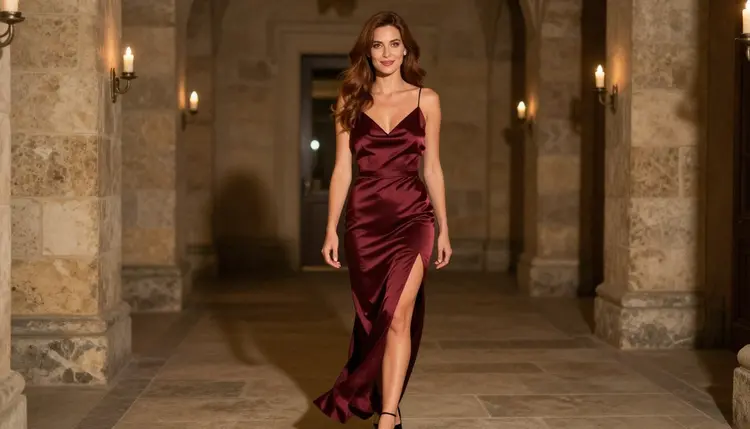
Picasso IA is the better choice when the output you want is a picture or a clip: a portrait with a chosen lens, a wardrobe change on an image you already have, or a few seconds of motion from a still. Many people use both. They write the story in a chat and make the pictures in Picasso IA, then bring the pictures back to the story in their own notes.
A fuller side-by-side lives on the comparison page for Picasso IA and Character AI. If you are weighing other character products too, read the Candy AI alternative and the OurDream alternative, which cover the same picture-versus-chat difference.
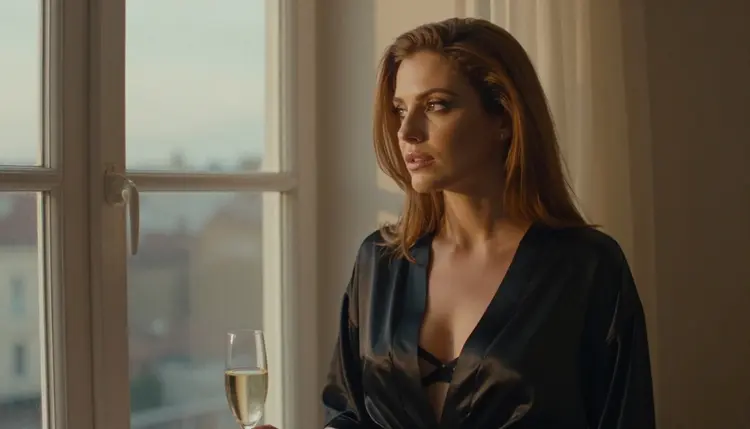
A new account can try a small free trial on selected models, so you can test one character portrait before deciding anything. Plans and prices are on the pricing page.
Is Picasso IA a Character AI replacement?
Not for chat. Picasso IA makes pictures and videos of fictional adult characters. It does not run a character that talks back. If you want the visual side of a character, it is a good fit, and you can keep using a chat platform for the conversation.
Which model should I start with for a character portrait?
Start with Seedream 4.5 for a photographic look. It is one of the confirmed models and creates 4K images from text. For an illustrated or design look, try Recraft V4.1 Pro.
What does confirmed mean?
It means Picasso IA tested adult prompts against that exact model repeatedly and watched it generate instead of reject. It is not a published setting of the model's maker, who can change it at any time. Every other model in the catalog is untested, not confirmed either way.
Can I keep the same character across several images?
Yes, with a fixed written description and reference images. Attach an image in the toolkit and refer to it by its @1 badge in the prompt. Keep hair, eyes, makeup and build identical in every prompt and change only wardrobe, light and setting.
Can I turn a character picture into a video?
Yes. Use Picasso IA Video for text or image to video, Seedance 2.5 Lite for short clips listed up to 10 seconds, or LTX 2.3 Pro for 4K video from text.
What happens if a model refuses my prompt?
The app shows a message titled "Content Not Supported by This Model". It recommends models that accept adult prompts and carries your prompt over, so you do not have to type it again. Pick one of the confirmed models and run it.
Is the content explicit?
No. The art stays provocative but never explicit: lingerie, robes, bodysuits, glamour and implied intimacy. Prompts are for fictional adults only, and the pages of this section are written for readers 18 and over.
Can I use a real person or a celebrity as my character?
No. Characters must be fictional adults. Never use a real or identifiable person, and never anyone who could read as a minor. Describe an invented adult character in your own words and keep the prompt about wardrobe, light and mood.
Are my images private?
Yes, by default. What you create is tied to your account and is not published or shown to others. That holds for every model in the catalog, confirmed or not.
Is there a free way to try it?
A new account can try a few generations in a small free trial on selected models. Models with the unlimited tag do not spend credits on plans that include unlimited generation. Details are on the pricing page, and Picasso IA is not affiliated with Character AI.