If you searched for an OurDream alternative for NSFW images, the first thing worth settling is what you are comparing. OurDream is an adult-oriented AI roleplay platform where you create customizable AI companion characters and interact with them. Picasso IA is a different kind of tool: it makes pictures and videos of fictional adult characters, and it does not chat. If the part you care about is the image itself, this page shows how to get the same kind of result here.
The short version is simple. You describe a fictional adult in a prompt, pick a model, and generate in your browser, with nothing to install. Wardrobe, light, lens and setting are yours to control. The results are provocative but never explicit, and everything you create stays private by default. Below you will find the models to use, five steps to rebuild the workflow, an honest list of what carries over and what does not, and the cases where OurDream is still the better choice.
There are a few ordinary reasons to look elsewhere. If its filters or its workflow do not fit a prompt you have in mind, you may want a second tool to try. If you mostly want finished pictures and short clips rather than a running conversation with a character, a generator built around images can feel more direct. And if you like to switch between several models depending on the look you want, a catalog is more flexible than a single product. None of these says anything bad about OurDream. They are simply different jobs.
So what is OurDream? According to its published guidelines and homepage, it is an adult-oriented roleplay platform for creating and interacting with customizable AI companion characters. It offers companion chat, image generation, video creation and voice calls, and users build characters and talk with them. It also states that it does not allow deepfakes or lookalikes of real people or celebrities, and that it focuses on original AI characters. Its rules can change, so check its current rules before you rely on any detail.
The overlap with Picasso IA is the picture-making part. Both can produce images of original fictional characters. The difference is the center of gravity. OurDream is built around the character as a companion you talk to. Picasso IA is built around the generation itself: you choose the model, write the prompt, look at the result, and adjust. If you want to read a side-by-side view, the Picasso IA vs OurDream comparison covers it in one place.
Picasso IA is not affiliated with OurDream, and nothing here is endorsed by it. We describe it only in general terms and only as far as its own published material goes.
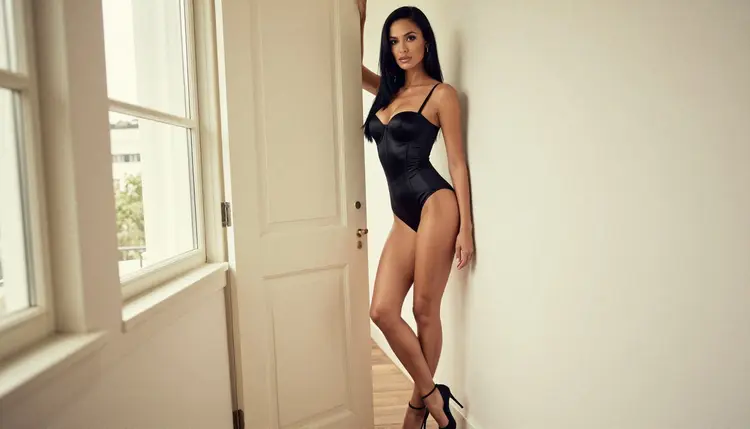
Picasso IA is a browser app for AI image and video generation, available in English, Spanish, Portuguese, French, Arabic and Hindi. You work in the toolkit, where you pick a model, type a prompt, attach reference images if the model accepts them, and generate. The catalog holds hundreds of models, and adult prompts are welcome on the ones we have tested, as long as the character is a fictional adult.
Some models are confirmed for adult prompts. Confirmed means Picasso IA tested adult prompts against that exact model repeatedly and watched it generate instead of reject. It is not a published setting of the model's maker, who can change it at any time. These are the confirmed models, each with its page:
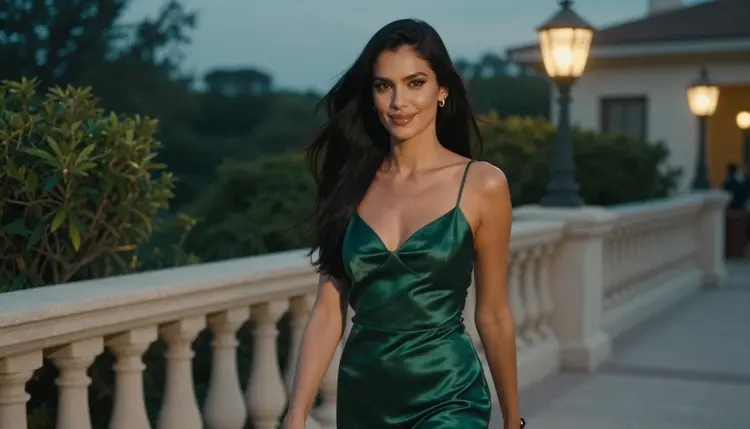
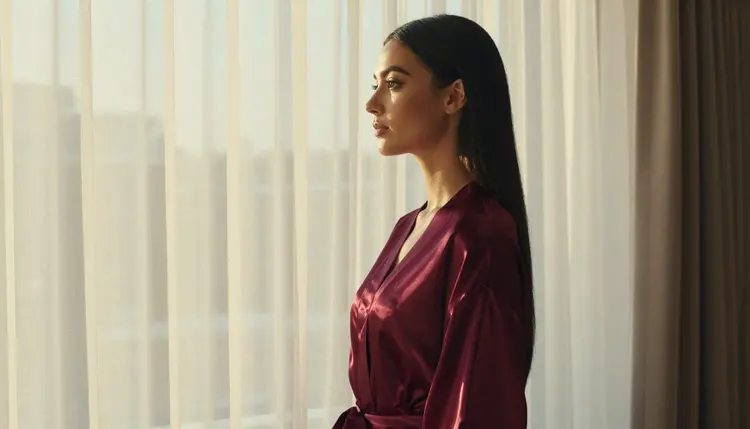
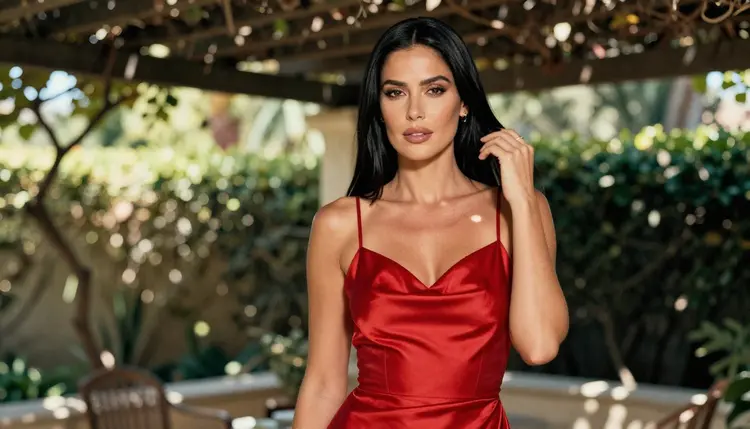
For stills, Seedream 4.5 is the first stop when you want a photographic look: skin, fabric, window light, a hotel terrace at blue hour. Recraft V4.1 Pro suits a more illustrated or designed look, and its output is print-ready at 2K. When you already have an image and want to change the outfit, the background or a detail, Picasso Image Editor Pro edits it instead of starting over.
Models with the infinity tag do not spend credits on the plans that include unlimited generation, and the details live on the pricing page. A new account can also try a small free trial on selected models. Nothing is promised beyond that, and credits for the rest of the catalog vary by model and by options such as resolution or duration.
If a model declines a prompt, the app tells you. It shows a message titled "Content Not Supported by This Model", recommends models that accept adult prompts, and carries your prompt over so you do not retype anything. That keeps the loop short: you lose a click, not a draft.
Every other model in the full catalog is untested. That means worth a try, not confirmed either way. Qwen Image 2 and Picasso Video (Pruna P-Video) are two examples. If a favorite look needs a model outside the confirmed list, test it with a mild prompt first and see what it does.

The OurDream routine usually starts with a character and ends with pictures of her. You can rebuild that routine here in five steps. Keep each step small and change one thing at a time between generations.
- Bring the character idea. Write two or three lines about your fictional adult: hair, eyes, build, makeup, and a mood. Keep the same lines in every prompt so the woman stays recognizable from one image to the next.
- Pick the model. Open the toolkit and choose Seedream 4.5 for a photographic look, Recraft V4.1 Pro for illustration, or another confirmed model for the format you need.
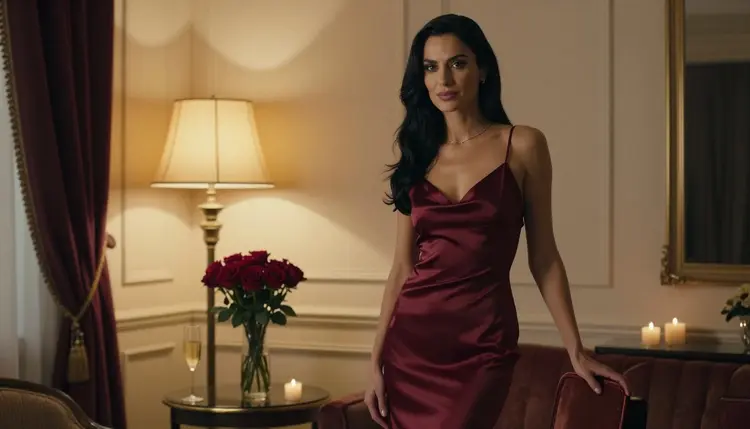
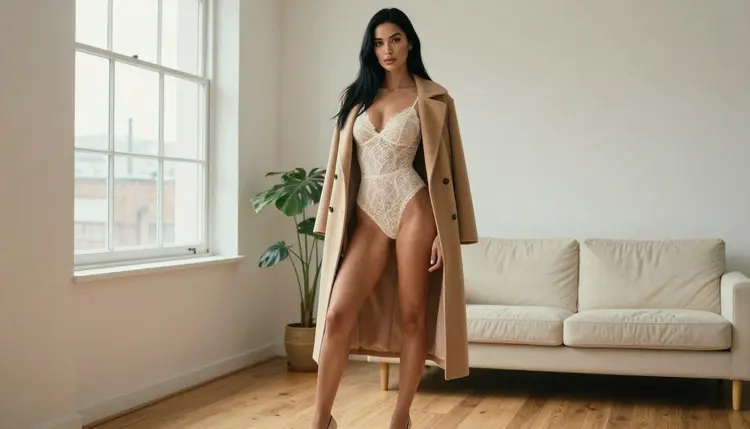
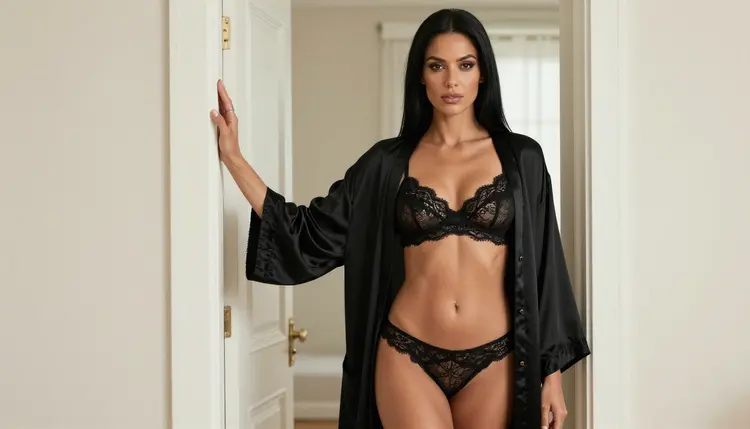
- Describe wardrobe, light and pose. Name the outfit (a satin slip dress, a lace bodysuit under a long coat), the light (warm lamp light, overcast daylight, blue hour), the lens (35mm for a room, 135mm for a profile) and the pose. Suggestive is fine, explicit is not.
- Generate and refine. Look at the result, then change one detail and run again. If a hand or a fabric looks off, use Picasso Image Editor Pro to fix that spot instead of rerolling the whole frame.
- Extend to video. Feed your favorite still to Picasso IA Video or Seedance 2.5 Lite and describe a slow movement: a glance over the shoulder, a robe settling, a walk along a terrace.
Here is the honest part. What carries over is the picture side of the job. You can still invent an original fictional adult, dress her in anything glamorous or boudoir, set her in a hotel suite, a loft or a villa patio, and get images and video. You can keep a recognizable character by reusing the same description, and you can attach reference images in the toolkit: each attached image gets an @1, @2 badge, and you can refer to it in the prompt. Only models that accept several inputs show those badges.
What changes is how you work. Picasso IA does not keep a conversation going. There is no chat, no companion that remembers your last message, and no voice calls. It makes pictures and videos, and that is all it does. If you want a character who answers you, that is a chat product, and Picasso IA is not one. Consistency across images comes from your own written description and from reference images, not from a character profile that lives inside the app.
The workflow also feels different. A companion platform wraps everything in one character. Here you choose a model for each task: a photoreal still, a design-style image, an edit, a clip. That means a few more decisions, and in return you get control over the look. For ideas on how other tools compare for the same job, the pages on Candy AI and Promptchan follow the same approach, and SoulGen covers images and video together.
Picasso IA is for adults only. You must be 18 or older to use the adult features, and the pictures are made for an adult audience. If you are not 18, this section of the site is not for you.
Every character must be a fictional adult. Do not use a real or identifiable person, do not use a celebrity, and do not describe anyone who could read as a minor. Prompts that point at a real person's face or name are not what this tool is for. OurDream states a similar position in its own published guidelines about real people and celebrities, and the rule makes sense on any platform.
What you create is private by default. It is tied to your account and not published or shown to others. Keep the content provocative and not explicit: lingerie, swimwear, satin, boudoir, implied intimacy. A model may still refuse a prompt, and the app will tell you when it does.
Be honest about the cases where you should stay with OurDream. If what you want is a character to talk to, with companion chat and voice calls, OurDream offers that and Picasso IA does not. If you like building a character inside one product and living with her over time, a companion platform is the more natural fit. Picasso IA makes images and video of fictional adults, and nothing more.
If you want everything in one place, chat, pictures, clips and voice, a platform built for that will be simpler than assembling it yourself. Check its current rules for the details of what it allows, since they can change.
Where Picasso IA is the better choice is the opposite situation: you care about the image, you want to pick the model, and you want control over wardrobe, light and lens. You can see the two approaches laid out in the Picasso IA vs OurDream comparison. To try it, a new account gets a small free trial on selected models, and the pricing page explains how credits and unlimited models work. Other pages in this section look at related tools, such as the Midjourney alternative and the SeaArt alternative.

Is Picasso IA a chat companion like OurDream?
No. Picasso IA makes pictures and videos of fictional adult characters. It has no chat, no companion that remembers you and no voice calls. If you want to talk to a character, that is a chat product, and OurDream describes itself as one.
Can I make NSFW images of fictional characters here?
Yes, provocative images of fictional adults: lingerie, swimwear, satin, boudoir and glamour, with suggestive but never explicit results. Confirmed models include Seedream 4.5 and Recraft V4.1 Pro. Only adults, and only fictional ones.
Which models are confirmed for adult prompts?
Seedream 4.5, Recraft V4.1 Pro, Picasso Image Editor Pro, LTX 2.3 Pro, Picasso IA Video and Seedance 2.5 Lite. Confirmed means Picasso IA tested adult prompts on that model repeatedly and watched it generate. A model's maker can change its settings at any time.
What happens if a model refuses my prompt?
The app shows a message titled "Content Not Supported by This Model", recommends models that accept adult prompts and carries your prompt over, so you do not retype it. You can switch to a recommended model with one click and generate again.
Can I keep the same character across several images?
Yes, with some care. Reuse the same written description of hair, eyes, build and makeup in every prompt, and attach a reference image in the toolkit on models that accept several inputs. Each attached image gets an @1, @2 badge you can mention in the prompt.
Can I turn a picture into a video?
Yes. Picasso IA Video takes text or an image and makes a clip, and Seedance 2.5 Lite is listed up to 10 seconds. LTX 2.3 Pro makes 4K video from text.
Can I use a real person or a celebrity as my character?
No. Every character must be a fictional adult. Picasso IA does not accept real or identifiable people, celebrities, or anyone who could read as a minor. OurDream states a similar stance about deepfakes and lookalikes in its own published guidelines.
Is what I create private?
Yes. Generations are private by default: they are tied to your account and are not published or shown to others. You decide what to do with the files afterward.
Is it free to try?
A new account can try a small free trial on selected models. Models with the infinity tag do not spend credits on the plans that include unlimited generation. The details are on the pricing page, and credits elsewhere vary by model and options.
Is Picasso IA affiliated with OurDream?
No. Picasso IA is not affiliated with OurDream, and this page is an independent guide. Its rules can change, so check its current rules. If you want to compare both in more detail, read the comparison page.