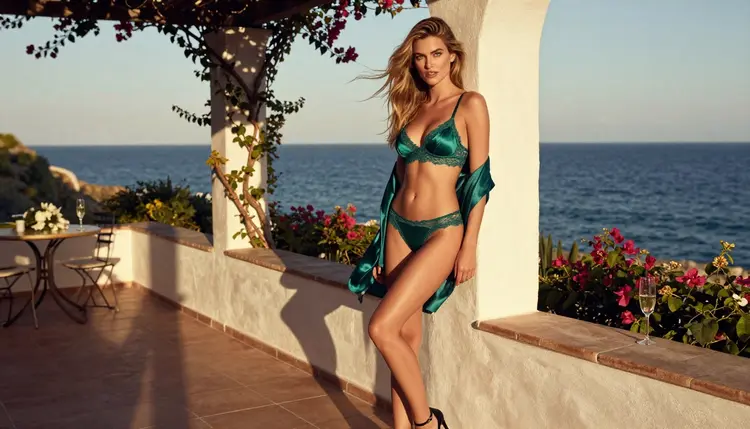
Flux Kontext is a family of image editing models, and two of them live in the Picasso IA catalog: Flux Kontext Pro and Flux Kontext Max. You give the model a picture and a sentence, and it rewrites the picture to match the sentence. Change the outfit, move the scene from a hotel suite to a seaside terrace, swap a satin robe for a black bodysuit under a camel coat, and keep the same woman in the frame.
This page is about one practical question: what happens when you ask these editors for adult glamour edits? The honest answer is that nobody here knows yet. Flux Kontext is untested on Picasso IA for adult prompts. It may generate your edit, it may refuse, and this page does not promise either result. What it gives you is a clear way to try it, read the answer and move on to a confirmed model if the answer is no.
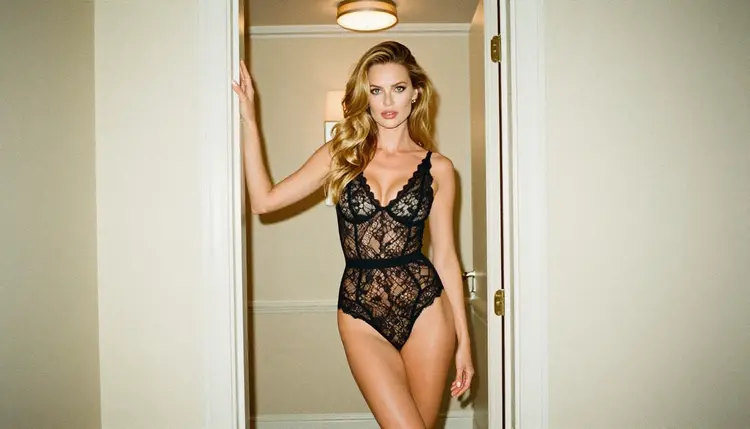
Everything below is for adults. Every character in an edit must be a fictional adult, nobody who could read as a minor, and never a real person. The tone is provocative and suggestive, never explicit: lingerie, swimwear, satin, lace, candlelight, a robe over a bare shoulder, implied intimacy and nothing more.
What Flux Kontext Is in the Catalog
The catalog lists Flux Kontext Pro as a model to edit images with text prompts. Flux Kontext Max is listed as a way to rewrite any image with text. Both sit in the text-to-image category of the full catalog, and both are editors first: the starting point is a picture that already exists, not a blank page. That is what makes the family interesting for glamour work. A photo you already like becomes a set of outfits and moods without starting from scratch each time.
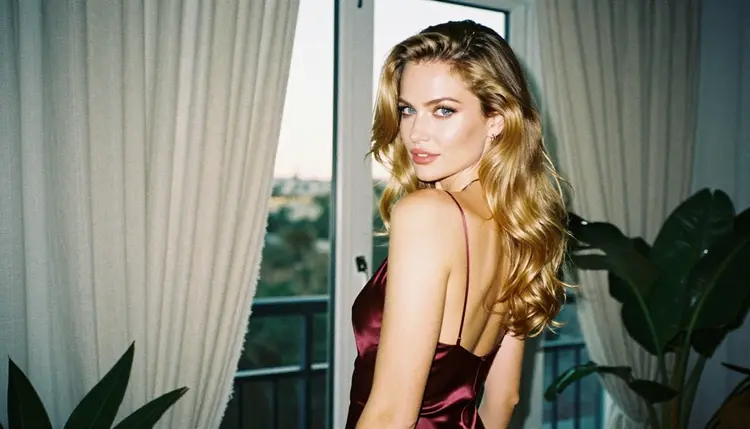
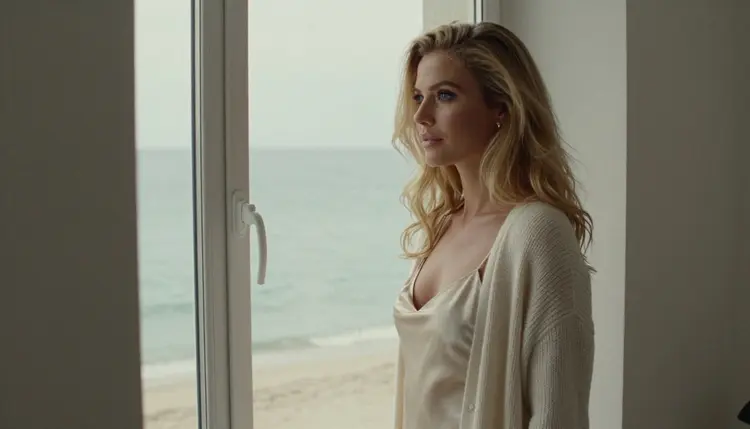
Think of an edit as a conversation about one photograph. The first frame shows a woman in a burgundy satin slip glancing back from a balcony window. The next instruction asks for the same scene with an ivory robe instead. Then you ask for a warmer lamp, a different hour of the day, or a quieter background. Each request is short, plain and specific, and each one produces a new version you can compare with the last.
The status of the family here is simple: untested. Picasso IA has not run adult prompts against Flux Kontext Pro or Flux Kontext Max the way it has against the confirmed models. We say nothing about how its maker handles adult content, because we do not know and it can change at any time. The catalog titles tell you what the models do, and that is all this page claims about them.
If you want the unlimited route for edits, the model to look at is Picasso Image Editor Pro. It is confirmed, it is marked with the infinity tag, and it edits an existing image. The sections below explain how the two fit together: try Kontext when you want to, and keep Editor Pro as the place where the same prompt is known to generate.
On Picasso IA, a model is confirmed when adult prompts were tested against that exact model repeatedly and the model generated the result instead of rejecting it. That is a record of what happened in practice. It is not a setting published by the model's maker, and the maker can change the behavior at any time. The page what confirmed means explains the method in full.
Untested is a different word. It means no verdict, nothing more. An untested model is not described as filtered, and it is not described as filter-free. It is a real model in the catalog that has not been put through the same repeated checks. When you try it, you are the one finding out. Some prompts will pass, some will not, and the result for a given prompt on a given day is a fact about that one generation, not a rule.

This is why the wording of your prompt matters. A clean, specific edit request about wardrobe and light gives any editor the best chance to do its job. Describe what changes and what stays: the outfit, the fabric, the time of day, the room. Leave out anything vague or loaded. A prompt such as "keep the same woman and the same terrace, change the wardrobe to an emerald satin lingerie set with a lined lace trim and a short satin robe, late afternoon side light" reads like a photographer's brief, and that is the right register for every model on this site.
Treat a refusal as information and not as a problem. The app is built for exactly this moment, and the steps below show what you will see and what to do next.
The routine is the same for any untested model: open it, write a clean prompt, read the result, recognise a refusal, switch if you need to. It takes a few minutes and you spend nothing on a long setup.
- Open the model in the toolkit. Go to the toolkit, pick the text-to-image category and choose Flux Kontext Pro or Flux Kontext Max. Attach the image you want to edit if the model asks for one.
- Write a clean adult prompt. Describe a fictional adult in a mature, suggestive and non-explicit scene. Name what changes: the wardrobe, the light, the setting. Name what stays: the same woman, the same room.
- Generate and read the result. Look at the picture before you change anything. Check the outfit, the light and whether the scene survived the edit. Adjust one thing at a time and generate again.
- Recognise the refusal message. If the model does not accept the content, the app shows a message titled "Content Not Supported by This Model". It is not an error in your prompt or your account. It only means this model did not take that request.
- Switch to a confirmed model. The message recommends models that accept adult prompts and carries your prompt over, so you do not retype anything. Pick one and generate again.
Two habits make the routine faster. First, keep your prompt in one place and change a single detail per attempt, so you can tell which change mattered. Second, save the good frames as you go. A good edit of an outfit is worth keeping even if the next instruction does not work.
Confirmed models are the fallback, and some of them are the better first choice for adult glamour work. The table lists each one with what it is best for and the format it gives you, using only what the catalog says about them.
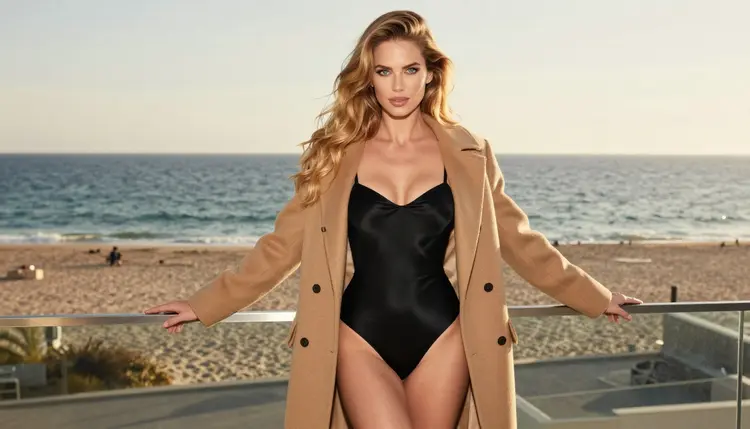
How you choose depends on what the Kontext attempt was for. If you were editing a photo you already have, Picasso Image Editor Pro is the closest match, because it does the same kind of job: it takes an existing image and changes it. If you wanted a fresh image of the same kind of scene, Seedream 4.5 is the photoreal text-to-image option, and the 4K format suits a close portrait or a wide terrace shot.
If the idea was a stylised piece, a poster or a print, Recraft V4.1 Pro is the one to reach for, since it is strong on illustration and design. Keep the same rule for adult content here: provocative and suggestive, never explicit, fictional adults only.
Once you have a still you like, the video models can move it. Picasso IA Video turns text or an image into a clip, Seedance 2.5 Lite handles short clips, and LTX 2.3 Pro makes 4K video from text. A common path is to build the frame with an editor, then animate the same woman by the window, with the curtain moving and the light shifting a little.
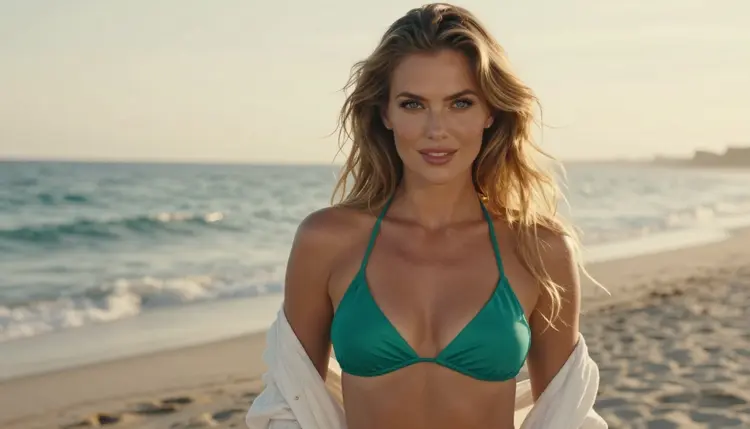
This section is short on purpose, and it applies to every model on every page of this section. Read it once.
Picasso IA is for adults, 18 and older. If you are under 18, or the content is meant for someone who is, this is not the place. Nothing here is built for anyone younger, and nothing should be made with them in mind.
Every character in an edit is a fictional adult. Never use a real or identifiable person, never a celebrity, never a photo of someone who has not agreed to be edited, and never a character who could read as a minor. This matters more with editors than with text-to-image models, because an editor starts from an existing picture. Start only from images that are yours, that show a fictional adult, and that you are free to edit.
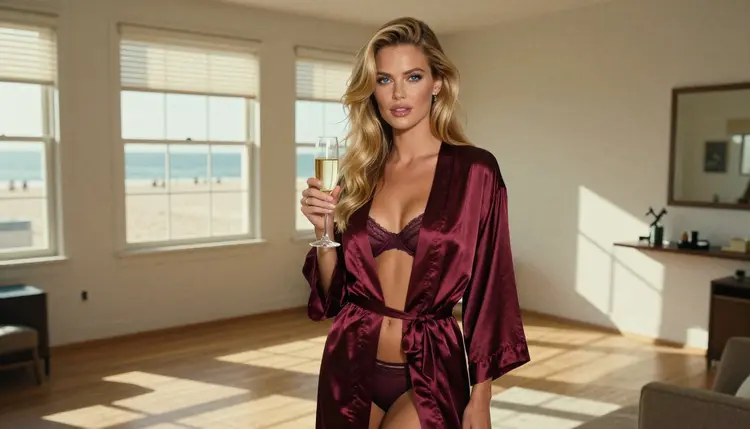
What you create is private by default. Generations are tied to your account and are not published or shown to other people. What you do after that, sharing a picture or posting a clip, is your decision and your responsibility, so keep the same rules in mind when you do.
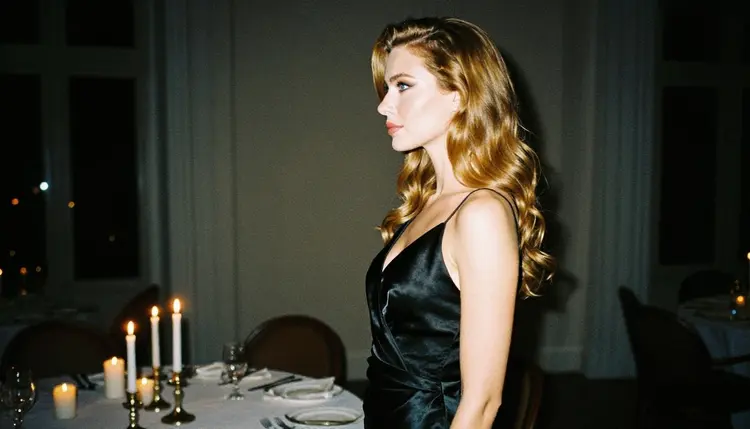
A new account can try a few generations for free on selected models. Those are Picasso IA Image, Picasso Image Editor Pro, Picasso IA Video and Seedance 2.5 Lite. It is a small free trial on selected models, not on the whole catalog, so Flux Kontext Pro and Flux Kontext Max are not part of it. Details are on the pricing page.
Credits are what most generations spend, and the amount varies by model and by options such as resolution or duration. Models with the infinity tag do not spend credits on the plans that include unlimited generation. Picasso Image Editor Pro, Picasso IA Video and Seedance 2.5 Lite carry that tag. Flux Kontext Pro does not show it in the catalog. The pricing page has the full explanation.
If you like the idea of trying an untested model, the same pattern applies to other families in the catalog. These sibling pages walk through the same routine for other models: Hunyuan Image 3 for images, Seedream 5 Lite for a close relative of a confirmed family, Qwen Image 3 for another image option, and Wan 3 or Seedance 2.0 when you want video.
Picasso IA is not affiliated with Black Forest Labs. Flux Kontext appears here as a model in the catalog and nothing more.
Does Flux Kontext work for NSFW edits?
Nobody can say for sure. Flux Kontext Pro and Flux Kontext Max are untested on Picasso IA for adult prompts, so a given edit may generate or may be refused. Try a clean, non-explicit prompt about a fictional adult and read the result. If it refuses, switch to a confirmed model.
What happens if Flux Kontext refuses my prompt?
The app shows a message titled "Content Not Supported by This Model". It recommends models that accept adult prompts and carries your prompt over, so you do not retype it. Pick one of the confirmed models and generate again from the same text.
Which models are confirmed for adult prompts?
Image and video models: Picasso Image Editor Pro, Seedream 4.5, Recraft V4.1 Pro, LTX 2.3 Pro, Picasso IA Video and Seedance 2.5 Lite. Confirmed means Picasso IA tested adult prompts against them repeatedly. This page explains it.
Is Flux Kontext filtered or filter-free?
Neither claim is made. The model is untested here, which means there is no verdict. It is not called filtered and it is not called filter-free. The result of any single generation depends on the prompt, the picture you start from and the model at that moment.
Can I edit a photo of a real person?
No. Every character must be a fictional adult. Never use a real or identifiable person, a celebrity, or someone who has not agreed to be edited. Start only from images that are yours and that show a fictional adult, because an editor changes an existing picture and that raises the stakes.
Can I use images of someone who could read as a minor?
No. Picasso IA is 18+ only, and nobody who could read as a minor may appear in anything you create. That applies to the starting image, the prompt and the result. If a picture could be read that way, do not use it.
Does it cost credits, and what do plans include?
Generations spend credits that vary by model and by options such as resolution. Models with the infinity tag do not spend credits on plans that include unlimited generation. Flux Kontext Pro does not carry that tag in the catalog. The pricing page has the details, and this page prints no amounts.
Can I turn an edited image into a video?
Yes, with a video model. Picasso IA Video turns text or an image into a clip, and Seedance 2.5 Lite and LTX 2.3 Pro are also confirmed. Make the frame first, then pick the model that suits the clip, and keep the same woman and the same light in your prompt.
Are my generations private?
Yes. What you create is private by default, tied to your account, and not published or shown to others. Anything you share afterwards is your own decision, and the same adults-only, fictional-only rules apply to it.
Is there a free trial for edits?
A small free trial on selected models lets a new account try a few generations at no cost. Picasso Image Editor Pro is one of them, and it edits an existing image. Flux Kontext Pro and Flux Kontext Max are not part of the trial. See the pricing page.